Troubleshooting for
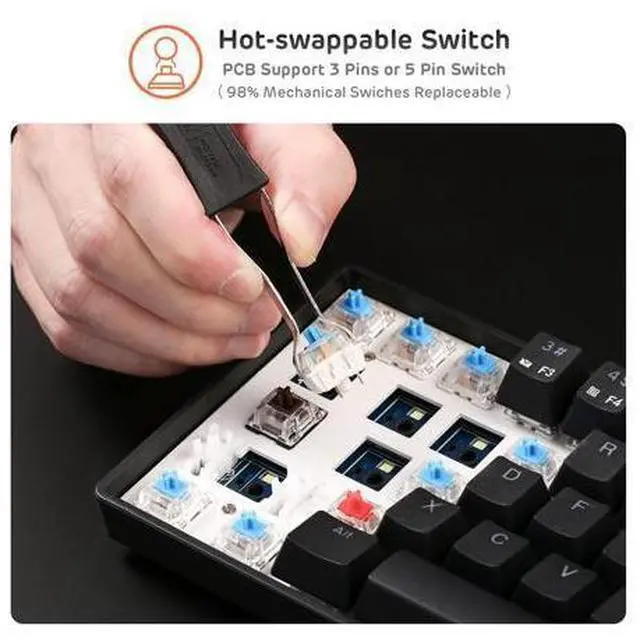
Key Issues: Please replace the keyboard with the spare switch provided, and press and hold Fn + Spacebar to reset.
Troubleshooting for Charging Issues: Please replace the USB cable and test the charging, while prioritizing using the computer's USB port for charging. Please do not use a fast-charging cable and wall socket to charge the keyboard
Q&A Q1: What should I do if the keyboard cannot charge or does not respond when connected?
A1: First, try replacing the USB cable and ensure it is properly and securely connected to the keyboard. Next, use a different USB port for charging and avoid utilizing a charger or fast-charging cable. Additionally, you can check the battery level by pressing and holding Fn + Enter while the side button is in the "ON" position to verify if it has successfully charged.
Q2: What should I do if the keyboard is unresponsive or certain keys do not respond when pressed?
A2: Please replace the keyboard with the spare switch provided, and then press and hold Fn + Spacebar to reset.
Q3: How can I resolve issues with the keyboard's unstable wireless connection, frequent disconnections, or failure to connect?
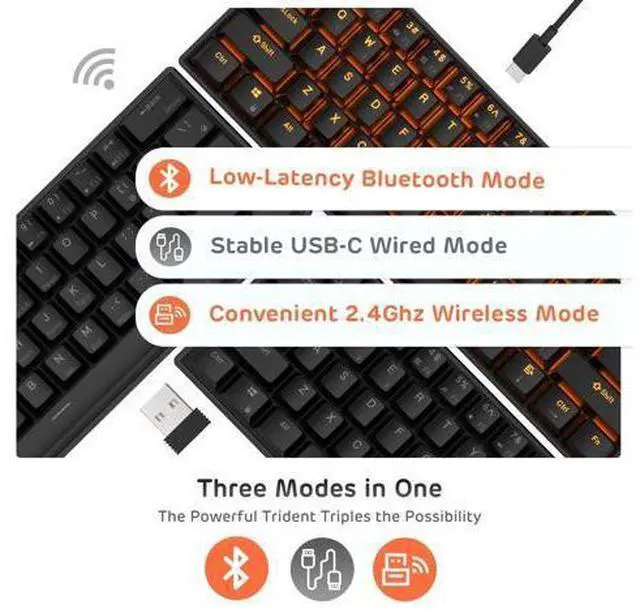
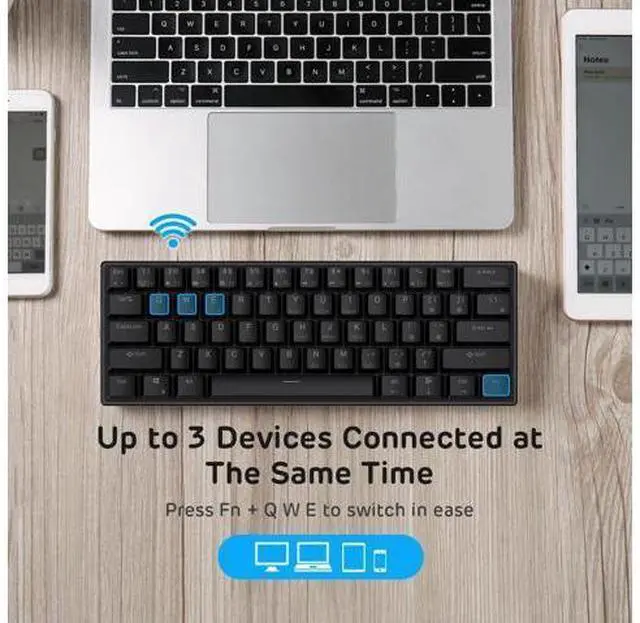
A3: Ensure that the battery is fully charged, then re-pair and reconnect the keyboard. Remove any sources of interference and press and hold Fn + Spacebar to reset. Product information Brand RK ROYAL KLUDGE Compatible Devices Laptop, Smartphone, Tablet Connectivity Technology BT 5.0, Wireless 2.4G, USB-C Keyboard Description Gaming, Mechanical Recommended Uses For Product Business, Everyday Use, Gaming, Student Special Feature Backlit, Hot-Swappable Color Black Keyboard backlighting color support Single Color Style Modern Product Dimensions 11.5"L x 4.02"W x 1.54"H Item Weight 1.06 pounds Manufacturer RK ROYAL KLUDGE Item model number 903338280 Batteries 1 Lithium Polymer batteries required. Is Discontinued By Manufacturer No Date First Available June 22, 2017