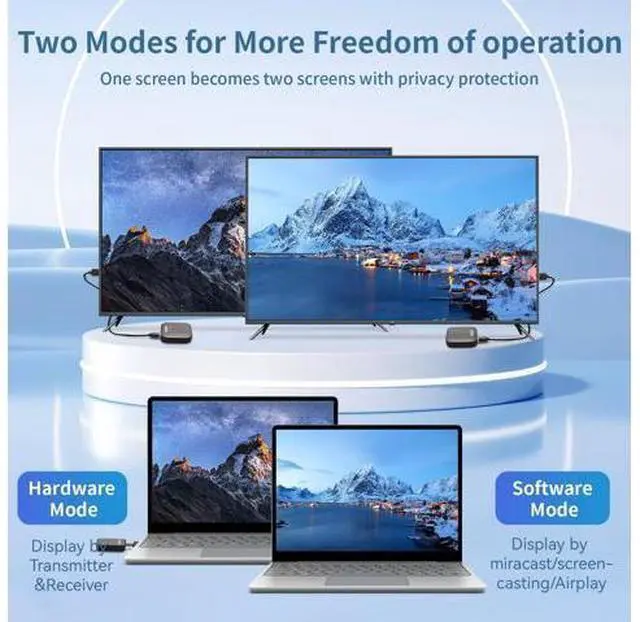
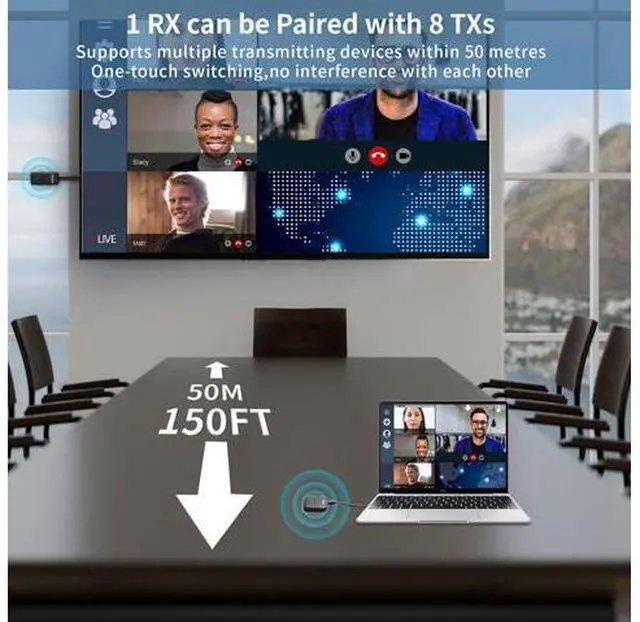
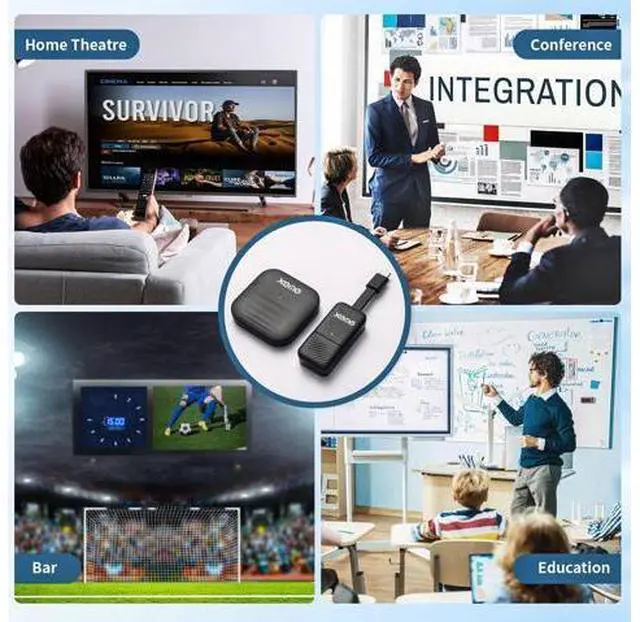
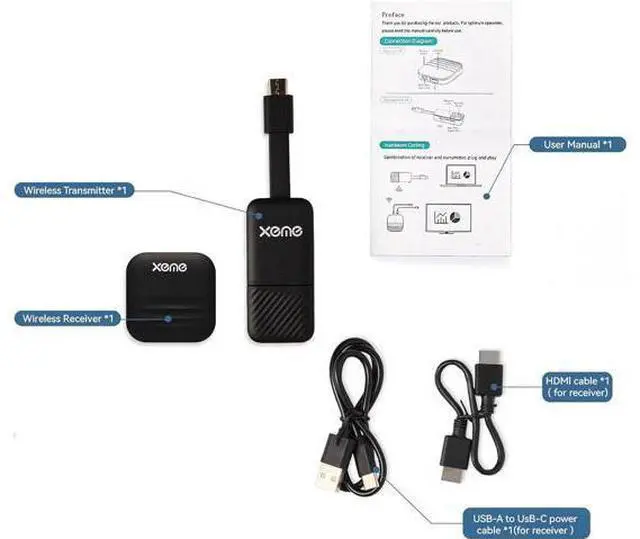
XEME, Your Trusted Partner! Previous page Enrich your work and life XEME has a professional and passionate team. committed to developing high-quality, efficient, and consumer friendly products, seeking simpler and more modern ways to improve your work and life. The charm of technology lies in continuous innovation. We will adhere to strict product standards, continuously provide high-quality products and professional services, bring you more surprising products. Transmitter & Receiver Kit Far-Field Voice Microphone E-ink Smart Phone Case Next page Connection Step Hardware Mode USB-C port of your pc, laptop, smart phone supports power and video output
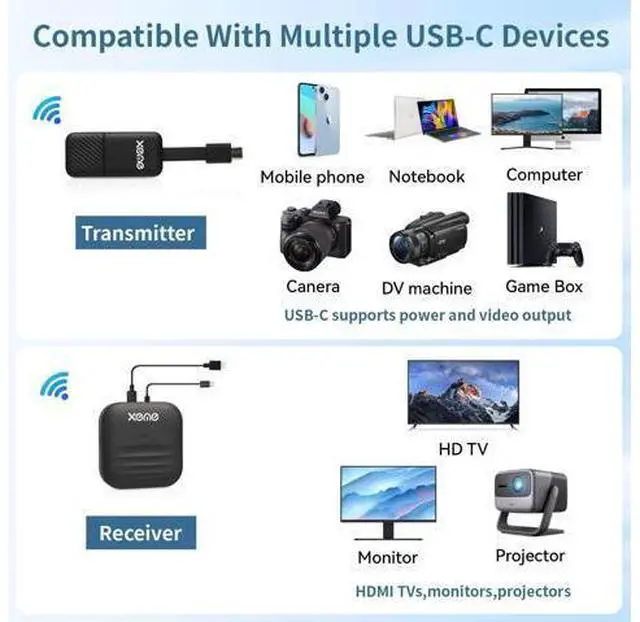
Step 1: Plug the Receiver (RX) to HDMI port of display Device such as TV/Monitor/Projector/etc. and power on via USB-A power adatper or a USB-A port on your TV.
Step 2: Plug the Transmitter to USB-C port which with power and video output to pc, /laptop, /smart phone/ etc.
Step 3: Waiting for about 3~5 seconds to connect successfully Software Mode USB-C port of pc, smart phone not support power and video output
Step 1: Plug the Receiver (RX) to HDMI port of display Device such as TV/Monitor/Projector/etc. and power on via USB-A power adatper or a USB-A port on your TV.
Step 2: Waiting for about 3~5 seconds to start up Receiver (RX) successfully
Step 3: Open DLNA/Miracase/Airplay of you device and screen casting to big screen. (Windows PC press Win + K) Wide Application Scenes Connection Step Hardware Mode USB-C port of your pc, laptop, smart phone supports power and video output
Step 1: Plug the Receiver (RX) to HDMI port of display Device such as TV/Monitor/Projector/etc. and power on via USB-A power adatper or a USB-A port on your TV.
Step 2: Plug the Transmitter to USB-C port which with power and video output to pc, /laptop, /smart phone/ etc.
Step 3: Waiting for about 3~5 seconds to connect successfully Software Mode USB-C port of pc, smart phone not support power and video output
Step 1: Plug the Receiver (RX) to HDMI port of display Device such as TV/Monitor/Projector/etc. and power on via USB-A power adatper or a USB-A port on your TV.
Step 2: Waiting for about 3~5 seconds to start up Receiver (RX) successfully
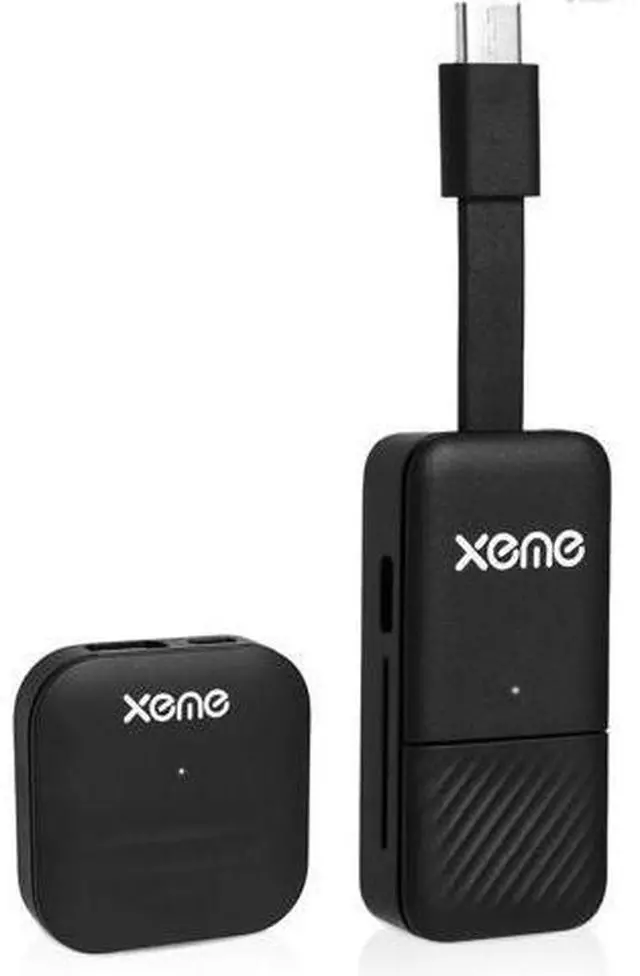
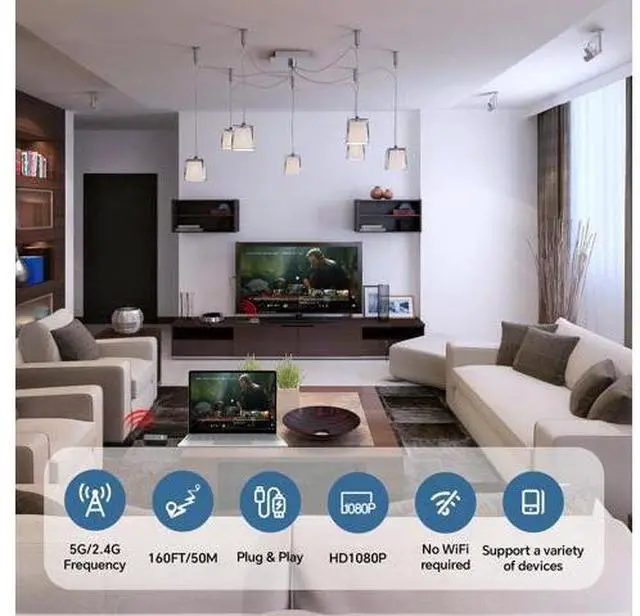
Step 3: Open DLNA/Miracase/Airplay of you device and screen casting to big screen. (Windows PC press Win + K) Wide Application Scenes XEME, Your Trusted Partner! Enrich your work and life XEME has a professional and passionate team. committed to developing high-quality, efficient, and consumer friendly products, seeking simpler and more modern ways to improve your work and life. The charm of technology lies in continuous innovation. We will adhere to strict product standards, continuously provide high-quality products and professional services, bring you more surprising products. Transmitter & Receiver Kit Far-Field Voice Microphone E-ink Smart Phone Case 4K Wireless HDMI Display Dongle Adapter, Wireless Transmitter, Streaming Media Video/Audio/File HDMI Extender from Laptop, PC, Smartphone to HDTV Projector Monitor (Dual-Ended)