Your Browsing History
Meet Your Seller
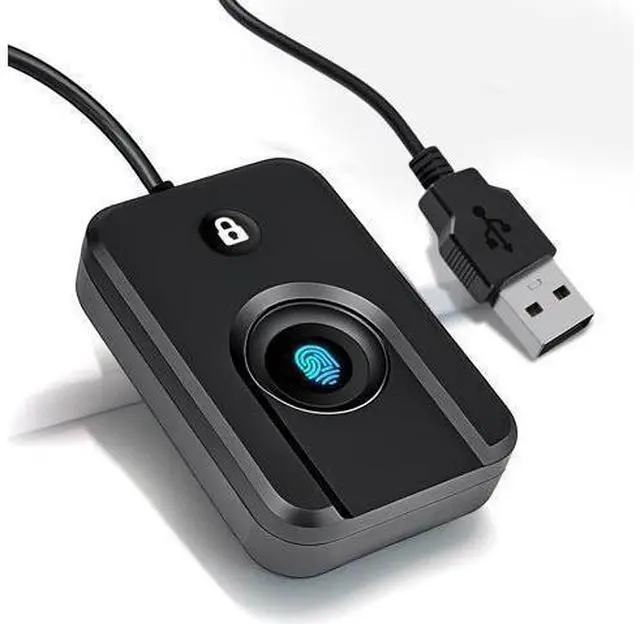
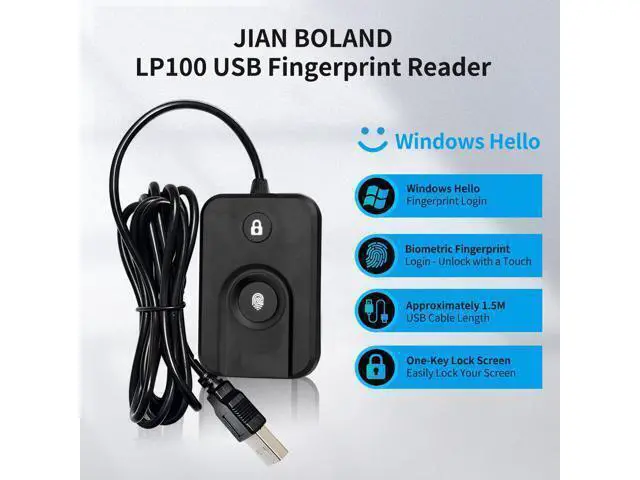
USB Fingerprint Reader for Windows10/11, Windows Hello Fingerprint Reader One-Click Lock Screen,Auto Driver Setup with 5ft Cable-Windows Password-Free Login
Limited time offer, ends 07/25 By ProGear Haven
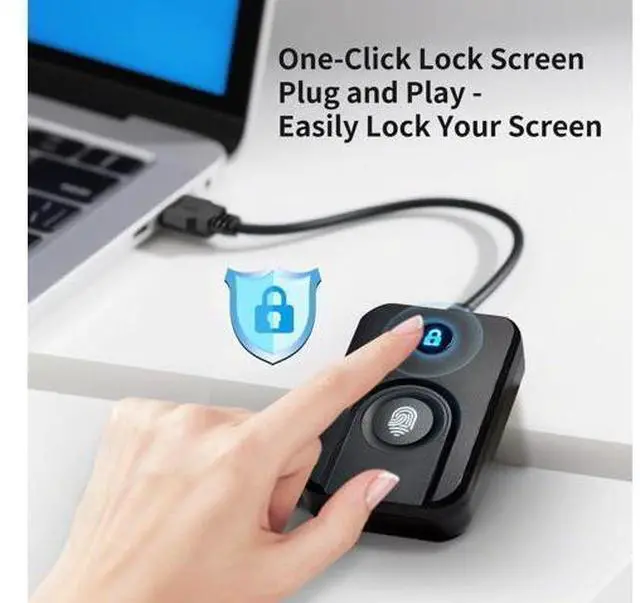
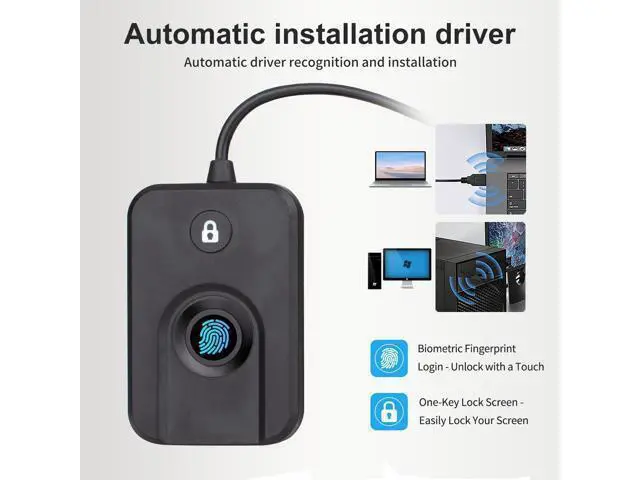
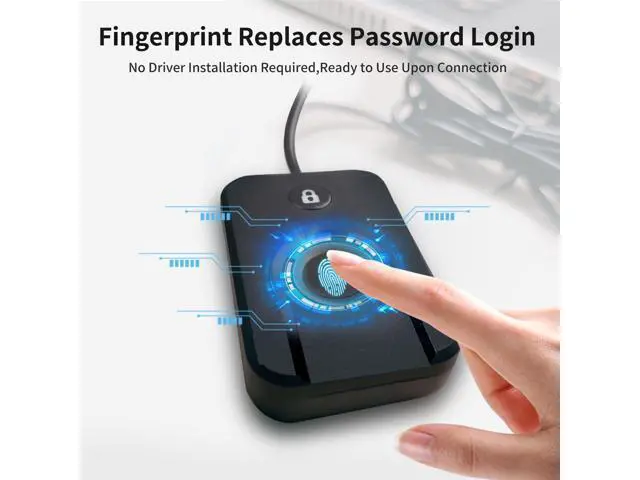
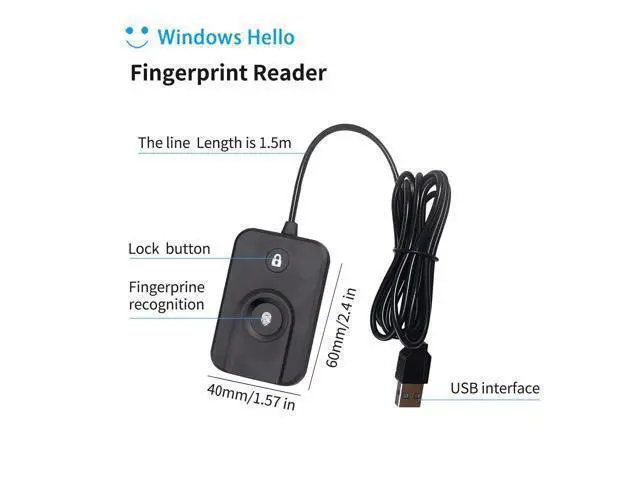
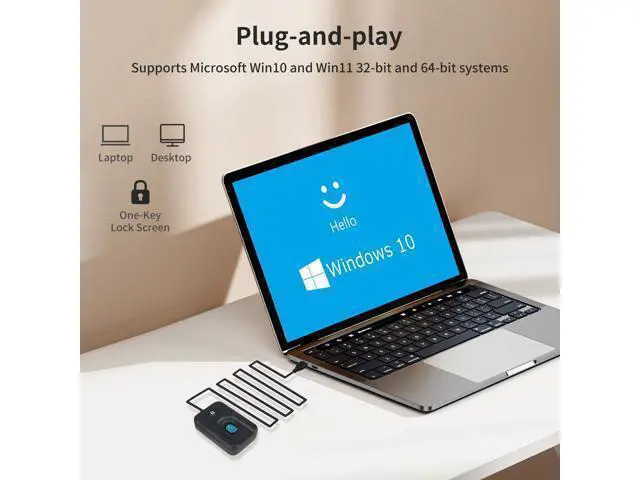
- Instant Windows Hello Integration:Seamlessly access your Windows 10/11 PC with Microsoft-certified biometric authentication. Replace cumbersome passwords with one-touch fingerprint login through the native Windows Hello framework - no third-party software required.; Microsoft-certified security: Officially supports Windows Biometric Framework & Windows Hello; 0.001% False Acceptance Rate / 0.1% False Rejection Rate; Plug & Play Simplicity:Zero driver installation for genuine Windows systems Automatic recognition upon connection (95%+ compatibility rate) Troubleshooting Tip: Manual driver update needed only for non-genuine OS; Multi-User Flexibility:Store 10 unique fingerprints for shared devices Ideal for family PCs or workplace stations Lightning-fast authentication: <0.5 second response time; One-click lock screen: Newly improved one-click lock screen function, lock your PC with a single keystroke; includes 1.5M/5FT extension cable Desktop-optimised positioning for ergonomic scanning
+
+
Overview
Specs
Reviews
Any questions? Our AI beta will help you find out quickly.
Try me now
Frequently Asked Questions F. Where to download the driver Send us a message for the download link. F. Why is the driver not installed correctly?
Q: If you are using a non-genuine windows system, the driver may not be installed automatically, the
solution: update the driver manually or restart the computer with an internet connection. F. Does it support windows 7, 8?
Q: Not supported; FP100 fingerprint reader is based on the use of the windows Hello function.
F: Does it support MAC and other operating systems?
Q: Not supported, Win10, 11 only.
F: Do I need to register my fingerprint after unplugging Windows hello?
Q: You don't need to register your fingerprint again the next time you plug in your device or buy a new one.
F: Why do I get an error when I swipe my finger to register a fingerprint? It is possible that it use ghost-installed systems that typically use administer users directly, which is prohibited by Microsoft. and requires new users before using Windows Hello. You need to add a new user before using Windows hello. Type FP100-LK Product Parameter Win10 and above Fingerprint image size 96 x 112 (pixel), 508DPI Maximum users 10 False recognition rate (FAR) < 0.001 %(Security
Level: 3 ) Communication interface USB Working voltage
Vin voltage: DC5V Working current <30mA, Peak current when fingerprints are collected <80mA (Instant current ) Working condition
Working temperature: -10? - 60?
Relative humidity: 20% 80% Frequently Asked Questions F. Where to download the driver Send us a message for the download link. F. Why is the driver not installed correctly?
Q: If you are using a non-genuine windows system, the driver may not be installed automatically, the
solution: update the driver manually or restart the computer with an internet connection. F. Does it support windows 7, 8?
Q: Not supported; FP100 fingerprint reader is based on the use of the windows Hello function.
F: Does it support MAC and other operating systems?
Q: Not supported, Win10, 11 only.
F: Do I need to register my fingerprint after unplugging Windows hello?
Q: You don't need to register your fingerprint again the next time you plug in your device or buy a new one.
F: Why do I get an error when I swipe my finger to register a fingerprint? It is possible that it use ghost-installed systems that typically use administer users directly, which is prohibited by Microsoft. and requires new users before using Windows Hello. You need to add a new user before using Windows hello. Type FP100-LK Product Parameter Win10 and above Fingerprint image size 96 x 112 (pixel), 508DPI Maximum users 10 False recognition rate (FAR) < 0.001 %(Security
Level: 3 ) Communication interface USB Working voltage
Vin voltage: DC5V Working current <30mA, Peak current when fingerprints are collected <80mA (Instant current ) Working condition
Working temperature: -10? - 60?
Relative humidity: 20% 80% USB Fingerprint Reader for Windows10/11, Windows Hello Fingerprint Reader One-Click Lock Screen, Auto Driver Setup with 5ft Cable-Windows Password-Free Login

Q: If you are using a non-genuine windows system, the driver may not be installed automatically, the
solution: update the driver manually or restart the computer with an internet connection. F. Does it support windows 7, 8?
Q: Not supported; FP100 fingerprint reader is based on the use of the windows Hello function.
F: Does it support MAC and other operating systems?
Q: Not supported, Win10, 11 only.
F: Do I need to register my fingerprint after unplugging Windows hello?
Q: You don't need to register your fingerprint again the next time you plug in your device or buy a new one.
F: Why do I get an error when I swipe my finger to register a fingerprint? It is possible that it use ghost-installed systems that typically use administer users directly, which is prohibited by Microsoft. and requires new users before using Windows Hello. You need to add a new user before using Windows hello. Type FP100-LK Product Parameter Win10 and above Fingerprint image size 96 x 112 (pixel), 508DPI Maximum users 10 False recognition rate (FAR) < 0.001 %(Security
Level: 3 ) Communication interface USB Working voltage
Vin voltage: DC5V Working current <30mA, Peak current when fingerprints are collected <80mA (Instant current ) Working condition
Working temperature: -10? - 60?
Relative humidity: 20% 80% Frequently Asked Questions F. Where to download the driver Send us a message for the download link. F. Why is the driver not installed correctly?
Q: If you are using a non-genuine windows system, the driver may not be installed automatically, the
solution: update the driver manually or restart the computer with an internet connection. F. Does it support windows 7, 8?
Q: Not supported; FP100 fingerprint reader is based on the use of the windows Hello function.
F: Does it support MAC and other operating systems?
Q: Not supported, Win10, 11 only.
F: Do I need to register my fingerprint after unplugging Windows hello?
Q: You don't need to register your fingerprint again the next time you plug in your device or buy a new one.
F: Why do I get an error when I swipe my finger to register a fingerprint? It is possible that it use ghost-installed systems that typically use administer users directly, which is prohibited by Microsoft. and requires new users before using Windows Hello. You need to add a new user before using Windows hello. Type FP100-LK Product Parameter Win10 and above Fingerprint image size 96 x 112 (pixel), 508DPI Maximum users 10 False recognition rate (FAR) < 0.001 %(Security
Level: 3 ) Communication interface USB Working voltage
Vin voltage: DC5V Working current <30mA, Peak current when fingerprints are collected <80mA (Instant current ) Working condition
Working temperature: -10? - 60?
Relative humidity: 20% 80% USB Fingerprint Reader for Windows10/11, Windows Hello Fingerprint Reader One-Click Lock Screen, Auto Driver Setup with 5ft Cable-Windows Password-Free Login
Warranty & Returns
Warranty, Returns, And Additional Information
Warranty
- Please contact the Seller directly for warranty information. Warranty information may also be found on the Manufacturer's website.
- CONTACT
Return Policies
- Return for refund within: 30 days
- Return for replacement within: 30 days
- This item is covered by ProGear Haven Return Policy
Manufacturer Contact Info
- For a directory of all our manufacturers, please click below.
- Manufacturers Directory
LOADING...