Your Browsing History
- Free 30-day Returns
$23.99
Ships from China.
Meet Your Seller
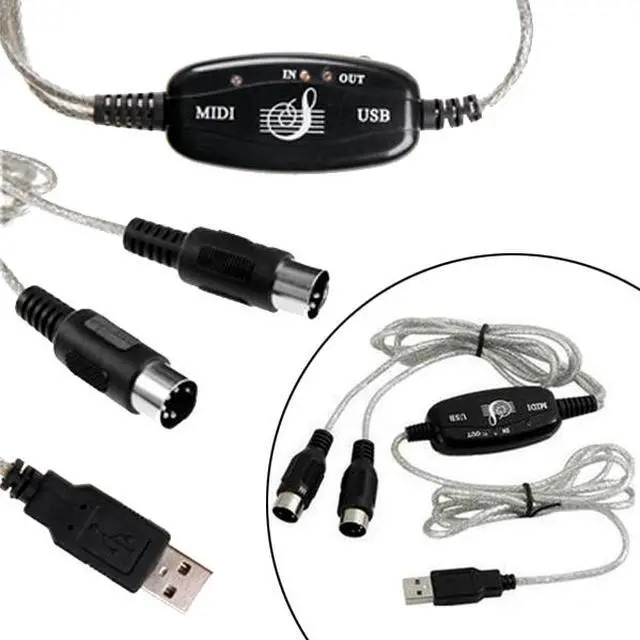
USB to MIDI Keyboard Interface Converter Cable Adapter For Music Keyboard PC New USB IN-OUT MIDI Interface Cable Converter PC to Music Keyboard Adapter Cord EL00237BW
Limited time offer, ends 07/12 By Nexus3C
+
+
Overview
Specs
Reviews
Any questions? Our AI beta will help you find out quickly.
Try me now
Description
It's easy to turn your PC into a music studio. Start by connecting an electronic musical instrument to your computer with the supplied USB MIDI cable. Within minutes you'll be able to play songs while they are being recorded on your PC! With appropriate software, you can overdub additional instruments, then edit, mix and even print sheet music of your final compositions.
Features:
-Cable length: 2.0m (6 Ft).
-1 in and 1 out MIDI interface.
-Supports Windows XP, Vista, 7
-Latest model with a built-in driver.
-USB Bus Powered; Requires No External Power.
-16 MIDI input channels and 16 MIDI output channels.
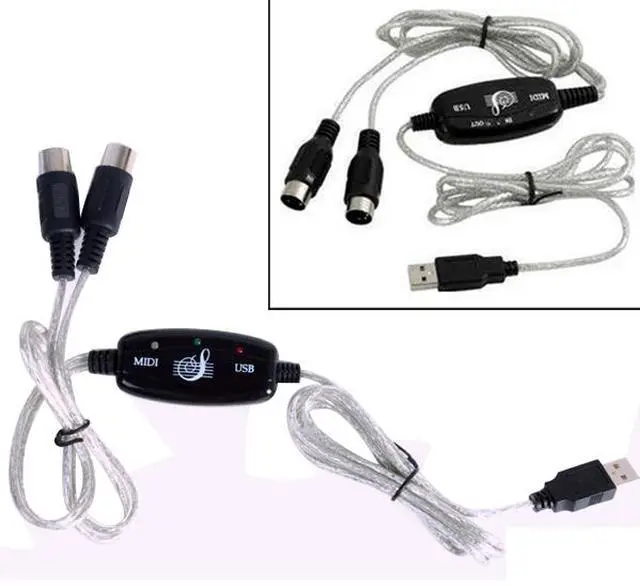
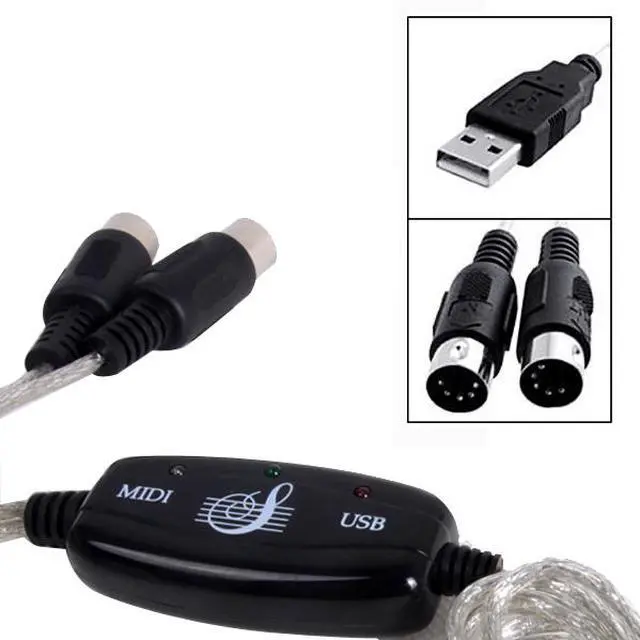
-LED's indicate power in, MIDI in signal and MIDI out signal.
-True Plug & Play NO DRIVER INSTALLATION NEEDS.
Instructions for use:
Please follow these steps
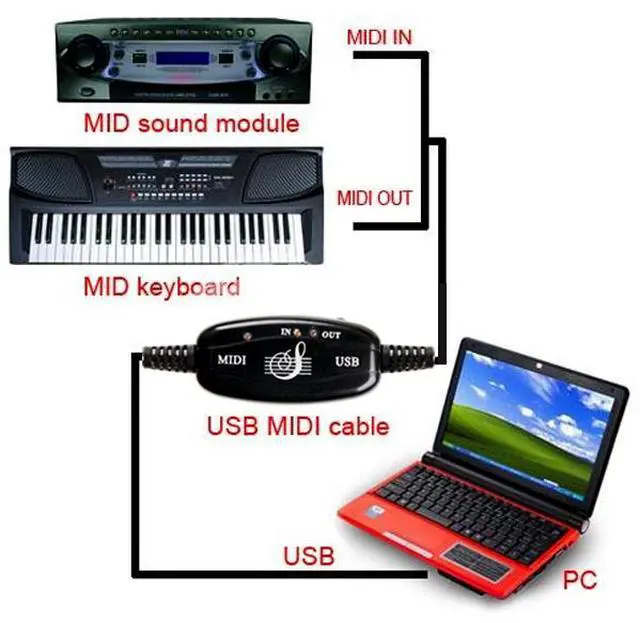
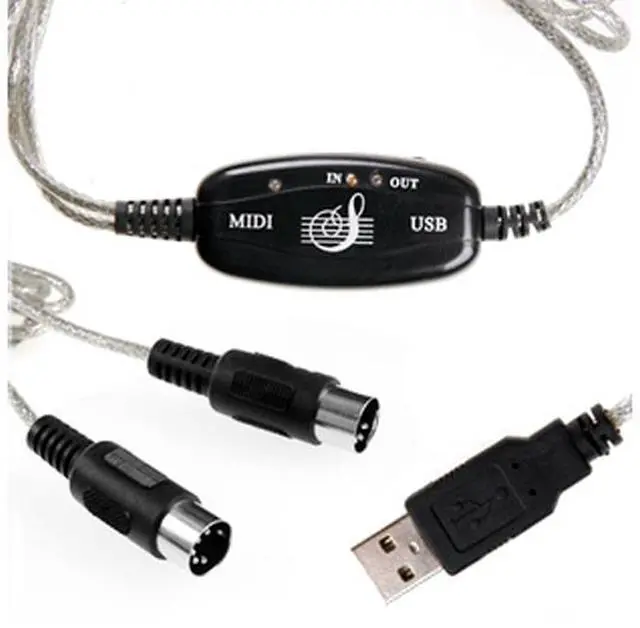
Connect the cable marked "IN" to the MIDI "OUT" socket of a MIDI keyboard (or MIDI device).
Connect the cable marked "OUT" to the MIDI "IN" socket of a MIDI keyboard (or MIDI device).
Plug the USB cable into any free USB socket on your computer, the red LED will light to show power on.
Open you music software program, e.g. Cubase, Sonar, MIDI connections, etc.
Set the music in programs MIDI in and MIDI out devices to "USB Audio Device".
Your USB to MIDI interface is now ready for use.
To save potential problems, it is recommended that this interface is always connected to the same USB as it was originally installed on to prevent multiple installations of the driver.

It's easy to turn your PC into a music studio. Start by connecting an electronic musical instrument to your computer with the supplied USB MIDI cable. Within minutes you'll be able to play songs while they are being recorded on your PC! With appropriate software, you can overdub additional instruments, then edit, mix and even print sheet music of your final compositions.
Features:
-Cable length: 2.0m (6 Ft).
-1 in and 1 out MIDI interface.
-Supports Windows XP, Vista, 7
-Latest model with a built-in driver.
-USB Bus Powered; Requires No External Power.
-16 MIDI input channels and 16 MIDI output channels.
-LED's indicate power in, MIDI in signal and MIDI out signal.
-True Plug & Play NO DRIVER INSTALLATION NEEDS.
Instructions for use:
Please follow these steps
Connect the cable marked "IN" to the MIDI "OUT" socket of a MIDI keyboard (or MIDI device).
Connect the cable marked "OUT" to the MIDI "IN" socket of a MIDI keyboard (or MIDI device).
Plug the USB cable into any free USB socket on your computer, the red LED will light to show power on.
Open you music software program, e.g. Cubase, Sonar, MIDI connections, etc.
Set the music in programs MIDI in and MIDI out devices to "USB Audio Device".
Your USB to MIDI interface is now ready for use.
To save potential problems, it is recommended that this interface is always connected to the same USB as it was originally installed on to prevent multiple installations of the driver.
Warranty & Returns
Warranty, Returns, And Additional Information
Warranty
- Please contact the Seller directly for warranty information. Warranty information may also be found on the Manufacturer's website.
- CONTACT
Return Policies
- Return for refund within: 30 days
- Return for replacement within: non-replaceable
- This item is covered by Nexus3C Return Policy
Manufacturer Contact Info
- For a directory of all our manufacturers, please click below.
- Manufacturers Directory
LOADING...