




Please Attention
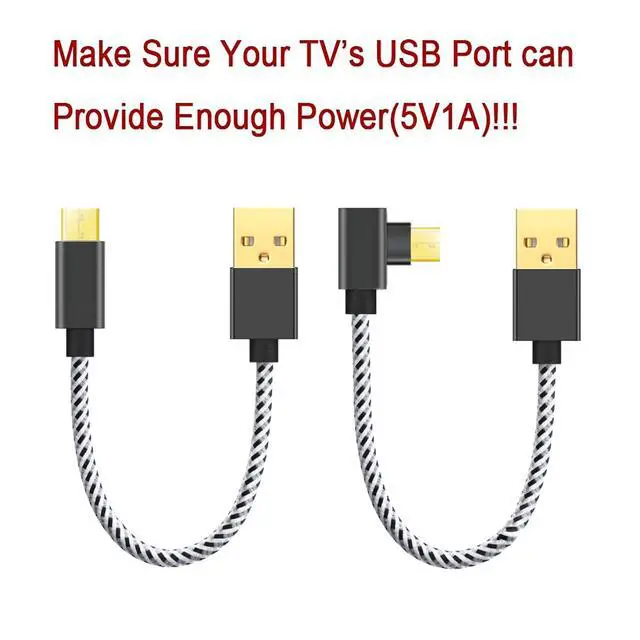
Please make sure that the cable is plugged into a 5V/1A port, or a USB 2.0 port. (has a 900mA USB port, 500mA USB Ports will not work with Fire TV Stick).
How to test if your TV's USB port can provide enough power?
1. Before Buying, PLEASE use your tv stick's original USB cable to test. Please plug one end of the USB cable into the streaming media player port and the other end into your TV's USB port.) If your tv stick can be normal power supply, our usb cable will works too, you can buy it.
2. If you can not test it with your own usb cable, you also can read your tv's user manual (whether your tv's usb port can provide 5V1A power). If your tv can not provide enough power, it will useless to use our usb cables, please not buy.
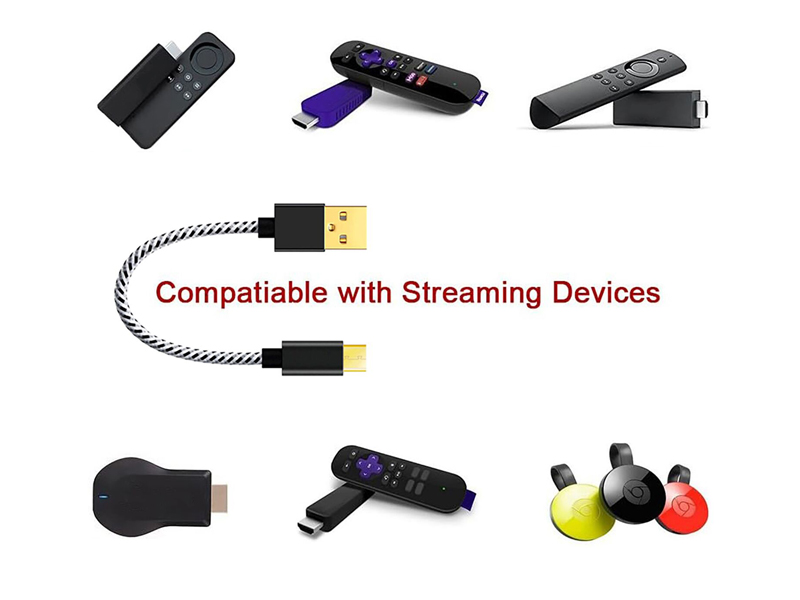
Compatible with Streaming Players
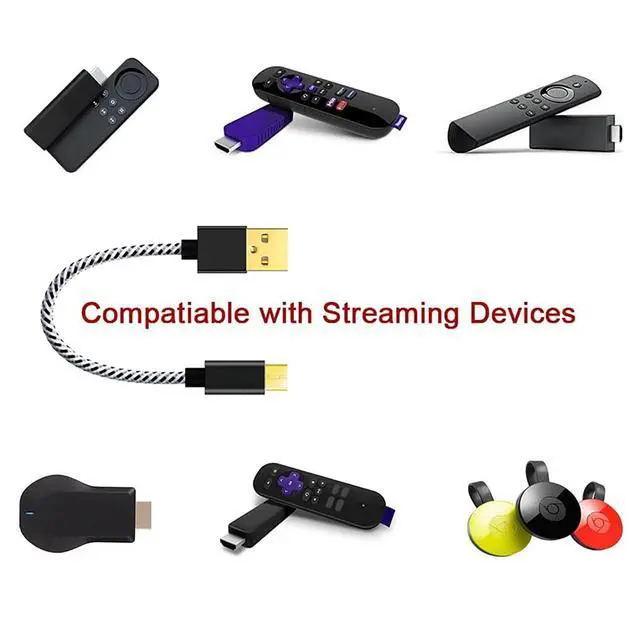
Please make sure your TV's USB port can provide 5V/1A power! If your TV's USB port can provide 5V/1A power, This fire stick plug will compatible with most of Fire Stick models and Chromecast, Power Bank, Android Phone, but not fit for Roku Ultra, Roku Ultra LT and Chromecast with voice search.
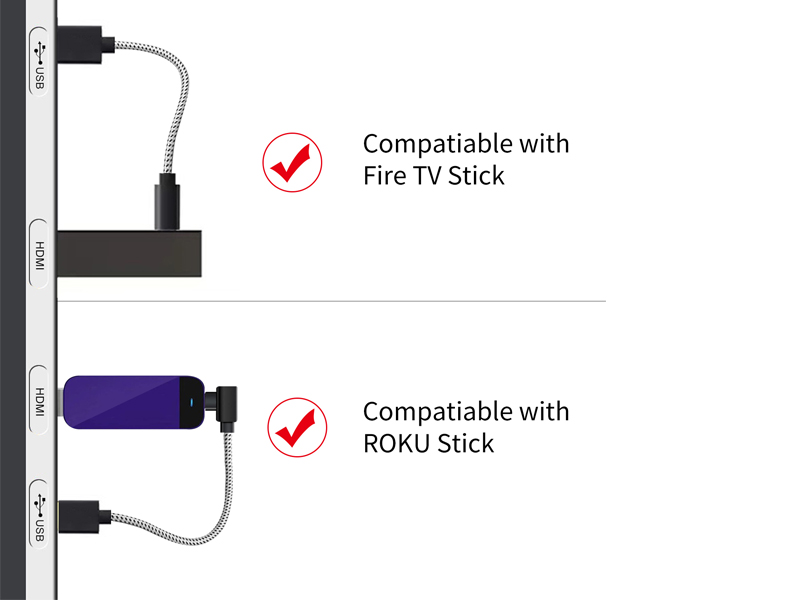
Muti-Function and Easy to Install
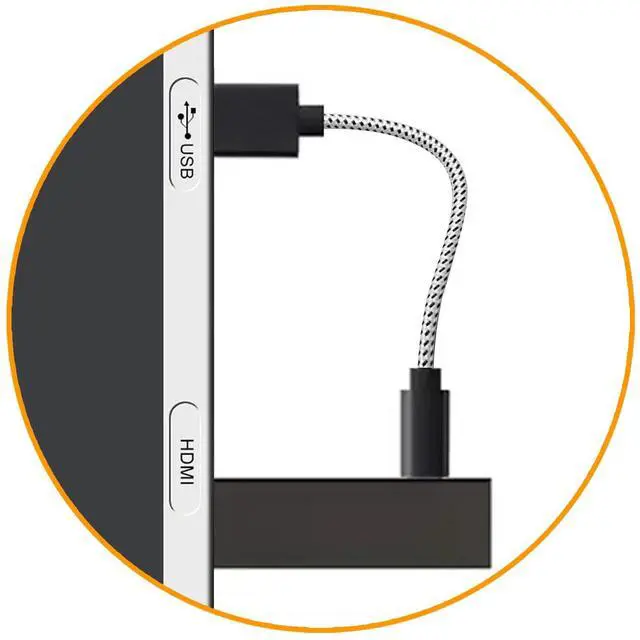
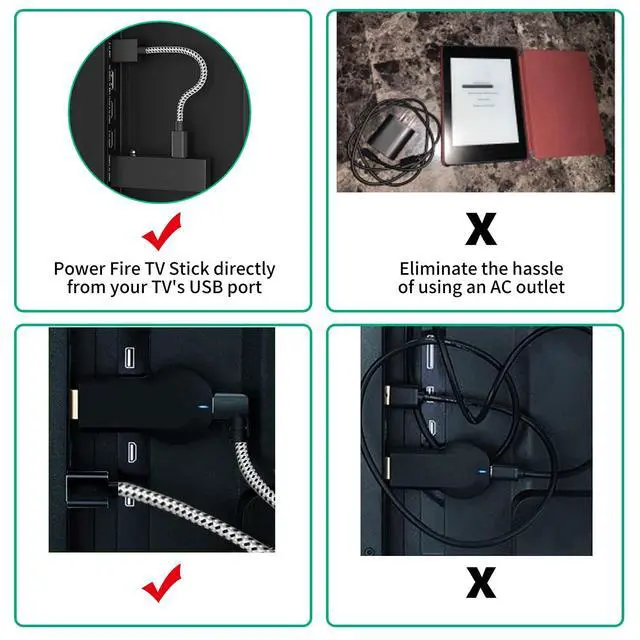
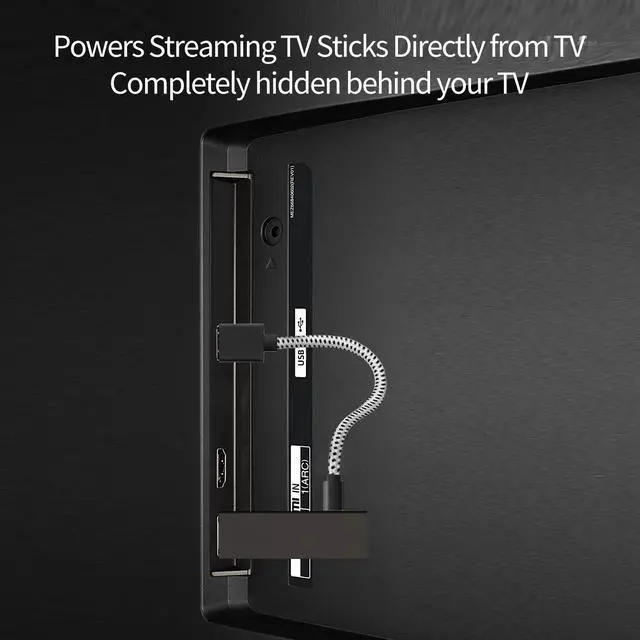
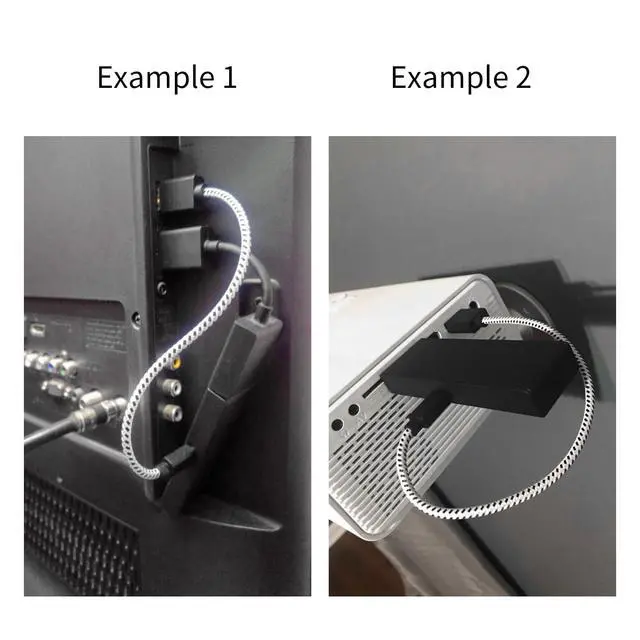
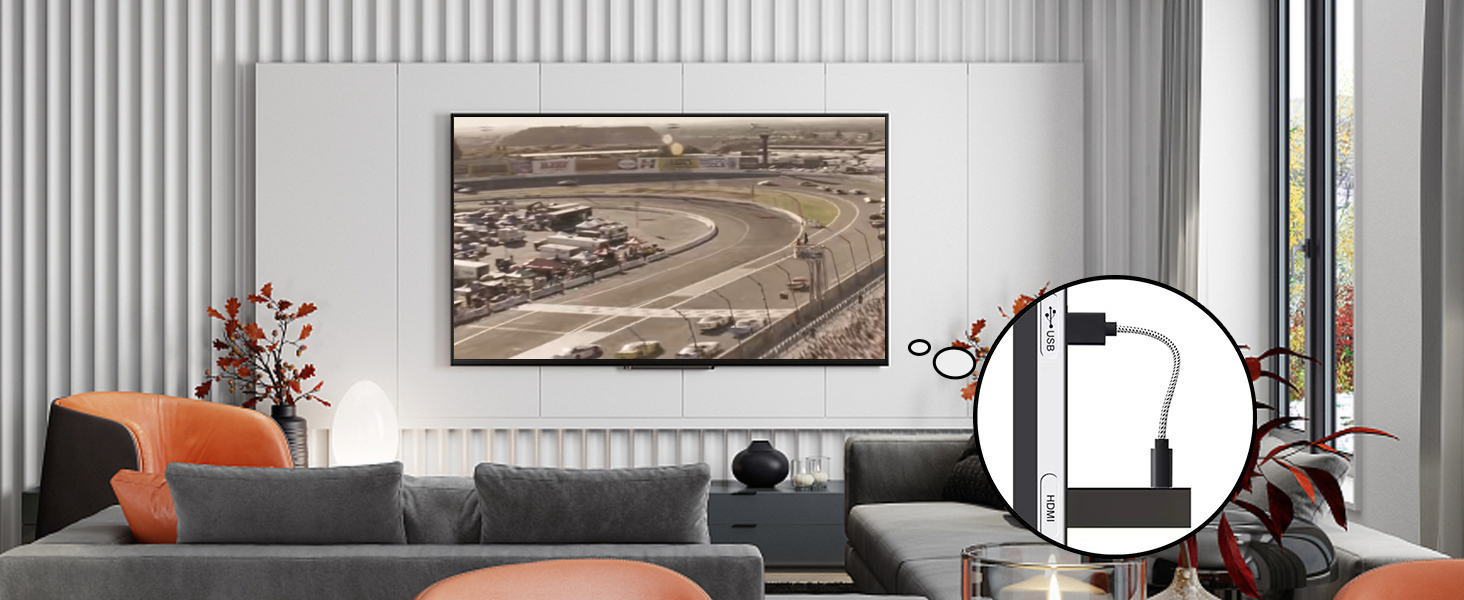
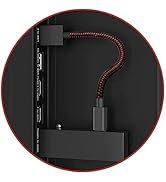
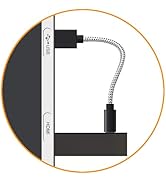
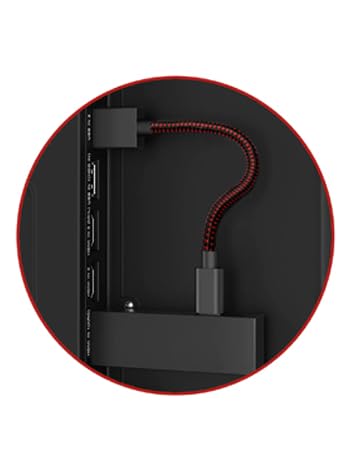
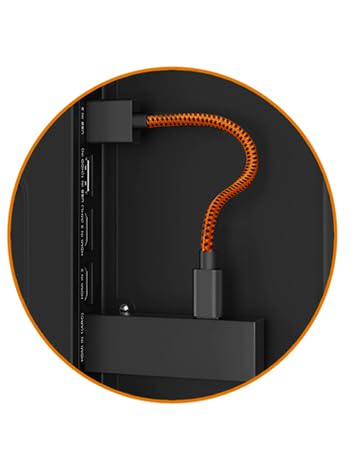
No need an AC outlet. Simply plug the firestick usb cable directly into your TV’s USB port. Power Fire TV Stick directly from TV's USB port
No Extension Cords and Hanging TV Wires
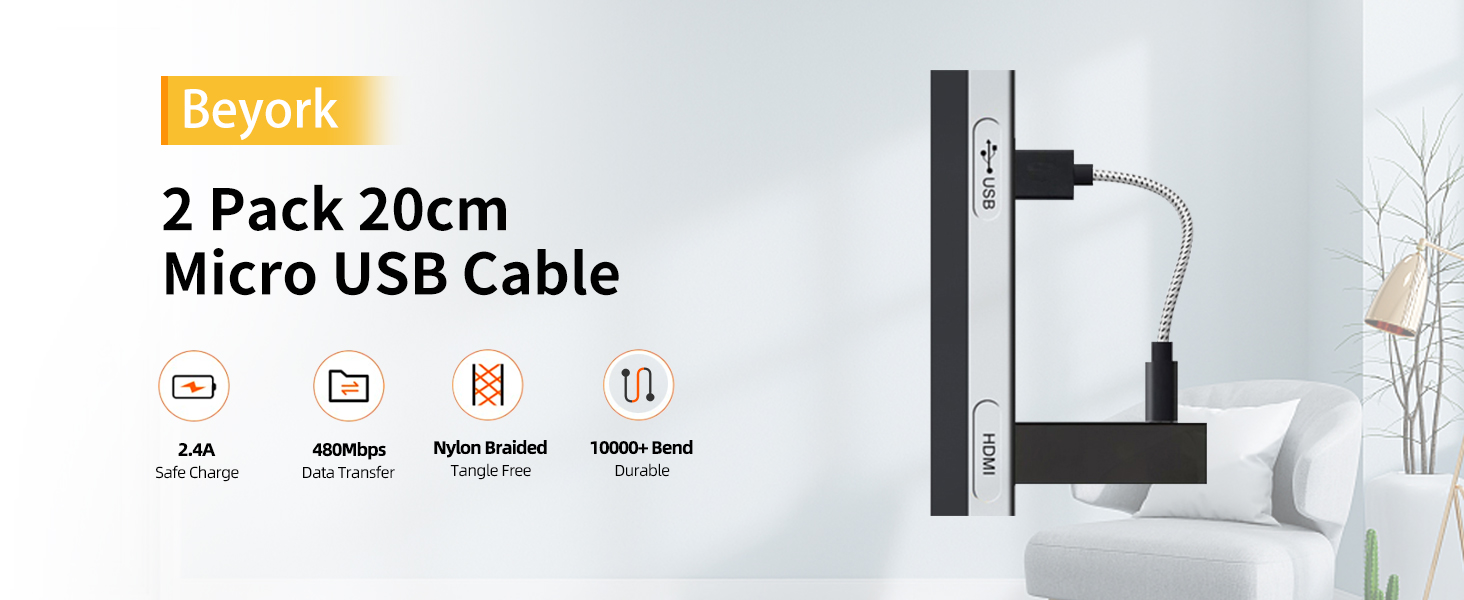
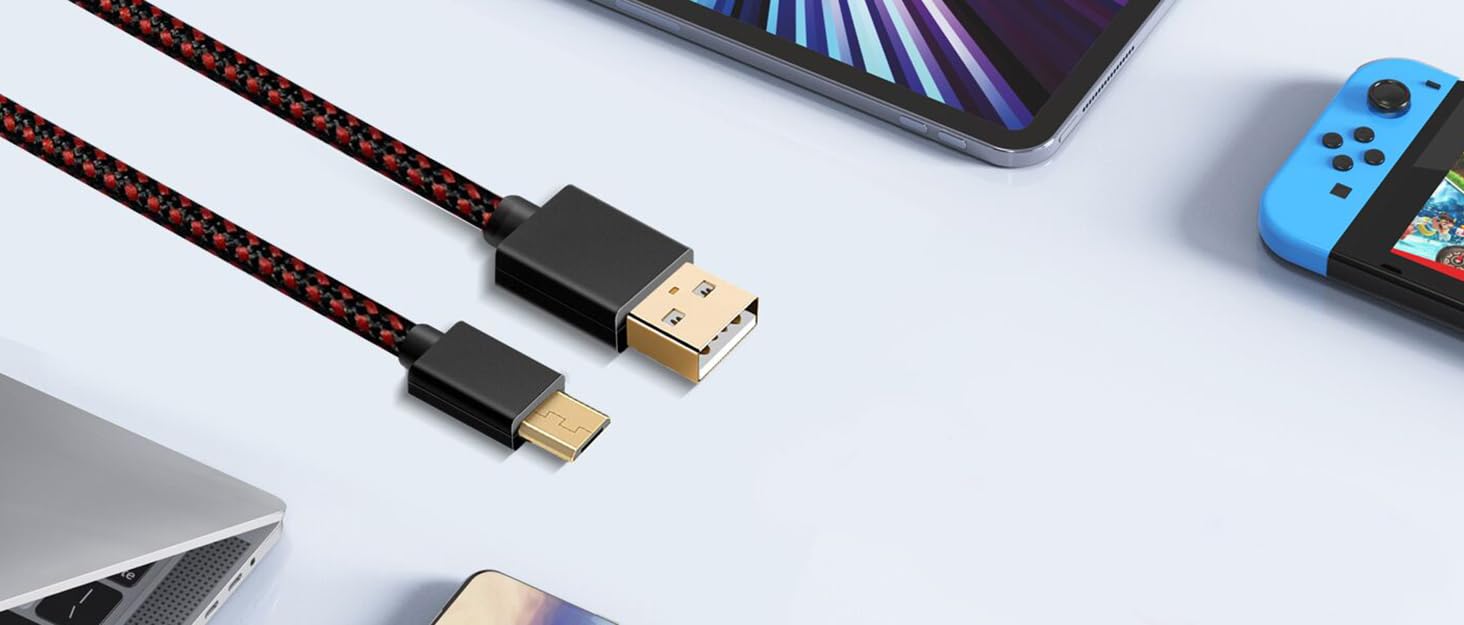
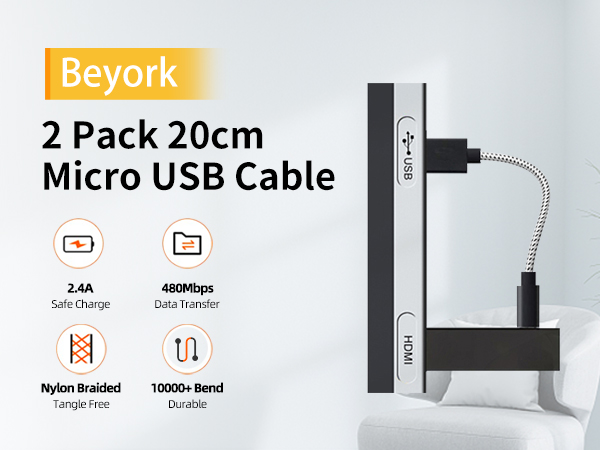
Package Contains 2 Pack 7.8 Inch Micro USB Cables.
Great idea, great size, but why someone say it can not producing enough power?
Hello, as some TV's usb port can not offer enough power. Please make sure your TV 's USB Port can offer 5V/1A power, or a USB 2.0 port.
How can i know if my TV can offer 5V/1A power?
Hello, you can use your tv stick's original USB cable to test, or you also can read your tv's user manual (whether your tv's usb port can provide 5V1A power).
Please Attention
Please make sure that the cable is plugged into a 5V/1A port, or a USB 2.0 port. (has a 900mA USB port, 500mA USB Ports will not work with Fire TV Stick).
How to test if your TV's USB port can provide enough power?
1. Before Buying, PLEASE use your tv stick's original USB cable to test. Please plug one end of the USB cable into the streaming media player port and the other end into your TV's USB port.) If your tv stick can be normal power supply, our usb cable will works too, you can buy it.
2. If you can not test it with your own usb cable, you also can read your tv's user manual (whether your tv's usb port can provide 5V1A power). If your tv can not provide enough power, it will useless to use our usb cables, please not buy.
Compatible with Streaming Players
Please make sure your TV's USB port can provide 5V/1A power! If your TV's USB port can provide 5V/1A power, This fire stick plug will compatible with most of Fire Stick models and Chromecast, Power Bank, Android Phone, but not fit for Roku Ultra, Roku Ultra LT and Chromecast with voice search.
Muti-Function and Easy to Install
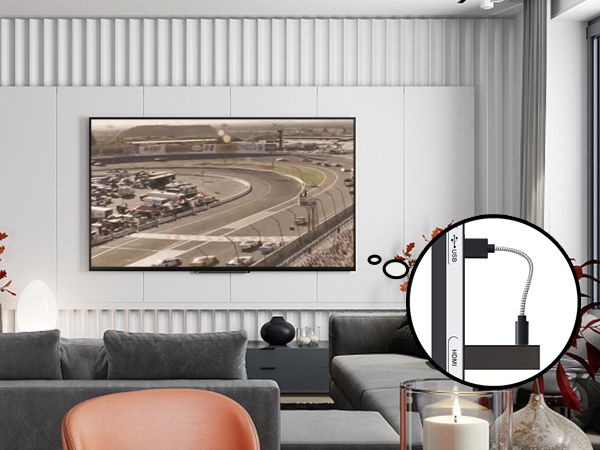
No need an AC outlet. Simply plug the firestick usb cable directly into your TV’s USB port. Power Fire TV Stick directly from TV's USB port
No Extension Cords and Hanging TV Wires
Package Contains 2 Pack 7.8 Inch Micro USB Cables.
Great idea, great size, but why someone say it can not producing enough power?
Hello, as some TV's usb port can not offer enough power. Please make sure your TV 's USB Port can offer 5V/1A power, or a USB 2.0 port.
How can i know if my TV can offer 5V/1A power?
Hello, you can use your tv stick's original USB cable to test, or you also can read your tv's user manual (whether your tv's usb port can provide 5V1A power).
About Brand Beyork
Beyork means " Be yourself, it works!"
We offer little items which can make a big difference!
Featured Products
100FT Cable for Starlink V3
Power Cord for Fire Stick
USB Cable for Fire Stick