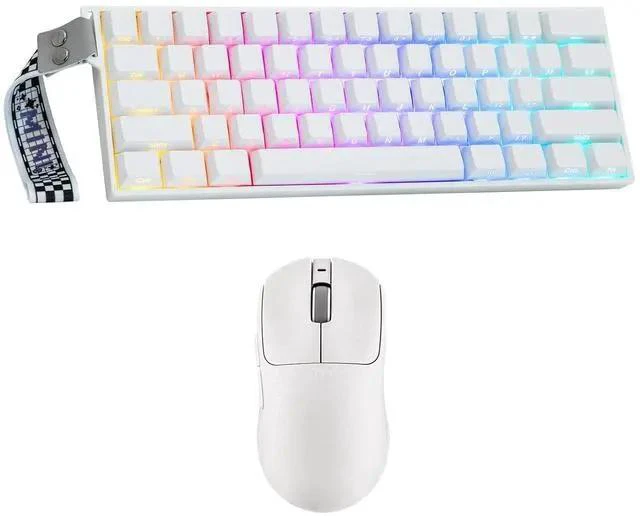
QIAN Mini60 HE PRO Hall Effect Keyboard with AJ199 Lightweight Gaming Mouse with Carbon Fiber
Shell Brand: QIAN |
MPN: LHXJU20-C731-1210 Hall Effect Magnetic Switch & 0.01 mm RT Sensitivity; 8K Polling Rate & 128KHz Scanning Rate; 60% Compact Layout; Lightweight Design with Durable Carbon Fiber shell; Precision with the PAW3311 Sensor & 12, 000 DPI All-Key or Single-Key Activation Dual Wake-Up Mode Short press the FN and ESC keys can toggle between 2 wake-up methods. When the ESC key lights Red, the keyboard is in All-Key Wake-Up mode; if it lights Green, it is in Single-Key Wake-Up mode.
Note: If pressing the FN and ESC for 3 seconds, the key Short press the FN and ESC keys can toggle between 2 wake-up methods. When the ESC key lights Red, the keyboard is in All-Key Wake-Up mode; if it lights Green, it is in Single-Key Wake-Up mode.
Note: If pressing the FN and ESC for 3 seconds, the keyboard will be reset. You can flexibly adjust this according to your needs and environmental conditions, effectively enhancing your gaming or typing experience. Holding the FN key, relevant keys will light up Intuitive Indicator Light CAPS lights white = Caps Lock WIN lights white = Win Lock. Pressing the FN + WIN keys to lock/unlock it A = Android Mode, S = Windows Mode, D = Mac Mode Q/W/E = BT Device 1/2/3, R = 2.4G Code Matching CAPS lights white = Caps Lock WIN lights white = Win Lock. Pressing the FN + WIN keys to lock/unlock it A = Android Mode, S = Windows Mode, D = Mac Mode Q/W/E = BT Device 1/2/3, R = 2.4G Code Matching





 here!
here!