Your Browsing History
Meet Your Seller
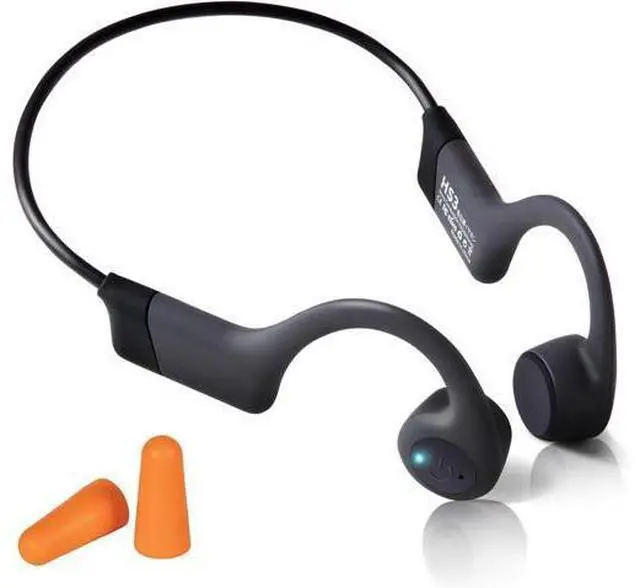
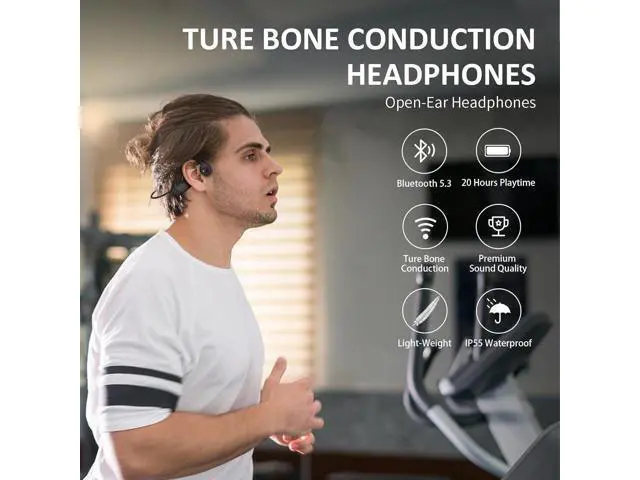
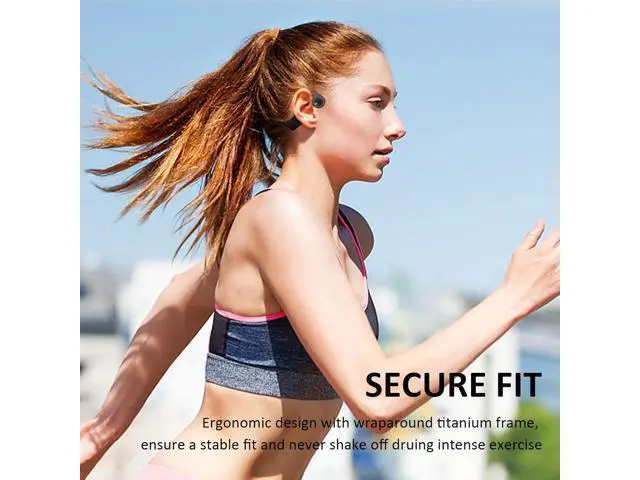
Bone Conduction Headphones, Open-Ear Wireless Bluetooth 5.3 Workout Headphones with Microphones, 20H Playtime, Waterproof Wireless Earphones for Sports, Running, Hiking, Cycling, with Earplugs
Limited time offer, ends 07/19 By ProGear Haven
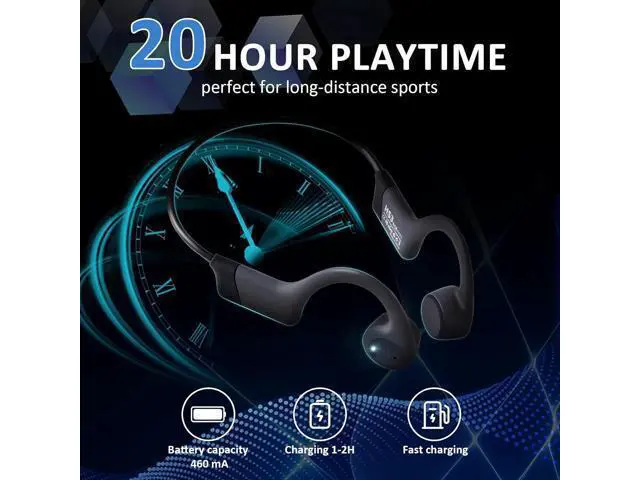
- Special feature: Fast Charging; Compatible devices: Cellphones; Material: Silicone; Form factor: On Ear; Specific uses for product: Sport; Control method: touch; Control type: Media Control; Battery average life: 20.0 hours
+
+
Overview
Specs
Reviews
Any questions? Our AI beta will help you find out quickly.
Try me now
Q: With only one button, how do I adjust the volume?
A: Please adjust the volume on your phone. Alternatively, you can triple-click the button and adjust the volume with voice control.
Q: With only one button, how do I switch tracks?
A: When listening to music, double-click the button, you can skip to the next song. If you want to select another song, please do so directly on your phone.
Q: With only one usb-c cable, how do I charge this headphones?
A: Connect a phone charging block and you can use our cable to charge your headphones. Other type-c phone charging cables are also available. However, some fast chargers may not be compatible.
Q: With this Bluetooth headset, how do I answer or hang up a phone call?
A: When a call comes in, click the button to answer the call, double-click the button to reject the call, and click the button to hang up during a call.
Q: I have a large head. Is this headset suitable for me?
A: It's designed for regular-sized heads, typically fitting those with a head circumference of 21 to 23.5 inches. If your head is too big, it may not fit well.
Q: How to use voice control?
A: Triple-click the button, then speak voice commands and wait for the phone's response, for example, after triple-clicking, say 'Adjust volume to 80%', 'Previous track' etc.
Tips: The phone's voice assistant must be available. Q&As

A: Please adjust the volume on your phone. Alternatively, you can triple-click the button and adjust the volume with voice control.
Q: With only one button, how do I switch tracks?
A: When listening to music, double-click the button, you can skip to the next song. If you want to select another song, please do so directly on your phone.
Q: With only one usb-c cable, how do I charge this headphones?
A: Connect a phone charging block and you can use our cable to charge your headphones. Other type-c phone charging cables are also available. However, some fast chargers may not be compatible.
Q: With this Bluetooth headset, how do I answer or hang up a phone call?
A: When a call comes in, click the button to answer the call, double-click the button to reject the call, and click the button to hang up during a call.
Q: I have a large head. Is this headset suitable for me?
A: It's designed for regular-sized heads, typically fitting those with a head circumference of 21 to 23.5 inches. If your head is too big, it may not fit well.
Q: How to use voice control?
A: Triple-click the button, then speak voice commands and wait for the phone's response, for example, after triple-clicking, say 'Adjust volume to 80%', 'Previous track' etc.
Tips: The phone's voice assistant must be available. Q&As
Warranty & Returns
Warranty, Returns, And Additional Information
Warranty
- Please contact the Seller directly for warranty information. Warranty information may also be found on the Manufacturer's website.
- CONTACT
Return Policies
- Return for refund within: 30 days
- Return for replacement within: 30 days
- This item is covered by ProGear Haven Return Policy
Manufacturer Contact Info
- For a directory of all our manufacturers, please click below.
- Manufacturers Directory
LOADING...