




 here!
here!
I’m your shopping assistant for PC builds, upgrades, and everything tech.
Got questions? Ask away!
Start a conversation
here!
I’m your shopping assistant for PC builds, upgrades, and everything tech.
Got questions? Ask away!
Start a conversation



Any questions? Ask CelesteSM will help you find out quickly.
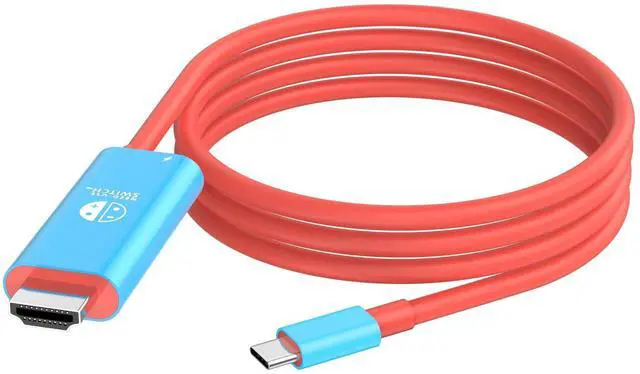
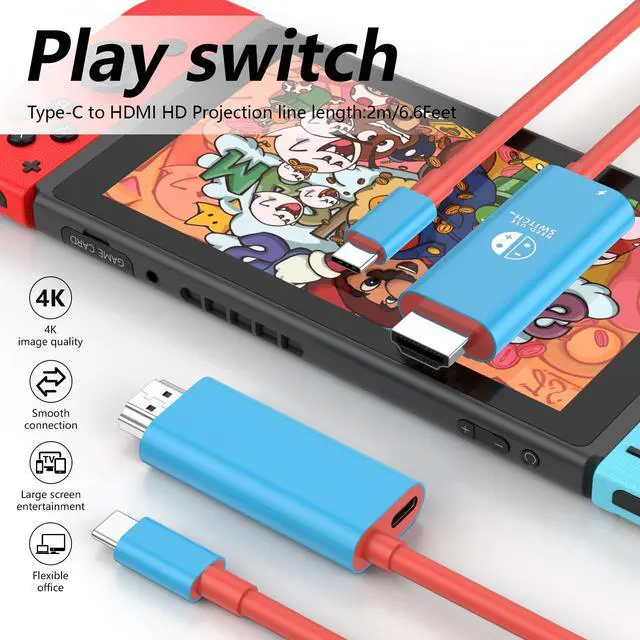
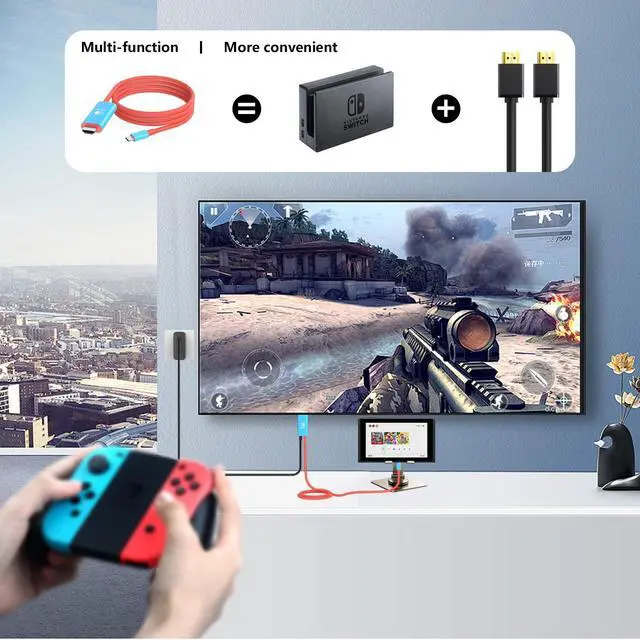
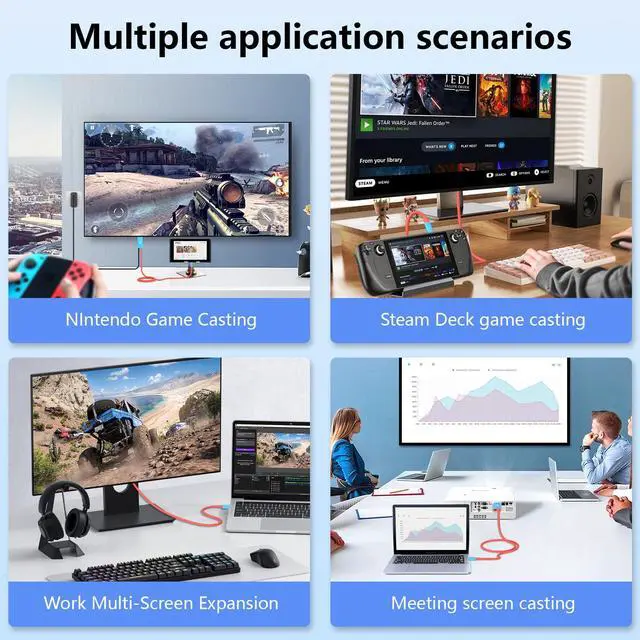
Our portable Switch hdmi adapter is specifically designed as a portable and convenient dock replacement for Nintendo Switch and Switch OLED, idea for you carry around to play Switch games on HDMI monitor anywhere and anytime.
Specifications:
HDMI: 4K*2K(3840*2160),Downwards compatible with 1080P, 720P, etc.
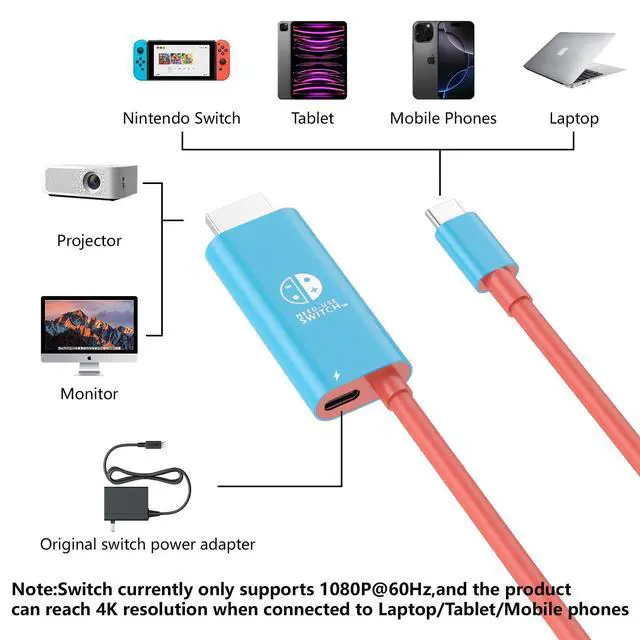
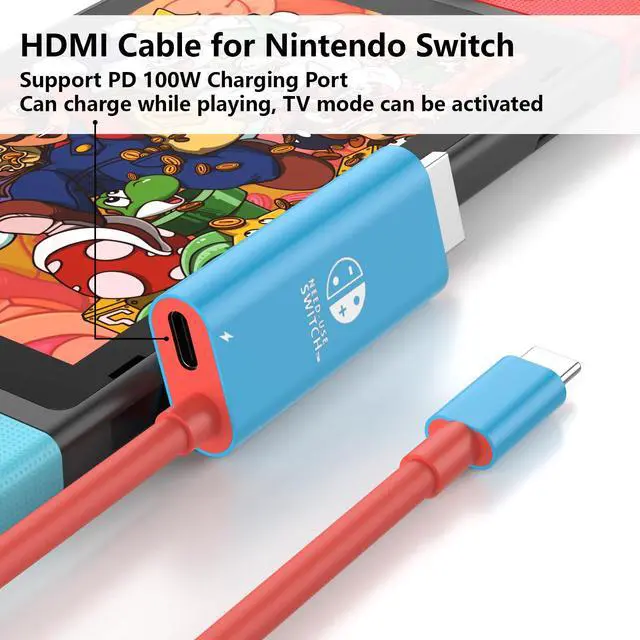
USB C Female(PD): PD, 20V/5A, Support max 100W power adapter(input)
USB C Male: Compatible with thunderbolt 3, male sure that the gost USB-C port on your device complies with the 3.1 specification.
Material: ABS+PVC Cable.
HDMI Cord for Nintendo Switch Length: 2M/6.6ft.
Color: Blue with Red
How to use this Switch Docking Station for TV?
1.Plug the HDMI cable for Nintendo Switch into the HDMI input port of your monitor, making sure you select the correct input source. (For example, your TV has three HDMI ports 1, 2, 3, when you connected HDMI 1, You should choose HDMI 1 as your TVs input source with your TVs remote control.)
2. Plug the original Switch USB-C power charger to the PD interface for Switch HDMI cable. (Note: we recommend you use the original AC charger adapter)
3. Plugging the UBS-C end into your Switch and waiting for 5-10 seconds, Then the console's screen will turn off and the monitor screen will display the same screen content, at which point you can play the streaming game.
USB C HDMI Dock Cable for Nintendon Switch
When you re playing Switch NS/Oled Mode, for a good experience, An additional USB-C charging cable is required. It needs to be plugged into the USB-C PD port to power the Switch Dock when is working.
(The AC Charger Adapter and USB C Charging Cable re not included)
his power source needs to support the power requirements of the Switch, which is typically 39W. For example, the Official Charger has a rated power of 39W, with a rated voltage of 15V and a rated current of 2.6A.
(Note: We recommended to use the original charger adapter)
Compatible Devices:
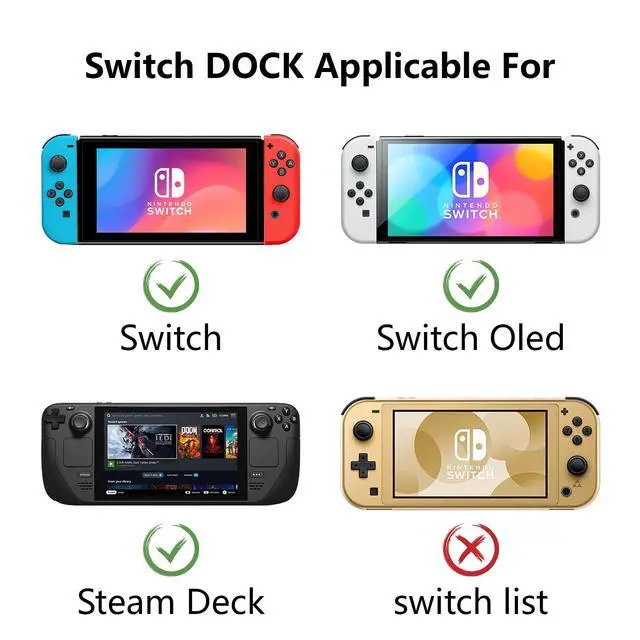
For Nintendo Switch NS/Switch Oled Mode and Steam Deck, But not for Switch Lite and Not for Nintendo DS Lite!
For iPhone 17/17 Air/17 Pro/17 Pro Max
For iPhone 16/16 Plus/16 Pro/16 Pro Max
For iPhone 15/15 Plus/15 Pro/15 Pro Max
For Samsung Galaxy S23, S23 Ultra,S22, S22 Ultra,S21, S21Ultra,S20,S20 Ultra(Please charge your device by original Samsung charger when using DeX mode.)
For iPad Pro 2021/2020/2018 11inch/12.9inch
For iPad Air 4 2020
For MacBook Pro 13'',16'' 2020 / 2019/ 2018, MacBook Air 13.3'' 2020 / 2018, iMac models from 2017
For MacBook 12'' 2017
Package Included:
1 X USB C to HDMI Adapter


