here!
here!
I’m your shopping assistant for PC builds, upgrades, and everything tech.
Got questions? Ask away!
Start a conversation
here!
I’m your shopping assistant for PC builds, upgrades, and everything tech.
Got questions? Ask away!
Start a conversation



Any questions? Ask CelesteSM will help you find out quickly.
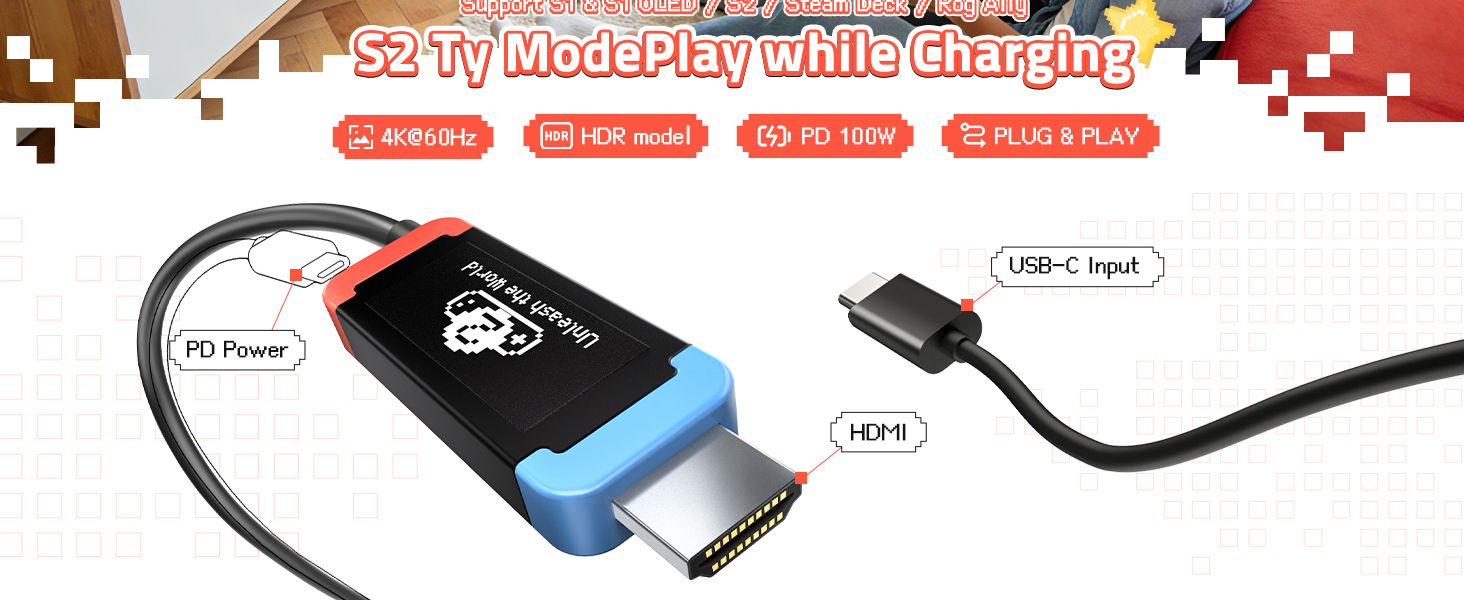
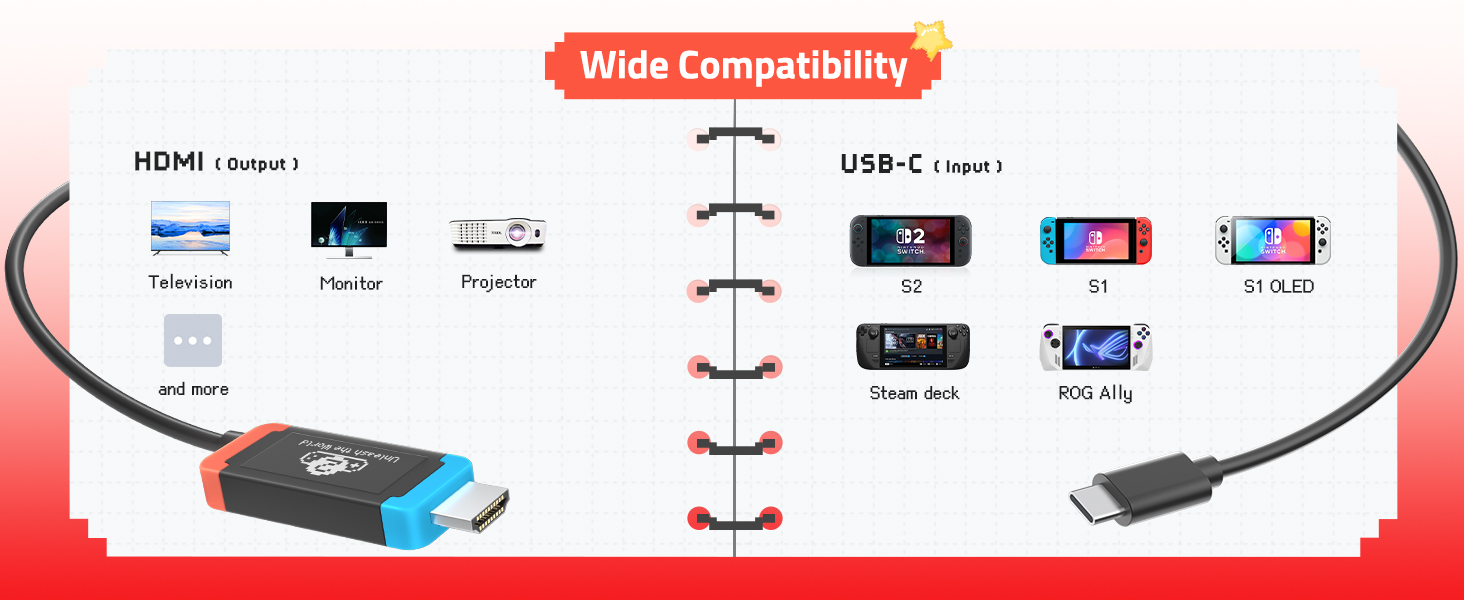
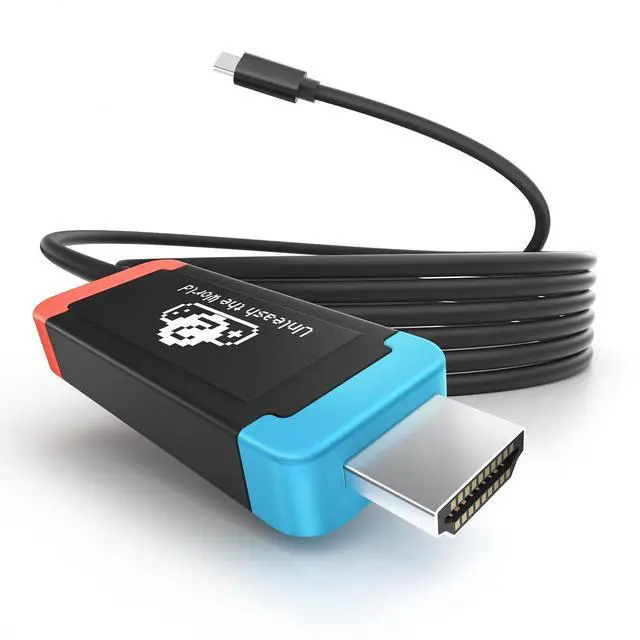
Lemorele USB-C to HDMI Adapter
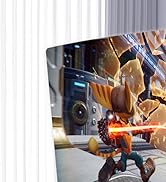
Ideal Compact Replacement Dock for Switch and Daily Screen Projection
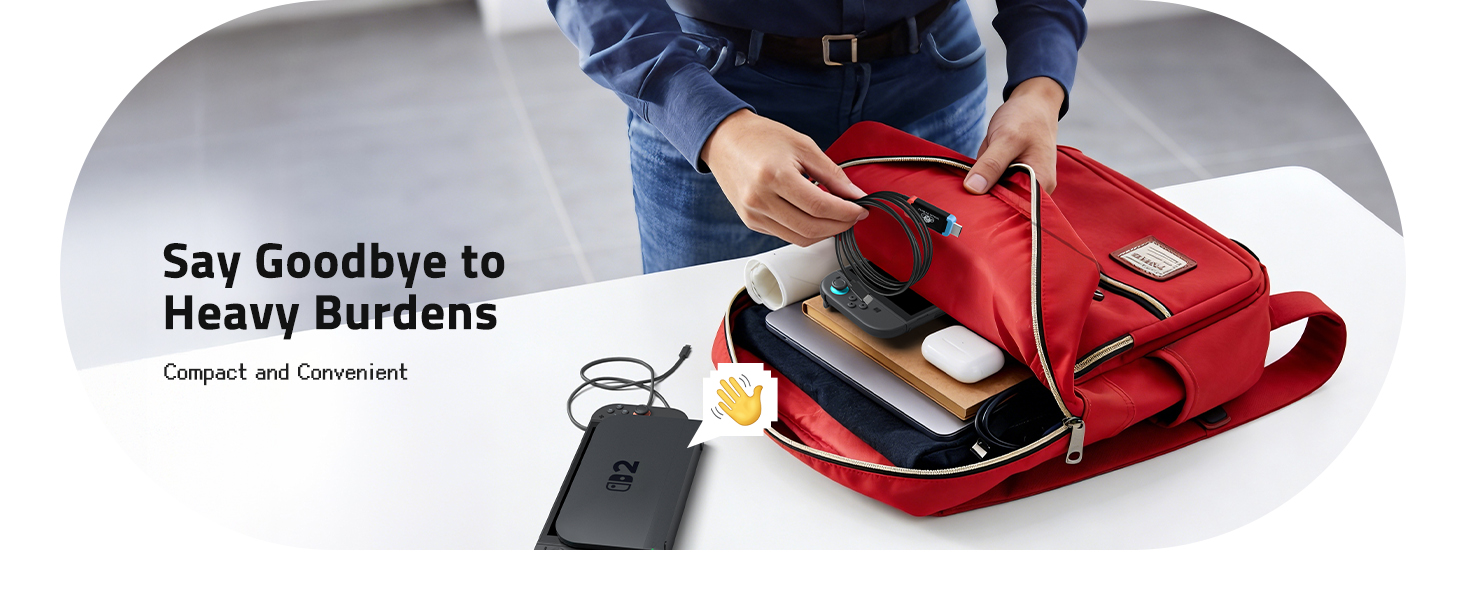
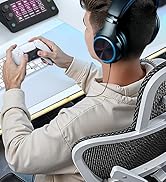
Compact & Portable Dock Replacement
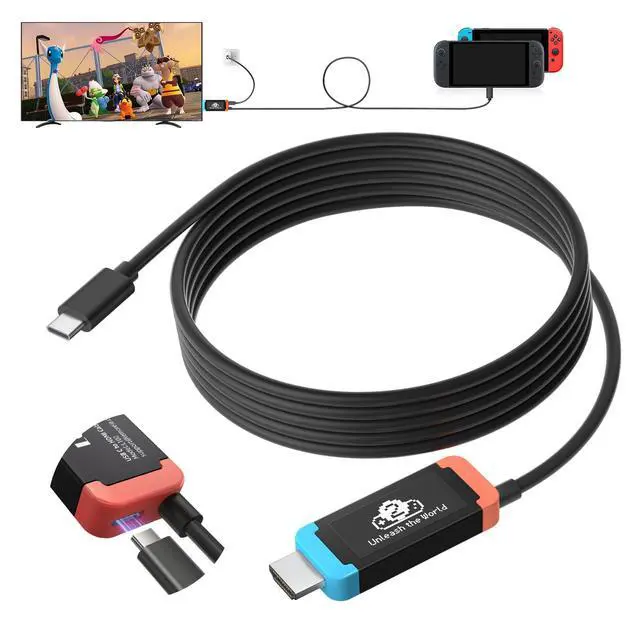
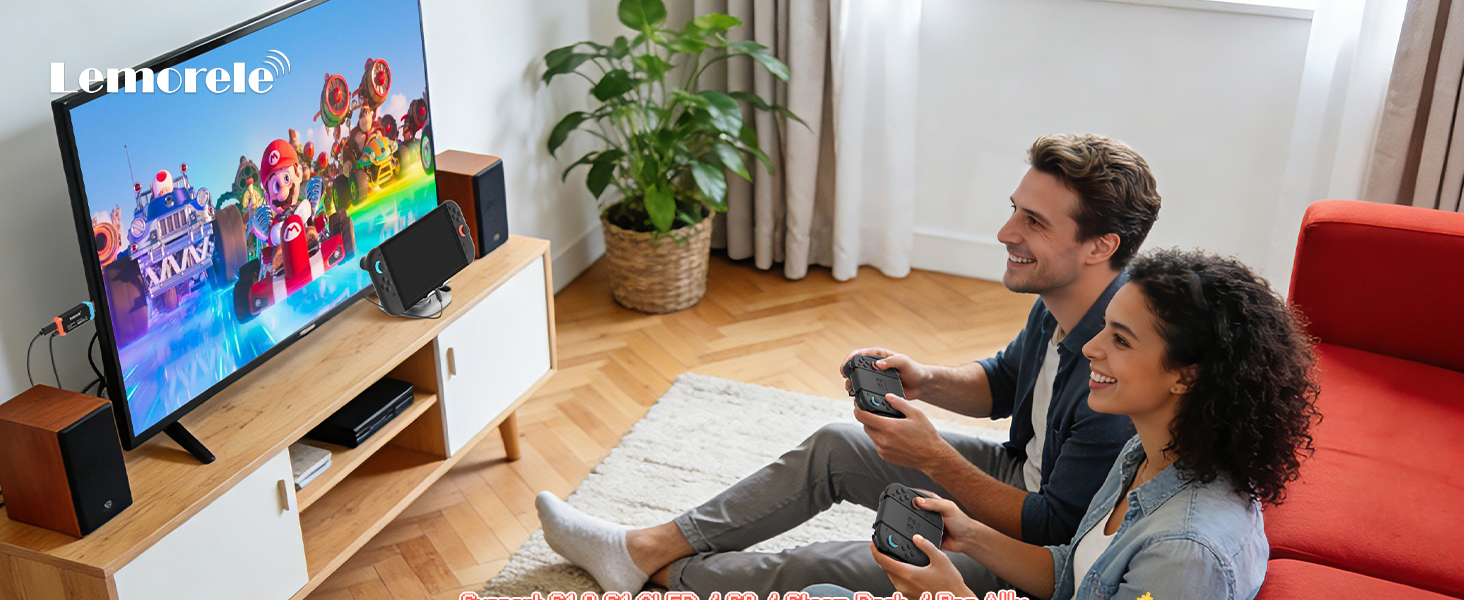
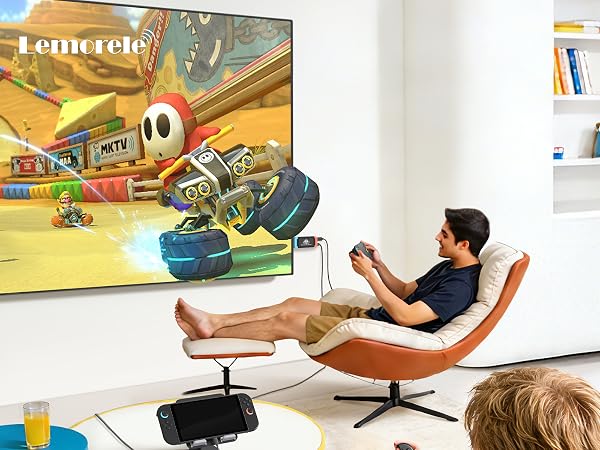
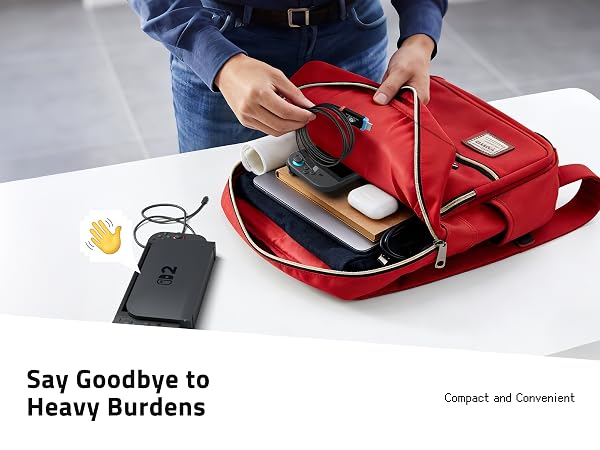
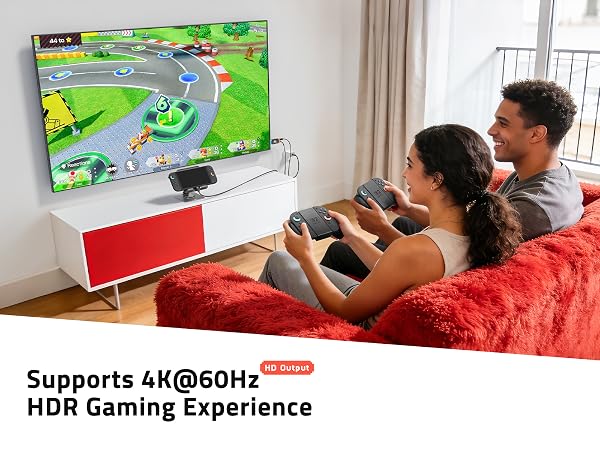
A lightweight alternative to official docks. It eliminates cable clutter and travel burden, perfect for Switch gaming, business presentations, home entertainment and outdoor use.
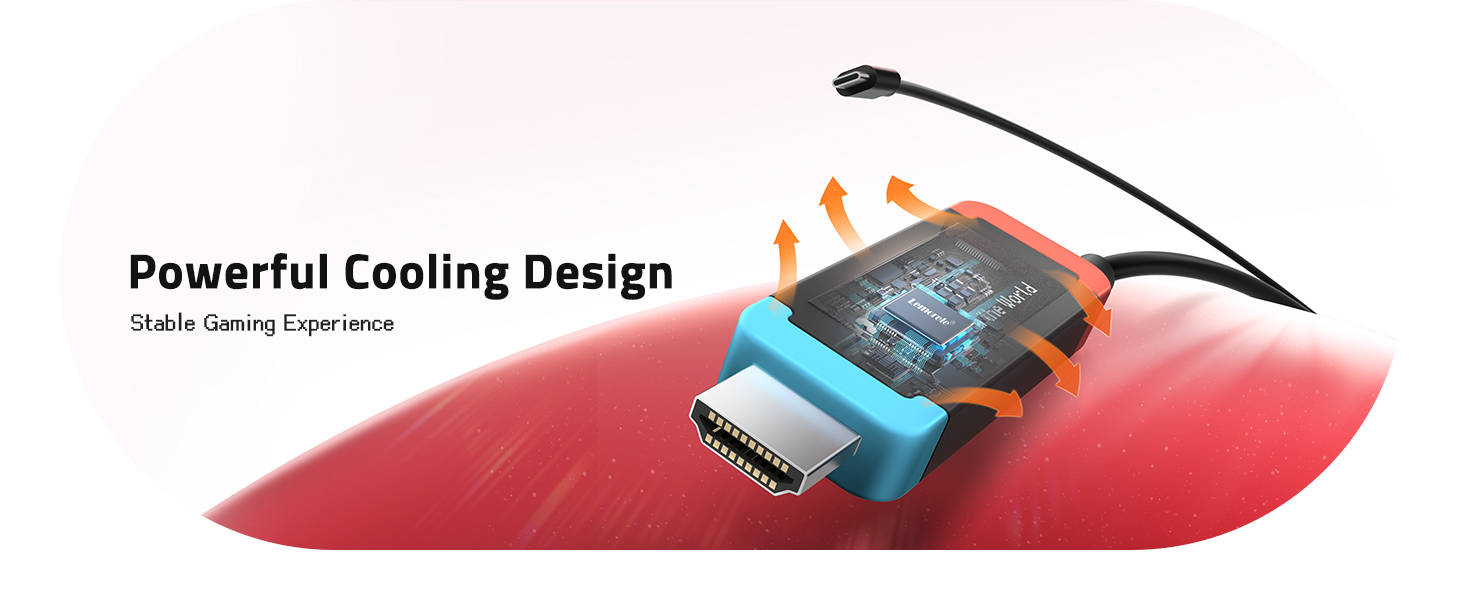
Stable Signal & Heat Dissipation Performance
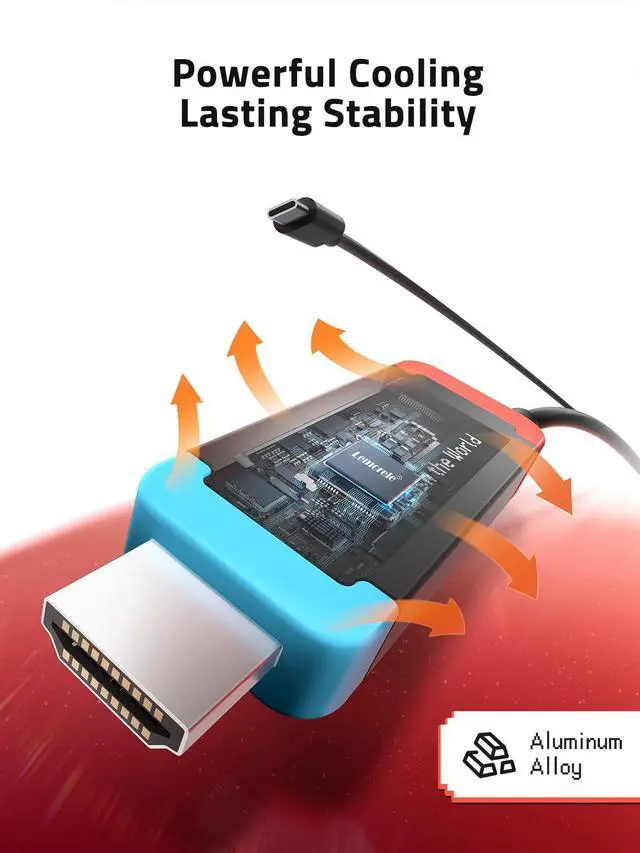
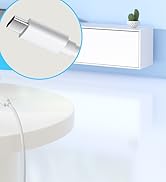
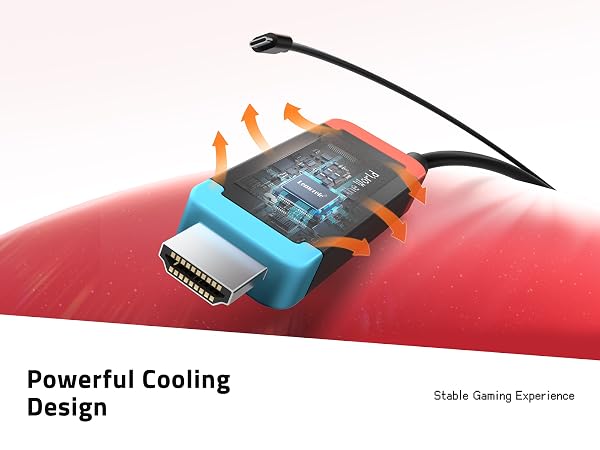
Internal shielding and optimized chips resist interference for stable HDMI output, free of flicker, black screen and audio lag. The aluminum shell boosts heat dissipation to avoid overheating signal dropout. The bend-resistant cable ensures durable daily use.
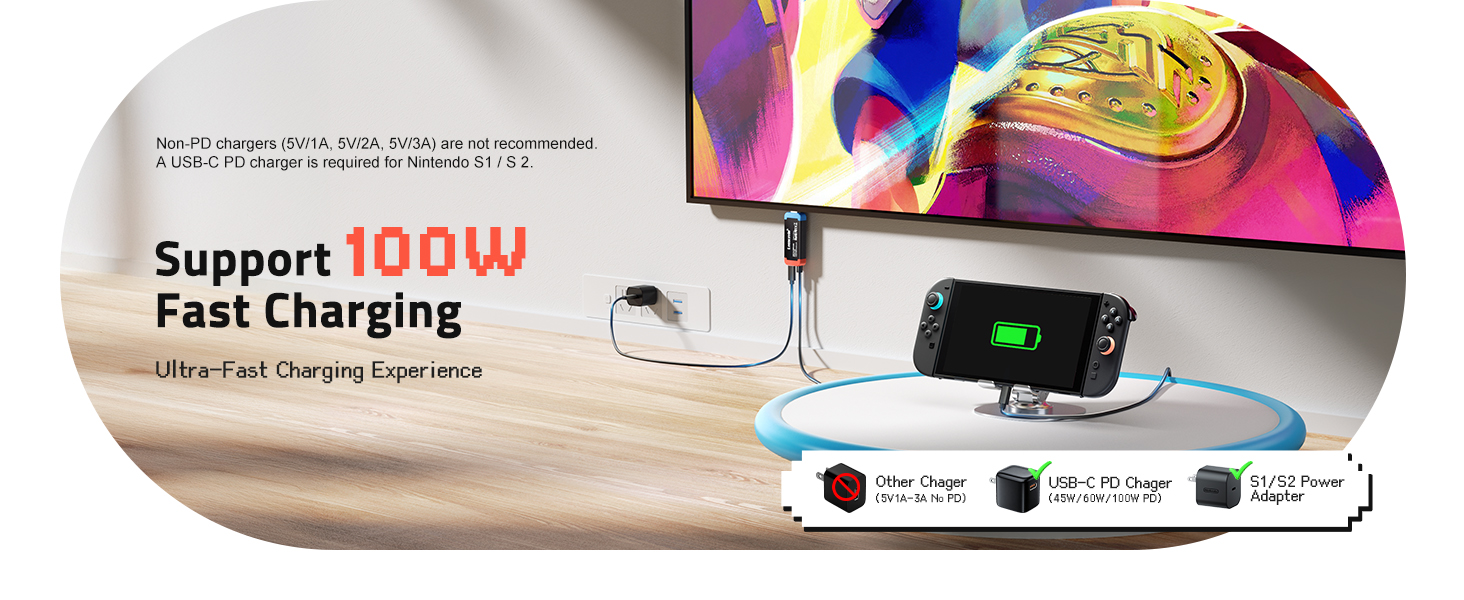
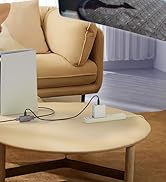
Plug & Play with Pass-through Charging
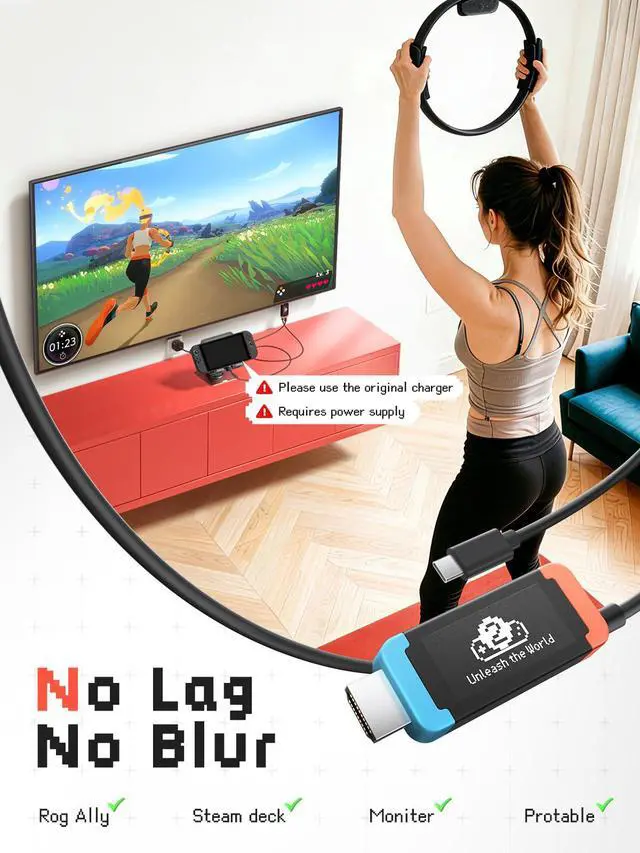
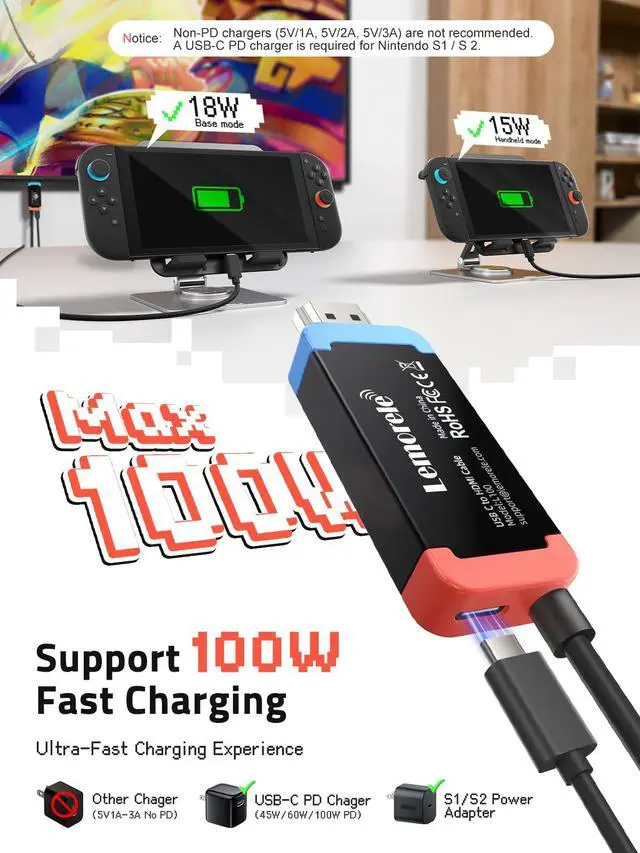
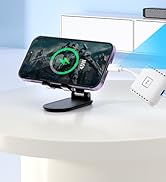
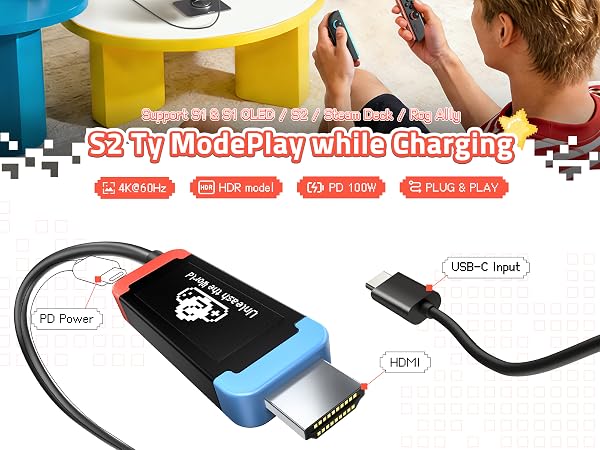
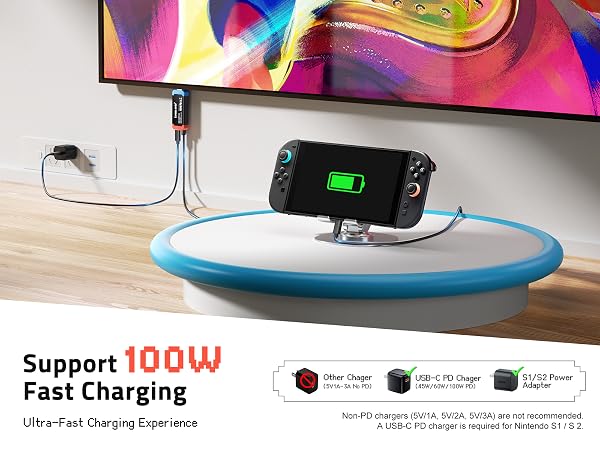
Plug and play with no drivers required. It supports hot swap and 100W PD 3.0 pass-through charging, keeping your device powered during screen projection for uninterrupted use.
Universal Multi-Device & System Compatibility
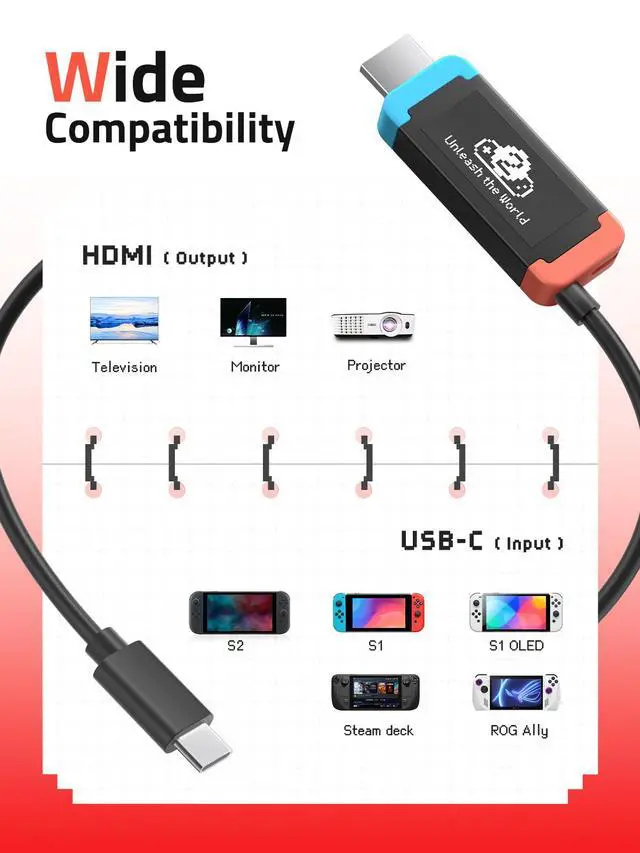
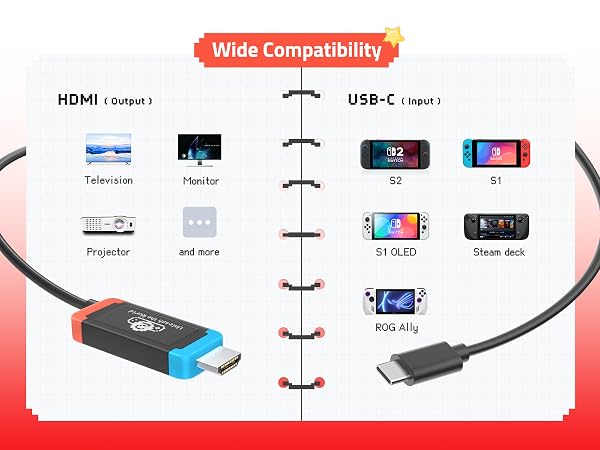
Compatible with DP Alt Mode USB-C devices including Switch series, MacBook, laptops, tablets and phones. It fits Windows, MacOS, Chrome OS, Linux and Android for multi-scene use.
Does the package include a physical Switch dock and power adapter?
Only the USB-C to HDMI adapter cable is included. No standalone dock or PD charger comes in package; you need a separate 45W+ certified PD power supply for Switch TV mode.
What’s the correct plug order to avoid black screen or no signal?
Plug HDMI into TV first ? connect PD charger to adapter’s Type-C port ? plug USB-C into Switch. Wrong sequence easily causes no display; wait 3–5 seconds if picture doesn’t show immediately.
Why does it work on some Switch 2 firmware but fail on 22.1.0?
Unplug the adapter, launch dock firmware update in Switch settings, reconnect when prompted, wait 3 minutes then replug for normal recognition.
Will the oversized HDMI plug block adjacent TV ports or PD charger?
Built-in chip makes HDMI plug bigger than standard ones. It may interfere with nearby TV ports or bulky PD plugs; use an HDMI hub/extender if your TV port spacing is tight.
Why abnormal pink/dark/faded colors appear on certain TVs?
Color distortion comes from TV HDMI chip compatibility. Change another HDMI input port or adjust TV display/color settings to fix abnormal picture performance.


Lemorele understands your desire for efficiency in a fast-paced world where efficiency is key. We create more than just digital accessories—we build bridges that connect your work and entertainment. With outstanding transmission performance and broad compatibility, Lemorele ensures every casting, every expansion, and every capture is a seamless, stable, and enjoyable experience.
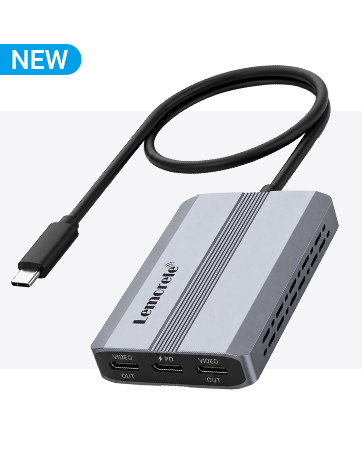
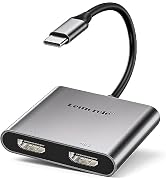
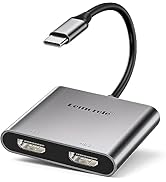
USB-C Video Splitter, Dual USB-C Output
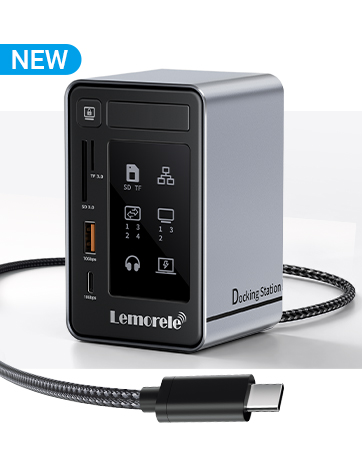
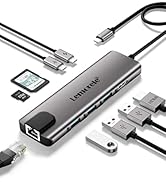
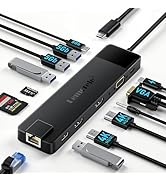
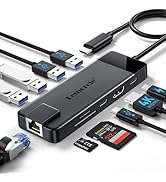
Aluminum USB-C Docking Station 2 HDMI DP 4K
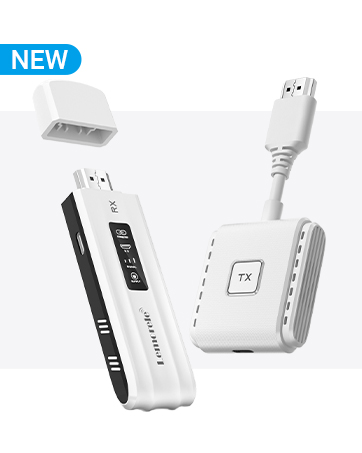
Wireless HDMI 1080P@60Hz 164FT

for Switch 2 USB-C to HDMI 4K@60Hz 100W PD



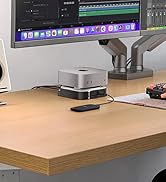

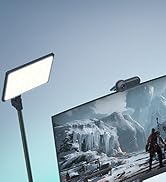
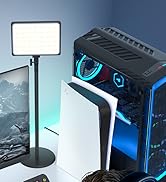
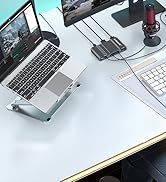

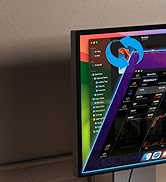
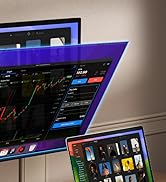
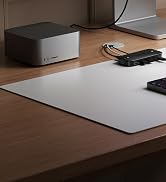
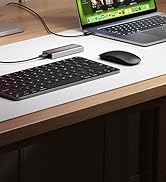
Lemorele USB-C to HDMI Adapter
Ideal Compact Replacement Dock for Switch and Daily Screen Projection
Compact & Portable Dock Replacement
A lightweight alternative to official docks. It eliminates cable clutter and travel burden, perfect for Switch gaming, business presentations, home entertainment and outdoor use.
Stable Signal & Heat Dissipation Performance
Internal shielding and optimized chips resist interference for stable HDMI output, free of flicker, black screen and audio lag. The aluminum shell boosts heat dissipation to avoid overheating signal dropout. The bend-resistant cable ensures durable daily use.
Plug & Play with Pass-through Charging
Plug and play with no drivers required. It supports hot swap and 100W PD 3.0 pass-through charging, keeping your device powered during screen projection for uninterrupted use.
Universal Multi-Device & System Compatibility
Compatible with DP Alt Mode USB-C devices including Switch series, MacBook, laptops, tablets and phones. It fits Windows, MacOS, Chrome OS, Linux and Android for multi-scene use.
| USB-C Host | Main input port, compatible with USB-C devices supporting DP Alt Mode (laptops, tablets, smartphones etc.) |
|---|---|
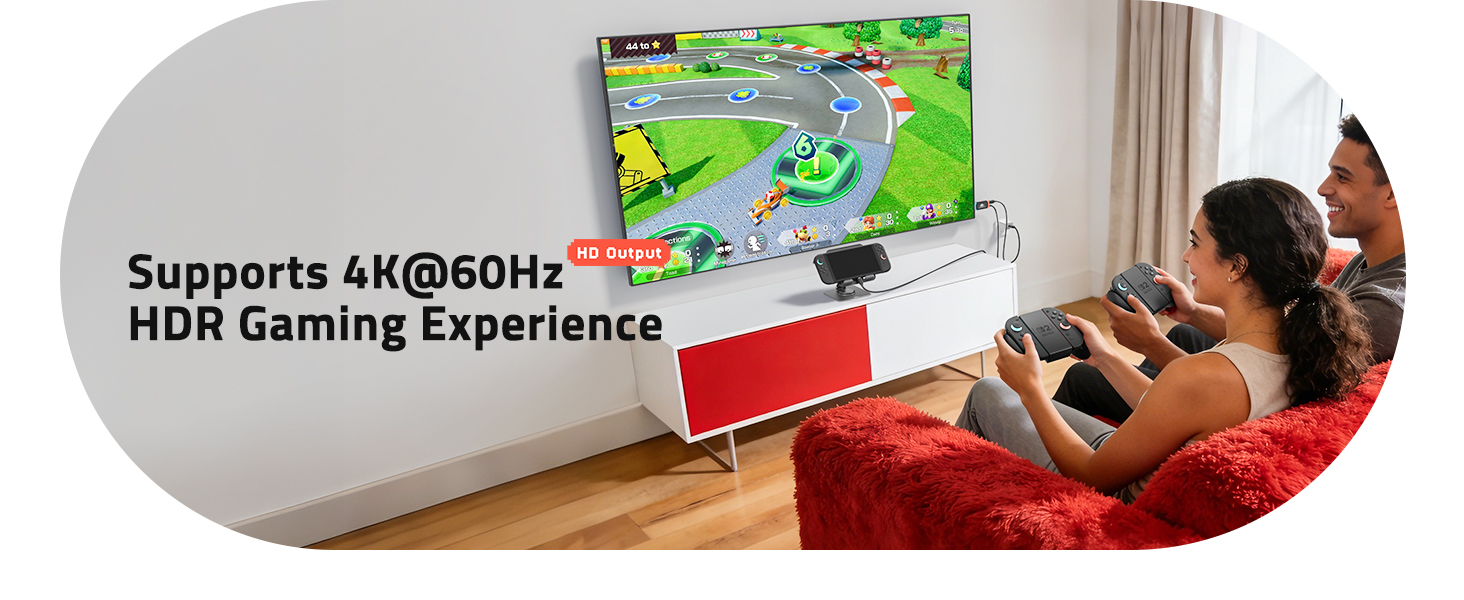
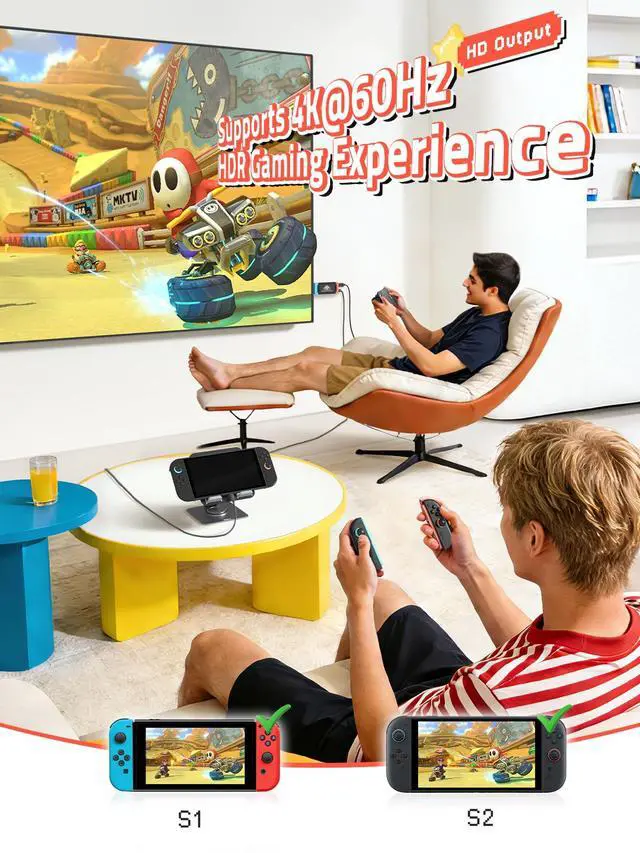
| HDMI out | HDMI 2.0 video output, up to 4K@60Hz resolution |
| USB-C PD Power C | PD charging port supporting max 100W power delivery |
| Video Output | HDMI 2.0 |
| Power Delivery | 100W |
| Max Resolution | 4K@60Hz |
| Cable Length | 3.28 ft (1m) / 4.92 ft (1.5m) / 6.56 ft (2m) |
| Material | ABS + Aluminum Alloy |
| Color | Switch Style |
| Packing List | Adapter ×1, User Manual ×1 |
| Operating Temperature | 0°C ~ 40°C |
| Storage Temperature | -20°C ~ 60°C |
Does the package include a physical Switch dock and power adapter?
Only the USB-C to HDMI adapter cable is included. No standalone dock or PD charger comes in package; you need a separate 45W+ certified PD power supply for Switch TV mode.
What’s the correct plug order to avoid black screen or no signal?
Plug HDMI into TV first ? connect PD charger to adapter’s Type-C port ? plug USB-C into Switch. Wrong sequence easily causes no display; wait 3–5 seconds if picture doesn’t show immediately.
Why does it work on some Switch 2 firmware but fail on 22.1.0?
Unplug the adapter, launch dock firmware update in Switch settings, reconnect when prompted, wait 3 minutes then replug for normal recognition.
Will the oversized HDMI plug block adjacent TV ports or PD charger?
Built-in chip makes HDMI plug bigger than standard ones. It may interfere with nearby TV ports or bulky PD plugs; use an HDMI hub/extender if your TV port spacing is tight.
Why abnormal pink/dark/faded colors appear on certain TVs?
Color distortion comes from TV HDMI chip compatibility. Change another HDMI input port or adjust TV display/color settings to fix abnormal picture performance.
Lemorele understands your desire for efficiency in a fast-paced world where efficiency is key. We create more than just digital accessories—we build bridges that connect your work and entertainment. With outstanding transmission performance and broad compatibility, Lemorele ensures every casting, every expansion, and every capture is a seamless, stable, and enjoyable experience.
USB-C Video Splitter, Dual USB-C Output
Aluminum USB-C Docking Station 2 HDMI DP 4K
Wireless HDMI 1080P@60Hz 164FT
for Switch 2 USB-C to HDMI 4K@60Hz 100W PD