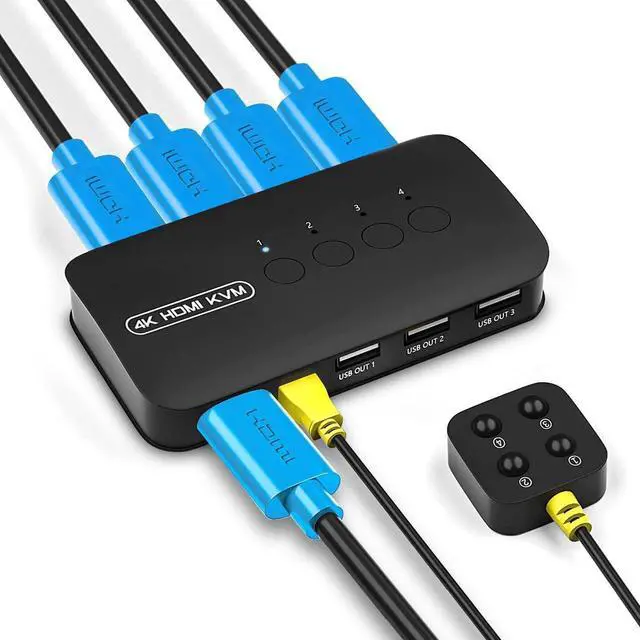
2-in-1 KVM cable
Warm Tips:
1. Connect the KVM cables to the computer ports of KVM switch.
KVM Cable: Plug the HOST Port (VGA & USB connector) of KVM cable into the computer.
Specification:
Interface protocols ------ USB 2.0
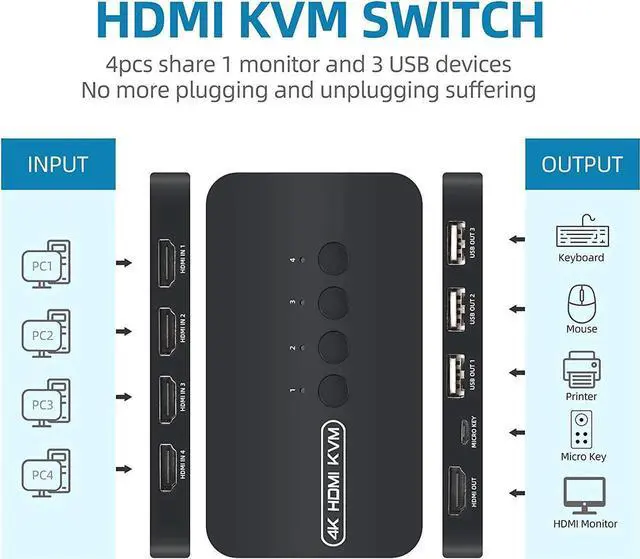
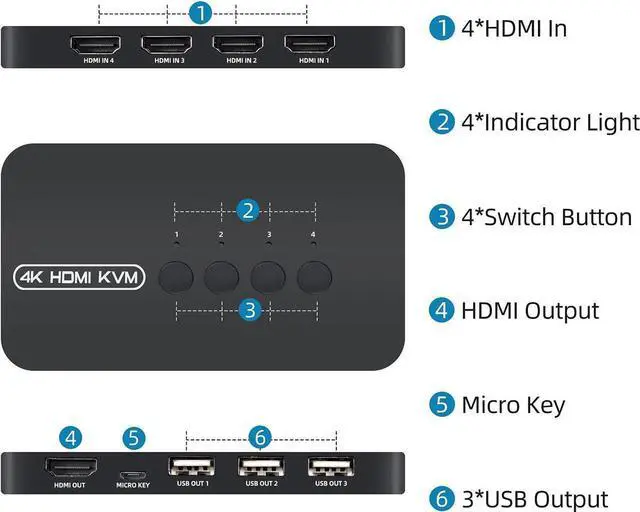
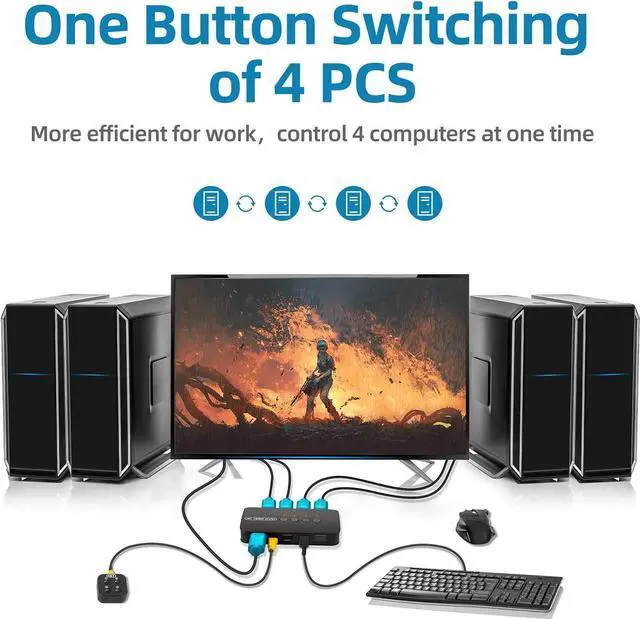
Entry: 4 PC Max (HDMI + USB 2-In-1)
Exit: HDMI * 1 + USB * 3
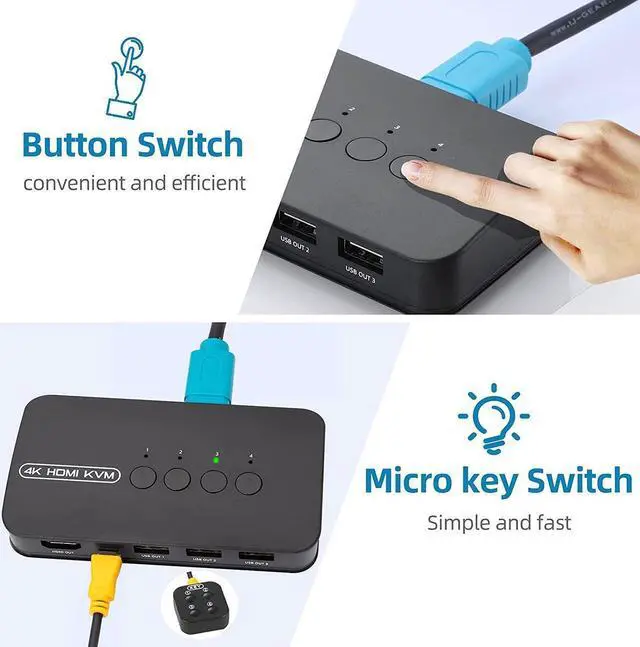
Switching Mode: Panel Button, External Controller
Resolution: 3840 * 2160 @ 30hz
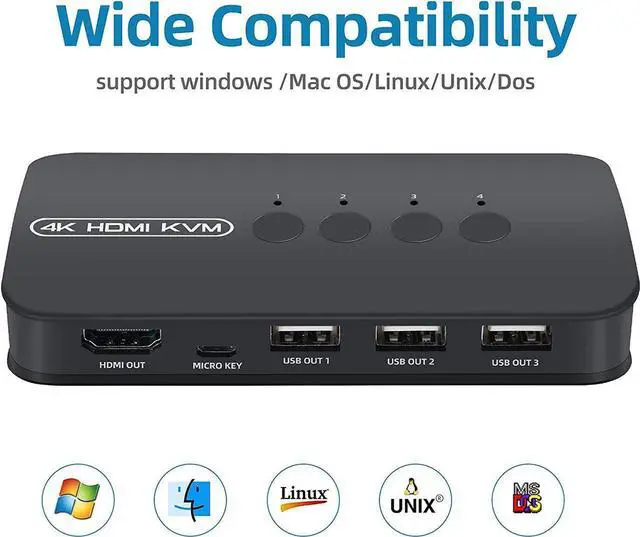
Support system: Windows / Mac OS / Linux / UNIX / DOS
Content of the package:
KVM switch * 1
KVM Cable * 4
2. Plug the KVM Port (VGA connector only) of KVM cable into the KVM Switch. The HOST Port and KVM port can not be connected in reverse.
Wired switch button * 1
User Manual * 1





 here!
here!