




 here!
here!
I’m your shopping assistant for PC builds, upgrades, and everything tech.
Got questions? Ask away!
Start a conversation
here!
I’m your shopping assistant for PC builds, upgrades, and everything tech.
Got questions? Ask away!
Start a conversation



Any questions? Ask CelesteSM will help you find out quickly.
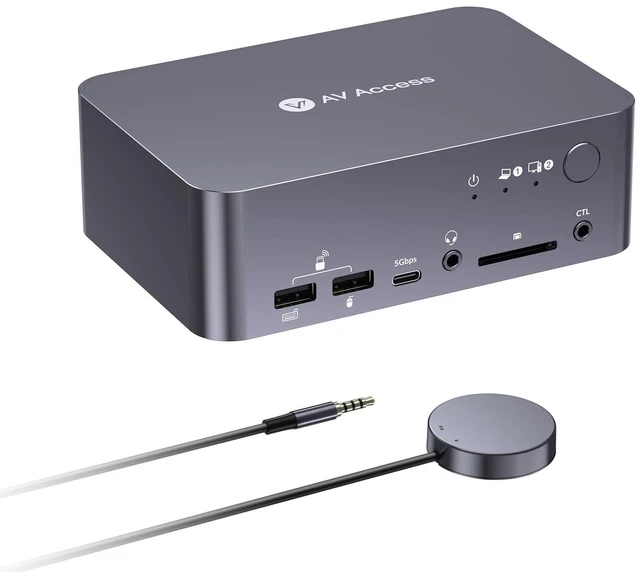
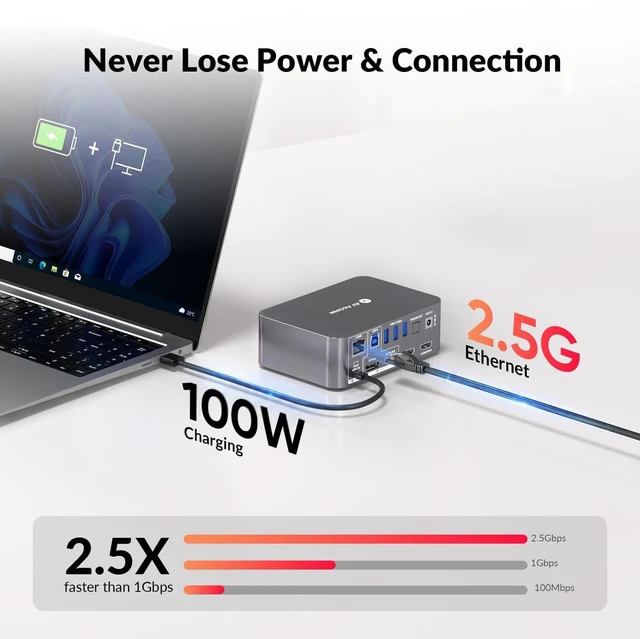
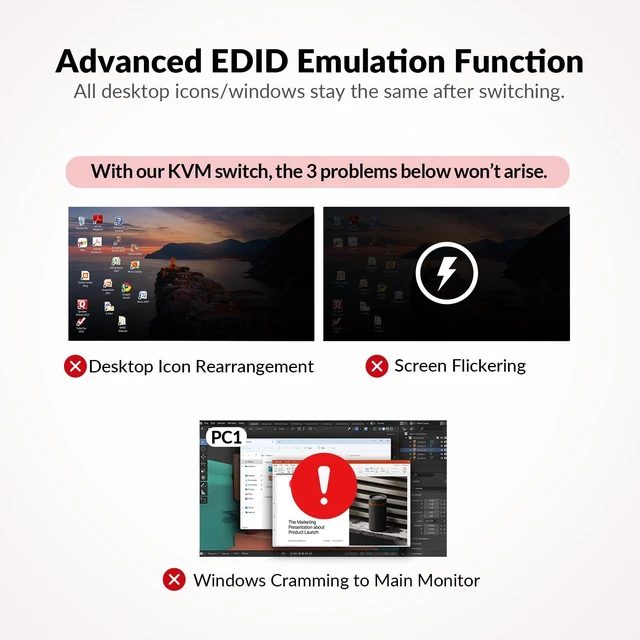
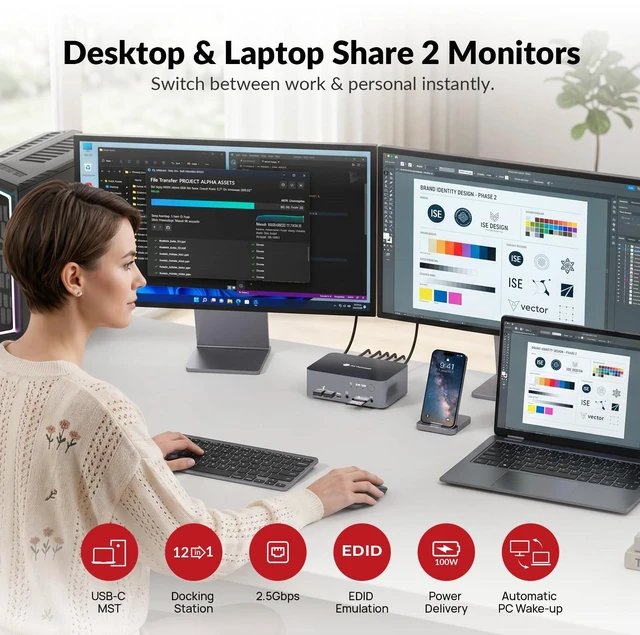
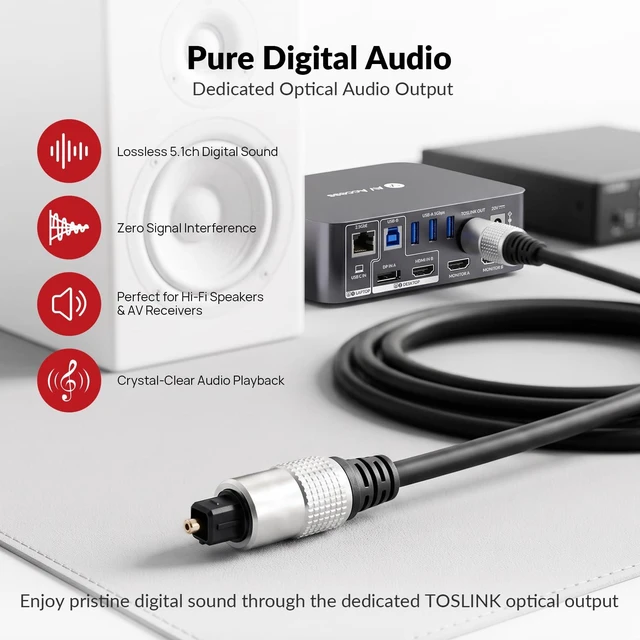
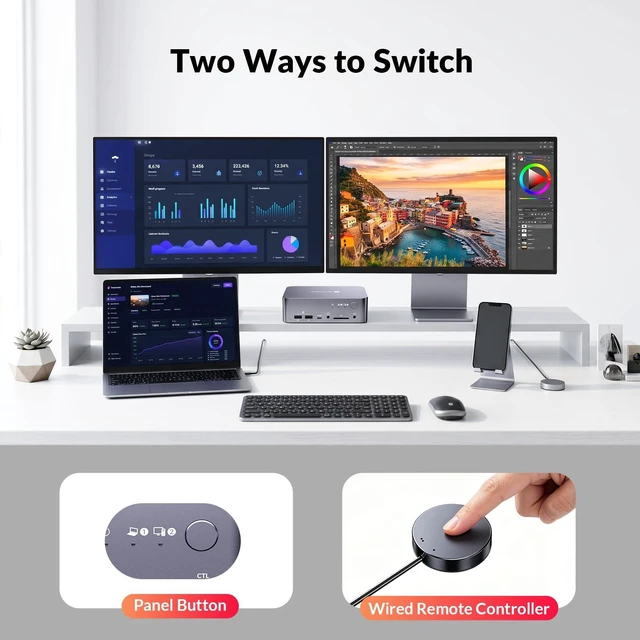
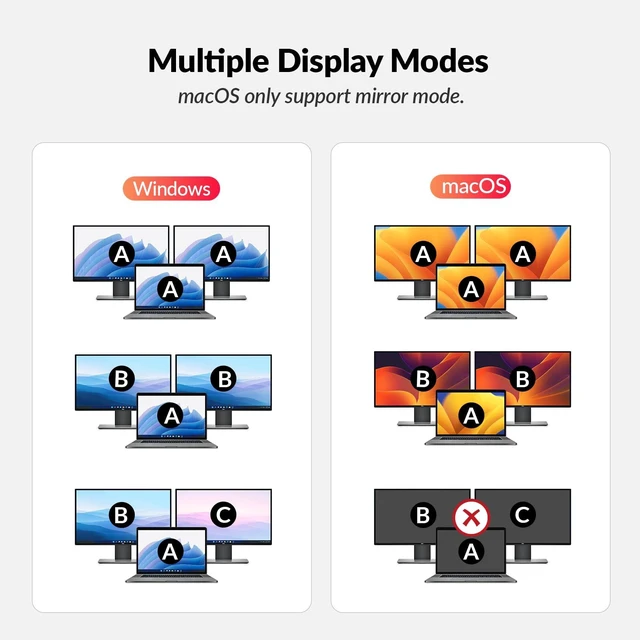
A two-computer desk should not require two separate workstations. If you use a company laptop during the day and a desktop PC for personal projects, creative work or gaming, switching between them can quickly become a routine of changing monitor inputs, moving USB devices and reconnecting cables. AV Access iDock X10 combines a dual-monitor KVM switch and USB-C docking station so both computers can share one organized desktop setup. Connect your compatible USB-C laptop through a single host cable and gain access to dual displays, shared USB peripherals, wired networking and up to 100W charging. Connect your desktop through HDMI, DisplayPort and USB, then use the front-panel control or included wired remote button to move the workstation between hosts. Dual-monitor support gives office professionals, developers and creators more room for spreadsheets, documents, code, editing timelines and reference material. Up to dual 4K@60Hz supports detailed productivity workflows, while 2560x1440@144Hz and 1080p@240Hz modes allow the same setup to support high-refresh-rate PC gaming. Built-in EDID emulation helps keep window layouts in place when switching, reducing the disruption caused by repeated display detection. Auto wake-up further streamlines the transition by helping wake a standby computer when its input is selected. iDock X10 is also designed to function as a central peripheral hub. One USB-C 5Gbps port, three USB 3.0 ports, two USB 2.0 ports, an SDXC card slot, a 3.5mm headset jack and TOSLINK optical audio let you build a single workstation around both computers. The USB-C laptop host can also use the integrated 2.5Gb Ethernet connection for high-speed wired networking. Compatibility is important for dual-display operation. The USB-C laptop must support DisplayPort Alt Mode, and dual extended displays through USB-C require MST support. Apple silicon Macs using this MST connection display mirrored content across the two external monitors rather than two independent extended desktops. For the desktop host, both HDMI and DisplayPort inputs must be connected to drive two displays. The integrated 2.5Gb Ethernet connection is available to the USB-C laptop host only. HDR is supported on compatible paths but is not supported through the desktop DisplayPort input. iDock X10 is designed for users who want one clean dual-monitor workstation for both work and personal computingwithout rebuilding the desk every time they switch computers.


