




 here!
here!
I’m your shopping assistant for PC builds, upgrades, and everything tech.
Got questions? Ask away!
Start a conversation
here!
I’m your shopping assistant for PC builds, upgrades, and everything tech.
Got questions? Ask away!
Start a conversation
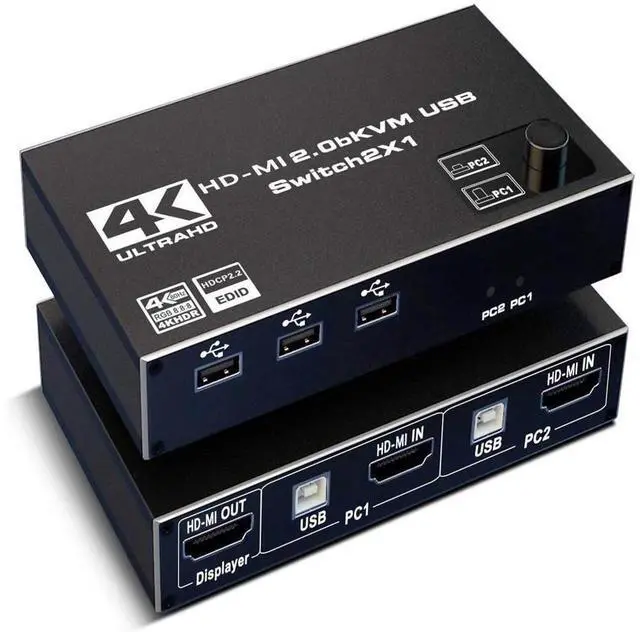
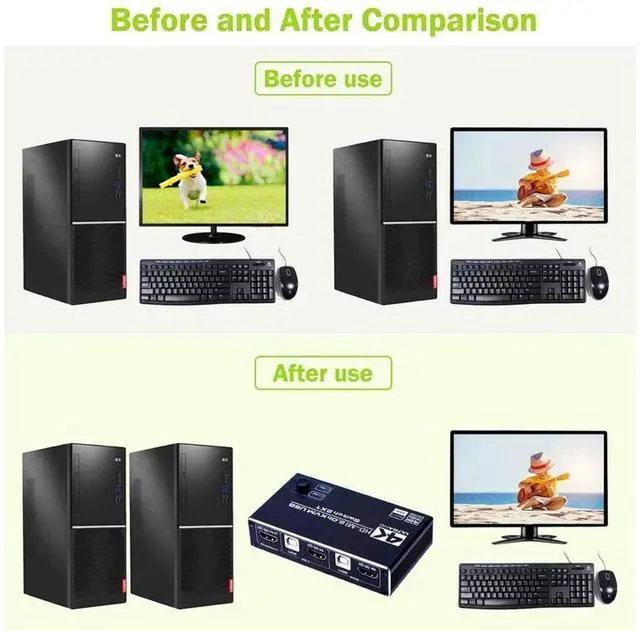
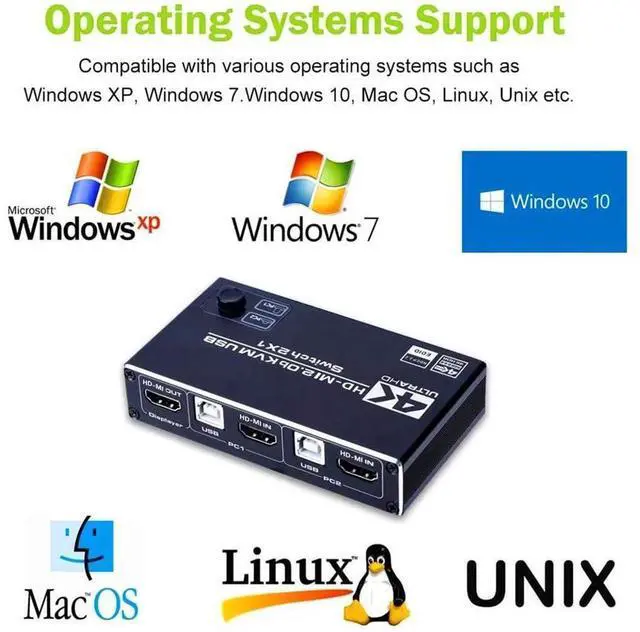
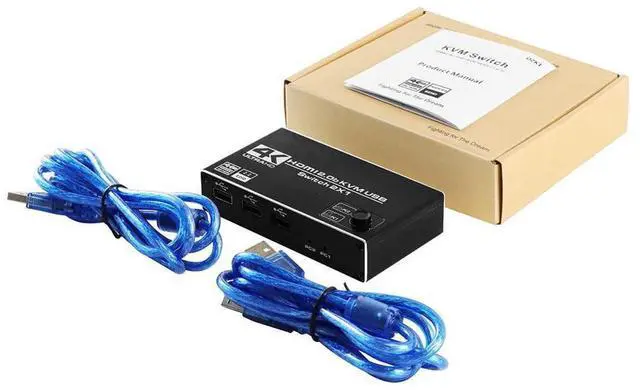



Any questions? Ask CelesteSM will help you find out quickly.
How to use the HD-MI 2.0 USB KVM switch?
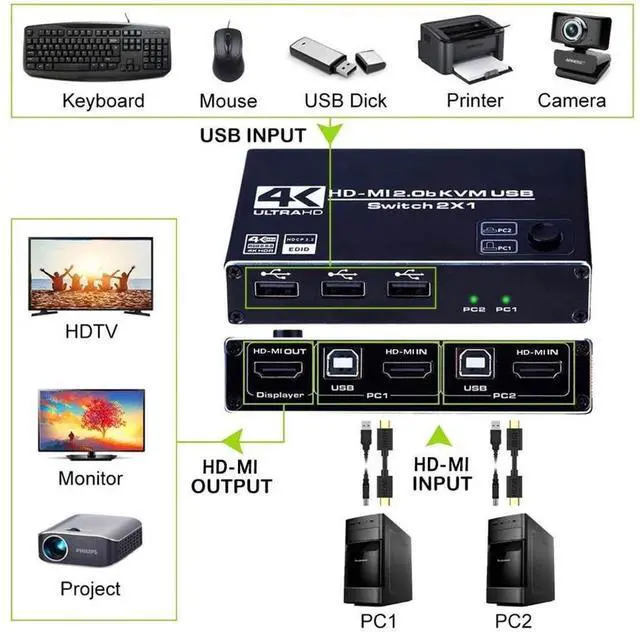
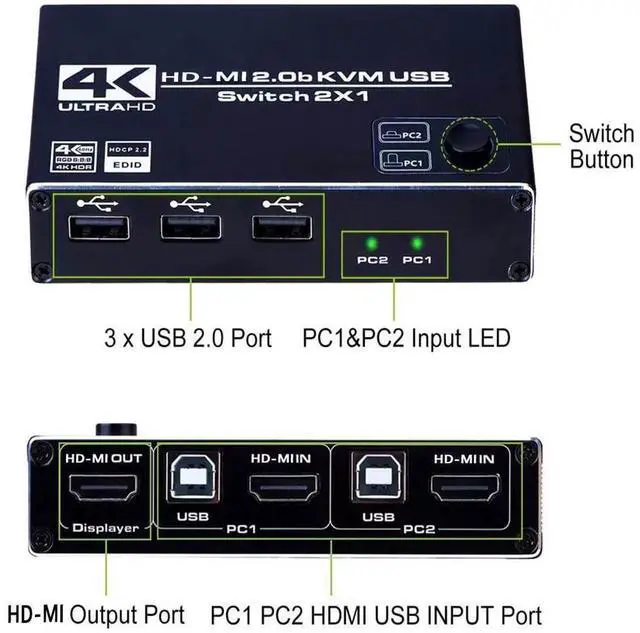
1. Connect HD-MI IN1 / 2 and USB IN1 / 2 to PC1 / 2 at the same time;
2. Connect the HD-MI output to the HD-MI monitor/TV/display;
3. Connect the USB keyboard and mouse to the corresponding USB port;
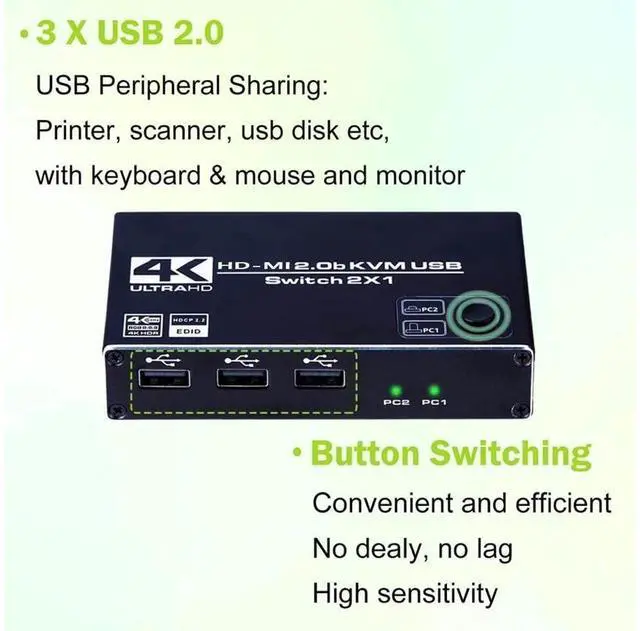
4. Connect the printer, USB flash drive or other USB device to the corresponding USB port.
5. Press the manual switch button to switch between the two computers.
Features:
1. HD-MI KVM switch 4K@60hz, two hosts share a monitor and a mouse keyboard.
2. The mouse and keyboard use no delay, USB 2.0 transmission technology, the mouse and keyboard are the same directly connected to the computer.
3. Easy to use, plug and play, using pure hardware technology for decoding, no driver required, simple and quick to use.
4. Keyboard hot key switch, press scroll key + number 1/2 to switch twice.
5. Built-in two sets of high-performance chips, independently corresponding to each function, to ensure that the equipment runs stably and does not freeze.
6. Ultra-clear 4K resolution, lower heat dissipation, more stable signal, support 7*24 hours of work.
Specification:
Item Name: KVM 4K switch
Material: metal
HD-MI version: HD-MI 1.4 b HD-MI 2.0 b
HD-MI resolution: up to 3840*2160/60Hz
Supported video format: 3D video format
Support video color format: 24/30/36 bit deep color
Supported audio format: DTS-HD/Dolby trueHD/DTS/DSD
Maximum bandwidth transmission: 690MHz
Maximum transmission rate: 6.9G bps
USB version: USB 2.0 /support wireless keyboard and mouse
Maximum working current: 200mA
Power adapter: (50Hz, 60Hz) 100V-240V; output: DC 5V/1A
Operating temperature: -15 to +65 degrees Celsius
Interface: HD-MI interface + USB interface
-Support system: Windows XP, Windows7, Windows10, Apple MAC, Linux, Unix and other operating systems
-Support high current hard disk devices
-Switching method: Press the "Select" button on the KVM switch panel to switch between the two source devices.
-Highly integrated digital chip combination, plug and play
Note:
1. In order to support monitors above 1080p or 4k resolution, please use an HD-MI 2.0 cable. Because HD-MI 1.4 (or below HD-MI 1.4 ) cables are not enough to support monitor resolutions higher than 1080p.
2. In order to be compatible with more keyboards, mouces, printers and USB flash drives, this kvm switch does not support hot key switching.
Package included:
1x 4K HD-MI KVM Switch
2x USB Cable
1x User Manual


