




 here!
here!
I’m your shopping assistant for PC builds, upgrades, and everything tech.
Got questions? Ask away!
Start a conversation
here!
I’m your shopping assistant for PC builds, upgrades, and everything tech.
Got questions? Ask away!
Start a conversation



Any questions? Ask CelesteSM will help you find out quickly.
Ideal Switch for 2 Computers Share 4 USB 3.0 Devices
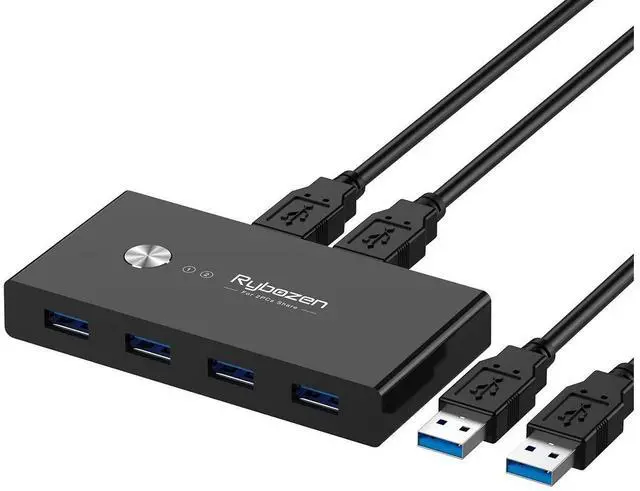
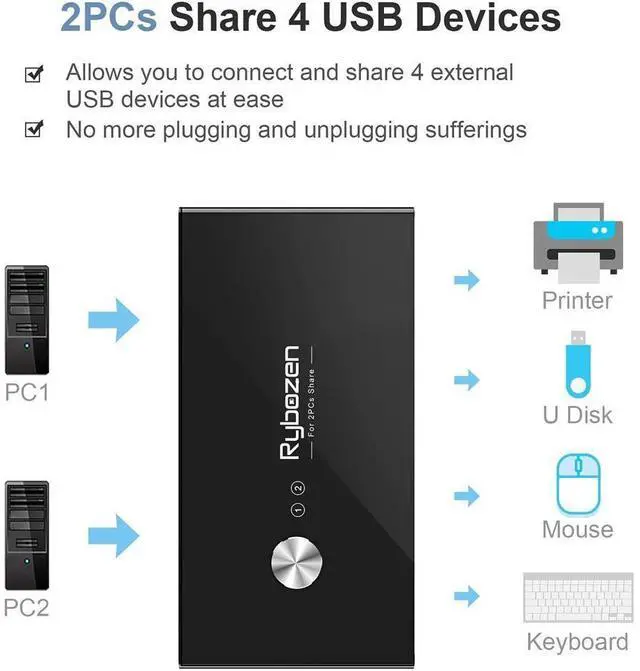
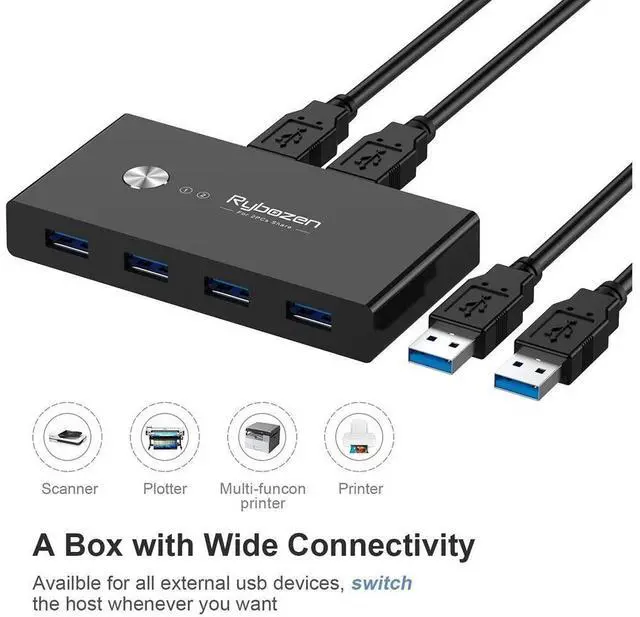
Rybozen 4-Port USB 3.0 Switch is an excellent choice to share 4 USB 3.0 or USB 2.0 devices between two Computers, saving time and space!
Ideal for sharing a printer or scanner in a small office environment
Great for use at home if you have PCs, laptops or Macs.
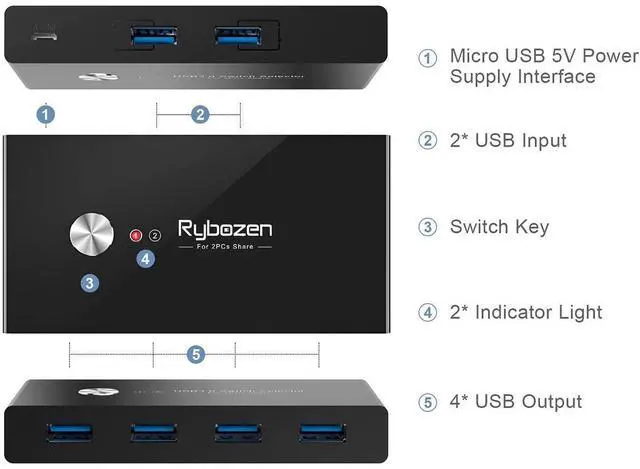
A separate micro USB Receptacle for high power consumption devices
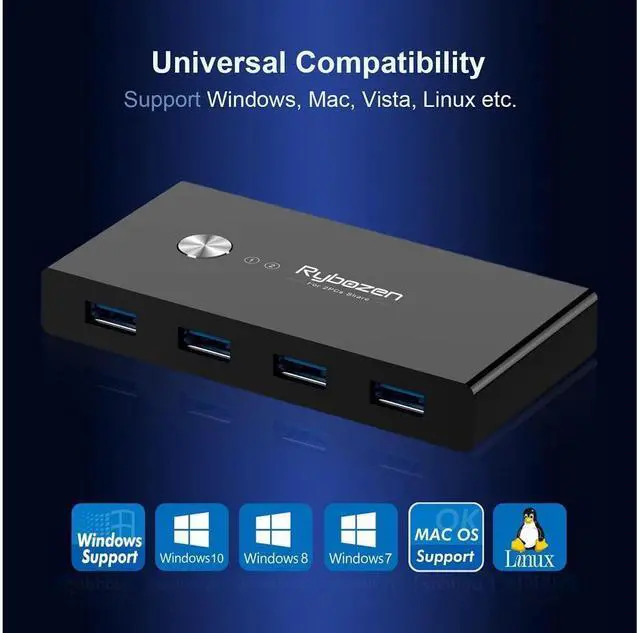
Universal USB 3.0 Device
USB 3.0 sharing switch works with all USB 3.0 & USB 2.0 port devices, optimized compatibility with more devices, such as webcams, external hard disks, HDD, Digital Video Cameras, camcorders, video surveillance cameras, SSD, etc.
USB 3.0 Ultra-Fast Speed
USB 3.0 Switch supports ultra-fast USB 3.0 data transfer rates of up to 5Gb/s (10 times faster than USB 2.0)
Button Switch and LED Indicator Design
Easily switches between systems via push buttons with LED indicating the active computer.
No Driver Needed, Plug and Play
This USB 3.0 switch is plug-n-play compatible, with no additional driver installation needed. USB bus-powered, No power adapter required still works. Designed USB C charging port support high power devices for stable use.
Important Note:
1. Please use Standard 5V Adapter (Not Included, sold separately) for powering.
2. Any charger with higher voltage output is NOT allowed and may affect the product performance.
3. This kvm usb switch requires manual control to select the active computer port; it does not 'automatically' switch between ports.
4. The wireless network may affect the connection, please set your router from 2.4GHz to 5GHz.
5. We suggest you use use a USB C to A adapter with a USB A to A cable for the Mac USB switch.
Package
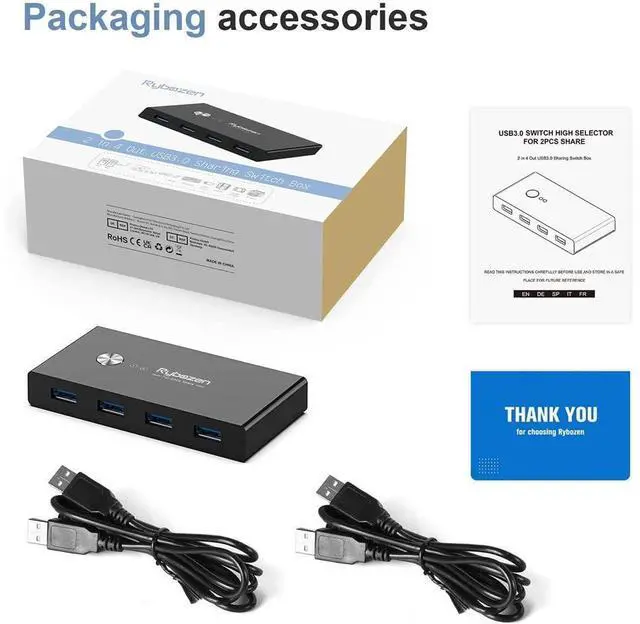
1PCS*USB 3.0 Switch 2 in 4 out
2PCS*USB 3.0 A to A cable
2PCS*User Manual
1PCS*Rybozen Card
2xUSB Cables Include
Comes with 2 USB 3.0 A to A cables (1.5m)
No need to buy USB cables for your computers separately
Micro USB Power Jack
Please use Standard 5V Adapter to power up the switch via the Micro USB port to access high power consumption devices
Power adapter is not included
LED Smart Indicator
LED indicator lights allow you to know which computer is in control easily
Due to the compact and lightweight design, it's a good companion to you while in working office or while on-the-go
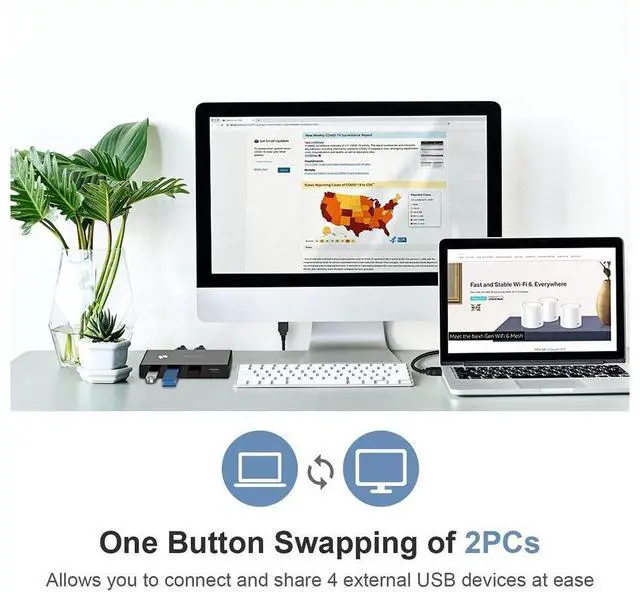
One Button Switch
Button switch design, switch at one push, easily switches between two computers via touch button


