USB 3.0 Switch USB Switch 2 Computers Share 3*USB 3.0 and 1*USB C Peripherals for PC Printer, Scanner Mouse Keyboard USB KVM Switch Compatible with Windows, Mac, Linux
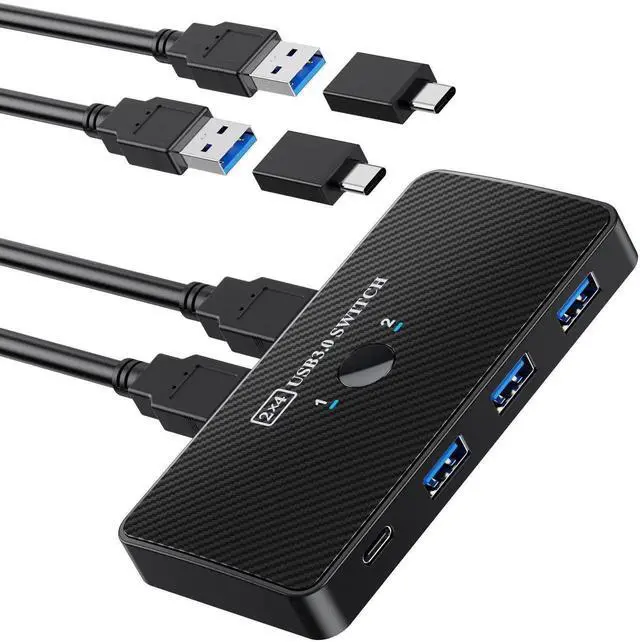
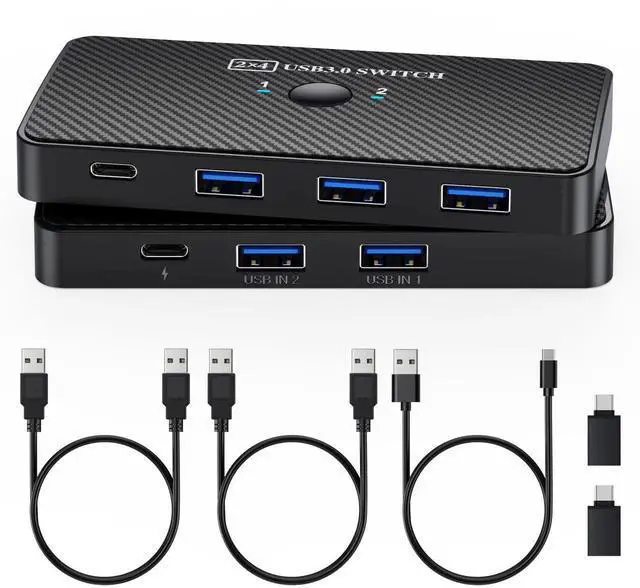
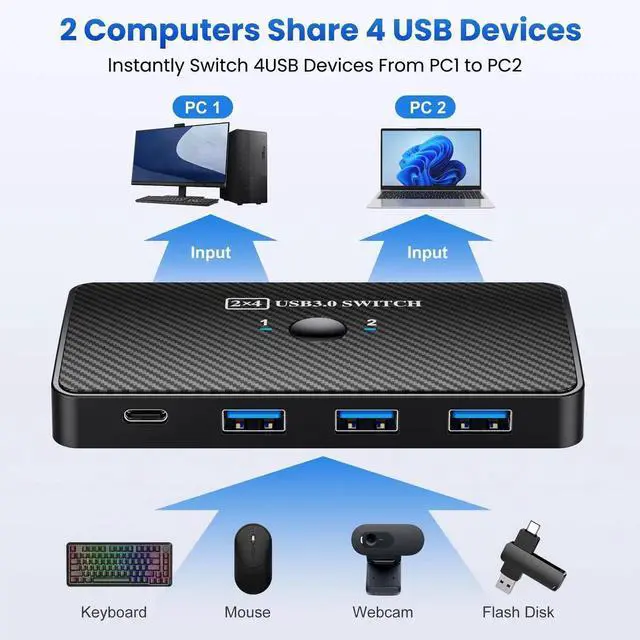
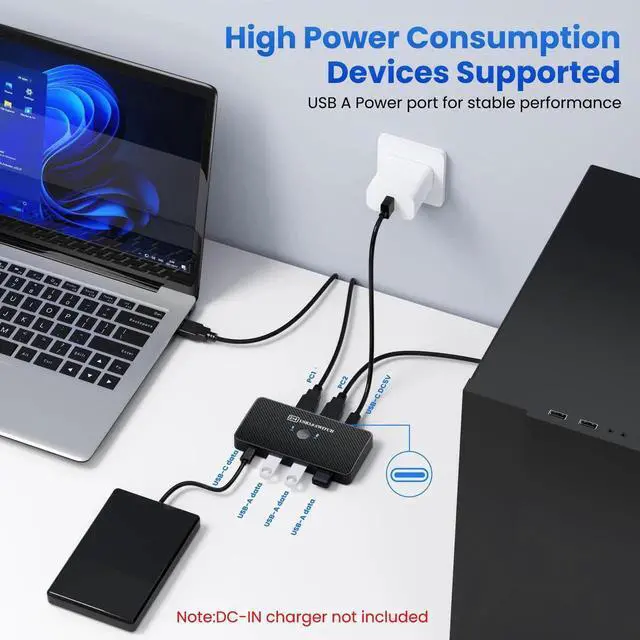
2 in 4 Out: The 2 in 4 out USB 3.0/USB-C kvm switch supports two computers to share 3 x USB 3.0 and 1 x USB-C devices without the need to constantly swap cables or setup complicated network sharing software. Ideal for the home/office if you have multiple computers or Macs
Wide Application: The USB keyboard mouse switch is Ideal for sharing devices such as a printer, scanner, mouse, keyboard, card reader, flash drive, and other USB devices between 2 computers
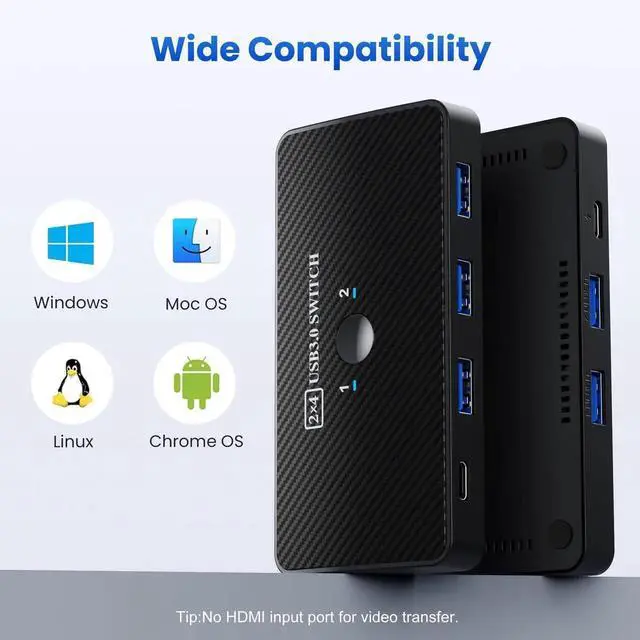
Easy Installation: The powered USB switch with great Compatibility, driver-free for Windows 10/8/8.1/7/Vista/XP and Mac OS, Linux, and Chrome OS, simply plug and play, connect the USB cable to computers and the USB port of the product
Fast Data Transfer Speed: Equipped with three USB 3.0 ports and one USB-C port, the USB Switch supports data transfer rates of up to 5Gbps, so you can easily transfer data from USB flash drives and removable drives to your computer. It's also backward compatible with USB 2.0 and is plug-and-play for a variety of systems: Windows, macOS, Chrome OS, and Linux computers
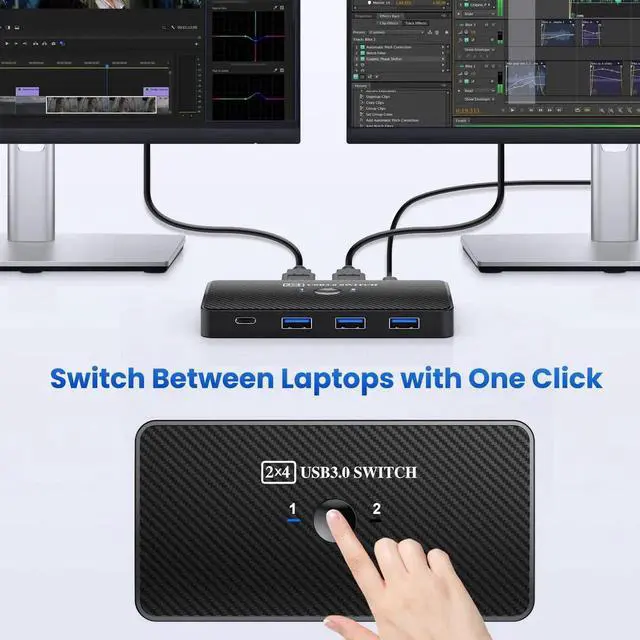
One-Button Switch: USB 3.0 switch with Button and LED indicator lights, you can easily switch between 2 computers by a single click on the button with LED indicating the active computer, with a separate micro USB female port for option power, which optimizes its compatibility with more devices, such as HDD, Digital Video Cameras, SSD, etc
+
+
Overview
Specs
Reviews
Any questions? Our AI beta will help you find out quickly.
Try me now
USB 3.0 Switch USB Switch 2 computers share 3*USB 3.0 and 1*USB C Peripherals for PC Printer, Scanner Mouse Keyboard USB KVM Switch Compatible with Windows, Mac, Linux
Learn more about the Detailed Specifications
Additional Information
First Listed on Newegg
January 04, 2026
There are no reviews yet.
Do you own this product?
Warranty & Returns
Warranty, Returns, And Additional Information
Warranty
Please contact the Seller directly for warranty information. Warranty information may also be found on the Manufacturer's website.