




 here!
here!
I’m your shopping assistant for PC builds, upgrades, and everything tech.
Got questions? Ask away!
Start a conversation
here!
I’m your shopping assistant for PC builds, upgrades, and everything tech.
Got questions? Ask away!
Start a conversation



Any questions? Ask CelesteSM will help you find out quickly.

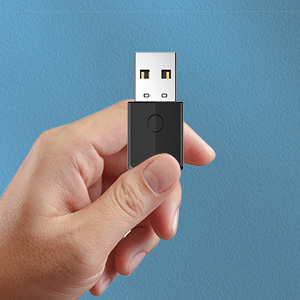
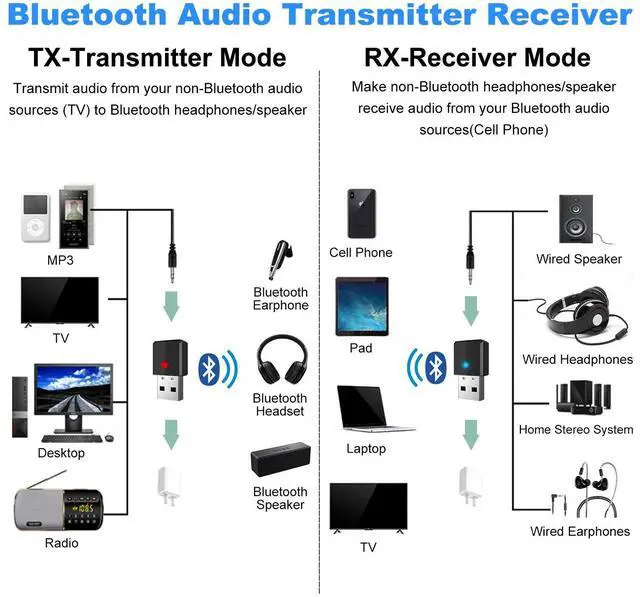
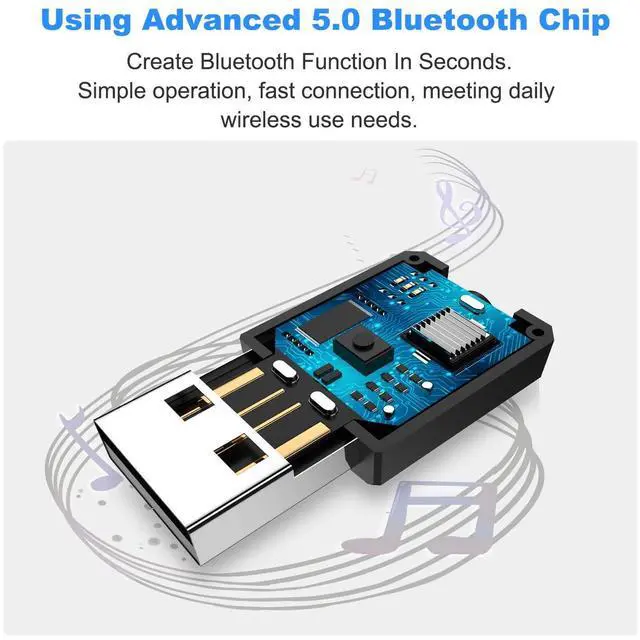
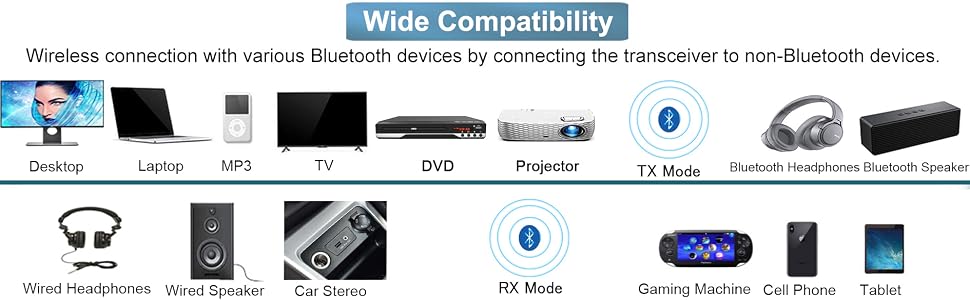
By connecting the Bluetooth aux adapter to non-Bluetooth device, stable wireless connection with various Bluetooth devices within 33FT can be achieved. The receiving or transmitting of audio can also be realized. This way, you can enjoy wireless music and listen to late-night shows without disturbing your loved ones' sleep.
Package
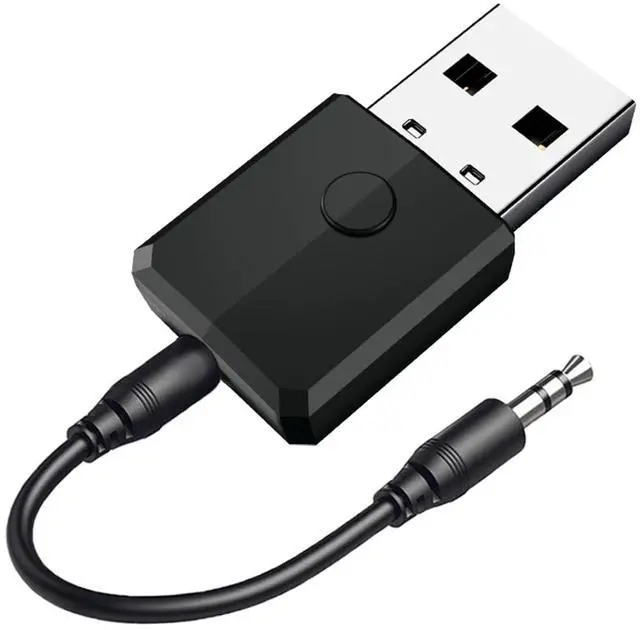
1 x 3.5mm Wireless Audio Adapter; 1 x 3.5mm Audio Cable(1.6ft/50cm) ; 1 x User Manual
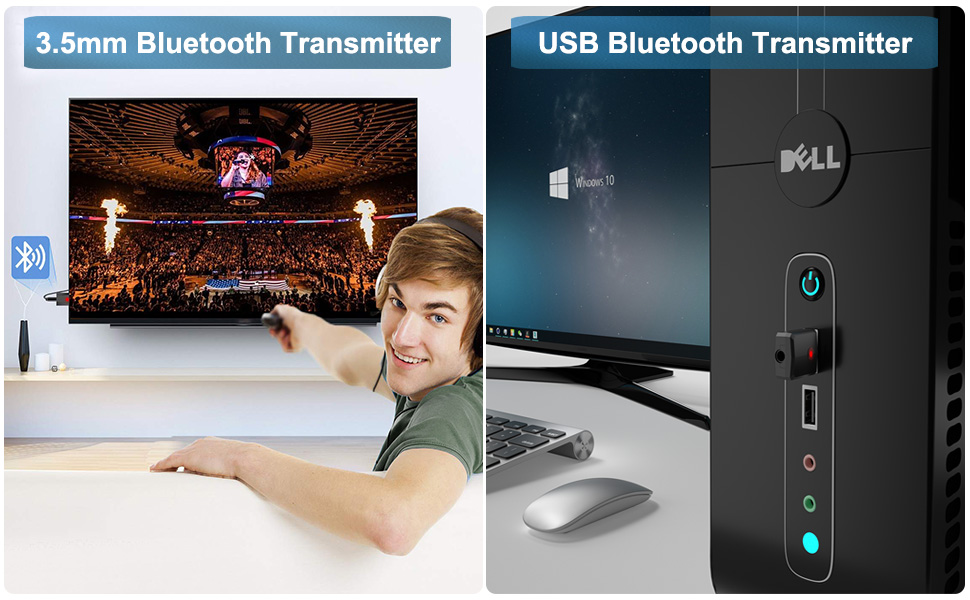
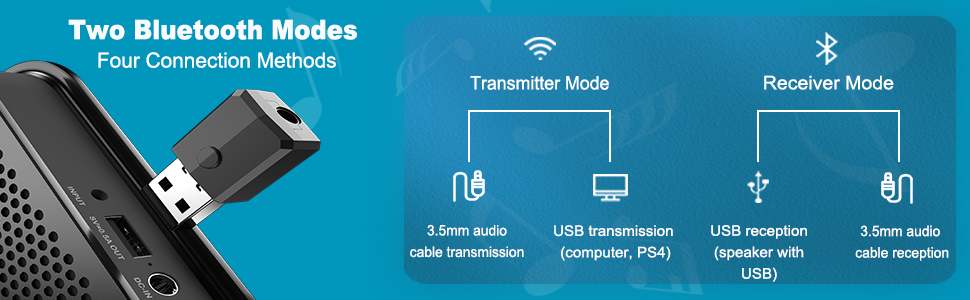
Transmitter Mode
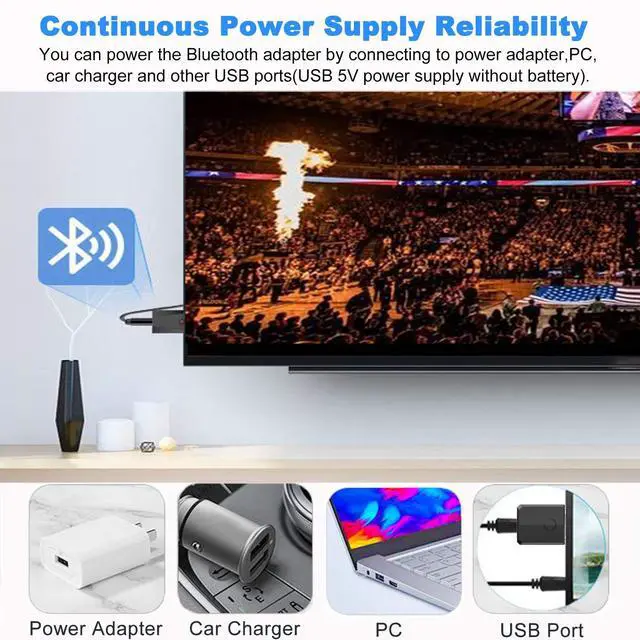
1. Plug the adapter into device with USB 5V power supply.
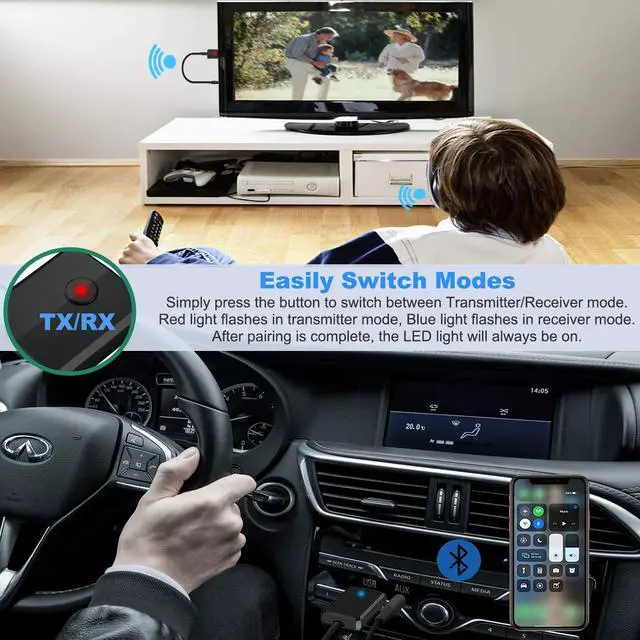
2. Set the adapter into transmitter mode (red light flashes).
3. Use 3.5mm audio cable to connect the audio equipment (TV, MP3, CD / DVD player, etc) and the adapter's audio port.
4. Turn on your Bluetooth headphones or other Bluetooth device and enter pairing state, your audio equipment will automatically search and pair with it, and red light will stays on after pairing succeeds.
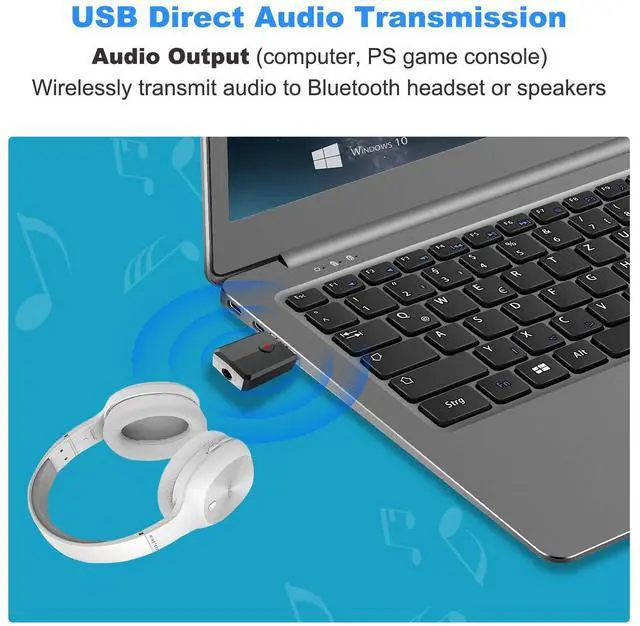
USB Transmitter Mode (Suitable for computer and PS4 game console)
1. Plug the adapter into PC/PS4 game console’s USB port.
2. Set the adapter into transmitter mode (red light flashes).
3. Turn on your Bluetooth headphones or other Bluetooth device and enter pairing state, PC/PS4 game console will automatically search and pair with it, and red light will stays on after pairing succeeds.
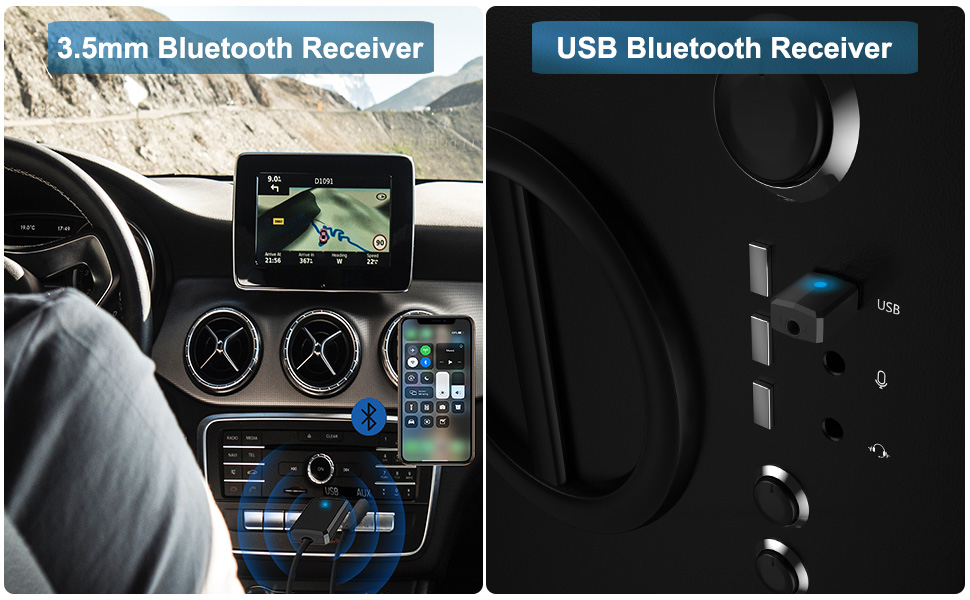
Receiver Mode
1. Plug the adapter into device with USB 5V power supply.
2. Set the adapter into receiver mode (blue light flashes).
3. Use 3.5mm audio cable to connect the audio equipment (speaker / car / home sound system, etc) and the adapter‘s audio port.
4. Search for ‘ZF-169S’ on your phone’s Bluetooth list for pairing, and blue light will stays on after pairing succeeds.
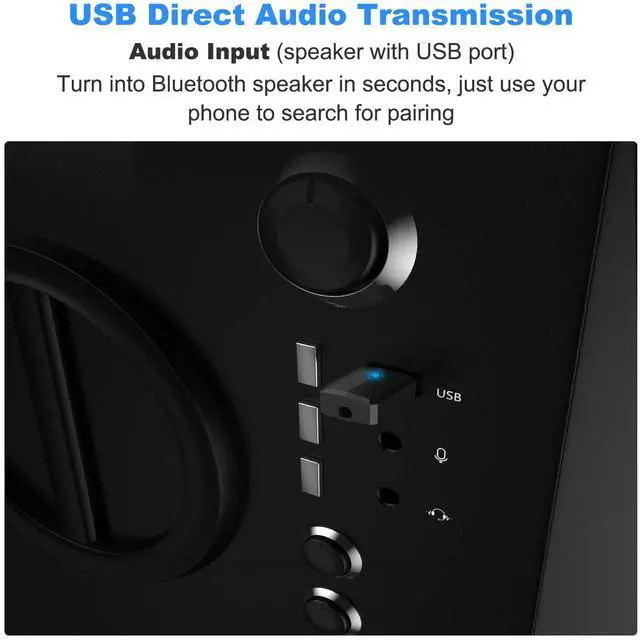
USB Receiver Mode (Suitable for speaker with USB port)
1. Plug the adapter into speaker’s USB port.
2. Set the adapter into receiver mode (blue light flashes).
3. Search for ‘ZF-169S’ on your phone’s Bluetooth list for pairing, and blue light will stays on after pairing succeeds.
Note
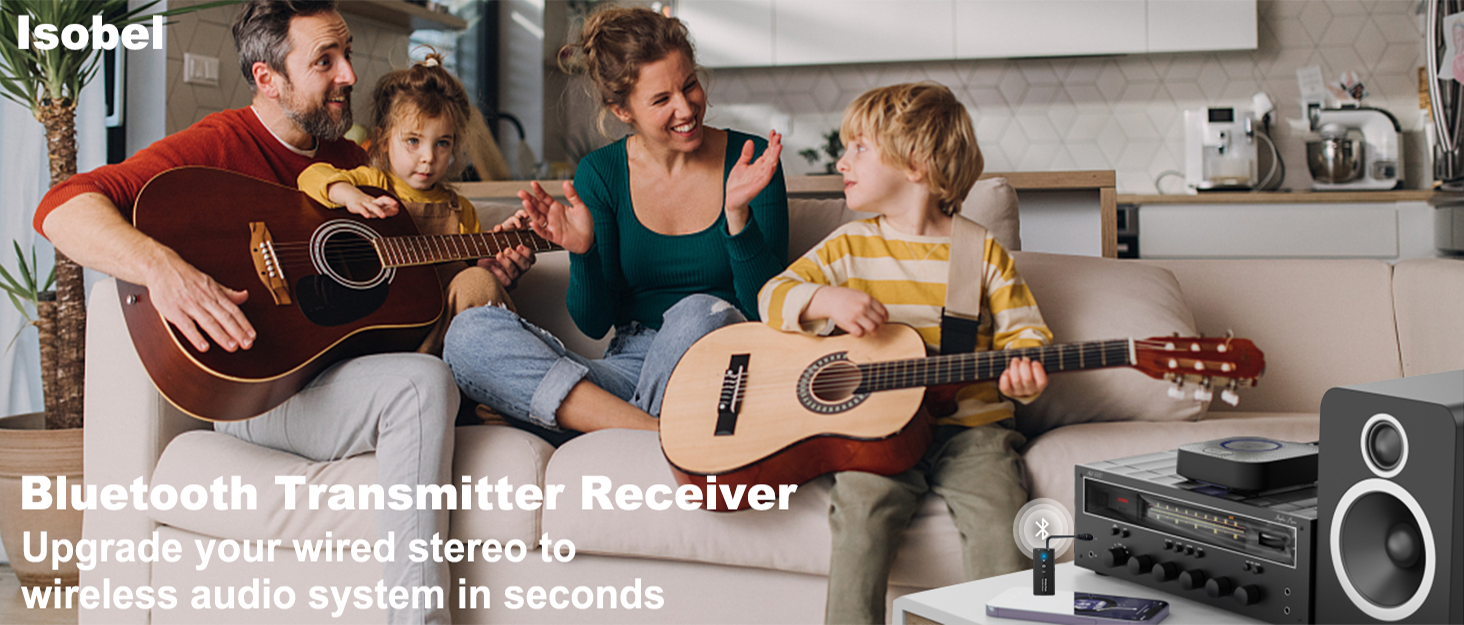

At Isobel, our mission is to empower modern professionals and audiophiles with innovative wireless audio solutions.
We believe that great sound should be seamless—whether you're working, creating, or simply enjoying music.
Innovative tech products elevate users audio experience, allowing users to continuously explore the fun of life and realize the connection between users and creative life.
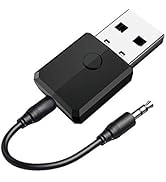
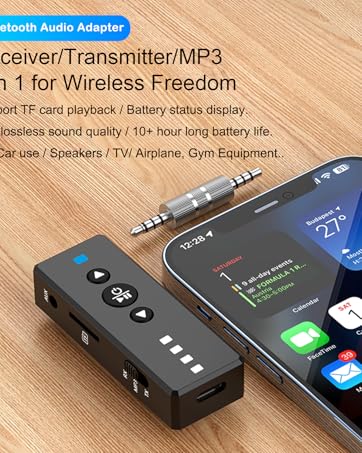
By connecting the Bluetooth aux adapter to non-Bluetooth device, stable wireless connection with various Bluetooth devices within 33FT can be achieved. The receiving or transmitting of audio can also be realized. This way, you can enjoy wireless music and listen to late-night shows without disturbing your loved ones' sleep.
Package
1 x 3.5mm Wireless Audio Adapter; 1 x 3.5mm Audio Cable(1.6ft/50cm) ; 1 x User Manual
Transmitter Mode
1. Plug the adapter into device with USB 5V power supply.
2. Set the adapter into transmitter mode (red light flashes).
3. Use 3.5mm audio cable to connect the audio equipment (TV, MP3, CD / DVD player, etc) and the adapter's audio port.
4. Turn on your Bluetooth headphones or other Bluetooth device and enter pairing state, your audio equipment will automatically search and pair with it, and red light will stays on after pairing succeeds.
USB Transmitter Mode (Suitable for computer and PS4 game console)
1. Plug the adapter into PC/PS4 game console’s USB port.
2. Set the adapter into transmitter mode (red light flashes).
3. Turn on your Bluetooth headphones or other Bluetooth device and enter pairing state, PC/PS4 game console will automatically search and pair with it, and red light will stays on after pairing succeeds.
Receiver Mode
1. Plug the adapter into device with USB 5V power supply.
2. Set the adapter into receiver mode (blue light flashes).
3. Use 3.5mm audio cable to connect the audio equipment (speaker / car / home sound system, etc) and the adapter‘s audio port.
4. Search for ‘ZF-169S’ on your phone’s Bluetooth list for pairing, and blue light will stays on after pairing succeeds.
USB Receiver Mode (Suitable for speaker with USB port)
1. Plug the adapter into speaker’s USB port.
2. Set the adapter into receiver mode (blue light flashes).
3. Search for ‘ZF-169S’ on your phone’s Bluetooth list for pairing, and blue light will stays on after pairing succeeds.
Note
At Isobel, our mission is to empower modern professionals and audiophiles with innovative wireless audio solutions.
We believe that great sound should be seamless—whether you're working, creating, or simply enjoying music.
Innovative tech products elevate users audio experience, allowing users to continuously explore the fun of life and realize the connection between users and creative life.


