Meet Your Seller
2x2 USB-C Audio Interface for PC/Mac Recording | 24-bit/192kHz, Dual TS/XLR Inputs, +48V Phantom Power, Studio/Podcast/Streaming(Matte Red)
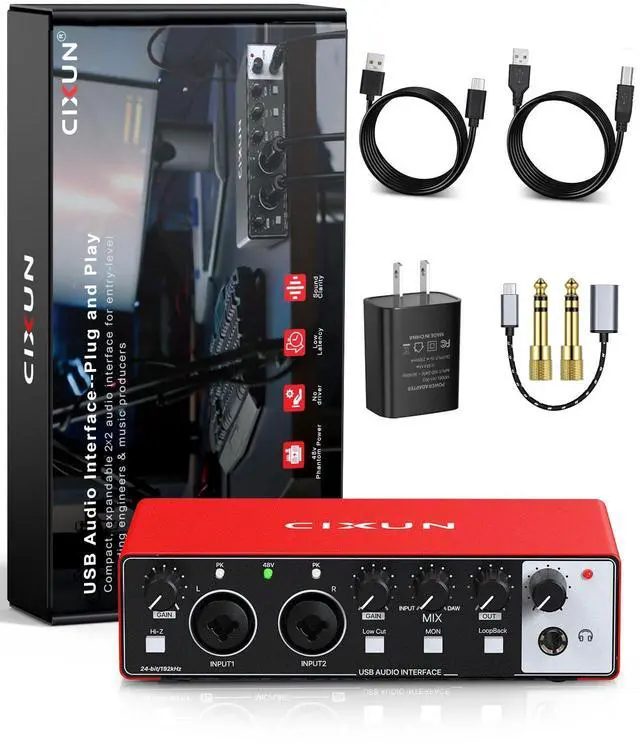
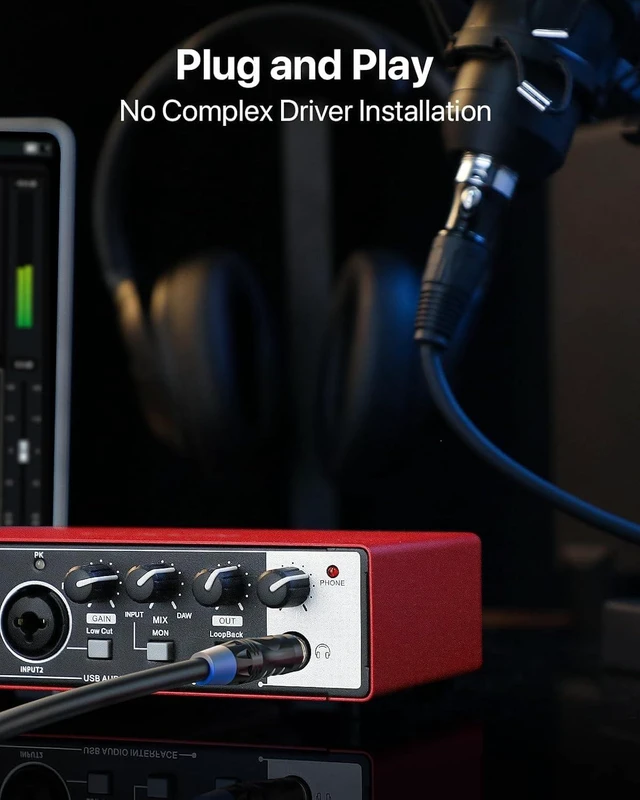
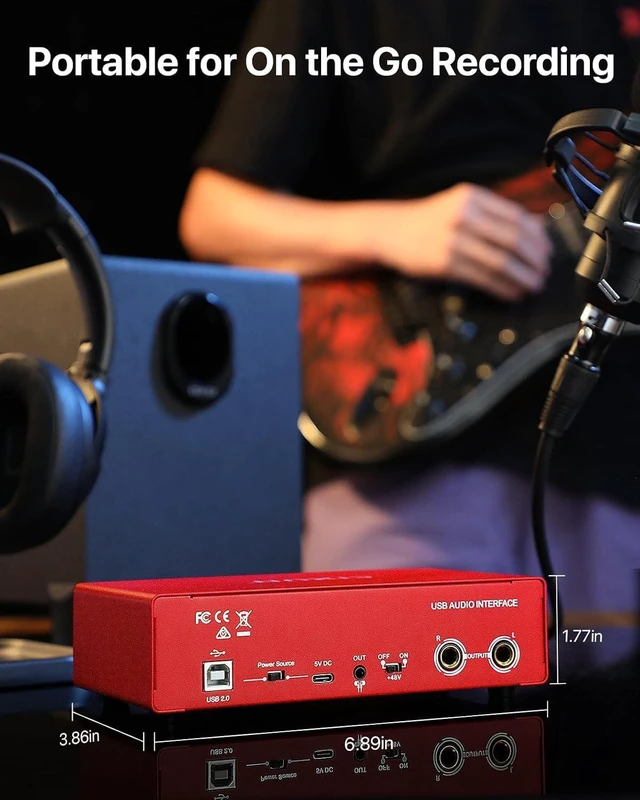
- Plug and Play/Wide Compatibility: This USB audio interface connects easily to your Mac, PC, or mobile device without the need to install complicated drivers. Its very useful for beginners. In addition, this professional audio interface supports high-speed data transfer and is bus-powered,. No drivers requiredjust plug it into your laptop to enjoy flexible options for music production
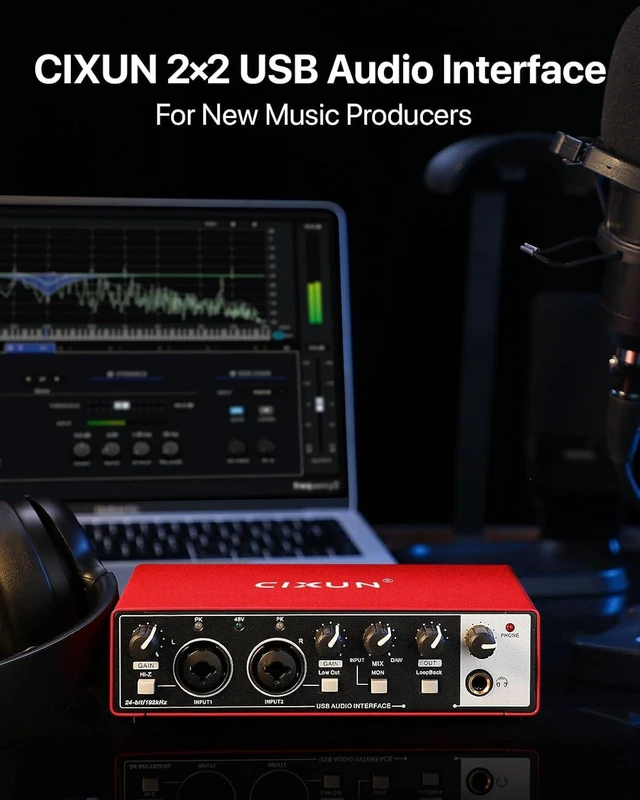
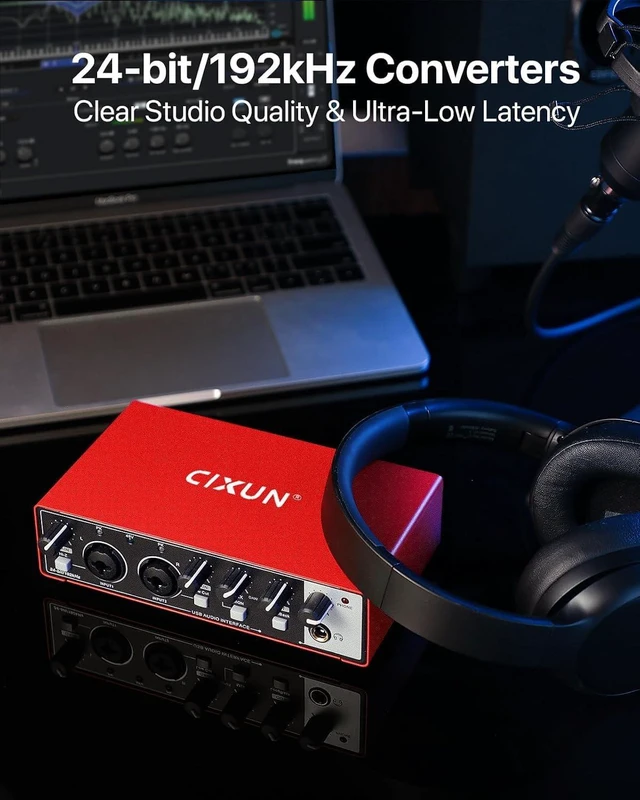
- Studio-Grade 24-bit/192kHz High Fidelity & Elegant Design: With professional resolution sampling rate, This 2 channel audio interface features high-performance converters and capture every nuance. This aesthetic of appearance ensures easy visibility in dimly room . USB-audio interface can ensures more clear recordings and showcase every detail of tracks and compatible with PC & Mac platforms.
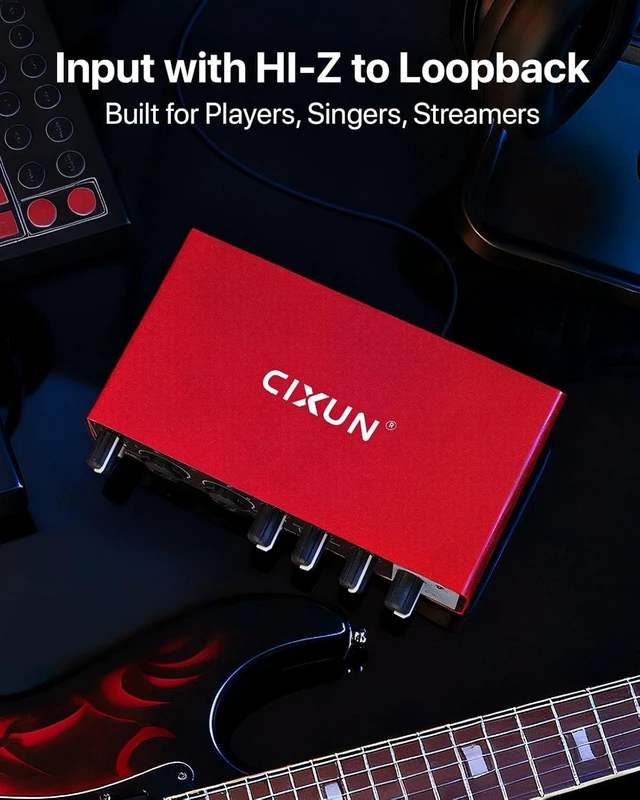
- Audio Interface 2 In and 2 Out: The CIXUN guitar interface features 1/4-inch plus Dual XLR/TS inputs and dual stereo outputs, offering comprehensive monitoring flexibility; equips a USB/Direct switch. Its powerful preamps provide up to 100 dB of input gain. This audio interface for Mac also features a HI-Z selector switch, providing clean, ample gain even for the most demanding microphones.
Any questions? Ask CelesteSM will help you find out quickly.
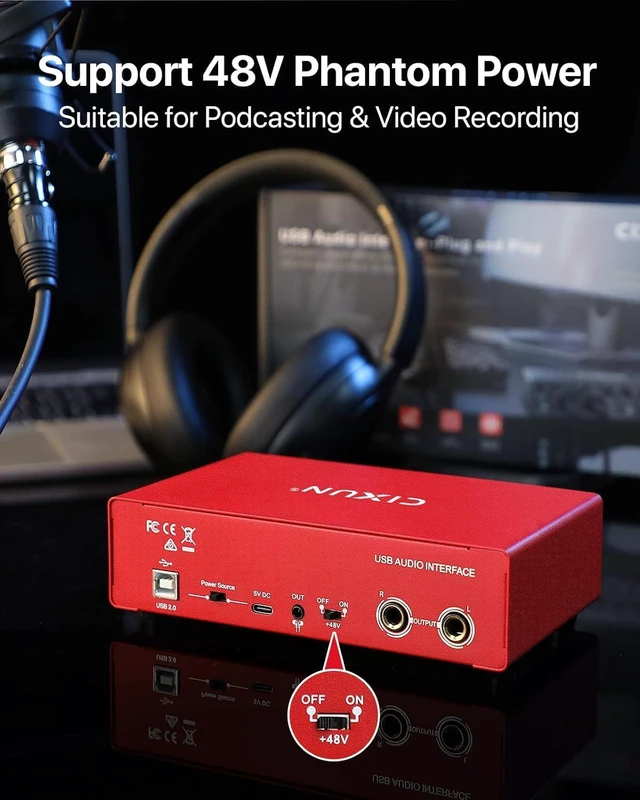
2x2 USB-C Audio Interface for PC/Mac Recording, 24-bit/192kHz, Dual TS/XLR Inputs, +48V Phantom Power, Studio/Podcast/Streaming(Matte Red) Frequently Asked Questions 1. No audio output? Make sure youre using the correct USB cable. Check that the [Output] and [Gain] knobs are turned up. Ensure that all microphones and speakers are properly connected and powered on. Depending on your microphones requirements, verify that the [+48V] phantom power is turned on or off as needed. 2. 48V Phantom Power Microphones? If you are using a microphone that requires 48V phantom power (such as condenser microphones and active ribbon microphones), please slide the 48V switch on the back of the product to the ON position after connecting the 48V phantom power microphone to the XLR connector. After use, slide the 48V switch to the OFF position before disconnecting your 48V phantom power microphone. If you are using a dynamic microphone, do not turn on the 48V phantom power! 3. Product Not Working? An external 5V DC power source must be connected to the port. A smartphone cannot provide sufficient power to the port.
Warranty & Returns
Warranty, Returns, And Additional Information
Warranty
- Please contact the Seller directly for warranty information. Warranty information may also be found on the Manufacturer's website.
- CONTACT
Return Policies
- Return for refund within: 30 days
- Return for replacement within: 30 days
- This item is covered by Music Street Return Policy
Manufacturer Contact Info
- For a directory of all our manufacturers, please click below.
- Manufacturers Directory