




 here!
here!
I’m your shopping assistant for PC builds, upgrades, and everything tech.
Got questions? Ask away!
Start a conversation
here!
I’m your shopping assistant for PC builds, upgrades, and everything tech.
Got questions? Ask away!
Start a conversation



Any questions? Ask CelesteSM will help you find out quickly.
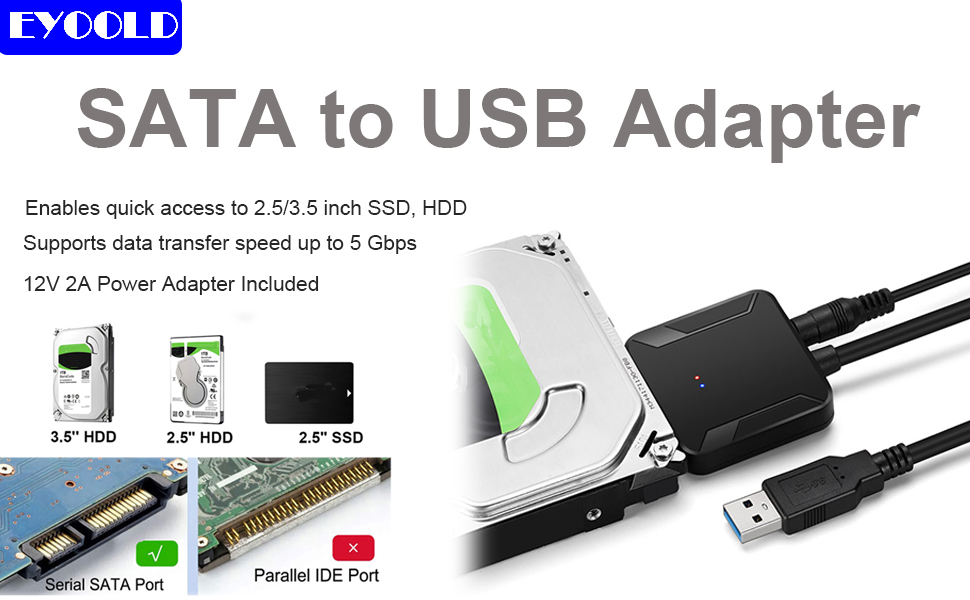
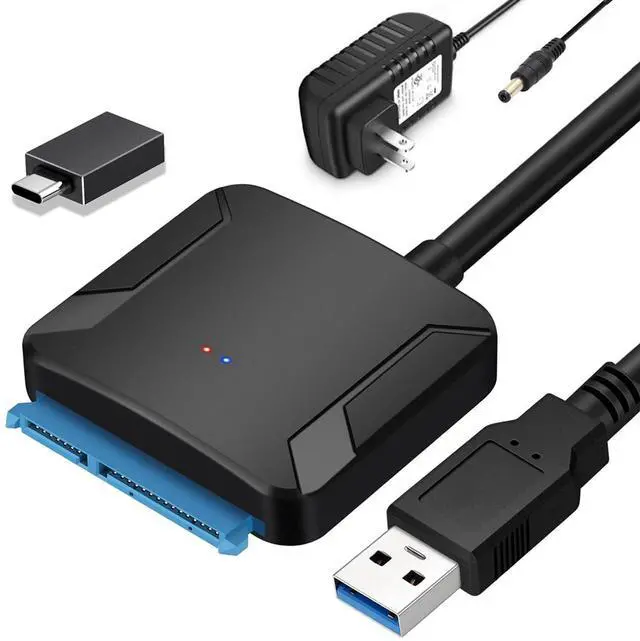
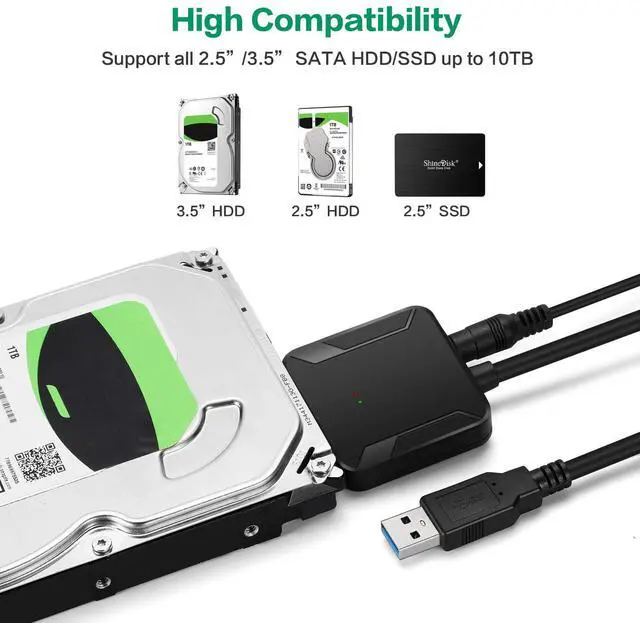
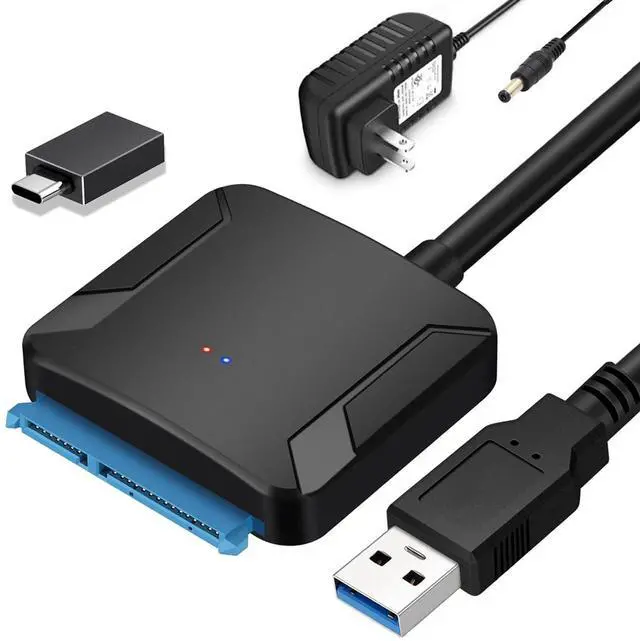
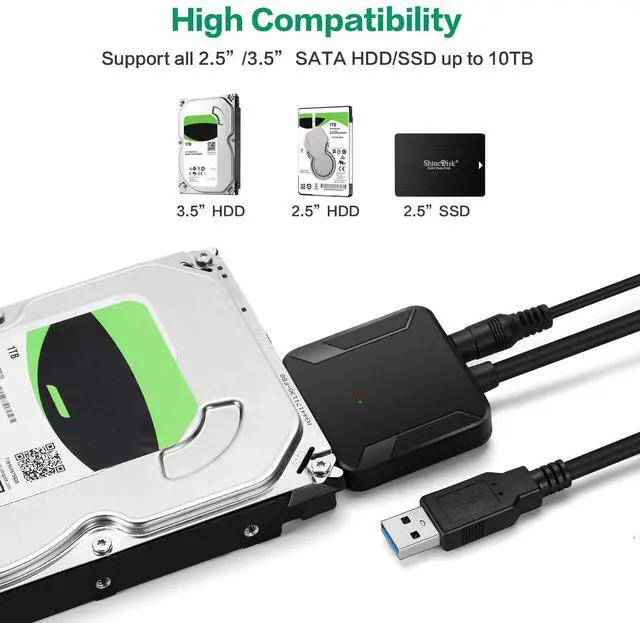
These devices allow you to connect 2.5"/3.5" SATA-based hard drives (HDDs) or solid-state drives (SSDs) to a computer via USB, making them useful for data recovery, backups, or using an internal drive externally
Applications
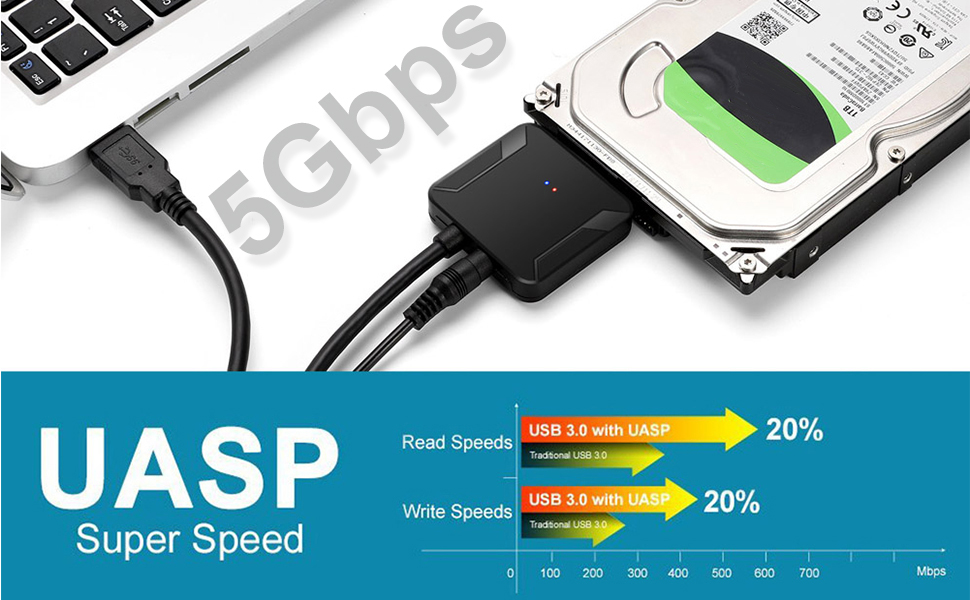
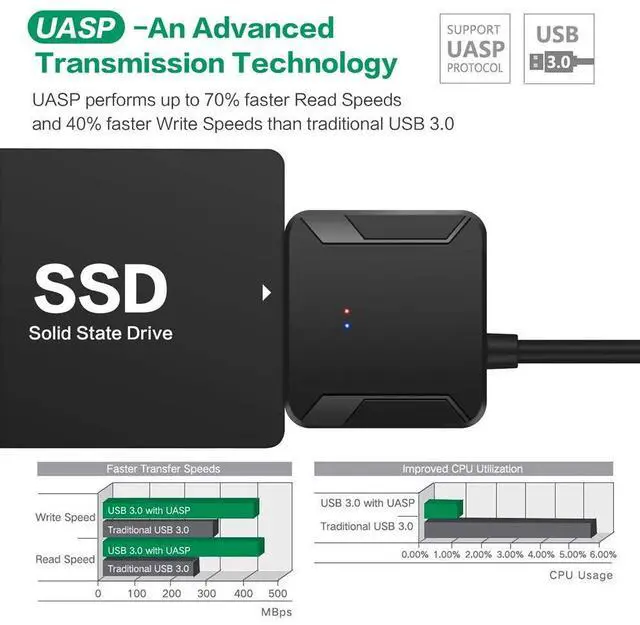
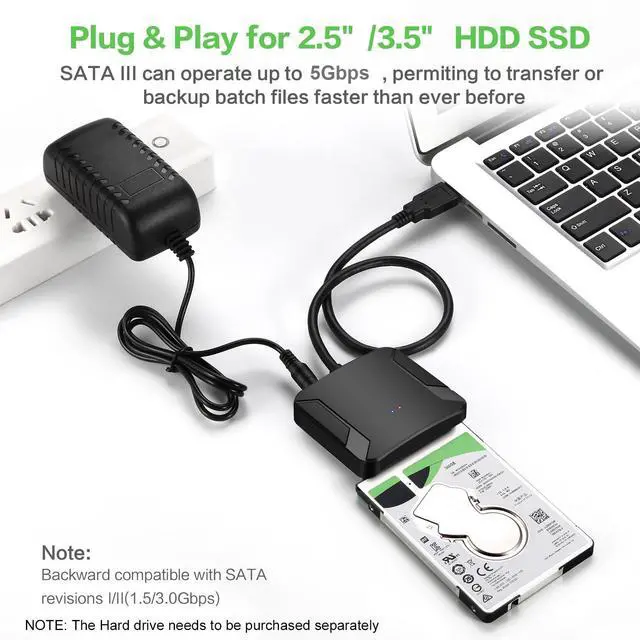
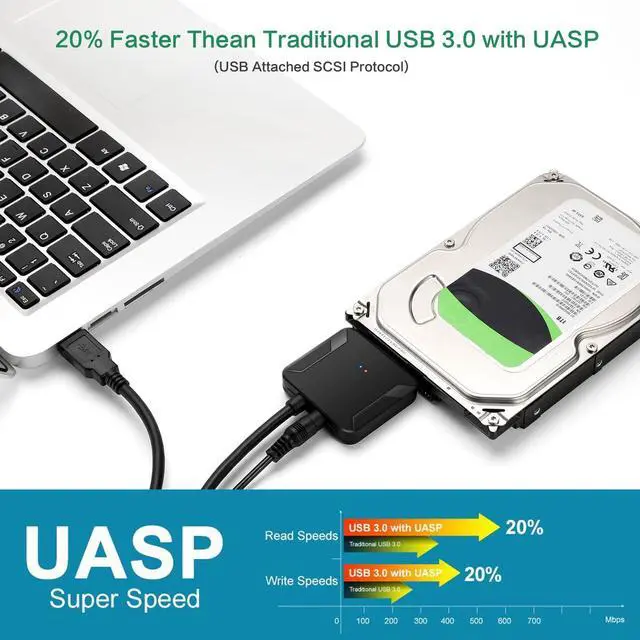
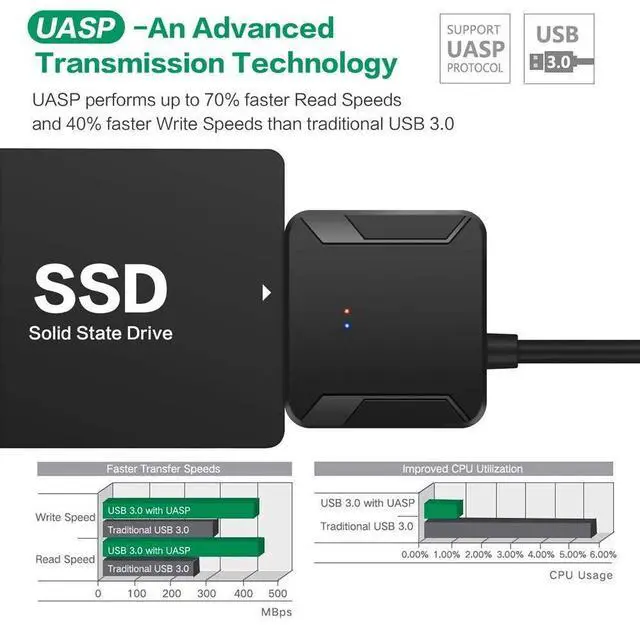
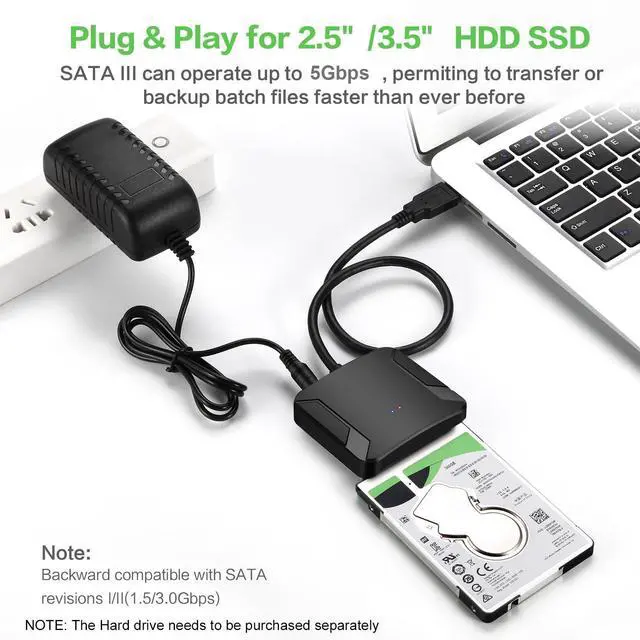
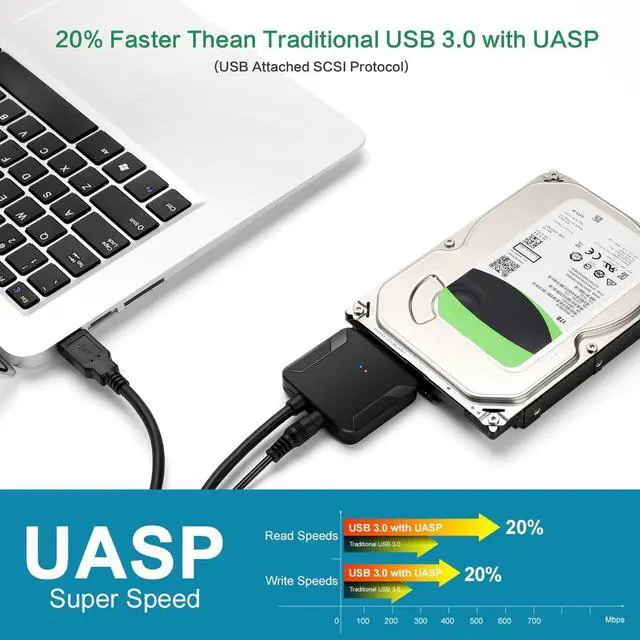
Features with USB 3.0 external data transfer rates up to 5Gbps, you can experience transfer speeds up to 20% faster than conventional USB 3.0, when connected to a computer that also supports UASP, allows you to backup files or upgrade your notebook/PC hard drive quickly.
USB 3.0: Offers speeds up to 5 Gbps (ideal for SSDs or fast HDDs).
USB 2.0: Limited to 480 Mbps (sufficient for basic file transfers but slower)
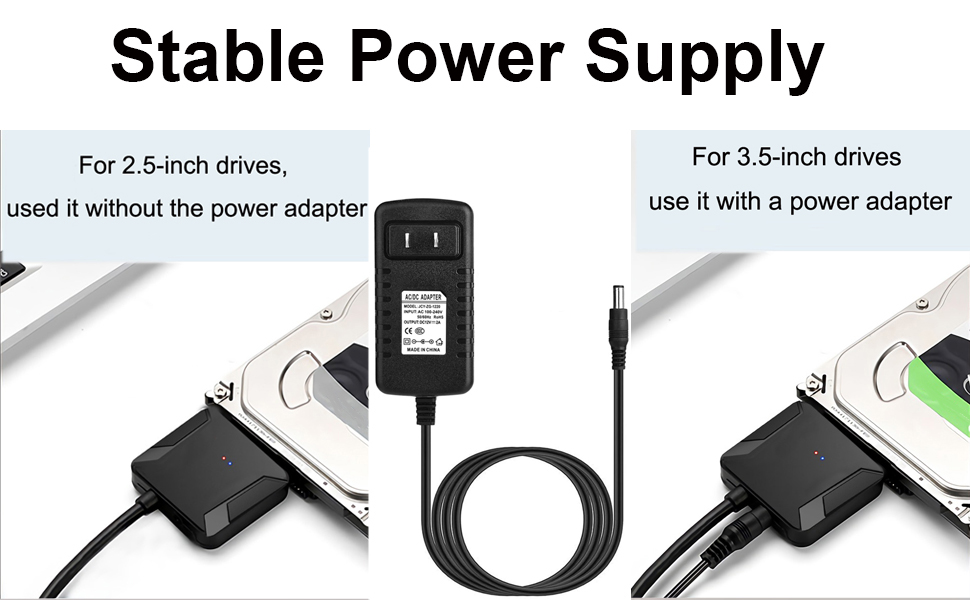
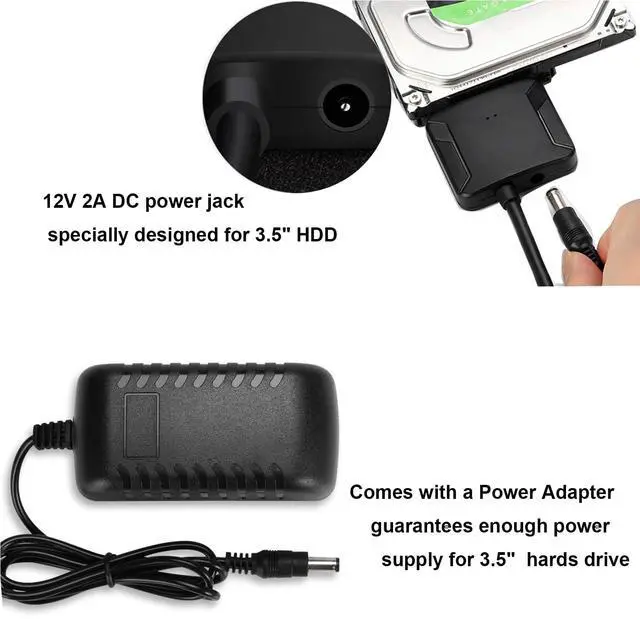
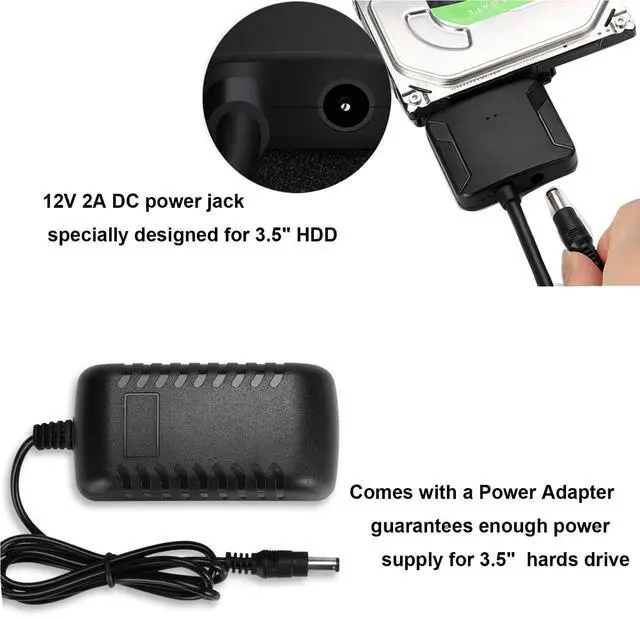
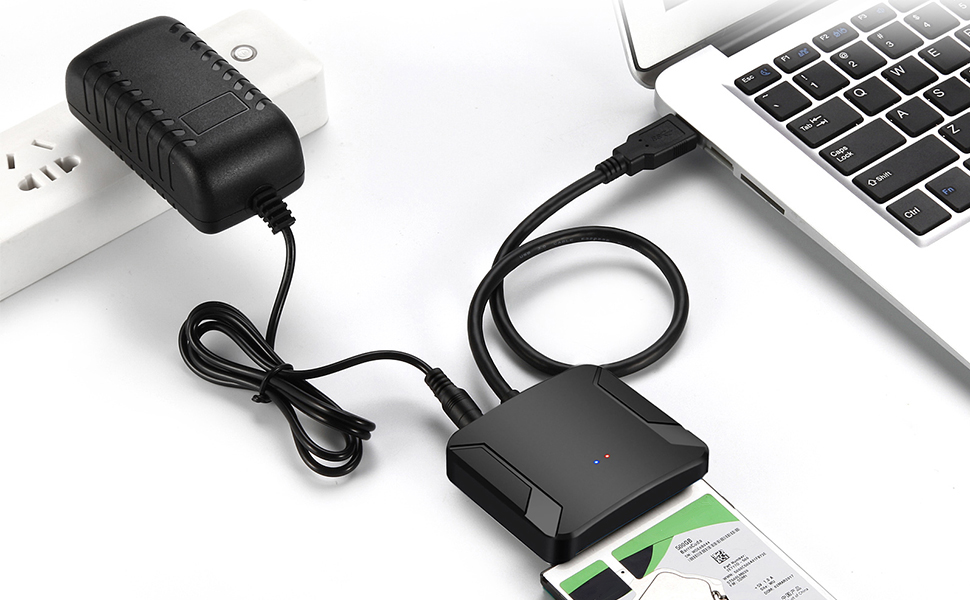
This SATA to USB Adapter is equipped with a DC-Jack port and comes with a 12V/2A Power Adapter, which ensures enough power supply for a 3.5" hard drive
Power Requirements:
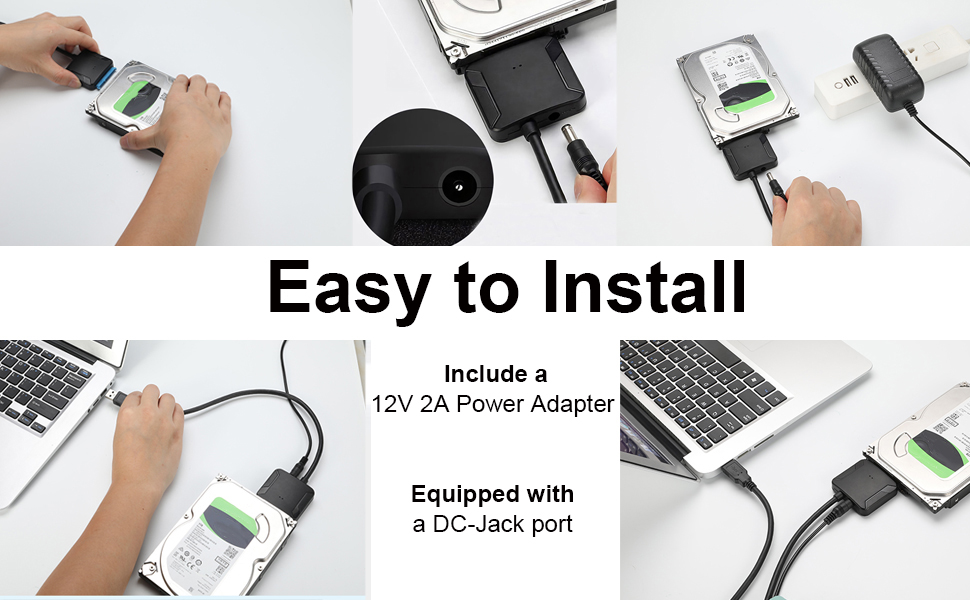
1. Prepare Your Hardware
SATA to USB adapter (with USB cable and power supply if needed).
SATA HDD/SSD (2.5" or 3.5").
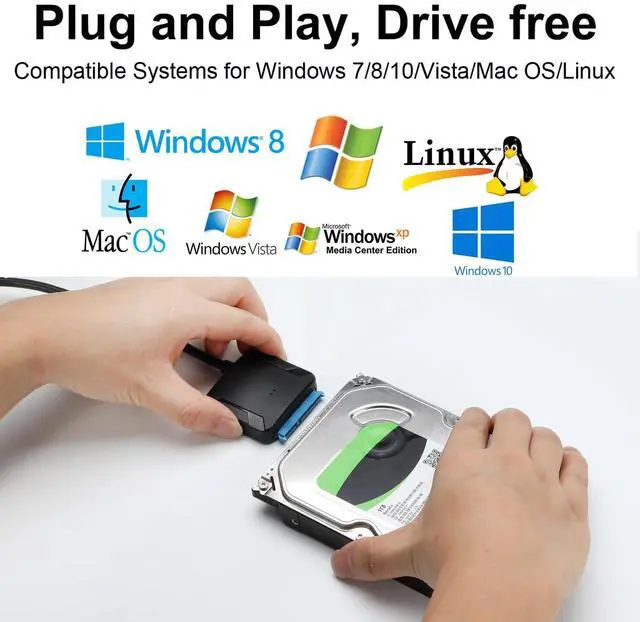
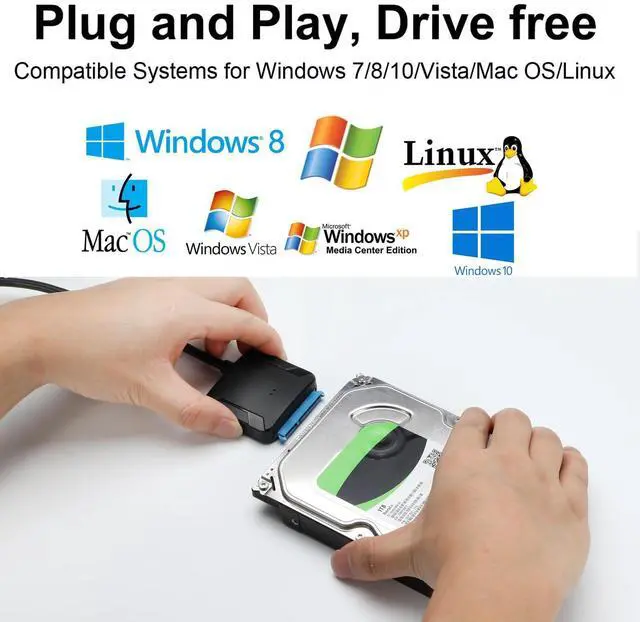
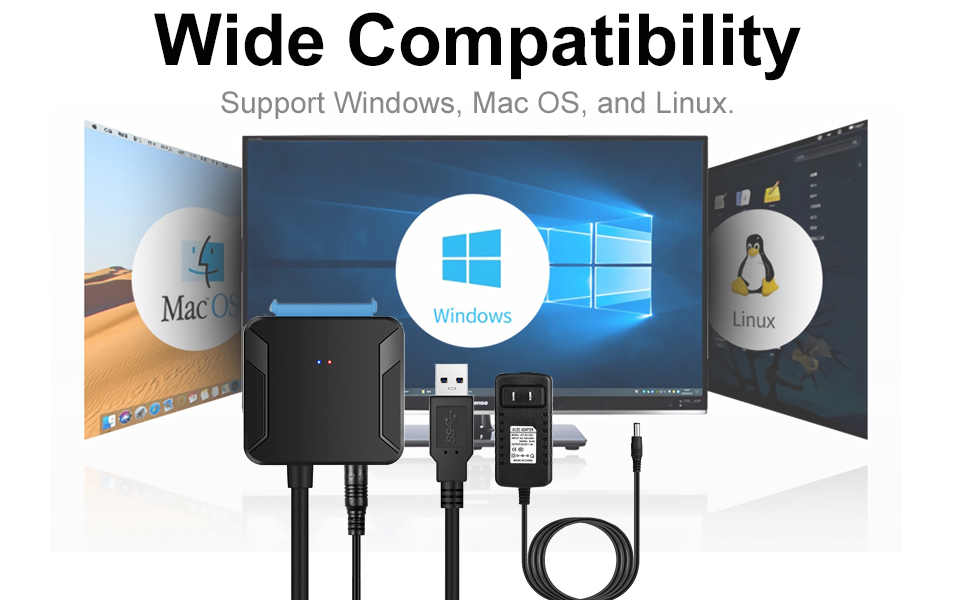
Computer (Windows, Mac, or Linux).
2. Connect the Drive to the Adapter
3. Connect the Adapter to Your Computer
Why my computer doesn't recognize the drive?
1) For a new SSD or HDD, you need to initialize it first and then format it. For guidance, search "How to initialize an external hard drive." The instructions differ between Windows 10, 7, and Vista.
2) If it is an old hard disk or a removed hard disk, please confirm whether it is intact.
3) If it is an Apple OS Mac system, please set the hard disk format
4) Wrong hard drive type - this cable does not apply to SAS/SCSI hard drive.
5) The USB port on the computer is damaged.
6) Drive spins but not detected: Format/repair via Disk Management
7) Drive not listed in Disk Management: Replace cable or adapter
8) Intermittent detection: Secure connections; use external power
9) Device descriptor request failed: Update USB drivers or OS
If the drive still isn’t recognized, it may be dead. Let me know your OS and drive type for further help!
EYOOLD – Bridging Memories, Powering Futures
Every hard drive holds a story. Yet, as tech evolves, millions of drives become “obsolete”—abandoned in drawers, labeled “dead.”
EYOOLD was born to bridge the gap between old and new. Our adapters aren’t just cables and chips—they’re keys to unlock legacies
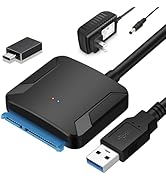
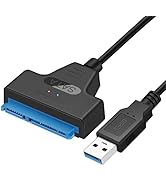
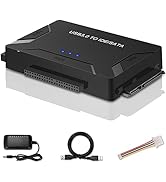
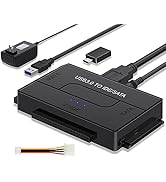
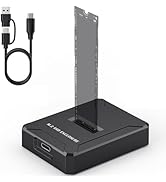
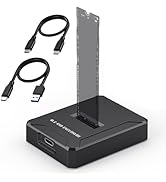
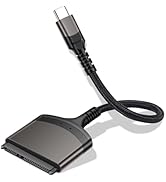
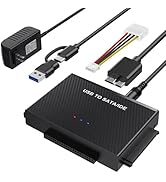
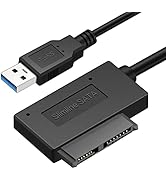
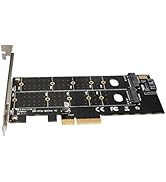
These devices allow you to connect 2.5"/3.5" SATA-based hard drives (HDDs) or solid-state drives (SSDs) to a computer via USB, making them useful for data recovery, backups, or using an internal drive externally
Applications
Features with USB 3.0 external data transfer rates up to 5Gbps, you can experience transfer speeds up to 20% faster than conventional USB 3.0, when connected to a computer that also supports UASP, allows you to backup files or upgrade your notebook/PC hard drive quickly.
USB 3.0: Offers speeds up to 5 Gbps (ideal for SSDs or fast HDDs).
USB 2.0: Limited to 480 Mbps (sufficient for basic file transfers but slower)
This SATA to USB Adapter is equipped with a DC-Jack port and comes with a 12V/2A Power Adapter, which ensures enough power supply for a 3.5" hard drive
Power Requirements:
1. Prepare Your Hardware
SATA to USB adapter (with USB cable and power supply if needed).
SATA HDD/SSD (2.5" or 3.5").
Computer (Windows, Mac, or Linux).
2. Connect the Drive to the Adapter
3. Connect the Adapter to Your Computer
Why my computer doesn't recognize the drive?
1) For a new SSD or HDD, you need to initialize it first and then format it. For guidance, search "How to initialize an external hard drive." The instructions differ between Windows 10, 7, and Vista.
2) If it is an old hard disk or a removed hard disk, please confirm whether it is intact.
3) If it is an Apple OS Mac system, please set the hard disk format
4) Wrong hard drive type - this cable does not apply to SAS/SCSI hard drive.
5) The USB port on the computer is damaged.
6) Drive spins but not detected: Format/repair via Disk Management
7) Drive not listed in Disk Management: Replace cable or adapter
8) Intermittent detection: Secure connections; use external power
9) Device descriptor request failed: Update USB drivers or OS
If the drive still isn’t recognized, it may be dead. Let me know your OS and drive type for further help!
EYOOLD – Bridging Memories, Powering Futures
Every hard drive holds a story. Yet, as tech evolves, millions of drives become “obsolete”—abandoned in drawers, labeled “dead.”
EYOOLD was born to bridge the gap between old and new. Our adapters aren’t just cables and chips—they’re keys to unlock legacies


