Your Browsing History
Meet Your Seller
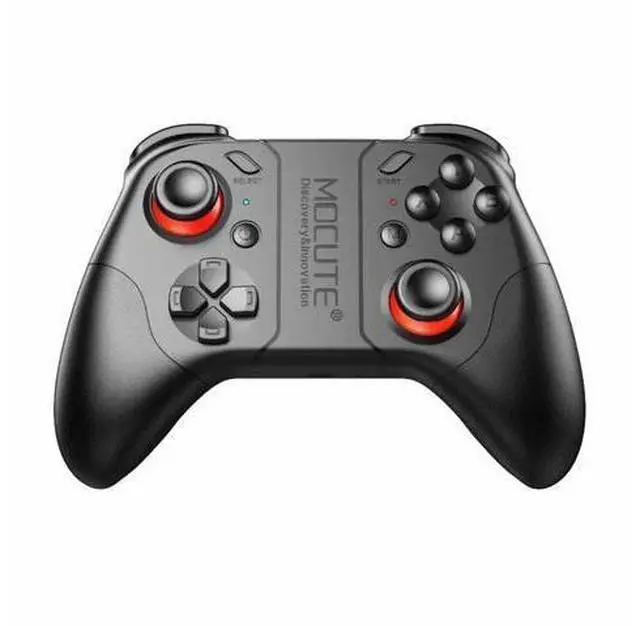
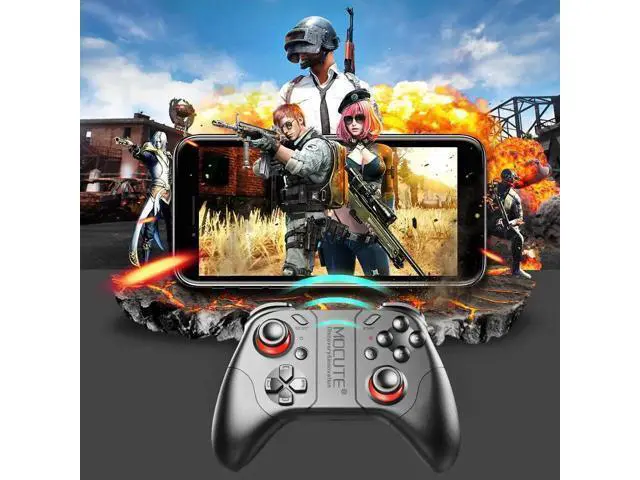
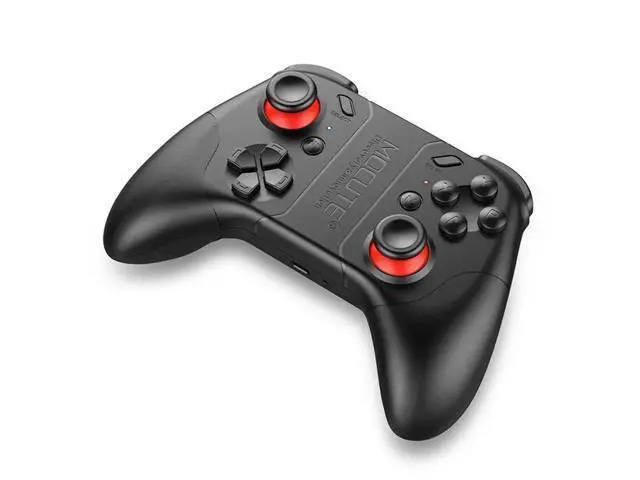
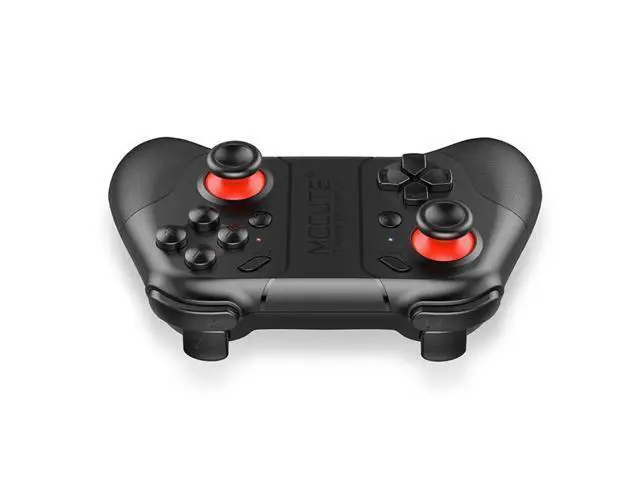
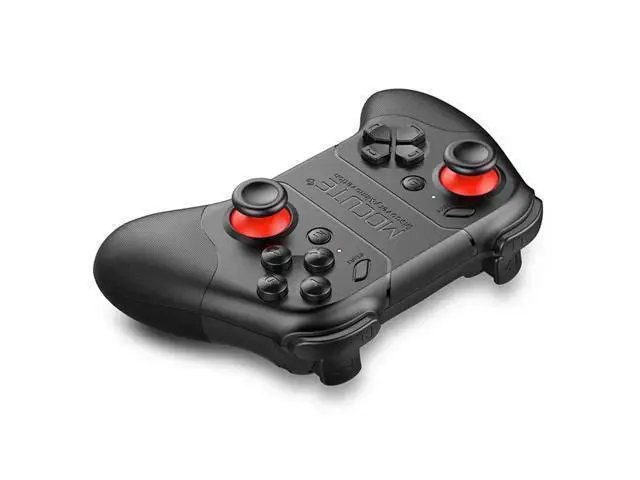
053 Bluetooth Gamepad or PUBG Android Joystick PC Wireless Controller Remote VR Game Pad for PC Smart Phone
- Good Quality
+
+
Overview
Specs
Reviews
Any questions? Our AI beta will help you find out quickly.
Try me now
053 Bluetooth Gamepad Android Joystick PC Wireless Controller Remote VR Game Pad for
PC Smart Phone Description:
1.
Standard Android device (A mode): In Menu, if left joystick can move cursor, A&X button is enter button, B&Y button is returning key; this means your mobile system can support international standard gamepad, just download game and play directly. (lf can't operate, then refer to part of Android MTK mobile operation).
2.
Game Download: Scan QR code on the manual to enter into MIGAMEPAD download center, then you can download Newgame or Migamepad game application or third party's game application. e. g.
Newgame platform: after entering the Newgame application need to check the menu-gamepad management. whether the connection is successful, you can direct play games in the Newgame center. the m key is i key functions in the Newgame.
Note: Newgame application will automatically connect to the Newgame protocol, if change to the other platform operation, please press the HOME button of phone, exit the Newgame platform. MIGAMEPAD Game center have all gamepad games, and support NES/GB/GBC/SFC/SMD/GBA/N64/MAME/PS games. Users can also download simulator BIN files to Games file folder in mobile, then can use MIGAMEPAD software to open the game file, like
many famous games: Super Mario, Metal Slug Sangokushi and so on.
3.
Android MTK/PC device (Y mode):
4.
Android/iOS VR mode (A mode):
5. For IOS ICade mode (B mode): 6. For IOS NEWGAME mode (X mode): Scan QR code on the manua...

PC Smart Phone Description:
1.
Standard Android device (A mode): In Menu, if left joystick can move cursor, A&X button is enter button, B&Y button is returning key; this means your mobile system can support international standard gamepad, just download game and play directly. (lf can't operate, then refer to part of Android MTK mobile operation).
2.
Game Download: Scan QR code on the manual to enter into MIGAMEPAD download center, then you can download Newgame or Migamepad game application or third party's game application. e. g.
Newgame platform: after entering the Newgame application need to check the menu-gamepad management. whether the connection is successful, you can direct play games in the Newgame center. the m key is i key functions in the Newgame.
Note: Newgame application will automatically connect to the Newgame protocol, if change to the other platform operation, please press the HOME button of phone, exit the Newgame platform. MIGAMEPAD Game center have all gamepad games, and support NES/GB/GBC/SFC/SMD/GBA/N64/MAME/PS games. Users can also download simulator BIN files to Games file folder in mobile, then can use MIGAMEPAD software to open the game file, like
many famous games: Super Mario, Metal Slug Sangokushi and so on.
3.
Android MTK/PC device (Y mode):
4.
Android/iOS VR mode (A mode):
5. For IOS ICade mode (B mode): 6. For IOS NEWGAME mode (X mode): Scan QR code on the manua...
Warranty & Returns
Warranty, Returns, And Additional Information
Warranty
- Please contact the Seller directly for warranty information. Warranty information may also be found on the Manufacturer's website.
- CONTACT
Return Policies
- Return for refund within: 30 days
- Return for replacement within: 30 days
- This item is covered by ProGear Haven Return Policy
Manufacturer Contact Info
- For a directory of all our manufacturers, please click below.
- Manufacturers Directory
LOADING...