Your Browsing History
Meet Your Seller
ElecGear Enhanced Switch/Switch OLED Controller, Handheld Grip with Joy Con Controller for Nintendo Switch, Wired Switch Pro Controller, Motion Sensor and Dual Motor, USB C PD Play and Charge
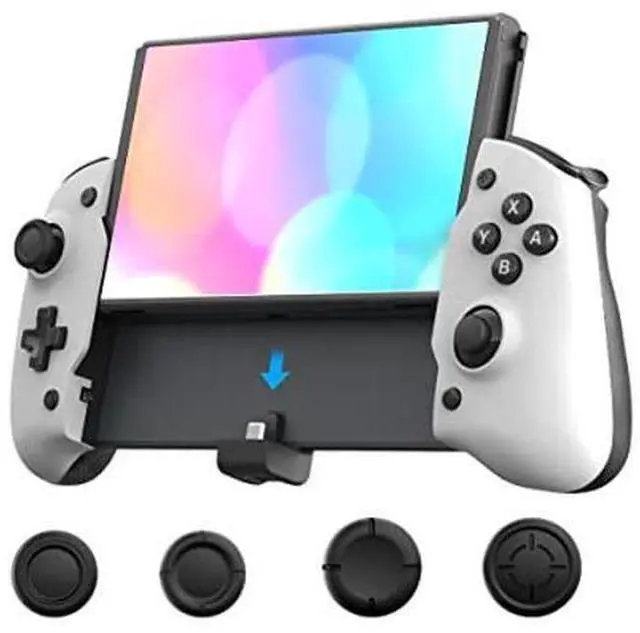
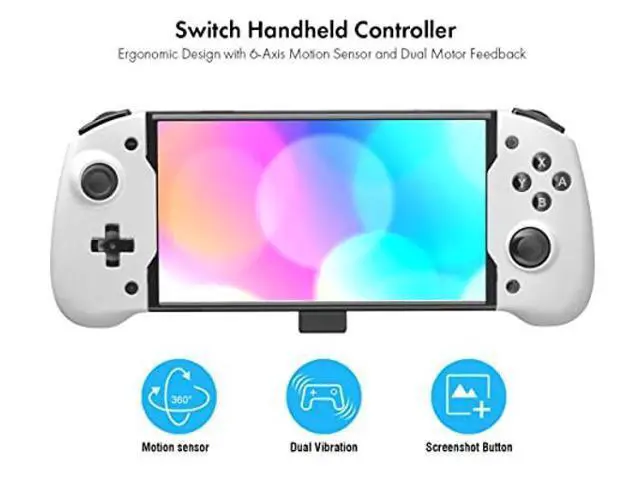
- [Switch Handheld Controller] - The controller looks like an extended grip with left and right gamepads which is larger than official Joy-Con controllers. Integrated handle and ergonomic design eliminate hand fatigue. Frosted back for a firm grip. Lightweight frame makes it comfortable even for long hours of continuous gaming. Compatible with Nintendo Switch modeled HAC-001, including Animal Crossing and 2021 OLED model HEG-001
- [Plug and Play] - Take off the left and right Joy-Con and slide the Switch console into the middle frame. The connection will be made automatically via the USB C connector. Calibrate the control sticks and motion sensors to eliminate the drifting. (Caution: It's a wired controller with no Bluetooth and NFC function. Please always set 'Pro Controller Wired Communication' to 'ON'.)
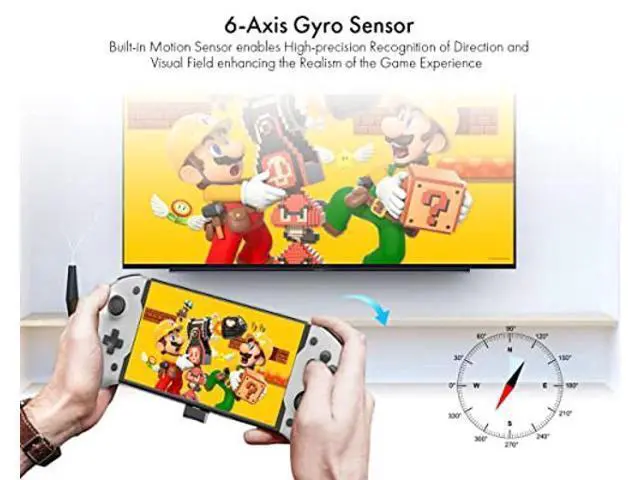
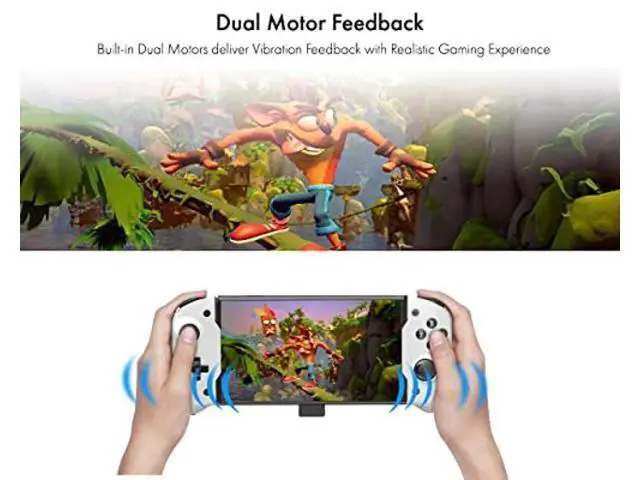
- [Motion Sensor and Dual Vibration] - Built-in 6-axis gyro sensor and dual motors deliver accurate aiming and excellent vibration feedback. Dual analog joysticks and t
+
+
Overview
Specs
Reviews
Any questions? Our AI beta will help you find out quickly.
Try me now
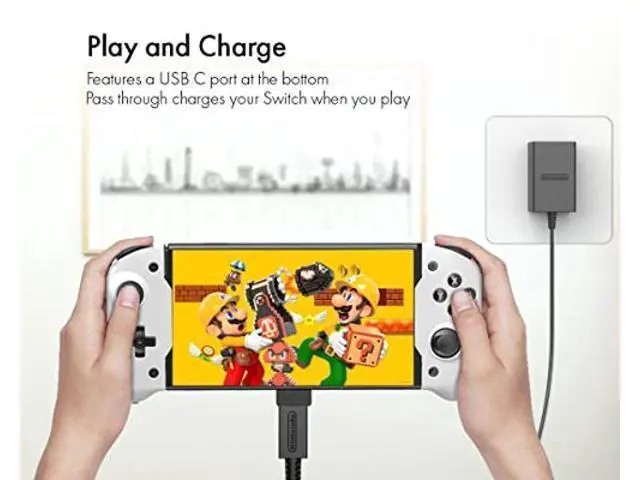
Extended Grip Controller for Switch and Switch OLED Built-in Motion Sensors and Dual Vibration Functions Ergonomic and Lightweight eliminating Hand Fatigue Frosted back and integrated Handle for the firm Grip USB C PD Charging Port charges Switch while Playing An Exclusive Button to capture the Gaming Screens Additional Joystick Rocker Caps with 3 Height
Option Installation Guide:
1. Go to 'System Settings' -> 'Controllers and Sensors' -> 'Pro Controller Wired Communication' to 'ON'
2. Slide the Switch console into the middle frame and press the 'A' button of the controller to get started
3. Go to the settings menu again to calibrate the controller sticks and motion sensors or re-map the buttons
4. The hidden toggle switch is for engineering mode alone! Keep it at the right side!
Model: TNS-1125
Sensor: 6-Axis
Gyroscope Vibration: Dual
Motor Connection: USB C male
Charging Port: USB C PD 15V
Working Voltage: DC 5V
Power Consumption: 60mA
Material: ABS
Size: 275*112*60mm
Weight: 265gram
Packaging: 1 x Game Controller 4 x Joystick
Rocker Caps (Note: Switch, Power Adapter and other games accessories are not included. )

Option Installation Guide:
1. Go to 'System Settings' -> 'Controllers and Sensors' -> 'Pro Controller Wired Communication' to 'ON'
2. Slide the Switch console into the middle frame and press the 'A' button of the controller to get started
3. Go to the settings menu again to calibrate the controller sticks and motion sensors or re-map the buttons
4. The hidden toggle switch is for engineering mode alone! Keep it at the right side!
Specifications
:Model: TNS-1125
Sensor: 6-Axis
Gyroscope Vibration: Dual
Motor Connection: USB C male
Charging Port: USB C PD 15V
Working Voltage: DC 5V
Power Consumption: 60mA
Material: ABS
Size: 275*112*60mm
Weight: 265gram
Packaging: 1 x Game Controller 4 x Joystick
Rocker Caps (Note: Switch, Power Adapter and other games accessories are not included. )
Warranty & Returns
Warranty, Returns, And Additional Information
Warranty
- Please contact the Seller directly for warranty information. Warranty information may also be found on the Manufacturer's website.
- CONTACT
Return Policies
- Return for refund within: 30 days
- Return for replacement within: 30 days
- This item is covered by ProGear Haven Return Policy
Manufacturer Contact Info
- For a directory of all our manufacturers, please click below.
- Manufacturers Directory
LOADING...