here!
here!
I’m your shopping assistant for PC builds, upgrades, and everything tech.
Got questions? Ask away!
Start a conversation
here!
I’m your shopping assistant for PC builds, upgrades, and everything tech.
Got questions? Ask away!
Start a conversation
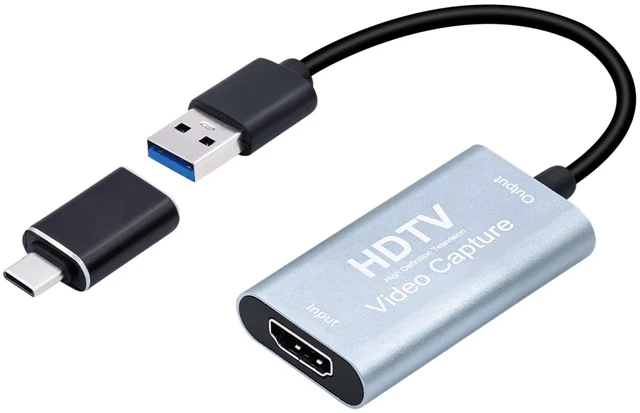
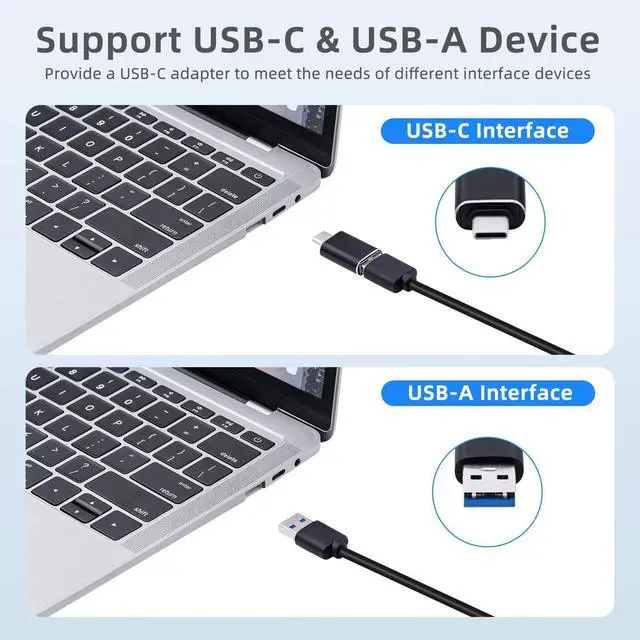
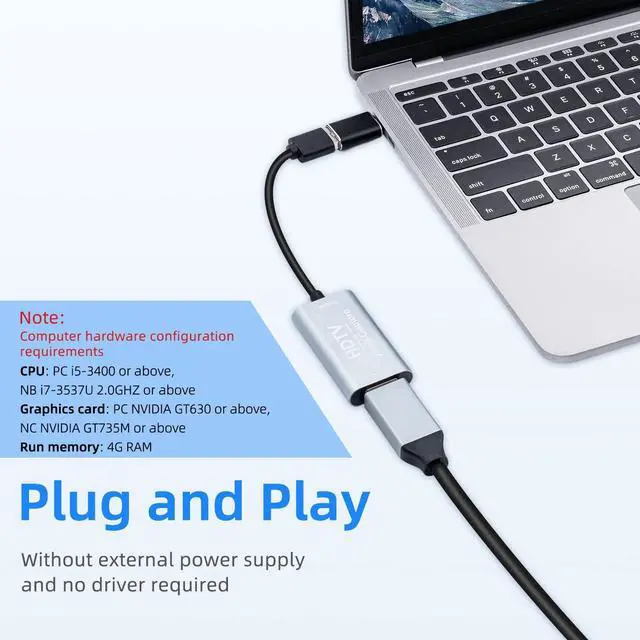
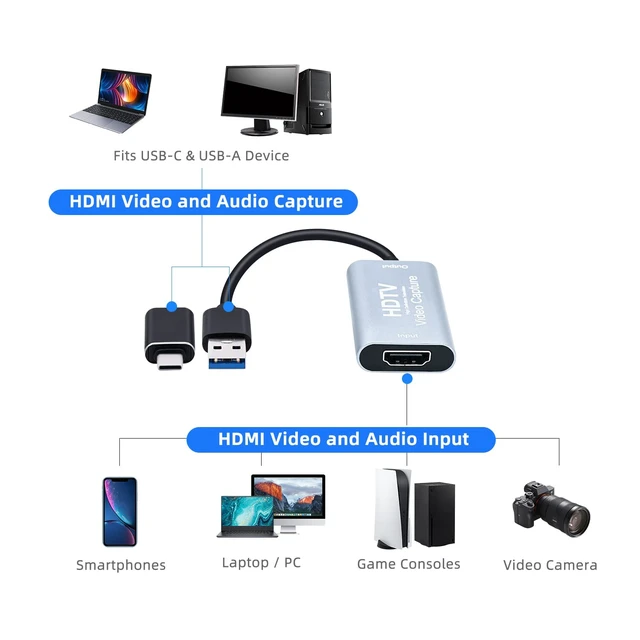
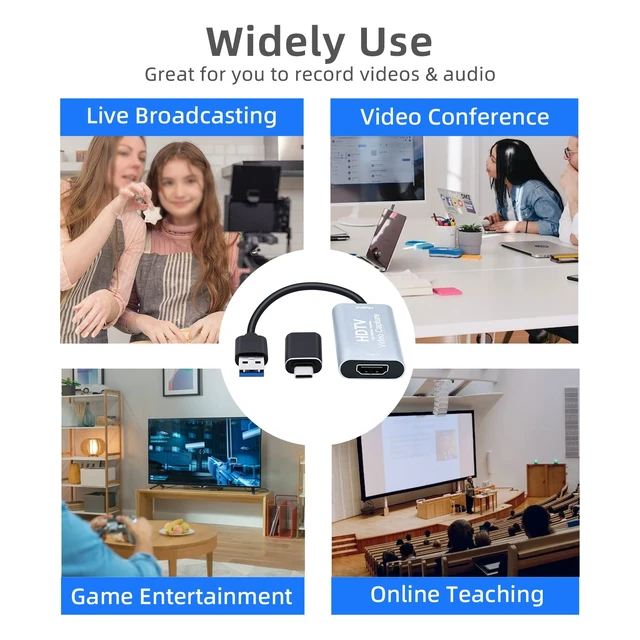
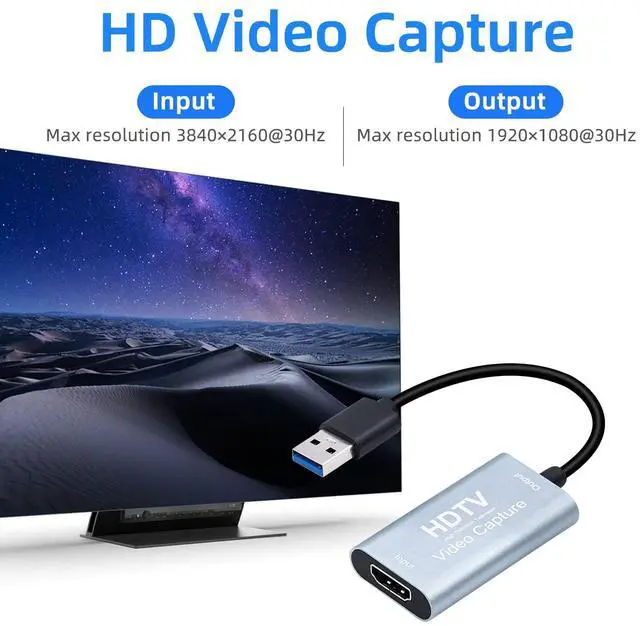
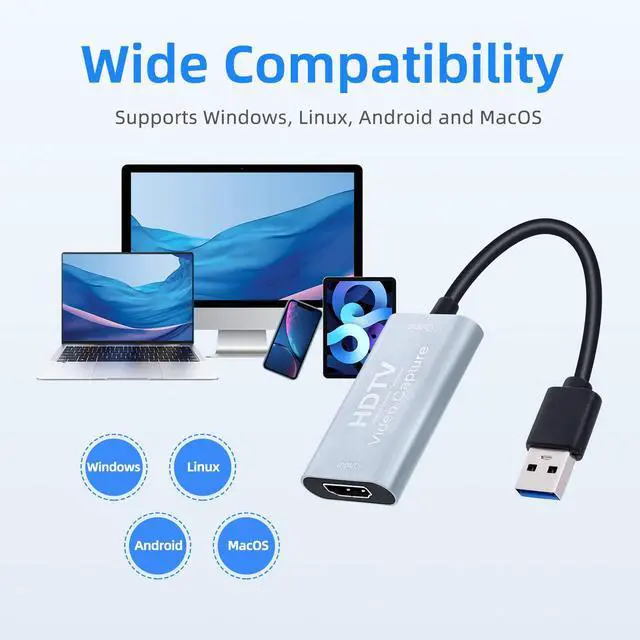



Any questions? Ask CelesteSM will help you find out quickly.


























How do I set this up with OBS Studio? I've never used a capture card.
Don't worry, setup is straightforward. We've created a detailed OBS Studio video tutorial for beginners. You can find it in the main image carousel at the top of this product page. Message us via if you need further help!
I am getting a great picture, but there is no sound when using this capture card with my OBS.How do I fix the issue?
After configuring the video capture device in OBS and confirming that the video feed is visible, if there is still no sound, proceed with the following settings:
Step 1
1. In the "Sources" panel, click the "+" icon, select "Audio Input Capture," and click "OK"; then, select "Digital Audio Interface (USB Digital Audio)" from the device options and click "OK."
Step 2
2. In the "Sources" panel, click the "+" icon, select "Audio Output Capture," and click "OK"; then, select "Speakers" from the device options and click "OK."
Step 3
3. In the "Audio Mixer" panel, click the settings icon on the right and select "Advanced Audio Properties" to configure further settings.


How do I set this up with OBS Studio? I've never used a capture card.
Don't worry, setup is straightforward. We've created a detailed OBS Studio video tutorial for beginners. You can find it in the main image carousel at the top of this product page. Message us via if you need further help!
I am getting a great picture, but there is no sound when using this capture card with my OBS.How do I fix the issue?
After configuring the video capture device in OBS and confirming that the video feed is visible, if there is still no sound, proceed with the following settings:
Step 1
1. In the "Sources" panel, click the "+" icon, select "Audio Input Capture," and click "OK"; then, select "Digital Audio Interface (USB Digital Audio)" from the device options and click "OK."
Step 2
2. In the "Sources" panel, click the "+" icon, select "Audio Output Capture," and click "OK"; then, select "Speakers" from the device options and click "OK."
Step 3
3. In the "Audio Mixer" panel, click the settings icon on the right and select "Advanced Audio Properties" to configure further settings.