Your Browsing History
- Free 45-day Returns
$40.27
Ships from China.
Sold by PeakCircuit Technology
Shipped by PeakCircuit Technology
Meet Your Seller
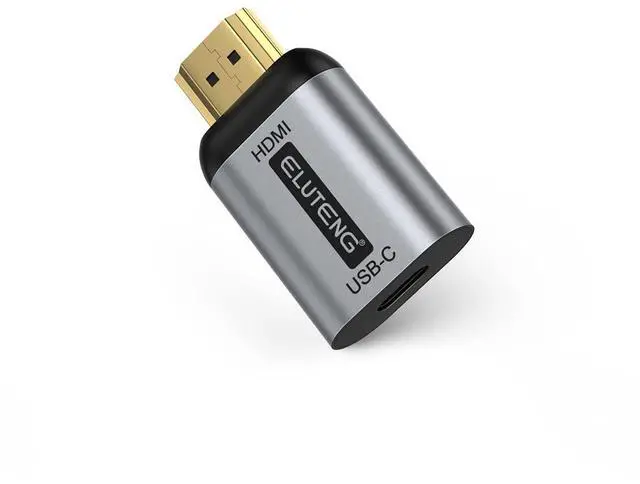
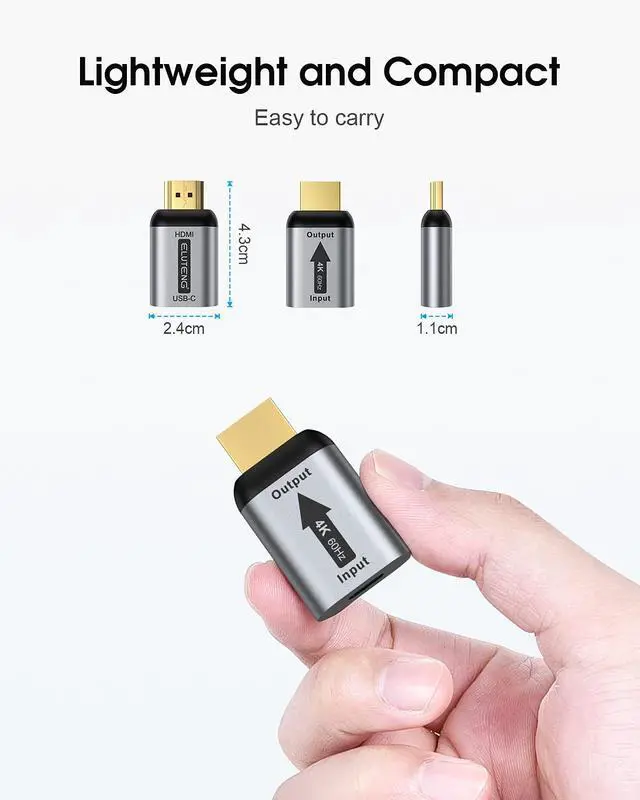
ELUTENG USB C to HDMI Adapter (Not USB to HDMI) Female to Male Converter Uni-Directional USBC/Thunderbolt 3 to HDMI 2.0 Adapter 4K@60Hz Source to Display Connector
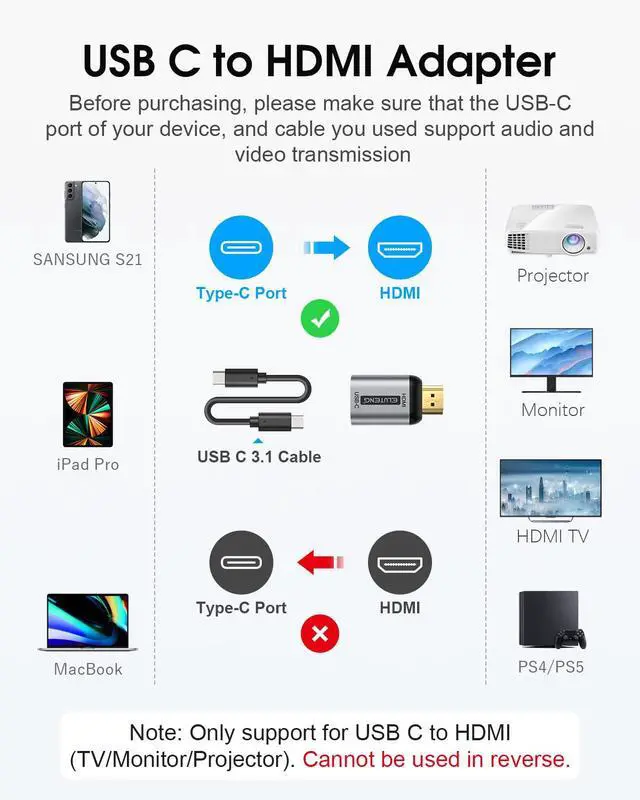
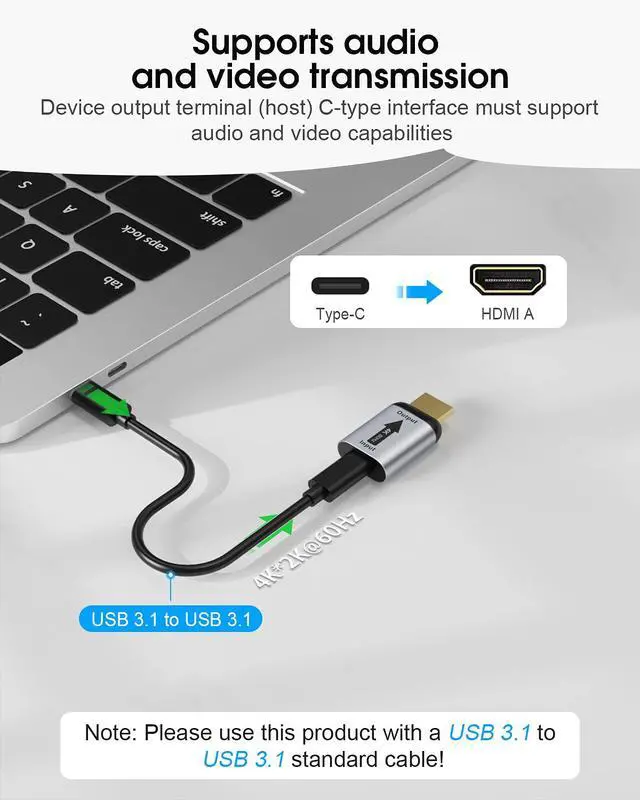
- Please use USB-C 3.1/Thunderbolt 3 cable to connect this adaper!The female USB-C port of the adapter is for plugging in your Type-c cable, make sure your Type-c cable supports video transmission, beacuse not all USB C cables support video transmission; Only support Uni-directional transmission from USB-C host device to HDMI displaysDo not connect the HDMI port to your laptop or host computerThe HDMI connector of the adapter is used for the receiving end of the signal. It should be connected to the external monitor you want to transmit the signal to.; USB C input to HDMI output adapterPlease find the USB-C 3.1 or Thunderbolt 3 port on the device, because not all USB-C ports carry video signal. You can realize a connection between your smartphone, tablet, laptop equipped with USB 3.1 Type-c port(DP Alternate Mode Supported) and your large external screen(HDTVs, HDMI projectors or ordinary monitors) with HDMI Port. Let you experience games, HD movies on the big screen!; Wide CompatibilityCompatible with iPhone 15/16 Series, MacBook Pro (2016 and later), iMac (2017 and later), MacBook Air (2018 and later), iPad(all USB C models), Steam Deck, Mac Studio, Mac Pro, Samsung Galaxy S23/S22/S21/S20/S10/S9/S8, Note 20/10/9/8, LG V40, Surface Book 2/3, Surface Laptop 3, Dell XPS 15/13, HP Chromebook x360.;
+
+
Overview
Specs
Reviews
Any questions? Our AI beta will help you find out quickly.
Try me now
Please use USB-C 3.1 /Thunderbolt 3 cable to connect this adaper! The female USB-C port of the adapter is for plugging in your Type-c cable, make sure your Type-c cable supports video transmission, beacuse not all USB C cables support video transmission; Only support Uni-directional transmission from USB-C host device to HDMI displaysDo not connect the HDMI port to your laptop or host computerThe HDMI connector of the adapter is used for the receiving end of the signal. It should be connected to the external monitor you want to transmit the signal to.; USB C input to HDMI output adapterPlease find the USB-C 3.1 or Thunderbolt 3 port on the device, because not all USB-C ports carry video signal.
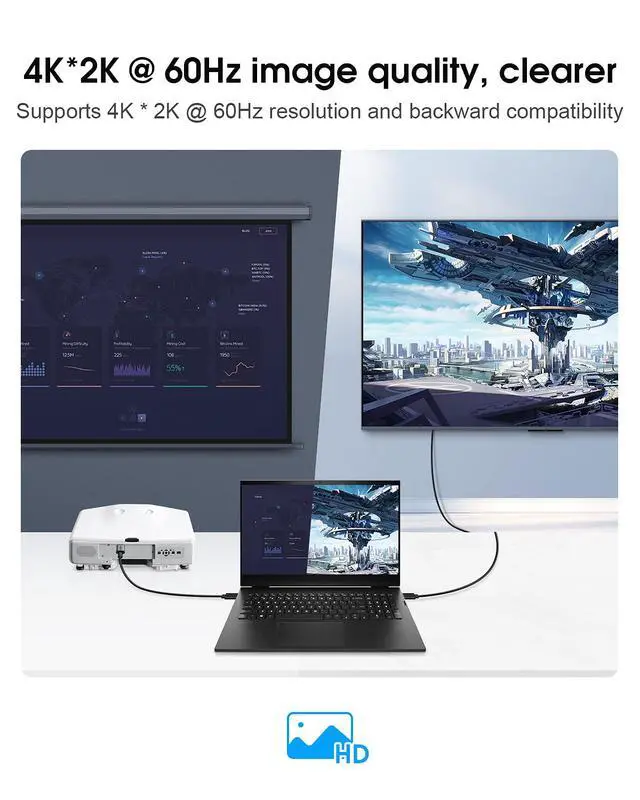
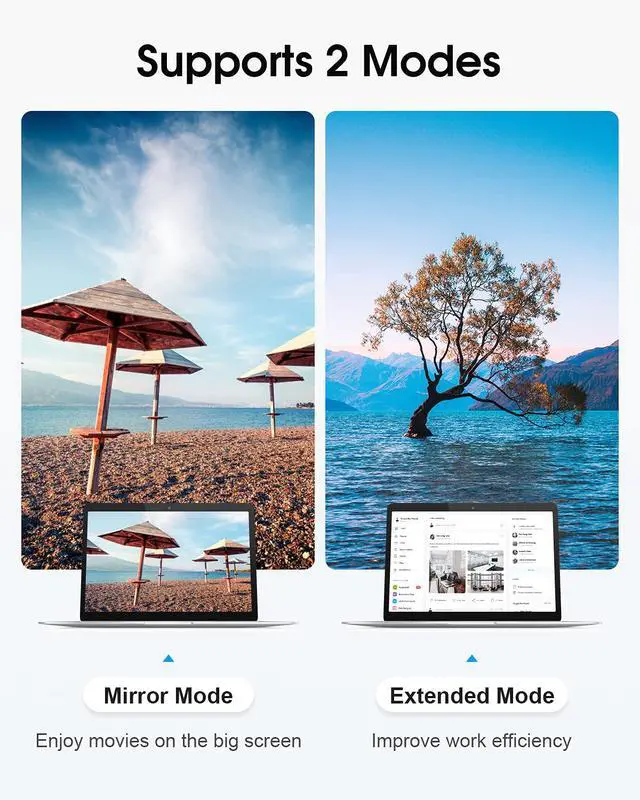
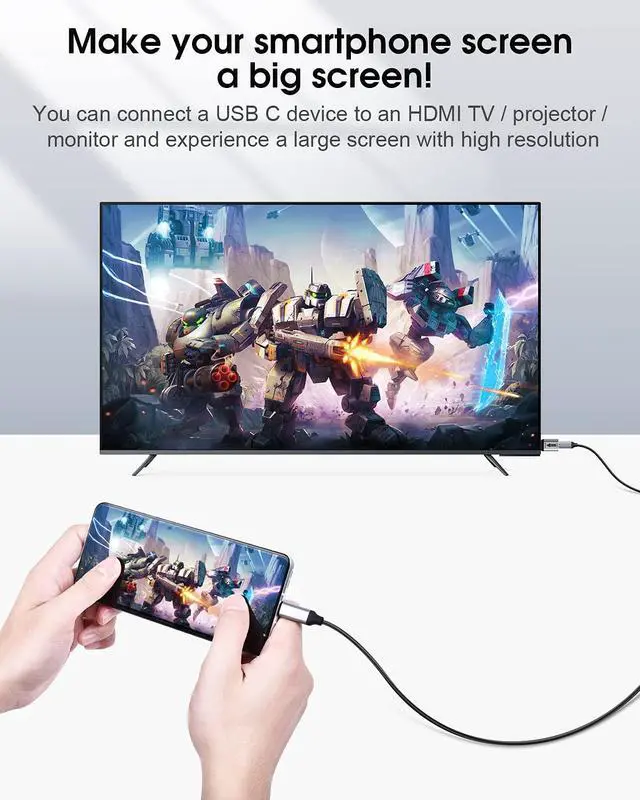
You can realize a connection between your smartphone, tablet, laptop equipped with USB 3.1 Type-c port (DP Alternate Mode Supported) and your large external screen(HDTVs, HDMI projectors or ordinary monitors) with HDMI Port. Let you experience games, HD movies on the big screen!; Wide CompatibilityCompatible with iPhone 15/16 Series, MacBook Pro (2016 and later), iMac (2017 and later), MacBook Air (2018 and later), iPad (all USB C models), Steam Deck, Mac Studio, Mac Pro, Samsung Galaxy S23/S22/S21/S20/S10/S9/S8, Note 20/10/9/8, LG V40, Surface Book 2/3, Surface Laptop 3, Dell XPS 15/13, HP Chromebook x360.
;

You can realize a connection between your smartphone, tablet, laptop equipped with USB 3.1 Type-c port (DP Alternate Mode Supported) and your large external screen(HDTVs, HDMI projectors or ordinary monitors) with HDMI Port. Let you experience games, HD movies on the big screen!; Wide CompatibilityCompatible with iPhone 15/16 Series, MacBook Pro (2016 and later), iMac (2017 and later), MacBook Air (2018 and later), iPad (all USB C models), Steam Deck, Mac Studio, Mac Pro, Samsung Galaxy S23/S22/S21/S20/S10/S9/S8, Note 20/10/9/8, LG V40, Surface Book 2/3, Surface Laptop 3, Dell XPS 15/13, HP Chromebook x360.
;
Warranty & Returns
Warranty, Returns, And Additional Information
Warranty
- Please contact the Seller directly for warranty information. Warranty information may also be found on the Manufacturer's website.
- CONTACT
Return Policies
- Return for refund within: 45 days
- Return for replacement within: 30 days
- This item is covered by PeakCircuit Technology Return Policy
Manufacturer Contact Info
- For a directory of all our manufacturers, please click below.
- Manufacturers Directory
LOADING...