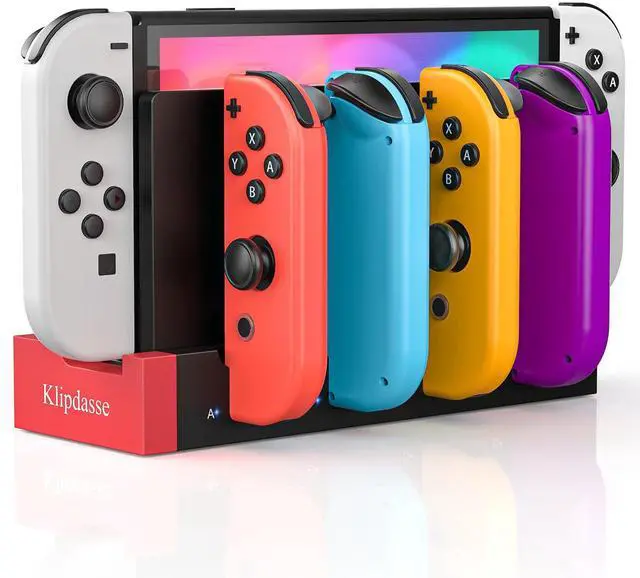
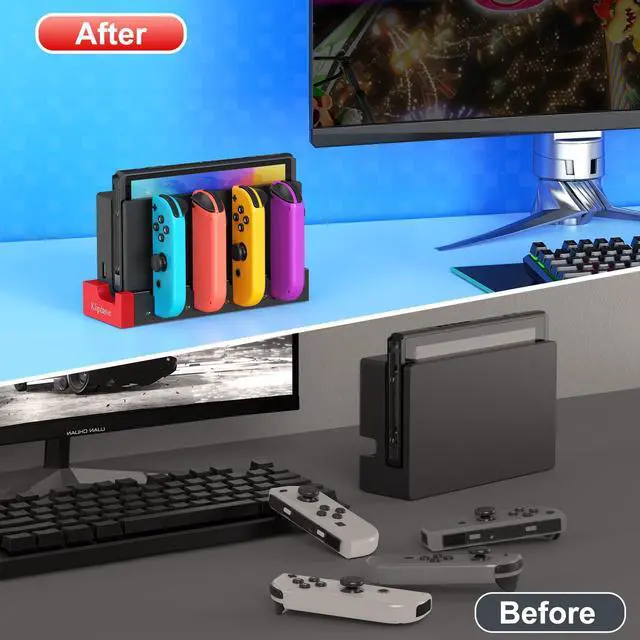
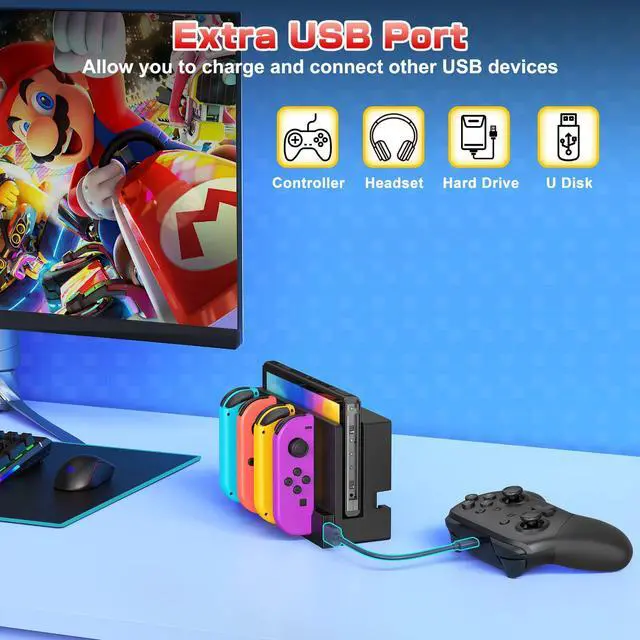
Switch Controller Charger Dock for Nintendo Switch 1/OLED for 4 Joy-Cons | Fast Charging Station for 4 Joycons, Stand for Nintendo Switch Dock Accessories, with LED Indicator & Extra USB 2.0 Port
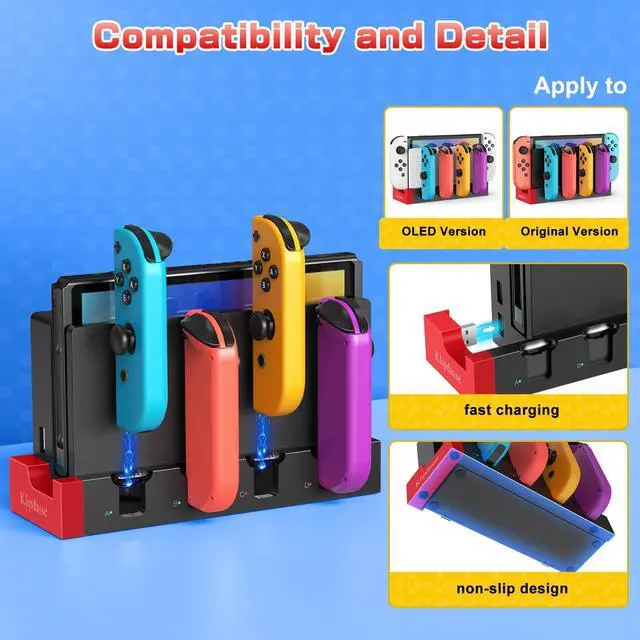
Charger Dock for Switch & OLED Model : This charger is matched with the original switch dock, charging for Joy con. Available to charge 1-4pcs controllers at the same time. for Nintendo DS Charger
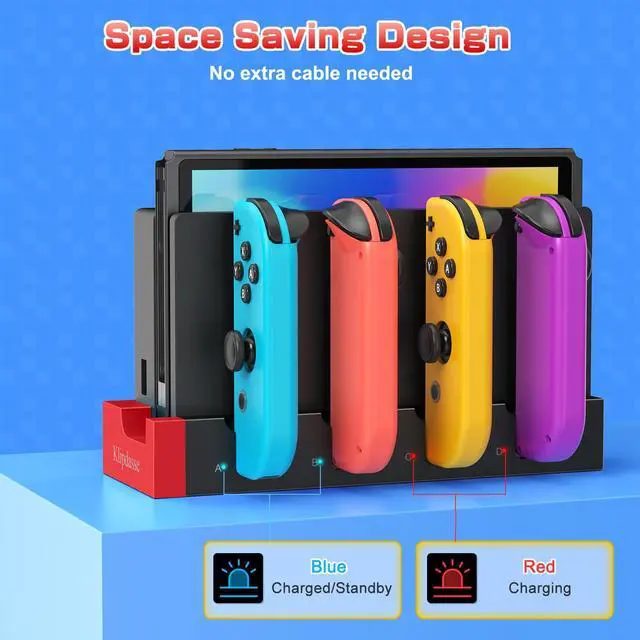
Easy to Use: Just connect the charger to the original console dock to get power input, and then plug your switch for joycons into the charging station. NOTE: No extra cord needed. It has a USB plug built into the side, just plug into your Switch's docking station and use the power from there. Integrated design, simple and does not occupy space
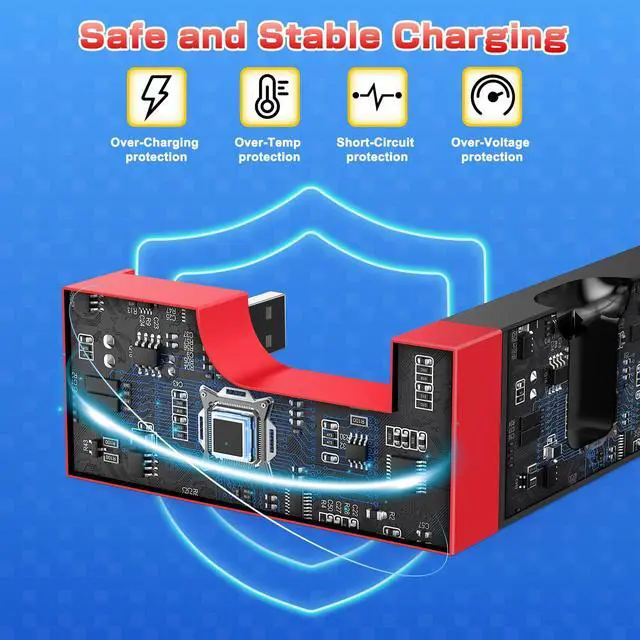
Security Protection: The charger dock for joycon built-in protection chip is with perfect over-charge, over-voltage, over-Current, over circuit protection functions, more safe and reliable. Low standby power consumption, electricity-saving, and environment-friendly. for Nintendo DS Charger
LED Indicators: There are individual LED indicators for Joy Con, which allows the charging status at a glance. Plug in each slot for Joycon, the corresonding indicator icons turn red when charging, and they will turn blue when fully charged/standby. for Nintendo DS Charger
Keep Organized for Joycons: This charger stand keeps organized for joycons and does not take up a huge amount of space. The charging station is such a great display for Nintendo Switch Joycon! It is a perfect gift for Nintendo Switch gamer
+
+
Overview
Specs
Reviews
Any questions? Ask CelesteSM will help you find out quickly.
Try me now
Switch Controller Charger Dock for Nintendo Switch 1/OLED for 4 Joy-Cons | Fast Charging Station for 4 Joycons, Stand for Nintendo Switch Dock Accessories, with LED Indicator & Extra USB 2.0 Port
Learn more about the Detailed Specifications
Additional Information
First Listed on Newegg
September 21, 2026
There are no reviews yet.
Do you own this product?
Warranty & Returns
Warranty, Returns, And Additional Information
Warranty
Please contact the Seller directly for warranty information. Warranty information may also be found on the Manufacturer's website.