• $2,199.00
  • $3,358.80
  • Save: $1,159.80 (34%)
  • Free 30-day Returns
  • Price alert
    Shop it at NeweggBusiness.

    Meet Your Seller

    TIBURN FLIP HUB 55" S2 Android 13.0 4K UHD Rotating Smart Board with Camera | Digital whiteboard, Ideal for Hybrid Work, Interative Classroom Electronic Presentation Board with Flip Mobile Stand

    Limited time offer, ends 01/31 By TIBURN Direct

    • smart board
    • smart board with camera
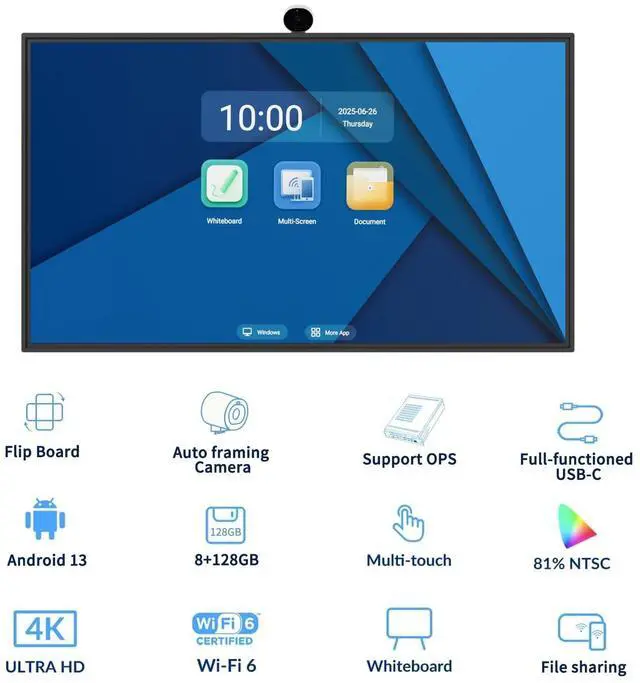
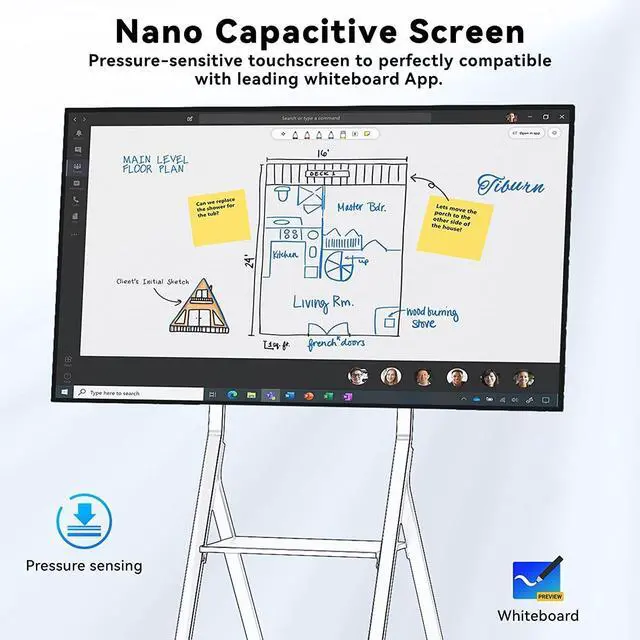
    • UPGRADED SYSTEM PERFORMANCEElectronic whiteboard is newly upgraded and adopts 4K UHD Capacitive touchscreen and optimized version of Android 13.0 system to ensure a pleasant experience.
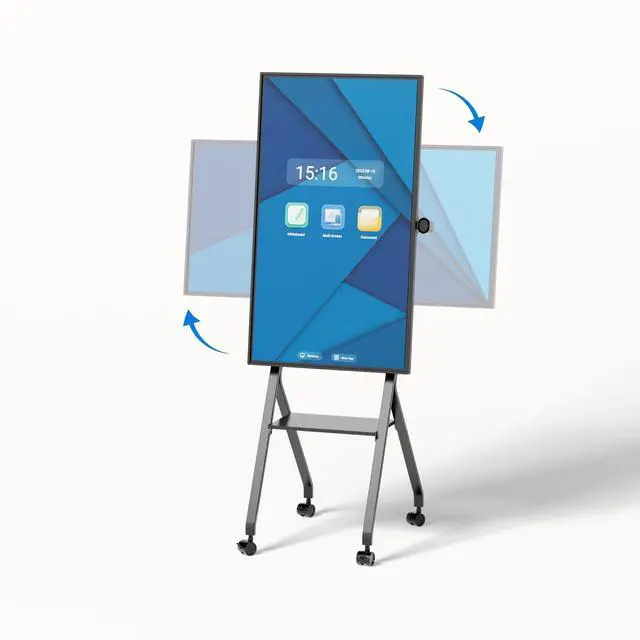
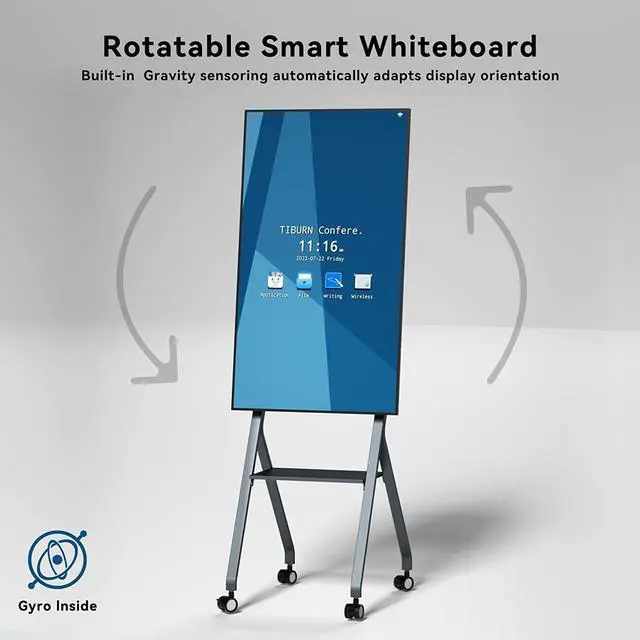
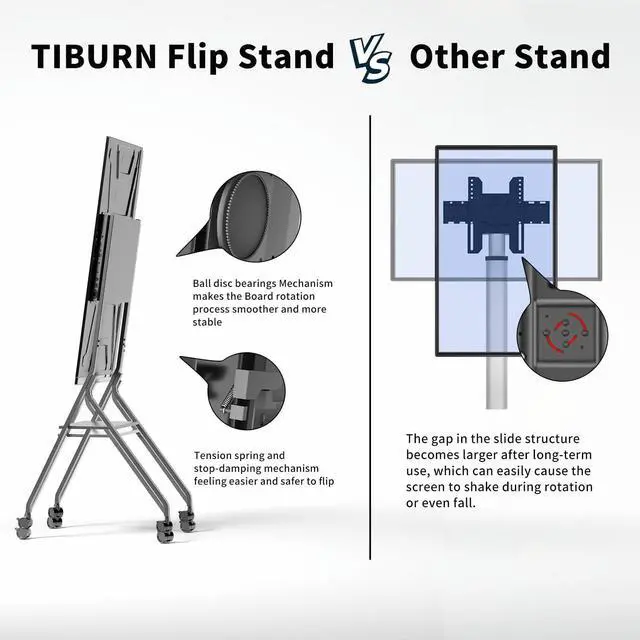
    • ROTATABLE SMART BOARDThe built-in gravity sensor of digital whiteboard automatically adapts to landscape/portrait flip display orientation to make the viewing angle of the portrait app wider and more friendly.
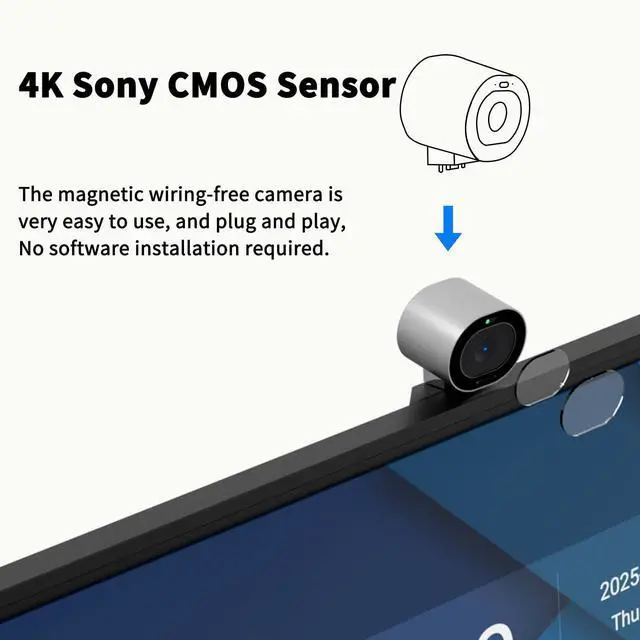
    • AUTO FRAMINGThis 4k webcam utilizes the automatic framing technology of the ultra-high-definition lens, so that all participants in the panoramic field of view are located in the center of the screen without manual adjustment.
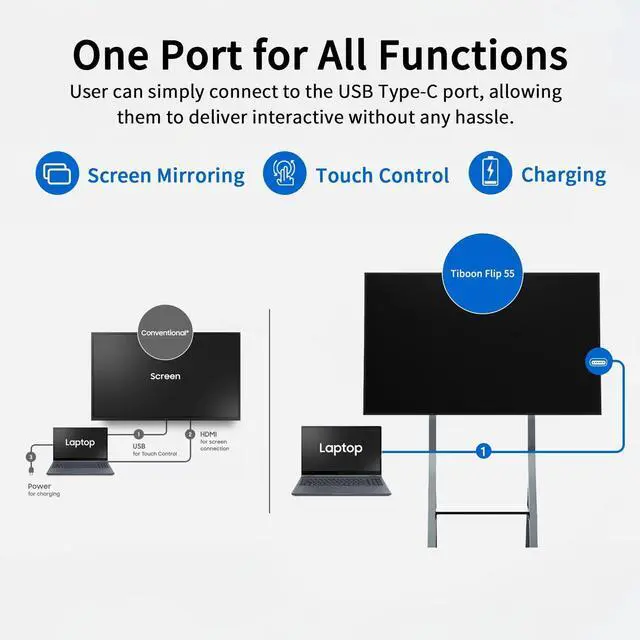
    • REAL-TIME COLLABORATION AND SCREEN SHARINGSmart whiteboard supports remote presentations, allowing you to brainstorm, create, and collaborate with remote teams on a digital whiteboard on any device anywhere in the world, increasing your productivity.
    • OPEN APPLICATION ECOSYSTEMThe open ecosystem of TIBURN FLIP HUB 55" allows you to seamlessly integrate popular applications or software you already use in your workflow. What You Will Get: TIBURN FLIP HUB 55", Camera, Movable Stand, Power Cable, HDMI cable and 2.4G Antenna.
    +
    +
    Overview
    Specs
    Reviews
    avatar

    Any questions? Our AI beta will help you find out quickly.

    smart board
    smart board
    smart board
    smart board
    smart board
    smart board
    smart board
    Turn off Al tracking

    After turning on Autoframing, make hand gestures in front of the camera to turn off Autoframing.


    smart board
    Turn on Al tracking

    After opening the camera, make the OK gesture in front of the camera to turn on Autoframing.


    smart board
    Reduce image

    After the camera opens the picture, make the "1" gesture in front of the camera and the image reducion turction will be enablod.


    smart board
    Enlarge image

    After the camera opens the picture, make the Zoom-in gesture in front of the camera and the mage will be enlarge.


    smart board
    smart board
    smart board
    smart board


    Warranty & Returns

    Warranty, Returns, And Additional Information

    Warranty

    • Please contact the Seller directly for warranty information. Warranty information may also be found on the Manufacturer's website.
    • CONTACT

    Return Policies

    Manufacturer Contact Info

    LOADING...