




 here!
here!
I’m your shopping assistant for PC builds, upgrades, and everything tech.
Got questions? Ask away!
Start a conversation
here!
I’m your shopping assistant for PC builds, upgrades, and everything tech.
Got questions? Ask away!
Start a conversation



Any questions? Ask CelesteSM will help you find out quickly.
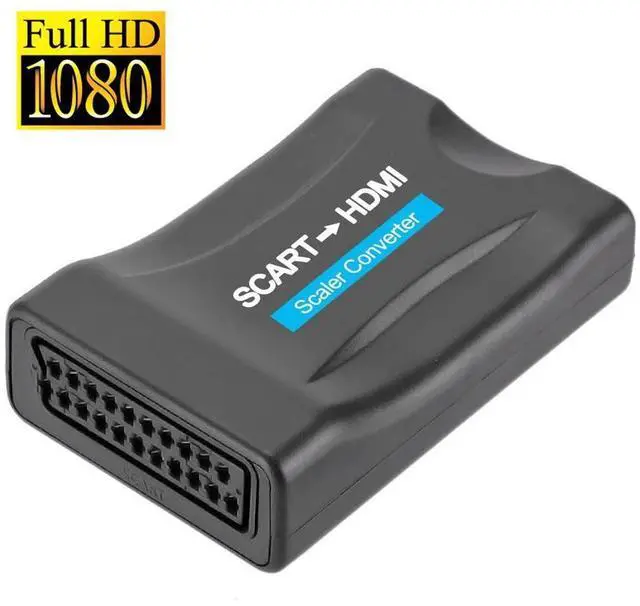
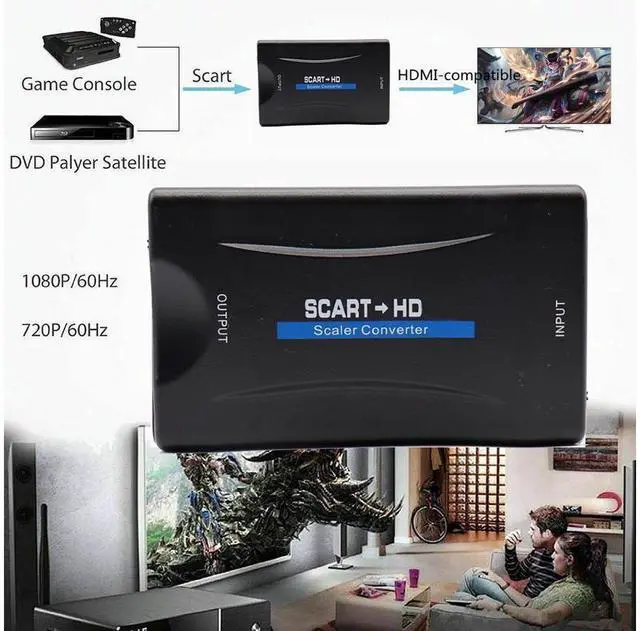
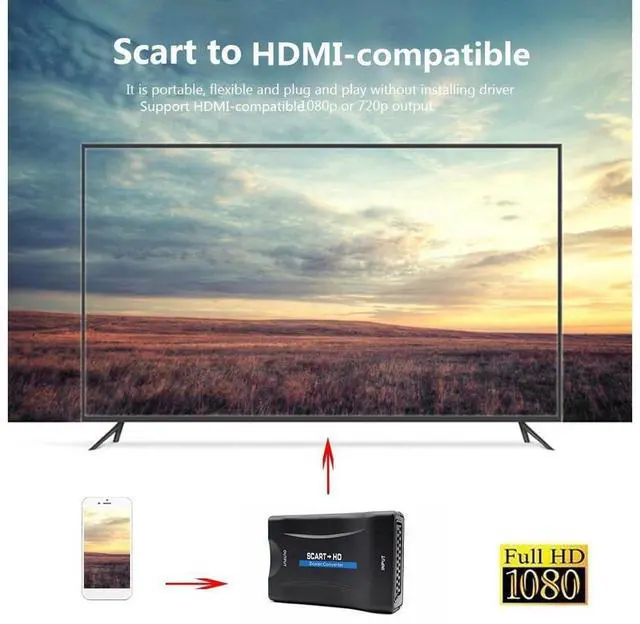
Convert Scart composite analog signal to HDMI digital signal.
Support PAL, NTSC 3.58, NTSC 4.43, SECAM, PAL/M, PAL/N standard TV formats input.
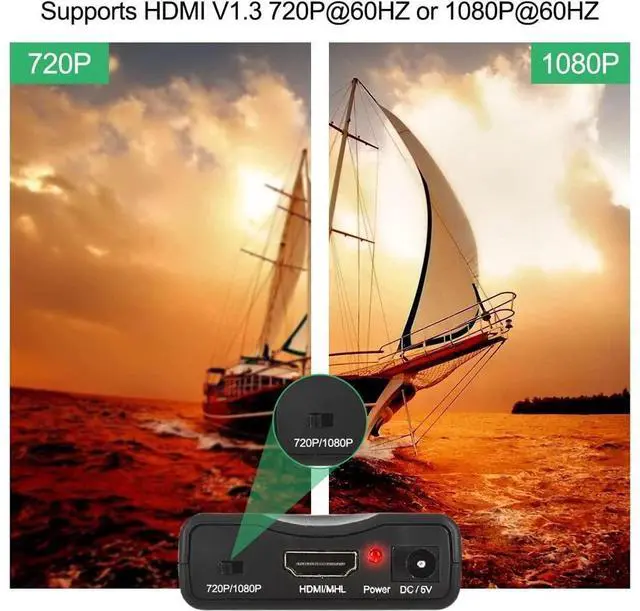
Compatible with HDMI 1.4, Support 720p/1080p output.
Share your smart phone photos, music and movies on the HD TV.
Supplied with a USB cable, it can be powered by PC USB port, TV USB port, Phone 5V/1A USB charger, or 5V/1A power adapter (No power adapter is included).
Plug and play, no driver needed.
Mini size and lightweight, convenient to carry and use.
Color: Black
Material: ABS
Input Port: 1x SCART
Output Port: 1x HDMI
Scart CVBS input: PAL, NTSC 3.58, NTSC 4.43, SECAM, PAL/M, PAL/N
HDMI Output Resolutions: 720p/60Hz, 1080p/60Hz
Power Consumption (Max): 3W (we offer a power USB Cable)
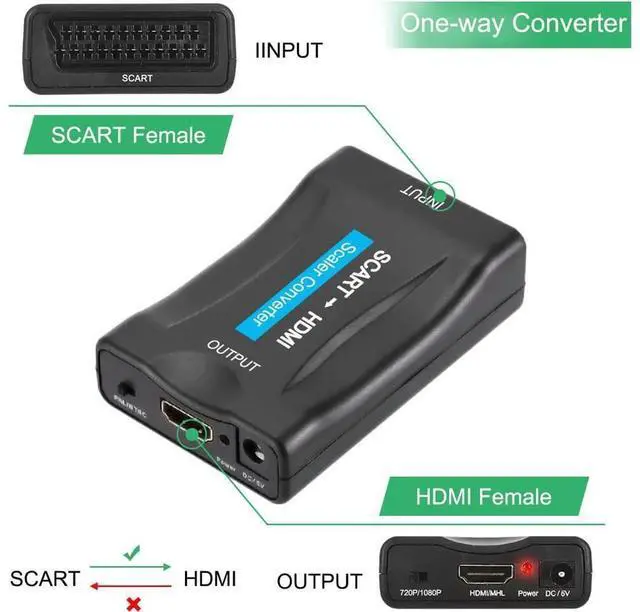
Front Panel,
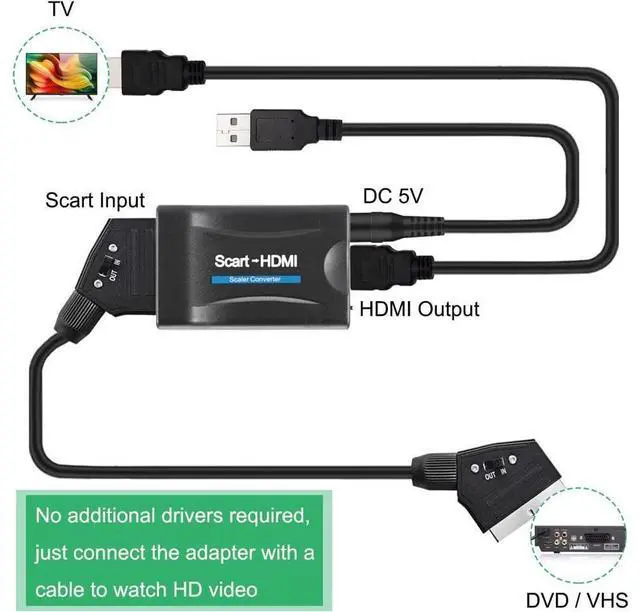
Rear Panel (How to connect it):
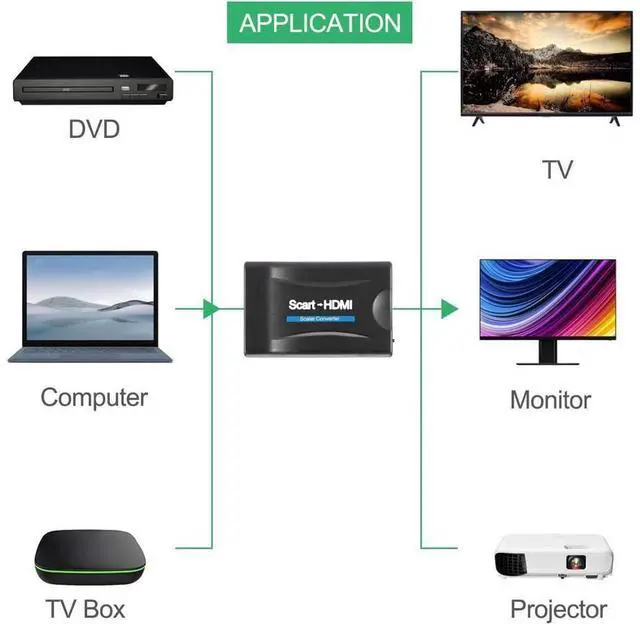
- SCART Input: Use a Scart to Scart cable to connect your SCART device to this converter, such like DVD, SKy Box, STB, etc.
- Power: Please use the power USB cable to connect the converter to the computer's USB, TV's USB or your 5V USB charger, etc. for power.
- LED indicator: When the DC5V power on, the indicator will be light.
- HDMI Output: Use a "HDMI to HDMI cable" to connect this converter to your TV which has a HDMI input port.


