Meet Your Seller
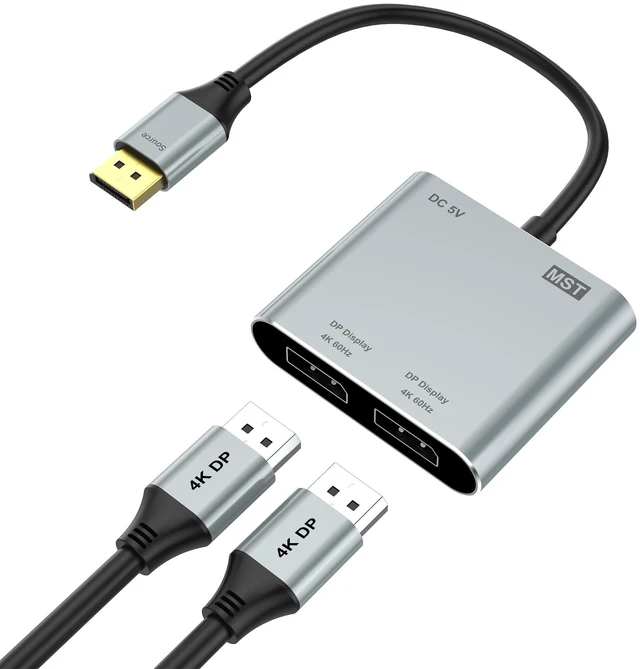
DisplayPort to Dual DisplayPort Splitter Adapter, 4K@60Hz Display Port Splitter Extended Display for Dual Monitors, DP1.4 Splitter 1 in 2 Out, DisplayPort MST Hub for PC, NVIDIA, AMD Graphic Card
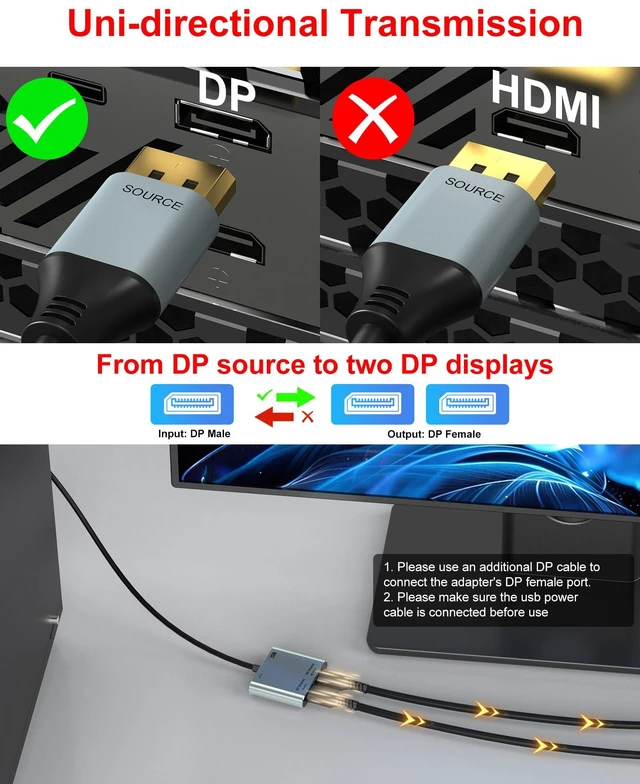
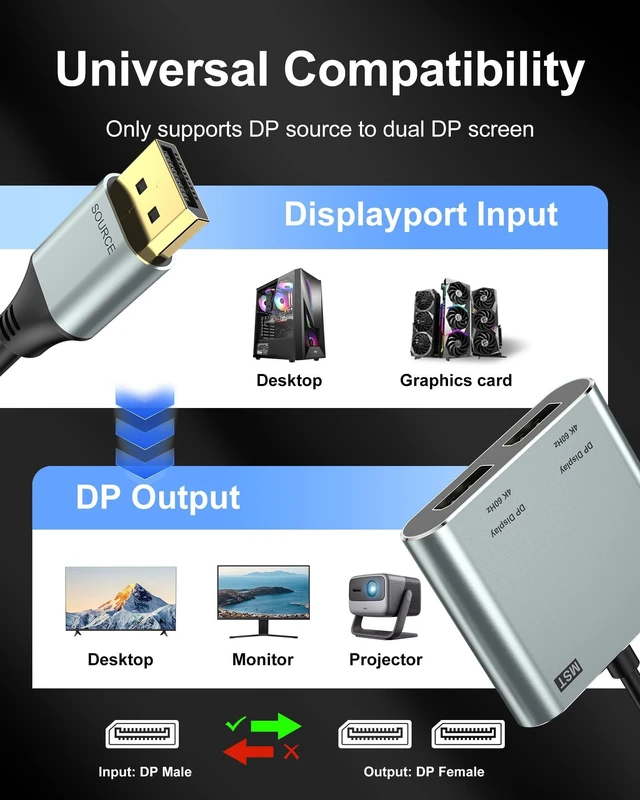
- DisplayPort to Dual DisplayPort AdapterThis displayport splitter extended display simultaneously outputs one DP signal to dual DP displays, It effectively meets your multi-screen display needs, improve work efficiency. Note: This dual monitor adapter is not compatible with any hubs/docking stations/KVM devices. Your computers DP output must support DP1.4, Only supports DP source output to dual DP monitors. Please verify your device's ports before purchase
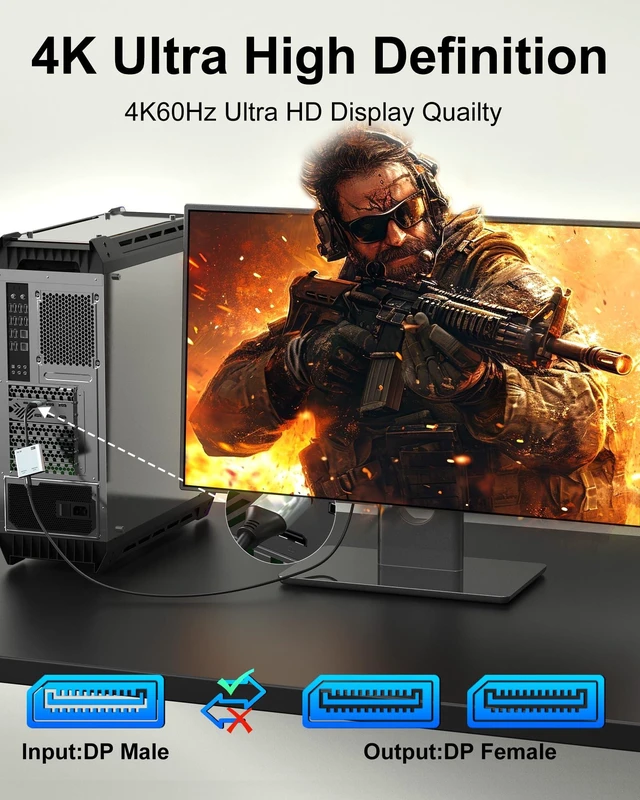
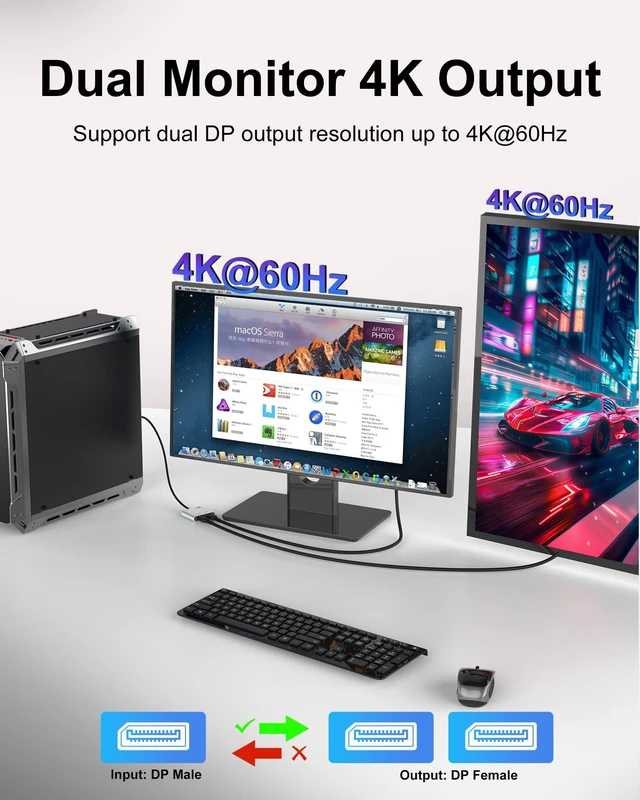
- Dual DP 4K@60Hz OutputBoth DP ports of the display port splitter for dual monitors can simultaneously output ultra-high definition 4K@60Hz video, maximum resolution for a single screen: 8K@30Hz / 4K@120Hz, delivering ultra-smooth visuals with stunning clarity. backward compatible with 4K@30Hz, 1440P, 1080P. Please make sure your computer device support DP1.4 to achieve dual 4K@60Hz and set both monitors to the same resolution
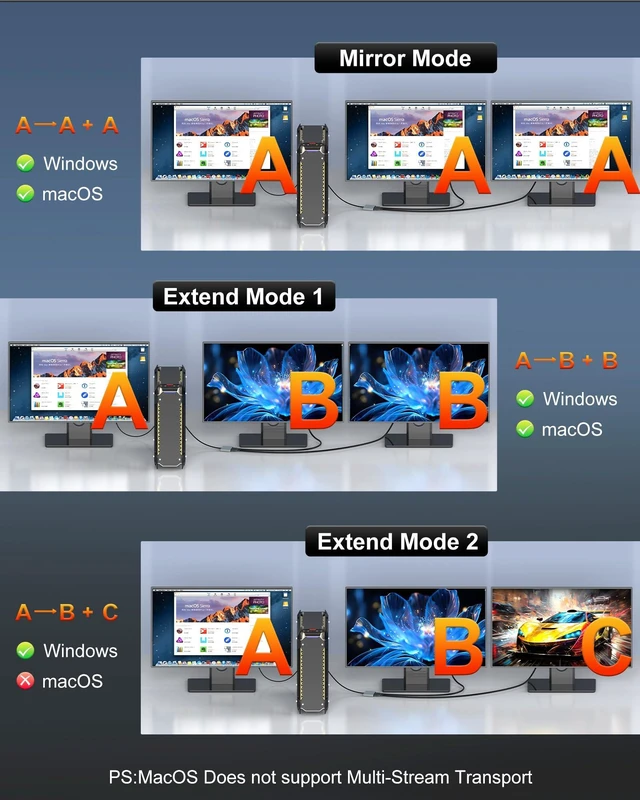
- Extended Mode & Mirror ModeThe displayport mst hub allows your laptop to extend 2 different monitors, boosting work efficiency. just plug and play, no need drivers. Windows OS support both extended mode and mirrored mode(AAA/ABB/ABC), Mac OS only support SST mode(AAA/ABC). Note: Please ensure that your graphic cards support at leasts 32.4Gbps, otherwise you will not able to achieve multi-monitor extend display
Any questions? Ask CelesteSM will help you find out quickly.
Premium Quality Dual Monitor Adapter
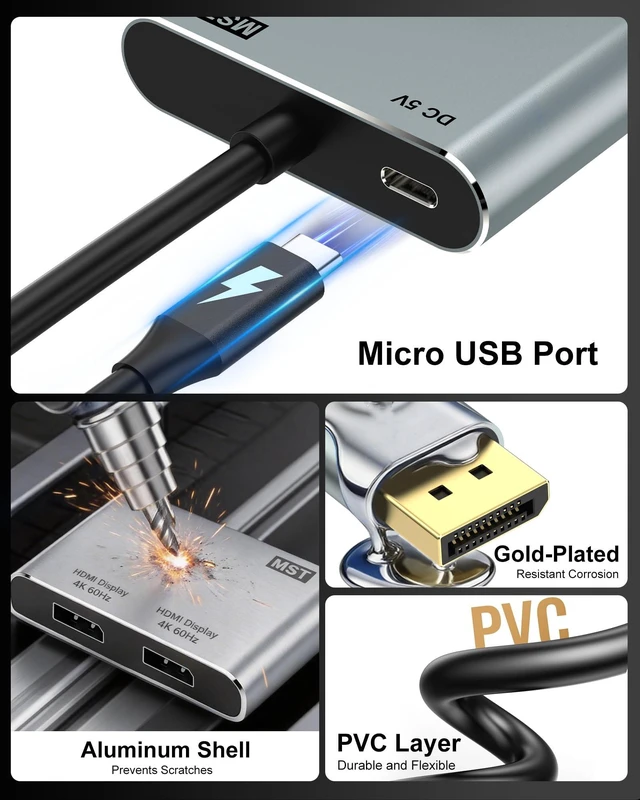
Gold-plated connector ensures secure high-speed data transmission free from interference and the uni-body molding makes it unbreakable
4K@60Hz monitor splitter for dual monitor display
Display port to Dual DisplayPort adapter supports resolutions up to 4K @60Hz thanks to DisplayPort MST technology
Plug and Play
No need any software or driver
For Windows: this display port splitter for dual monitors support mirror mode(AAA) and extended mode(ABB mode and ABC mode).
For MacOS system, only support mirror mode(AAA) and extend mode(ABB), not support extend 2 different screens.
How to extend monitor on Windows: Right-click desktop select Intel display Settings pop-up Settings screen select display select multi-screen display expand the desktop
How to extend monitor on macOS: Setting Display click the "mirror display" box to switch to Extend mode then you can drag a window of website/movie to the rightest side of your desktop screen until it disappear on your desktop screen and show up on the external monitor screen.
Warranty & Returns
Warranty, Returns, And Additional Information
Warranty
- Please contact the Seller directly for warranty information. Warranty information may also be found on the Manufacturer's website.
- CONTACT
Return Policies
- Return for refund within: 30 days
- Return for replacement within: 30 days
- This item is covered by Artbloont Return Policy
Manufacturer Contact Info
- For a directory of all our manufacturers, please click below.
- Manufacturers Directory