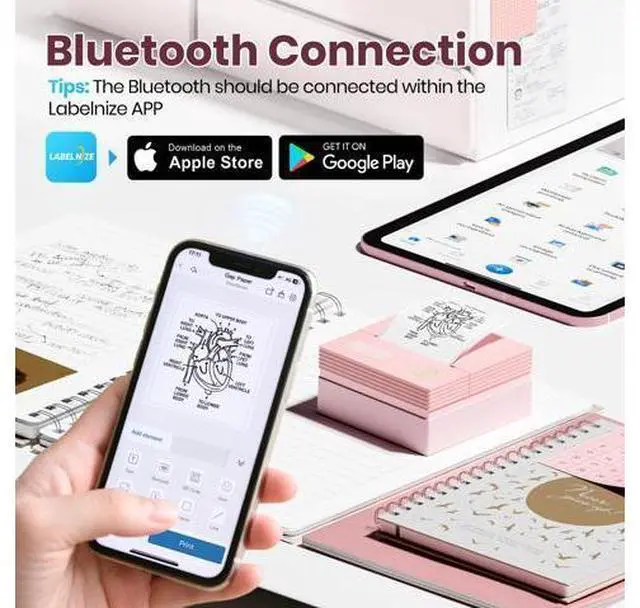
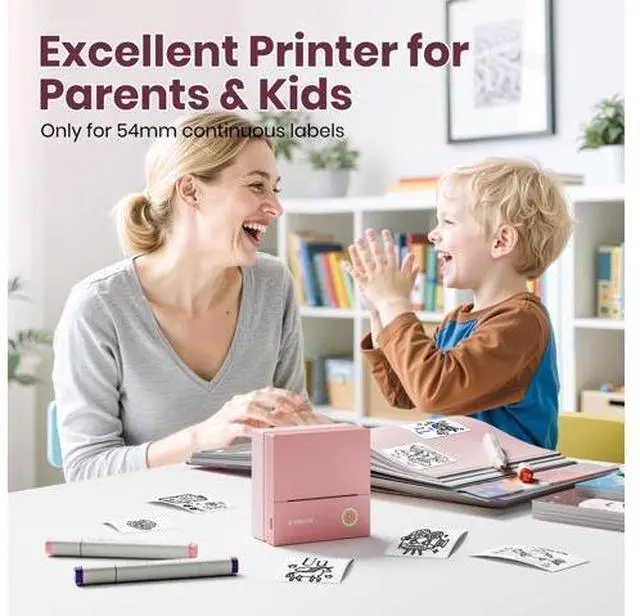
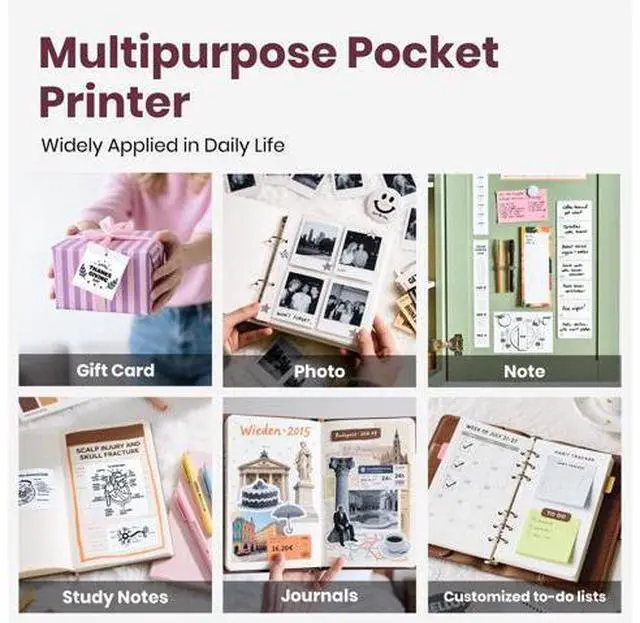
Previous page PM290C Sticker Printer PM290C Thermal Printer Label How to PM290C label makerconnect Bluetooth? 1. Connecting to Bluetooth through the "Labelnize" APP 2. Download the App "Labelnize" fromi the Apple Store/Google Play 3. Turn on Bluetooth on your phone, long press to turn on the PM290C sticker printer and open the Labelnize App to link to Bluetooth Can the PM290C be connected to a computer or used to print color photos? 1. The PM290C cannot be connected to a computer for use; it can only be used with mobile phones or iPads.
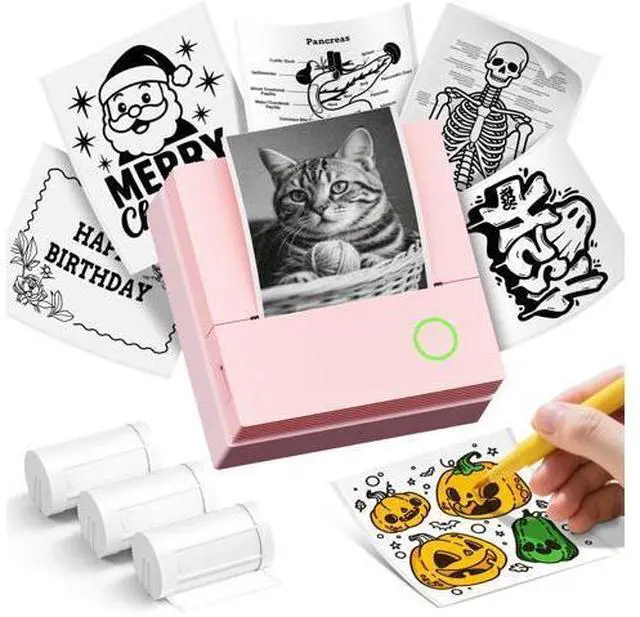
2. the ETIKEZ PM290C mini printer is a thermal printer that can print black and white photos, but not a camera. ETIKEZ Instant Print Camera Instant Camera Next page Video Player is loading. Play Video Play Skip Backward Skip Forward Mute Current Time 0:00 /
Duration 0:25 Loaded: 47.39 % 0:00 Stream Type LIVE Seek to live, currently behind live LIVE Remaining Time - 0:25 1x Playback Rate Chapters Chapters Descriptions descriptions off, selected Captions captions settings, opens captions settings dialog captions off, selected Audio Track Fullscreen This is a modal window. Beginning of dialog window. Escape will cancel and close the window.





 here!
here!