Feature:
Product Introduction
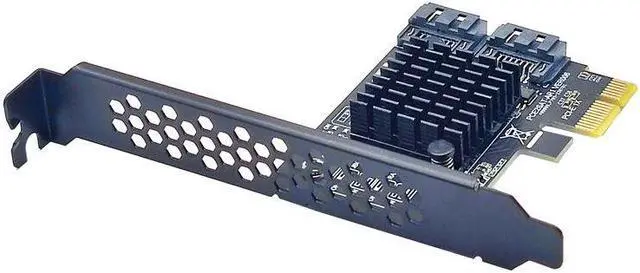
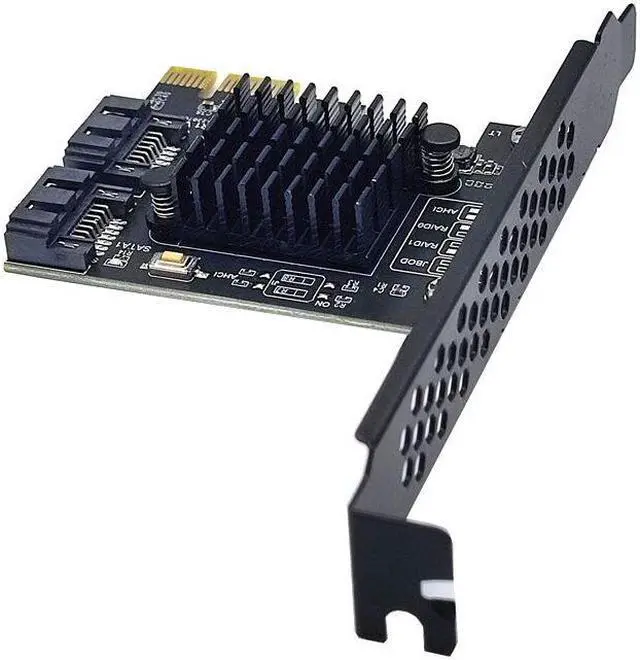
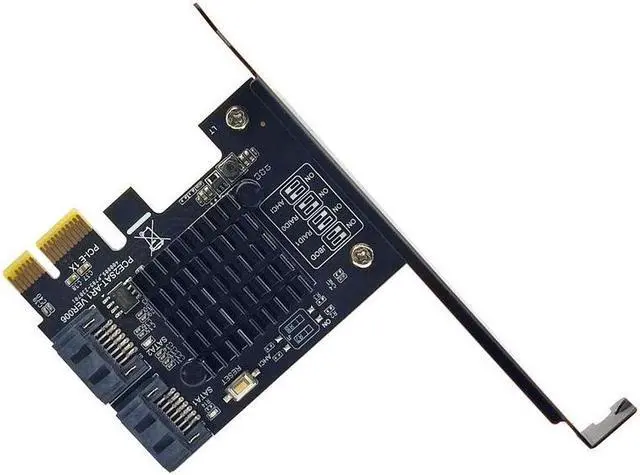
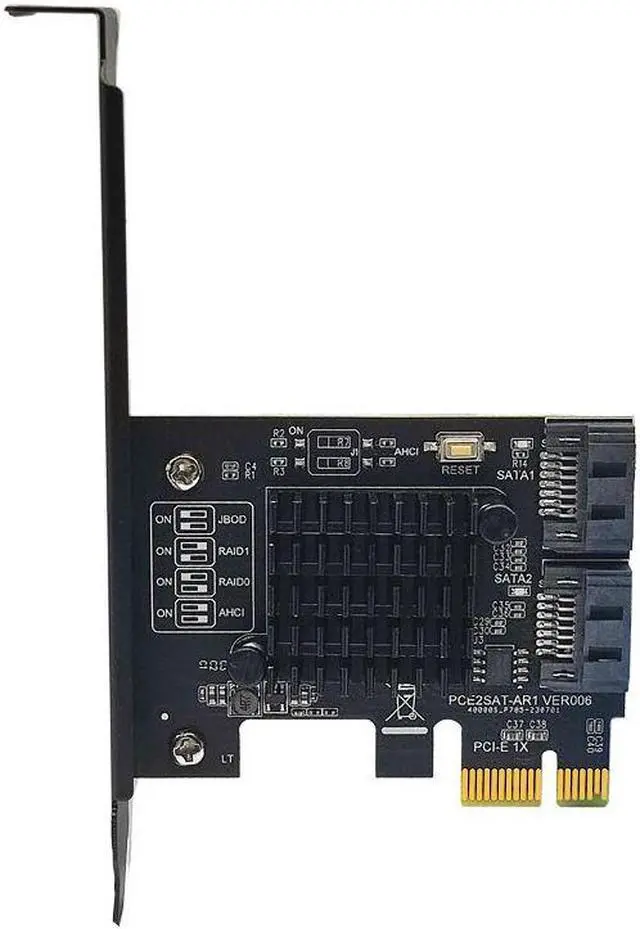
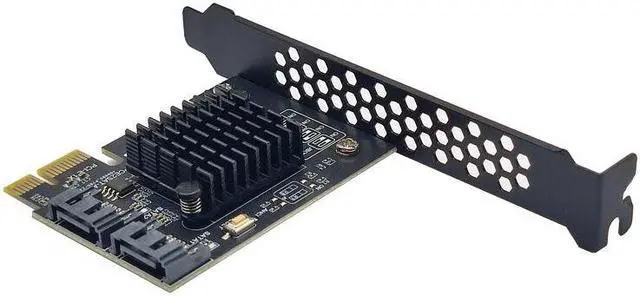
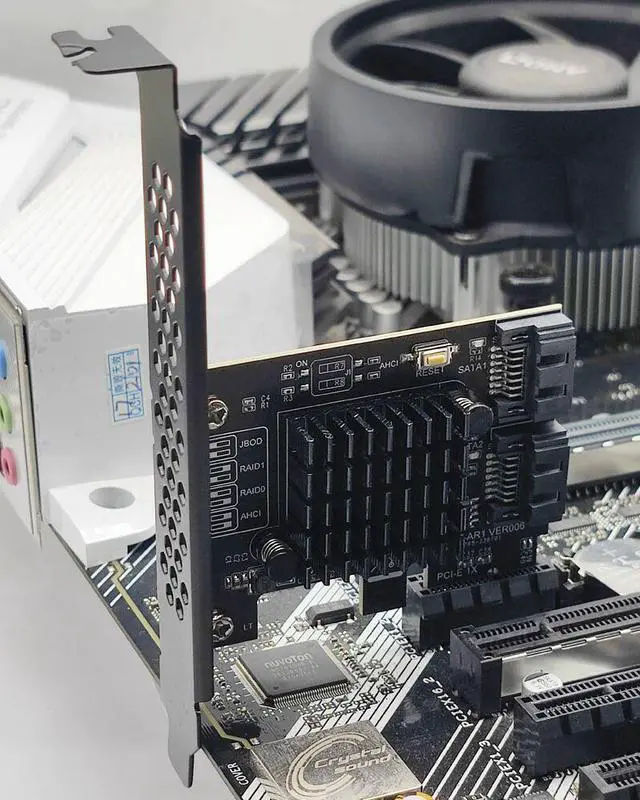
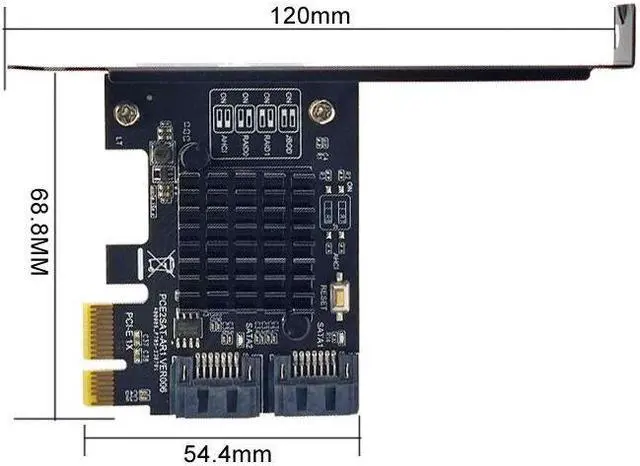
This is PCI Express Gen2 x1 to two ports of Serial ATA 6Gbps, integrates ASMedia Hydratek hardware RAID engine, enables Serial ATA PHY up to 6Gbps high speed interface, supports SRIS (Separate Refclk Independent SSC) function, complies with Serial ATA Revision 3.2 Specification.
Industry Specifications
Compliance:
PCI Express Base Specification Rev. 2.0
PCI Express Card Electromechanical Rev. 2.0
Serial ATA AHCI Spec. Rev. 1.3
Serial ATA Revision 3.2
Serial ATA Features
Supports 2 ports Serial ATA PHY
1.5G bps, 3.0G bps and 6.0G bps speed negotiation
Supports AHCI programming interface
Supports Native Command Queue (NCQ)
Supports Port Multiplier command based switching
Embedded hardware RAID engine
Supports RAID0, RAID1, SPAN
RAID mode changeable, controlled via the setting by two GPI
Os or GUl utility
RAID0 high performance for the data transmission
Supports S. M. A. R. T feature
Supports automatic rebuild
Supports high performance off-line rebuild
Supports background rebuild
Note: Not Supported RAID on PM
System Requirements
Supports Windows 7/8/10/11/Server 2012/2008/linux
Hardware Installation
1. Tum off the power to your computer
2. Unplug the power cord and remove your computer cover
3. Locate to an empty PCI Express x1, x4, x8, or x16 slot on the motherboard.
4. To install the board, carefully align the card's bus connector with the
selected PCI-E slot on the motherboard. Push the board down firmly.
5. Attach your internal devices to the SATA 3.0 Card
6. Replace the slot bracket holding screw to secure the card.
7. Replace the computer cover and reconnect the power cord.
Warning: AlI the data on the hard disks connected to the controller card will be permanently erased in the following actions.
Create Raid
1. Turn on your computer, follow the prompt, and press Ctrl + R for the RAlD setup screen.
2. Press Enter.
3. Use keyboard arrow keys select reate RAlD Model", and press Enter
4. AIl Data will be lost, sure to process? (Y/N)
5. Mode Change is completed
6. Press ESC and Y to save and exit BIOS Setup.
Delete RAID Array
Method 1:
1. Turn on your computer, follow the prompt, and press Ctrl + R for the RAlD setup screen, Press Enter.
2. Use keyboard arrow keys select "Remove RAlD "and press Enter
3. AlI Data will be deleted, are you sure? (Y/N)
4. Mode Change is completed
5. Press ESCeave Configure controller? (Y/N)", select Y
6. Press ESCeave RAID Manager? (Y/N)", select Y
Method 2:
After entering the system or scanning hard disk information, hold down the RESET switch on the card for 3 seconds. Then the indicator on the card will blink twice, indicating that the RAID Settings are deleted.
Note: If the card has a RAID group, you must follow the procedure described in Deleting RAID Settings to delete RAID Settings before replacing the hard disk. If you do not delete it, the new hard drive will appear unrecognized.
Note:
1. The SATA 3.0 PCI-E card must be installed in the PCI-E slot of the motherboard, and must not be inserted into the PCI slot.
2. The fastest speed is 380-450m/s in PCI-E 2.0. If it is plugged into PCI-E 1.0, the speed only runs 200-300m/s. Different computer 3. configurations and sata ssd have different speeds. If all ports are used at the same time, the speed will slow down.
4. We recommend to use this SATA 3.0 Card in PCIE 2.0 or 3.0 slot, so as to get the fastest speed.
5. Be sure to turn off the power of the computer before inserting or removing the card, and then insert the card to avoid damage to the motherboard or expansion card.
6. The drives that this product need is included in Microsoft systerms.