Your Browsing History
Meet Your Seller
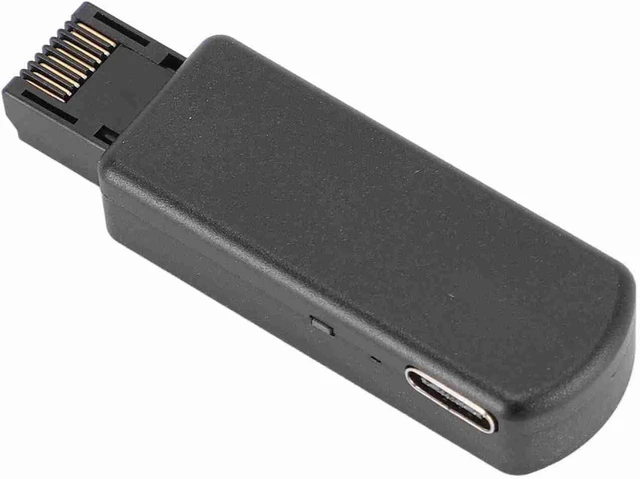
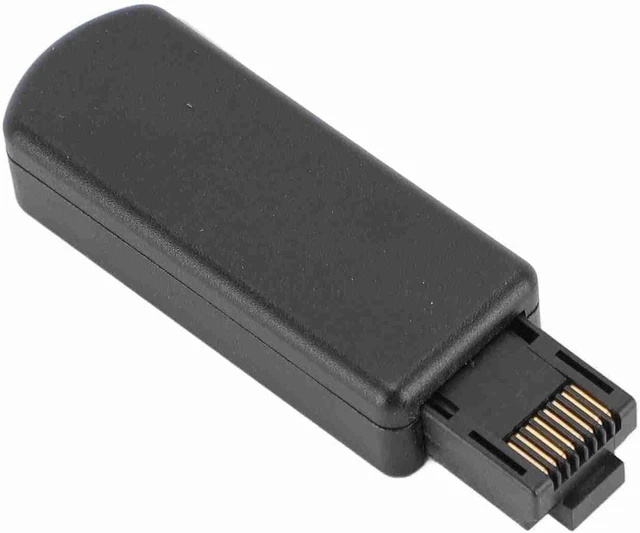
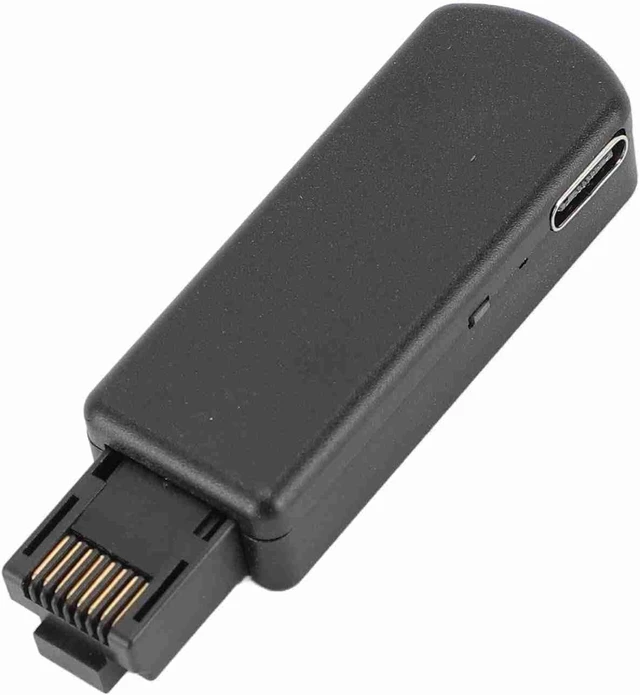
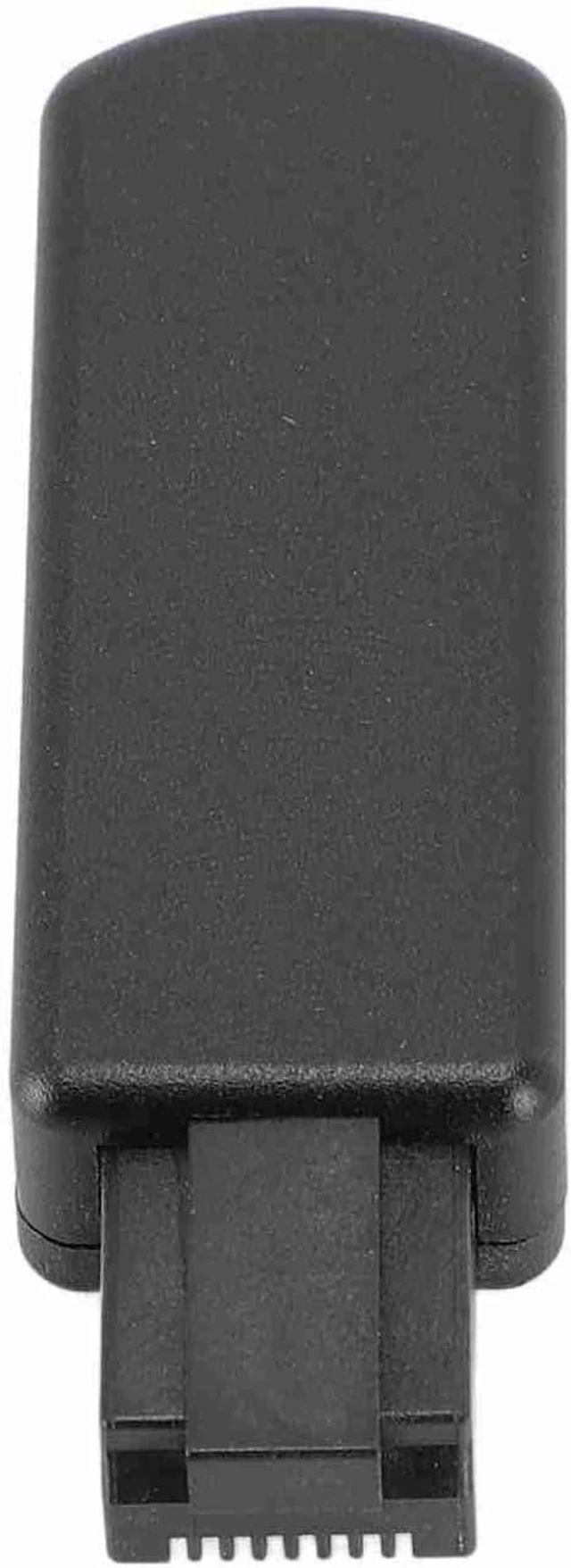
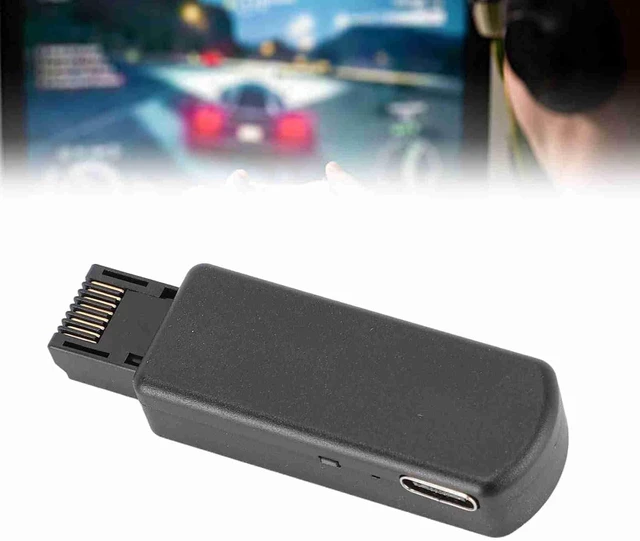
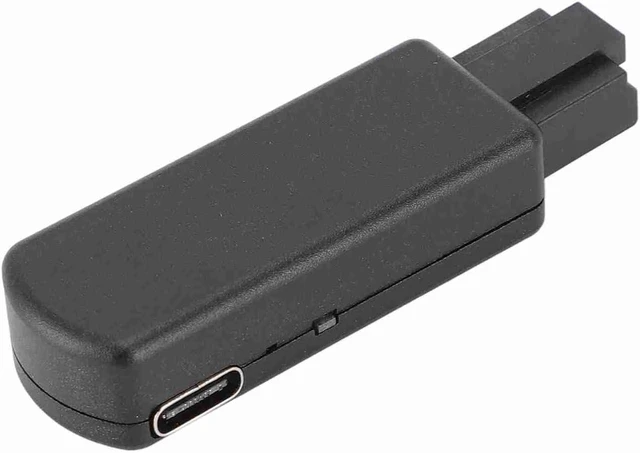
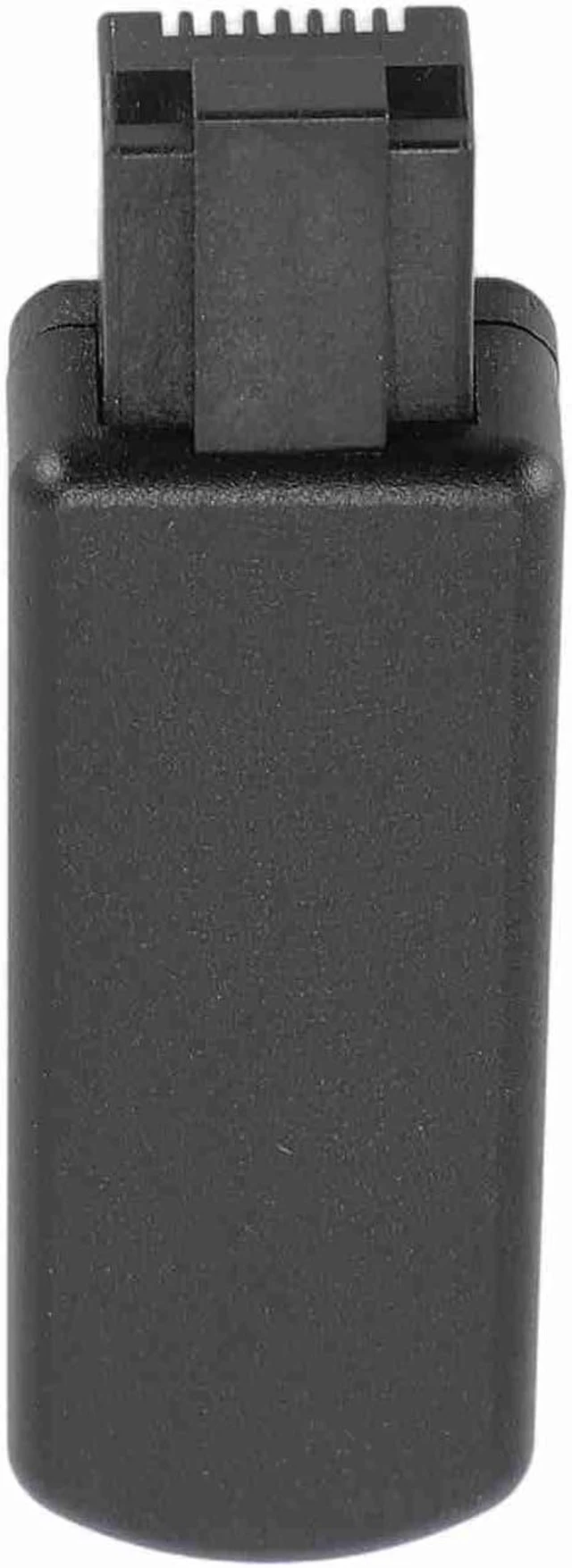
Gugxiom One Key JB Tool USB Adapter, for FW 9.0 11.0 System
- Compatibility: If system version is for FW 9.0 11.00, you can
- Stylish Design: The JB tool USB adapter adopts a stylish black
- Premium Material: Made of premium aluminium alloy and ABS mate
+
+
Overview
Specs
Reviews
Any questions? Ask CelesteSM will help you find out quickly.
Try me now
The product only supports the system versions listed here: 9.00, 9.60, 10.00, 10.01, and 11.00. The pre-installed firmware is only version 11.00. If your is version 11.00, you can use it directly. If it is version 9.00, 9.60, 10.00, or 10.01, you need to refer to the p4-tool website tutorial 'Build Image with Web Server' first.
Specification: Item
Type: JB Tool
USB Adapter Material: Aluminum Alloy, ABS
Input Port: Ethernet Port
Power Port: Type
C Supported Systems: For FW 9.0 11.0
Systems Web Server Function: You can access it on your browser, which
allows you: 192.168. 1.1
1. Change your for PPPwn settings
2. Shut down your for device
3. Execute PPPwn
4. Inject payload (make sure for BinLoader is enabled in for GoldHEN)
5. Turn on and off, power on and autorun (on by default)
6. You can manually edit the file located in. /etc/pppwn/config. json configuration file How to
Use: Remove the product and use it packing list: 1 x JB Tool USB Adapter 1 x USB Cable 1 x Instruction Manual

Specification: Item
Type: JB Tool
USB Adapter Material: Aluminum Alloy, ABS
Input Port: Ethernet Port
Power Port: Type
C Supported Systems: For FW 9.0 11.0
Systems Web Server Function: You can access it on your browser, which
allows you: 192.168. 1.1
1. Change your for PPPwn settings
2. Shut down your for device
3. Execute PPPwn
4. Inject payload (make sure for BinLoader is enabled in for GoldHEN)
5. Turn on and off, power on and autorun (on by default)
6. You can manually edit the file located in. /etc/pppwn/config. json configuration file How to
Use: Remove the product and use it packing list: 1 x JB Tool USB Adapter 1 x USB Cable 1 x Instruction Manual
Warranty & Returns
Warranty, Returns, And Additional Information
Warranty
- Please contact the Seller directly for warranty information. Warranty information may also be found on the Manufacturer's website.
- CONTACT
Return Policies
- Return for refund within: 30 days
- Return for replacement within: 30 days
- This item is covered by TopMei Outdoors Return Policy
Manufacturer Contact Info
- For a directory of all our manufacturers, please click below.
- Manufacturers Directory
LOADING...