




 here!
here!
I’m your shopping assistant for PC builds, upgrades, and everything tech.
Got questions? Ask away!
Start a conversation
here!
I’m your shopping assistant for PC builds, upgrades, and everything tech.
Got questions? Ask away!
Start a conversation
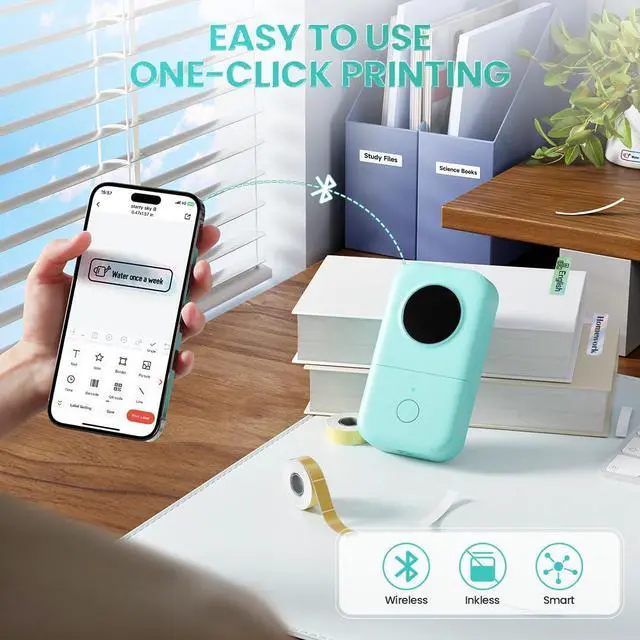
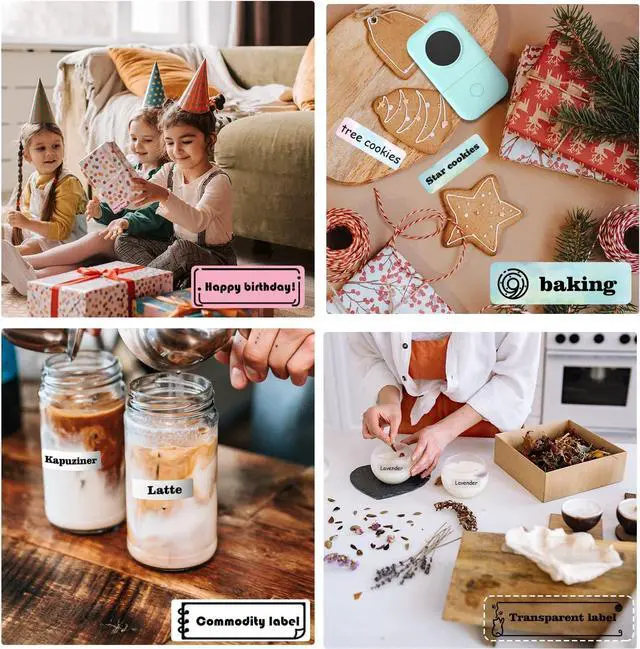
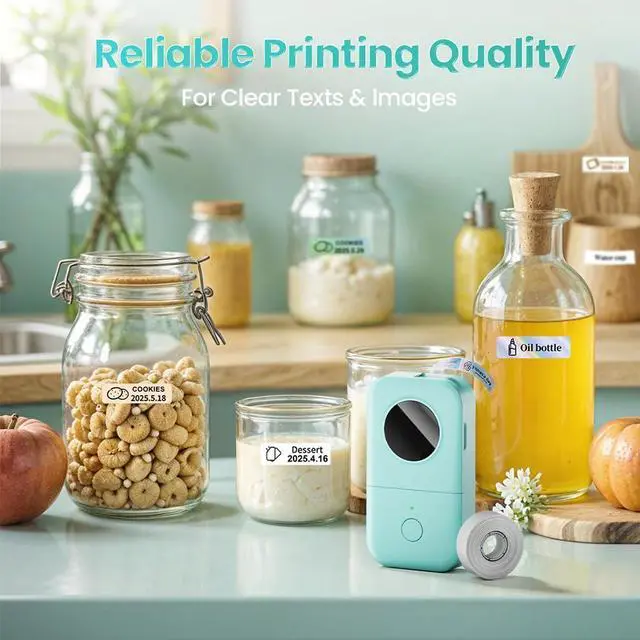



Any questions? Ask CelesteSM will help you find out quickly.


Please note that:
1. Download the "Print Master" app from the Apple Store or Google Play
2. Connect Bluetooth through the app, not through your phone’s settings.
3. Before printing, select the correct paper size in the app. The label tapes come with is 12x40mm.
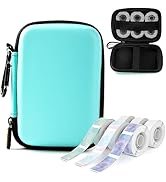
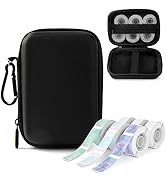
 Black on White |  Black on White Continuous |  D30 Label Maker Cover |  D30 Pearl & Star Lanyard |  D30 Label Maker Case |  Starry-hued | 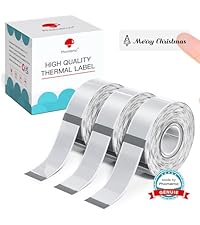 Black on Clear | |
|---|---|---|---|---|---|---|---|
Customer Reviews | — | — | — | — | — | — | — |
Price | — | — | — | — | — | — | — |
Style | Pre-cut - 3 Rolls | Continuous Long Label Tape | D30 Label Maker Cover | D30 Label Maker Lanyard | D30 Label Maker Case | Pre-cut - 3 Rolls | Pre-cut - 3 Rolls |
Work with | Work with Phomemo D30 Labeler | Work with Phomemo D30 Labeler | Work with Phomemo D30 Labeler | Work with Phomemo D30 Labeler | Work with Phomemo D30 Labeler | Work with Phomemo D30 Labeler | Work with Phomemo D30 Labeler |
Stickiness | ? | ? | ? | ? | ? | ? | ? |
Easy Peel | ? | ? | ? | ? | ? | ? | ? |
High Quality | ? | ? | ? | ? | ? | ? | ? |
Are there any free materials available? What special services can members enjoy?
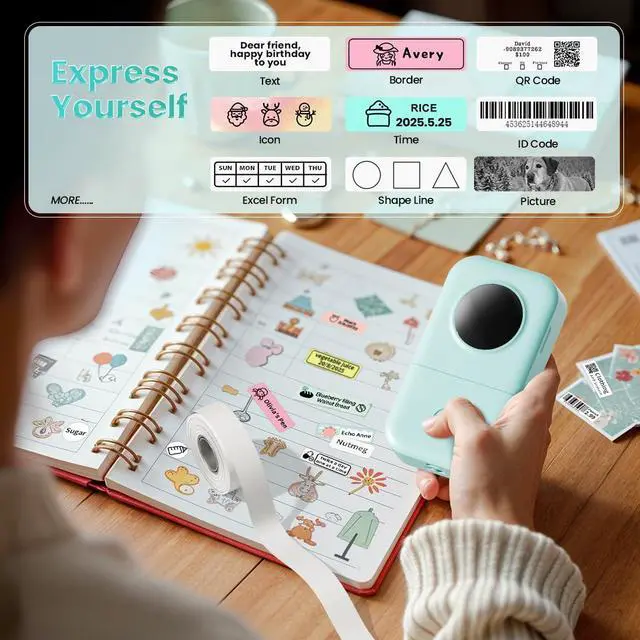
Yes! You can use thousands of patterns, borders and templates free. After becoming an exclusive member, you can also unlock a richer collection of exclusive hand-drawn patterns, enjoy AI-powered intelligent generation of more creative content
Is This a Color Label Printer?
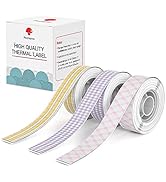
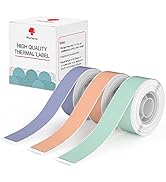
This label maker only prints in black text (monochrome). However, you can create colorful designs by using color-patterned label tapes.
What is Included in the Package?
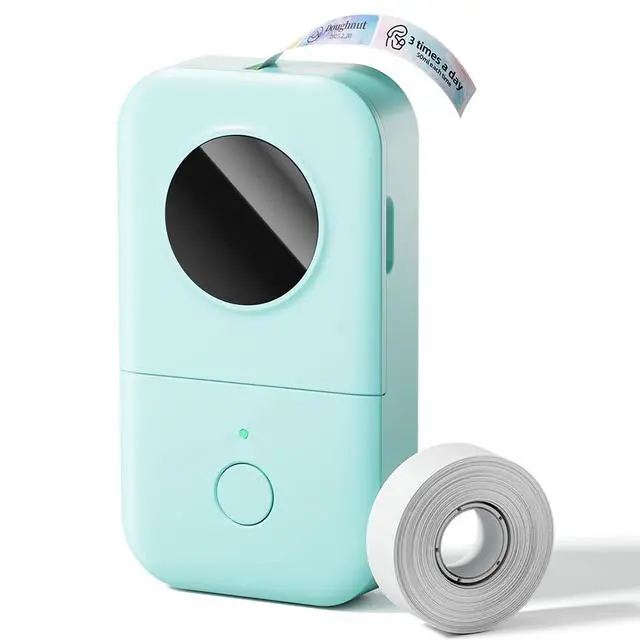
The package includes: one D30 label maker, 80 pre-cut 0.47-inch white labels (12x40mm), a Mirco USB cable/cord, and a Manual,
What to Do If the Label Prints Offset?
Before printing, select the correct paper size in the app. The included sample paper is 12x40mm. If you're using the 12x40mm roll, make sure to select the matching template.
What to Do If the Label Doesn’t Print Clearly?
1.Fully charge the label maker.
2.Clean the print head and platen roller with alcohol pads.
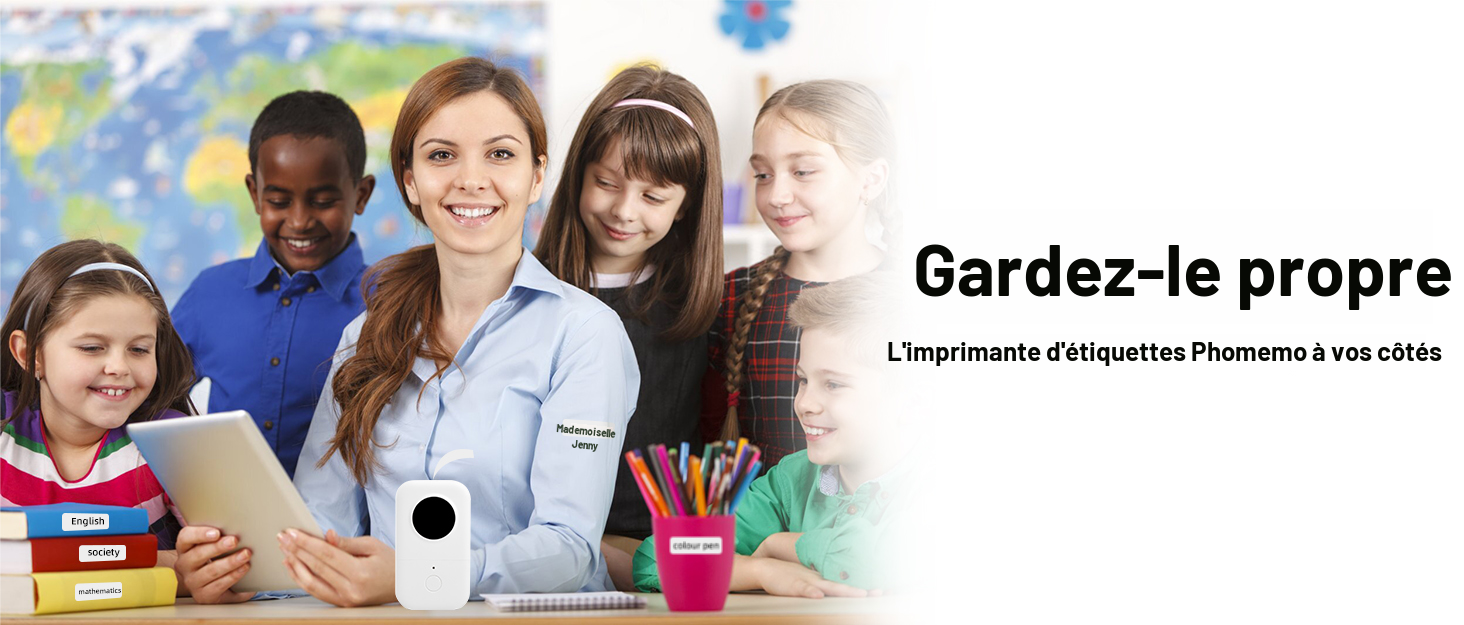
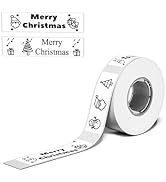
The perfect way to warm hearts and spread joy this holiday season!
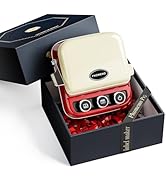
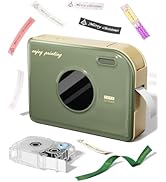


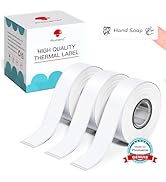

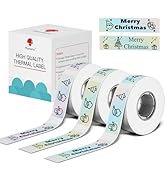
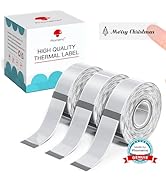

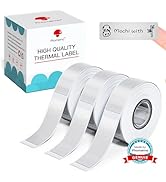
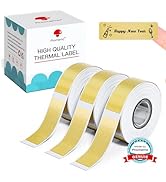
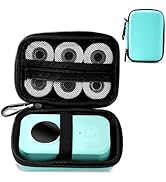
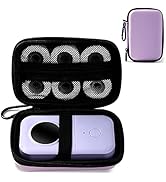
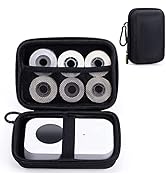
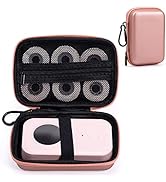
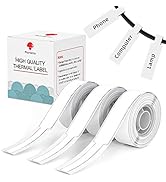
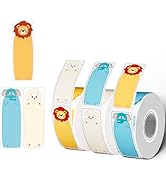


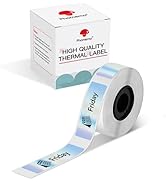


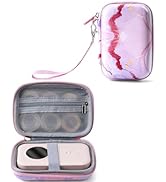
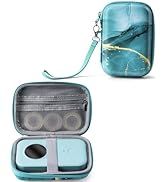

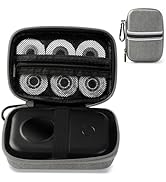
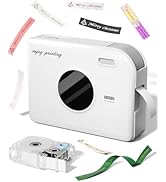



Phomemo is a powerhouse in the development and manufacturing of label printers and consumables
Our unwavering commitment is to provide customers with an exciting and convenient printing experience. Focused on innovation, we strive to revolutionize the way you print. Phomemo offers a wide range of cutting-edge products designed to make printing fun, hassle-free, and accessible to everyone.
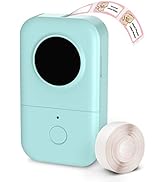
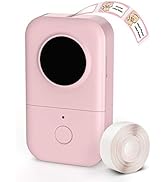
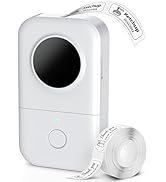
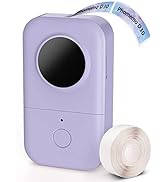


Rechargeable, Inkless, Portable
Please note that:
1. Download the "Print Master" app from the Apple Store or Google Play
2. Connect Bluetooth through the app, not through your phone’s settings.
3. Before printing, select the correct paper size in the app. The label tapes come with is 12x40mm.
Black on White | Black on White Continuous | D30 Label Maker Cover | D30 Pearl & Star Lanyard | D30 Label Maker Case | Starry-hued | Black on Clear |
|---|---|---|---|---|---|---|
| Customer Reviews | ||||||
| — | — | — | — | — | — | — |
| Price | ||||||
| — | — | — | — | — | — | — |
| Style | ||||||
| Pre-cut - 3 Rolls | Continuous Long Label Tape | D30 Label Maker Cover | D30 Label Maker Lanyard | D30 Label Maker Case | Pre-cut - 3 Rolls | Pre-cut - 3 Rolls |
| Work with | ||||||
| Work with Phomemo D30 Labeler | Work with Phomemo D30 Labeler | Work with Phomemo D30 Labeler | Work with Phomemo D30 Labeler | Work with Phomemo D30 Labeler | Work with Phomemo D30 Labeler | Work with Phomemo D30 Labeler |
| Stickiness | ||||||
| ? | ? | ? | ? | ? | ? | ? |
| Easy Peel | ||||||
| ? | ? | ? | ? | ? | ? | ? |
| High Quality | ||||||
| ? | ? | ? | ? | ? | ? | ? |
Are there any free materials available? What special services can members enjoy?
Yes! You can use thousands of patterns, borders and templates free. After becoming an exclusive member, you can also unlock a richer collection of exclusive hand-drawn patterns, enjoy AI-powered intelligent generation of more creative content
Is This a Color Label Printer?
This label maker only prints in black text (monochrome). However, you can create colorful designs by using color-patterned label tapes.
What is Included in the Package?
The package includes: one D30 label maker, 80 pre-cut 0.47-inch white labels (12x40mm), a Mirco USB cable/cord, and a Manual,
What to Do If the Label Prints Offset?
Before printing, select the correct paper size in the app. The included sample paper is 12x40mm. If you're using the 12x40mm roll, make sure to select the matching template.
What to Do If the Label Doesn’t Print Clearly?
1.Fully charge the label maker.
2.Clean the print head and platen roller with alcohol pads.
The perfect way to warm hearts and spread joy this holiday season!
Phomemo is a powerhouse in the development and manufacturing of label printers and consumables
Our unwavering commitment is to provide customers with an exciting and convenient printing experience. Focused on innovation, we strive to revolutionize the way you print. Phomemo offers a wide range of cutting-edge products designed to make printing fun, hassle-free, and accessible to everyone.


