here!
here!
I’m your shopping assistant for PC builds, upgrades, and everything tech.
Got questions? Ask away!
Start a conversation
here!
I’m your shopping assistant for PC builds, upgrades, and everything tech.
Got questions? Ask away!
Start a conversation



Any questions? Ask CelesteSM will help you find out quickly.

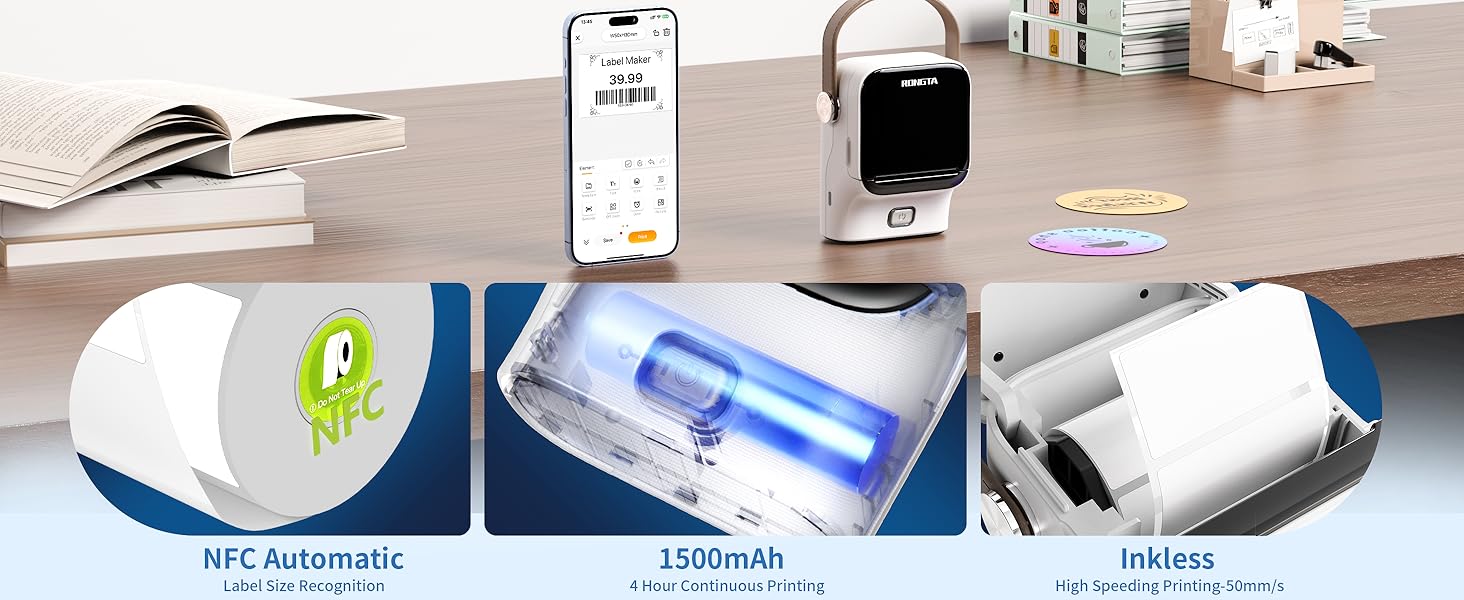
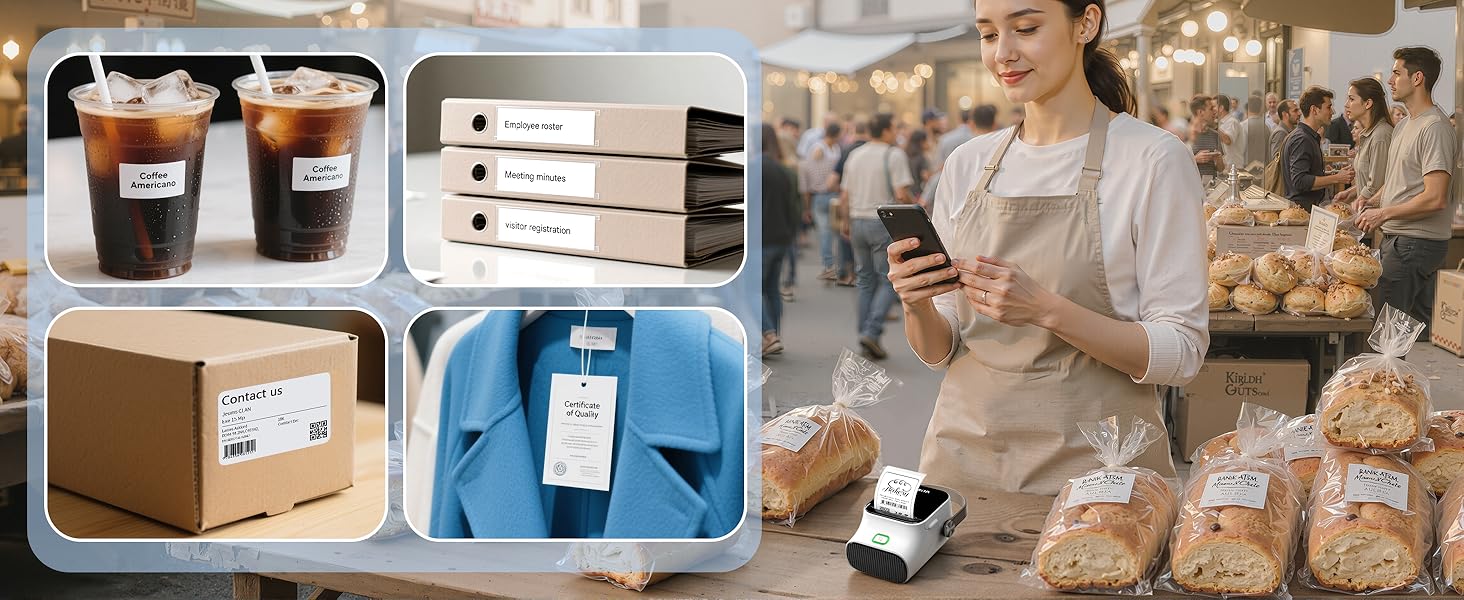
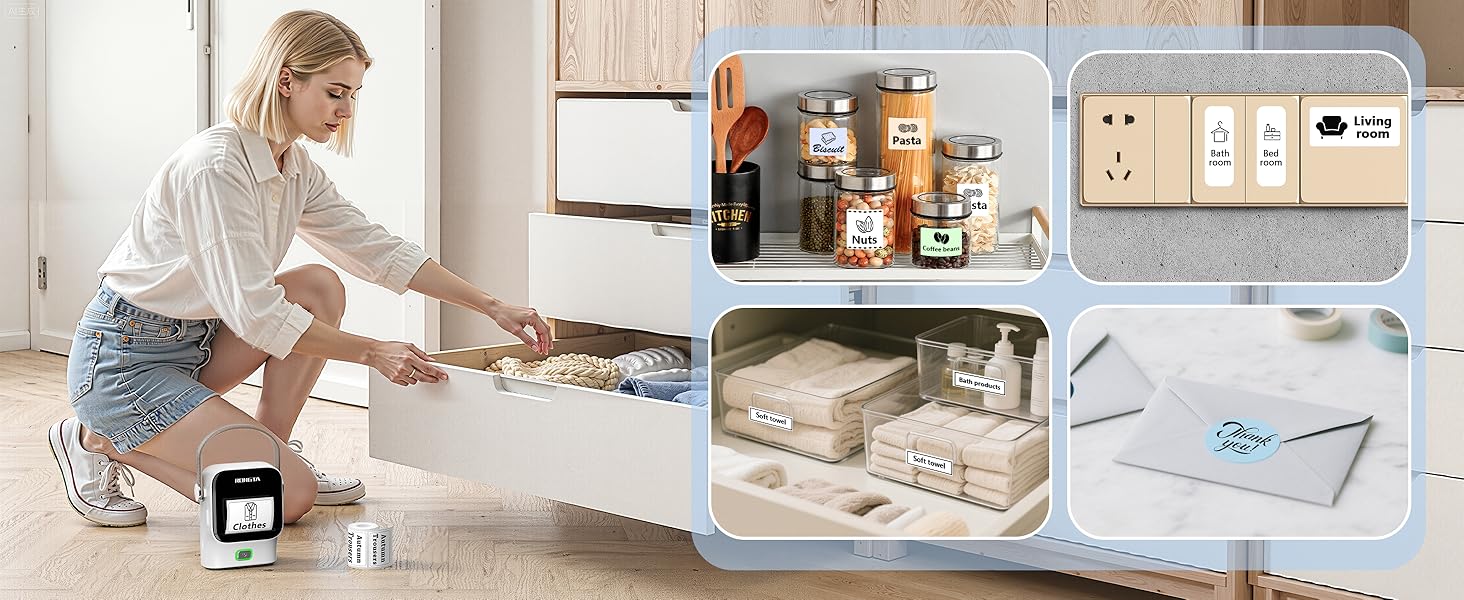
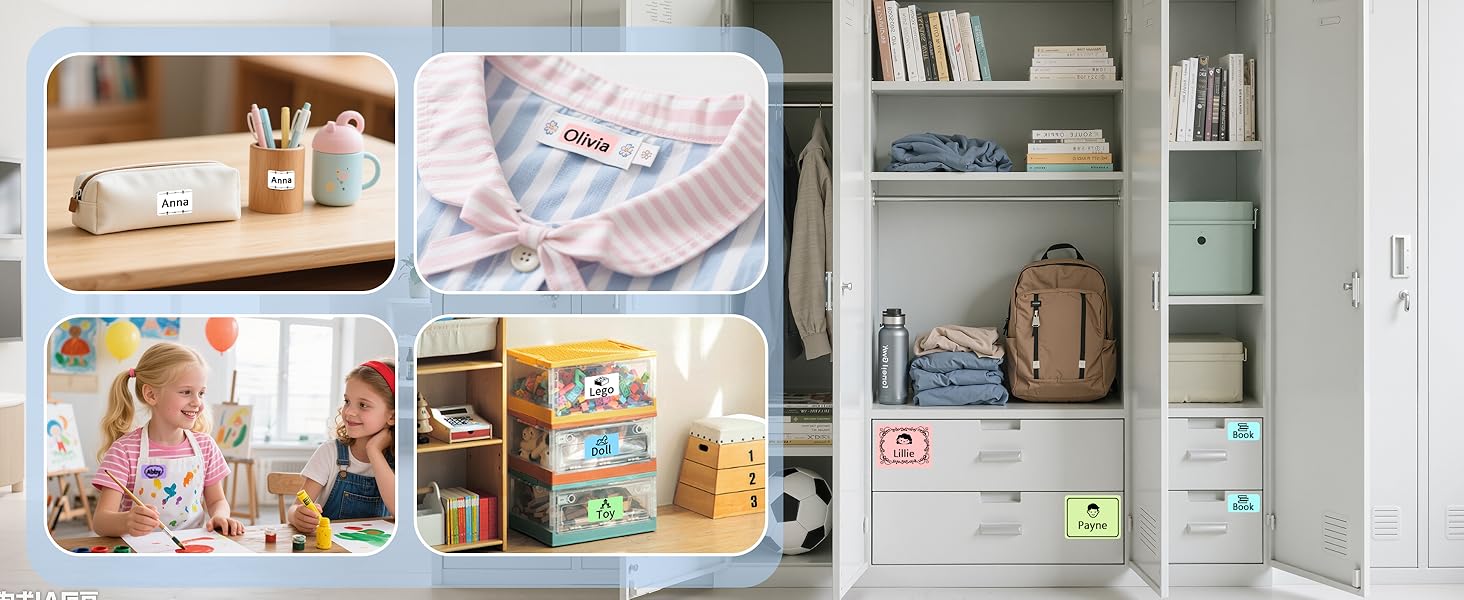
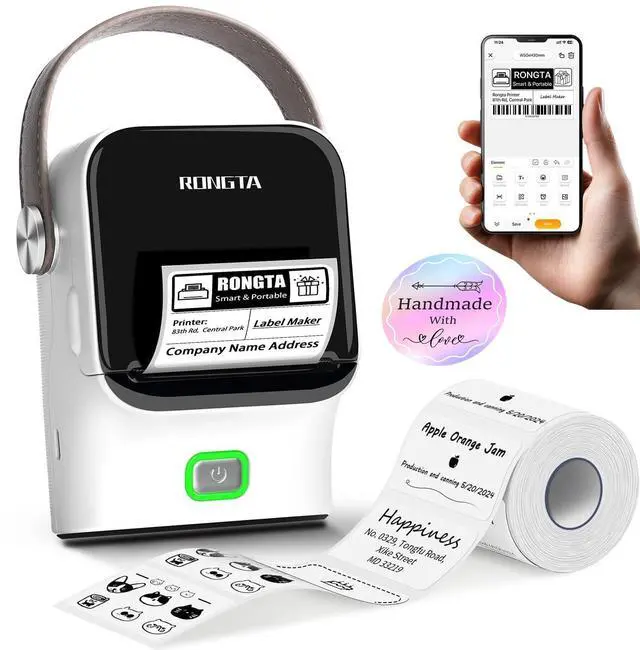
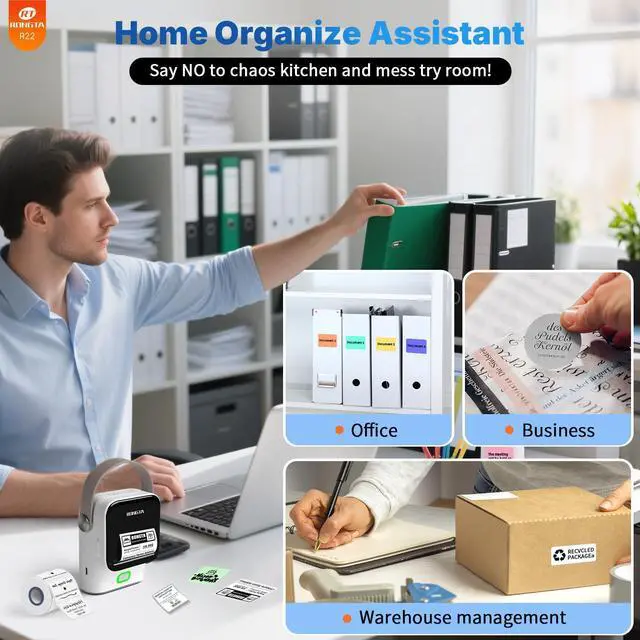
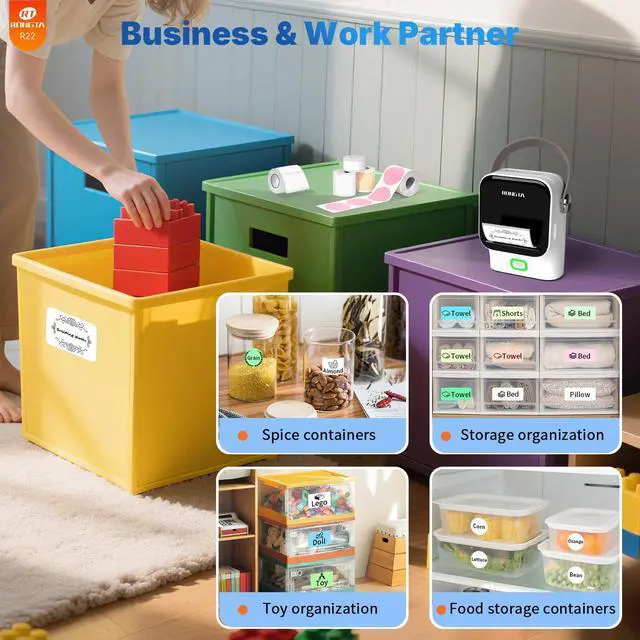
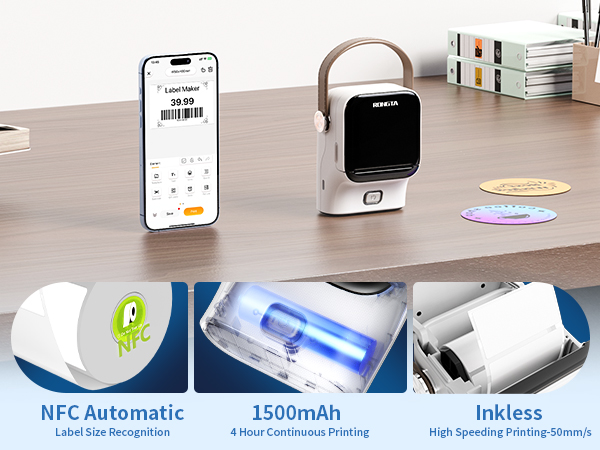
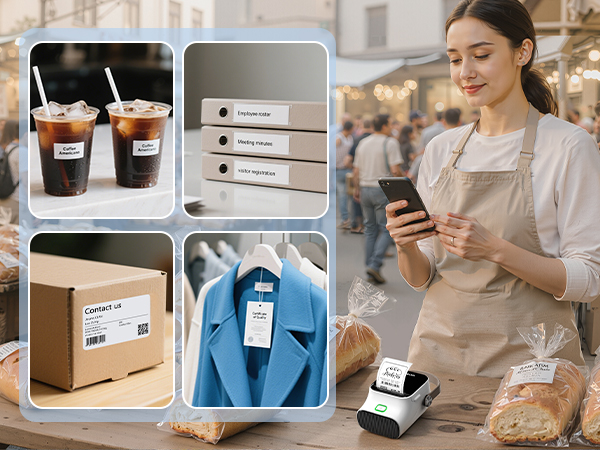
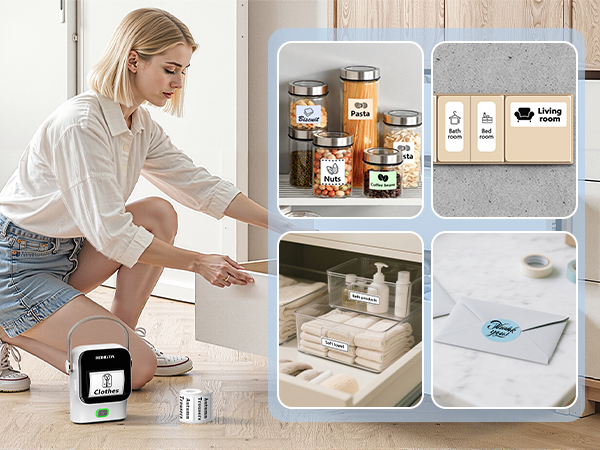
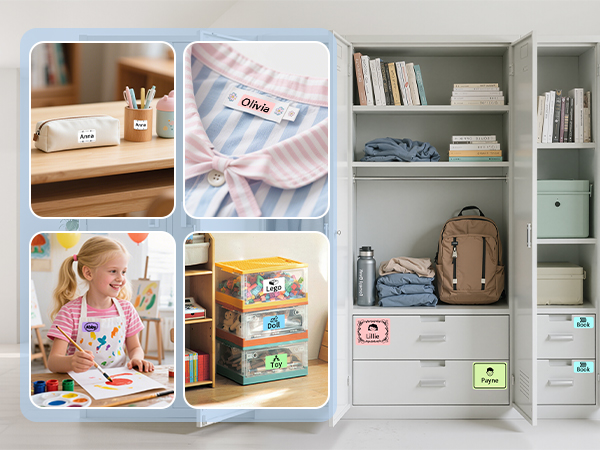
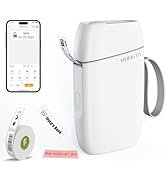
The 2 inch Label Maker is a Great Small Label Printer for Home Organize & Small Business.
NOT SUPPORT COLOR PRINTING
ONLY black and white PRINTING
R22 Quick Start Guide Video
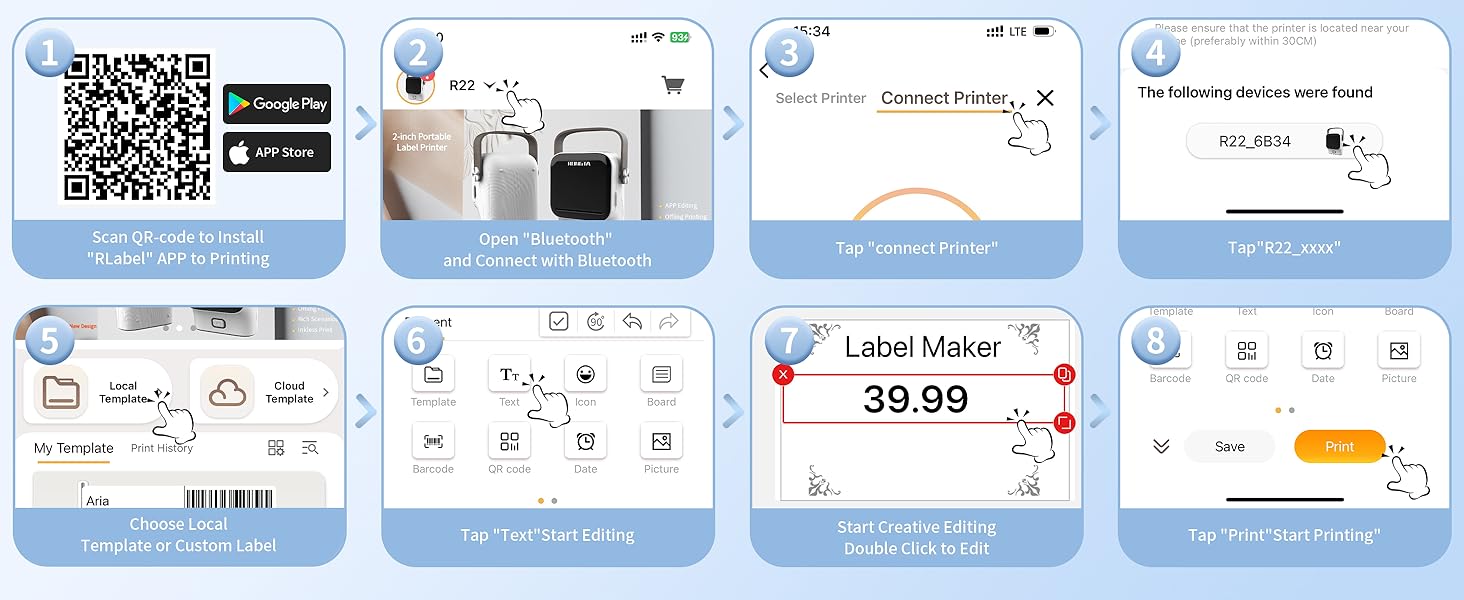
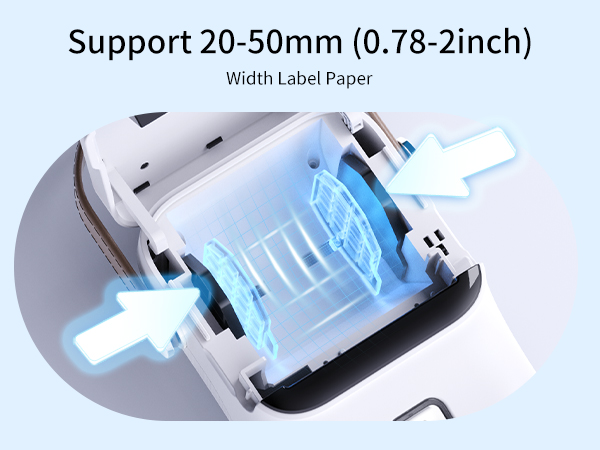
Install Label Tape--Step 1:Open the cover Step 2: Load the paper roll in the paper bin. Make sure the printing side facing down Step 3: Unroll the paper enough so that it sticks out of the printer slightly. Step 4: Close the cover.
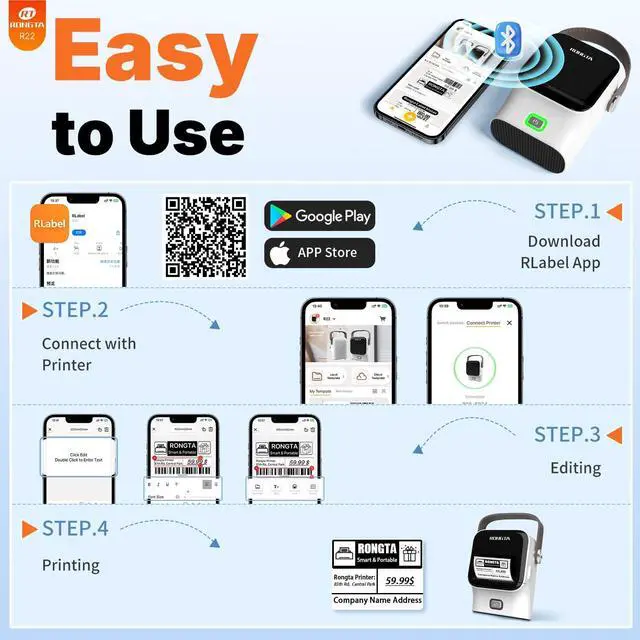
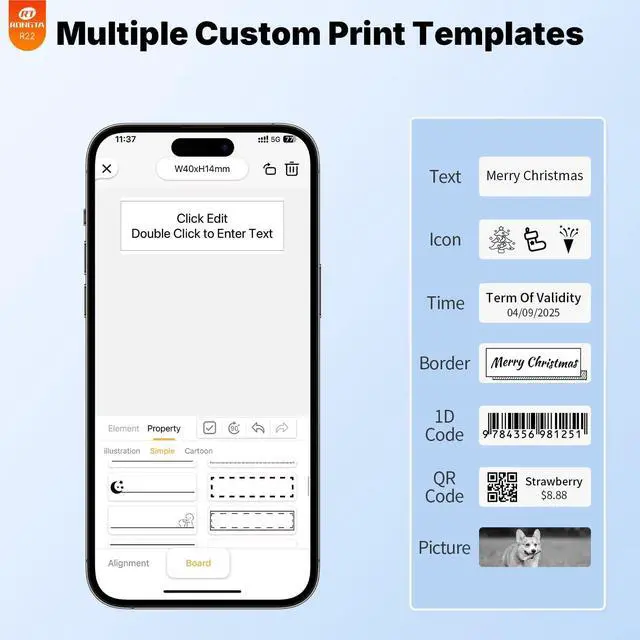
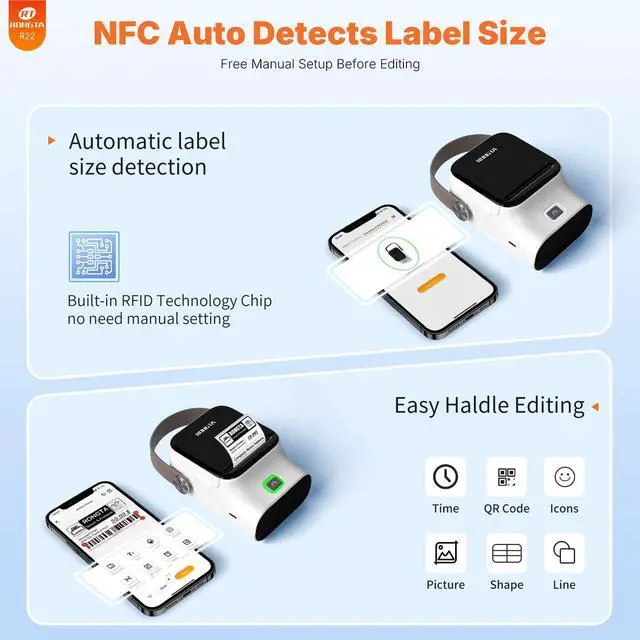
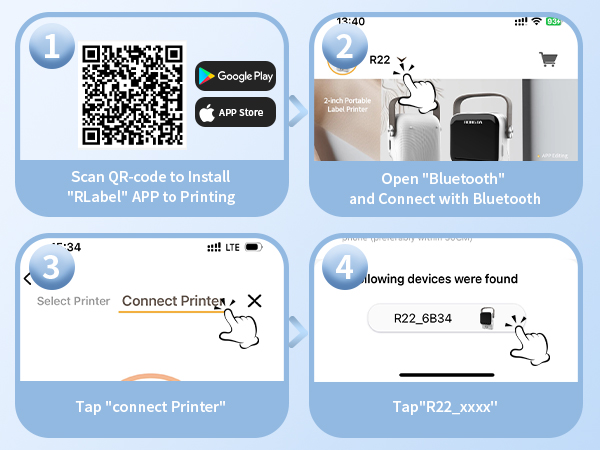
Use RLabel APP--1 : Download APP "RLabel". 2: Press and hold the power button for 3 seconds to turn on the R22, turn on the Bluetooth of the cell phone . 3: Click "Connect Printer"Add R22 Label Maker Printer at the bottom and start printing.
Does it work with Android and iOS?
Yes, this craft and DIY sticker maker machine is compatible with Android and iOS system.
What is the maximum label length it can print?
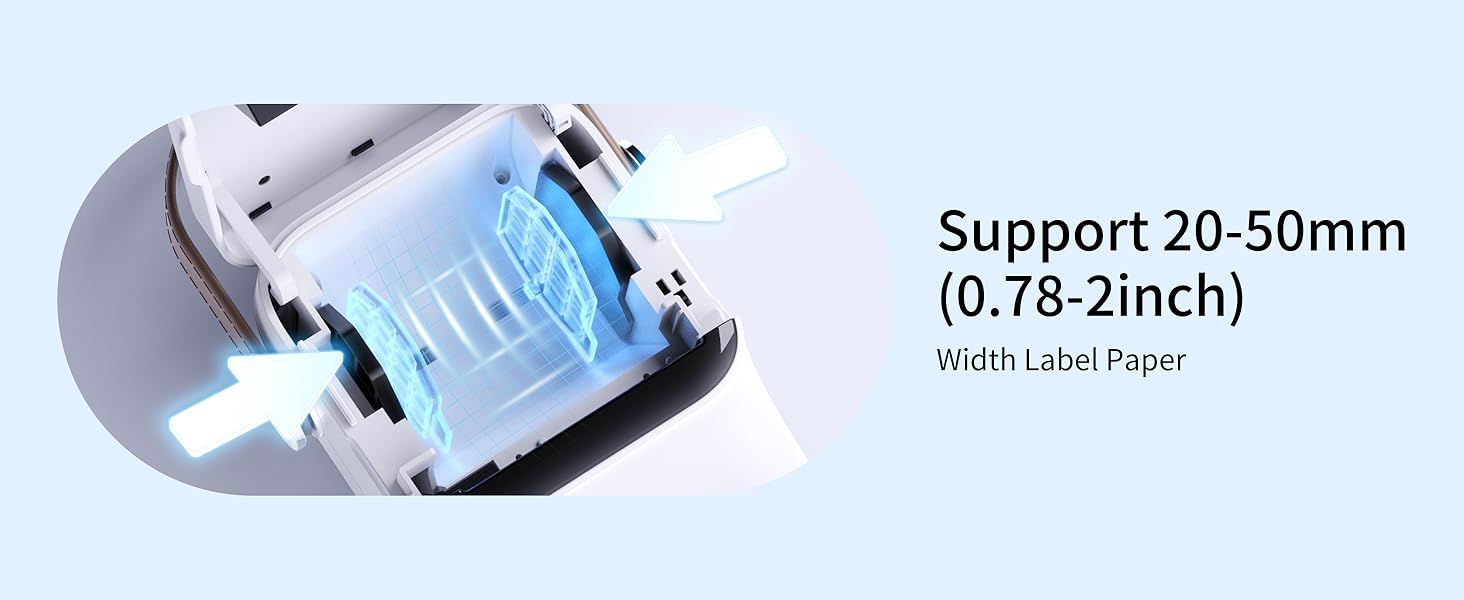
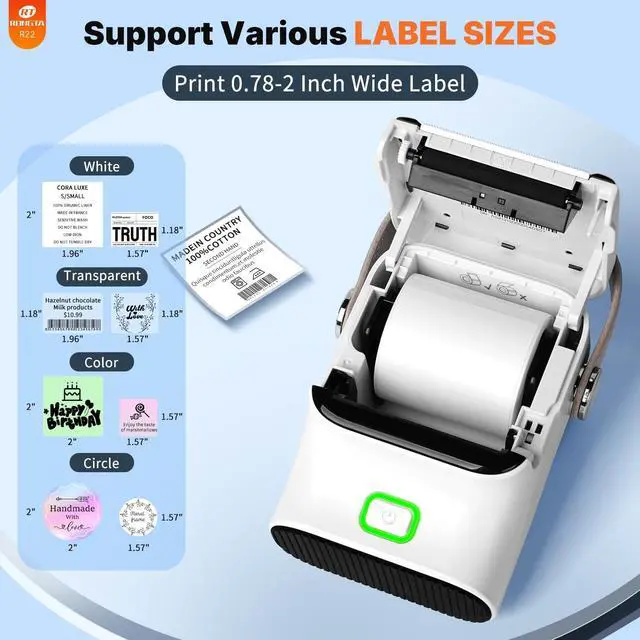
The maximum label width that this Rongta Bluetooth Label Maker Machine can print is 2 inches.
Can it print in color?
No, this label maker machine uses thermal printing technology and can only print in monochrome(Black).
Can it connect to computer?
No,it only support bluetooth connect to smartphone and tablet,not connect to computer.
How to connect your cell phone with print?
Step 1 : Download APP "RLabel". Step 2: Turn on the R22, turn on the Bluetooth of the cell phone and make a Bluetooth connection in the APP. Step 3: Click "Connect Printer"Add R22 Label Maker Printer in the Down right corner and start printing.
 2 Inch Label Maker R22 | 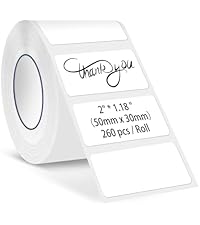 Tape for R22 | 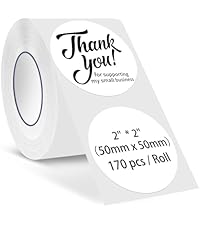 Tape for R22 |  Mini Label Maker |  2-4 inch Label Printer |  Shipping Label Printer | 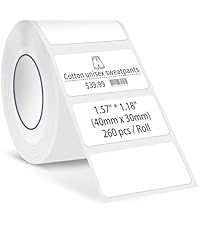 Tape for R22 | |
|---|---|---|---|---|---|---|---|
Customer Reviews | — | — | — | — | — | — | — |
Price | — | — | — | — | — | — | — |
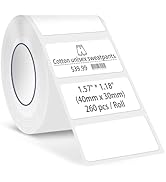
Print Size | 2" Max | 2*1.18 Inch | 2*2 Inch Round | 0.55*1.57" | 2''-4'' | 2''-4'' | 1.57*1.18 Inch |
Color Print | ? | ? | ? | ? | ? | ? | ? |
Feed Paper Style | Roll Paper | 260Pcs/Roll | 170Pcs/Roll | Roll Paper | Fanfold/Roll | Fanfold/Roll | 260Pcs/Roll |
Sticker Print Available | ? | ? | ? | ? | ? | ? | ? |
Connections | Bluetooth | adhesive label | adhesive label | Bluetooth | Bluetooth/USB | Bluetooth/USB | adhesive label |
NOT SUPPORT COLOR PRINTING
ONLY black and white PRINTING
R22 Quick Start Guide Video
Install Label Tape--Step 1:Open the cover Step 2: Load the paper roll in the paper bin. Make sure the printing side facing down Step 3: Unroll the paper enough so that it sticks out of the printer slightly. Step 4: Close the cover.
Use RLabel APP--1 : Download APP "RLabel". 2: Press and hold the power button for 3 seconds to turn on the R22, turn on the Bluetooth of the cell phone . 3: Click "Connect Printer"Add R22 Label Maker Printer at the bottom and start printing.
Does it work with Android and iOS?
Yes, this craft and DIY sticker maker machine is compatible with Android and iOS system.
What is the maximum label length it can print?
The maximum label width that this Rongta Bluetooth Label Maker Machine can print is 2 inches.
Can it print in color?
No, this label maker machine uses thermal printing technology and can only print in monochrome(Black).
Can it connect to computer?
No,it only support bluetooth connect to smartphone and tablet,not connect to computer.
How to connect your cell phone with print?
Step 1 : Download APP "RLabel". Step 2: Turn on the R22, turn on the Bluetooth of the cell phone and make a Bluetooth connection in the APP. Step 3: Click "Connect Printer"Add R22 Label Maker Printer in the Down right corner and start printing.
2 Inch Label Maker R22 | Tape for R22 | Tape for R22 | Mini Label Maker | 2-4 inch Label Printer | Shipping Label Printer | Tape for R22 |
|---|---|---|---|---|---|---|
| Customer Reviews | ||||||
| — | — | — | — | — | — | — |
| Price | ||||||
| — | — | — | — | — | — | — |
| Print Size | ||||||
| 2" Max | 2*1.18 Inch | 2*2 Inch Round | 0.55*1.57" | 2''-4'' | 2''-4'' | 1.57*1.18 Inch |
| Color Print | ||||||
| ? | ? | ? | ? | ? | ? | ? |
| Feed Paper Style | ||||||
| Roll Paper | 260Pcs/Roll | 170Pcs/Roll | Roll Paper | Fanfold/Roll | Fanfold/Roll | 260Pcs/Roll |
| Sticker Print Available | ||||||
| ? | ? | ? | ? | ? | ? | ? |
| Connections | ||||||
| Bluetooth | adhesive label | adhesive label | Bluetooth | Bluetooth/USB | Bluetooth/USB | adhesive label |
The 2 inch Label Maker is a Great Small Label Printer for Home Organize & Small Business.
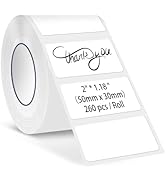
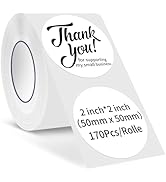


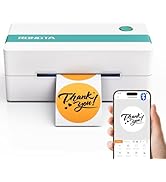
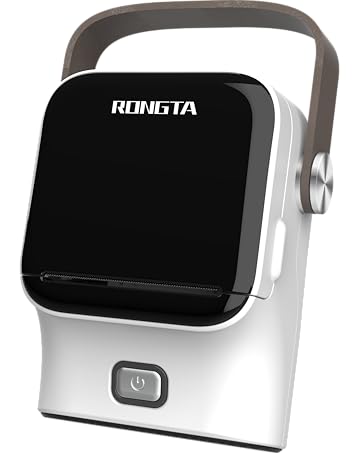
2" Label Maker Machine for Home, Office, Small Business Print, Portable & Smart, Your Best Life Organizer Assistant