• $74.99
  • Free 30-day Returns
  • Ships from China.
    Price alert
    Shop it at NeweggBusiness.

    Meet Your Seller

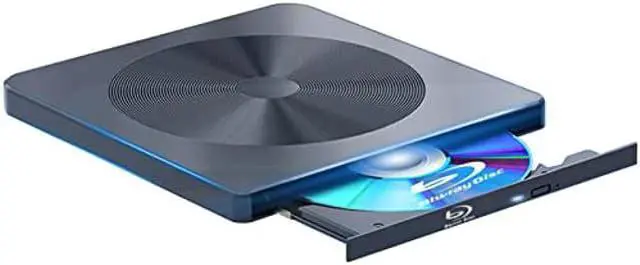
    External Blu ray Drive BD Player Read/Write Portable Blu-ray Drive Burner USB 3.0 and Type-C DVD Burner 3D Bluray Drive Compatible with/Win10/ Mac OS External blu-ray Drives blu ray Burner

    Limited time offer, ends 01/30 By PENGRAN

    • [(Easy to carry)] : This external blu-ray drive combines two different USB cables into one. external blu-ray drive It has 2 hidden cable slots for easy carrying and storage of USB3.0 and Type-C interfaces, and it can be easily connected to Type-C or USB 3.0 interface computer,
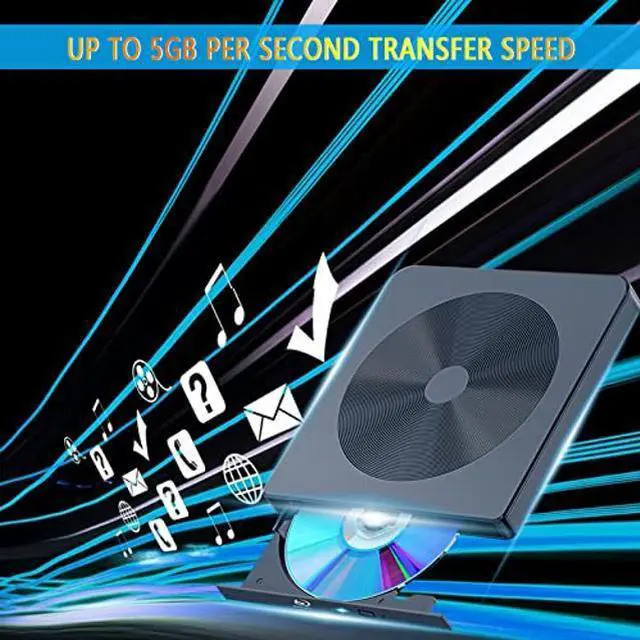
    • [(Powerful function)] : This external blu-ray drives has powerful storage capacity and fast reading speed. The reading speed ofexternal blu-ray drive is up to 6 times, DVD is up to 8 times, and CD is up to 24 times. external blu-ray drives The high-quality 3.0 port can reach up to 5Gbps, which is 6 times faster than 2.0. external blu-ray driveType-C interface has strong error correction capability, impact resistance, low noise, and low power consumption.
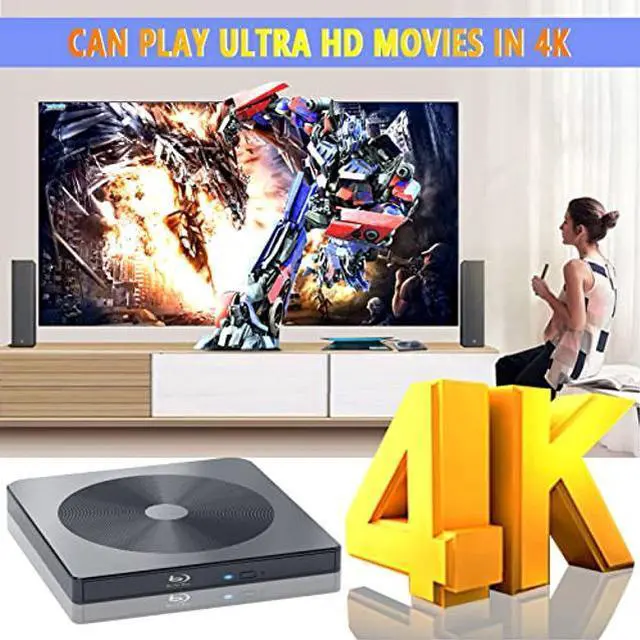
    • [(Strong compatibility)] : This USB 3.0 and type-c external blu-ray drive can be used for laptop/desktop/Macbook. And compatible with Windows XP/7/8/10, Mac OS.external blu-ray drive Support 3D players Black widow and enjoy the clarity close to 4K quality.
    +
    +
    Overview
    Specs
    Reviews
    avatar

    Any questions? Our AI beta will help you find out quickly.

    Warm Tips:

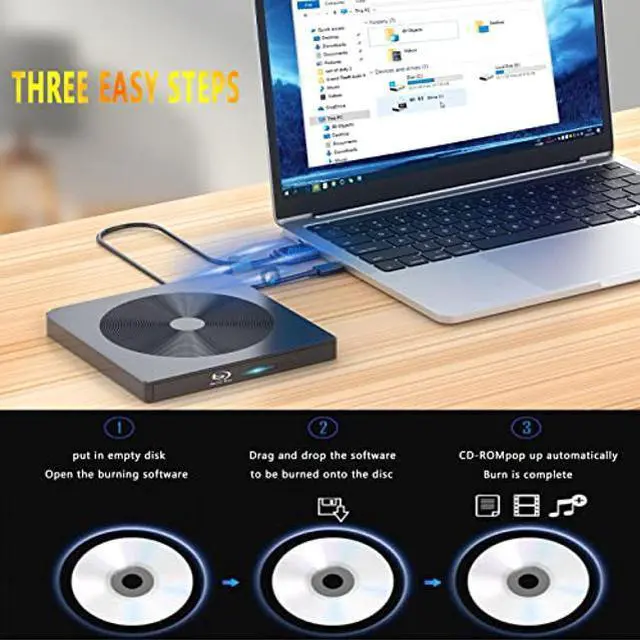
    1: This external Blu-ray DVD Burner needs to download the Blu-ray player/Burner software itself before it can read and burn Blu-ray DVD.

    2: Due to the low voltage conditions of some tablets, this Blu-ray recorder/recorder cannot be used on tablets, such as the Surface series.

    3: Please hook up the device to the direct USB port on your computer. For desktop computers, to the drive work properly, please make sure connect the device to the USB port on the motherboard. If you connect it to a USB hub or extension cable, you may not be able to recognize the drive or read the BD, CD/DVD.

    4: The Bluray DVD Drive does not play 4K Ultra HD Discs.

    5: For better performance, we recommend you connect the power cable during use.


    common problem:

    1: After connecting to my computer, why can't my computer show this blu-ray drive?

    : Please make sure that your computer is in enough power, for desktop, please plug usb cable directly to the USB interface of the motherboard behind. you can also plug the power cable into your computer's USB interface. If you still can't see the blu-ray drive, please re-start your computer.

    2: My WIN10 system can't recognize it, what should I do?

    : Please right click 'My Computer' --'Management' -- 'Double click Device Management' -- then click the'DVD/CD-ROM Driver'.


    There are three situations you may encounter:

    (1): You may get to know the model of the External Drive after click the DVD/CD-ROM Drive, which means that the drive works perfectly.

    (2): You may get to know the model of the External Drive with a exclamation mark which means there is an error of your computer system.

    (3): You may get nothing after click the DVD/CD-ROM Drive which means that the external drive does not be recognized by your computer.

    After trying these, for any further questions, please contact the seller for support timely by email.

    Warranty & Returns

    Warranty, Returns, And Additional Information

    Warranty

    • Please contact the Seller directly for warranty information. Warranty information may also be found on the Manufacturer's website.
    • CONTACT

    Return Policies

    • Return for refund within: 30 days
    • Return for replacement within: non-replaceable
    • This item is covered by PENGRAN Return Policy

    Manufacturer Contact Info

    LOADING...