Price alert
Shop it at NeweggBusiness.

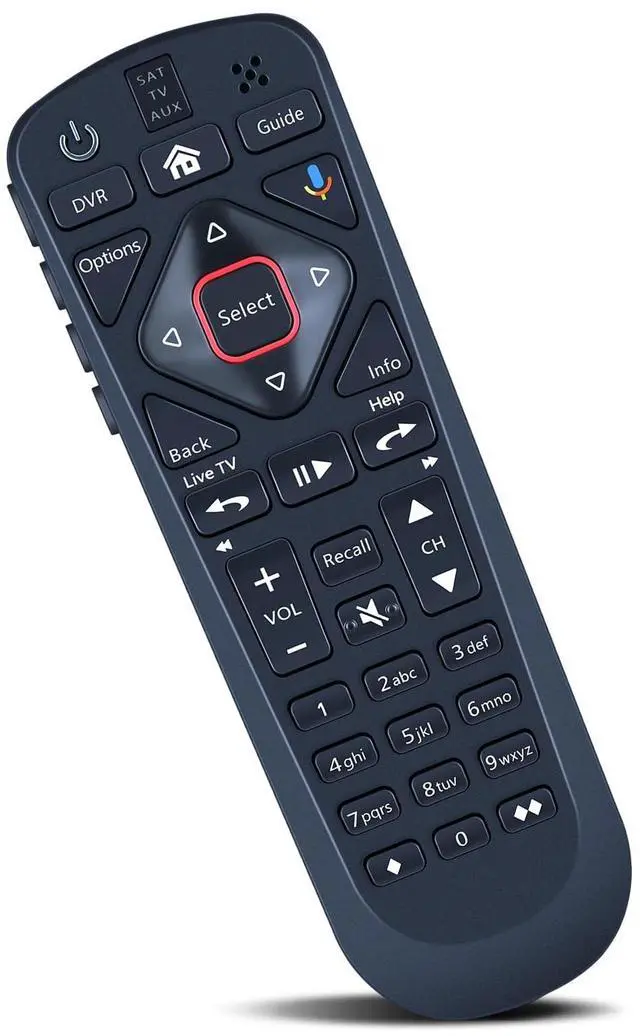
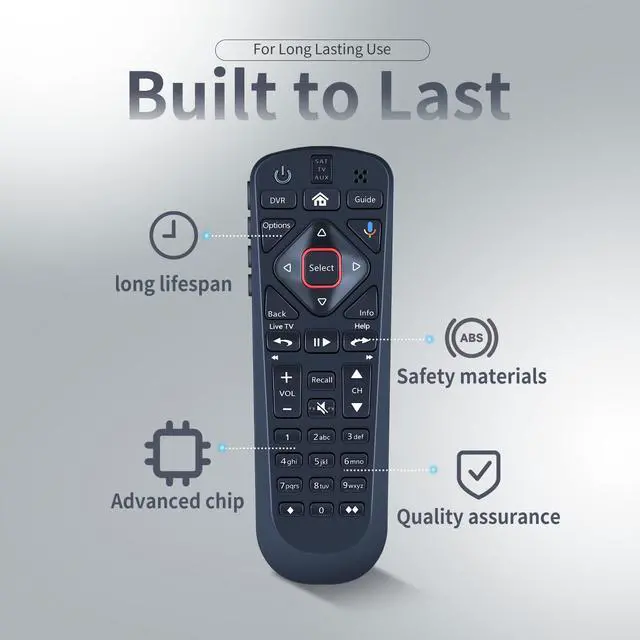
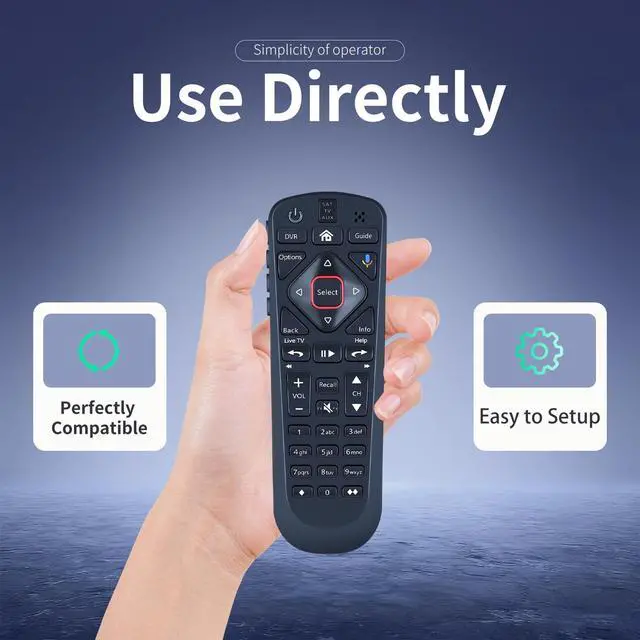
ZWP MG3-2027 Replacement Voice Remote Control Compatible for Dish Network 54.1 54.2 54.3 54 Series UHF

Limited time offer, ends 07/06 By ChaoChaoChongWuShangDian

  • Compatible with Dish Network 54.1 54.2 54.3 54 Series UHF
  • Turn On Your Remote:Open the front panel of your receiver, and press the SYS INFO button Press the SAT button on the side of the remote control, You will hear three beeps from the remote control, indicating it has paired with your receiver
  • Pair Your Remote1 Press the home button twice2 Select Settings and then Remote Control3 Select TV and then TV Pairing Wizard4 Follow the prompts5 You can also pair your remote with an Auxiliary Device such as a Blu-ray player or stereo
  • Unpairing method: 1. Press and hold the SAT button on the side of the remote control. After 3 seconds, the indicator light flashes. Release the keys. 2. Press and hold the "Home" button and "Guide" at the same time, after 3 seconds, the buzzer will beep three times. Release the keys.If the remote cannot be connected, please unpair first. Then try to pair it with your device.
  • Any question, Please do not hesitate to contact us before leaving Feedback,
+
+
Overview
Specs
Reviews
avatar

Any questions? Our AI beta will help you find out quickly.

Compatible with Dish Network 54.1 54.2 54.3 54 Series UHF ^^
Turn On Your Remote: Open the front panel of your receiver, and press the SYS INFO button Press the SAT button on the side of the remote control, You will hear three beeps from the remote control, indicating it has paired with your receiver ^^ Pair Your Remote1 Press the home button twice2 Select Settings and then Remote Control3 Select TV and then TV Pairing Wizard4 Follow the prompts5 You can also pair your remote with an Auxiliary Device such as a Blu-ray player or stereo ^^
Unpairing method: 1. Press and hold the SAT button on the side of the remote control. After 3 seconds, the indicator light flashes. Release the keys. 2. Press and hold the "Home" button and "Guide" at the same time, after 3 seconds, the buzzer will beep three times. Release the keys. If the remote cannot be connected, please unpair first. Then try to pair it with your device. ^^ Any question, Please do not hesitate to contact us before leaving Feedback, We will help you resolve it, Thank you.

Warranty & Returns

Warranty, Returns, And Additional Information

Warranty

  • Please contact the Seller directly for warranty information. Warranty information may also be found on the Manufacturer's website.
  • CONTACT

Return Policies

Manufacturer Contact Info

LOADING...
LOADING...