




 here!
I’m your shopping assistant for PC builds, upgrades, and everything tech.
Got questions? Ask away!
Start a conversation


 All Categories
here!
I’m your shopping assistant for PC builds, upgrades, and everything tech.
Got questions? Ask away!
Start a conversationAll Categories



Combo Up Savings Up To $220
The more you add, the more you'll save!
Any questions? Ask CelesteSM will help you find out quickly.


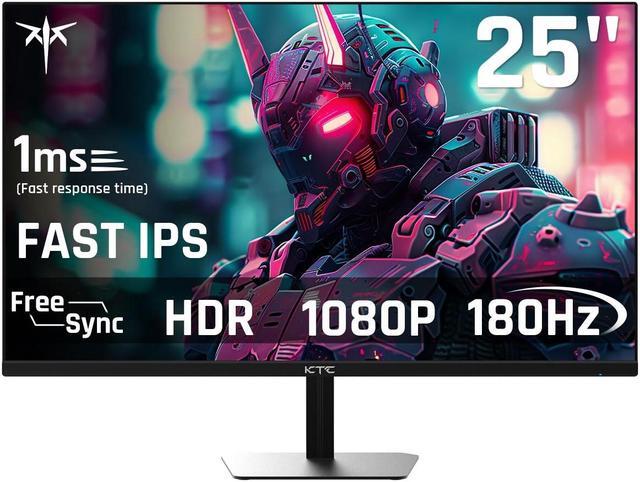
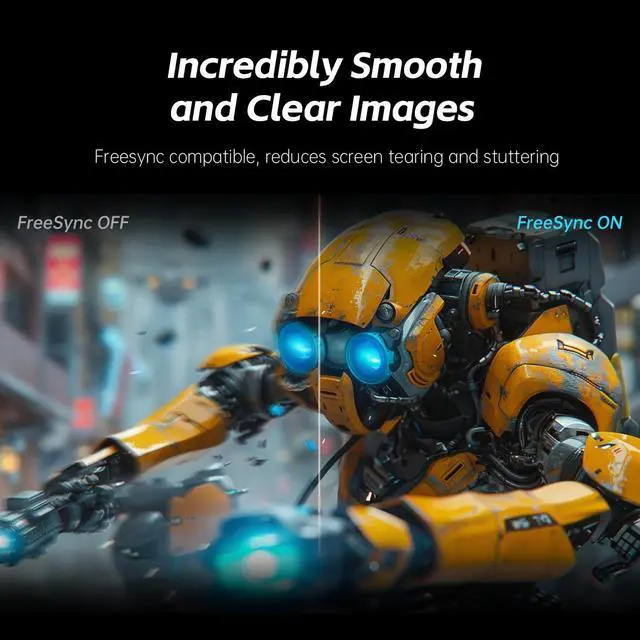
The KTC H25T7 is a 24.5-inch FHD gaming monitor with a Fast IPS panel, 180Hz refresh rate, 1ms response time, and Adaptive Sync, making it well suited for competitive PC gamers who want smooth 1080p gameplay and responsive motion.
| Attribute | Value |
|---|---|
| Best For | Gaming and fast-motion PC use with a 24.5-inch Fast IPS FHD display and 180Hz refresh rate |
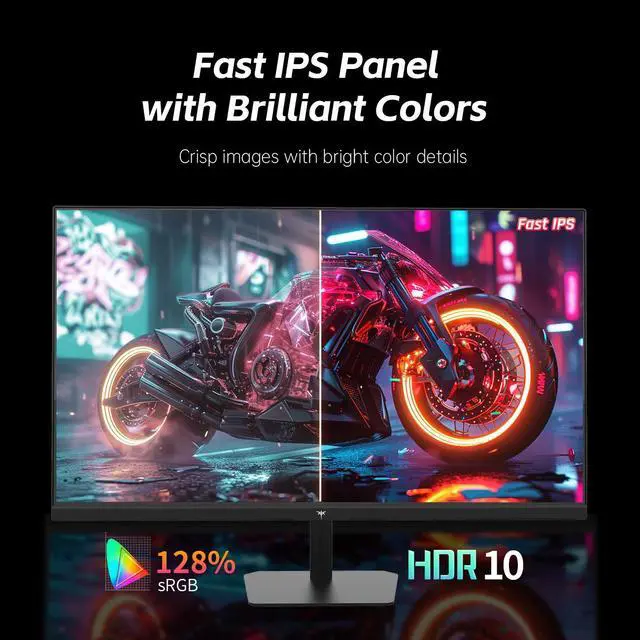
| Panel And Resolution | 24.5-inch Fast IPS panel with FHD 1920 × 1080 resolution and a 1000:1 contrast ratio |
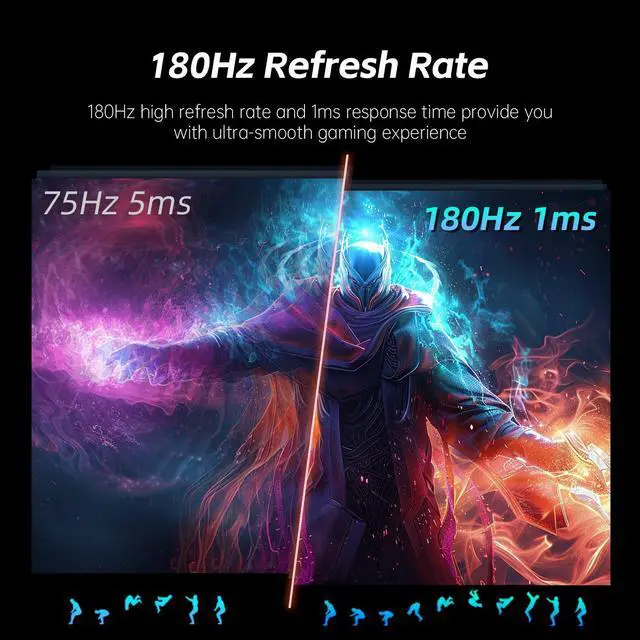
| Refresh Rate And Response | 180Hz refresh rate with a 1ms response time for responsive motion handling |
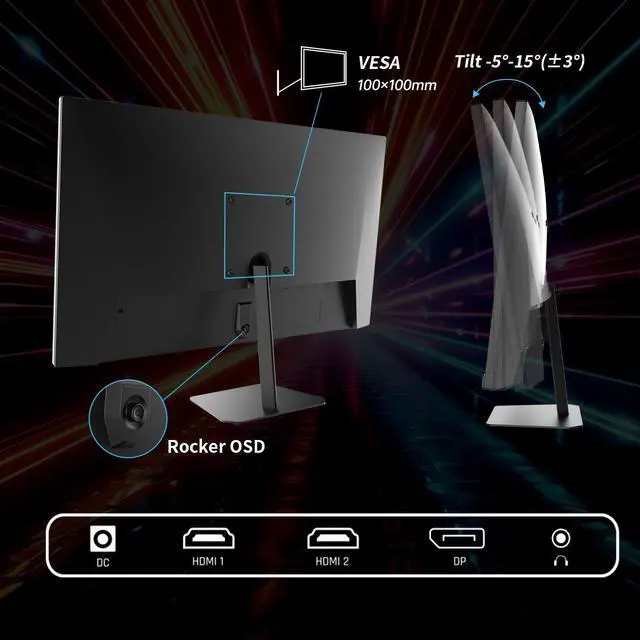
| Ports And Connectivity | Two HDMI 2.0 inputs, one DisplayPort 1.4 input, and one headphone output |
Q: Should I buy the KTC H25T7 or the AOC 24G4 for 1080p gaming?
A: Choose the KTC H25T7 when you want a 24.5-inch 1080p Fast IPS monitor with 180Hz, Adaptive Sync, HDR10, and a straightforward tilt-adjustable design. Choose the AOC 24G4 when you prefer a more adjustable stand and stronger independently tested motion performance, calibration, and gaming features. Both target the same 1080p high-refresh segment, so the KTC is the better fit when its price is clearly lower; the AOC is the better fit when prices are close and stand ergonomics matter.
Q: Is the KTC H25T7 worth choosing over a 165Hz monitor like the AOC 24G2SP?
A: The KTC H25T7 is the better choice for a new purchase when you want the higher 180Hz refresh rate, a slightly larger 24.5-inch screen, and newer 1080p Fast IPS positioning. The AOC 24G2SP remains a practical alternative if its height-adjustable stand, established 24G2 design, or lower price is more important. The refresh-rate difference is noticeable mainly in fast competitive games; it is a smaller upgrade for users already satisfied with 165Hz.
Q: Should I get the KTC H25T7 or a 240Hz monitor such as the Samsung Odyssey G4?
A: Choose the KTC H25T7 for general gaming, everyday use, and systems that commonly run below 180 frames per second. Choose the Samsung Odyssey G4 when competitive gaming is the priority and your PC can consistently produce frame rates above 180 FPS. The Samsung provides a higher 240Hz ceiling, while the KTC provides a 180Hz 1080p Fast IPS configuration that is easier to match with mainstream gaming hardware.
Q: KTC H25T7 or ASUS TUF VG249Q3A: which 180Hz monitor should I choose?
A: Choose the ASUS TUF VG249Q3A if you want features such as FreeSync Premium, ELMB motion-blur reduction, variable overdrive, and a more established gaming feature set. Choose the KTC H25T7 if its 24.5-inch size, HDR10 and wide-gamut specifications, or lower purchase price are more important. Core gaming specifications are similar because both use a Full HD Fast IPS panel with a 180Hz refresh rate and adaptive-sync support.
Q: Is the KTC H25T7 better for competitive FPS gaming or for general use?
A: The KTC H25T7 is suitable for both competitive FPS gaming and general desktop use, with its 180Hz refresh rate, Fast IPS panel, 1ms advertised response time, and adaptive sync. It is the better fit for performance-first use when your PC can maintain high frame rates at 1080p. For general use, the wide color-gamut specification and HDR10 support add flexibility, but the tilt-only stand makes it less ergonomic than monitors with height, swivel, and pivot adjustment.
Q: Is the KTC H25T7 suitable for office work, note-taking, and meetings?
A: Yes. The 24.5-inch FHD IPS display is suitable for documents, email, web browsing, note-taking, and video meetings. Its 180Hz refresh rate is useful for smoother cursor movement and gaming, but the monitor is limited to tilt adjustment and does not list built-in speakers, so external audio may be needed for meetings.
Q: Who is the KTC H25T7 best suited for?
A: It is best suited for PC gamers who want a compact 24.5-inch 1080p monitor with a high 180Hz refresh rate, fast IPS response, and Adaptive Sync. It also fits general home-office use. It is less suitable for users who need 4K detail, height adjustment, built-in speakers, USB-C connectivity, or professional color-critical work.
Q: Is 1080p a good resolution for this 24.5-inch gaming monitor?
A: Yes, 1080p is a practical resolution for a 24.5-inch gaming monitor because it can make it easier for a gaming PC to reach high frame rates such as 180Hz. The trade-off is lower workspace and image detail than a QHD or 4K monitor, especially for large spreadsheets, detailed creative work, or high-resolution media.
Q: Can the KTC H25T7 be mounted on a monitor arm or wall mount?
A: Yes. The monitor is specified as VESA mountable, so it can be used with a compatible monitor arm or wall mount. Confirm the mount’s supported VESA pattern and weight rating before installation because the supplied specifications do not state the exact VESA hole spacing or monitor weight.
Q: Does the KTC H25T7 have built-in speakers?
A: Built-in speakers are not listed in the provided specifications. The monitor does list a headphone connection, so users should plan to use headphones, external speakers, or audio from the connected computer instead of relying on integrated monitor speakers.
Q: Is the KTC H25T7 worth buying for competitive 1080p gaming?
A: It is a suitable choice for competitive gaming if you want a compact 24.5-inch FHD monitor with a 180Hz refresh rate. The main trade-off is that it prioritizes high refresh rate and lower GPU demand over the sharper image of a 1440p monitor.
Q: Should you choose the H25T7 or wait for a 1440p monitor?
A: Choose the H25T7 if you need an affordable monitor now, prefer a 24.5-inch screen, or mainly play high-frame-rate competitive games. A 1440p monitor is the better long-term choice if you want higher image detail and plan to use only one monitor for gaming and general use.
Q: Who is the KTC H25T7 best suited for?
A: It is best suited for PC gamers who want 1080p resolution, high refresh rates, and a relatively compact screen. It is less suitable for buyers who prioritize 1440p or 4K sharpness, advanced stand adjustment, or a single premium all-purpose display.
Q: Is the included stand adjustable enough, or should you use a monitor arm?
A: The stand supports tilt adjustment, but community video discussion describes its adjustment range as limited. If you need height, swivel, or portrait adjustment, using the monitor's VESA mount with a compatible monitor arm is the more flexible option.
Q: Do you need a DisplayPort cable for the H25T7?
A: The monitor has two HDMI 2.0 ports and one DisplayPort 1.4 port. A Reddit discussion reports that the package may include an HDMI cable but not a DisplayPort cable, so buyers who plan to use DisplayPort should verify the box contents or budget for a separate cable.


