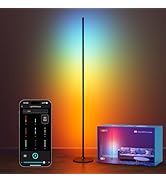
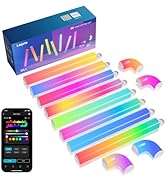
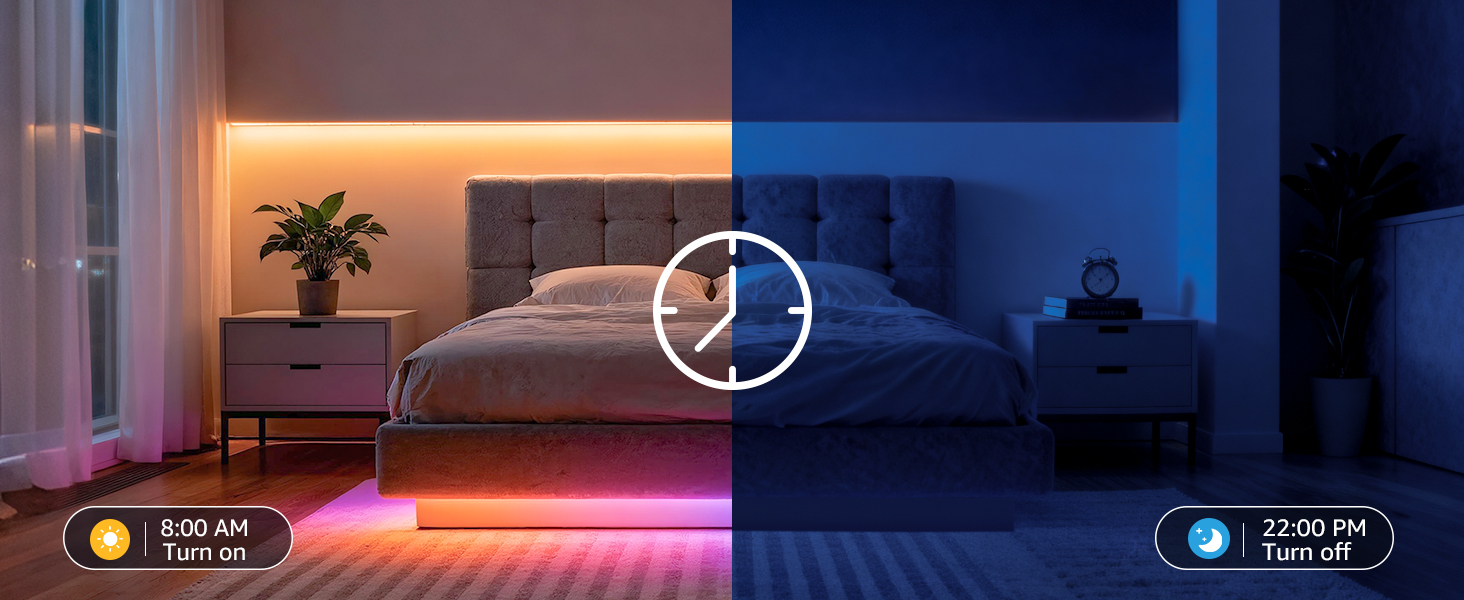
here!
here!
I’m your shopping assistant for PC builds, upgrades, and everything tech.
Got questions? Ask away!
Start a conversation
here!
I’m your shopping assistant for PC builds, upgrades, and everything tech.
Got questions? Ask away!
Start a conversation
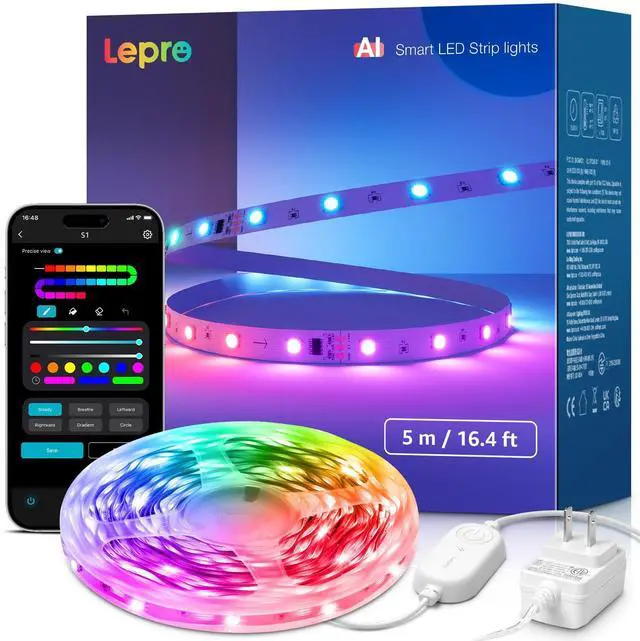



Any questions? Ask CelesteSM will help you find out quickly.


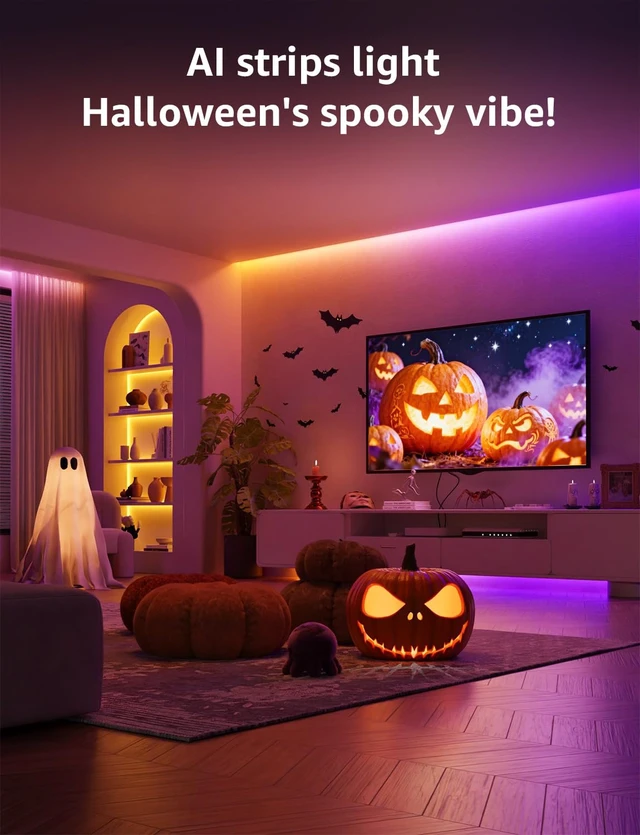
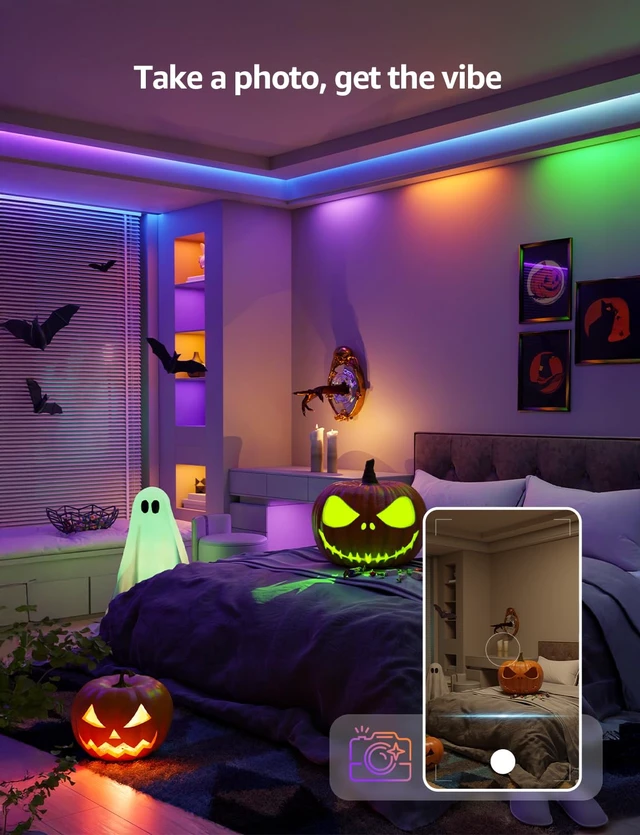
Set the mood for spooky nights with vibrant, colorful lighting made for Halloween parties, haunted corners, and unforgettable moments after dark.
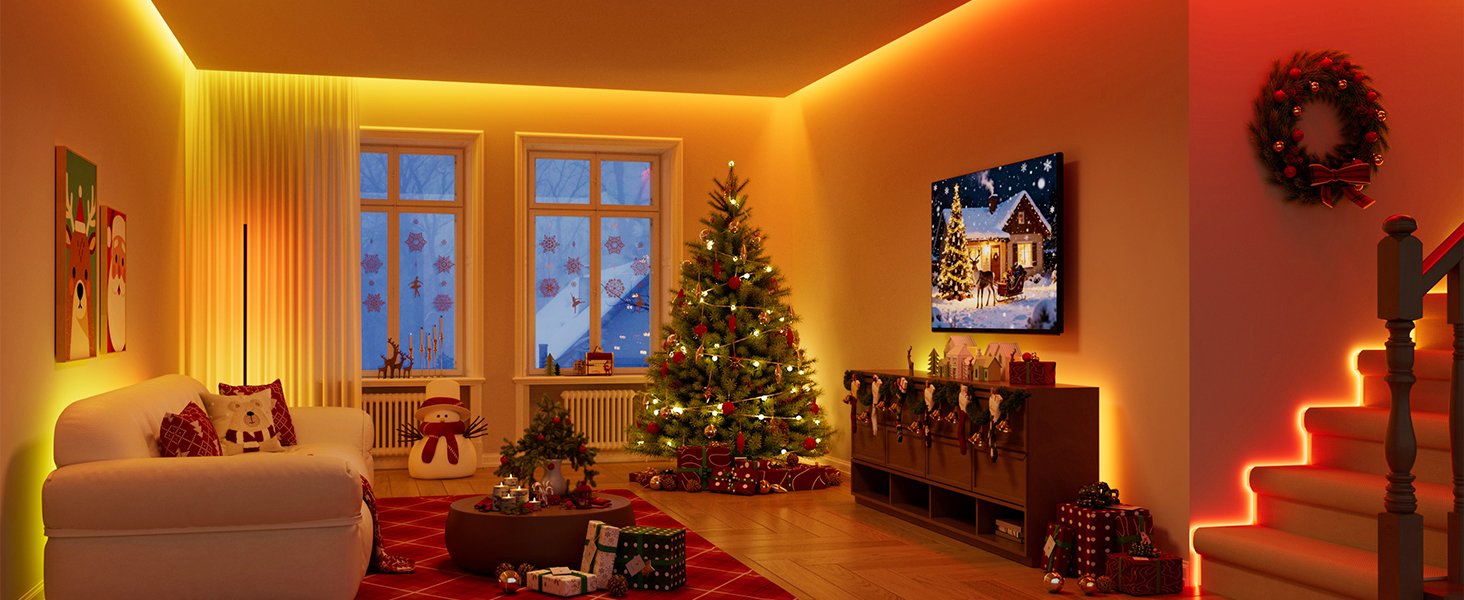
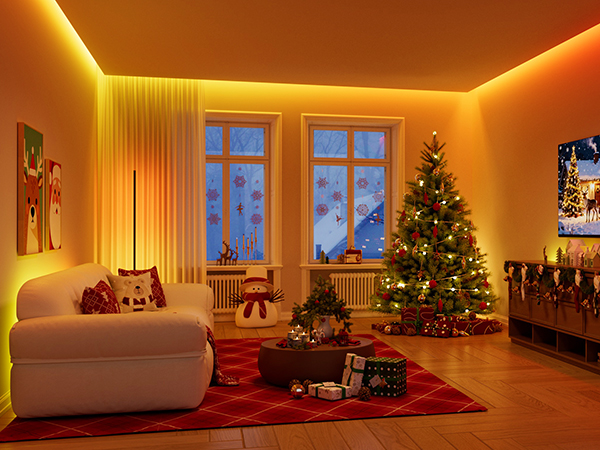
Transform cozy holiday evenings with warm, colorful lighting made for gatherings, gifts, and magical seasonal moments.
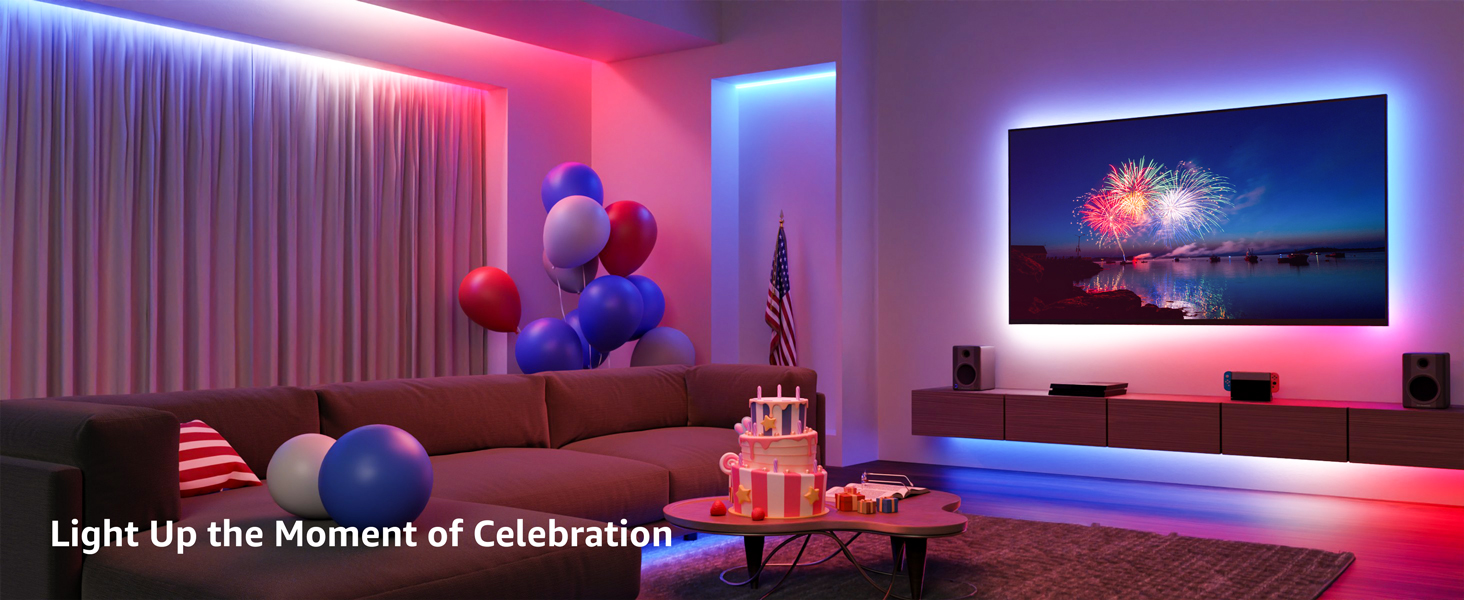
Fill your home with festive red, white, and blue lighting that brings more energy and atmosphere to every celebration.
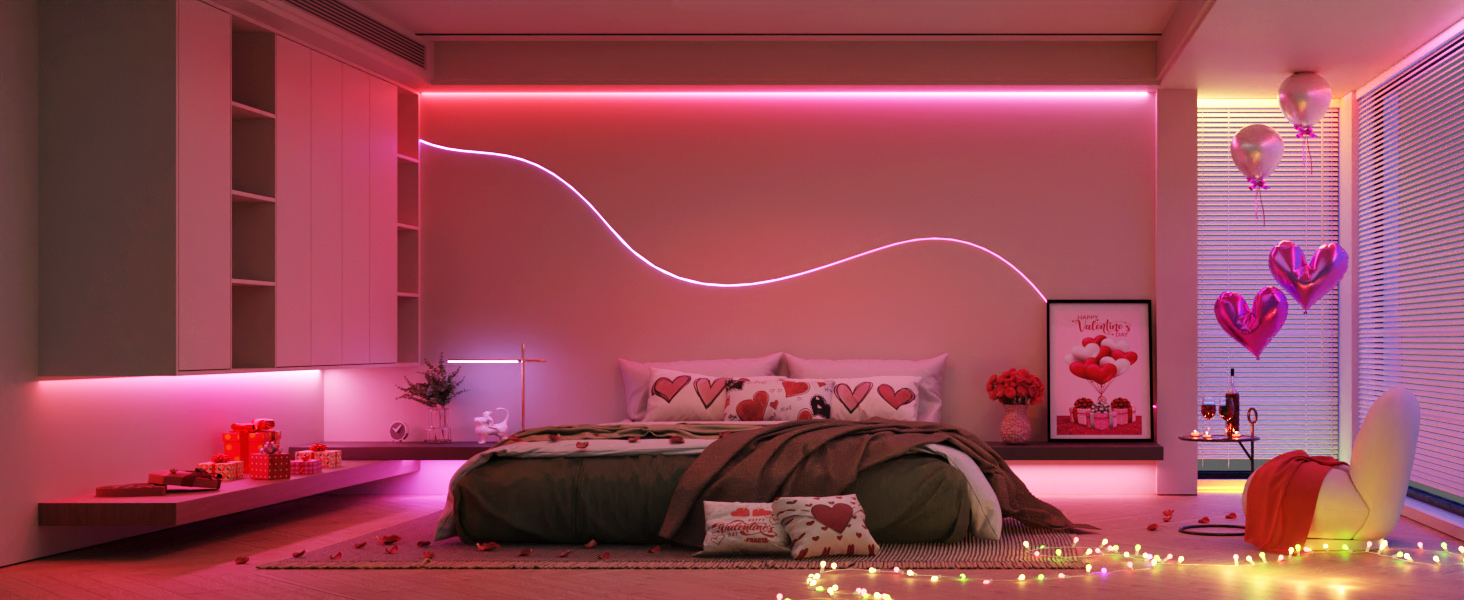
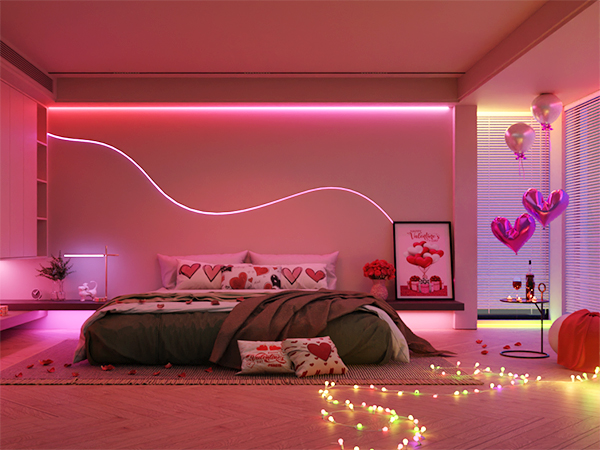
Set the scene for romantic evenings with warm, colorful lighting perfect for date nights, sweet surprises, and heartfelt moments together.
How do I connect the lights to the app?
Please make sure you download the Lepro app, which is the only compatible app for this product.
Do NOT download the "Lepro LampUX" or Smart Life app, which is not compatible
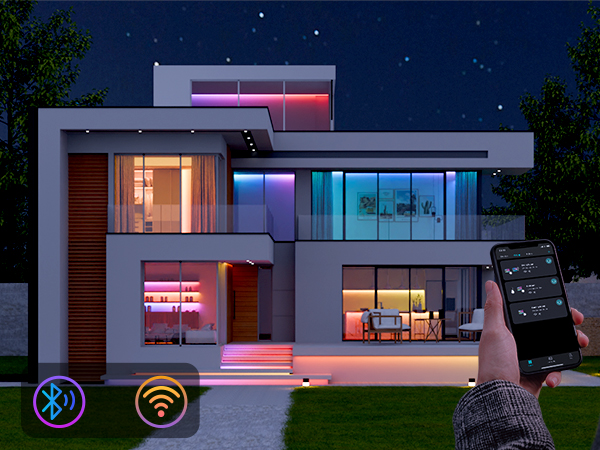
Do I need to turn on Wi-Fi and Bluetooth before setup?
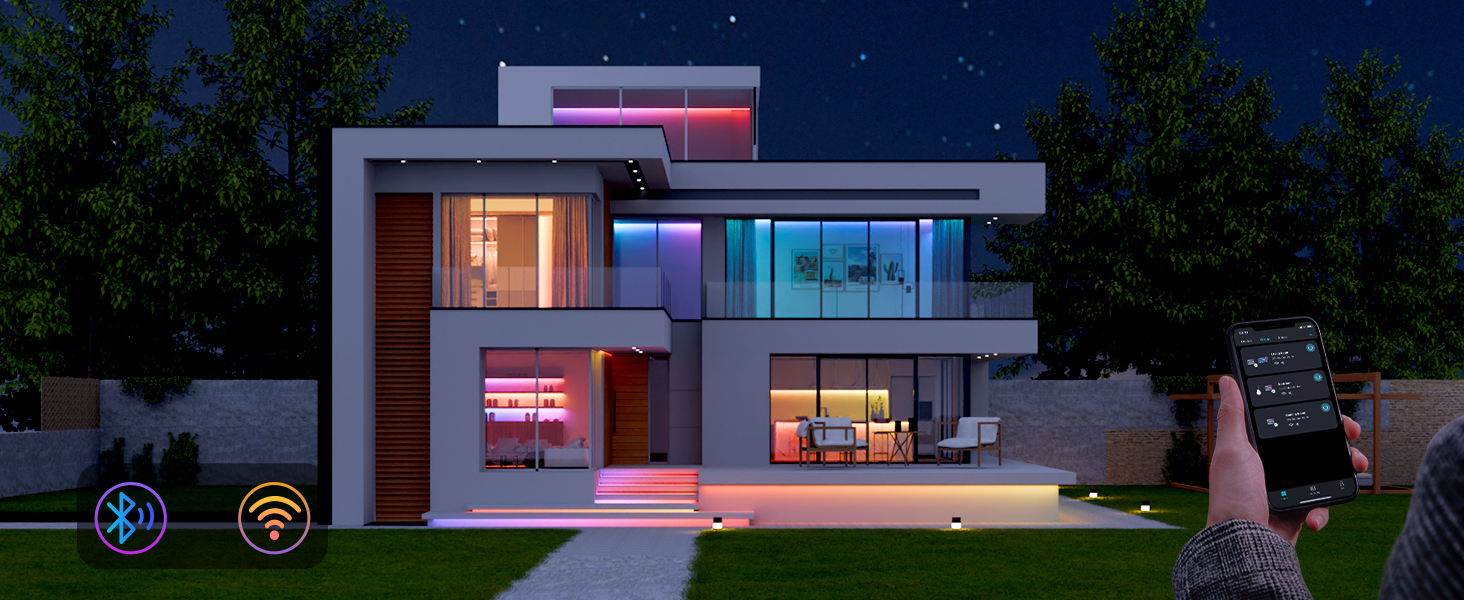
Yes, enabling both Wi-Fi and Bluetooth helps the app quickly discover and connect to your device. Keeping them on during use also helps ensure a smooth smart control experience.
What type of Wi-Fi network does the light support?
Please check that you are using a 2.4GHz Wi-Fi network, which this product fully supports.
If you have a dual-band router, simply connect to the 2.4GHz band. The 5GHz band is not supported at this time.
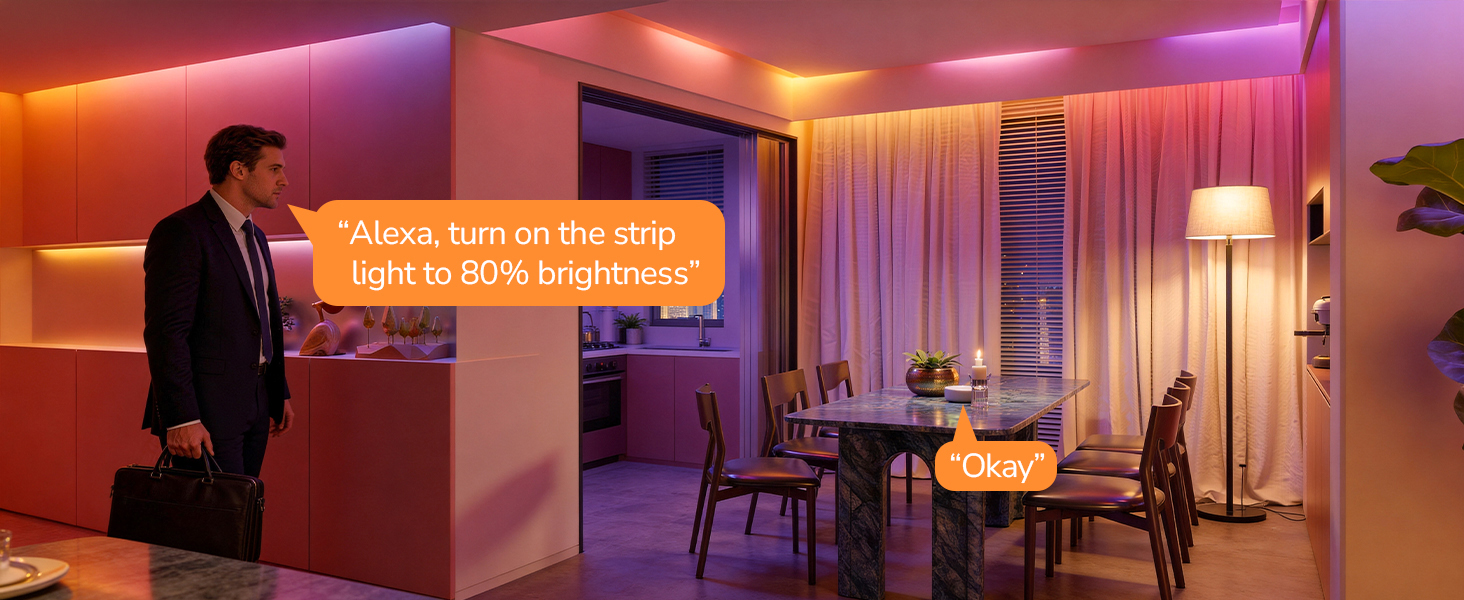
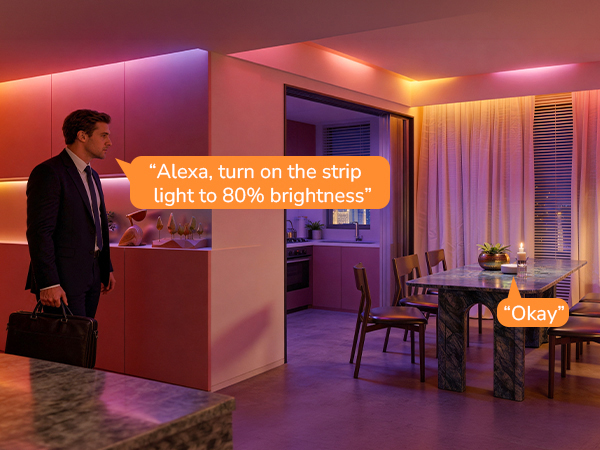
How do I connect with Alexa?
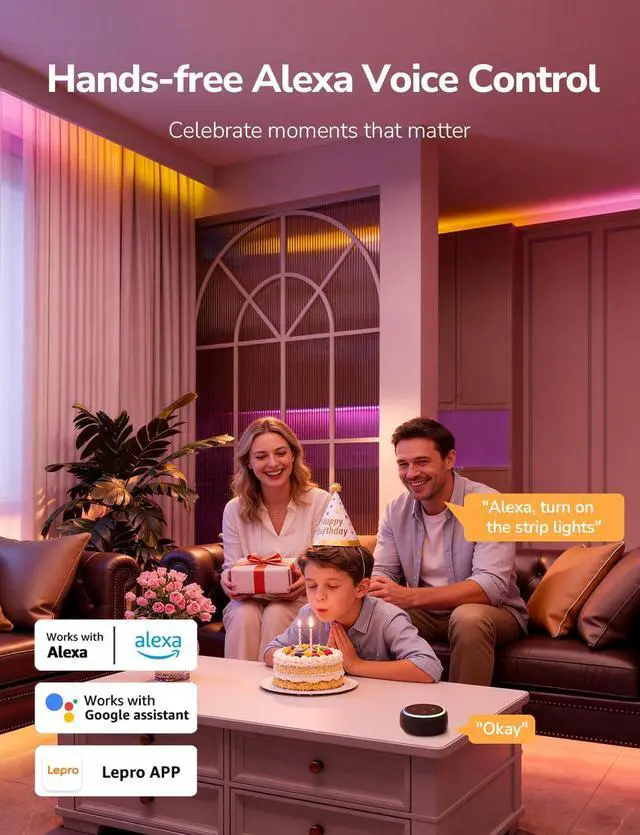
First, make sure your light is connected to your Wi-Fi network. After linking your account, if Alexa doesn't find your device, just say "discover devices" — Alexa will then find it right away.


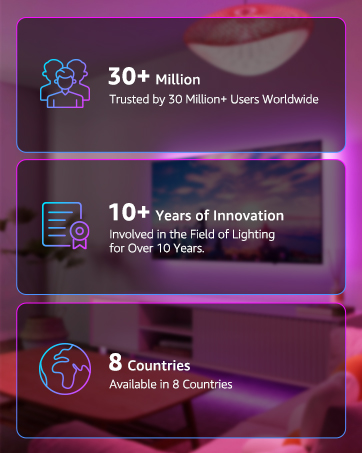
Since 2012, Lepro leads in LED lighting innovation, delighting 30+ million customers worldwide.
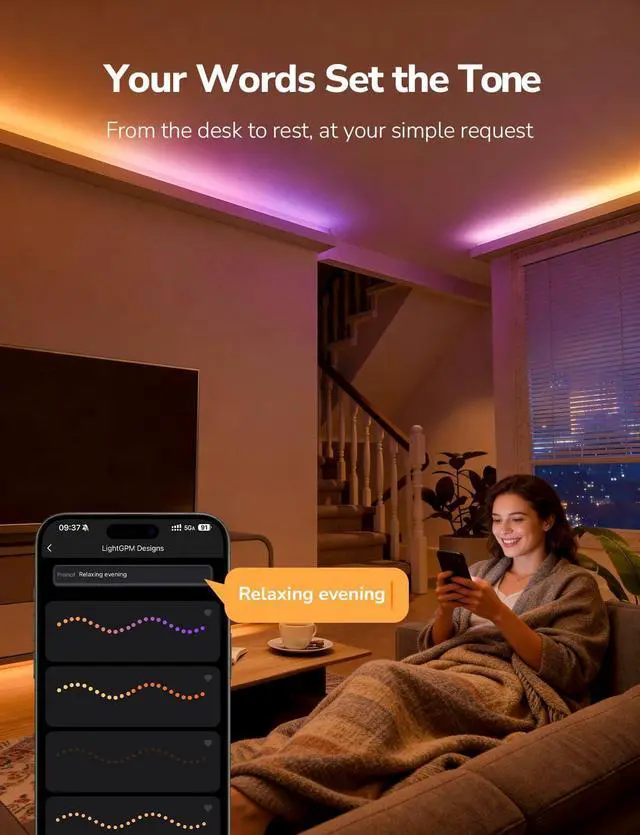
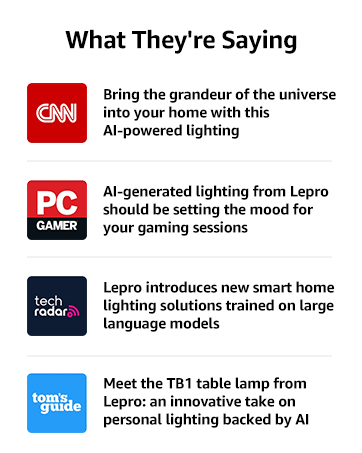
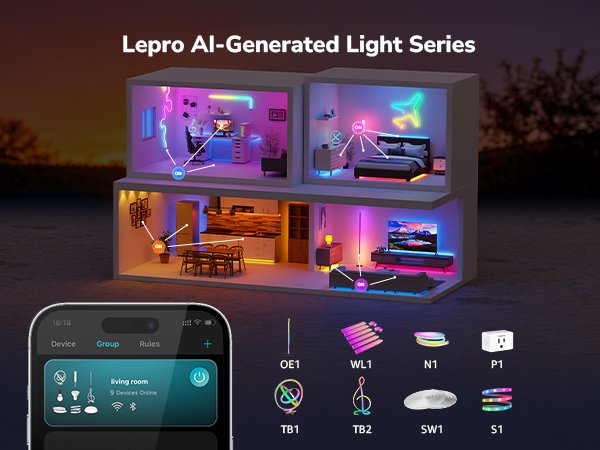
As AI lighting pioneer and leader since the 2020s, Lepro' AI generated lighting model LightGPM can generate lighting effects that adapt to human prompts, such as moods, emotions, commands and so on.
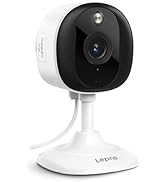
Beyond lighting, Lepro extends to smart home tech with products like intelligent cameras, speaker and so on.
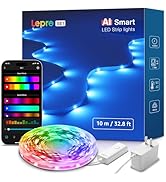
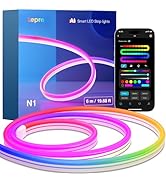
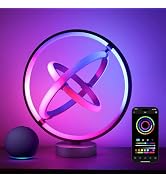
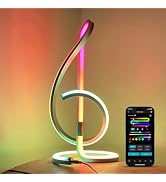
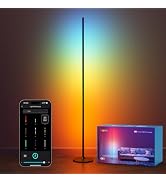
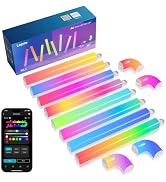
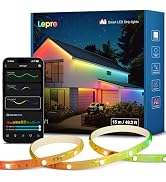
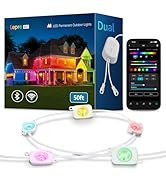
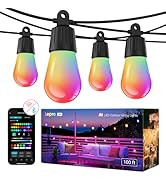
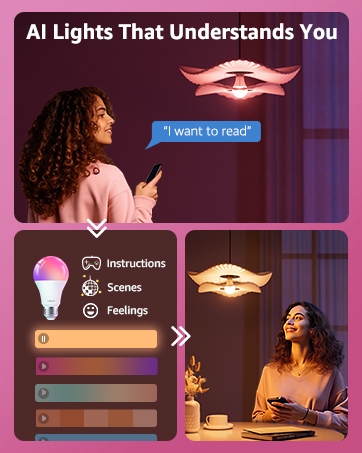


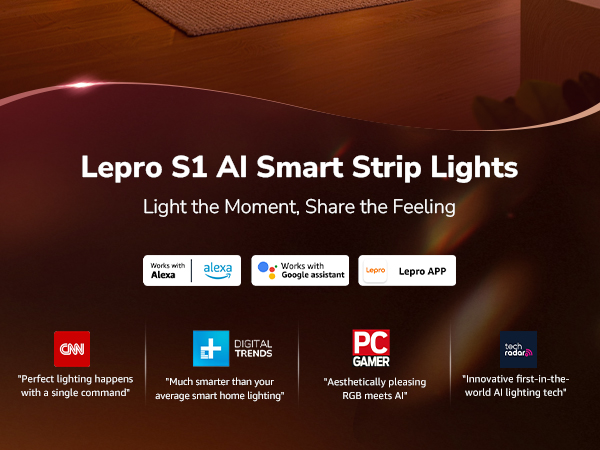
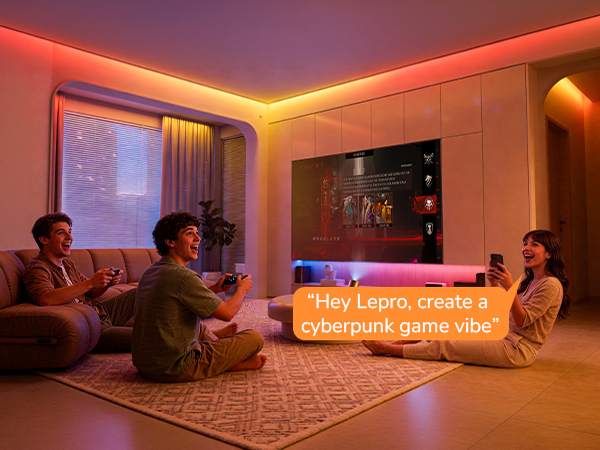
Use voice or text prompts to create custom lighting for movies, holidays, moods, games, and more.
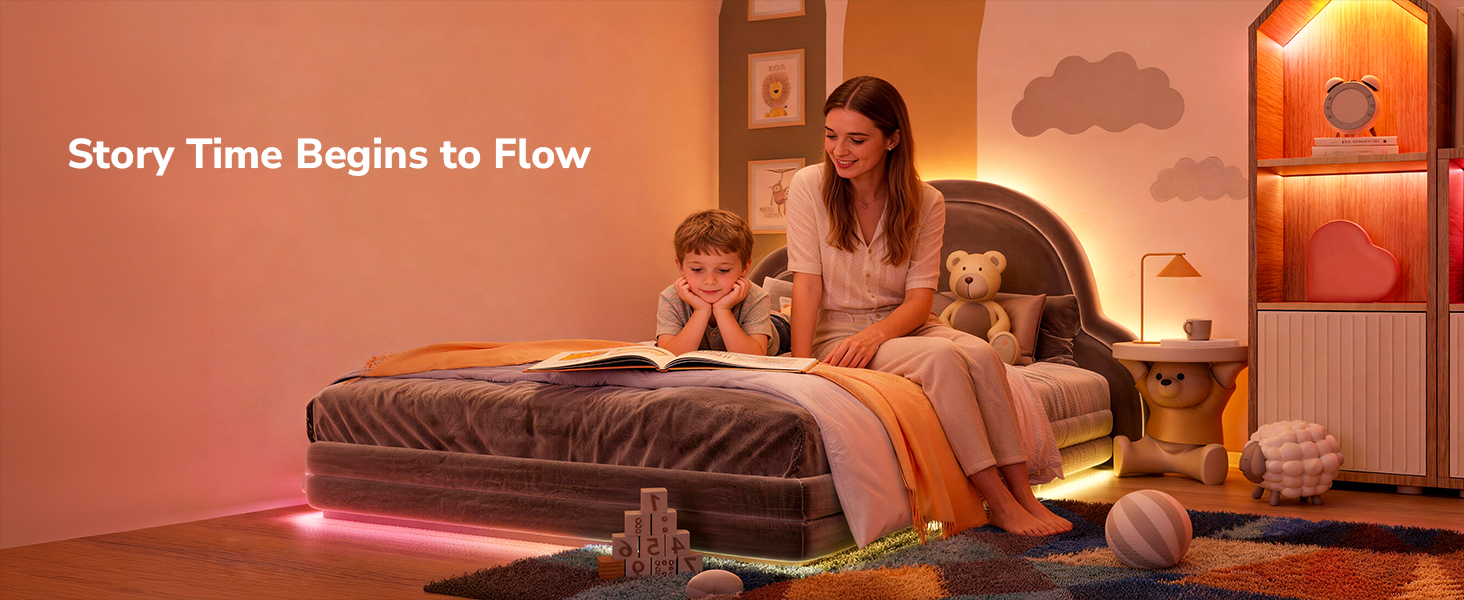
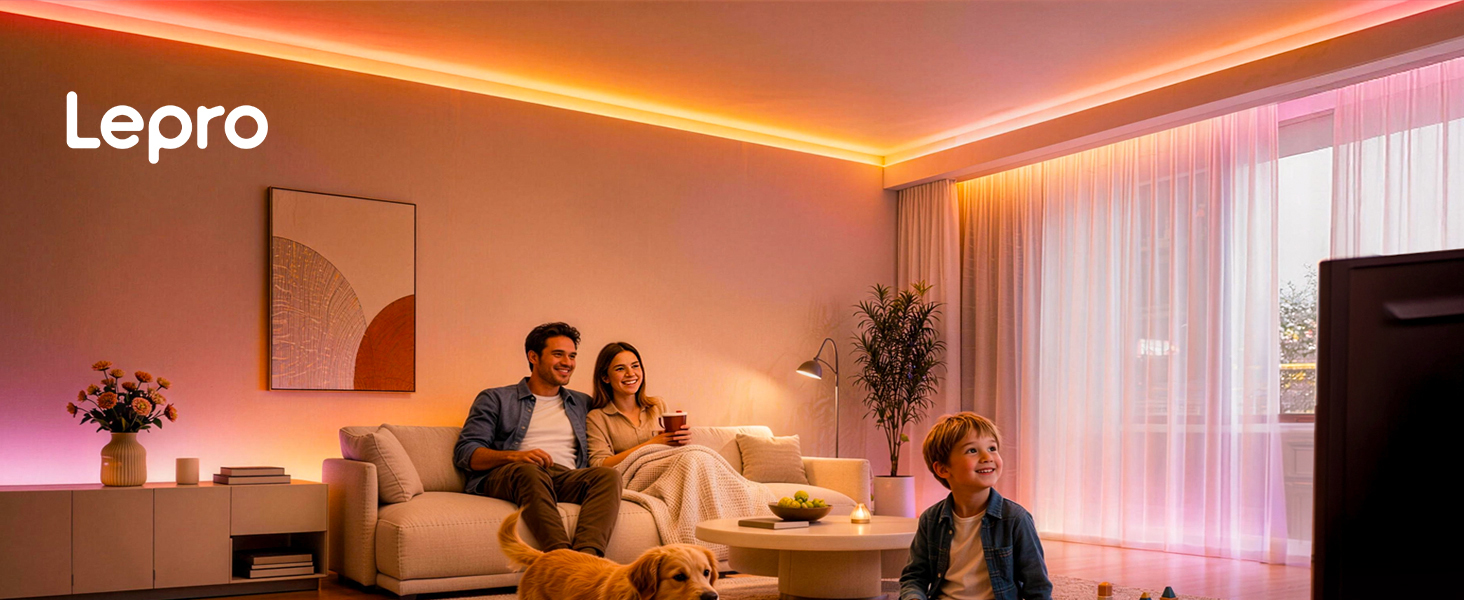
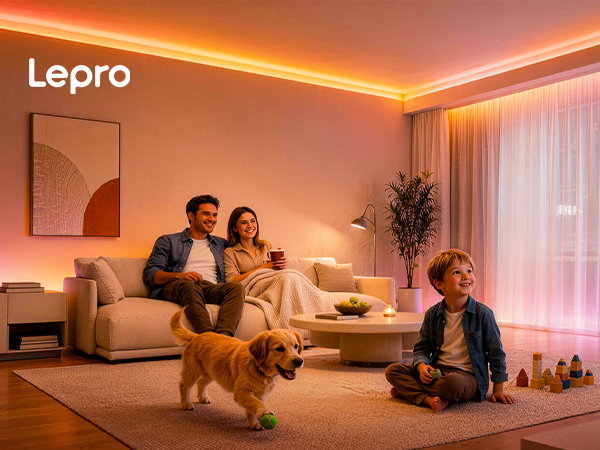
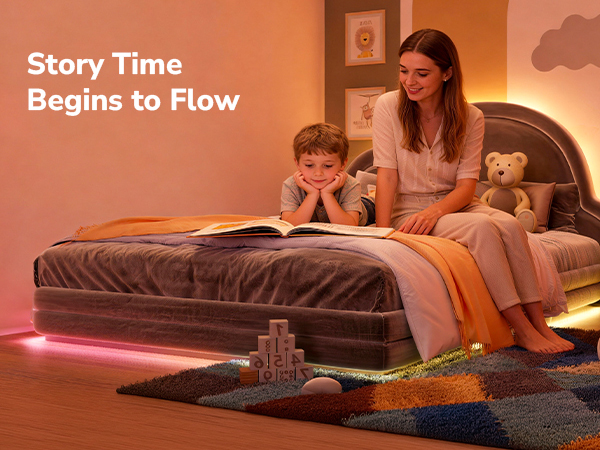
Lepro AI transforms simple prompts into warm lighting for cozy family evenings and bedtime stories.
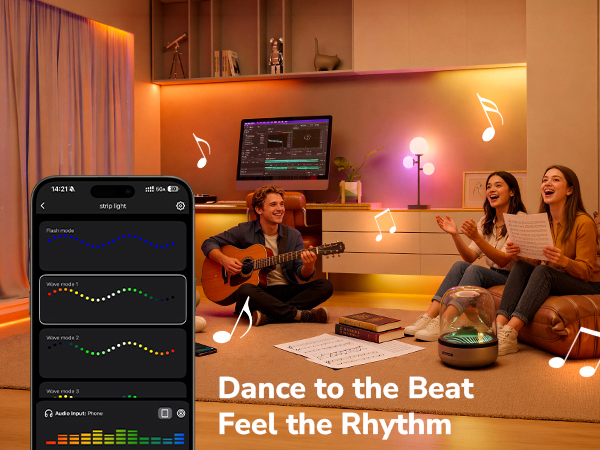


Set the mood for spooky nights with vibrant, colorful lighting made for Halloween parties, haunted corners, and unforgettable moments after dark.
Transform cozy holiday evenings with warm, colorful lighting made for gatherings, gifts, and magical seasonal moments.
Fill your home with festive red, white, and blue lighting that brings more energy and atmosphere to every celebration.
Set the scene for romantic evenings with warm, colorful lighting perfect for date nights, sweet surprises, and heartfelt moments together.
How do I connect the lights to the app?
Please make sure you download the Lepro app, which is the only compatible app for this product.
Do NOT download the "Lepro LampUX" or Smart Life app, which is not compatible
Do I need to turn on Wi-Fi and Bluetooth before setup?
Yes, enabling both Wi-Fi and Bluetooth helps the app quickly discover and connect to your device. Keeping them on during use also helps ensure a smooth smart control experience.
What type of Wi-Fi network does the light support?
Please check that you are using a 2.4GHz Wi-Fi network, which this product fully supports.
If you have a dual-band router, simply connect to the 2.4GHz band. The 5GHz band is not supported at this time.
How do I connect with Alexa?
First, make sure your light is connected to your Wi-Fi network. After linking your account, if Alexa doesn't find your device, just say "discover devices" — Alexa will then find it right away.
Since 2012, Lepro leads in LED lighting innovation, delighting 30+ million customers worldwide.
As AI lighting pioneer and leader since the 2020s, Lepro' AI generated lighting model LightGPM can generate lighting effects that adapt to human prompts, such as moods, emotions, commands and so on.
Beyond lighting, Lepro extends to smart home tech with products like intelligent cameras, speaker and so on.