




 here!
here!
I’m your shopping assistant for PC builds, upgrades, and everything tech.
Got questions? Ask away!
Start a conversation
here!
I’m your shopping assistant for PC builds, upgrades, and everything tech.
Got questions? Ask away!
Start a conversationShipped by Newegg





Any questions? Ask CelesteSM will help you find out quickly.
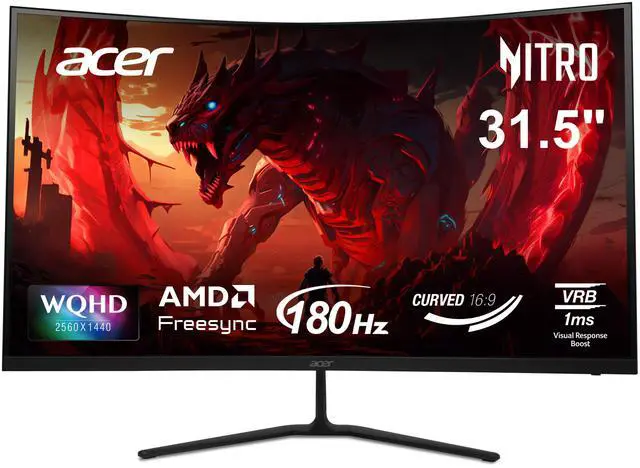
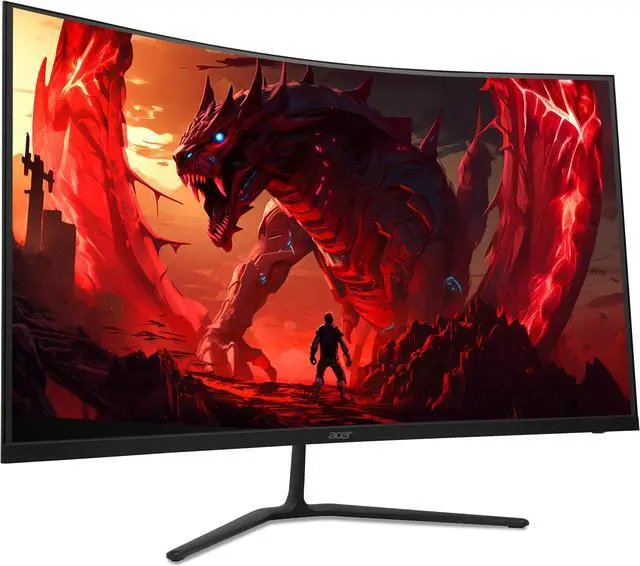
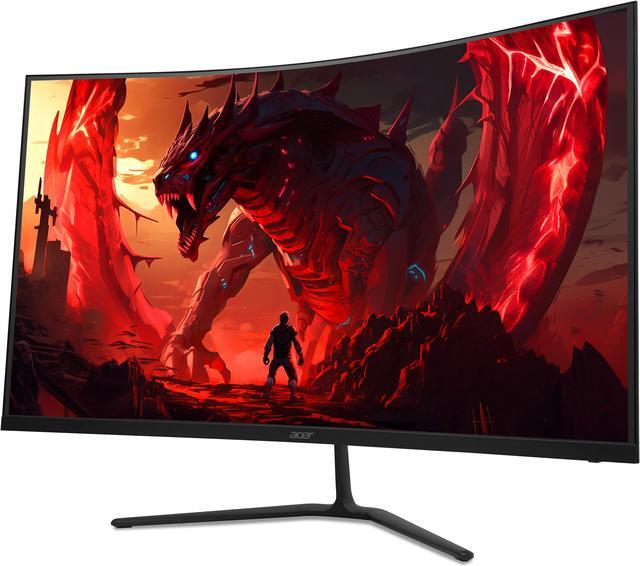
The Acer Nitro ED323QU P1bmiipx is a 31.5-inch 1440p curved gaming monitor with a 180Hz refresh rate over DisplayPort, AMD FreeSync, and 1ms VRB response time, suited to PC gamers seeking smooth, immersive play.
| Attribute | Value |
|---|---|
| Best For | Gaming setups seeking a curved QHD display with a high refresh rate and AMD FreeSync |
| Panel And Resolution | 31.5-inch VA panel with a 2560 × 1440 QHD resolution, 16:9 aspect ratio, 1000R curvature, and anti-glare finish; 178° horizontal and vertical viewing angles, 250 cd/m² brightness, HDR10, 1.07 billion display colors, and 0.272 mm pixel pitch |
| Refresh Rate And Response | Up to 180Hz refresh rate with a 1ms response time |
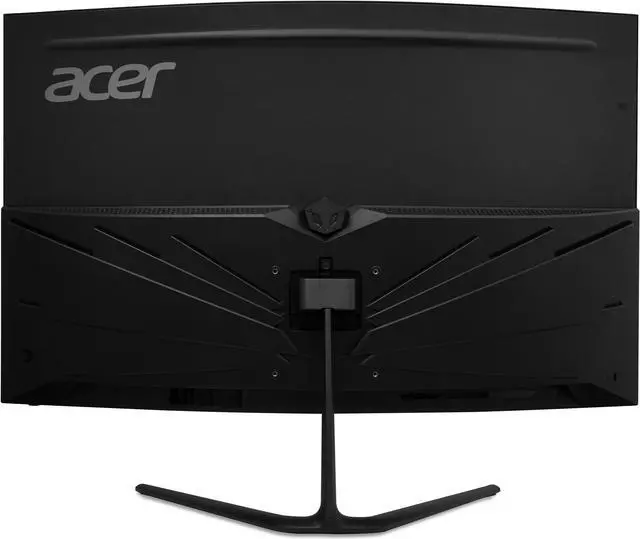
| Ports And Connectivity | 2 HDMI 2.0 ports, 1 DisplayPort 1.4, and an audio-out connection |
| Audio Setup | Two built-in 2W speakers |
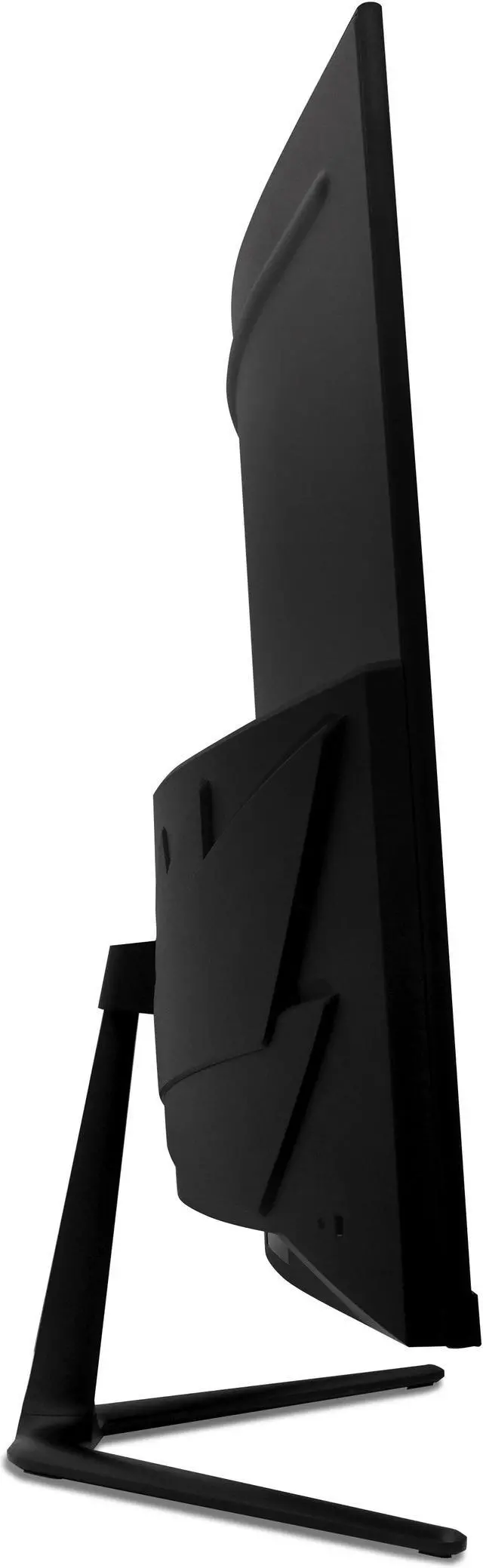
| Stand And Ergonomics | Tilt adjustment; VESA 100 × 100 mm mounting compatibility |
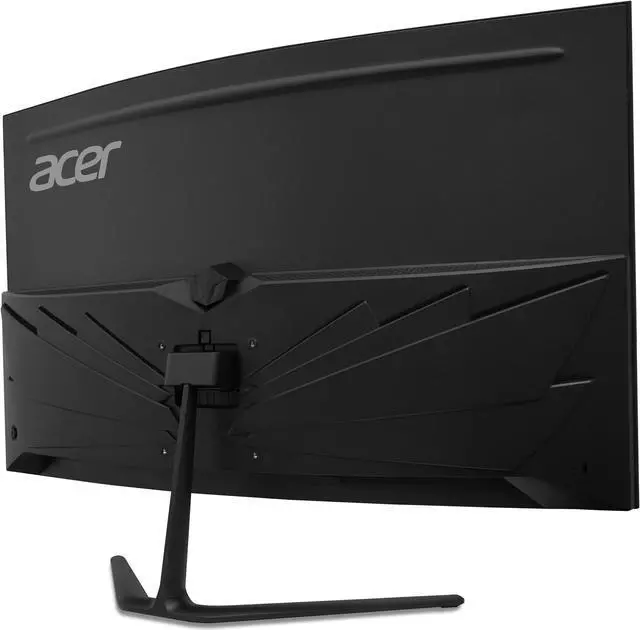
| Design And Dimensions | Black cabinet with a three-sided frameless bezel; measures 20.2 × 27.66 × 7.8 inches with stand and weighs 11.64 lb |
| Power | 100–240 VAC, 50/60Hz power supply; under 48W in normal operation and under 1W in power-save mode |
| Model Identifiers | Acer Nitro ED323QU P1bmiipx; part number UM.HE3AA.101 |
Q: Acer Nitro ED323QU P1bmiipx vs. LG UltraGear 32GS60QC-B: which fits my setup better?
A: Both are 31.5-inch, QHD, 1000R curved VA monitors with a stated 180Hz maximum refresh rate. Choose the Acer if built-in 2W speakers per channel or two HDMI ports matter; choose the LG if its advertised 1ms GtG response-time specification and VESA AdaptiveSync support better match your priorities. Note that Acer specifies 180Hz over DisplayPort and up to 144Hz over HDMI.
Q: Acer Nitro ED323QU P1bmiipx or Samsung Odyssey G55C 32-inch—which should I choose?
A: Choose the Acer if you want its stated 180Hz maximum over DisplayPort, built-in speakers, or two HDMI ports. Choose the Samsung if its listed 300 cd/m² typical brightness is a priority; Samsung specifies 165Hz maximum, one HDMI port, and no built-in speakers in the cited specifications. Both offer a 32-inch-class QHD VA panel with a 1000R curve and FreeSync.
Q: Should I get this Acer 32-inch QHD monitor or a 27-inch QHD monitor?
A: Choose this Acer if you prefer a larger, curved screen for gaming and media. Choose a 27-inch QHD monitor if sharper-looking text and fine details at typical viewing distances are more important: QHD is about 93 pixels per inch at 32 inches versus about 109 pixels per inch at 27 inches. The Acer’s 180Hz maximum also requires DisplayPort; HDMI supports up to 144Hz.
Q: Is this monitor suitable for gaming and everyday work?
A: It suits PC gaming and general desk use if you want a large 1440p screen. The 31.5-inch VA display supports up to 180Hz over DisplayPort and 144Hz over HDMI. Its 1000R curve and tilt-only stand may not suit everyone, and it has no height adjustment.
Q: Does it reach 180Hz over HDMI?
A: No. The listed maximum is 180Hz over DisplayPort 1.4 and 144Hz over HDMI 2.0. Use DisplayPort if you want the monitor’s full listed refresh rate, and check that your computer also supports the desired resolution and refresh rate.
Q: Can I mount it on a monitor arm or wall mount?
A: Yes. It supports 100 × 100mm VESA mounting. The included stand adjusts for tilt only, so a compatible VESA mount can provide other positioning adjustments.
Q: Does it have built-in speakers, and can I connect headphones?
A: Yes. It has two built-in 2W speakers and an audio-out port for connecting headphones or external speakers. The built-in speakers are convenient for basic audio; use headphones or external speakers if you need a separate audio setup.
Q: Is the Acer Nitro ED323QU P1bmiipx suitable for a triple-screen sim-racing setup?
A: It can suit this use: a Reddit owner reports using three of these monitors for sim racing and says they are happy with the setup. Each screen is 31.5 inches with 2560 × 1440 resolution; the listed 180Hz refresh rate requires DisplayPort.
Q: Is this monitor worth considering for productivity if I don’t game?
A: It is worth considering for the 31.5-inch QHD workspace, but the available Reddit discussion raises it as a candidate rather than reporting an owner’s productivity experience with this exact model. Its 1000R curve and VA panel are also factors to consider when choosing a monitor for desk work.
Q: Can I mount this monitor on a standard VESA arm?
A: Yes. The supplied specifications list 100 × 100 mm VESA compatibility, so it supports a standard 100 × 100 mm VESA mount. A Reddit comparison also mentions mounting compatibility as a purchase consideration.


