




 here!
here!
I’m your shopping assistant for PC builds, upgrades, and everything tech.
Got questions? Ask away!
Start a conversation
here!
I’m your shopping assistant for PC builds, upgrades, and everything tech.
Got questions? Ask away!
Start a conversationShipped by Newegg





Any questions? Ask CelesteSM will help you find out quickly.
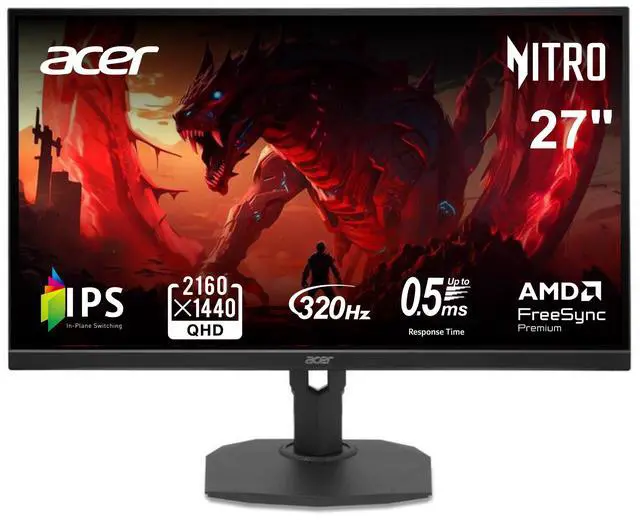
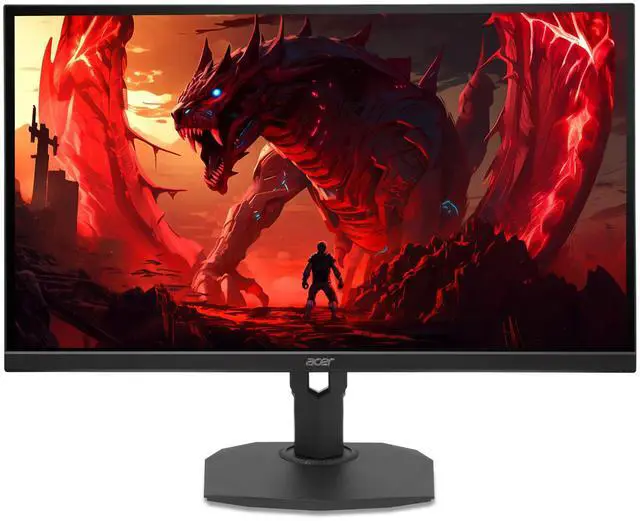
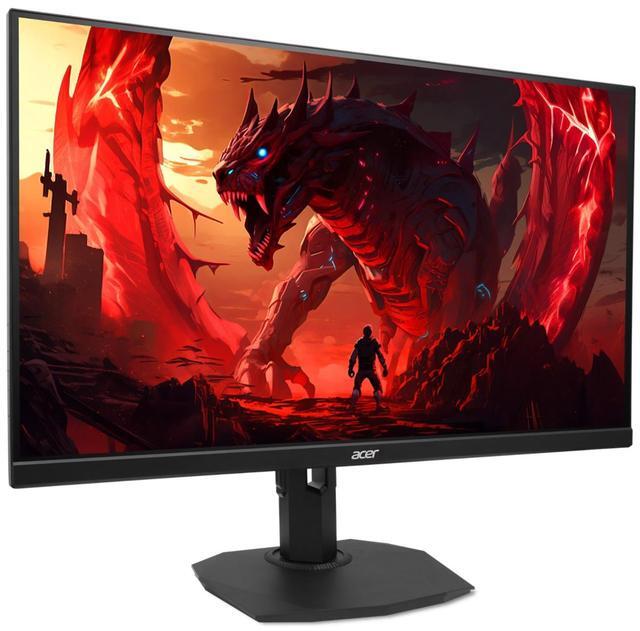
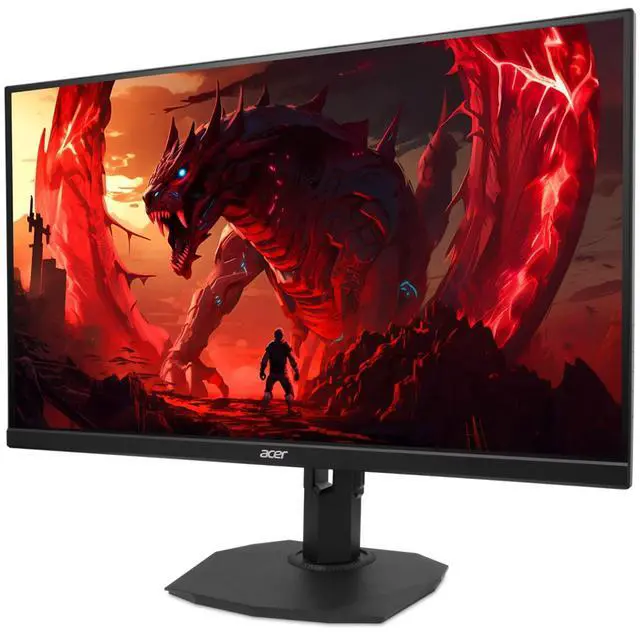
The Acer Nitro XF273U F3bmiiprx is a 27-inch QHD IPS gaming monitor with a 320Hz refresh rate, making it suitable for competitive PC gamers seeking very high refresh rates at 1440p.
| Attribute | Value |
|---|---|
| Best For | QHD gaming where a high refresh rate, fast response, and adaptive sync are key considerations |
| Panel And Resolution | 27-inch flat IPS panel with 2560 × 1440 QHD resolution, 16:9 aspect ratio, and anti-glare finish |
| Refresh Rate And Response | 320 Hz refresh rate and 0.50 ms response time with AMD FreeSync Premium adaptive sync |
| Picture Quality | 250 cd/m² brightness, 100,000,000:1 contrast ratio, 178° horizontal and vertical viewing angles, sRGB 99% color gamut, 1.07 billion display colors, HDR10, and 0.233 mm pixel density |
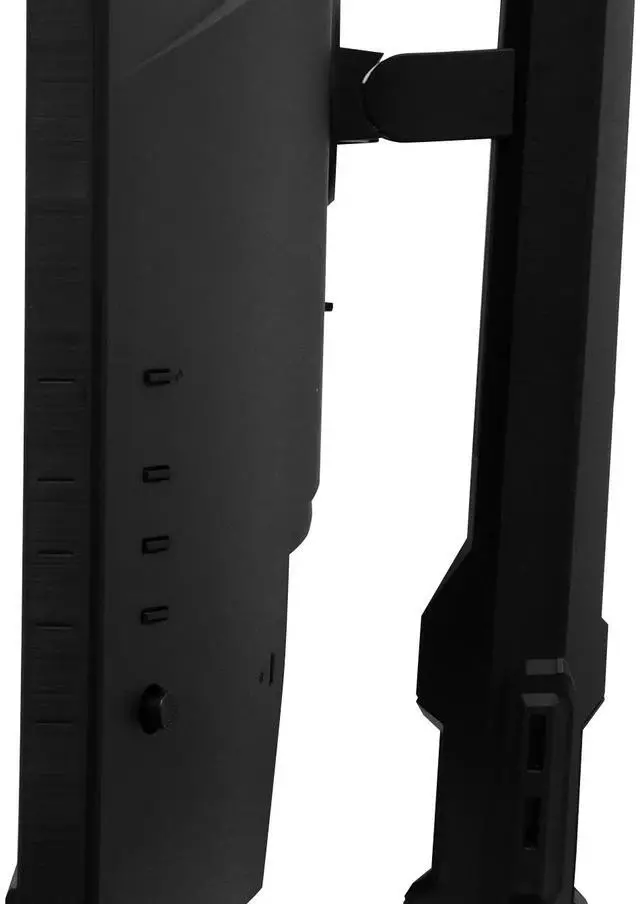
| Ports And Connectivity | 2 × HDMI 2.1, 1 × DisplayPort 1.4, and 1 × audio out; no USB ports |
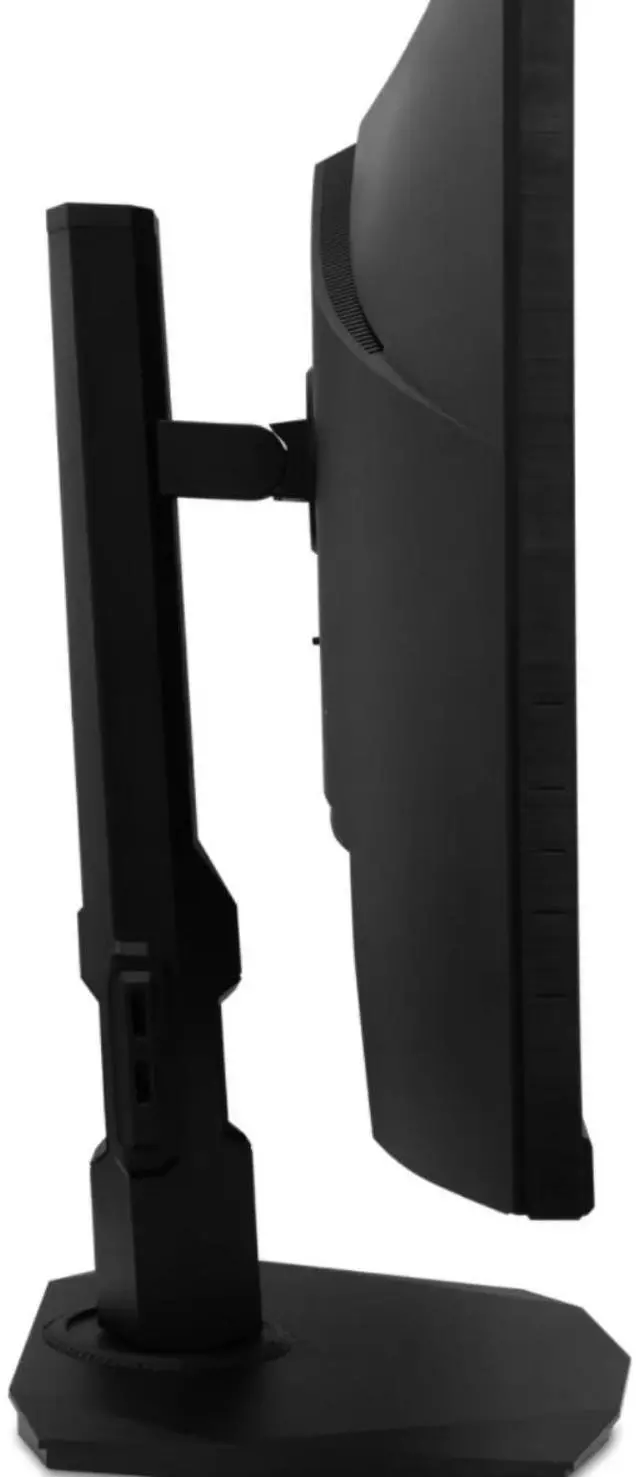
| Stand And Ergonomics | Stand adjusts for height, pivot, swivel, and tilt; supports 100 × 100 mm VESA mounting |
| Audio And Integrated Features | Two built-in 2 W speakers; no built-in webcam |
| Power And Consumption | 100–240 VAC, 50/60 Hz; under 55 W in normal operation and under 1 W in power-save mode |
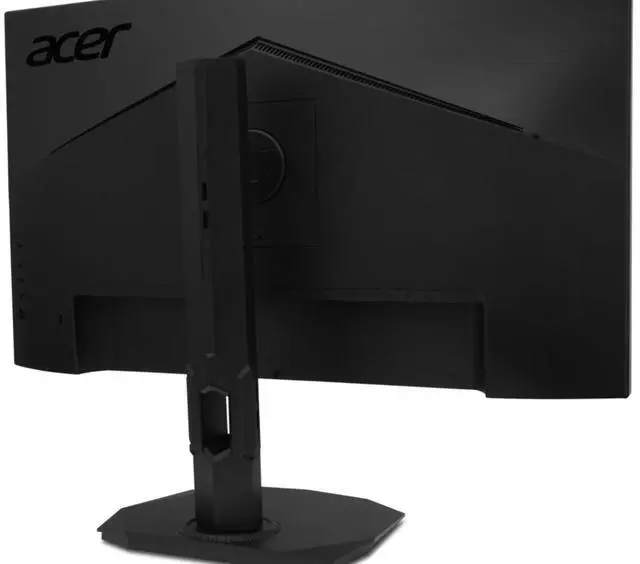
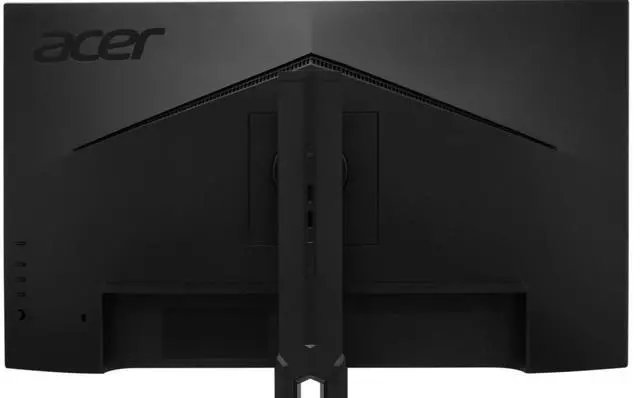
| Physical Design | Black cabinet with a three-sided thin-frame bezel; weighs 13.56 lb and measures 15.9–21.6 × 24.2 × 8.4 inches with stand |
| Model Identifiers | Acer Nitro XF273U F3bmiiprx, part number UM.HX3AA.310 |
Q: Acer Nitro XF273U F3 vs XV272U F3: which should I choose?
A: Choose the XF273U F3 if you want its listed 320Hz maximum refresh rate for PC gaming. Choose the XV272U F3 if its listed 300Hz refresh rate and 400-nit brightness better suit your setup. Both are 27-inch, 1440p Nitro gaming monitors; check the exact model and regional specifications before buying.
Q: Is the XF273U F3 worth choosing over a 240Hz 1440p monitor?
A: Choose the XF273U F3 if you want a higher refresh-rate ceiling while keeping 1440p resolution. A 240Hz 1440p monitor may be a more practical choice if that refresh rate already meets your needs or it offers a better fit for your budget. To benefit from the XF273U F3’s higher ceiling, your PC also needs to render high frame rates in the games you play.
Q: Acer Nitro XF273U F3 vs XV272U V3: is 320Hz worth the upgrade from 180Hz?
A: Choose the XF273U F3 if you play competitive PC games and want a refresh-rate ceiling above 300Hz at 1440p. Choose the XV272U V3 if 180Hz is sufficient for your games and you prefer a lower-refresh 1440p option. The XF273U F3’s extra refresh-rate headroom is most relevant when your PC can produce frame rates that use it.
Q: Is this monitor suitable for both gaming and office work?
A: Yes. Its 27-inch 2560 × 1440 IPS display, adjustable stand, and built-in speakers support general desktop and office use, while its 320Hz refresh rate and FreeSync Premium target gaming. It has no built-in webcam, and its listed brightness is 250 nits.
Q: Can this monitor display games at 320Hz?
A: The monitor is rated for up to 320Hz. Reaching that refresh rate depends on the computer, graphics card, game, resolution, and connection supporting the required output; the monitor’s maximum refresh rate does not guarantee 320 frames per second from the system.
Q: Does it have built-in speakers, and can I connect headphones?
A: Yes. It has two built-in 2W speakers and a 3.5mm audio-out jack for headphones or external audio equipment. The speakers provide basic integrated audio; use separate speakers or a headset if you want a dedicated audio setup.
Q: Can I use it in portrait orientation or mount it on a monitor arm?
A: Yes. The included stand supports pivot adjustment for portrait orientation, and the monitor has a 100 × 100mm VESA mount pattern for a compatible monitor arm or mount.
Q: Is 1440p the same as 4K?
A: No. This monitor’s resolution is 2560 × 1440, commonly called QHD or 1440p. It is not a 4K display.
Q: Is the 320Hz refresh rate useful if I mainly play on PS5?
A: The 320Hz maximum is more relevant to a PC that can deliver very high frame rates. A Reddit buyer considering this model for PS5 described 120Hz as their target, so treat the extra refresh-rate capacity as headroom rather than a benefit you’re certain to use on console.
Q: Can I count on this monitor’s VRR working with PS5?
A: The product information lists HDMI 2.1 and AMD FreeSync Premium, but does not confirm PS5 VRR compatibility. Since a Reddit discussion specifically raises that compatibility question, verify support for this exact model before buying if PS5 VRR is essential to you.


