




 here!
here!
I’m your shopping assistant for PC builds, upgrades, and everything tech.
Got questions? Ask away!
Start a conversation
here!
I’m your shopping assistant for PC builds, upgrades, and everything tech.
Got questions? Ask away!
Start a conversationShipped by Newegg
 Top Rated

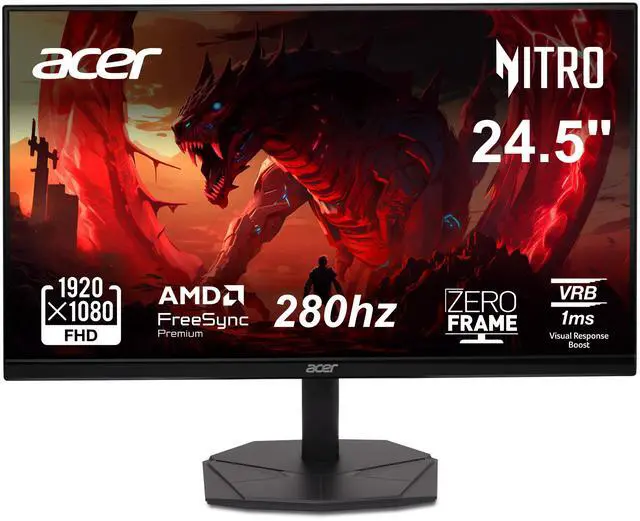
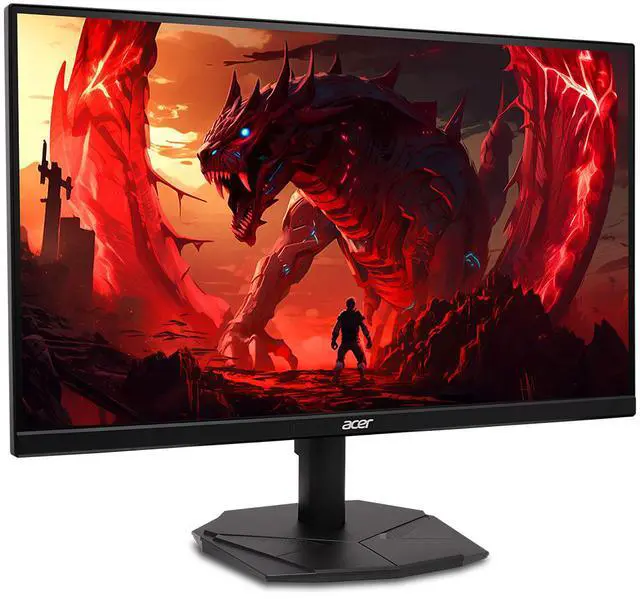
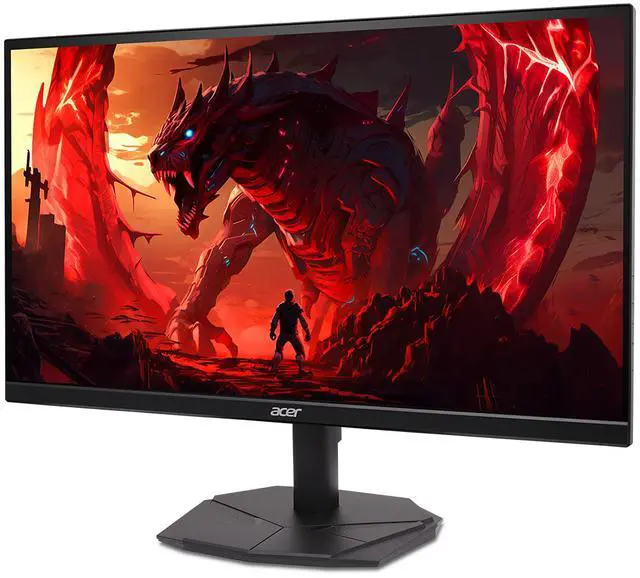
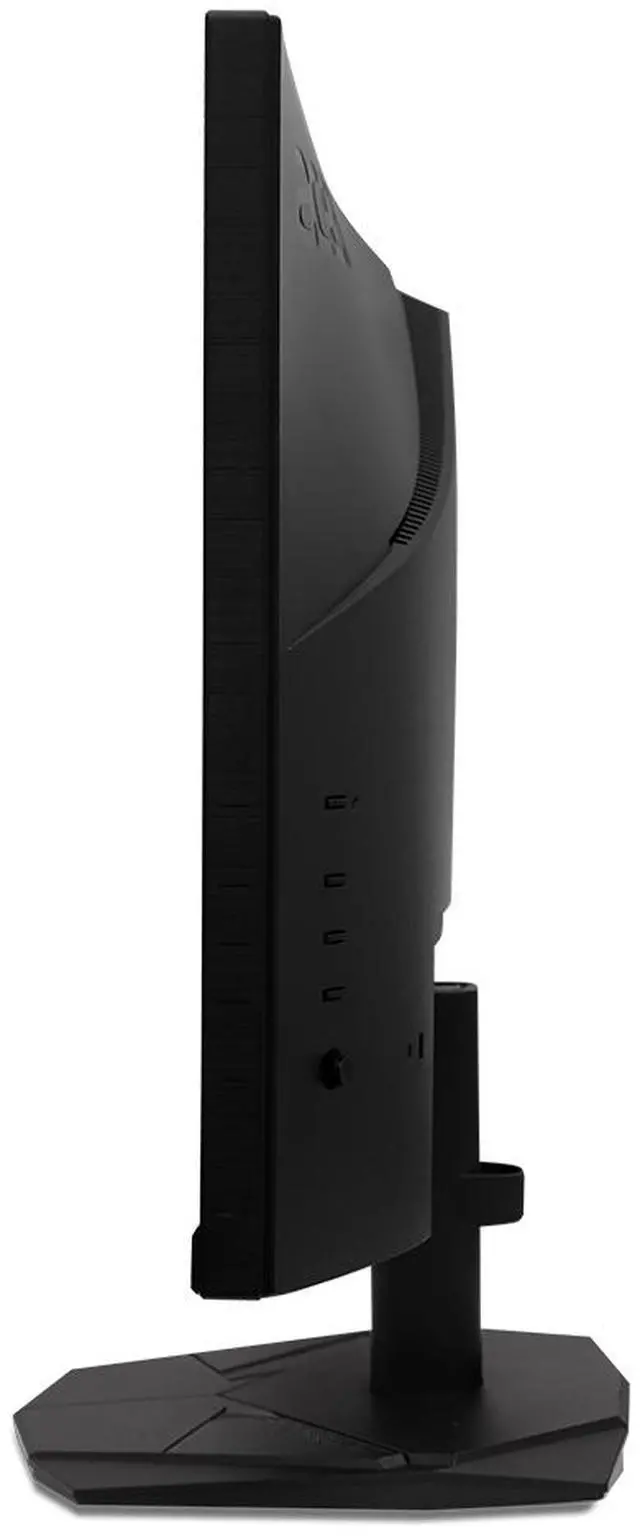
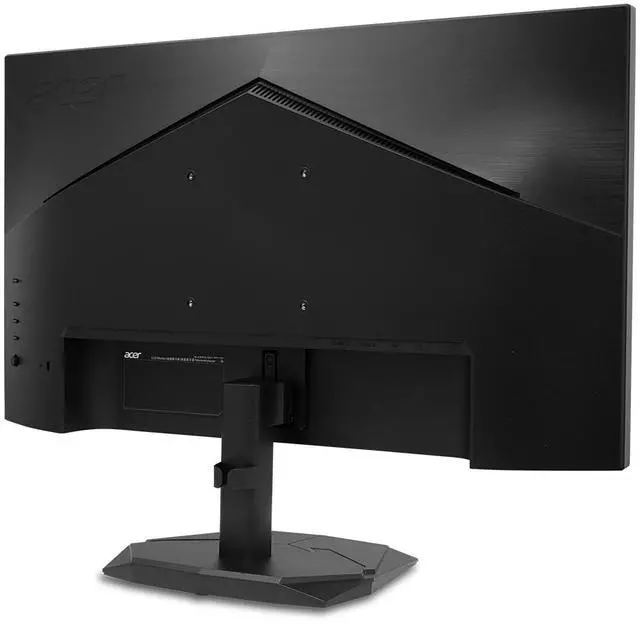
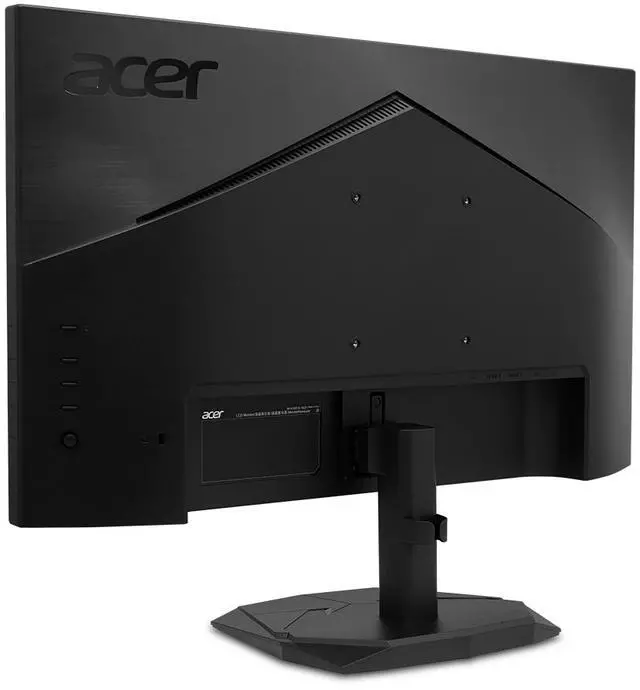
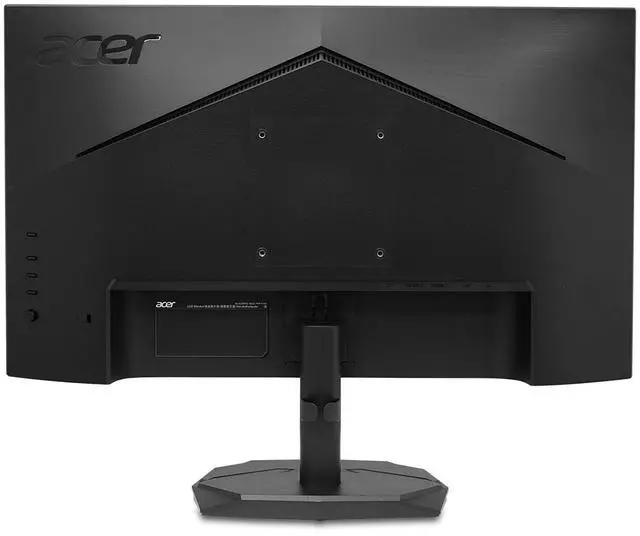



Any questions? Ask CelesteSM will help you find out quickly.


Bring your favorite shows and movies to life. Experience sharper details and more accurate colors with up to FHD resolution.

Experience ultra-smooth viewing with faster frame rendering and lower input lag with a rapid refresh rate of 280Hz.

AMD FreeSync™ Premium technology equips users with a fluid, tear-free experience at peak performance.

Enjoy clearer, more immersive gameplay without blurring thanks to a rapid response time of 1ms Visual Response Boost.

More realistic, natural images are provided through an expanded contrast ratio and color palette using HDR.
The Acer Nitro KG251Q Z1biip is a 24.5-inch Full HD VA gaming monitor with a 280Hz refresh rate over DisplayPort, 1ms VRB response time, and AMD FreeSync Premium, suited to competitive PC gamers who prioritize fast, smooth gameplay at 1080p.
| Attribute | Value |
|---|---|
| Best For | Gaming and desktop or personal use, with a 280Hz Full HD display and FreeSync Premium adaptive sync |
| Panel And Resolution | 24.5-inch flat VA LCD panel with 1920 × 1080 resolution, 16:9 aspect ratio, matte anti-glare finish, and 178° horizontal and vertical viewing angles |
| Refresh Rate And Response | Up to 280Hz refresh rate with 1ms VRB response time and AMD FreeSync Premium adaptive sync |
| Picture Quality | 250 cd/m² brightness, 100 million:1 maximum ACM contrast ratio, 16.7 million display colors, and HDR10 |
| Ports And Connectivity | One DisplayPort 1.4 and two HDMI 2.0 ports; no USB ports |
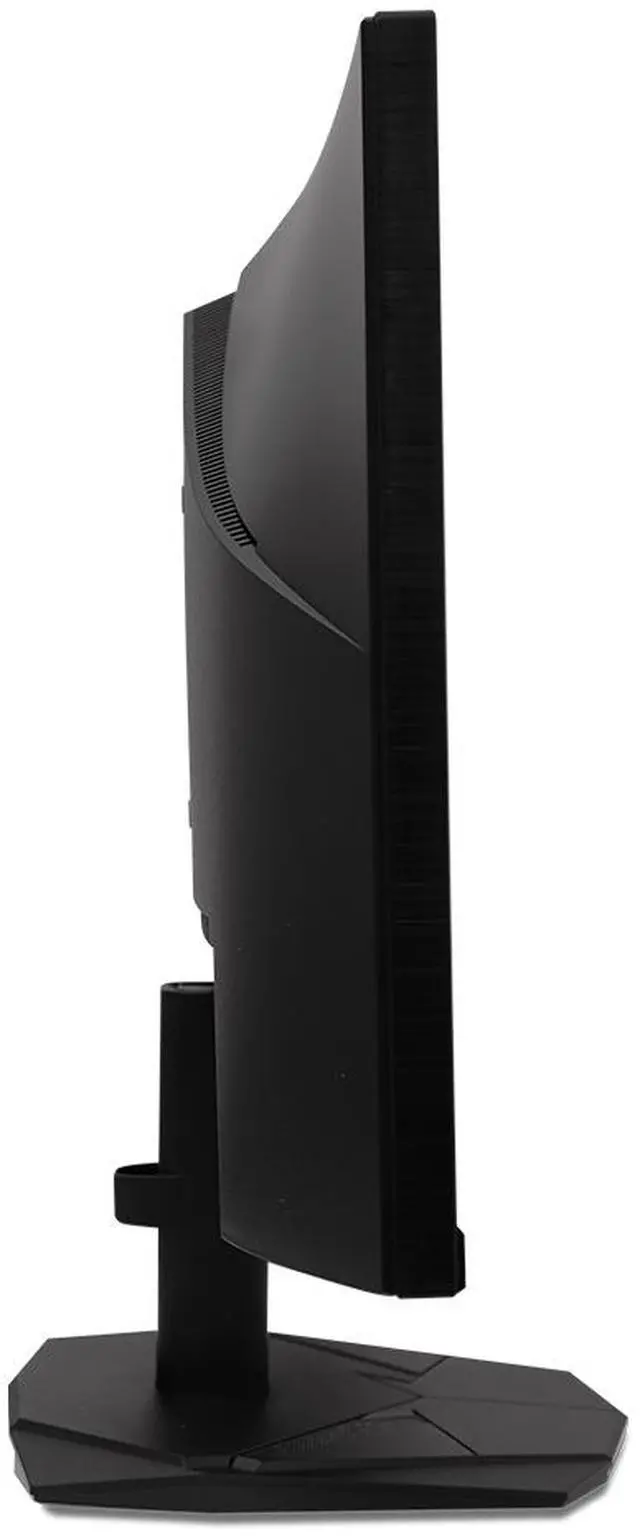
| Stand And Ergonomics | Tilt-adjustable stand with 100 × 100mm VESA mounting compatibility |
| Physical Design And Dimensions | Black cabinet with a three-sided thin-frame bezel; 21.93 × 16.9 × 8.67 inches with stand and 21.93 × 13 × 2.8 inches without stand; weighs 7.5 lb |
| Power | 100–240 VAC, 50/60Hz; consumes less than 42W in normal operation and less than 1W in power-save mode |
| Audio | No built-in speakers |
| Included In The Box | Display, stand, power cord, and HDMI cable |
| Model Identifiers | Acer Nitro KG251Q Z1biip; part/model number UM.KX1AA.101 |
Q: Is the Acer Nitro KG251Q Z1biip worth choosing over a 144Hz or 165Hz 1080p monitor?
A: Choose the Acer if you mainly play competitive games and your PC can produce high frame rates: it is a 24.5-inch, 1080p monitor that supports up to 280Hz over DisplayPort. A 144Hz or 165Hz option is a more practical fit if you do not expect to use the higher refresh rate.
Q: Should I get this Acer or a 240Hz gaming monitor?
A: The Acer offers up to 280Hz through DisplayPort, while its HDMI inputs support up to 240Hz. It is a reasonable choice over a 240Hz model if you will use DisplayPort and want the higher listed refresh ceiling; over HDMI, its refresh-rate advantage does not apply.
Q: Should I choose this 1080p 280Hz Acer or a 1440p monitor?
A: Choose the Acer if high refresh and competitive gaming at 1080p are your priorities. Choose a 1440p monitor if you prioritize the additional resolution and image detail; this Acer’s native resolution is 1920 × 1080.
Q: Is upgrading from a 240Hz monitor to this Acer worthwhile?
A: Consider the Acer if you want its 280Hz DisplayPort mode and the price and setup suit you. If you connect over HDMI, it supports up to 240Hz, so the listed refresh rate alone does not provide an upgrade over a 240Hz monitor on that connection.
Q: What connection do I need to use this monitor at 280Hz?
A: Use DisplayPort 1.4 for the full 280Hz refresh rate. Over HDMI 2.0, this monitor supports up to 240Hz; the computer and graphics card must also support the selected refresh rate.
Q: Who is this 280Hz monitor best suited for?
A: It is best suited to PC gamers who prioritize smooth motion in fast-paced games and whose system can produce high frame rates. It has a 24.5-inch 1080p VA screen; games do not need to reach 280 frames per second to run, but the monitor’s full refresh-rate benefit is most relevant when the system can deliver high frame rates.
Q: Can I mount this monitor on an arm or wall mount?
A: Yes. It supports 100 × 100mm VESA mounting, so it can be attached to a compatible mount. Check that the mount supports the monitor’s size and weight; the included stand provides tilt adjustment only.
Q: Does this monitor have built-in speakers?
A: No. The KG251Q Z1biip does not have built-in speakers, so plan to use speakers or headphones connected to your computer or another audio source.
Q: Is the 280Hz refresh rate worth choosing over a 240Hz monitor?
A: This model reaches 280Hz over DisplayPort and 240Hz over HDMI. It may suit buyers prioritizing very high refresh rates for competitive games, but the Reddit discussion does not establish that 280Hz is a meaningful upgrade for every player; compare it with the price and other monitor features.
Q: Should I worry about VA ghosting compared with an IPS monitor?
A: The KG251Q Z1biip uses a VA panel, and Reddit commenters specifically raise ghosting as a possible concern when discussing this model. If motion clarity is a priority, consider testing it promptly and checking the seller’s return terms; the provided specifications alone do not establish how noticeable ghosting will be.
Q: Is this a sensible budget monitor for competitive gaming?
A: It may fit a budget competitive-gaming setup if you want 1080p at a high refresh rate and your PC can produce high frame rates. Reddit discussion identifies esports gaming and budget as reasons to consider it, while the VA panel and its potential motion-clarity trade-off are worth weighing. The maximum 280Hz requires DisplayPort; HDMI supports up to 240Hz.


