




 here!
here!
I’m your shopping assistant for PC builds, upgrades, and everything tech.
Got questions? Ask away!
Start a conversation
here!
I’m your shopping assistant for PC builds, upgrades, and everything tech.
Got questions? Ask away!
Start a conversationShipped by Newegg





Any questions? Ask CelesteSM will help you find out quickly.


As an unseen player, monitor is often being underestimated. The truth is monitors form as a synergistic effect and bring out the best performance of PC components. GIGABYTE gaming monitors offer the ultimate specifications and quality, users can truly enjoy upscale performance without the need for extravagance.


High resolution and fast refresh rate, giving you the detailed display quality and fluid gaming experience!

Super fast 1ms response time for the most smooth gaming experience ever!

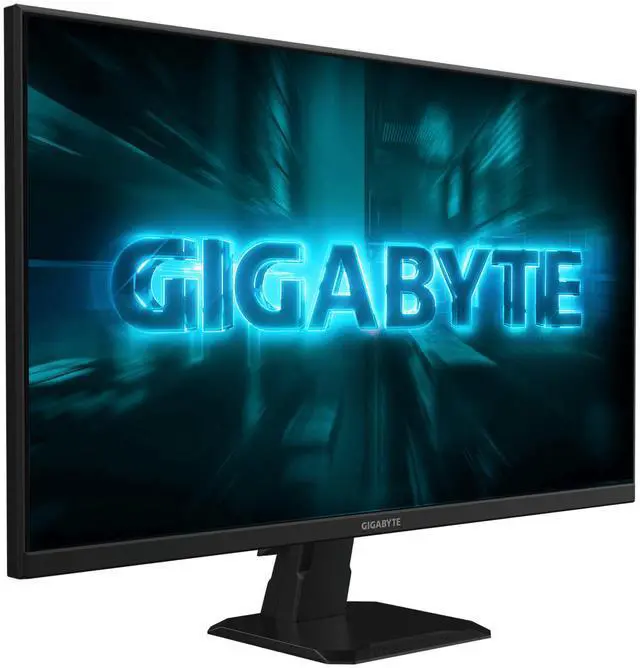
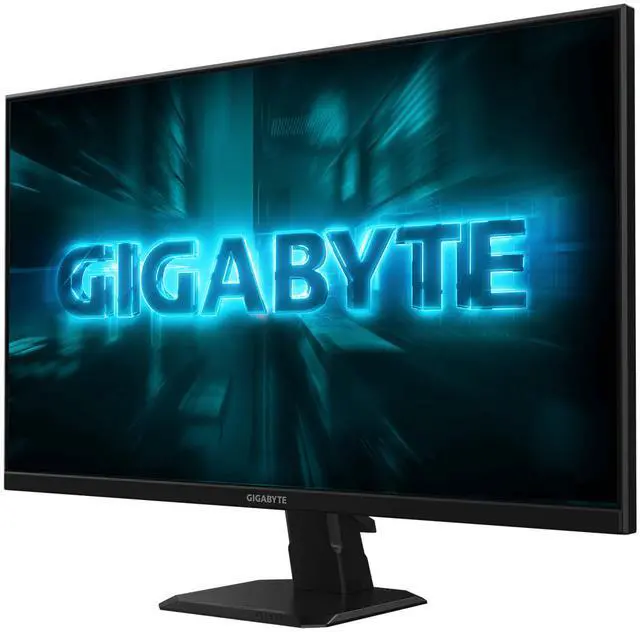
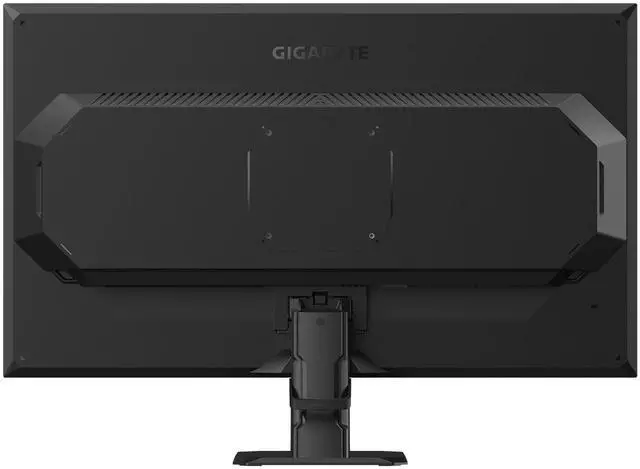
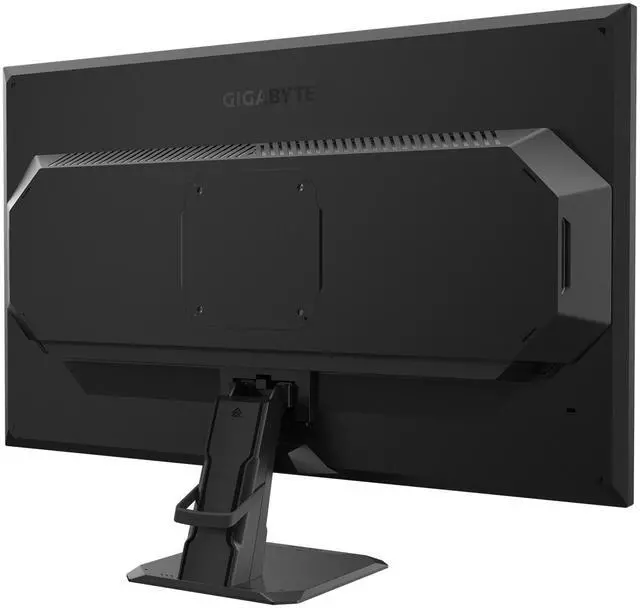
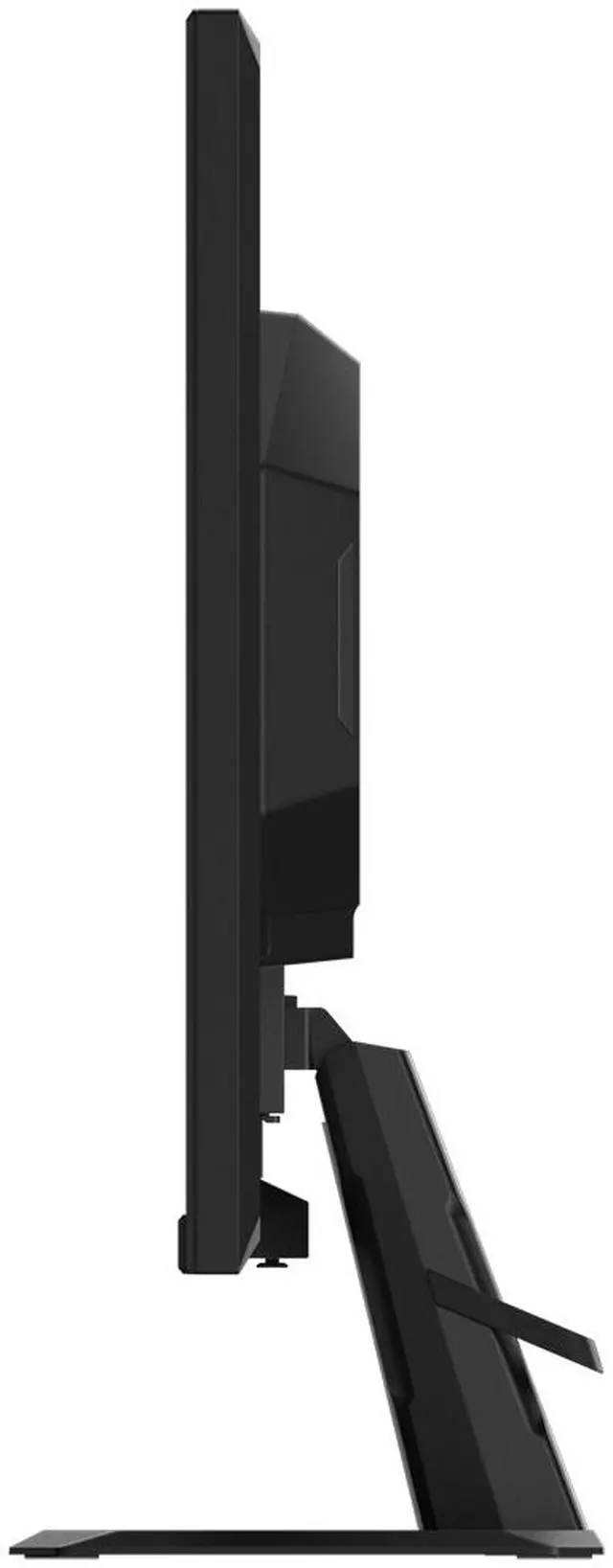
The streamline appearance represents the simplicity of the GIGABYTE gaming series design philosophy, sturdy stand and matte finish built for functional and aesthetic features adding more to the characteristics.

The Black Equalizer deepens the details of the dark side on the scene without affecting other display areas. Just enable this feature to reveal all of your hidden enemies!

GIGABYTE OSD Sidekick allows you to set the display options with keyboard and mouse, giving you the easiest way to adjust monitor settings.

Onscreen timer will assist you on tracking the elapsed game time.

This feature will allow you to customize crosshairs that helps improve your aim in the shooting game.


GIGABYTE Gaming monitor features a stand that's designed to offer extensive range of tilt adjustments.


Preventing eye strain and fatigue.

Certified by TÜV Rheinland for eye health protection.
* All the performance test conducted by by GIGABYTE LAB may change due to differences in systems, specifications or testing environments, please refer to the actual situation.
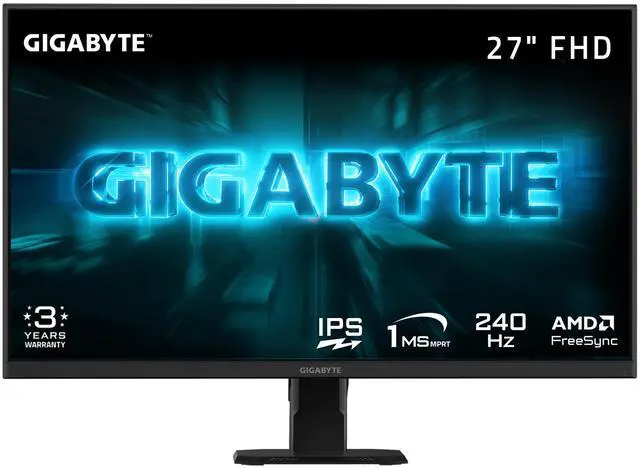
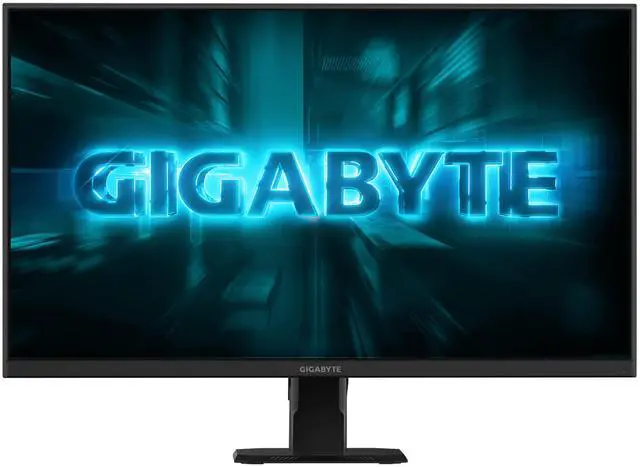
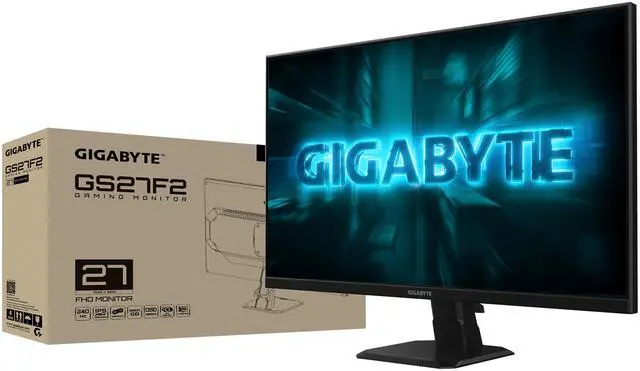
The GIGABYTE GS27F2 is a 27-inch FHD gaming monitor with a 240Hz Super Speed IPS panel, 1ms response time, and FreeSync, suited to competitive players who prioritize smooth, responsive gameplay.
| Attribute | Value |
|---|---|
| Best For | Gaming, entertainment, and business use, with a 27-inch FHD display, 240Hz refresh rate, FreeSync, and connections for desktops, laptops, and gaming consoles |
| Panel And Resolution | 27-inch flat Super Speed IPS display with 1920 × 1080 resolution, 16:9 aspect ratio, non-glare finish, 178° horizontal and vertical viewing angles, and 0.3108 mm pixel pitch |
| Refresh Rate And Picture Quality | 240Hz refresh rate and 1ms response time, with 300 cd/m² brightness, 1,000:1 contrast, 115% sRGB color gamut, 16.7 million colors, HDR10, and edge-type LED backlighting |
| Ports And Audio | Two HDMI 2.0 ports, one DisplayPort 1.4, and one earphone jack; no built-in speakers |
| Gaming And Display Features | FreeSync adaptive sync, Black Equalizer, Game Assist, OSD Sidekick, Flicker-Free, and Low Blue Light |
| Stand And Mounting | Tilt adjustment from -5° to +20°; compatible with 100 × 100 mm VESA mounts |
| Power | 100–240 VAC, 50/60Hz power supply; 20W consumption, under 0.5W in power-saving mode, and under 0.3W when off |
| Dimensions And Weight | With stand: 24.16 × 17.32 × 8.08 inches and 10.08 lb; without stand: 24.16 × 14.55 × 2.19 inches and 9.19 lb |
| Included Accessories | Power cable, HDMI cable, quick-start guide, and warranty card |
| Model Identifiers | GIGABYTE GS-Series, model GS27F2 |
Q: GIGABYTE GS27F2 or GS27Q X: which 27-inch monitor should I choose?
A: Choose the GS27F2 if you prefer 1080p gaming at up to 240Hz and want a lower-resolution workload for your PC. Choose the GS27Q X if you want sharper 1440p detail while retaining a 240Hz refresh rate; its higher resolution may require more graphics performance to reach high frame rates in games.
Q: Should I get the GS27F2 or a 24- or 25-inch 1080p 240Hz monitor?
A: Choose the GS27F2 if you want a larger 27-inch image for gaming and everyday use. Choose a 24- or 25-inch model if you prefer a smaller screen that is easier to take in at close range; RTINGS notes that this size is commonly used for esports. Both options can offer 1080p at 240Hz, so the main trade-off is screen size and viewing preference.
Q: Is the GS27F2 worth choosing over a 27-inch 1080p 144Hz or 165Hz monitor?
A: Choose the GS27F2 if your PC can produce frame rates above 144–165 fps in the games you play and you want the option to use its 240Hz refresh rate. A 144Hz or 165Hz model may be a better fit if your typical frame rates are lower or you do not prioritize high-refresh competitive gaming.
Q: Is this monitor a good fit for competitive gaming?
A: It is suited to fast-paced gaming if your computer can deliver high frame rates: the monitor has a 240Hz refresh rate, 1ms response time, and FreeSync. Its 27-inch screen is Full HD (1920 × 1080), so buyers prioritizing a sharper, higher-resolution image may prefer a higher-resolution display.
Q: Does it have built-in speakers?
A: No. It has no built-in speakers. It includes an earphone jack, so use headphones or compatible external audio equipment for sound.
Q: Can I mount it on a monitor arm, and does the included stand adjust?
A: Yes. The monitor supports 100 × 100 mm VESA mounting. Its included stand adjusts for tilt from -5° to +20°; height adjustment is not listed.
Q: What devices can I connect, and is a cable included?
A: It has one DisplayPort 1.4 input, two HDMI 2.0 inputs, and an earphone jack. An HDMI cable is included; a DisplayPort cable is not listed among the included items.
Q: Is the GS27F2 worth considering against other 27-inch, 1080p, 240Hz monitors?
A: It fits that category and offers a Super Speed IPS panel, FreeSync, and DisplayPort 1.4. The supplied specifications list a 1,000:1 contrast ratio, so don’t assume it has a contrast advantage over similarly priced alternatives. The discussion doesn’t establish which monitor is the better value; compare current prices and return policies.
Q: Should reports of Gigabyte monitor failures put me off buying the GS27F2?
A: The Reddit post raises reliability concerns, but anecdotes in a discussion cannot establish this model’s failure rate. The provided product information does not include reliability data. Check the seller’s return window and the applicable warranty before deciding.
Q: Does a 27-inch 1080p monitor make sense if I sit farther from the screen?
A: It may suit someone who prefers a larger screen and sits farther away, as one Reddit user describes. At 27 inches, 1920 × 1080 has lower pixel density than a 27-inch 1440p display, which can make small text and fine details look less sharp. The choice depends on viewing distance and how much you value 240Hz over resolution.


