




 here!
here!
I’m your shopping assistant for PC builds, upgrades, and everything tech.
Got questions? Ask away!
Start a conversation
here!
I’m your shopping assistant for PC builds, upgrades, and everything tech.
Got questions? Ask away!
Start a conversation





Any questions? Ask CelesteSM will help you find out quickly.

Life Like Colors
4K Resolution
Purer Black and Greater Scratch Resistance

99% DCI-P3
Competitive Edge

HDR Peak 1000 nits


G-SYNC Compatible
AI-Based Protection
Tactical Switch 2.0 Enhanced Gameplay

One for All

Including Burn-In
The latest ObsidianShield film is designed to increase perceived black levels by up to 40%, while preserving deep blacks and vivid colors even under strong ambient light. In addition, the surface hardness has been upgraded from 2H to 3H, delivering 2.5 times greater scratch resistance for improved everyday durability.

Under HDR Peak 1000 Mode, HyperNits boosts brightness by up to 30% while preserving critical highlight detail. Users can choose between HyperNits High for maximum brightness enhancement or HyperNits Medium for a gentle 20% lift in darker environments.


QD-OLED powered by Samsung. Witness colors explode with unparalleled vibrancy, illuminating every nuance, while 1.5M:1 contrast ratio reaches the edge of infinity.

With 10-bit color depth, 1.07 billion colors, and 99% DCI-P3 wide color gamut, enjoy richer, more lifelike colors for a cinema-grade visual experience.

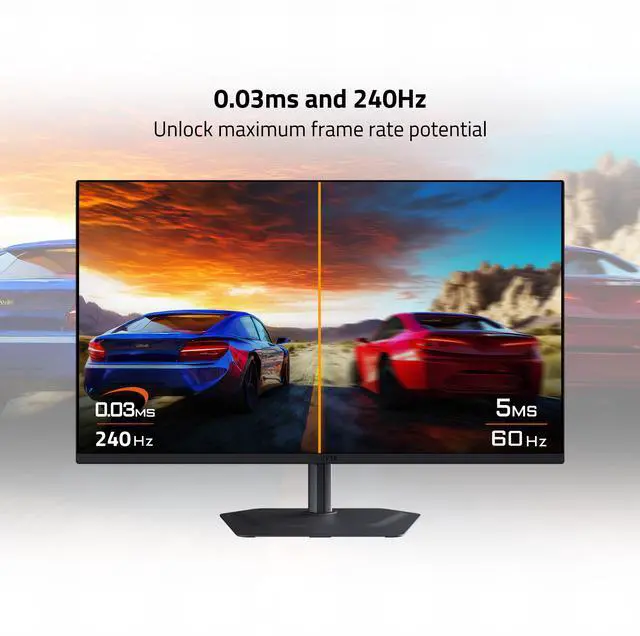
OLED delivers an ultra-fast 0.03ms GTG response time for smooth, blur-free motion, while ensuring crisp visuals with stunning OLED colors.

Built for FPS gamers — switch resolutions instantly with one click and take the shot that wins the game.

Ultra Clear Technology: Reduce Motion Blur for a Sharper Gaming Experience!
In intense gaming battles, ghosting and motion blur can affect your reaction time, giving your opponents the upper hand. Aim Stabilizer Sync Ultra Clear Technology intelligently inserts black frames to significantly reduce motion blur, ensuring every frame remains sharp and clear for a smoother gaming experience!
* Please download and update to the latest version of Firmware.

Enhances visibility across the entire screen, allowing FPS players to easily spot enemies in dark environments.

Black Equalizer highlights the dark areas on the display, allowing you to effortlessly spot enemies hidden in the dark.

G-SYNC Compatible unlocks the full potential of next-gen GPUs, ensuring smooth, tear-free, and responsive gameplay.
With custom crosshair, timer, intelligent HDR auto selection and more at your hands, gain an unfair competitive advantage in your gameplay through our GIGABYTE Game Assist.


Algorithmically calculated airflow and high performance heatsink allowing rapid heat dissipation and reduced dust accumulation.
Lowers temperature, extending panel lifespan and reducing burn-in risk.
Improves temperature control, ensuring the monitor remains stable and cool under heavy load.
Silent, durable, and energy-efficient for distraction-free gaming.

Superior heat dissipation prevents OLED burn-in for uninterrupted gaming.
Break Free from Flicker – Unlock the Ultimate Visual Experience! Our latest upgraded OLED display technology is meticulously optimized for VRR (Variable Refresh Rate) mode, precisely adjusting the VRR range to reduce screen flickering.


Prevents eye strain and fatigue.

Certified by TÜV Rheinland, the monitor filters harmful blue light wavelengths while maintaining vivid and accurate color.

Use AI-based algorithm to minimize the risks of burn-in issues.

AI OLED Care includes different settings that can be adjusted as you wish.
AI OLED Care efficiently minimizes the risks of burn-in issues.
AI OLED Care runs AI-based presets in the background with minimal interference.
With the AI-based GIGABYTE AI OLED Care protection along with the top-tier QD-OLED panel implemented in the monitors, GIGABYTE provides a premium 3-year warranty including coverage for panel burn-in for users to be completely worry-free.
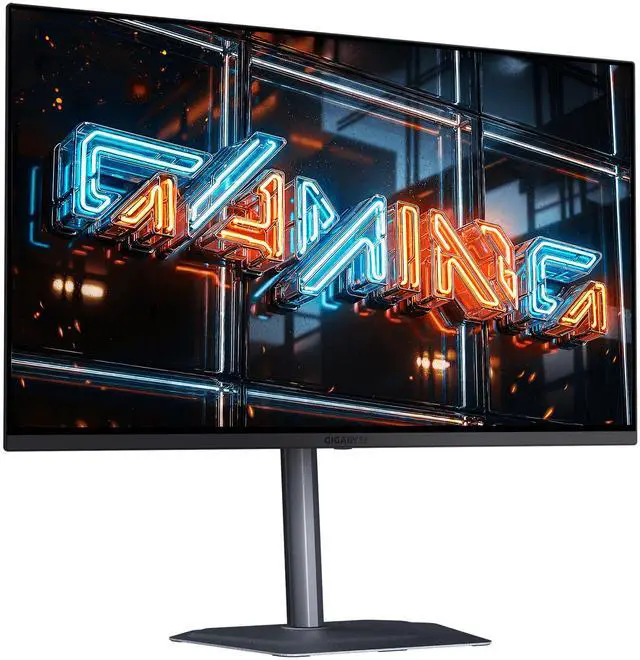
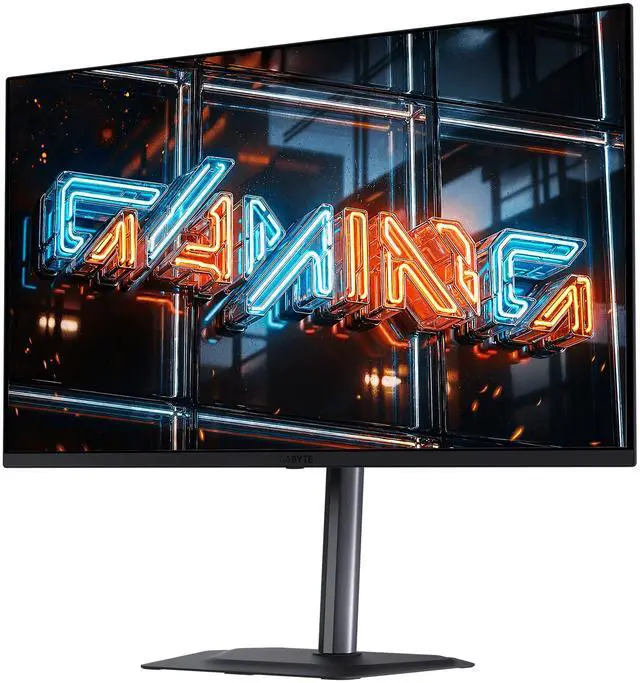
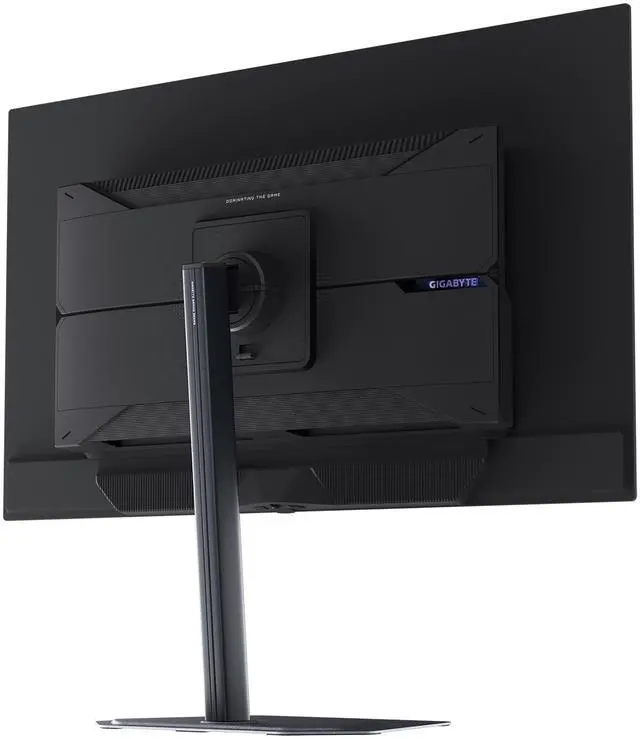
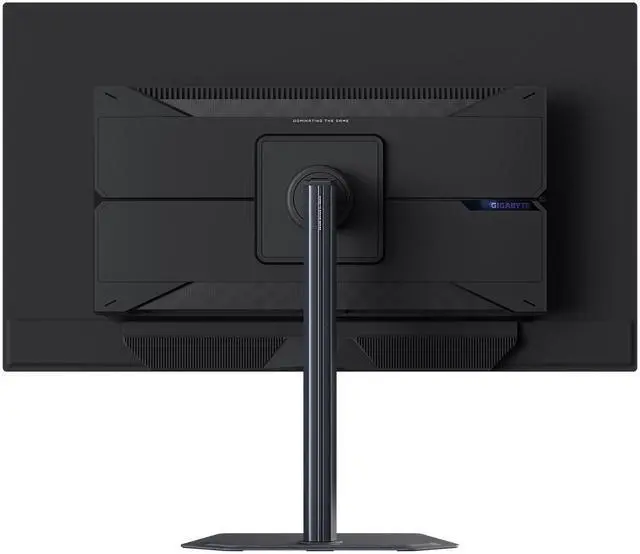
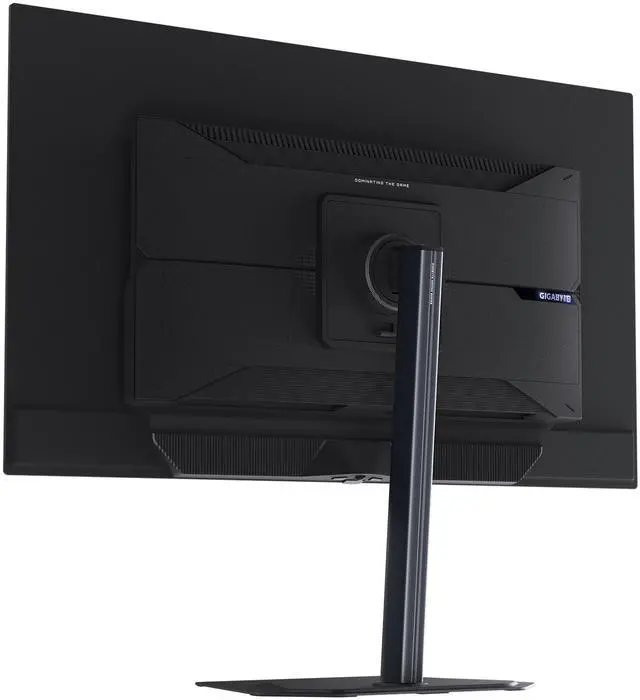
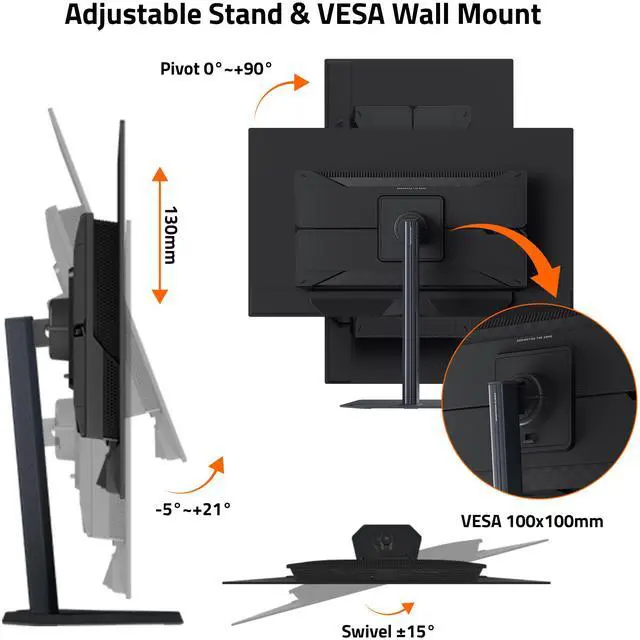
GIGABYTE Gaming monitor features an exclusive stand that's ergonomically designed to offer extensive range of height and tilt adjustments.

Height Adjustment: 130mm

Tilt: -5°~+21°

Metal stand with an ultra-slim 2mm base.

Pivot: 0°~+90° (clockwise)

Swivel: ±15°
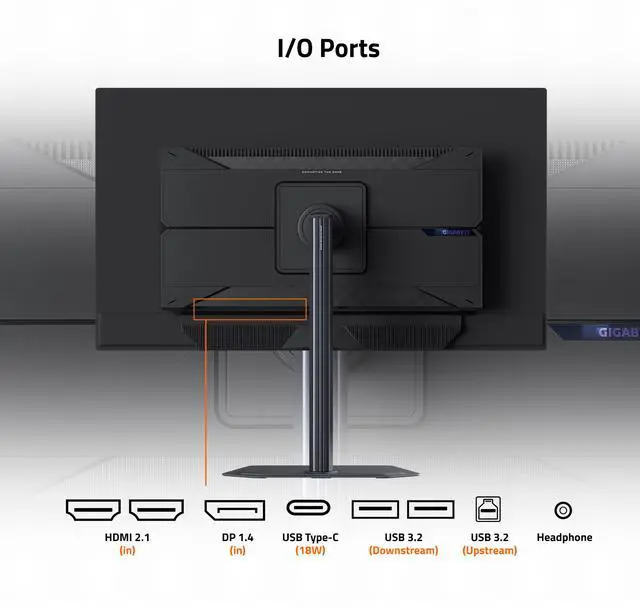
The MO32U24 features 2 full-bandwidth HDMI® 2.1, DisplayPort™ 1.4, and USB-C providing 18W power.


DC
(power)

HDMI 2.1
(in)

HDMI 2.1
(in)

DP 1.4
(in)

USB Type-C
(DP Alt.)

USB Type-B
(upstream)

USB Type-A

USB Type-A

Headphone
* All of the images on this page are for illustration purposes only and not an exact representation of the product.
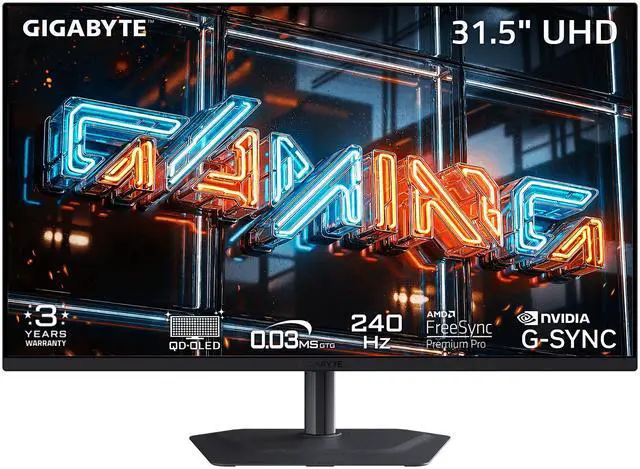
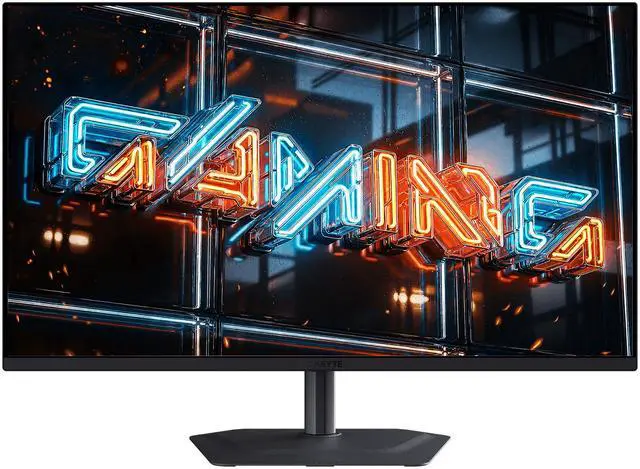
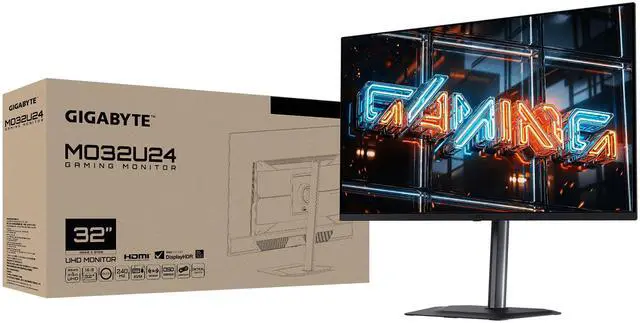
The GIGABYTE MO32U24 is a 31.5-inch 4K QD-OLED gaming monitor with a 240Hz refresh rate, 0.03ms GTG response time, and FreeSync Premium Pro and G-SYNC Compatible support, making it suitable for gamers seeking detailed visuals and fast, responsive gameplay.
| Attribute | Value |
|---|---|
| Best For | Gaming, entertainment, and business use, with a 4K QD-OLED display and high refresh rate |
| Panel And Resolution | 31.5-inch flat QD-OLED panel with 3840 x 2160 UHD 4K resolution, 16:9 aspect ratio, anti-glare finish, and 178° horizontal and vertical viewing angles |
| Refresh Rate And Response | 240Hz refresh rate, 0.03ms GTG response time, and FreeSync Premium Pro and G-Sync Compatible adaptive sync |
| Picture Quality | 300 cd/m² brightness, 1,500,000:1 contrast ratio, DisplayHDR True Black 500, 99% DCI-P3 color gamut, and 1.07 billion display colors |
| Ports And Connectivity | 1 x DisplayPort 1.4, 1 x USB-C with DisplayPort Alternate Mode, 2 x HDMI 2.1, 1 x USB 3.2 upstream, and 2 x USB 3.2 downstream |
| Stand And Ergonomics | 130mm height adjustment, -5° to +21° tilt, ±15° swivel, and 0° to +90° pivot; compatible with 100 x 100mm VESA mounts |
| Audio And Monitor Features | Built-in 2 x 5W speakers, KVM switch, GIGABYTE HyperNits, Tactical Switch 2.0, and AI OLED Care |
| Power | 100–240 VAC, 50/60Hz input; 50W power consumption, below 0.5W in power-saving mode, and below 0.3W when off |
| Physical Design | Black cabinet with a three-sided thin-frame bezel; 28.31 x 24.02 x 9.45 inches with stand and 28.27 x 16.46 x 2.56 inches without stand; weighs 17.53 lb with stand or 13.23 lb without stand |
| Model Identifiers | GIGABYTE MO32U24 |
Q: Gigabyte MO32U24 vs. MO32U: is the upgrade worth it?
A: Choose the MO32U24 if you want 240Hz instead of the MO32U’s 165Hz, plus Gigabyte’s newer QD-OLED panel, ObsidianShield coating, and HyperNits HDR feature. Choose the MO32U if it costs meaningfully less and 165Hz meets your gaming needs; both are 32-inch 4K QD-OLED monitors.
Q: Should I get the MO32U24 or MSI MPG 322UR QD-OLED X24?
A: Both offer a 31.5-inch 4K QD-OLED panel and 240Hz refresh rate. Choose the MO32U24 for Gigabyte’s HyperNits HDR adjustment and its tested low-reflection coating. Choose the MSI if you need DisplayPort 2.1a or stronger USB-C laptop charging: it supports up to 98W, compared with 18W on the MO32U24.
Q: Is the MO32U24 a better pick than a 4K OLED monitor with a lower refresh rate?
A: Choose the MO32U24 if your PC can run games at high frame rates and you want its 240Hz refresh rate alongside 4K OLED image quality. A lower-refresh-rate 4K OLED can be a more practical choice if it costs less and you do not expect to benefit from refresh rates above your typical frame rate.
Q: Is this monitor suitable for high-refresh-rate PC and console gaming?
A: It is designed for gaming, with a 31.5-inch 4K QD-OLED panel, 240Hz refresh rate, 0.03ms listed response time, and FreeSync Premium Pro and G-Sync Compatible support. It has two HDMI 2.1 ports and one DisplayPort 1.4 port. The actual resolution and refresh rate depend on the connected device and its output capabilities.
Q: Is it practical for office work and video meetings?
A: It can serve as a large desk monitor for office tasks, with a 31.5-inch 4K display, USB-C video input, height and tilt adjustment, and built-in 2 × 5W speakers. It has no built-in webcam, so video meetings require a separate camera. USB-C laptop charging is not specified in the provided product information.
Q: Can I connect a laptop with USB-C, and will the monitor charge it?
A: The monitor’s USB-C port supports DisplayPort Alternate Mode for video, so it can display a laptop’s output when the laptop’s USB-C port supports video over USB-C. The provided specifications do not list USB-C power delivery, so they do not establish that the monitor can charge the laptop.
Q: Can it be mounted on an arm, and how much desk space does it need?
A: It supports 100 × 100mm VESA mounting. With the included stand, it measures 28.31 inches wide and 9.45 inches deep; the stand also provides 130mm of height adjustment, swivel, tilt, and pivot. Check the arm’s VESA compatibility and weight capacity before mounting.
Q: Is the MO32U24 worth paying more for than the MO32U?
A: It may be worth the extra cost if you specifically want 4K at 240Hz, QD-OLED, and DisplayHDR True Black 500. If those upgrades are not priorities, the lower-priced option may be the better value. The Reddit discussion does not establish a universal price premium, so compare current local prices.
Q: Is the MO32U24 suitable for 4K single-player games and occasional competitive gaming?
A: Yes, its 31.5-inch 4K QD-OLED panel and 240Hz refresh rate suit both high-detail games and fast-play sessions. A Reddit recommendation discussion notes that it does not offer a dual-mode high-refresh option, so consider another model if switching to a lower resolution for a higher refresh rate is important.
Q: Is the MO32U24 a good choice for a brightly lit room?
A: It has an anti-glare screen, but Reddit comparisons raise ambient-light handling as a consideration for OLED monitors. If you use it in a bright room or often view dark scenes with lights on, check the screen in similar lighting before buying; the listed specifications alone do not establish how it will look in your room.
Q: Does the MO32U24 have dual mode or DisplayPort 2.1?
A: The listed connections include DisplayPort 1.4, not DisplayPort 2.1. A Reddit discussion also describes the monitor as having no dual mode. It is a fit if 4K at up to 240Hz meets your needs; look elsewhere if you require either feature.


