




 here!
here!
I’m your shopping assistant for PC builds, upgrades, and everything tech.
Got questions? Ask away!
Start a conversation
here!
I’m your shopping assistant for PC builds, upgrades, and everything tech.
Got questions? Ask away!
Start a conversationShipped by Newegg








Any questions? Ask CelesteSM will help you find out quickly.
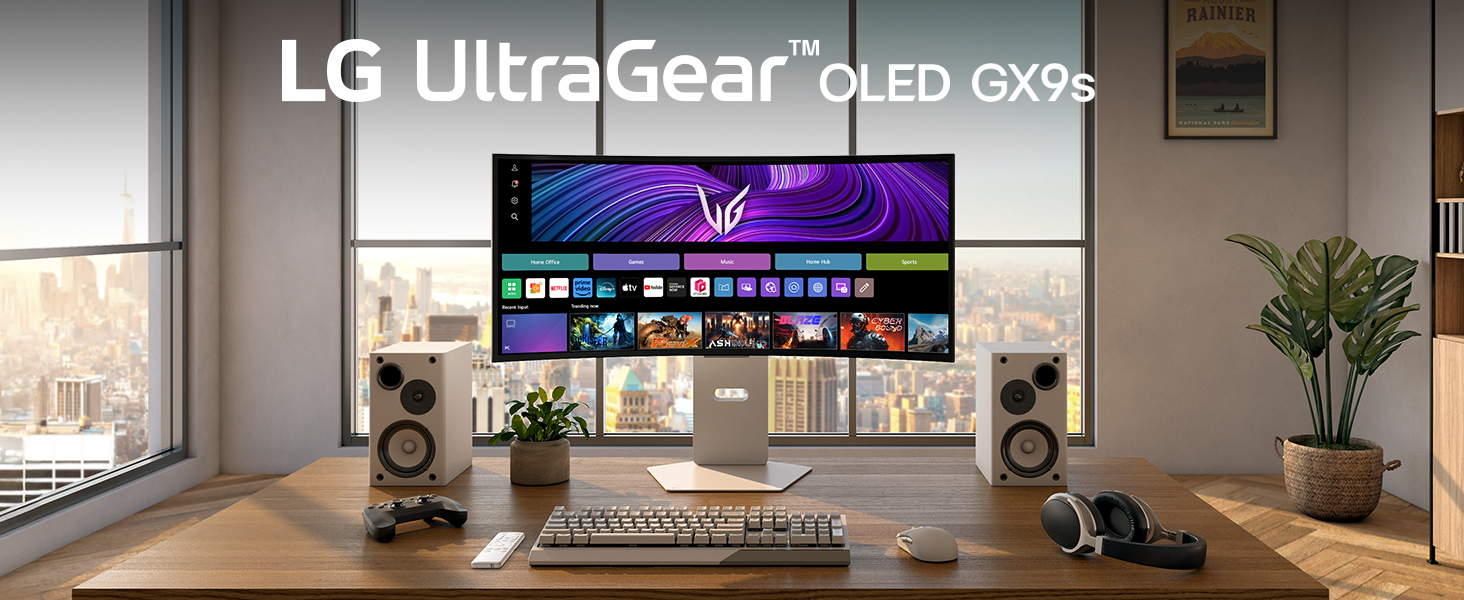
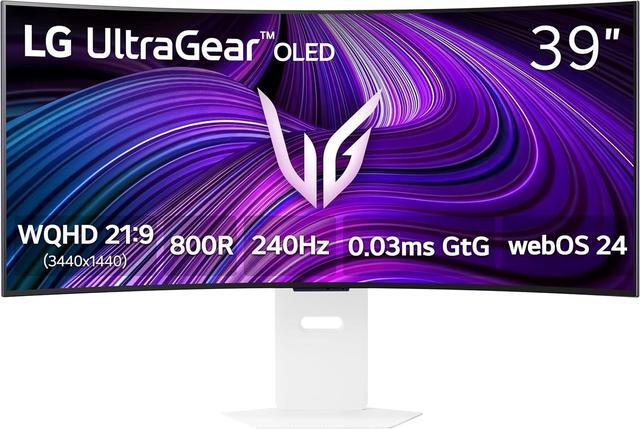
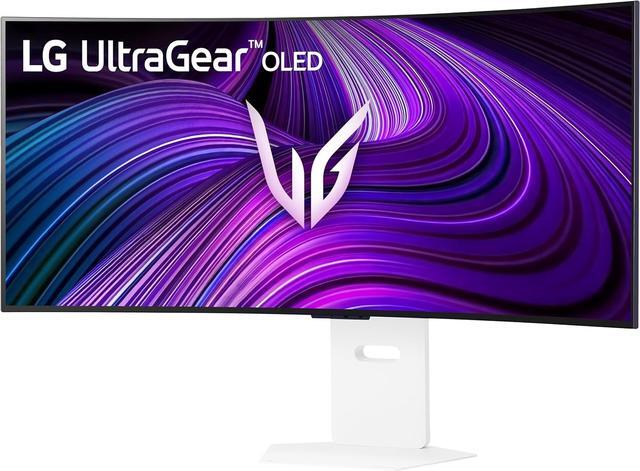
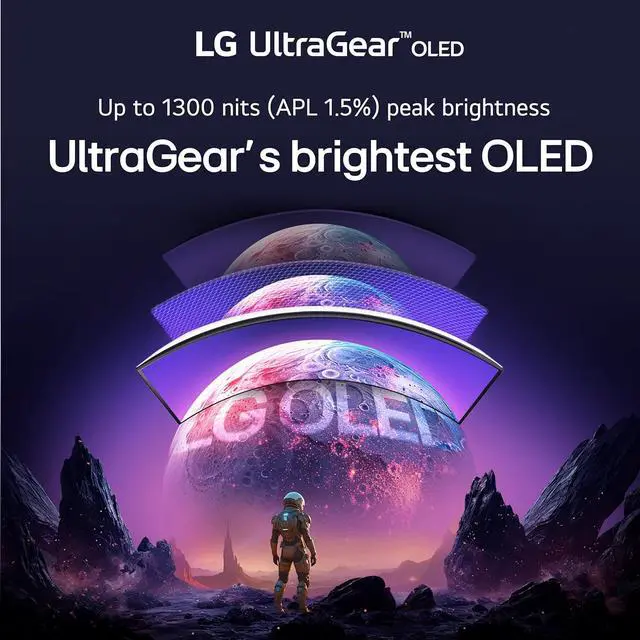
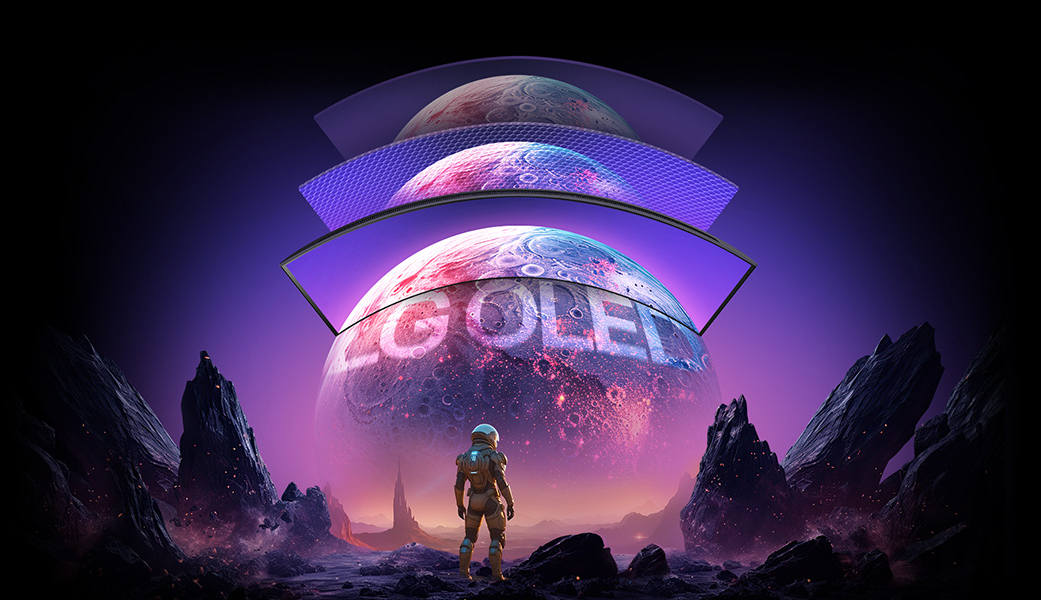
The 39” WQHD OLED with a steep 800R curve and 1300-nit peak brightness pulls you deep into the action, while a 240Hz refresh rate and 0.03ms response time keep gameplay insanely fast and smooth. Plus, LG’s webOS lets you stream your favorites and cloud game—all from one epic screen.
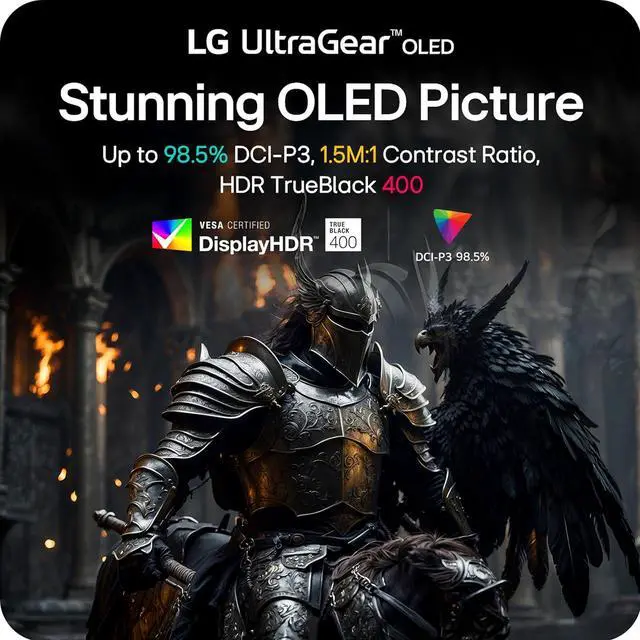
Immerse yourself in vivid visuals with OLED technology, offering up to 98.5% DCI-P3 color, a 1.5M:1 contrast ratio, DisplayHDR True Black 400. Every scene pops with deep blacks and brilliant color.
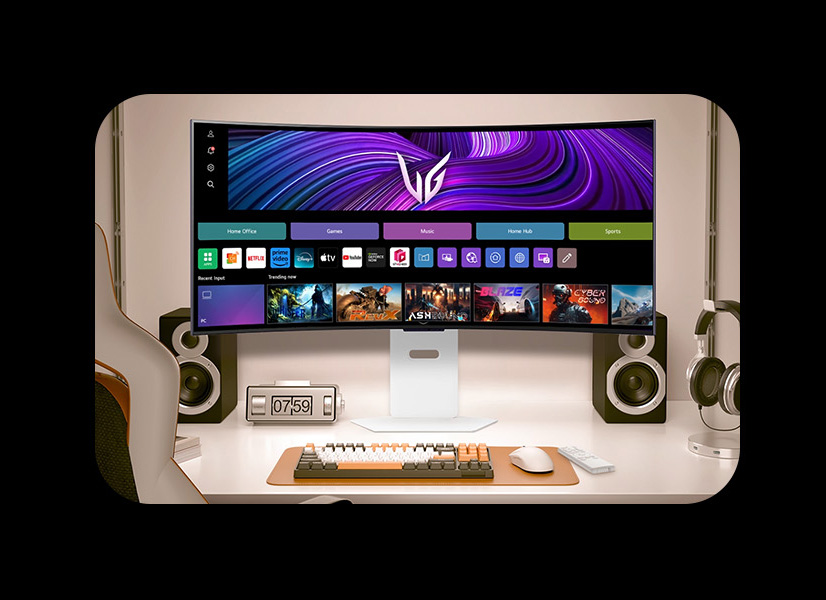
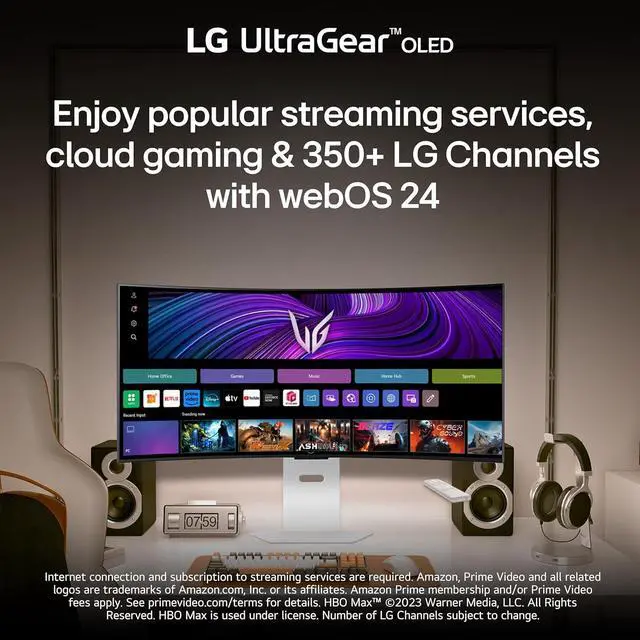
With webOS24, access Netflix, Prime Video, Disney+, HBO Max & 300+ free LG Channels. Game without a PC or console by connecting to cloud services like NVIDIA GeForce NOW, Amazon Luna, and Blacknut.
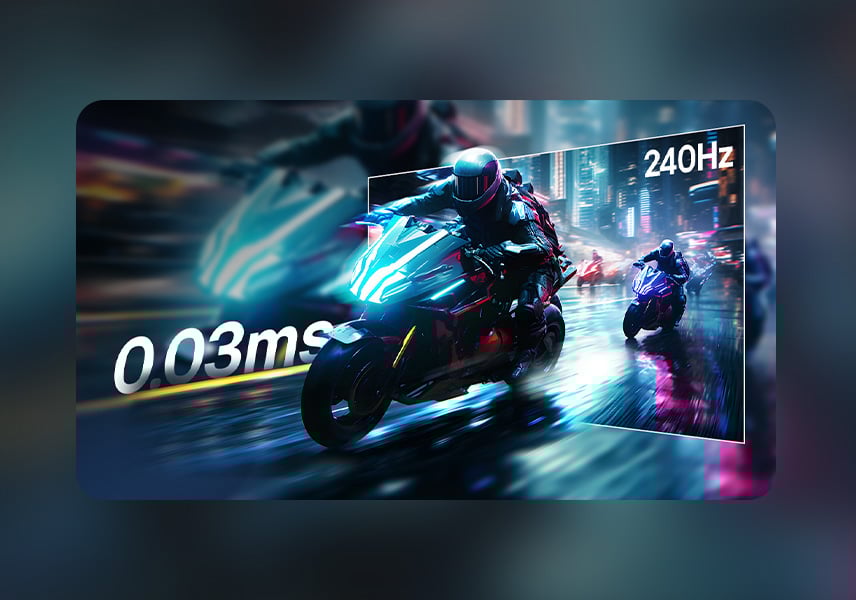
Game at the speed of OLED with an ultra-fast 240Hz and near instantaneous 0.03ms (GtG) response time. Faster speed lets you respond quickly to opponents and enjoy smoother scenes with less lag.
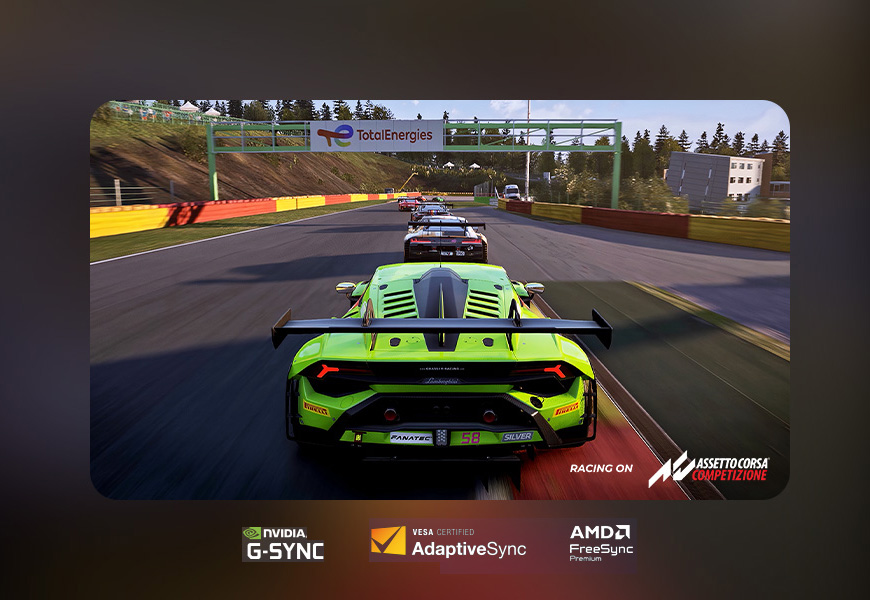
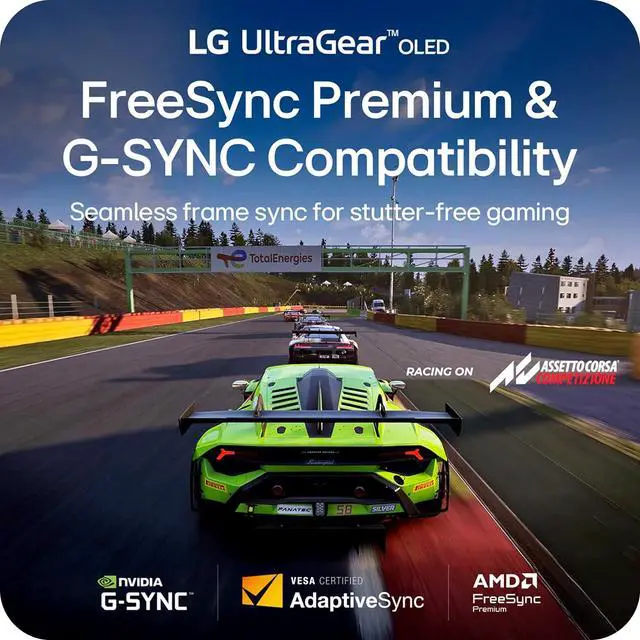
With AMD FreeSync Premium and NVIDIA G-SYNC compatibility, this OLED monitor delivers ultra-smooth, tear-free visuals, giving you perfect frame sync across PC and next-gen console gaming.
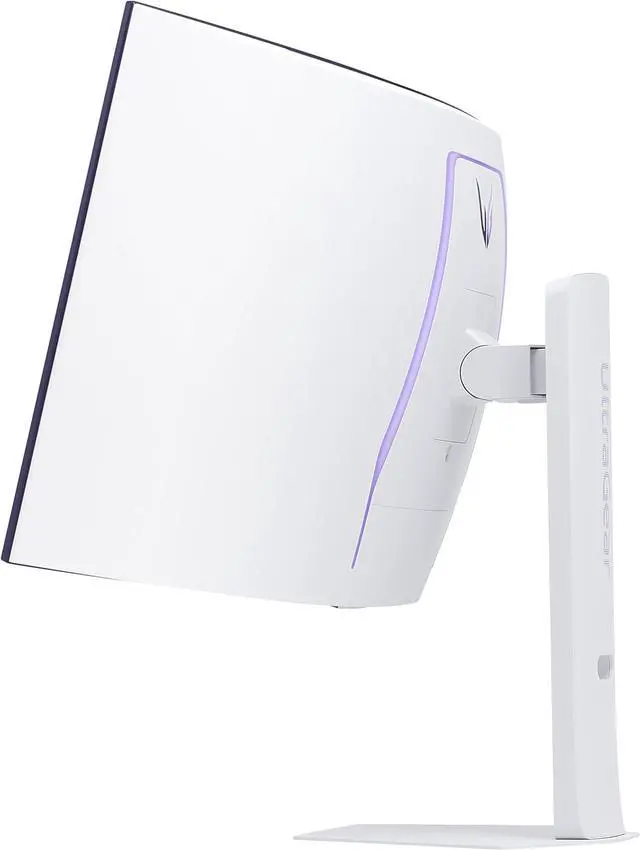
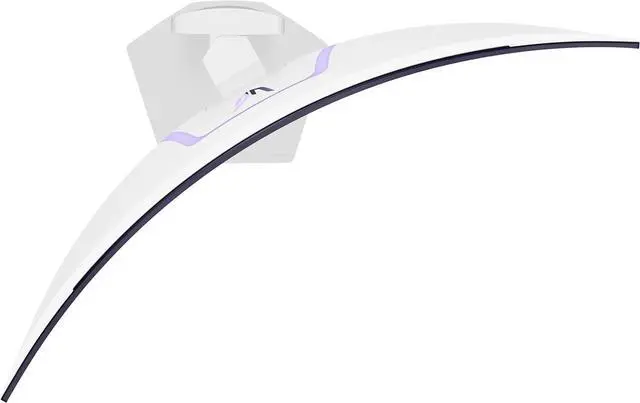
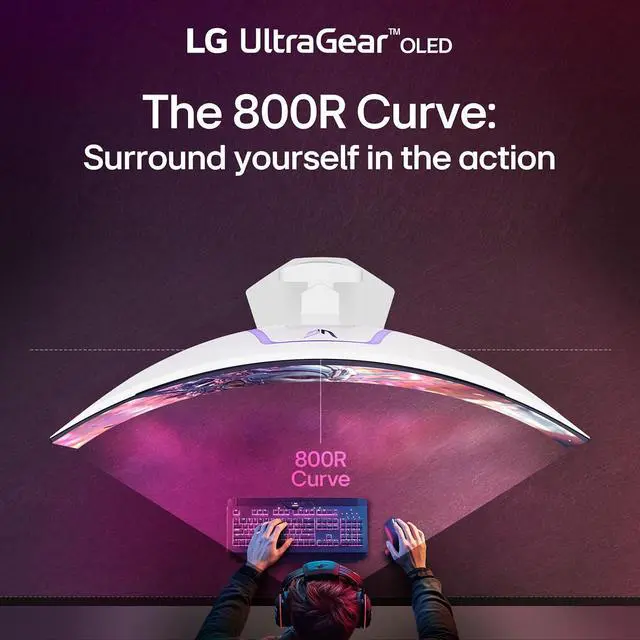
See and feel the action all around you with the dramatic 800R curve. This steep curvature extends your periphery, pulling you deeper into the game and making the action more intense.
The Switch app transforms your screen into a multitasking hub for work, gaming, and streaming. Effortlessly split the screen into up to 6 sections, customize display layouts, or launch video calls with a single hotkey. Navigate smart features with ease and switch seamlessly between your PC and the built-in webOS streaming platform, all with intuitive shortcuts.

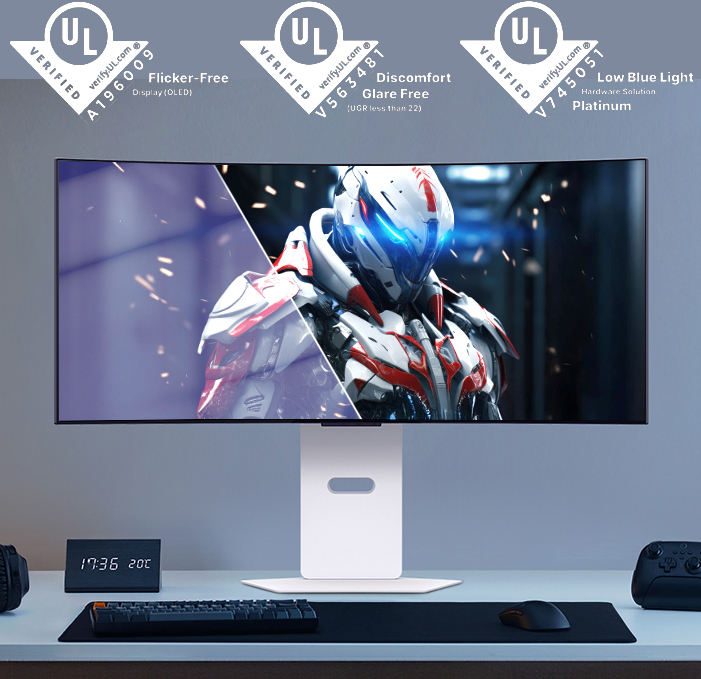
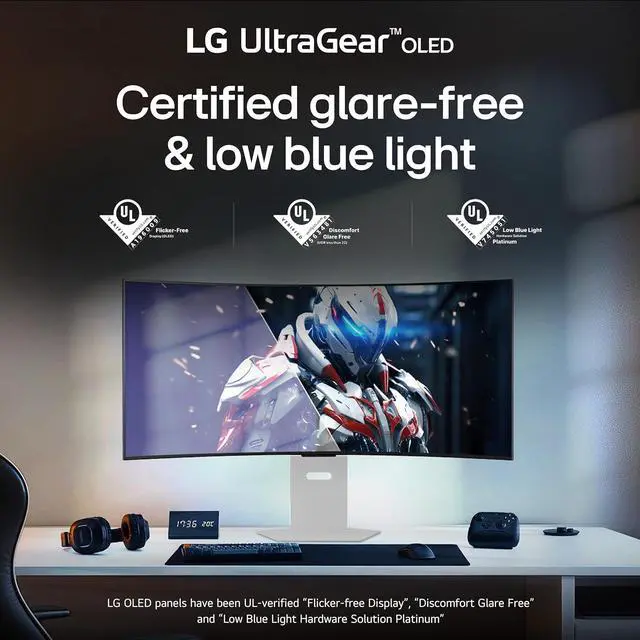
Stay focused with an OLED screen designed to minimize glare and reflections, reducing distractions so you can focus on every move, target, and win.
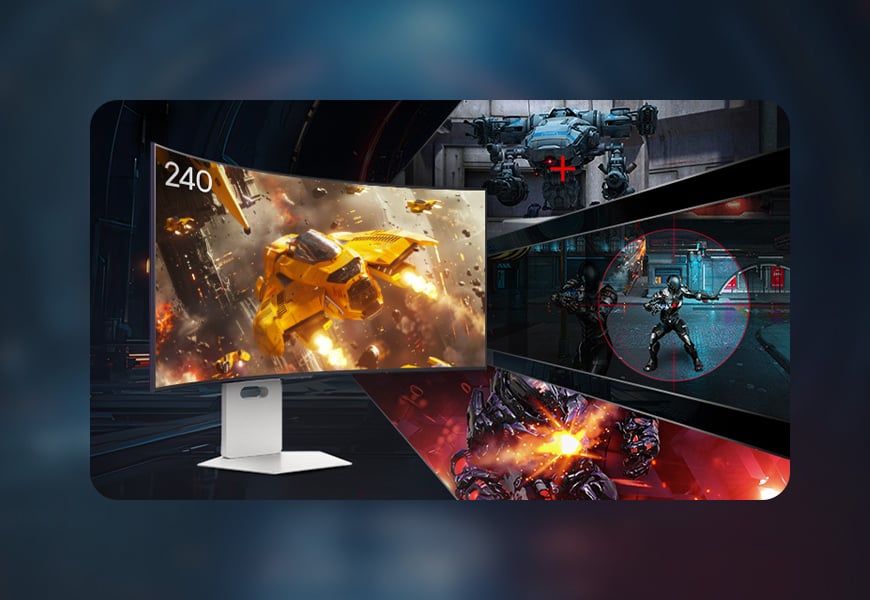
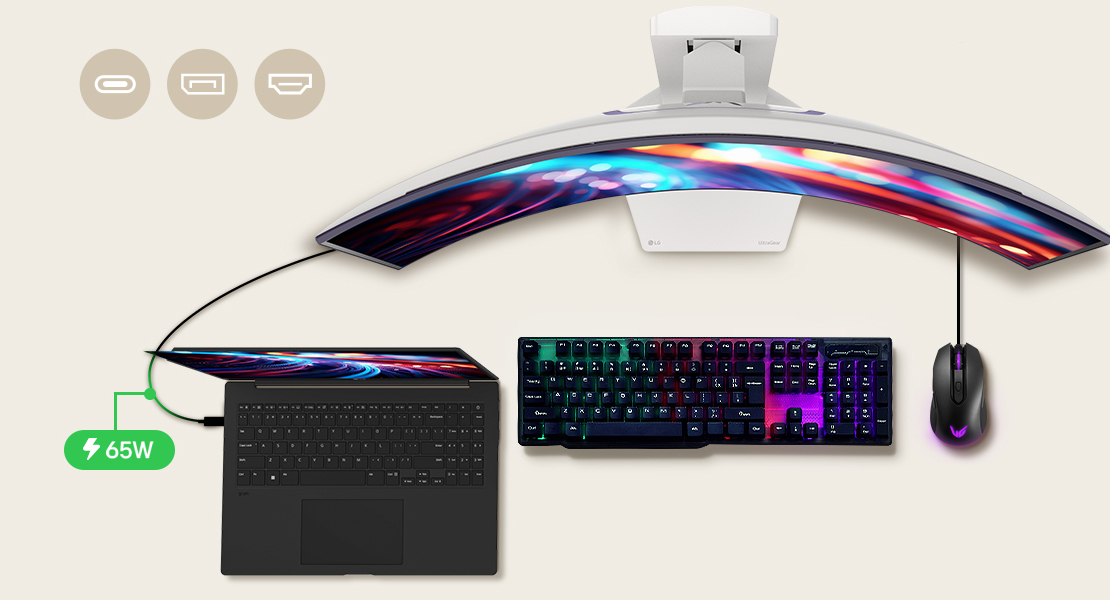
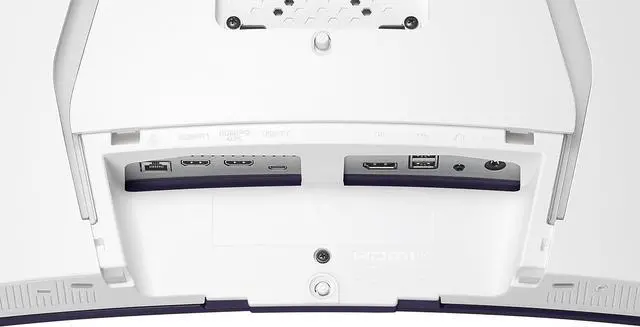
with HDMI 2.1, DisplayPort 1.4 and USB Type-C (65W power delivery), UltraGear's versatile connectivity enables high-resolution graphics, and fast, fluid gaming.
Experience enhanced gaming with webOS AI tools. Dynamic Tone Mapping and AI Picture sharpen visuals, while AI Personalized Picture Wizard customizes settings. AI Sound offers precision-tuned audio.
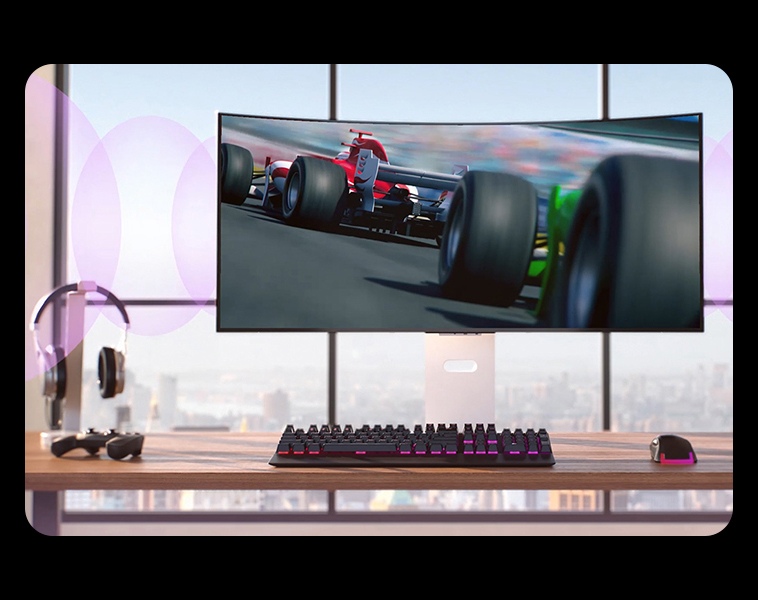
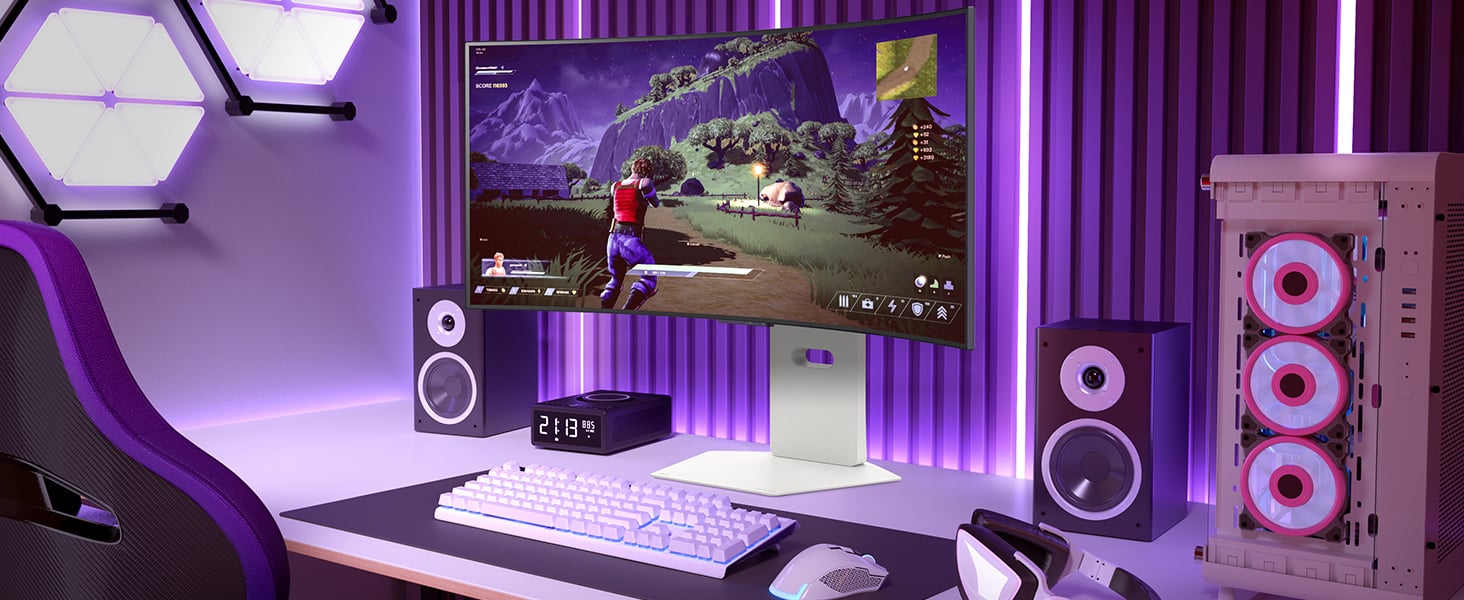
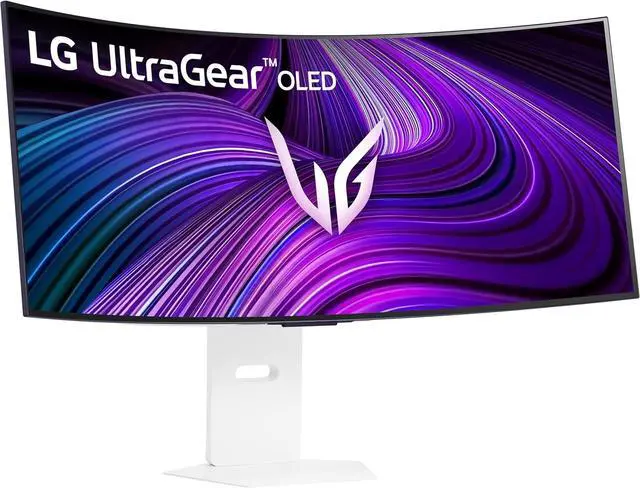
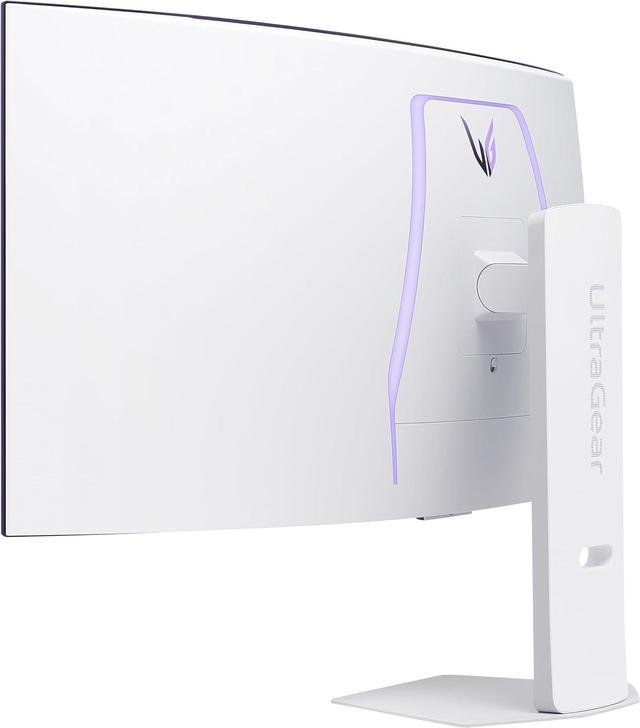
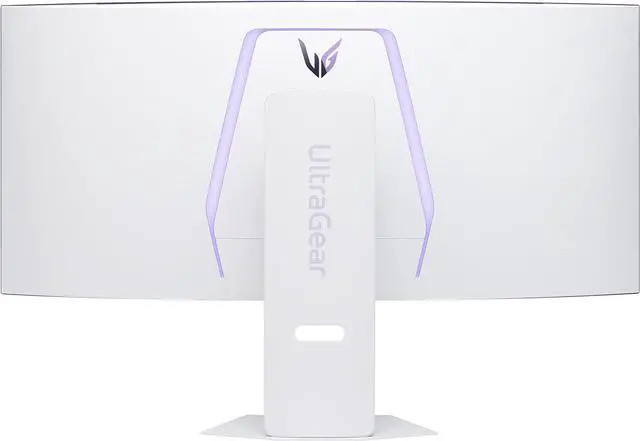
Go big with the virtually borderless 39” OLED screen. UltraGear's sleek, slim design offers adjustable height, tilt, and swivel control for your ideal view, while RGB hexagonal backlighting sets the mood for your battlestation.
The LG UltraGear 39GX90SA-W is a 39-inch curved OLED gaming monitor with WQHD ultrawide resolution, a 240Hz refresh rate, and 0.03ms response time, suited to PC and console gamers who prioritize responsive, immersive play.
| Attribute | Value |
|---|---|
| Best For | Gaming, desktop use, and entertainment on a curved ultrawide display |
| Panel And Image Quality | 39-inch OLED WQHD display with 3440 × 1440 resolution, 21:9 aspect ratio, 800R curvature, and low-glare screen; 178° horizontal and vertical viewing angles, 1.07 billion colors, 1,500,000:1 contrast, and 275 cd/m² brightness |
| Refresh Rate And Response | 240Hz refresh rate, 0.03ms response time, and FreeSync Premium and G-SYNC Compatible adaptive sync |
| HDR And Picture Features | HDR10 and VESA DisplayHDR True Black 400 support, with HDR Effect, factory calibration, VRR, Black Stabilizer, Dynamic Action Sync, PIP, and 2PBP |
| Ports And Connectivity | 2 HDMI 2.1 ports, 1 DisplayPort 1.4, USB-C with DisplayPort Alternate Mode, 3 USB ports including 2 USB 3.0 ports, and a 3.5mm headphone jack |
| Stand, Mounting And Physical Design | Height, swivel, and tilt adjustments; 100 × 100mm VESA mounting; white cabinet with Hexagon Lighting |
| Audio And Smart Features | Built-in 2 × 7W speakers and webOS support |
| Dimensions And Weight | With stand: 34.95 × 23.85 × 12.71 inches and 25.2 lb; without stand: 34.9 × 15.9 × 7.8 inches and 16.1 lb |
| Model Identifiers | LG UltraGear 39GX90SA-W; external model code 39GX90SA-W.AUS |
Q: Should I get the LG 39GX90SA-W or the 34GX90SA-W?
A: Choose the 39GX90SA-W if you want a larger, more immersive screen for gaming and video. Choose the 34GX90SA-W if you prefer a more compact display with sharper-looking detail: both are 3440 × 1440 OLED monitors with a 240Hz refresh rate, but the 34-inch model fits the same resolution into a smaller screen. Both include webOS smart features.
Q: LG 39GX90SA-W vs. 39GS95QE-B: what does the newer model add?
A: The 39GX90SA-W is the better fit if you want built-in webOS streaming and cloud gaming, plus USB-C connectivity and built-in speakers. The 39GS95QE-B has the same core 39-inch, 3440 × 1440, 240Hz OLED gaming format, so it may suit buyers who do not need the newer model’s smart-monitor features and find it at a lower price.
Q: Is the LG 39GX90SA-W or the 45GX90SA-B a better fit for my desk?
A: Choose the 39GX90SA-W if you want a large ultrawide while keeping the 3440 × 1440 resolution on a smaller screen. Choose the 45GX90SA-B if maximizing screen size is the priority and you have the desk space for it. Both are 240Hz OLED smart gaming monitors with the same resolution, so the 39-inch model has higher pixel density.
Q: LG 39GX90SA-W or Alienware AW3423DWF for ultrawide gaming?
A: Choose the LG 39GX90SA-W if you want a larger 39-inch screen, a 240Hz refresh rate, and built-in smart-TV features. Choose the Alienware AW3423DWF if you prefer a smaller 34-inch QD-OLED display; it runs at up to 165Hz over DisplayPort. Both offer 3440 × 1440 ultrawide resolution, so the Alienware’s smaller screen gives it higher pixel density.
Q: Is this monitor a good fit for PC gaming?
A: Yes, it is well suited to PC gaming if your computer can drive its 3440 × 1440 resolution at the frame rates you want. The OLED panel, 240Hz refresh rate, 0.03ms response time, and FreeSync Premium and G-SYNC compatibility support fast, smooth gameplay. Its 21:9 screen and pronounced 800R curve are best suited to a desk setup with room for a large display.
Q: Will a PS5 use the full screen?
A: The monitor can connect to a PS5 through HDMI, but its 21:9 ultrawide resolution is not a native match for the console’s 16:9 output. Expect black bars at the sides or a stretched image, depending on display settings; the PS5 will not use the full ultrawide format natively.
Q: Is it suitable for office work as well as gaming?
A: It can handle mixed work and gaming, and the wide screen provides room for side-by-side windows. For long days of reading or spreadsheet work, consider that this is a 3440 × 1440 OLED panel, not a high-resolution productivity-focused display. OLED also carries a burn-in risk with prolonged static screen elements, so it may be less suitable if your use is mostly fixed desktop content.
Q: Can I stream shows without connecting a PC or console?
A: Yes. The monitor’s built-in webOS provides access to streaming apps, so supported services can be watched without a connected PC or console. It also has built-in 2 × 7W speakers, though external audio is an option if you want a different sound setup.
Q: Is the 800R curve comfortable, or is it too aggressive?
A: It depends on your viewing distance and preference. Reddit users describe the 800R curve as immersive for gaming, while others find it too pronounced, especially for productivity or watching from farther away. If possible, try an 800R display before buying.
Q: Is the 39GX90SA-W a good choice for work as well as gaming?
A: It can suit users who want a wide workspace and also game, but it is a trade-off for text-heavy work: this 39-inch screen has a 3440 × 1440 resolution and an 800R curve. Reddit users differ on whether the curve and text clarity work well for them, so consider your viewing distance and sensitivity to screen text before choosing it as an all-day work monitor.
Q: Should I choose this monitor or a 42-inch LG C5 for gaming?
A: Choose the 39GX90SA-W if you want a 21:9 ultrawide format, a 240Hz refresh rate, and a monitor-sized curved display. Reddit users comparing it with LG’s 42-inch C-series TVs note that the TV offers 4K resolution, while the monitor provides ultrawide gaming; the better fit depends on your preferred format, gaming needs, and hardware.
Q: Can my graphics card run games well at this monitor’s resolution?
A: The monitor’s native resolution is 3440 × 1440 and its maximum refresh rate is 240Hz. Actual frame rates depend on the game and graphics card; a Reddit discussion about using an RTX 4070 Ti describes this resolution as a more manageable target than 5K2K, while noting that demanding games may require upscaling or reduced settings.


