




 here!
here!
I’m your shopping assistant for PC builds, upgrades, and everything tech.
Got questions? Ask away!
Start a conversation
here!
I’m your shopping assistant for PC builds, upgrades, and everything tech.
Got questions? Ask away!
Start a conversationShipped by Newegg







Any questions? Ask CelesteSM will help you find out quickly.

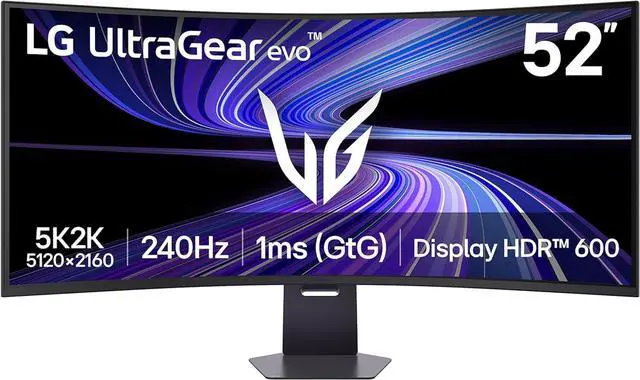
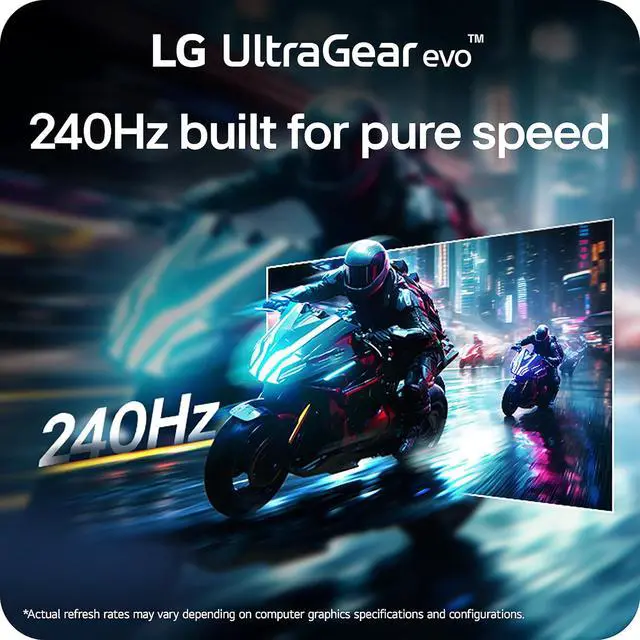
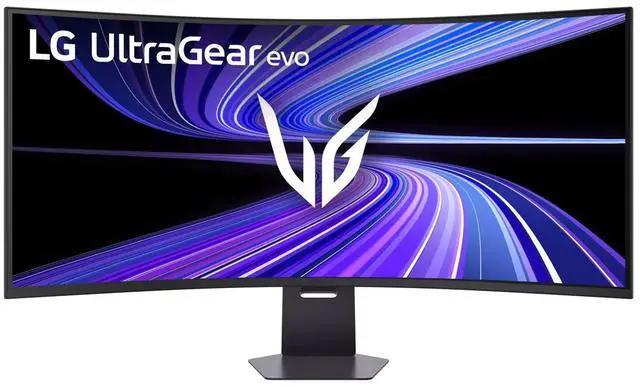
A massive 52” 5K2K curved, ultra-wide display for gaming surrounds you with cinematic scale and UHD detail. A fast 240Hz refresh rate keeps motion fluid, letting vast worlds unfold with clarity and impact.


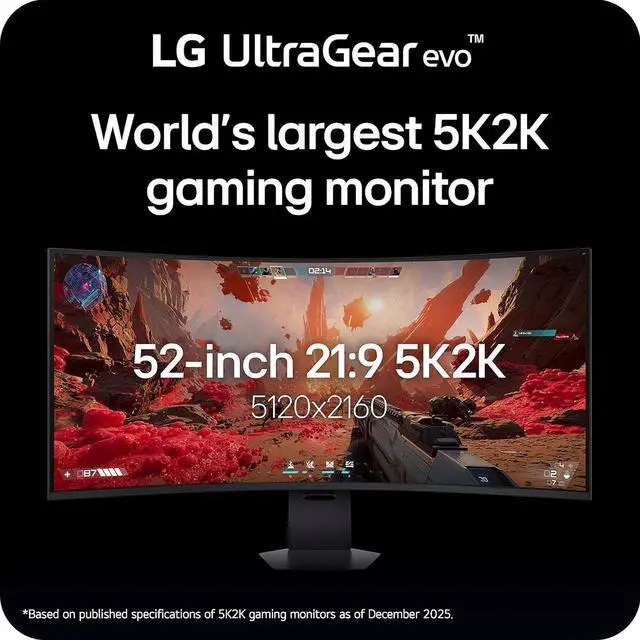
Step into a massive panoramic view with the world’s largest 52-inch 5K2K gaming display. With a height comparable to a 42-inch 4K 16:9 screen, the ultra-wide 21:9 format delivers sweeping scale and ultra-high-definition detail.

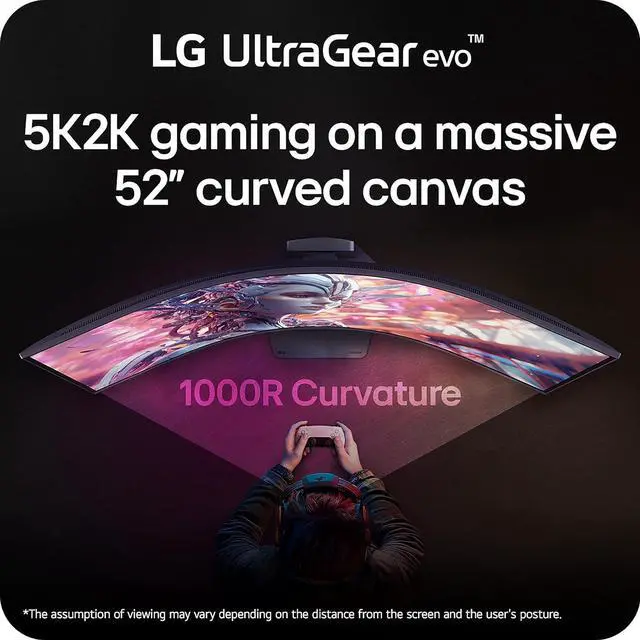
The sweeping 1000R curve brings ultra-high-definition detail closer to your natural field of view, keeping more of the screen sharp and engaging at a glance. Expansive worlds feel clearer, more continuous, and easier to take in from edge to edge.

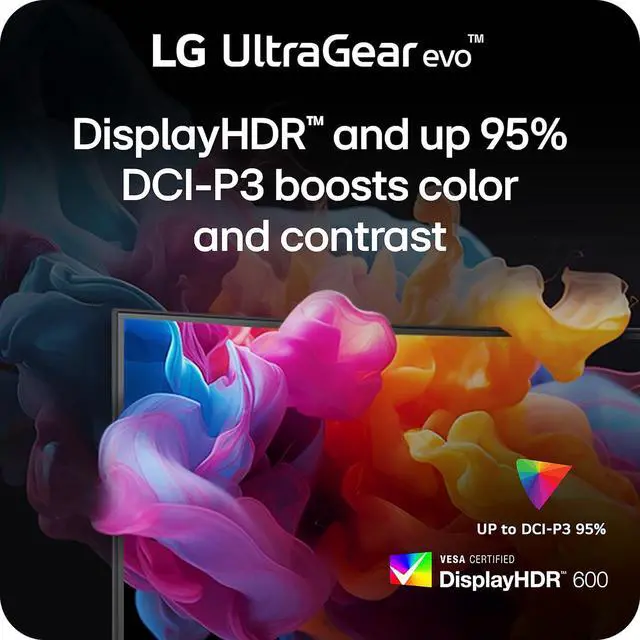
VESA DisplayHDR 600 delivers bright, vibrant highlights while preserving detail in dark scenes, so contrast stays clear and controlled. Combined with up to 95% DCI-P3 color gamut coverage, the UltraGear renders rich color—helping fine details stand out in fast-moving gameplay.

A 1ms (GtG) response time helps reduce ghosting keeping on-screen transitions cleaner during fast motion. The result is sharper movement and more responsive gameplay, especially during quick camera pans and fast-paced action.


LG Switch lets you adjust image preferences and brightness directly from your desktop and apply settings instantly with a hotkey. Split your screen into up to 11 layouts, launch video calls with a click, and keep your gaming and everyday setup fast, organized, and distraction-free.

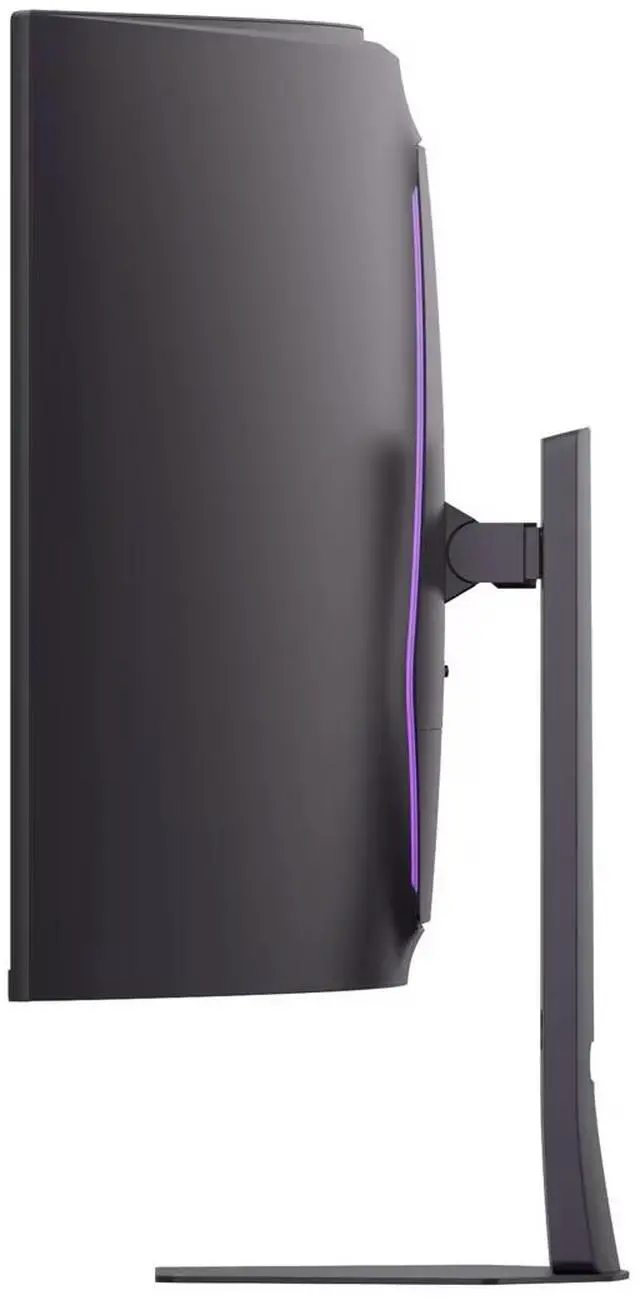
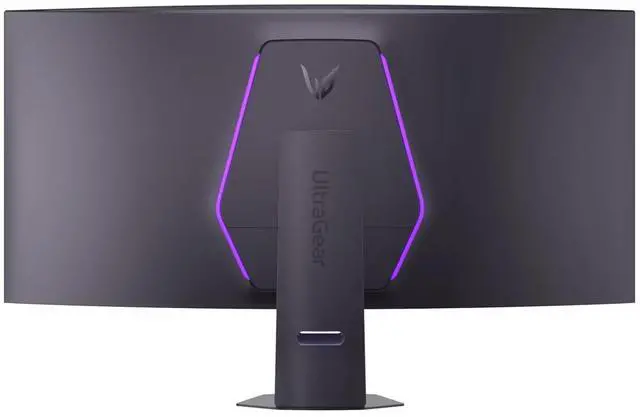
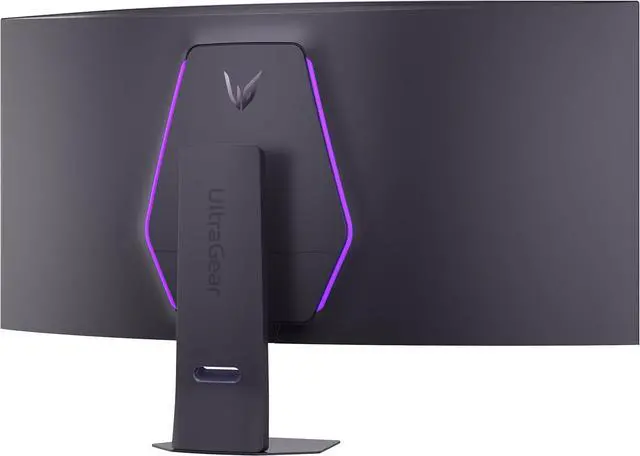
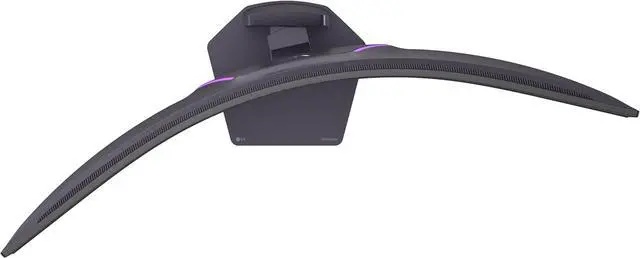
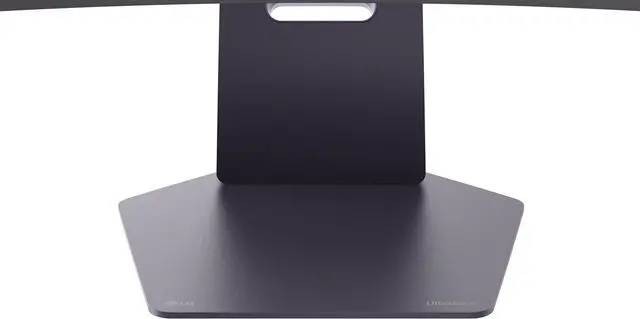
Built to anchor a serious gaming battlestation, the streamlined stand keeps your setup clean - even with a massive 52-inch screen. Height, tilt, and swivel adjustments help you fine-tune your view, while the slim base reduces desk clutter for a more refined setup.
The LG UltraGear 52G930B-B is a 52-inch curved 5K2K gaming monitor with a 240Hz refresh rate, 1ms GtG response time, and FreeSync Premium, suited to gamers seeking an expansive ultrawide view and smooth, responsive play.
| Attribute | Value |
|---|---|
| Best For | Gaming, desktop use, and entertainment on a large curved ultrawide display |
| Panel And Picture Quality | 51.6-inch viewable VA panel with 5120 × 2160 5K2K resolution, 21:9 aspect ratio, and 1000R curvature; 178° viewing angles, 400 cd/m² brightness, 4000:1 contrast, 95% DCI-P3, 1.06 billion colors, matte finish, and HDR10 with VESA DisplayHDR 600 |
| Refresh Rate And Response | 240Hz refresh rate, 1ms GtG response time, and FreeSync Premium adaptive sync with VRR and VESA Adaptive-Sync support |
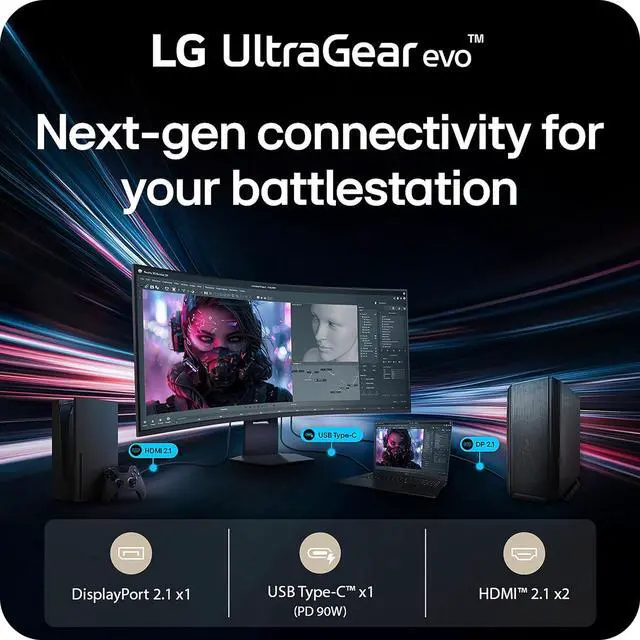
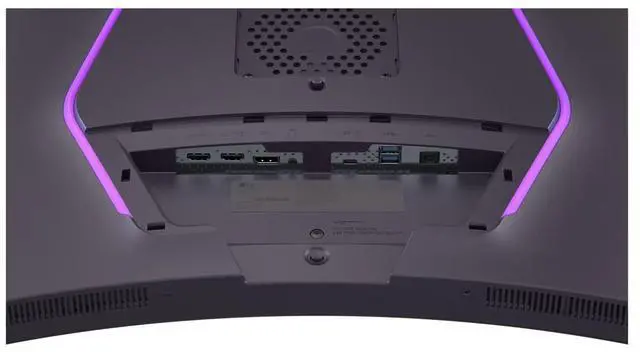
| Ports And Connectivity | DisplayPort 2.1, two HDMI 2.1 ports, USB-C with DisplayPort Alt Mode, two USB 3.0 Type-A downstream ports, and a 4-pole headphone/microphone jack |
| Stand And Mounting | Stand adjusts for height, swivel, and tilt; supports 100 × 100mm VESA mounting |
| Audio | Built-in speakers with Rich Bass and DTS Headphone:X support |
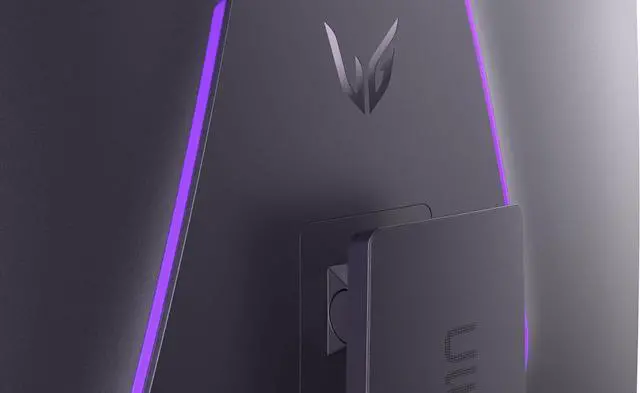
| Gaming, Picture, And Workflow Features | Gaming tools include Black Stabilizer, Dynamic Action Sync, crosshair, FPS counter, and PBP/PIP; also includes HDR Effect, Reader Mode, Color Weakness Mode, factory calibration to Delta E<2, hardware calibration readiness, LG Calibration Studio, Dual Controller, LG Switch, Auto Input Switch, Smart Energy Saving, and Unity Hexagon Lighting |
| Webcam And Privacy | No built-in webcam |
| Power And Energy | 100–240 VAC, 50/60Hz power input; sleep-mode consumption below 0.5W and DC-off consumption below 0.3W |
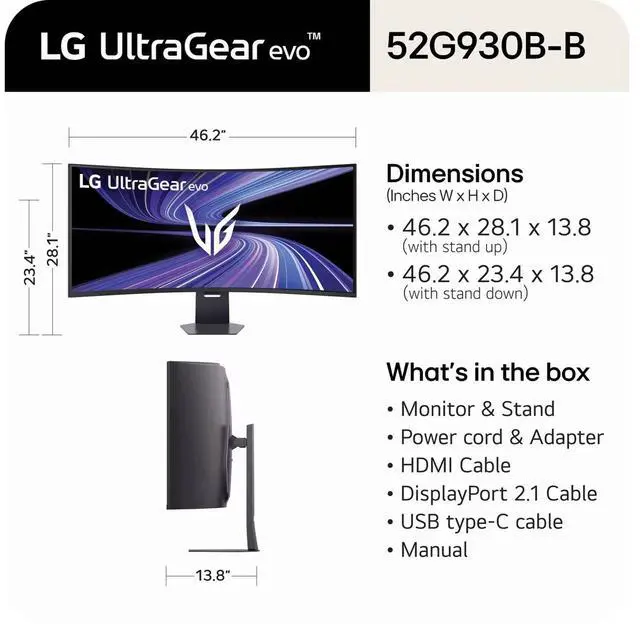
| Physical Dimensions And Weight | With stand: 23.4–28.1 × 46.2 × 13.8 inches and 37.0 lb; without stand: 21.4 × 46.2 × 9.7 inches and 26.9 lb |
| In The Box | DisplayPort cable, HDMI cable, USB-C cable, and power cable |
| Model Identifiers | LG UltraGear, model 52G930B-B; external model identifier 52G930B-B.AUS; black |
Q: Should I get the LG 52G930B or the LG 45GX950A-B?
A: Choose the 52G930B if you want a larger 21:9 5K2K screen and 240Hz at its native resolution. Choose the 45GX950A-B if OLED contrast, a smaller display, and sharper text are priorities: it has the same 5120 × 2160 resolution on a 45-inch panel, but runs at 165Hz in 5K2K. Its dual mode also offers 330Hz at a lower resolution.
Q: How does the LG 52G930B compare with the Samsung 49-inch Odyssey OLED G9?
A: Both target high-refresh-rate ultrawide gaming, but their screen shapes and panels differ. The LG has a 21:9 5120 × 2160 VA panel at 240Hz; the Samsung has a wider 32:9 5120 × 1440 QD-OLED panel at 240Hz. Choose the LG for more vertical resolution, a taller 21:9 workspace, and USB-C with 90W power delivery. Choose the Samsung if you prefer a wider 32:9 layout and OLED contrast.
Q: LG 52G930B or Samsung 57-inch Odyssey Neo G9: which suits a gaming and work setup?
A: Choose the Samsung 57-inch Odyssey Neo G9 if you want a 32:9, 7680 × 2160 display with Mini LED local dimming and DisplayHDR 1000. Choose the LG 52G930B if you prefer a 21:9 5120 × 2160 layout, 240Hz refresh, and USB-C with 90W laptop charging. The main decision is between the Samsung’s wider, higher-resolution Mini LED screen and the LG’s 21:9 format with USB-C charging.
Q: Is this monitor suitable for office work and multitasking?
A: Yes. Its 52-inch, 5120 × 2160 ultrawide display provides room for multiple windows, and it supports picture-by-picture and picture-in-picture. Its large size may require substantial desk space.
Q: Can I connect a laptop over USB-C and charge it at the same time?
A: Yes, the monitor’s USB-C port supports DisplayPort Alt Mode and up to 90W of power delivery, so a compatible laptop can receive video and charging over one cable. Charging results depend on the laptop’s USB-C capabilities and power requirements.
Q: Can it show two connected devices on screen at once?
A: Yes. The monitor supports two-source picture-by-picture and picture-in-picture. The refresh rate and resolution available in those modes may depend on the connected devices and input configuration.
Q: Can I connect a game console to it?
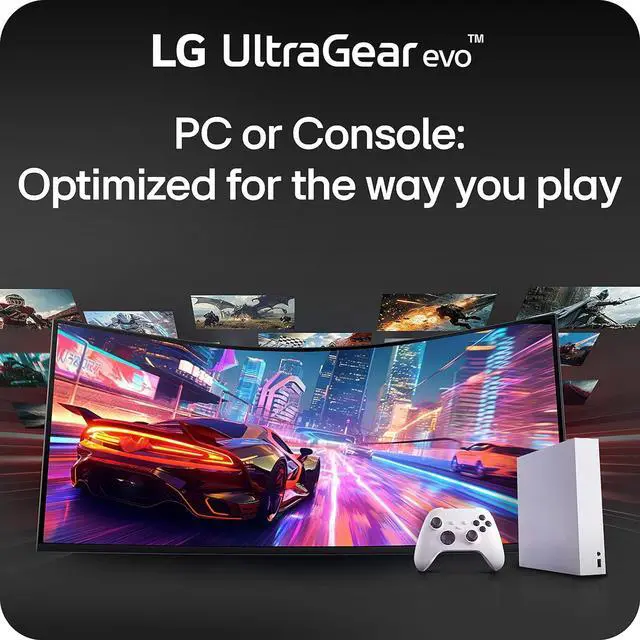
A: The monitor has HDMI 2.1 inputs for connecting compatible consoles. Console output resolution, refresh rate, and whether the image fills the 21:9 screen depend on the console and game; the provided specifications do not confirm support for every console’s ultrawide modes.
Q: Can the LG 52G930B replace a dual-monitor setup for work and gaming?
A: It can suit people who want one continuous 21:9 workspace: the 5120 × 2160 resolution gives room for multiple windows, and the 240Hz refresh rate supports gaming. Reddit users also report that a single full-screen window can feel oversized and that some still prefer separate displays. Whether it replaces two monitors depends on your window layout and desk space.
Q: Is the VA panel a dealbreaker compared with an OLED monitor?
A: That depends on which trade-offs matter most. This monitor uses a VA panel, not OLED; its listed strengths include a 4000:1 contrast ratio and DisplayHDR 600, while OLED alternatives were raised in Reddit discussions as a reason to consider other models. Choose it if its 52-inch 5K2K, 240Hz format matters more to you than having an OLED panel.
Q: Is the 52-inch screen practical on a desk?
A: It is a very large display, so check desk depth, viewing distance, and available space before buying. The 1000R curve is intended to wrap the screen around the viewer; one Reddit user said it felt appropriate from about two feet away. That experience is individual, so the size and curvature may not suit every setup.
Q: Is the LG 52G930B worth its price?
A: Reddit discussion is divided: users question the price relative to OLED and Mini-LED alternatives, while interest centers on combining a 52-inch 5K2K screen with 240Hz. Consider it if that specific size-and-refresh-rate combination fits your needs; compare alternatives if panel type or price is your priority.


