




 here!
here!
I’m your shopping assistant for PC builds, upgrades, and everything tech.
Got questions? Ask away!
Start a conversation
here!
I’m your shopping assistant for PC builds, upgrades, and everything tech.
Got questions? Ask away!
Start a conversationShipped by Newegg





Combo Up Savings Up To $220+
The more you add, the more you'll save!
Any questions? Ask CelesteSM will help you find out quickly.


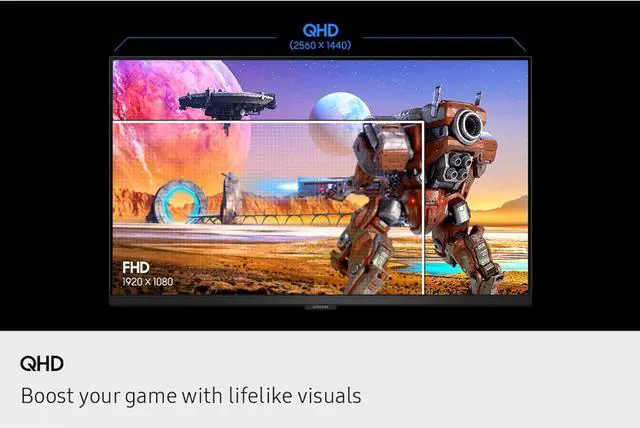
Boost your game with lifelike visuals

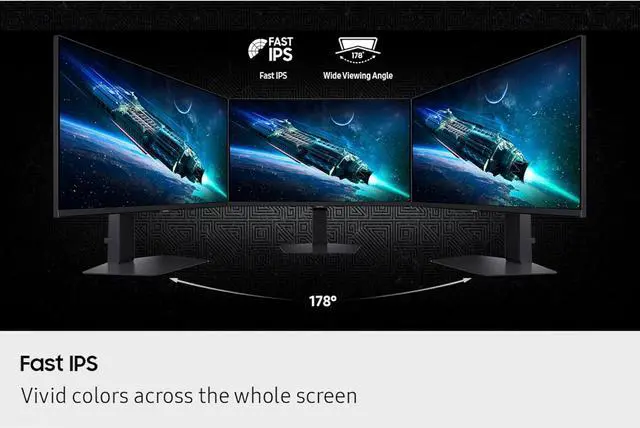
Vivid colors across the whole screen

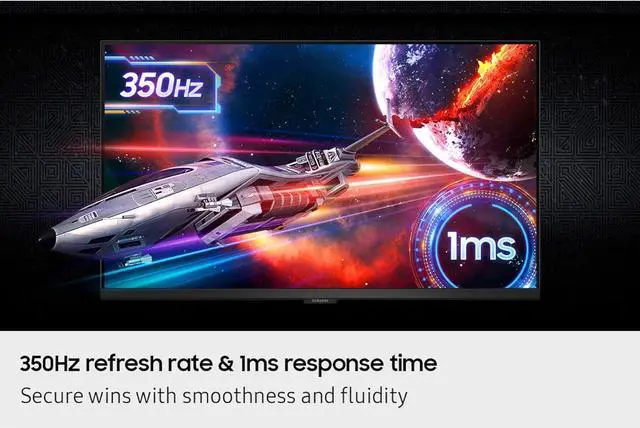
Secure wins with smoothness and fluidity


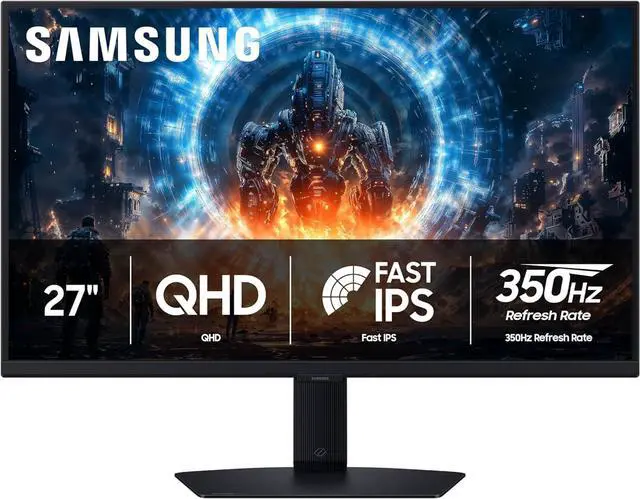
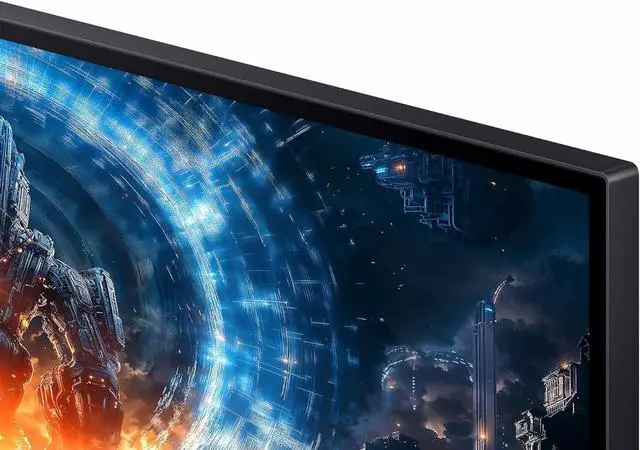
Step into a game world that's more vivid and immersive than ever before. With 1.7 times the pixel density of Full HD (1920x1080), QHD resolution (2560x1440) boasts incredibly detailed, pin-sharp images. Now you can take in the action in more detail on the same-sized screen.

Enjoy realistic game scenes with the Fast IPS panel. The 178° wide viewing angle accurately delivers clear, crisp hues that stay consistent from various viewpoints, while quick response time reduces motion blur and ghosting - providing an engaging gaming experience.


React fast and stay ahead of the competition with peak gaming performance. The 350Hz refresh rate minimizes lag and delivers split-second responsiveness, while the near-instant 1ms response time (GTG) ensures that moves are captured in real-time for unbeatable gaming precision.*
* Refresh rate and response time may vary based on the performance of the input source. '1ms' means one millisecond, which is the average response time range between 1.00ms and 1.99ms, truncated to a whole number. Based on GtG measured under internal test conditions. Results may vary by content and monitor settings (Requires 'Extreme mode' setting). GtG (Gray to Gray) measures the time taken for a monitor pixel to change from one gray value to another.

G-Sync compatibility syncs the GPU and panel to reduce choppiness, screen lag and image tearing. Along with AMD FreeSync™ Premium, it creates ultra-smooth scenes that flow smoothly to the next.*
* Image simulated for illustrative purposes. The application of the G-Sync logo on the package and product may vary depending on the time of purchase. G-Sync Compatible and AMD FreeSync™ are available only when compatible NVIDIA and AMD graphics card are used, respectively.

Get to your game action faster with Auto Source Switch+. Your monitor detects when connected devices are turned on and instantly switches to the new source signal without having to flip through multiple inputs.

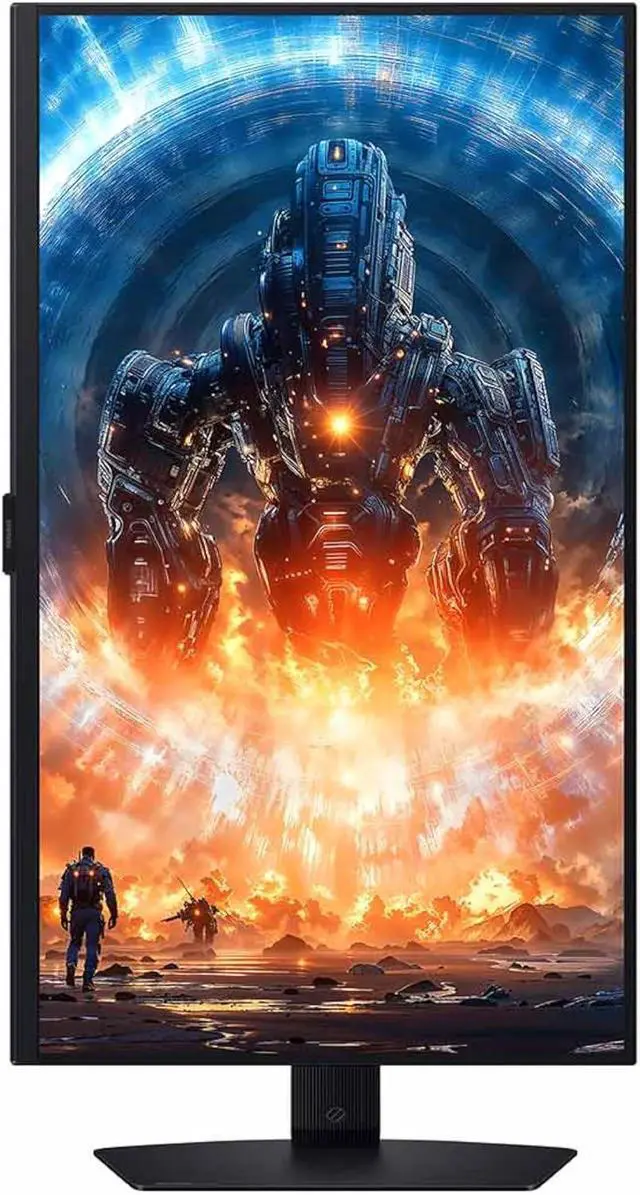
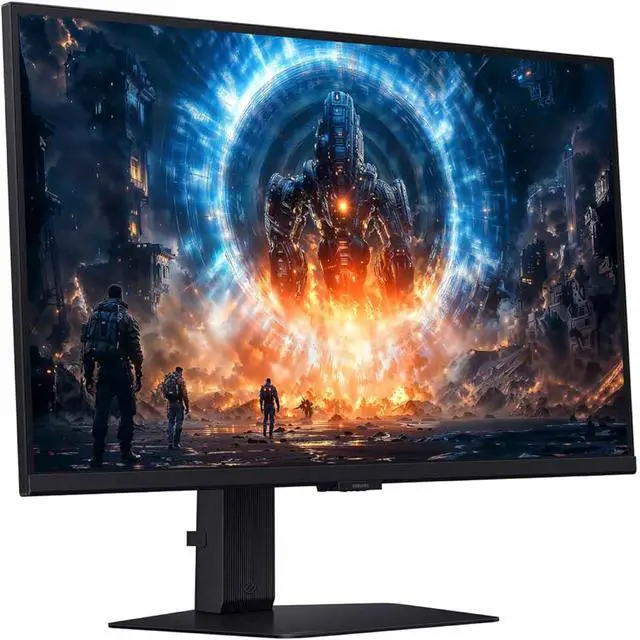
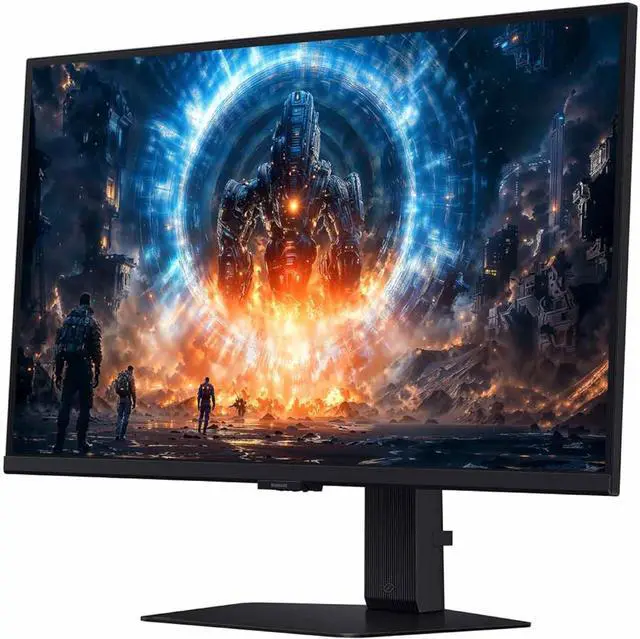
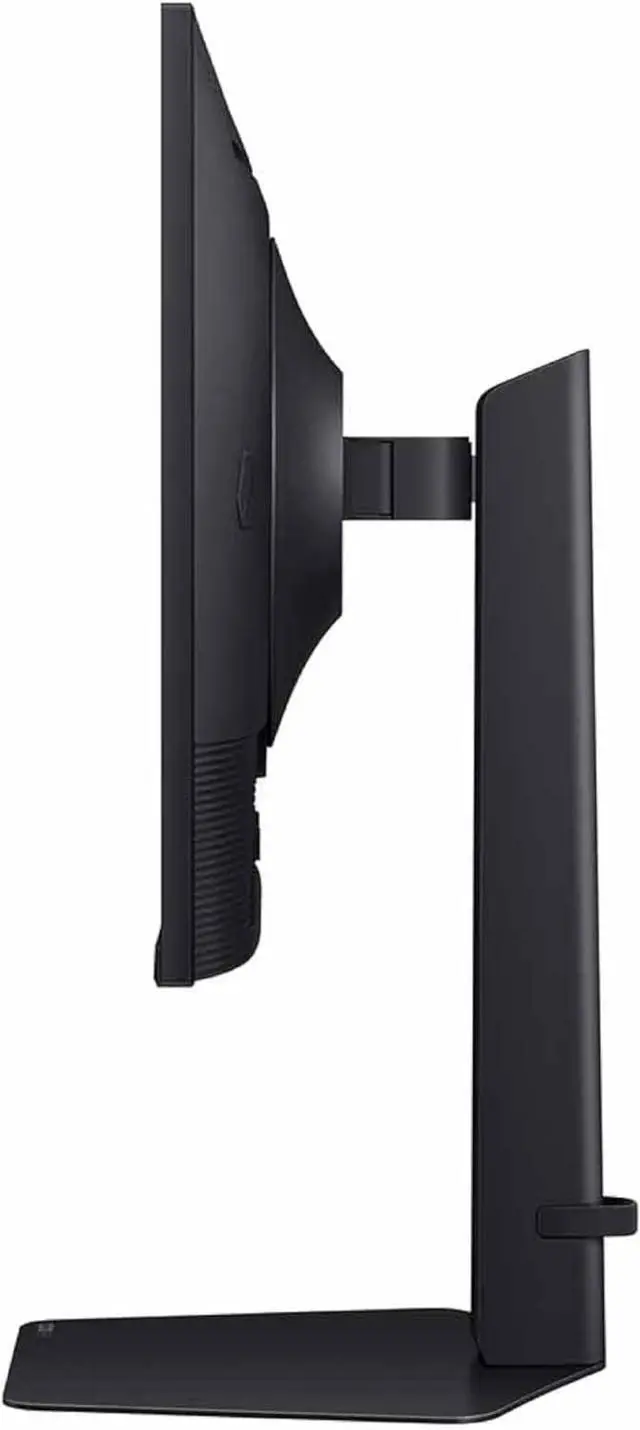
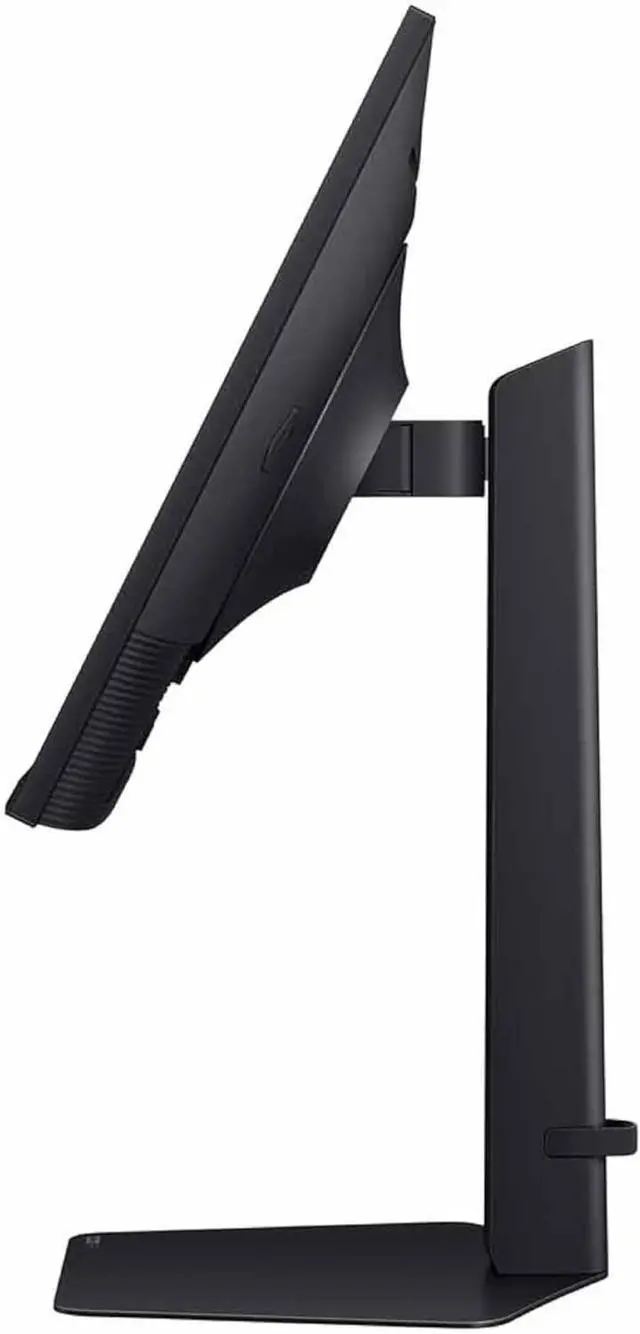
Reach the height of winning in total comfort. Simply tilt and adjust your monitor until all enemies are in perfect view.

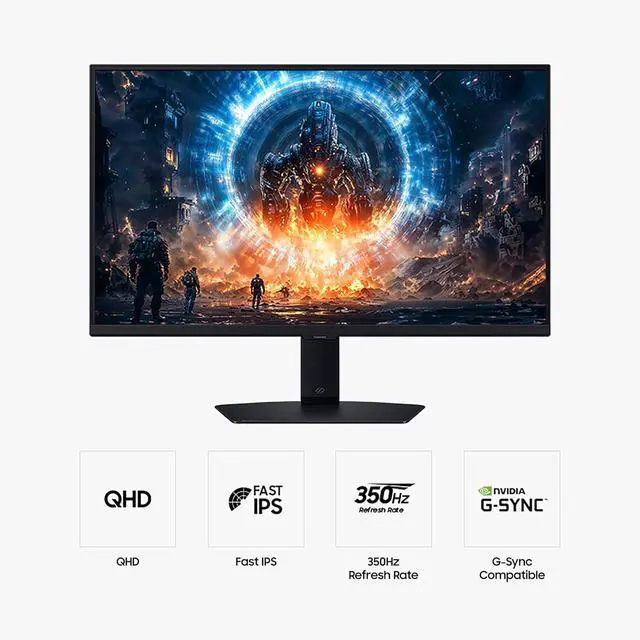
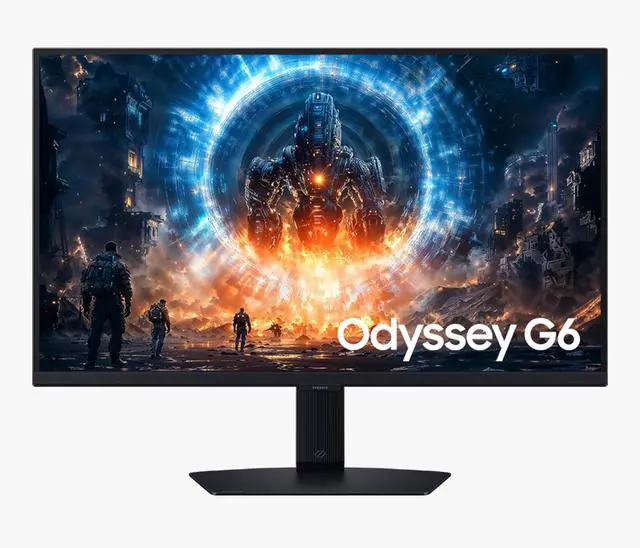
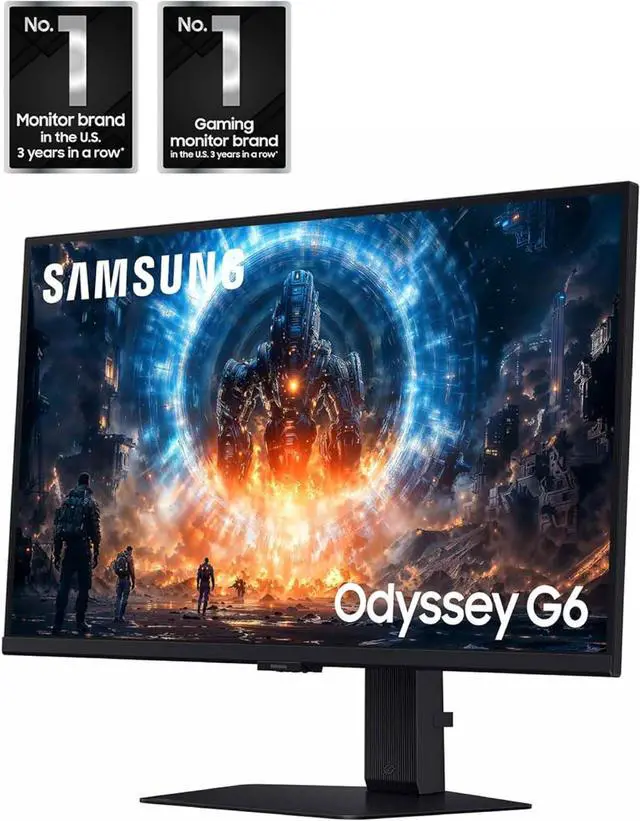
The Samsung Odyssey G6 LS27FG60DENXZA is a 27-inch QHD IPS gaming monitor with a 350Hz refresh rate and 1ms response time, suited to competitive PC gamers who prioritize fast, smooth gameplay.
| Attribute | Value |
|---|---|
| Best For | Competitive QHD gaming with fast refresh, quick response, and adaptive-sync support |
| Panel And Resolution | 27-inch flat IPS panel with 2560 × 1440 QHD resolution, 16:9 aspect ratio, and 178° horizontal and vertical viewing angles; 350 cd/m² brightness, 1,000:1 contrast ratio, sRGB 99% color gamut, 16.7 million colors, and DisplayHDR 400 |
| Refresh Rate And Response | 350Hz refresh rate, 1ms response time, and AMD FreeSync Premium and G-Sync Compatible adaptive sync |
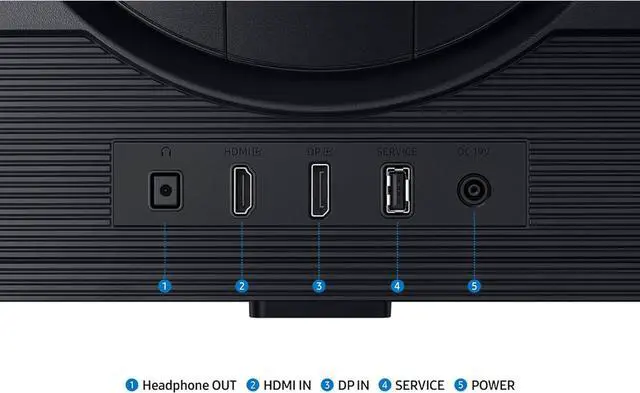
| Ports And Connectivity | 1 × HDMI 2.1 and 1 × DisplayPort 1.4 |
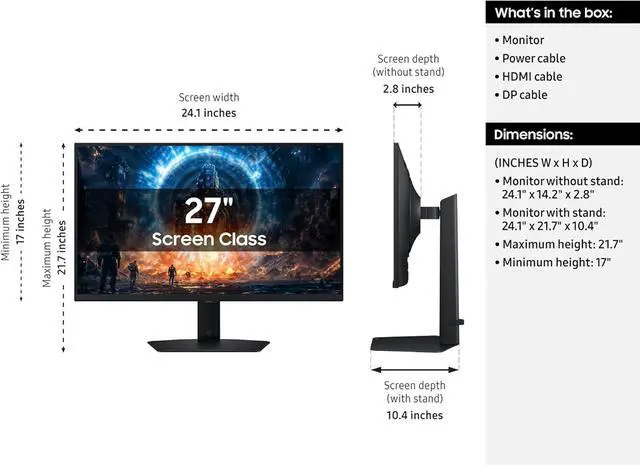
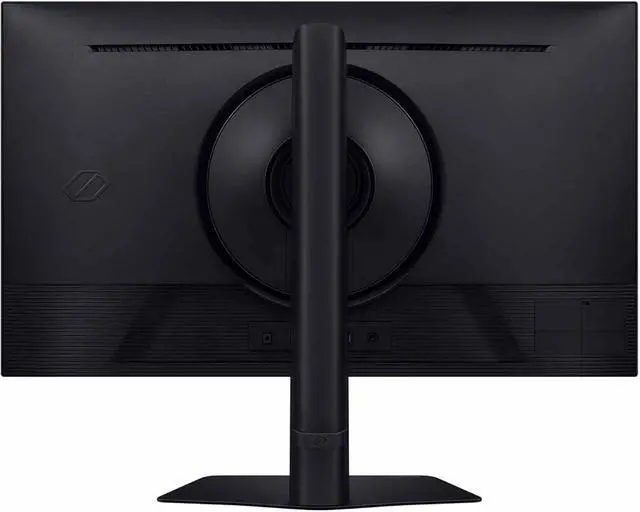
| Stand And Ergonomics | Height, pivot, swivel, and tilt adjustments; compatible with 100 × 100mm VESA mounts |
| Built-In Features | No built-in speakers or webcam |
| Power | 100–240 VAC, 50/60Hz power supply |
| Model Identifiers | Samsung Odyssey G6, model LS27FG60DENXZA; black cabinet |
Q: Samsung Odyssey G6 350Hz vs LG UltraGear 27G640A-B 300Hz: which should I choose?
A: Choose the Samsung Odyssey G6 if you want the higher listed refresh rate: both are 27-inch QHD IPS monitors, while Samsung specifies up to 350Hz and LG up to 300Hz. The LG may suit buyers who prefer its connectivity, including USB-C data and 15W power delivery; check current pricing and port needs before deciding. The higher refresh rate is most useful when your PC can produce correspondingly high frame rates.
Q: Is the Odyssey G6 350Hz worth choosing over the Odyssey G5 180Hz?
A: Choose the Odyssey G6 if you prioritize a higher refresh-rate ceiling for competitive games and your system can deliver high frame rates. The Odyssey G5 G50D keeps the same 27-inch QHD Fast IPS format and HDR400 rating at up to 180Hz, making it a fit if 180Hz meets your needs and you would rather consider a lower-refresh model. Compare current prices, since the specifications alone do not establish which is the better value.
Q: Odyssey G6 350Hz IPS vs Odyssey OLED G6 360Hz: which is better for gaming?
A: Choose the IPS Odyssey G6 G60F if you want an LCD panel with a listed 350Hz refresh rate and 350 cd/m² typical brightness. Choose the OLED G6 G60SD if OLED contrast and its rated 0.03ms response time are priorities; Samsung lists it at 360Hz and 250 cd/m² typical brightness. Both are 27-inch QHD displays, so the decision is mainly between IPS and OLED characteristics rather than resolution.
Q: Should I upgrade from a 1440p 165Hz or 180Hz monitor to the Odyssey G6?
A: Consider the Odyssey G6 if you play fast-paced games, want a higher refresh-rate ceiling, and have a PC that can sustain frame rates above your current monitor's refresh rate. Its 27-inch QHD IPS format preserves the same resolution class while raising the maximum refresh rate to 350Hz. If your games usually run below your current refresh rate, the listed maximum alone may not make an upgrade worthwhile.
Q: Is this monitor a good fit for competitive PC gaming?
A: It is suited to competitive PC gaming if your computer can deliver high frame rates: it combines QHD resolution with a 350Hz refresh rate, 1ms response time, and FreeSync Premium and G-Sync compatibility. The full refresh-rate benefit depends on the graphics card, connection, settings, and game.
Q: Does it have built-in speakers?
A: No. This monitor has no built-in speakers, so plan to use headphones or external speakers connected to your computer or another audio source.
Q: Can I use it for office work as well as gaming?
A: Yes. Its 27-inch QHD IPS display and adjustable stand are suitable for general desktop work as well as gaming. It has no built-in webcam or speakers, so video meetings and audio require separate devices.
Q: Can I adjust the stand or mount it on a monitor arm?
A: Yes. The included stand supports height adjustment, pivot, swivel, and tilt. For a monitor arm, it supports a 100 × 100 mm VESA mount.
Q: Is the Odyssey G6 a good choice for CS2 and other competitive games?
A: It is a relevant option for competitive play if your PC can deliver high frame rates: the monitor supports QHD at up to 350Hz. If your games run well below that, you will not make full use of its maximum refresh rate.
Q: Is it worth replacing a 240Hz QHD monitor with this Odyssey G6?
A: The main listed difference is the higher refresh-rate ceiling: 350Hz instead of 240Hz, while both are QHD IPS monitors. The upgrade is most relevant if you play games at frame rates above 240 fps; otherwise, the benefit may be limited. Consider the extra cost before switching.
Q: Is the Odyssey G6 suitable for gaming and watching videos?
A: Its 27-inch, flat QHD IPS screen is specified for gaming and general viewing. It has no built-in speakers or webcam, so those require separate devices if needed.


