




 here!
here!
I’m your shopping assistant for PC builds, upgrades, and everything tech.
Got questions? Ask away!
Start a conversation
here!
I’m your shopping assistant for PC builds, upgrades, and everything tech.
Got questions? Ask away!
Start a conversationShipped by Newegg
 Top Rated Top Rated





Any questions? Ask CelesteSM will help you find out quickly.
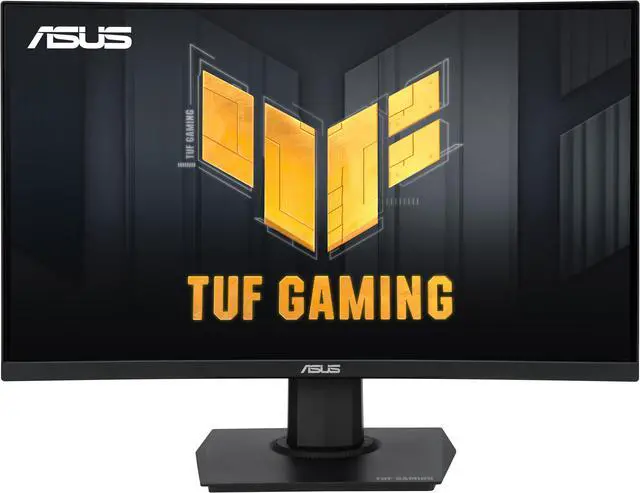
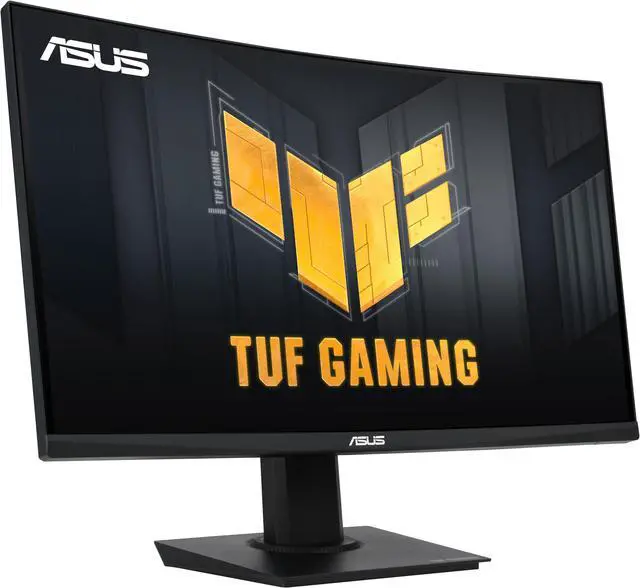
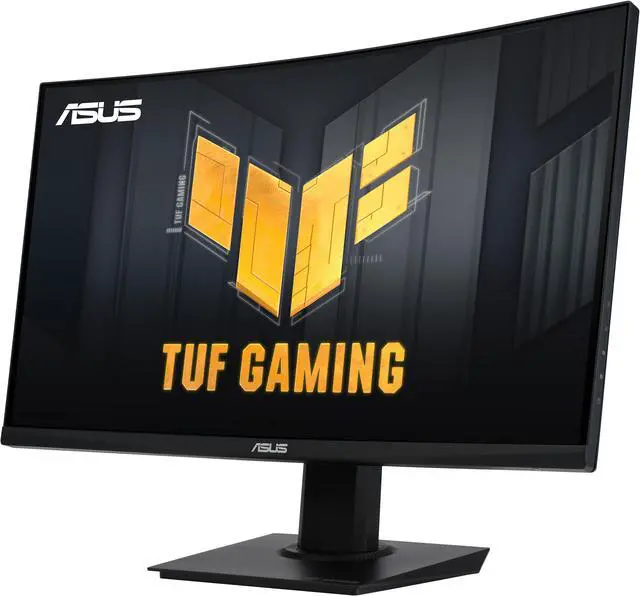
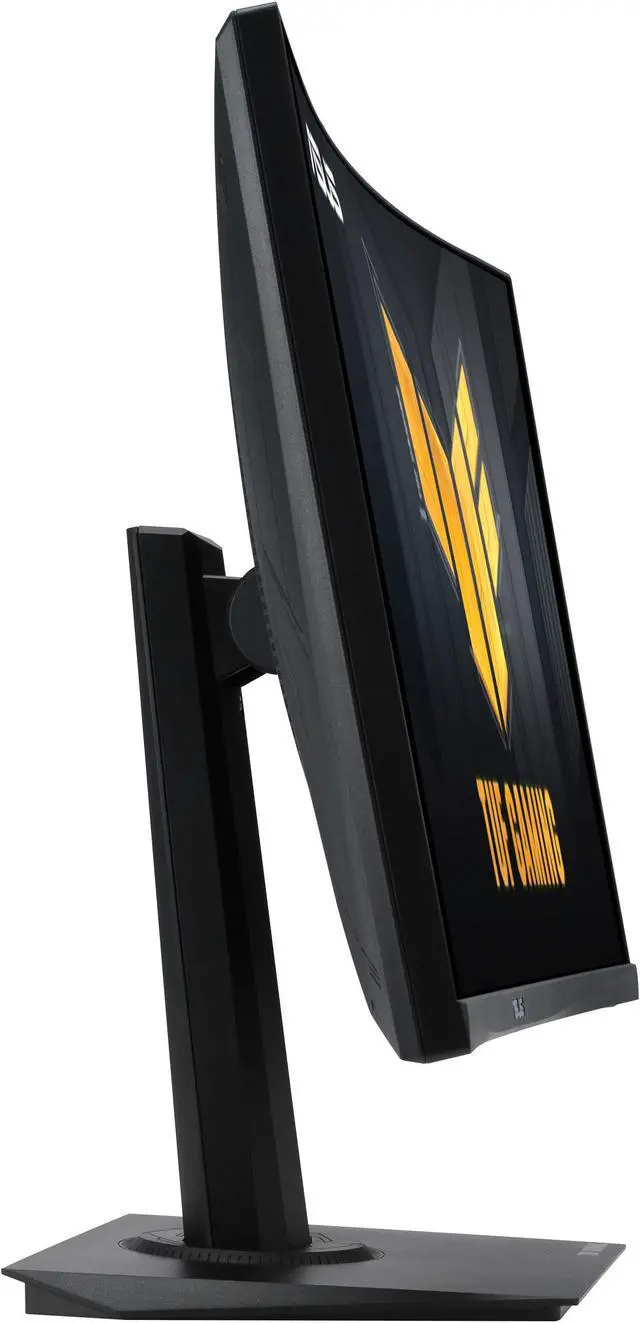
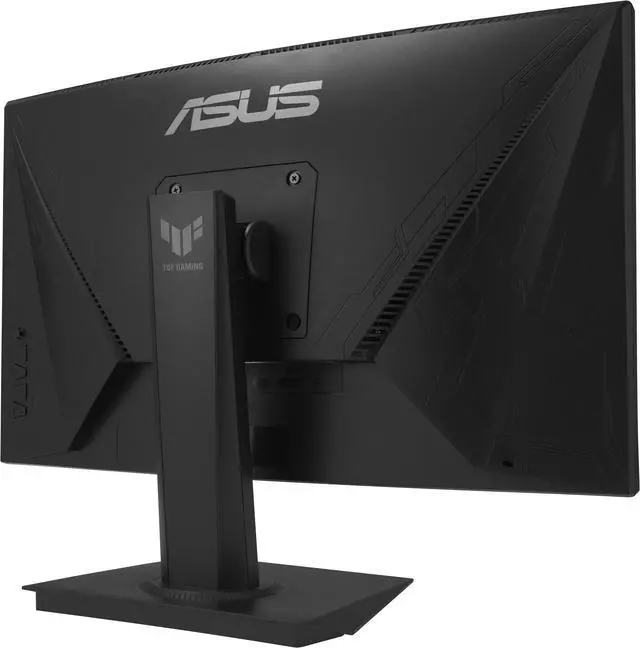
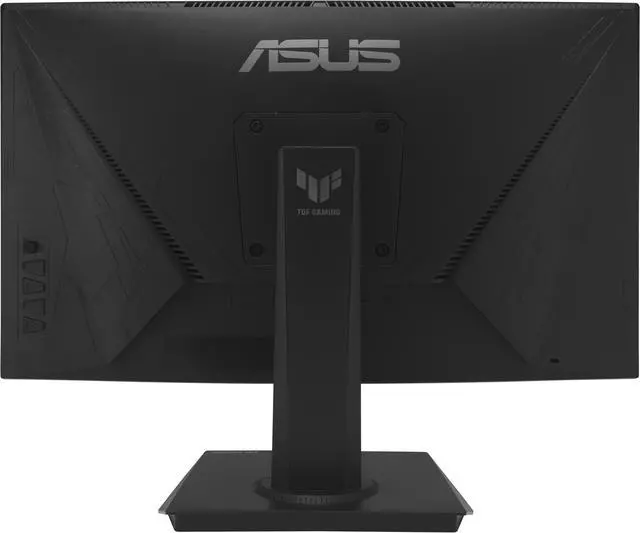
The ASUS TUF Gaming VG24VQER is a 23.6-inch curved Full HD gaming monitor with a 180Hz refresh rate, 1ms MPRT response time, and FreeSync, making it well suited to PC gamers who prioritize responsive, tear-reduced gameplay.
| Attribute | Value |
|---|---|
| Best For | Gaming, desktop, and business use |
| Panel And Resolution | 23.6-inch viewable VA panel with a 1500R curve, matte non-glare finish, 16:9 Full HD resolution (1920 × 1080), 178° horizontal and vertical viewing angles, 250 cd/m² brightness, 3000:1 contrast, 90% DCI-P3 color gamut, and 16.7 million display colors |
| Refresh Rate And Response | 180Hz refresh rate, 1ms MPRT response time, and AMD FreeSync adaptive sync for variable-refresh-rate gaming |
| Ports And Connectivity | Two HDMI 2.0 ports, one DisplayPort 1.2, and an earphone jack |
| Stand And Ergonomics | Tilt adjustment from −5° to +23° and 100 × 100mm VESA mounting; measures 21.18 × 15.91 × 8.11 inches with stand and 21.18 × 12.60 × 2.83 inches without stand; weighs 7.05 lb with stand and 5.51 lb without stand |
| Display Features | Flicker-free and low-blue-light features, ELMB Sync and Extreme Low Motion Blur, Shadow Boost, Trace Free, GameVisual, GamePlus, HDCP, and DisplayWidget Center |
| Power And Energy | 100–240 VAC, 50/60Hz power supply; consumes less than 17W in operation, less than 0.5W in power-saving mode, and less than 0.3W when off |
| Integrated Audio And Camera | No built-in speakers or webcam |
| In The Box | DisplayPort cable, L-shaped screwdriver, power adapter, power cord, quick-start guide, and warranty card |
| Model Identifiers | ASUS TUF Gaming VG24VQER; part number 90LM0AF0-B011B0 |
Q: ASUS VG24VQER or VG24VQ1B: which should I choose?
A: Choose the VG24VQER if you want the higher maximum refresh rate: it supports 180Hz versus 165Hz on the VG24VQ1B. Both are curved, 1080p VA gaming monitors with a 1500R curve. The VG24VQ1B may suit you better if its built-in speakers or FreeSync Premium matter more; the VG24VQER has two HDMI ports, compared with one on the VG24VQ1B.
Q: Should I get the curved VG24VQER or a flat IPS monitor like the ASUS VG249Q3A?
A: Choose the VG24VQER if you prefer a 1500R curved screen and its specified 3000:1 contrast ratio. Choose the flat VG249Q3A if you prefer an IPS panel and a flat screen; both models are 1080p and support up to 180Hz. Panel type alone does not determine motion performance, but VA monitors can show dark-transition smearing, while IPS generally handles those transitions more evenly.
Q: Is the VG24VQER enough, or should I upgrade to a 27-inch 1440p monitor?
A: Choose the VG24VQER if you want a compact 23.6-inch 1080p display with a 180Hz refresh rate. A 27-inch 1440p monitor is the better fit if you prioritize a larger workspace and more image detail, but its higher resolution also asks the graphics card to render more pixels. 1440p has about 78% more pixels than 1080p, so match the upgrade to your PC’s gaming performance needs.
Q: Can I use this monitor for office work and video meetings?
A: Yes. Its 24-inch Full HD screen can be used for everyday computer tasks such as documents and browsing. It has no built-in webcam or speakers, so video meetings require separate camera and audio equipment.
Q: Can I mount this monitor on a desk arm or wall mount?
A: Yes. The monitor supports 100 × 100 mm VESA mounting. Check that the mount supports the monitor’s size and weight; it weighs 5.51 lb without its stand.
Q: Does this monitor have built-in speakers?
A: No. It has no built-in speakers. Use headphones or separate speakers connected to your computer or another audio source.
Q: Can I connect a game console to this monitor?
A: Yes. It has two HDMI 2.0 ports for connecting a console. The monitor is a 1920 × 1080 display with a maximum 180Hz refresh rate; the resolution and refresh rate you get depend on the console, game, and connection settings.
Q: Will the VG24VQER work for 120Hz gaming on PS5, and does it support PS5 VRR?
A: A VG24VQER owner reported being able to play at 120Hz on PS5. However, the discussion also reports trouble enabling PS5 VRR. The monitor has HDMI 2.0 and FreeSync, but those details alone do not guarantee PS5 VRR compatibility; choose it for 120Hz gaming only if you are comfortable treating VRR as uncertain.
Q: Is the VG24VQER actually 180Hz or 165Hz?
A: The provided product specifications list 180Hz, but a Reddit buyer noticed a retailer listing 165Hz. A commenter suggested 180Hz might require overclocking, but the discussion did not confirm that. Check the exact listing and whether 180Hz is selectable on your setup before buying.
Q: Is this a reasonable choice for budget 1080p gaming?
A: It may suit buyers prioritizing a high refresh rate at 1080p, especially if the price is low. Its 180Hz specification and FreeSync target gaming, while its Full HD resolution and VA panel are trade-offs to weigh against higher-resolution or different-panel alternatives. Reddit opinions in the cited discussion were mixed, so value depends on the price and your preferences.


