




 here!
here!
I’m your shopping assistant for PC builds, upgrades, and everything tech.
Got questions? Ask away!
Start a conversation
here!
I’m your shopping assistant for PC builds, upgrades, and everything tech.
Got questions? Ask away!
Start a conversationShipped by Newegg


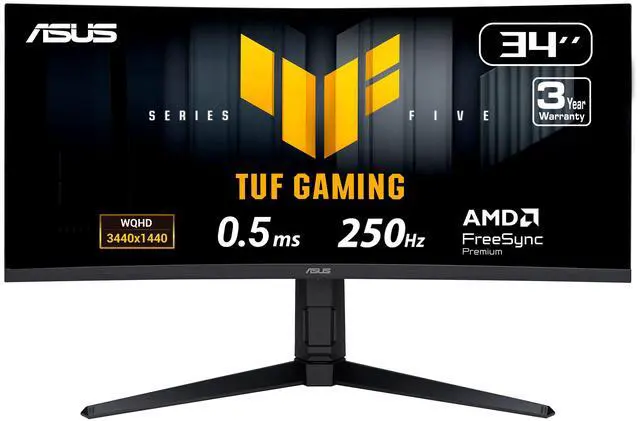
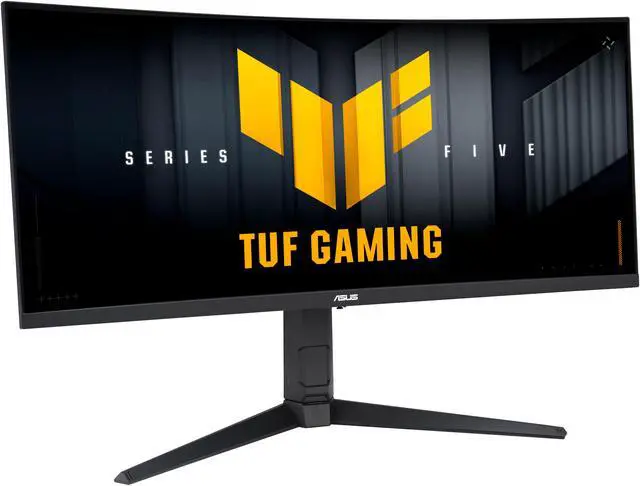
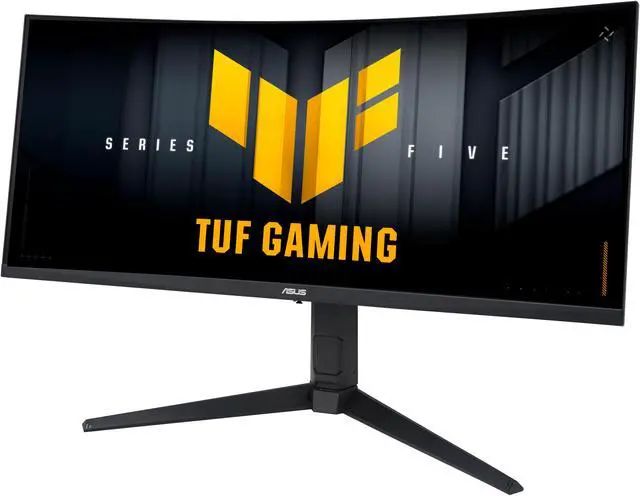
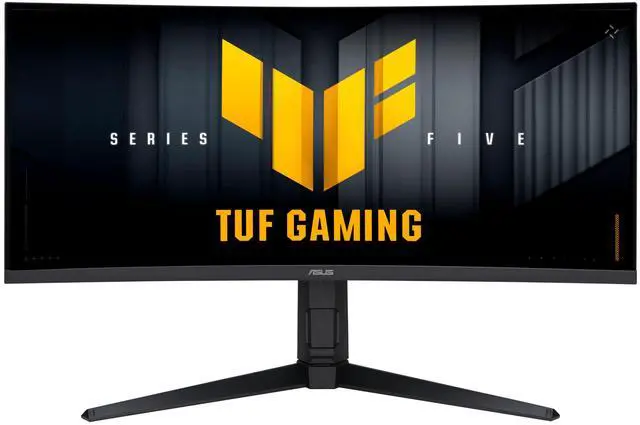




Any questions? Ask CelesteSM will help you find out quickly.
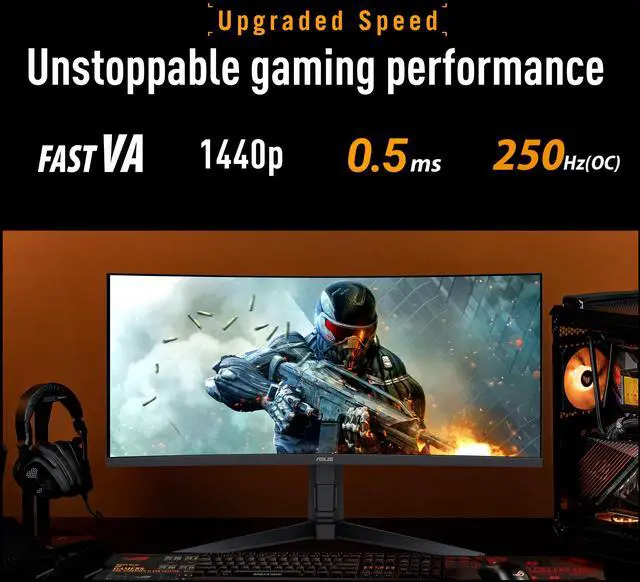
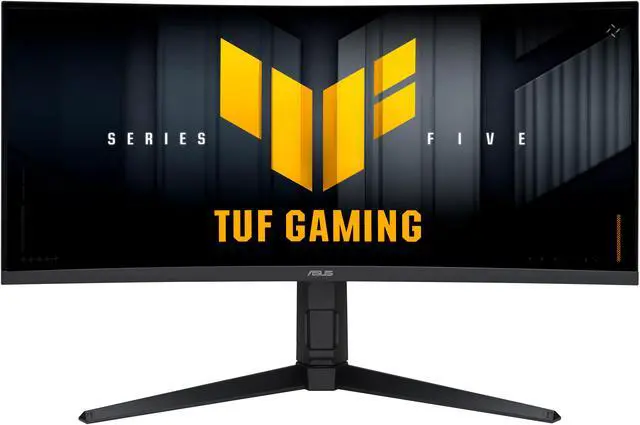
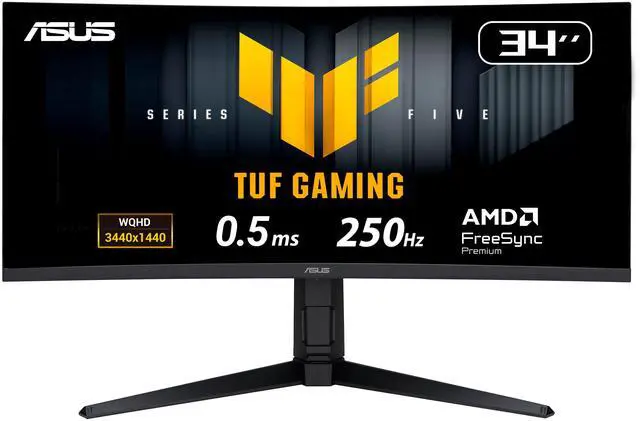
The ASUS TUF Gaming VG34WQML5A is a 34-inch 1500R curved ultrawide gaming monitor with 3440 × 1440 resolution, up to 250Hz refresh rate and FreeSync Premium, suited to gamers seeking a wide, fast display for immersive play and high-frame-rate action.
| Attribute | Value |
|---|---|
| Best For | Gaming, photo/video editing, and business setups, with a 34-inch ultrawide display, 250Hz refresh rate, and FreeSync Premium |
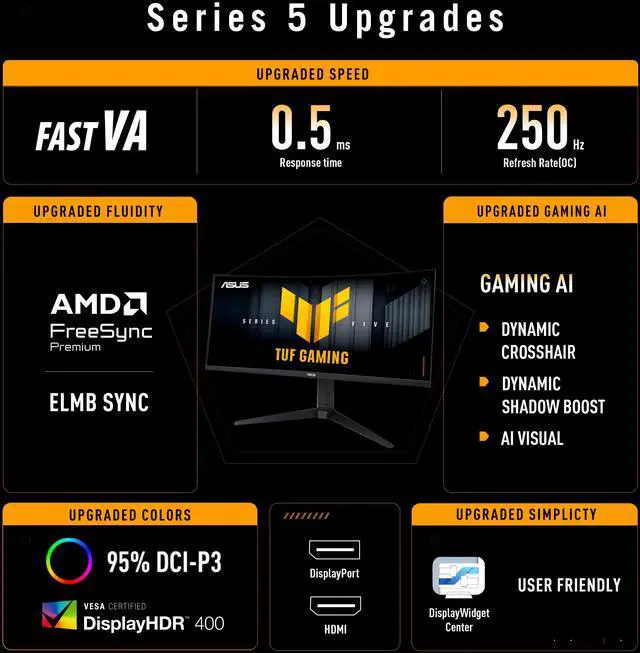
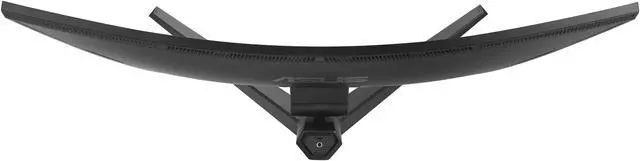
| Panel And Resolution | 34-inch VA LCD/LED display with UWQHD resolution (3440 × 1440), 21:9 aspect ratio, and 1500R curvature; matte anti-glare finish, 178° horizontal and vertical viewing angles, 400 cd/m² brightness, 4000:1 contrast, sRGB 130% and DCI-P3 95% color gamut, 1.073 billion colors, and 0.232 mm pixel pitch |
| Refresh Rate And Response | 250Hz refresh rate and 0.5ms response time, with AMD FreeSync Premium adaptive sync, VRR, Extreme Low Motion Blur, and ELMB Sync |
| HDR And Image Features | HDR10 support with VESA DisplayHDR 400 certification; includes GameVisual, GamePlus, Shadow Boost, Trace Free, and picture-in-picture/picture-by-picture modes |
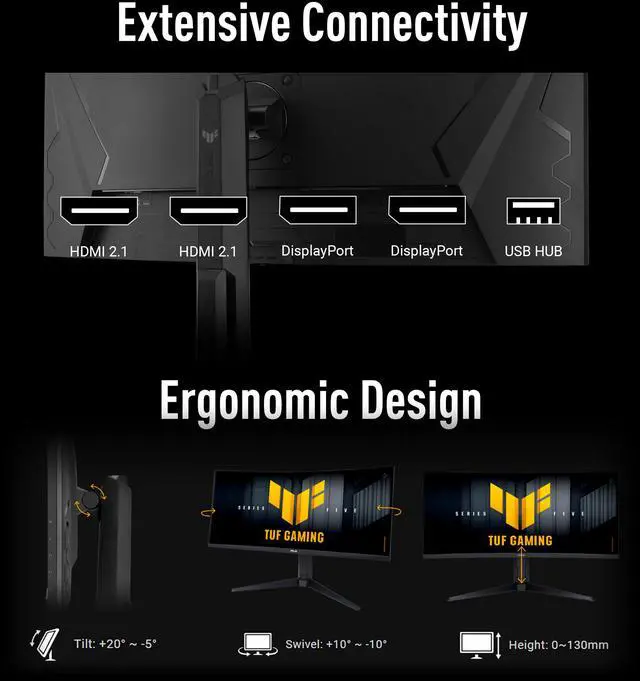
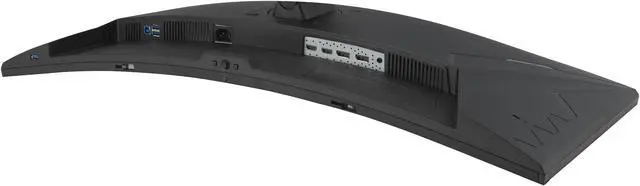
| Ports And Connectivity | 2 × HDMI 2.1, 2 × DisplayPort 1.4, and 3 × USB 3.2 Gen 1 Type-A; headphone jack and HDCP 2.3 support |
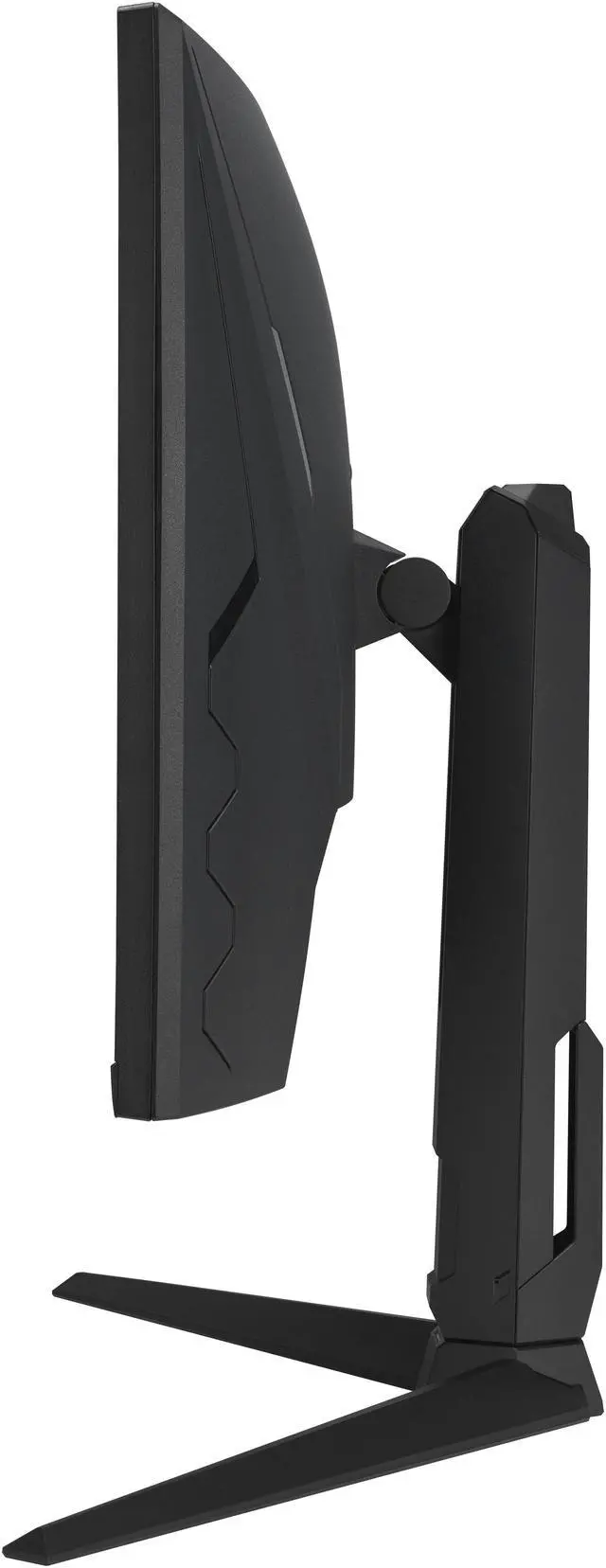
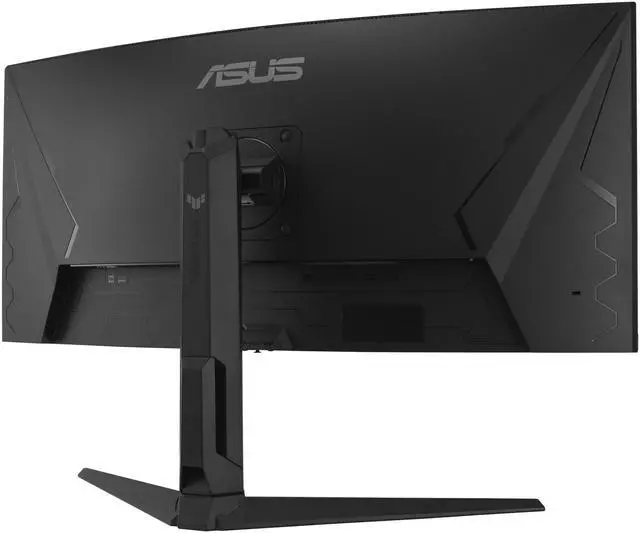
| Stand And Mounting | Height, swivel, and tilt adjustments; compatible with 100 × 100 mm VESA mounts |
| Audio And Webcam | Two built-in 2W speakers and headphone output; no built-in webcam |
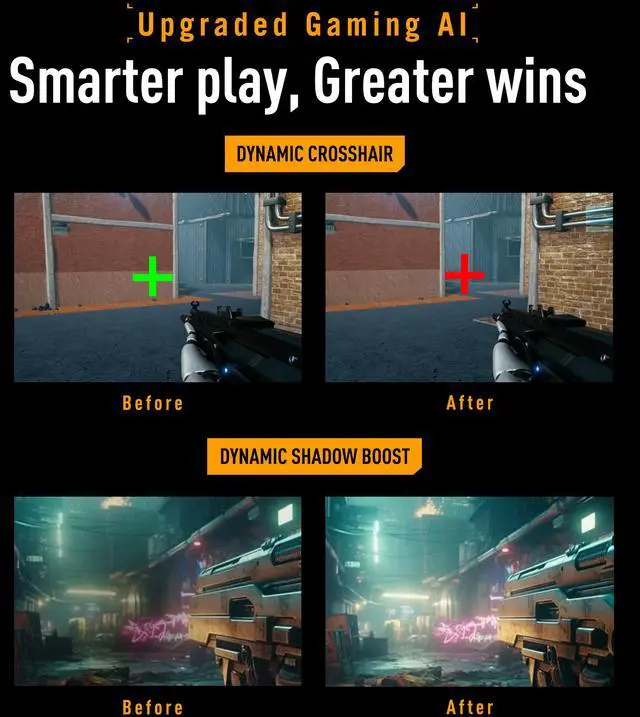
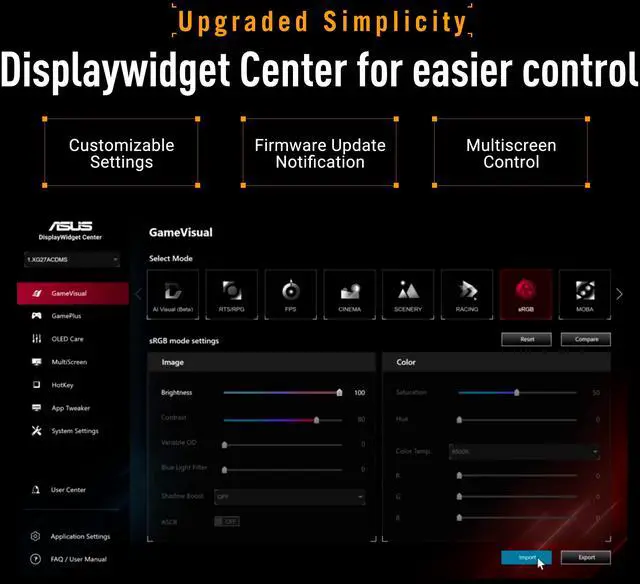
| Gaming And Eye-Care Features | Dynamic Crosshair, Dynamic Shadow Boost, AI Visual, Low Blue Light, and flicker-free technology; DisplayWidget Center supports monitor setting adjustments |
| Power | 100–240 VAC, 50/60Hz; power consumption under 31W, under 0.5W in power-saving mode, and under 0.3W when off |
| Dimensions And Weight | 31.80 in wide × 21.28 in high × 9.84 in deep with stand; 31.80 × 14.33 × 4.37 in without stand; weighs 17.86 lb with stand and 12.79 lb without stand |
| Model Identifiers | ASUS TUF Gaming VG34WQML5A |
Q: ASUS VG34WQML5A vs VG34VQL3A: is the 250Hz model worth choosing?
A: Choose the VG34WQML5A if you want the higher maximum refresh rate for fast-paced PC gaming: it supports up to 250Hz, compared with 180Hz on the VG34VQL3A. Both are 34-inch, 3440 × 1440 curved VA monitors with DisplayHDR 400. The VG34VQL3A may be the more suitable buy if 180Hz is enough and it costs less; ASUS lists FreeSync Premium Pro for that model, versus FreeSync Premium for the VG34WQML5A.
Q: Should I get the ASUS VG34WQML5A or the Samsung 34-inch Odyssey OLED G8?
A: Choose the ASUS if you prioritize a 250Hz maximum refresh rate and a VA panel; choose the Samsung Odyssey OLED G8 G85SD if you prioritize a QD-OLED panel and its 175Hz refresh rate is sufficient. Both are curved 34-inch 3440 × 1440 gaming monitors. The choice is mainly between the ASUS’s higher refresh ceiling and the Samsung’s OLED display technology, rather than screen size or resolution.
Q: Is the ASUS VG34WQML5A a better buy than the Samsung Odyssey G5 34-inch?
A: Choose the ASUS if you want a higher refresh ceiling: it supports up to 250Hz, while the 34-inch Samsung Odyssey G5 G55T is rated at up to 165Hz. Both offer a 34-inch, 3440 × 1440 curved VA display. The Samsung can make sense if 165Hz meets your needs and its price is lower; compare current prices before deciding.
Q: Is this monitor suitable for gaming and office multitasking?
A: Yes. Its 34-inch, 3440 × 1440 ultrawide screen can provide room for side-by-side windows, while the 250Hz refresh rate, FreeSync Premium, and ELMB Sync support gaming. It has height, swivel, and tilt adjustments and supports picture-by-picture, but has no built-in webcam or USB-C port.
Q: Can my PC run this monitor at 250Hz?
A: Possibly, but the monitor’s 250Hz maximum is not guaranteed for every computer or game. The PC’s graphics card, connection, settings, and game performance affect the available refresh rate and frame rate; rendering games at 3440 × 1440 can be demanding. The monitor includes DisplayPort 1.4 and HDMI 2.1 ports.
Q: Will a console use the full width of this ultrawide screen?
A: Not necessarily. This monitor has a 21:9 aspect ratio, so console games or video that output in 16:9 may show unused space at the sides rather than fill the screen. Check the console and the specific game’s ultrawide support if full-screen console use is important.
Q: Are the built-in speakers enough, or will I need external speakers?
A: The monitor has two 2W built-in speakers, which can provide basic audio without a separate speaker setup. For louder or fuller sound, use headphones or external speakers; the monitor also has a headphone connection.
Q: Should I expect black smearing or ghosting when gaming on this monitor?
A: Possibly. Users discussing the VG34WQML5A report differing experiences: some notice black smearing or ghosting, while others describe it as minimal. Its VA panel and 0.5 ms advertised response time do not guarantee that motion artifacts will be unnoticeable to every viewer.
Q: Is this a good choice for both work and gaming?
A: It may suit someone who wants a 34-inch, 3440 × 1440 ultrawide for gaming and desktop work. One owner described it as useful for both, but also reported noticing smearing while scrolling text. Consider that trade-off if you are sensitive to motion artifacts during everyday computer use.
Q: Could VRR flicker be an issue with an NVIDIA graphics card?
A: It could be: one owner using an NVIDIA GPU reported flicker when frame rates changed with variable refresh rate enabled. That is an individual report, not evidence that every unit or NVIDIA setup will have the issue. If flicker is unacceptable, check your own setup during the return period.
Q: What is the main trade-off versus a flat IPS ultrawide?
A: The choice is between different priorities: this ASUS pairs a curved 34-inch VA panel with a listed 250 Hz refresh rate, while a Reddit comparison considered a larger, flat IPS ultrawide with a lower refresh rate. Users also report that VA smearing can be noticeable, so prioritize this ASUS if its gaming-focused specifications appeal to you, and compare IPS alternatives if motion artifacts are a concern.


