




 here!
here!
I’m your shopping assistant for PC builds, upgrades, and everything tech.
Got questions? Ask away!
Start a conversation
here!
I’m your shopping assistant for PC builds, upgrades, and everything tech.
Got questions? Ask away!
Start a conversation

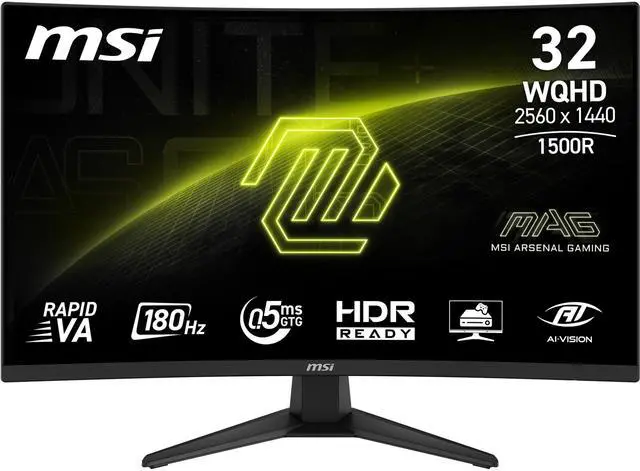
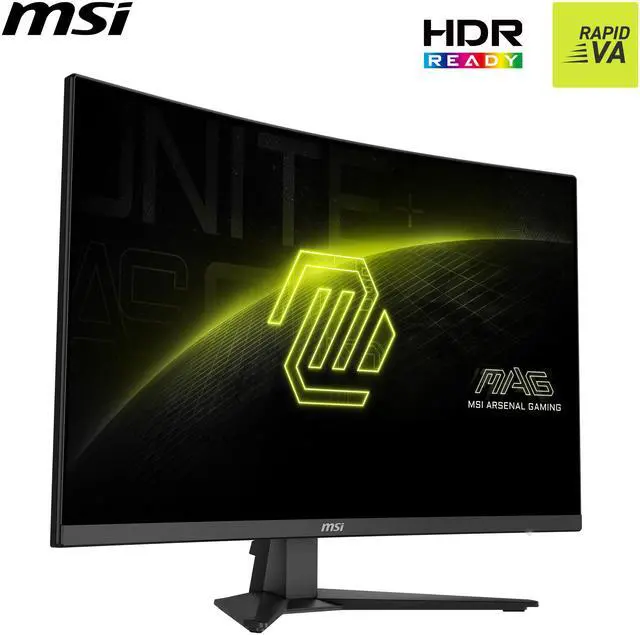
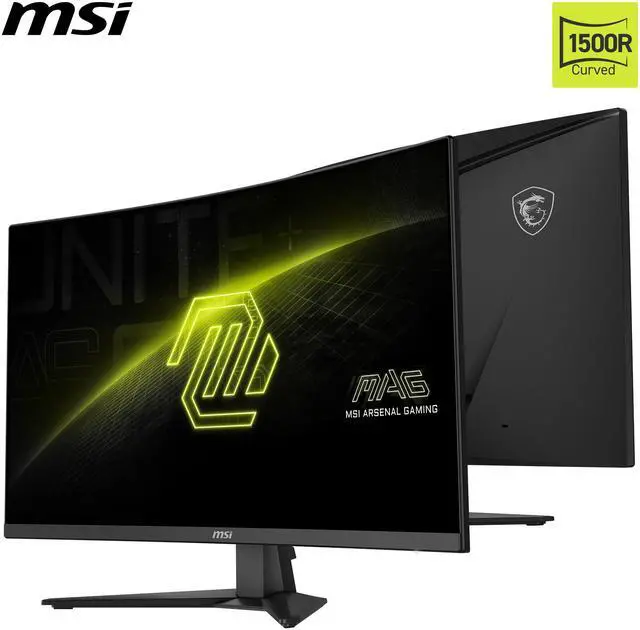
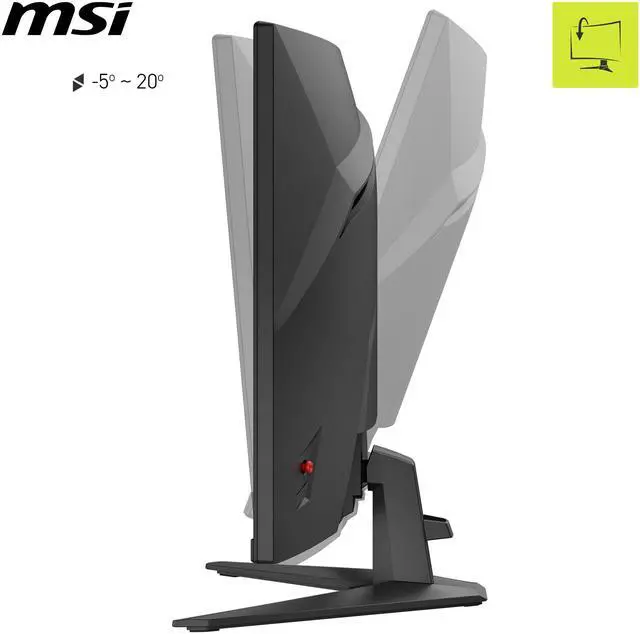



Any questions? Ask CelesteSM will help you find out quickly.


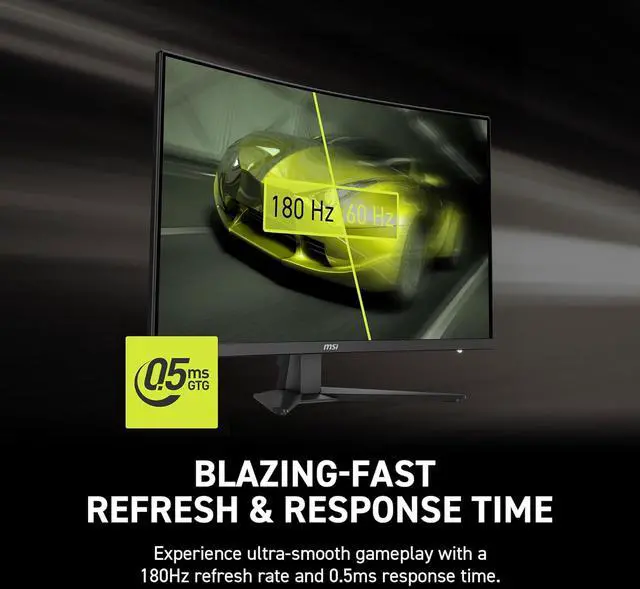
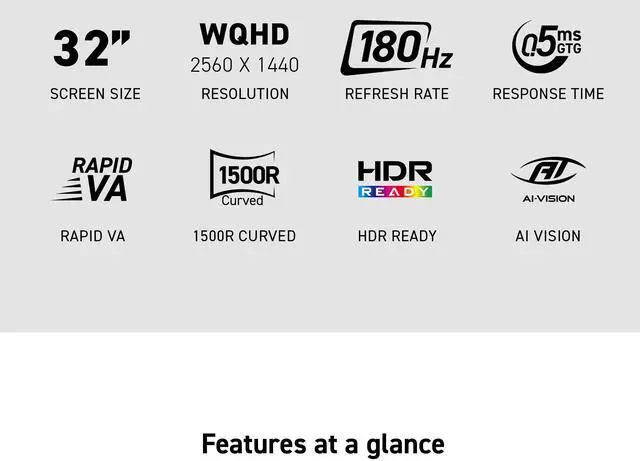
Experience ultra-smooth gameplay with a 180Hz refresh rate and 0.5ms response time.
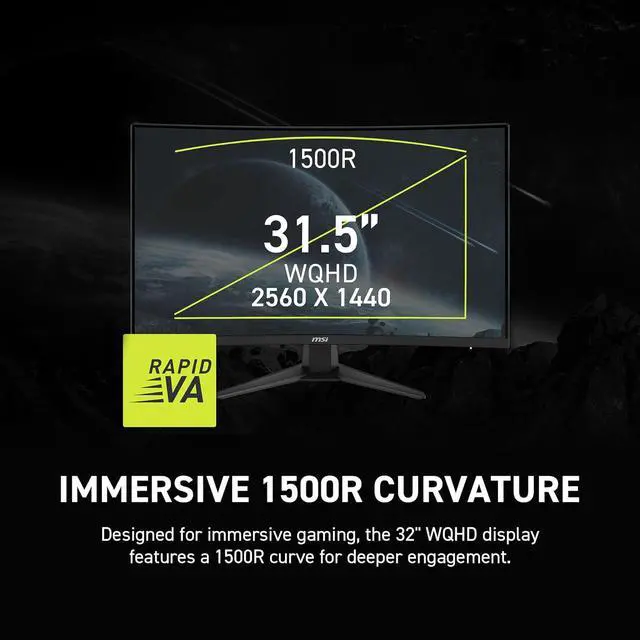
Designed for immersive gaming, the 32" WQHD display features a 1500R curve for deeper engagement.


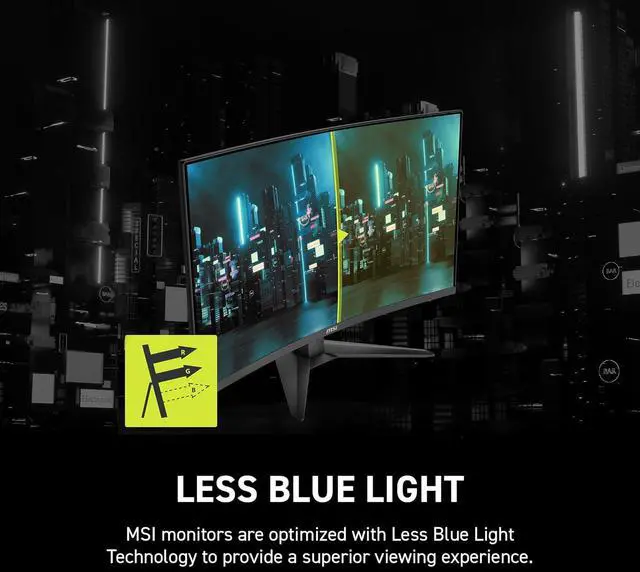
MSI monitors use Less Blue Light for a better viewing experience.
MSI AI Vision enriches details in dark areas and optimizes brightness and colors.


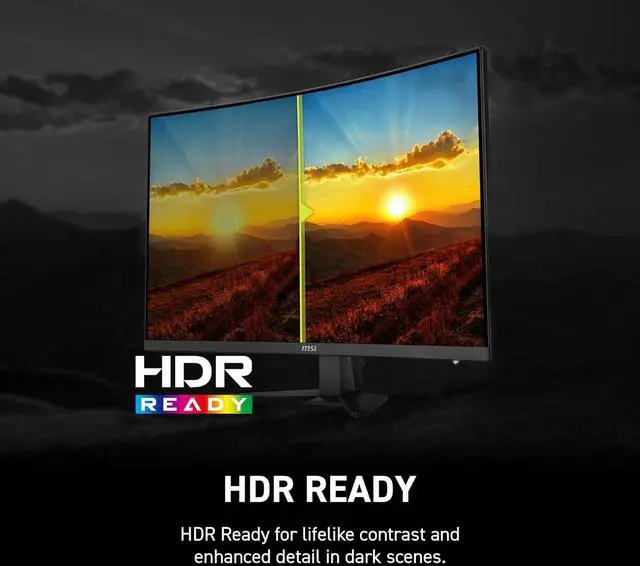
HDR Ready for lifelike contrast and enhanced detail in dark scenes.

The MSI MAG 321CQF E18 is a 31.5-inch curved QHD gaming monitor with a 180Hz refresh rate, 0.5ms response time, and AMD FreeSync, suited to gamers who want smooth, responsive play on a large 1440p screen.
| Attribute | Value |
|---|---|
| Best For | Gaming on a large QHD curved display with a high refresh rate |
| Panel And Resolution | 32-inch Rapid VA curved panel with QHD 2560 x 1440 resolution, 16:9 aspect ratio, non-glare finish, 178° horizontal and vertical viewing angles, and 0.2724 mm pixel pitch |
| Refresh Rate And Response | 180 Hz refresh rate, 0.50 ms response time, and AMD FreeSync adaptive sync |
| Picture Quality And Color | 300 cd/m² brightness, 3000:1 contrast ratio, sRGB 124% color gamut, 16.7 million colors, HDR Ready support, and AI Vision picture enhancement |
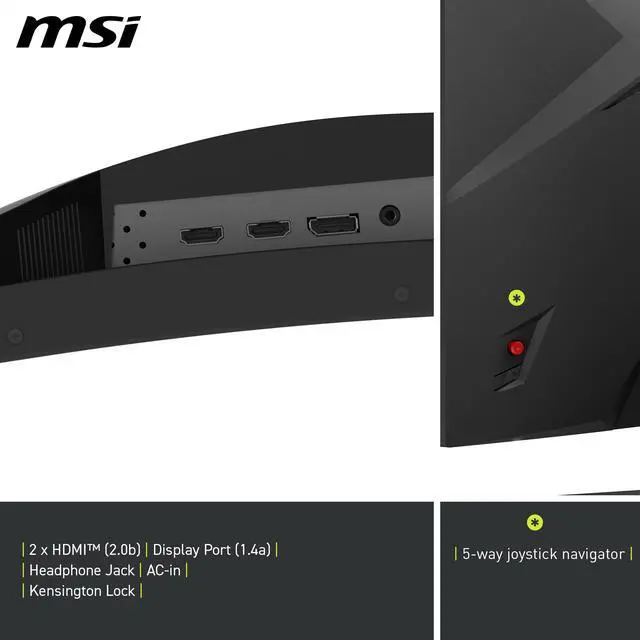
| Ports And Connectivity | 2 x HDMI 2.0b, 1 x DisplayPort 1.4a, and a 3.5 mm headphone jack |
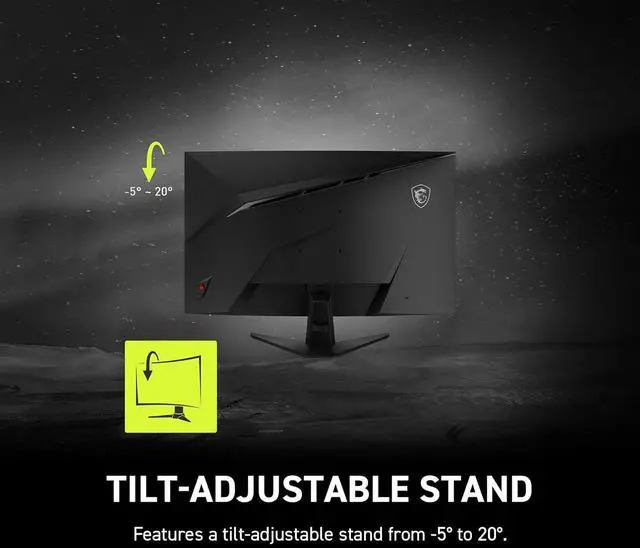
| Stand And Mounting | Tilt adjustment and 100 x 100 mm VESA mounting compatibility |
| Built-In Features | No built-in speakers or webcam |
| Model Identifiers | MSI MAG 321CQF E18 |
| Included Accessories | DisplayPort 1.4a cable, C13 power cord, and quick guide |
Q: Should I get the MSI MAG 321CQF E18 or the 27-inch MAG 275CQF E18?
A: Choose the MAG 321CQF E18 if you want a larger 31.5-inch curved screen for games and video. Choose the MAG 275CQF E18 if you prefer a smaller display with a denser image: both are 2560 × 1440 and 180Hz, so the 27-inch model has more pixels per inch. The 32-inch model gives you more screen area; it does not add resolution.
Q: Is the MAG 321CQF E18 or the MAG 321UPX QD-OLED a better 32-inch gaming monitor?
A: Choose the MAG 321CQF E18 for a 31.5-inch, 1440p Rapid VA screen with a 180Hz refresh rate. Choose the MAG 321UPX QD-OLED if you want 4K resolution, a QD-OLED panel, and up to 240Hz. The 321UPX offers more resolution and a different panel technology; the 321CQF E18 keeps the target resolution at 1440p.
Q: How does the MAG 321CQF E18 compare with the MSI G32CQ5P?
A: Both are 31.5-inch curved VA monitors with 2560 × 1440 resolution. The MAG 321CQF E18 specifies 180Hz and a 0.5ms minimum GtG response time; the G32CQ5P specifies 170Hz and 4ms GtG. Consider the E18 if you want the higher listed refresh rate; consider the G32CQ5P if its price is lower and 170Hz meets your needs. Manufacturer response-time figures are not independent head-to-head test results.
Q: Is this monitor suitable for fast-paced PC gaming?
A: It is suited to high-refresh-rate PC gaming: the monitor has a QHD 2560 × 1440 resolution, a 180 Hz refresh rate, a Rapid VA panel, and AMD FreeSync. To use its high refresh rate, connect it to a system and with a cable that support the desired resolution and refresh rate.
Q: Can I mount this monitor on a monitor arm or wall mount?
A: Yes. It supports 100 × 100 mm VESA mounting. Its included stand offers tilt adjustment only, so use a compatible mount if you need height, swivel, or rotation adjustments.
Q: Does it have built-in speakers?
A: No. The monitor has no built-in speakers. It includes a 3.5 mm headphone jack, so plan to use headphones or separate speakers for audio.
Q: Can I use it for office work as well as gaming?
A: Yes. Its 32-inch QHD screen and HDMI and DisplayPort inputs support general computer use as well as gaming. The stand adjusts only for tilt, and the monitor has no built-in webcam or speakers, so those may need to be supplied separately.
Q: Does “HDR Ready” make this a good choice for HDR gaming?
A: Not necessarily. The supplied specifications list 300 cd/m² brightness and “HDR Ready”; a YouTube review discusses the limits of that label. Treat HDR as a secondary feature, not the main reason to choose this monitor.
Q: Is 32-inch 1440p too large for this monitor?
A: It depends on viewing distance and preference. A Reddit comparison discussion includes a user who considered 32-inch 1440p too large, while another owner reported being happy with the monitor. If fine pixel detail is a priority, compare it with a smaller 1440p display or a 32-inch 4K option.
Q: Is ghosting a concern for competitive gaming?
A: The monitor uses a Rapid VA panel and is rated for 180Hz, but those specifications alone do not establish its real-world motion performance. In a Reddit discussion, an owner reported a good initial experience but said they had not played much competitively, so the available discussion does not provide a firm answer about competitive-game ghosting.
Q: How does the screen look in dark scenes?
A: Some Reddit posts about this model raise concerns about uneven-looking dark areas or edge lighting. Those reports are individual experiences, not evidence that every unit has the issue; if uniform blacks are important, consider checking the display in person or reviewing the return policy.


