




 here!
here!
I’m your shopping assistant for PC builds, upgrades, and everything tech.
Got questions? Ask away!
Start a conversation
here!
I’m your shopping assistant for PC builds, upgrades, and everything tech.
Got questions? Ask away!
Start a conversationShipped by Newegg
 Top Rated

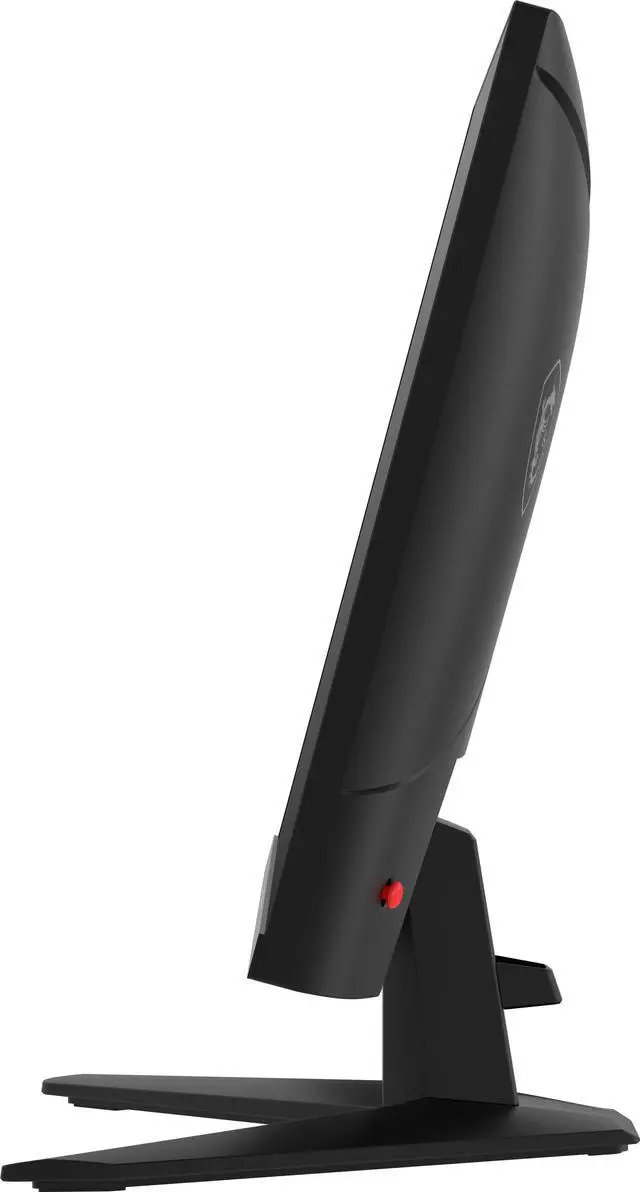
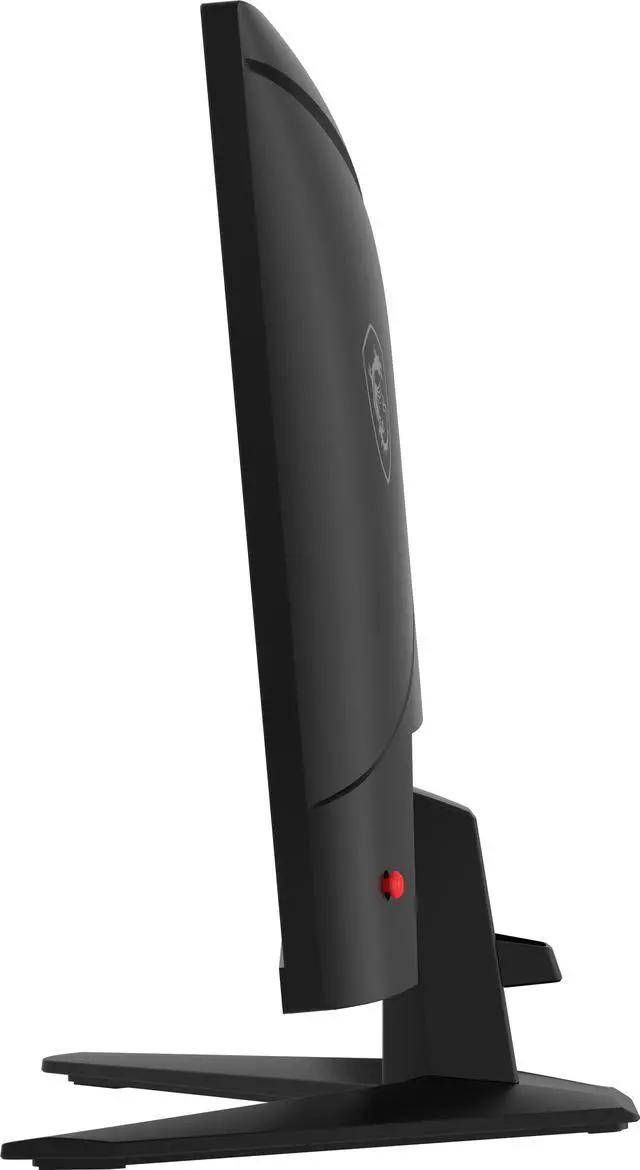
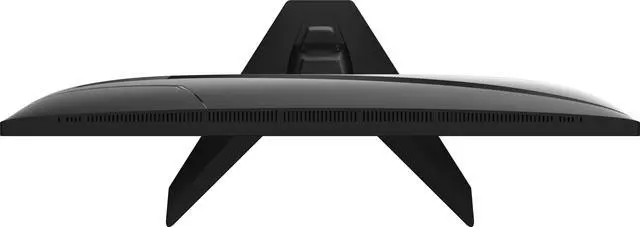
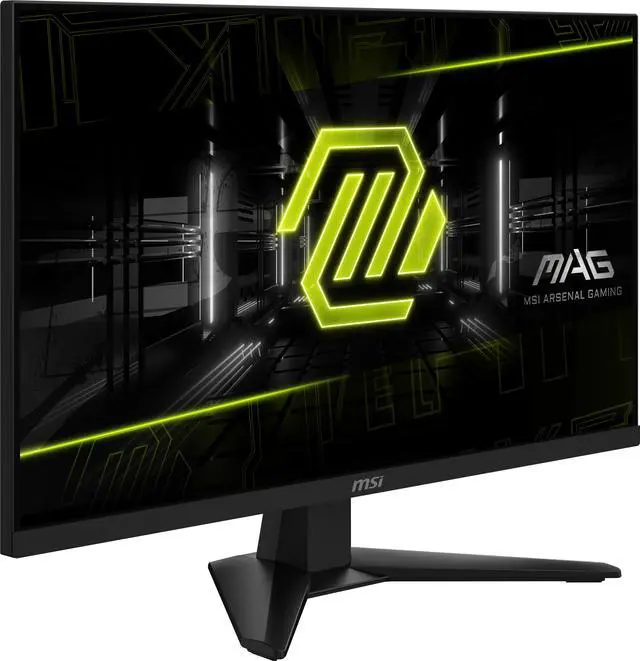




Any questions? Ask CelesteSM will help you find out quickly.


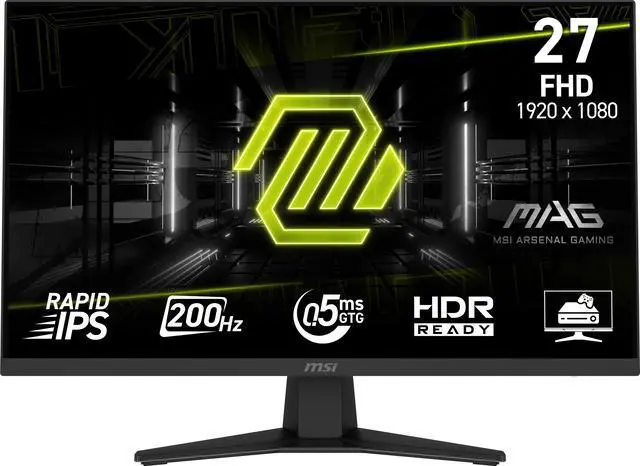
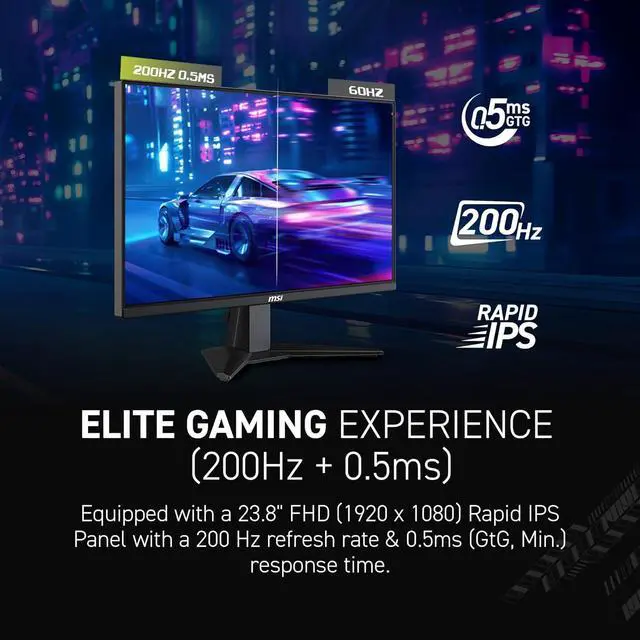
Equipped with a 27" FHD (1920 x 1080) Rapid IPS Panel with a 200 Hz refresh rate & 0.5ms (GtG, Min.) response time.
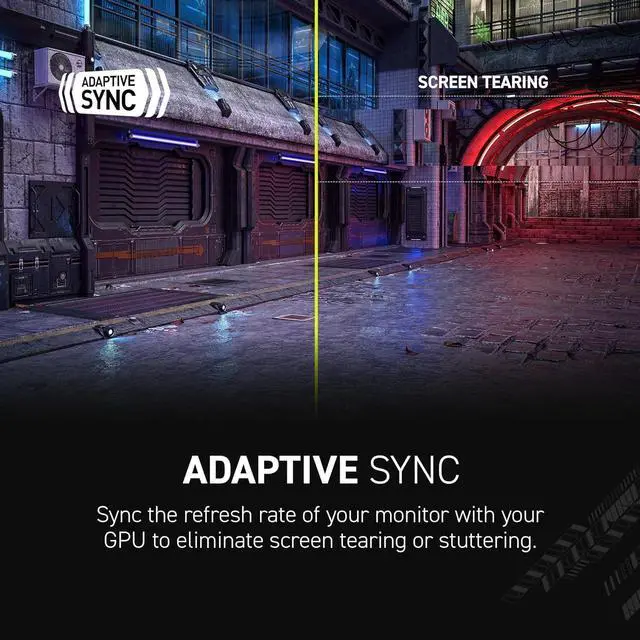
Sync the refresh rate of your monitor with your GPU to eliminate screen tearing or stuttering.


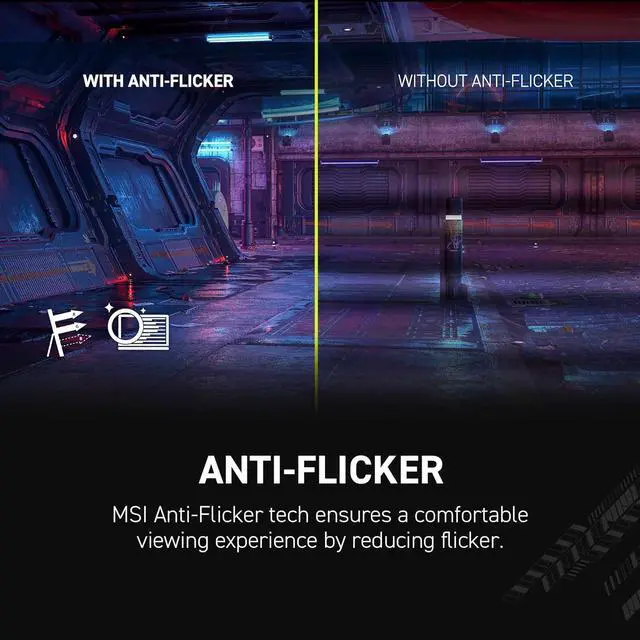
MSI Anti-Flicker tech ensures a comfortable viewing experience by reducing flicker.
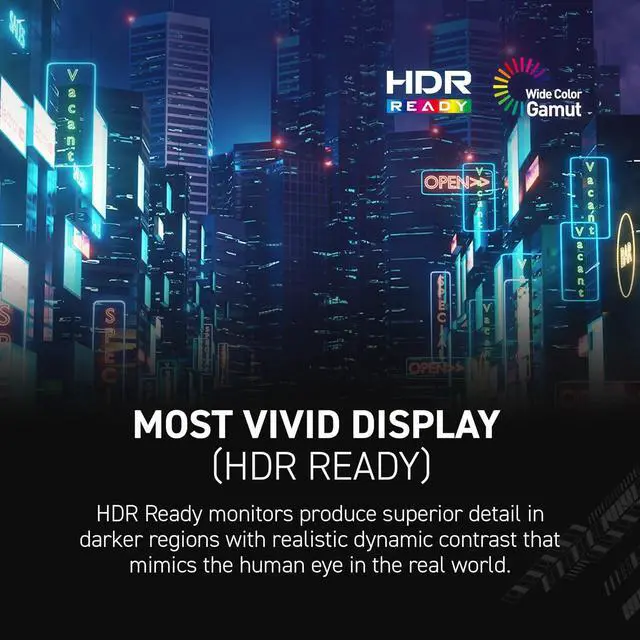
HDR Ready monitors reveal dark details with lifelike contrast.


AI Vision brightens dark areas and boosts color and clarity.

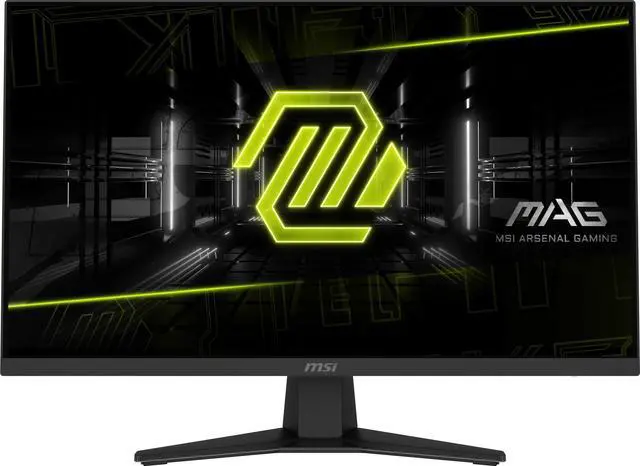
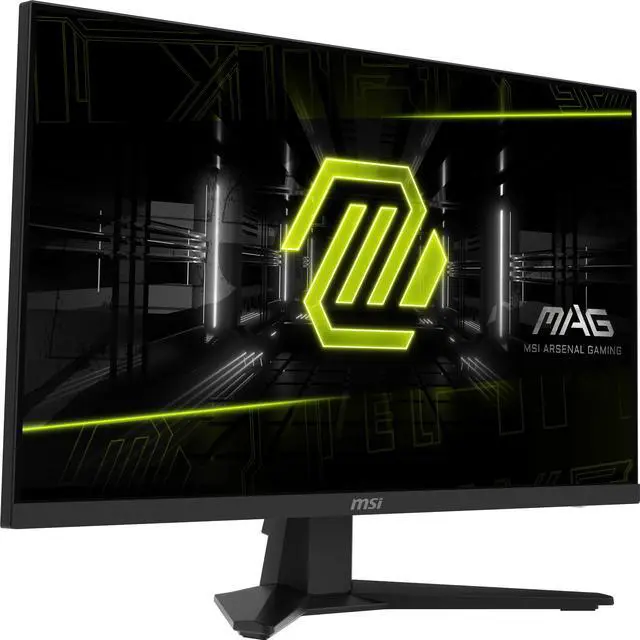
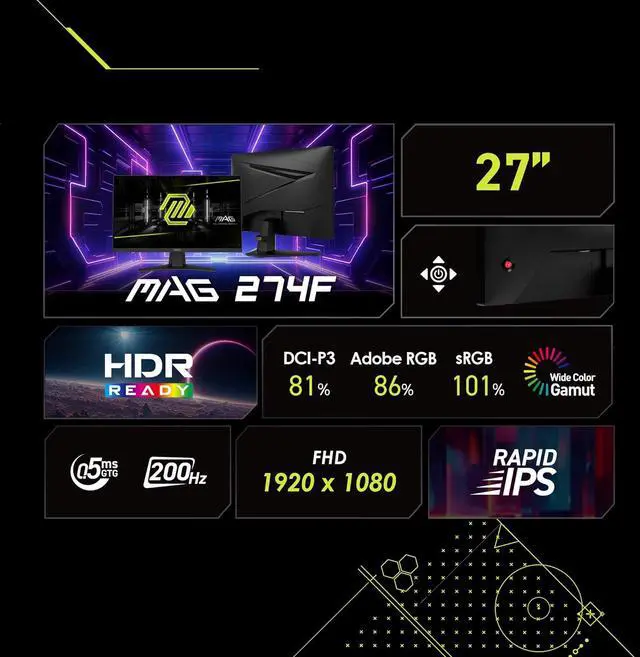
The MSI MAG 274F is a 27-inch Full HD Rapid IPS gaming monitor with a 200Hz refresh rate, 0.5ms response time, and Adaptive-Sync, suited to PC gamers who prioritize smooth motion in fast-paced games.
| Attribute | Value |
|---|---|
| Best For | PC gaming with fast-motion gameplay on a 27-inch Full HD Rapid IPS display with 200Hz refresh and FreeSync Adaptive-Sync |
| Panel And Resolution | 27-inch flat Rapid IPS panel with 1920 × 1080 Full HD resolution, 16:9 aspect ratio, non-glare matte finish, 178° horizontal and vertical viewing angles, 300 cd/m² brightness, 1,000:1 contrast, 16.7 million colors, and 86% sRGB color gamut |
| Refresh Rate And Response | 200Hz refresh rate and 0.50 ms response time, with FreeSync Adaptive-Sync for gaming |
| HDR And Picture Enhancements | HDR Ready with AI Vision and a blue-light filter |
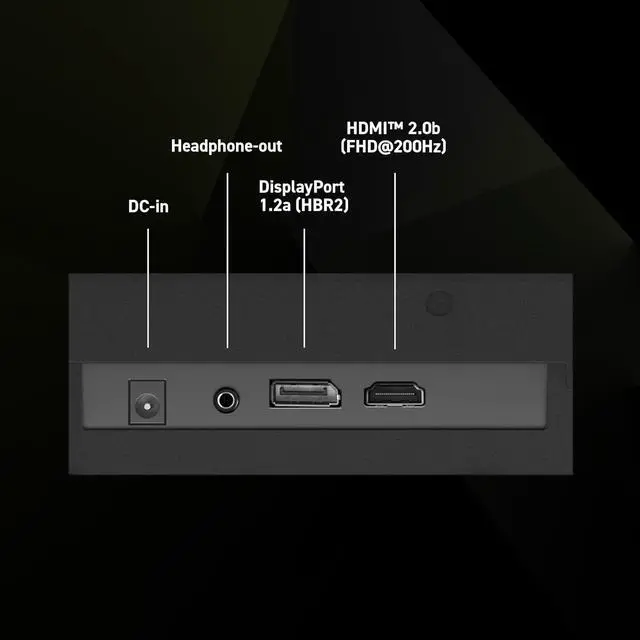
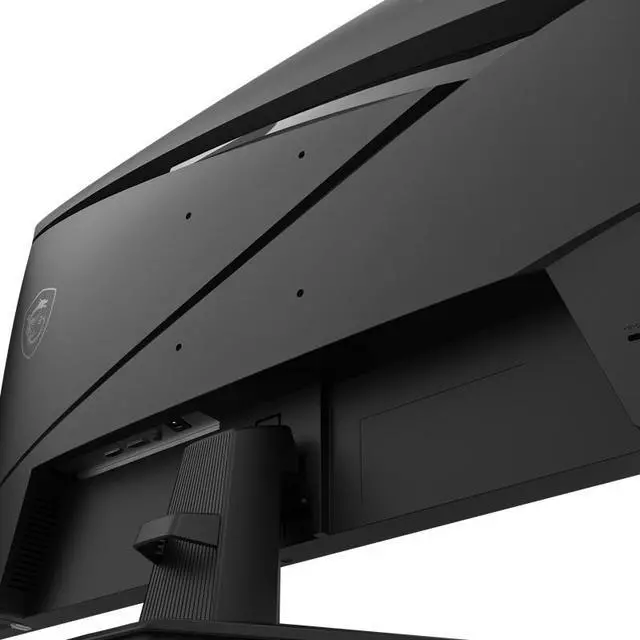
| Ports And Connectivity | One HDMI 2.0b port and one DisplayPort 1.2a; includes an HDMI 2.0 cable |
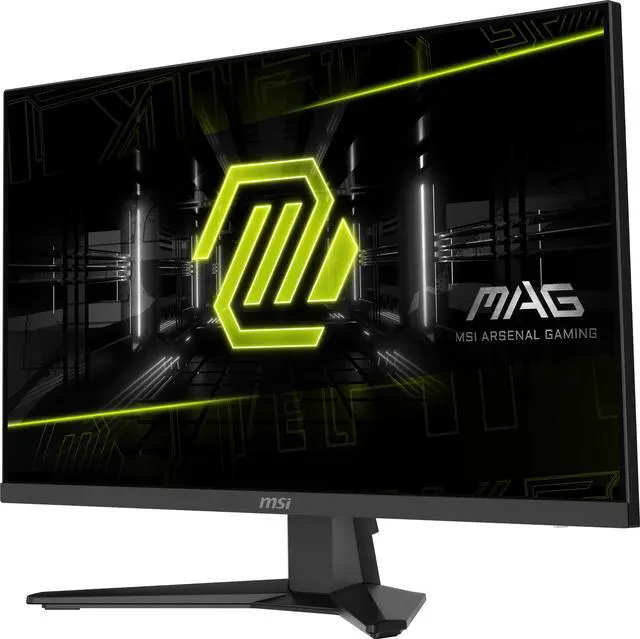
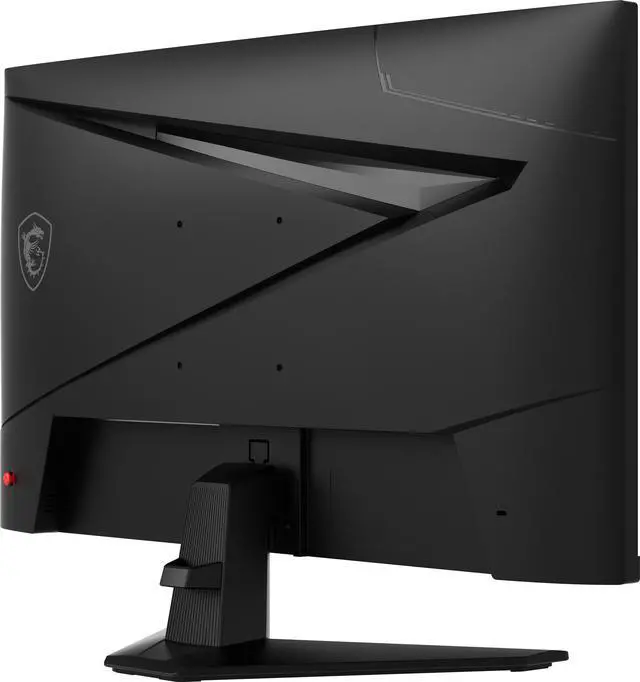
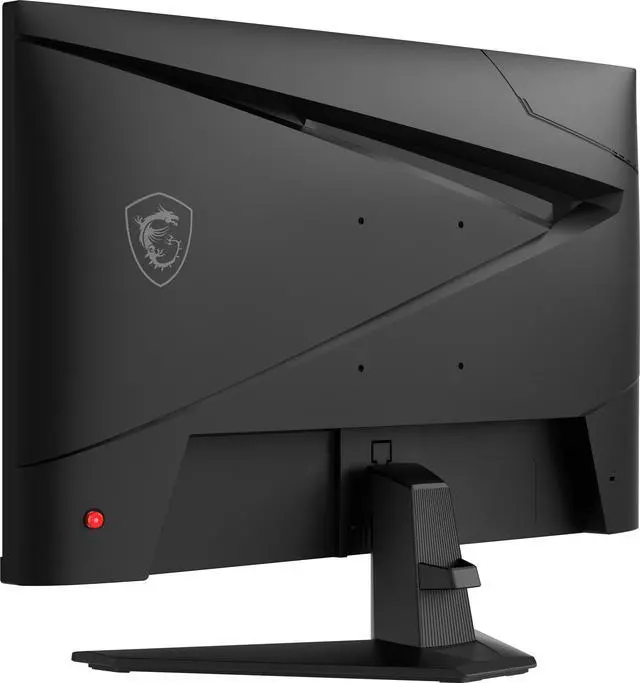
| Stand And Ergonomics | Tilt-adjustable stand with 100 × 100 mm VESA mounting compatibility |
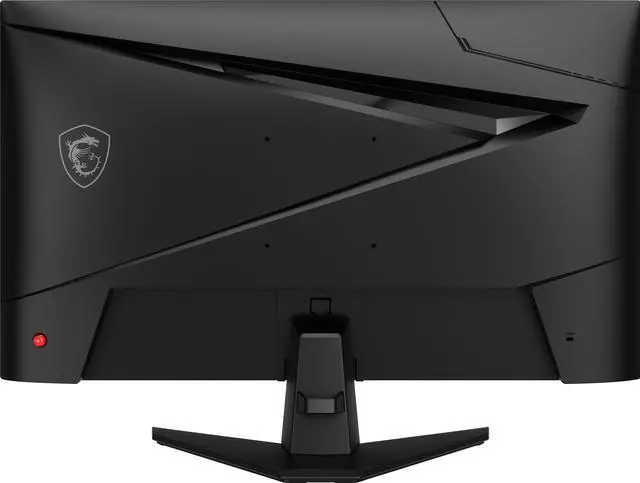
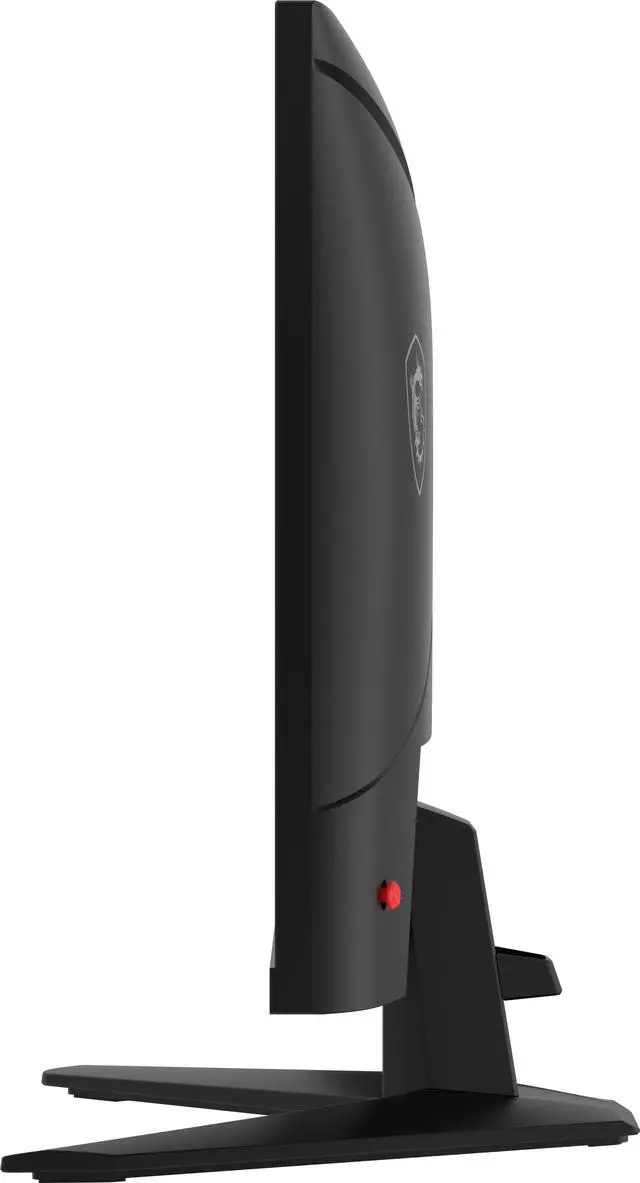
| Physical Design | Metallic black cabinet; 24.15 in wide × 17.26 in high × 9.83 in deep with stand, or 24.15 in wide × 14.27 in high × 2.44 in deep without stand; weighs 14.2 lb |
| Built-In Features | No built-in speakers or webcam |
| Model Identifiers | MSI MAG 274F; part number 9S6-3CE41H-004 |
Q: Should I get the MSI MAG 274F or the 23.8-inch MAG 244F?
A: Choose the MAG 274F if you want a larger 27-inch screen. Choose the MAG 244F if you prefer a more compact 23.8-inch display with the same Full HD resolution and 200Hz refresh rate. Both are Rapid IPS monitors with a stated 0.5ms GtG response time, so the main decision is screen size and desk fit.
Q: Is the MSI MAG 274F or MAG 274QF a better fit for 27-inch gaming?
A: Choose the MAG 274F if you want Full HD at up to 200Hz. Choose the MAG 274QF if you prefer 2560 × 1440 resolution for a sharper image at 27 inches; it supports up to 180Hz. The trade-off is higher resolution on the 274QF versus a 20Hz higher maximum refresh rate on the 274F.
Q: Should I choose the MAG 274F or a 27-inch 1440p monitor?
A: Choose the MAG 274F if Full HD resolution and refresh rates up to 200Hz suit your gaming setup. Choose a 27-inch 1440p monitor if you prioritize more image detail and screen sharpness. The MAG 274F displays 1920 × 1080 pixels, while MSI’s MAG 274QF displays 2560 × 1440 pixels and supports up to 180Hz.
Q: Is this monitor suitable for high-refresh-rate PC gaming?
A: It is suited to fast-paced PC gaming if your computer and connection can drive a high frame rate. The monitor has a 200Hz refresh rate, a Rapid IPS panel, Adaptive-Sync, and a listed 0.5ms response time. Actual refresh rate depends on the connected device and setup.
Q: Does the monitor have built-in speakers?
A: No. The MSI MAG274F has no built-in speakers, so plan to use separate speakers or a headset connected to your computer or another audio source.
Q: Can this monitor be mounted on a monitor arm or wall mount?
A: Yes. It supports 100 × 100 mm VESA mounting. Its included stand adjusts for tilt; use a compatible VESA mount if you need other positioning adjustments.
Q: Can I use this monitor with a game console?
A: It has an HDMI 2.0b input for connecting an HDMI video source. The display is 1920 × 1080 and supports up to 200Hz, but the resolution and refresh rate you get depend on the console and its supported output modes.
Q: Is the MSI MAG 274F a good fit for gaming?
A: It is a fit for buyers who prioritize Full HD gaming and a high refresh rate: the monitor is 27-inch, 1920 × 1080, and 200Hz. A Reddit discussion about this model also focuses on gaming at 1080p and the trade-off between screen size and pixel density. The 200Hz refresh rate is most useful when the computer can deliver high frame rates.
Q: Will Full HD look too soft on a 27-inch screen?
A: That depends partly on viewing distance and preference. In a Reddit discussion about the MAG 274F, one commenter said 1080p pixels were more noticeable up close and less noticeable from farther away. If fine text or image detail is a priority, compare a 27-inch Full HD screen with a higher-resolution option before choosing.
Q: Can it work as a monitor for both productivity and gaming?
A: It can serve both uses if 27-inch Full HD suits your work and the tilt-only stand meets your setup needs. Its 200Hz refresh rate is aimed at smoother motion, but the monitor has no built-in speakers. A Reddit buyer discussion specifically considers it for work and productivity alongside gaming.
Q: Should I expect ghosting or need to adjust the settings?
A: Experiences shared on Reddit are mixed only in how users describe setup: one owner reported no noticeable ghosting after three weeks, while another said the out-of-box settings needed adjustment. Those are individual reports, not a guarantee for every unit or setup.


