




 here!
here!
I’m your shopping assistant for PC builds, upgrades, and everything tech.
Got questions? Ask away!
Start a conversation
here!
I’m your shopping assistant for PC builds, upgrades, and everything tech.
Got questions? Ask away!
Start a conversationShipped by Newegg


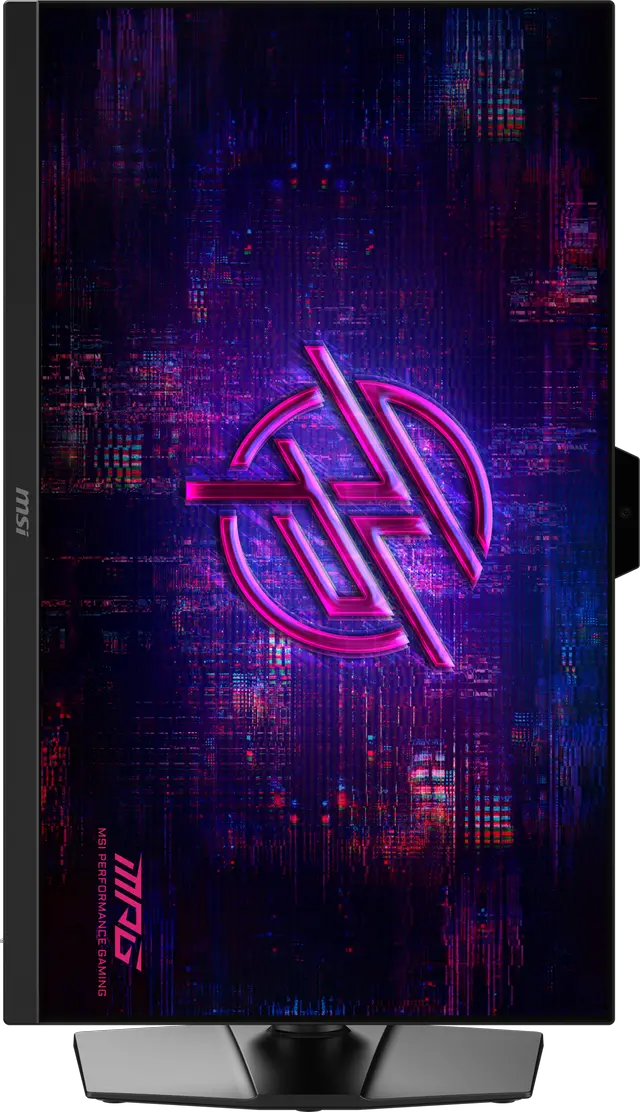
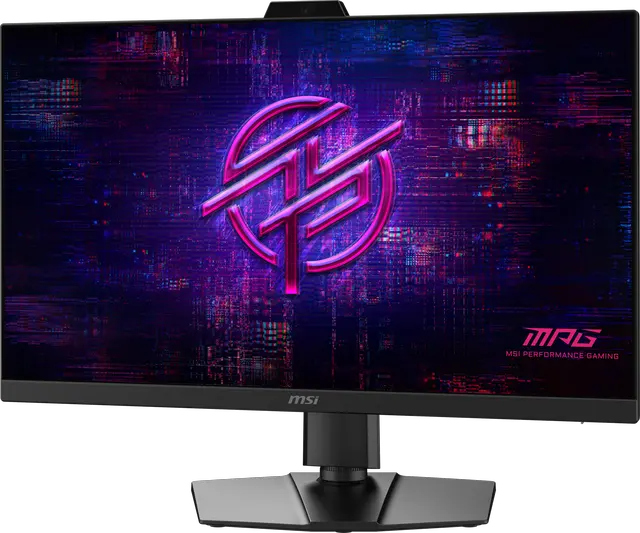
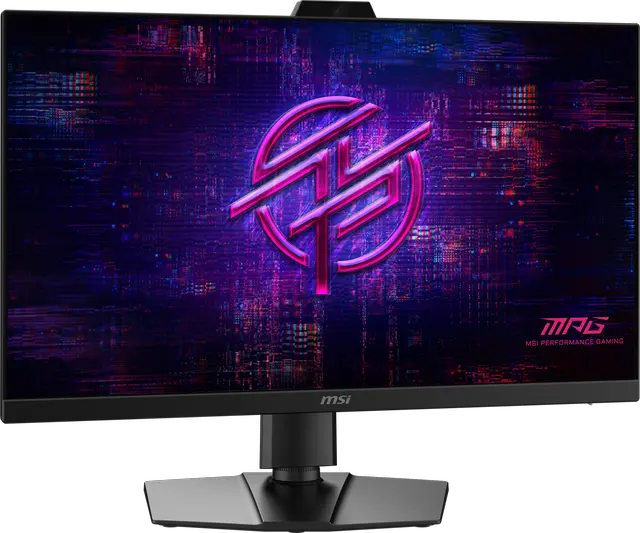
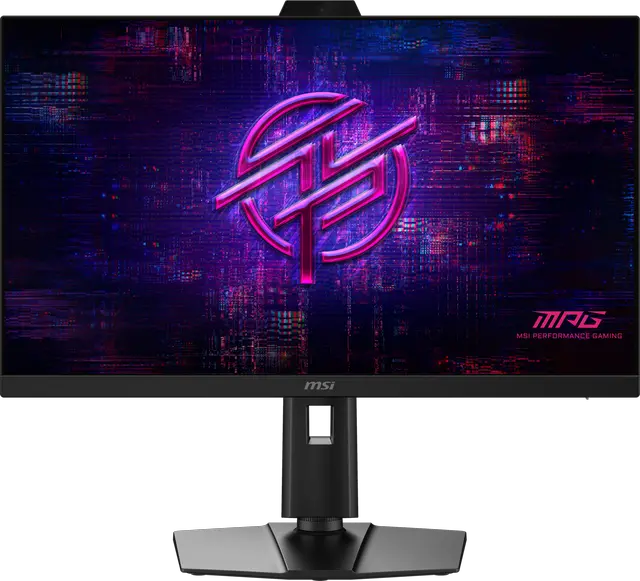




Any questions? Ask CelesteSM will help you find out quickly.


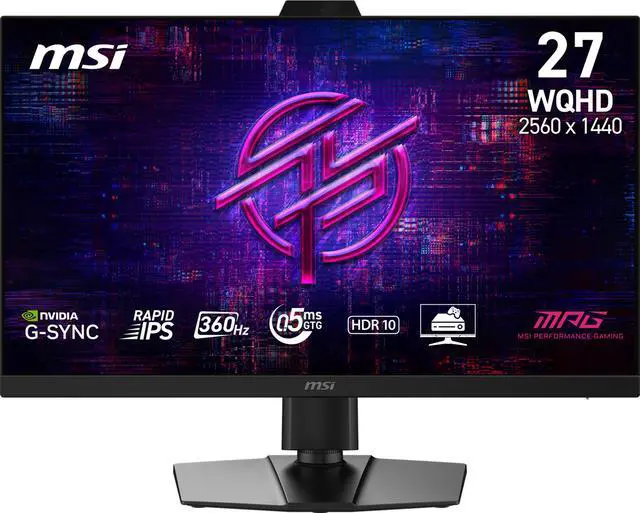
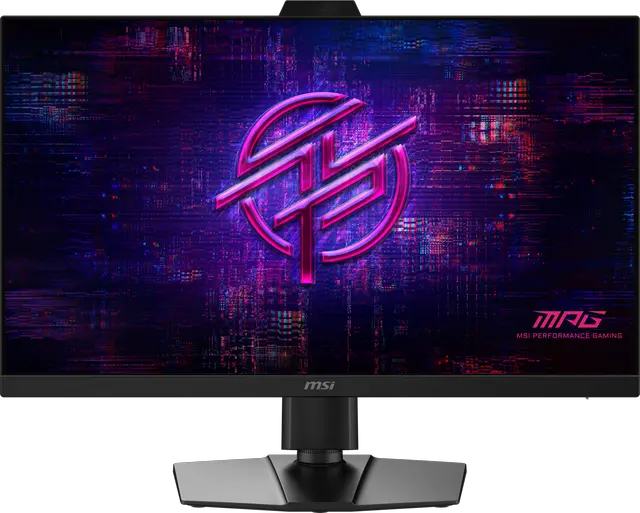
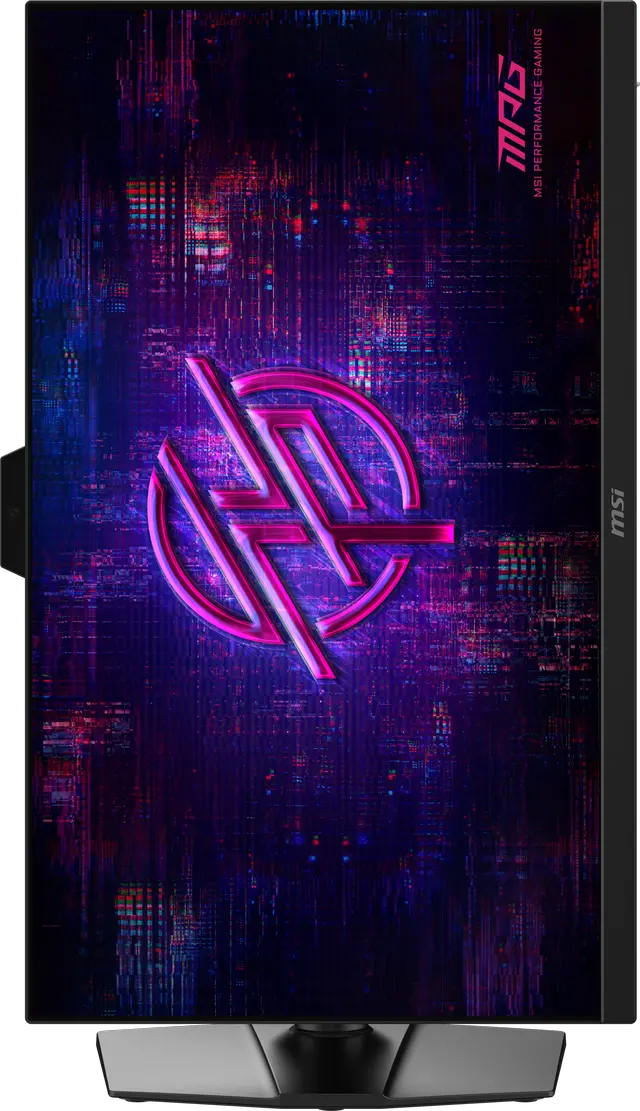
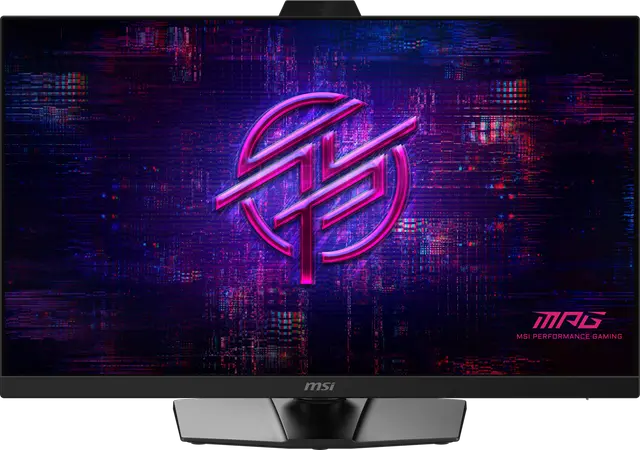
The MSI MPG 272QRF X36 gaming monitor features a 27-inch Rapid IPS panel with a 360Hz refresh rate and a 0.5ms (GtG, Min.) response time. It comes with NVIDIA® G-SYNC®, a suite of the ultimate gaming display technologies for GeForce gamers. G-SYNC Pulsar provides 4x effective motion clarity together with G-SYNC Variable Refresh Rate.
It also features G-SYNC Ambient Adaptive Technology, which utilizes a built-in light sensor to give you the option to automatically tune color temperature and brightness for optimal viewing at any hour of the day or night. Plus, all G-SYNC monitors offer accurate colors, low-latency HDR, and are rigorously tested for consistent quality and maximum performance.


For more precise aiming and sharper, clearer gameplay, G-SYNC Pulsar utilizes variable frequency backlight strobing to deliver 4x effective motion clarity, together with smooth G-SYNC Variable Refresh Rate.
Courtesy: NVIDIA.
G-SYNC Pulsar requires: DisplayPort input, NVIDIA GeForce RTX GPU, and G-SYNC Pulsar enabled.
MPG 272QRF X36 lets you easily update the firmware yourself. Get the latest version from NVIDIA to keep your G-SYNC monitor fully optimized and performing at its best.

Fine-tune your visuals with advanced color customization features on G-SYNC monitors, giving you full control to match your style and preferences.


Supports a variety of aspect ratios and screen sizes, including the 25 mode with pixel-to-pixel scaling at 2368 x 1332, 1920 x 1080, and 1280 x 960 for uncompromised image clarity.
16:9
2368 x 1332
16:9
1920 x 1080
4:3
1280 x 960

Ensures no scaling artifacts, delivering sharp edges and accurate visuals.

Ensures no scaling artifacts, delivering sharp edges and accurate visuals.

Ensures no scaling artifacts, delivering sharp edges and accurate visuals.
G-SYNC Ambient Adaptive Technology utilizes a built-in light sensor to give you the option to automatically tune color temperature and brightness for optimal viewing at any hour of the day or night.


Equipped with a 360Hz refresh rate and 0.5ms (GtG, Min.) response time which has the benefit in fast moving game genres such as first person shooters, fighters, racing sims, real-time strategy, and sports.


Anti-Flicker and Less Blue Light technologies provide a very comfortable viewing experience by reducing the amount of flicker and displaying lower levels of blue light. You can game for longer periods without experiencing eye fatigue.

The monitor supports Console Mode with VRR and ALLM for a smoother, low-latency console gaming experience at up to 120Hz. With built-in HDMI™ CEC (Consumer Electronics Control) technology, it can communicate with controllers, allowing them to wake the monitor and adjust modes tailored to different devices


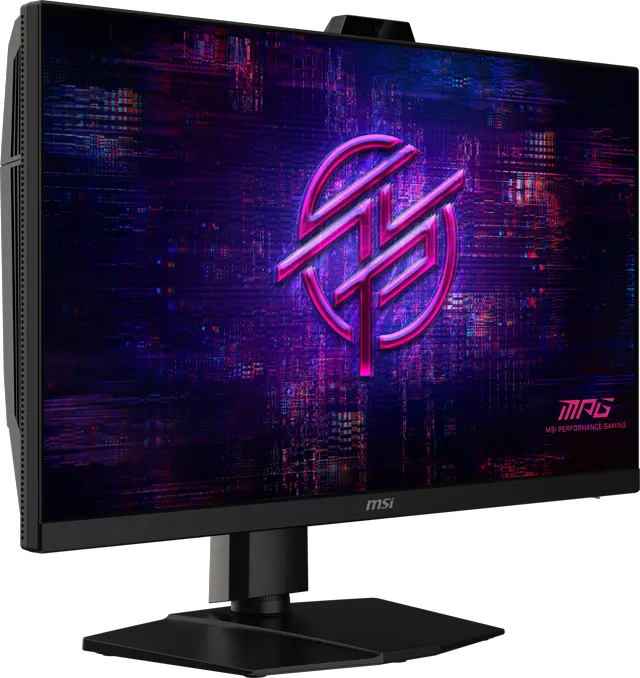
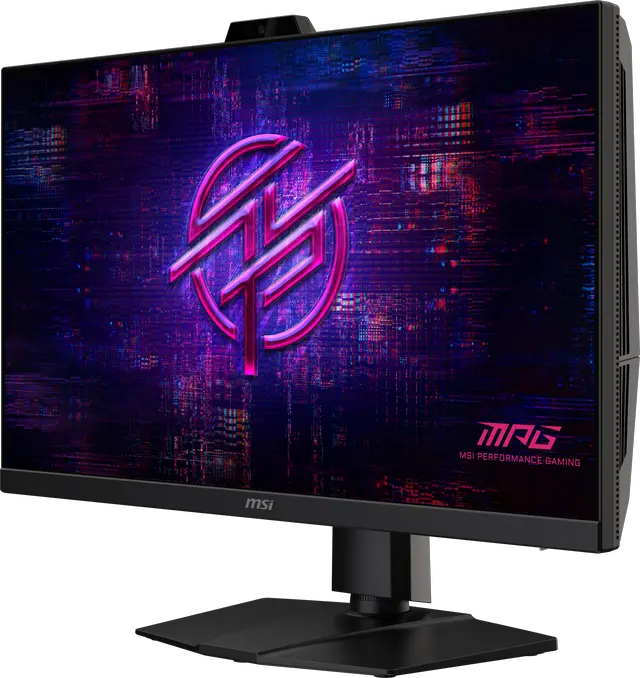
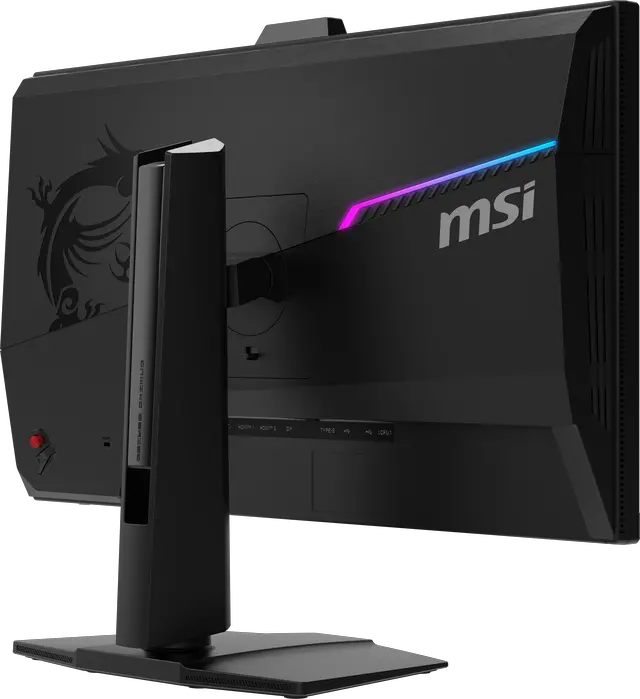
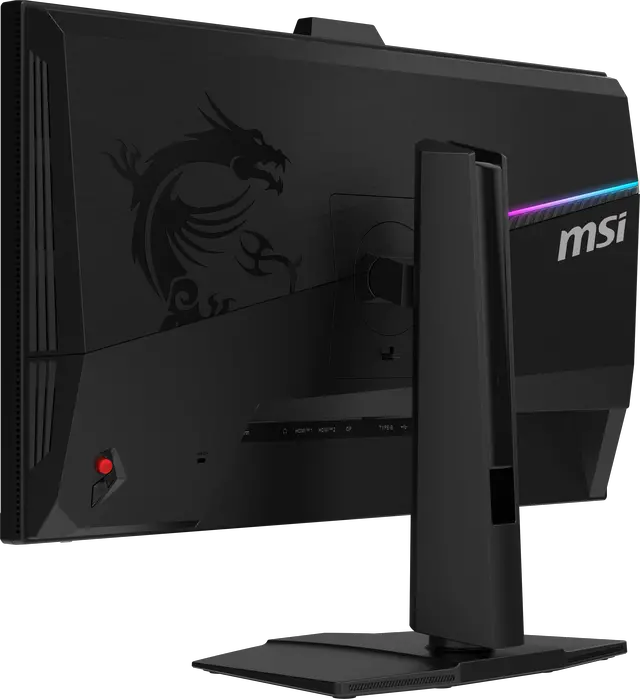
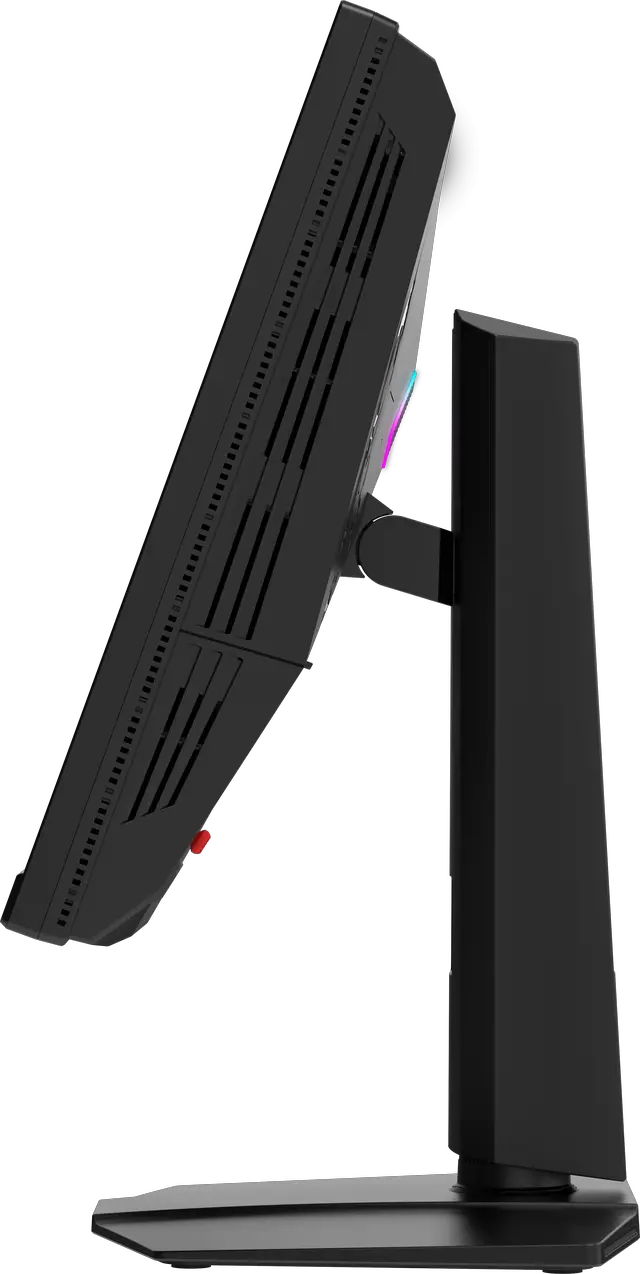
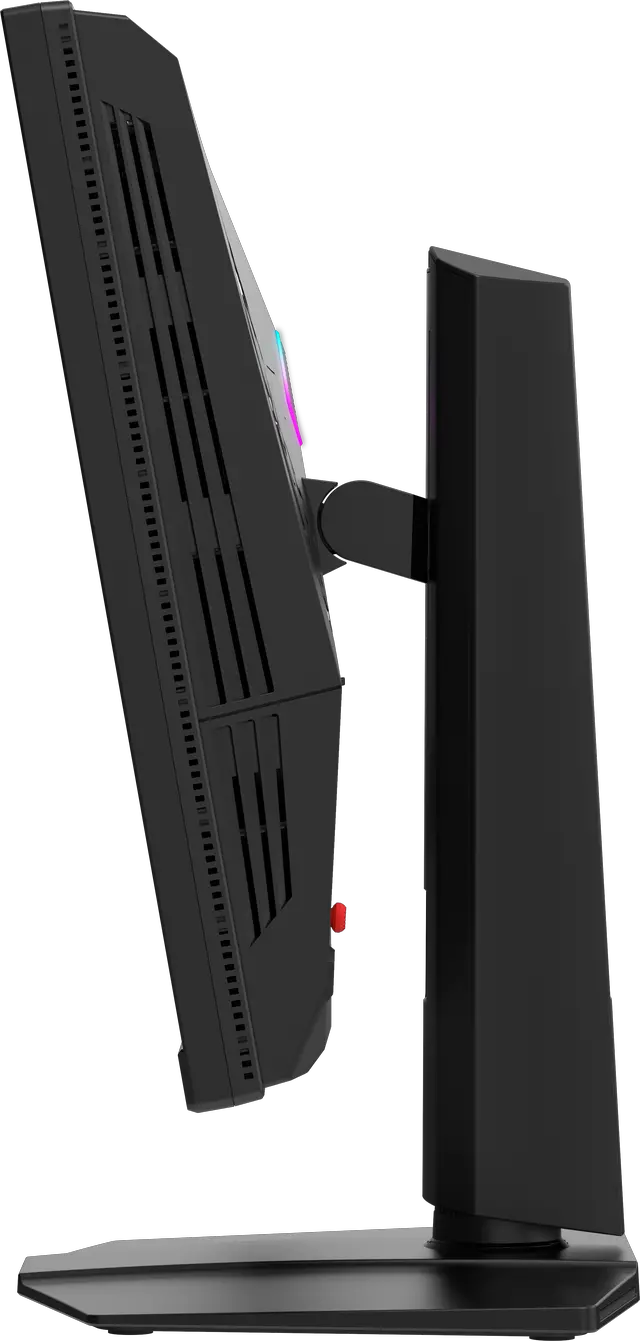
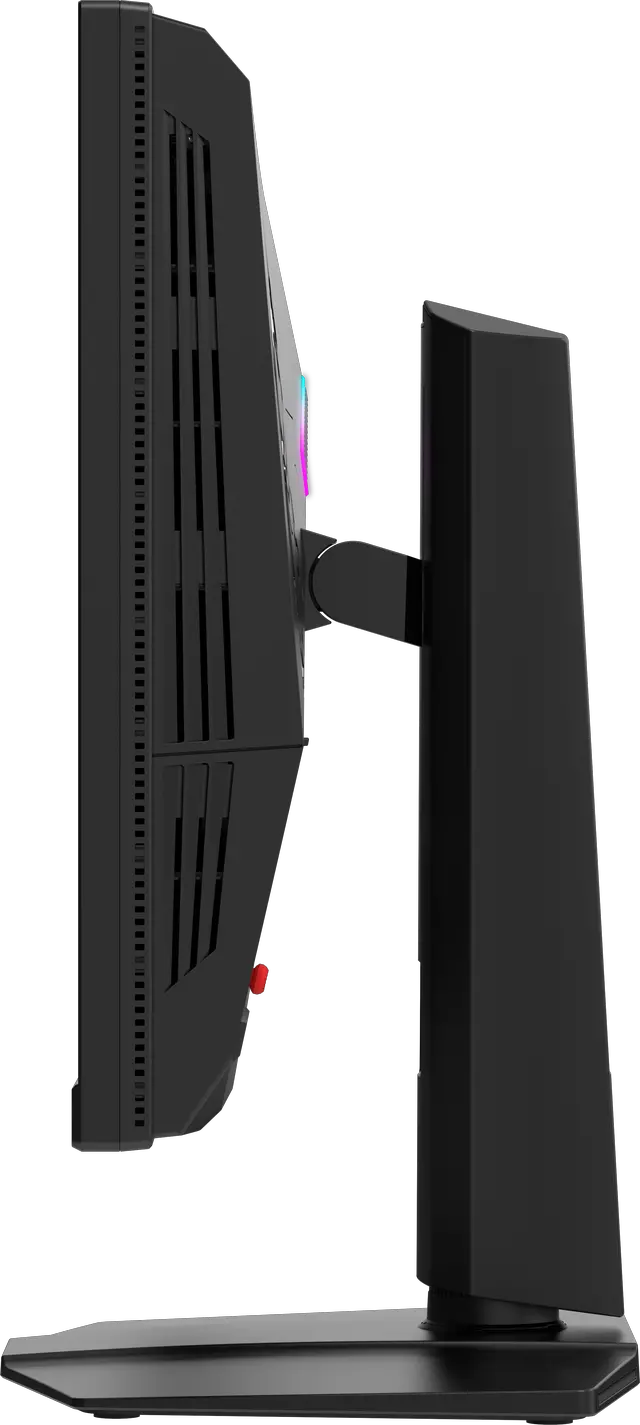
The 4-way adjustable stand adapts to your setup and peripherals, maximizing limited space and creating a clean, spacious environment for competitive play.

The MSI monitor equipped HDR 10, produces images with more detail, a wider range of colors, and appearance more similar to what the human eye perceives compared to traditional monitors. It guarantees a superior gaming and multimedia experience by vividly rendering every detail with vibrant colors and exceptional clarity.

The monitor has achieved Windows Dynamic Lighting Certification, enabling users to control and synchronize lighting effects across connected devices. Users can customize brightness, effects, and synchronization for a cohesive experience across compatible devices, ensuring seamless integration with Windows Dynamic Lighting.


Panel Size: 27"
Panel Type: Rapid IPS
Aspect Ratio: 16:9
Panel Resolution: 2560 x 1440 (WQHD)
Refresh Rate: 360Hz
Response Time: 0.5ms (GtG, Min.)

The MSI MPG 272QRF X36 is a 27-inch 1440p Rapid IPS gaming monitor with a 360Hz refresh rate, 0.5ms response time, and NVIDIA G-SYNC Pulsar, making it suited to competitive PC gamers who prioritize fast, clear motion.
| Attribute | Value |
|---|---|
| Best For | PC gaming, particularly fast-paced play that benefits from a 360Hz refresh rate and G-SYNC Pulsar |
| Panel And Resolution | 27-inch flat Rapid IPS panel with 2560 × 1440 QHD resolution, 16:9 aspect ratio, matte non-glare finish, and 178° horizontal and vertical viewing angles; 600 cd/m² brightness, 1,000:1 contrast ratio, 1.07 billion colors, and 91% Adobe RGB color gamut |
| Refresh Rate And Response | 360Hz refresh rate with 0.5ms GTG response time and G-SYNC Pulsar adaptive sync |
| HDR | VESA Certified DisplayHDR 10 |
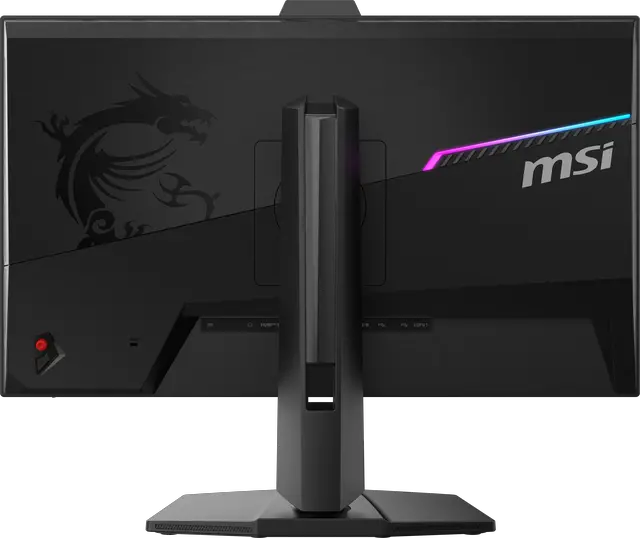
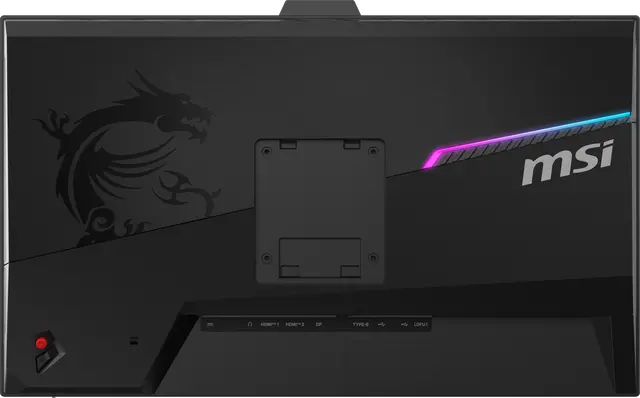
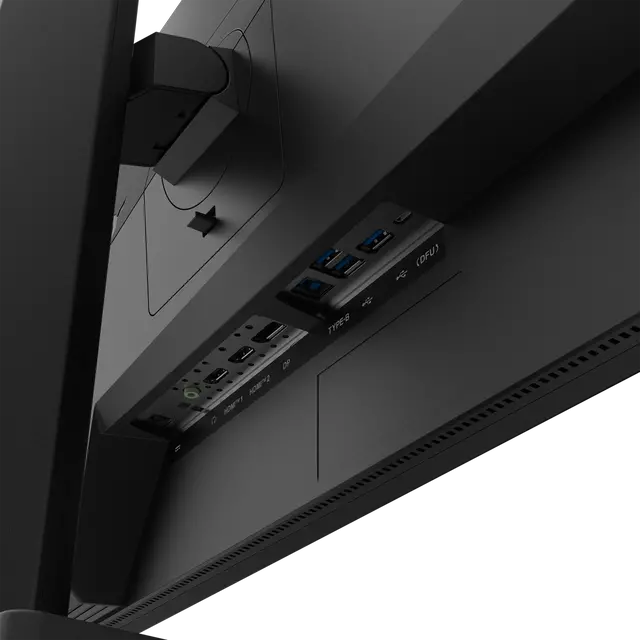
| Ports And Connectivity | 2 HDMI 2.1 ports, 1 DisplayPort 1.4a, and a USB 2.0 hub with 3 Type-A ports and 1 Type-B port |
| Stand And Ergonomics | Height adjustment from 0–130 mm, swivel from −30° to 30°, pivot from −90° to 90°, and tilt from −5° to 20° |
| Mounting | 100 × 100 mm VESA mount compatible |
| Power | 100–240 VAC, 50/60Hz |
| Included Accessories | DisplayPort 1.4a cable, HDMI 2.1 cable, USB Type-B-to-A cable, USB Micro-B-to-Type-A cable, power cord, AC adaptor, quick guide, and four VESA wall-mount screws |
| Model Identifiers | MSI MPG 272QRF X36; metallic black cabinet with RGB |
Q: Should I get the MSI MPG 272QRF X36 or a 1440p 180Hz IPS monitor?
A: Choose the MPG 272QRF X36 if you play competitive PC games and can use its 360Hz refresh rate and G-SYNC Pulsar motion-clarity feature with a compatible NVIDIA setup. A 1440p 180Hz IPS model such as MSI’s MAG 274QRF QD E2 is a more practical fit if 180Hz is sufficient or you value features such as USB-C with 65W charging. Both are 27-inch 1440p Rapid IPS monitors; the X36’s main gaming distinction is its higher refresh rate and Pulsar.
Q: MSI MPG 272QRF X36 or ASUS ROG Strix Pulsar XG27AQNGV?
A: Both are 27-inch 1440p, 360Hz IPS monitors with G-SYNC Pulsar, so they target a similar competitive-gaming experience. Choose the MSI if its listed connectivity, USB hub, and ergonomic stand suit your setup; compare current prices and the ASUS model’s specific features before deciding, rather than expecting a different resolution or refresh-rate class. G-SYNC Pulsar requires a compatible NVIDIA setup and DisplayPort on the MSI.
Q: Should I choose the MPG 272QRF X36 or MSI’s 500Hz QD-OLED X50?
A: Choose the MPG 272QRF X36 if you want an IPS display with G-SYNC Pulsar, which combines variable refresh rate and backlight strobing to reduce perceived motion blur. Choose the MPG 271QR QD-OLED X50 if you prioritize an OLED panel, its 500Hz refresh rate, and its specified 0.03ms response time. The X50 has the higher native refresh rate; Pulsar is the X36’s distinguishing motion-clarity feature, so the choice depends on panel preference and how you use the monitor.
Q: Is the MPG 272QRF X36 worth it if I mainly play on PS5 or Xbox?
A: For console-only gaming, its 360Hz refresh rate and G-SYNC Pulsar are primarily PC-focused features; the listed console mode supports up to 1440p at 120Hz with VRR. Consider the X36 if you also want a high-refresh-rate PC monitor or value its adjustable stand and USB hub. If you mainly need a display for console play at up to 120Hz, compare it with less specialized 1440p options.
Q: Will this monitor work with a PS5 or Xbox at 1440p and 120Hz?
A: Yes. Its HDMI 2.1 inputs support PS5 and Xbox Series X|S at up to 1440p and 120Hz with VRR. Console games run at the frame rates they support, so they will not use the monitor’s full 360Hz refresh rate.
Q: Does this monitor have built-in speakers?
A: No. The MPG 272QRF X36 does not have built-in speakers, so plan to use a separate audio device.
Q: What kind of PC is needed to take advantage of 360Hz?
A: To make full use of 360Hz, a PC and game need to produce up to 360 frames per second at 2560 × 1440. Actual frame rates depend on the graphics card, game, and settings; the monitor can still be used at lower frame rates.
Q: Is this monitor suitable for office work as well as gaming?
A: Yes. Its 27-inch 2560 × 1440 IPS display, wide stated viewing angles, and adjustable height, tilt, swivel, and pivot make it suitable for general office tasks and multitasking. Its 360Hz refresh rate is primarily useful for fast-paced gaming, and it has no built-in speakers.
Q: Who is the MSI MPG 272QRF X36 best suited for?
A: It is best suited to competitive PC gamers who prioritize fast motion and high refresh rates: it combines a 1440p IPS panel, 360Hz refresh rate, and G-SYNC Pulsar. Community discussion also highlights motion clarity as its main appeal. It is a less obvious fit if your priorities are deep blacks or HDR image quality.
Q: Is it worth choosing over an OLED monitor?
A: It may suit buyers who prioritize motion clarity or prefer an IPS display; one Reddit discussion also raises OLED burn-in as a consideration. OLED may be a better fit if deep blacks and image contrast matter more. The product information lists a 1,000:1 contrast ratio, and community reports describe its HDR as basic, so compare based on your priorities and the prices you find.
Q: Could G-SYNC Pulsar be uncomfortable if I’m sensitive to backlight strobing?
A: Possibly. A user discussing this monitor reported being unable to get used to the strobing and said they used the monitor with Pulsar off. If you know strobing bothers you, consider that the feature’s motion-clarity benefit may not be useful to you.
Q: Should I check the panel carefully for dead pixels or other defects?
A: Yes. Some Reddit owners report dead pixels or other panel defects on individual units, but those reports do not establish how common the issue is. Check the display soon after setup and review the retailer’s return policy before buying.


