




 here!
here!
I’m your shopping assistant for PC builds, upgrades, and everything tech.
Got questions? Ask away!
Start a conversation
here!
I’m your shopping assistant for PC builds, upgrades, and everything tech.
Got questions? Ask away!
Start a conversationShipped by Newegg
 Top Rated Top Rated




Any questions? Ask CelesteSM will help you find out quickly.


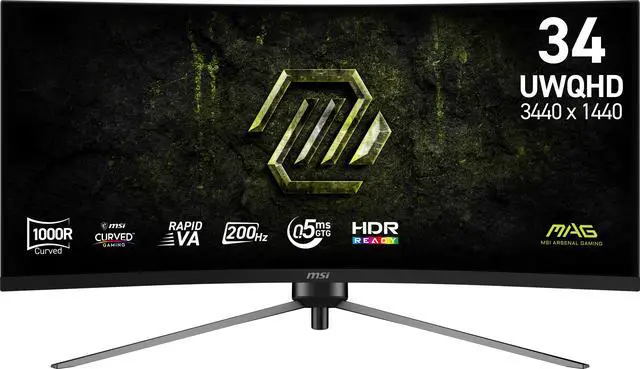
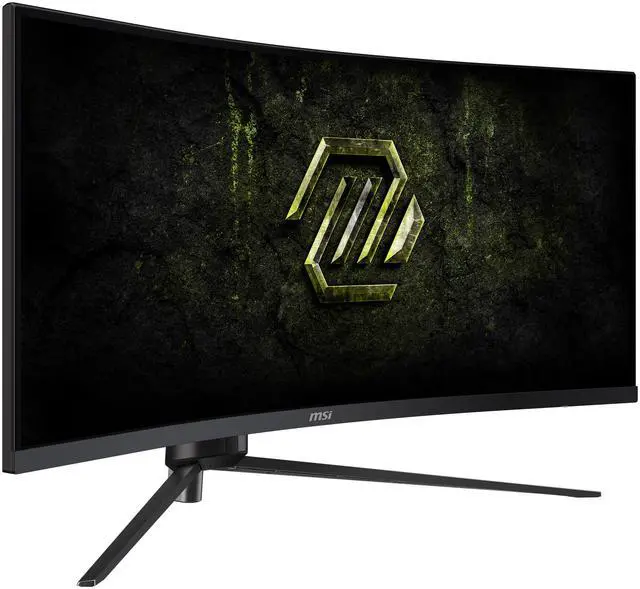
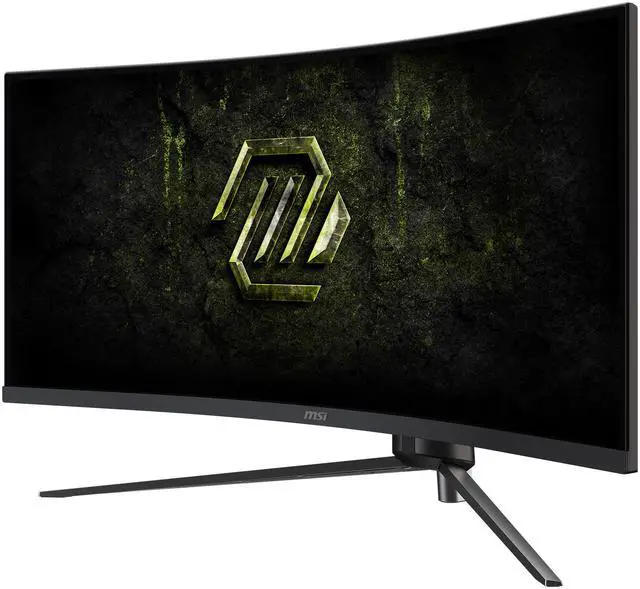
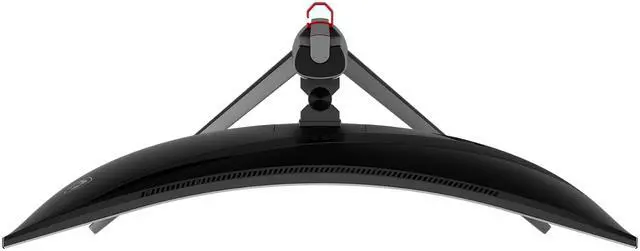
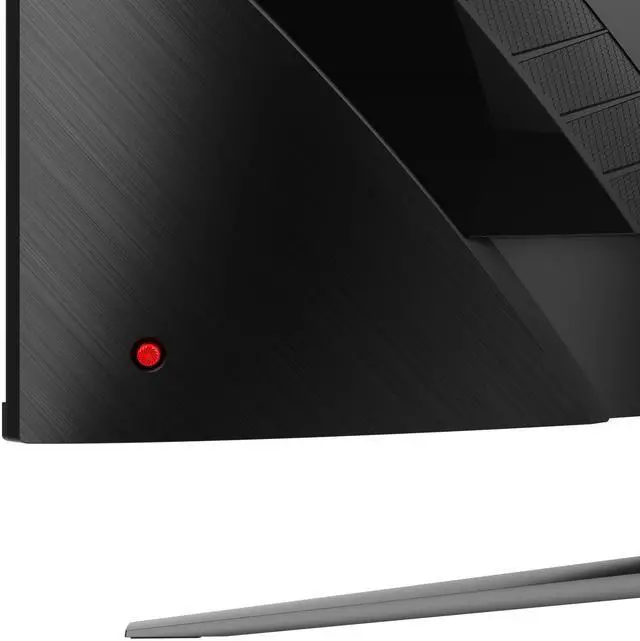
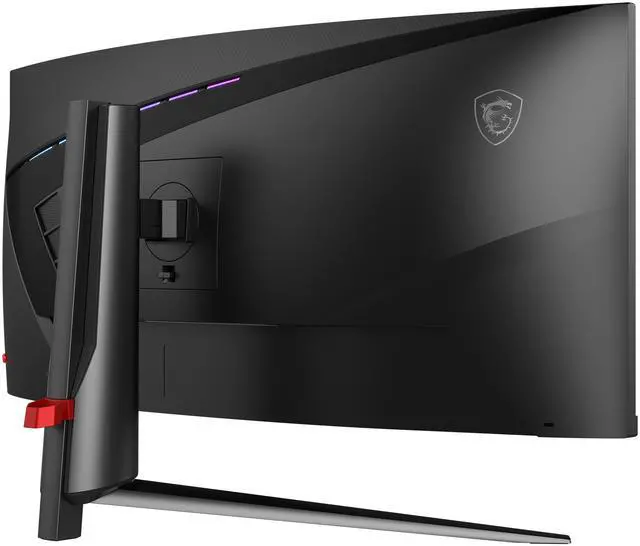
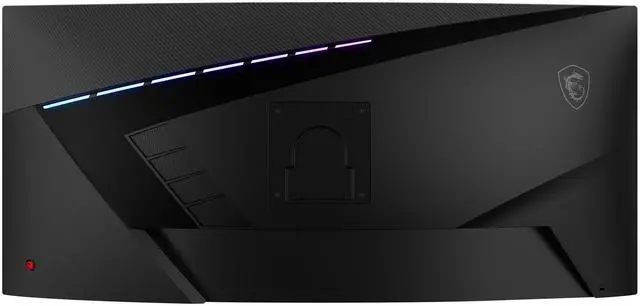
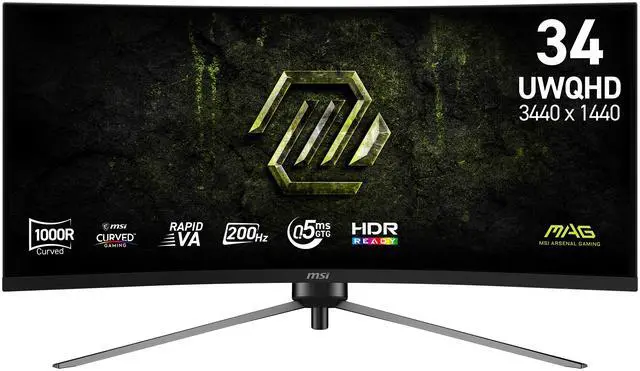
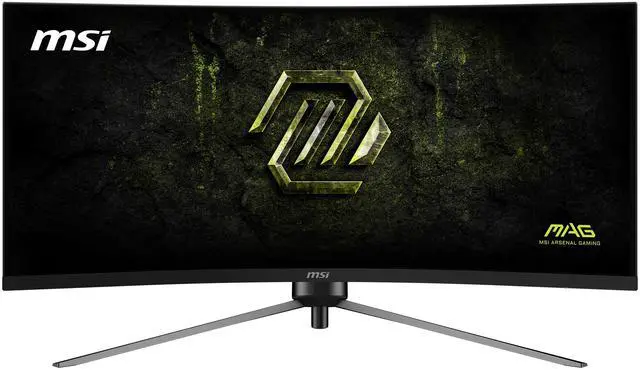
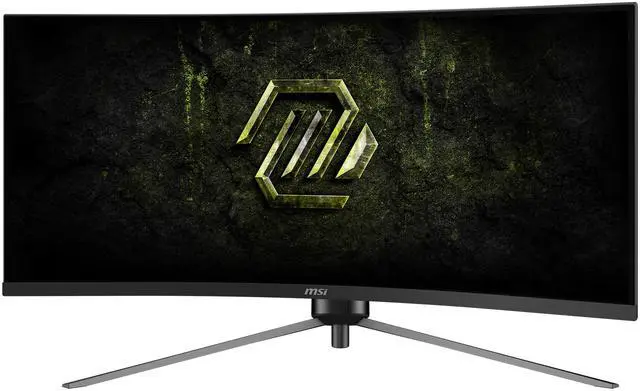
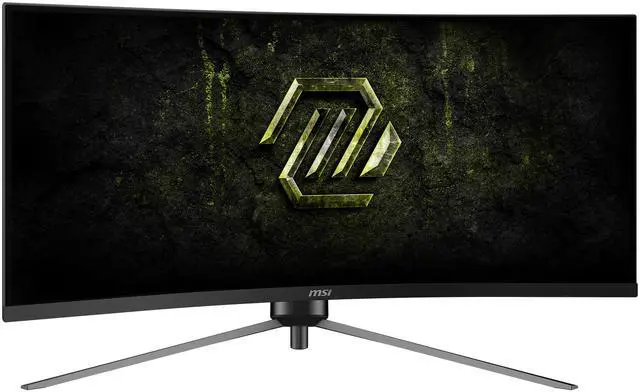
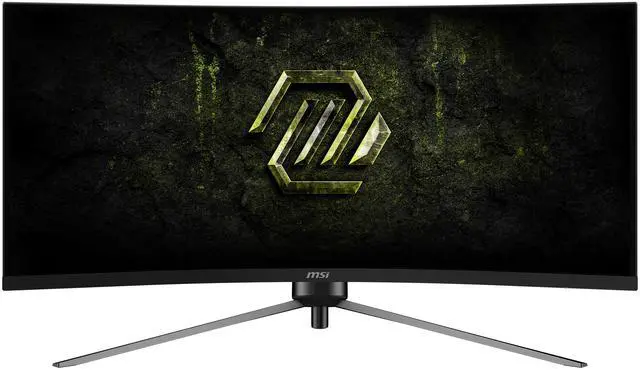
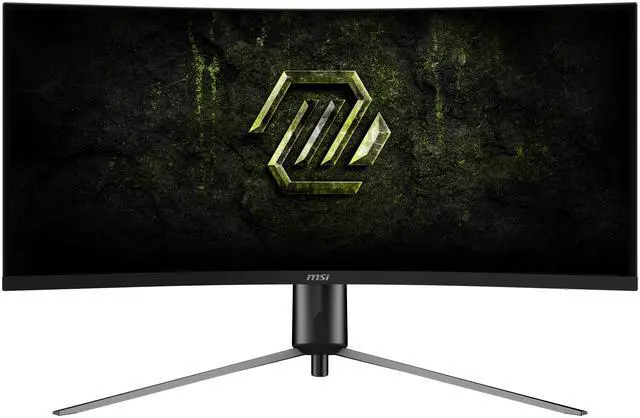
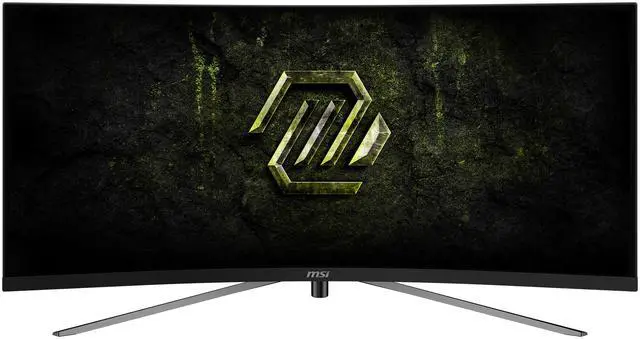
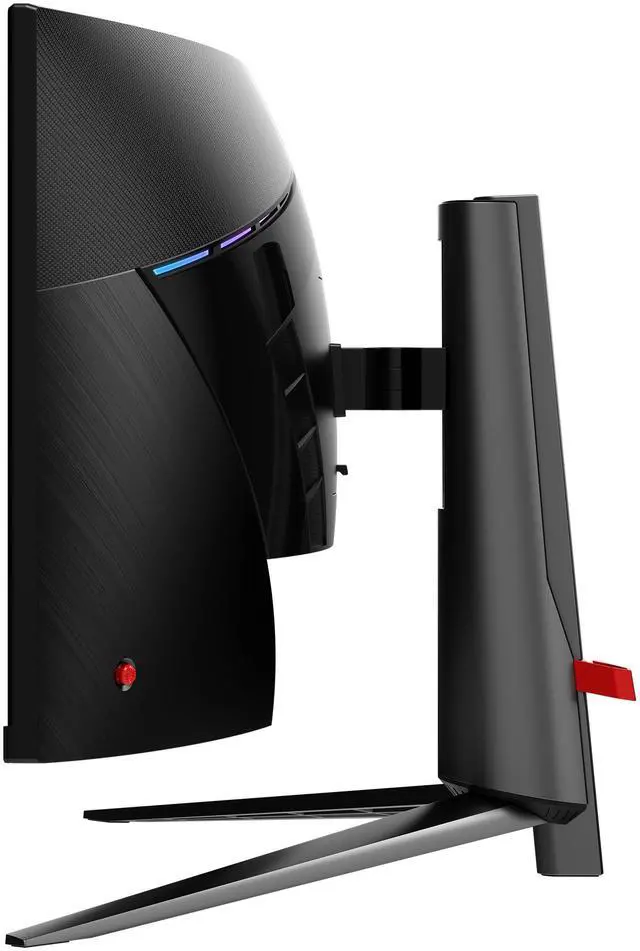
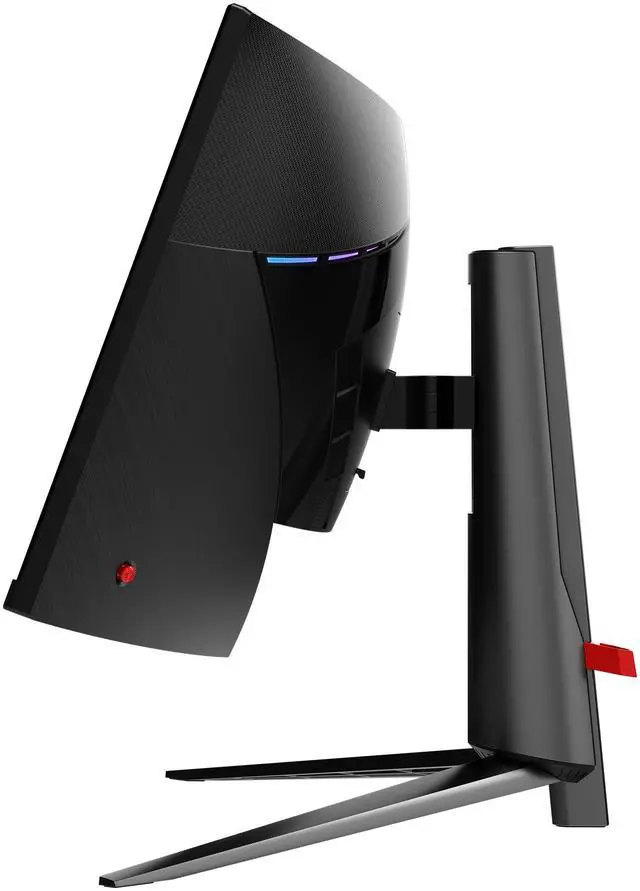
Equipped with an immersive, curved 34" UWQHD (3440 x 1440) Rapid VA panel (1000R) with 200 Hz refresh rate and 0.5ms response time, the MAG 345CQRF E20 curved gaming monitor provides a competitive edge over most opponents. The MAG 345CQRF E20 features Adaptive Sync technology, which matches the display & GPU refresh rates for ultra-smooth gameplay, and a 3-way adjustable stand.

Designed for immersive yet competitive gaming the monitor boasts a 1000R (1000mm radius) curvature for a more encompassing 34-inch UWQHD (3440 x 1440) experience at standard viewing distance.

Experience smoother movement & tracking with a high 200 Hz refresh rate, and unlock the full potential of premium GPU & memory hardware. An incredibly low 0.5ms response time dramatically reduces monitor blurring, and is essential for fast-paced games.

MSI monitors are optimized with Less Blue Light* Technology to provide a superior viewing experience.
* TÜV Rheinland Low Blue Light (Software Solution) Certificate: Q 50663685 2025-03-11

HDR Ready monitors produce superior detail in darker regions with realistic dynamic contrast that mimics the human eye in the real world.
* sRGB and DCI-P3 follow CIE1976 standard

Anti-Flicker technology* provides a superior viewing experience by reducing the amount of flicker, unlike generic monitors that typically display with a flicker-rate of about 200-times** per second.
* TÜV Rheinland Flicker Free Certificate: Q 50663685 2025-03-11
** Although unnoticeable to the naked eye, this can cause fatigue over time.

MSI AI Vision enriches details in dark areas and optimizes brightness and colors.
HDMI™ CEC Profile Sync supports multiple devices and can automatically detect device settings.

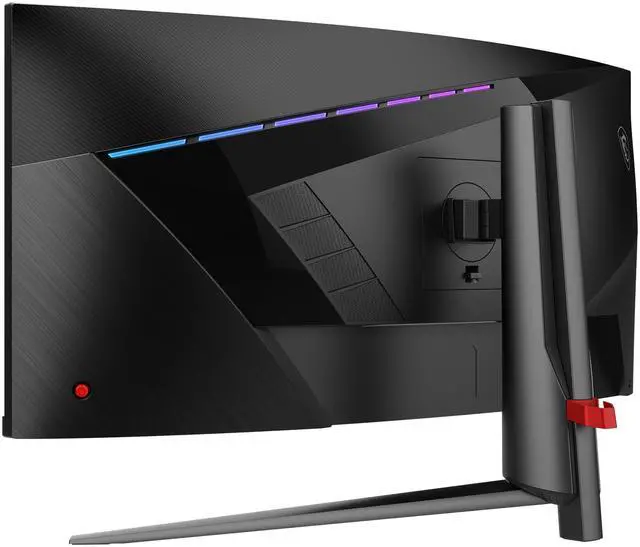
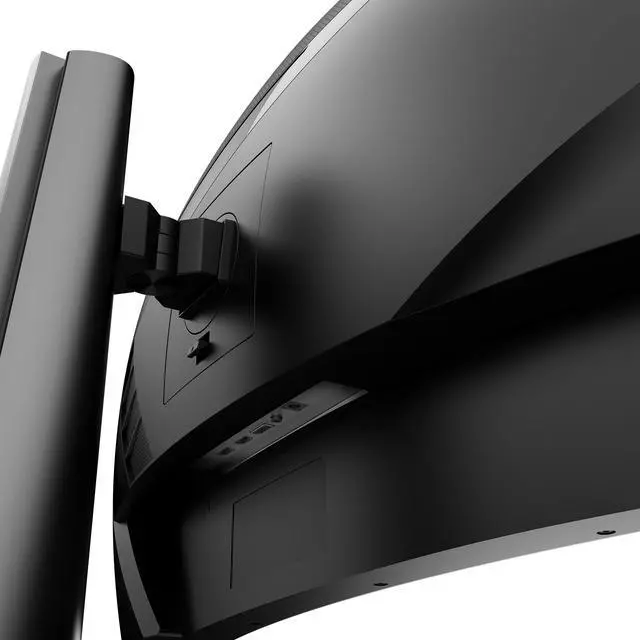
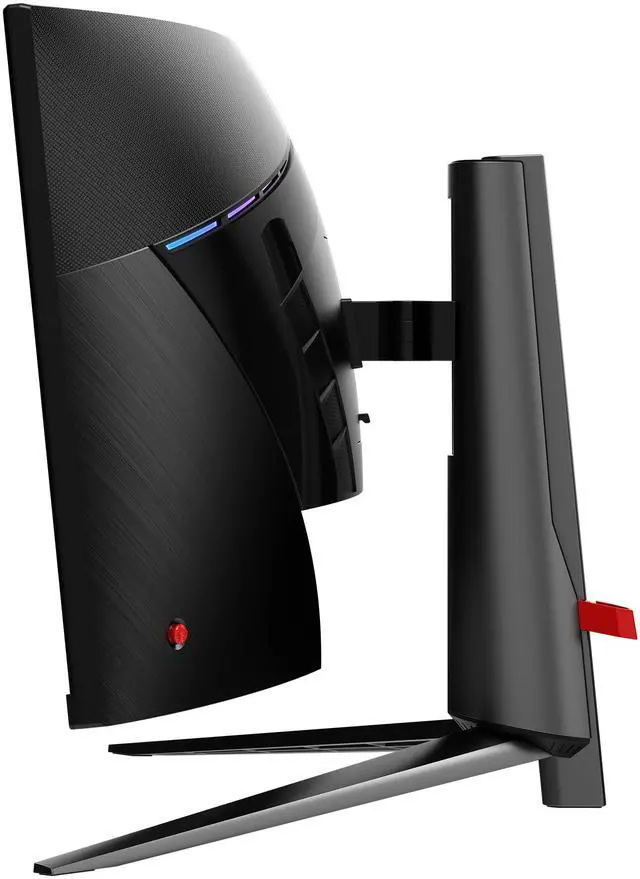
The monitor frame features a 3-way adjustable Stand:

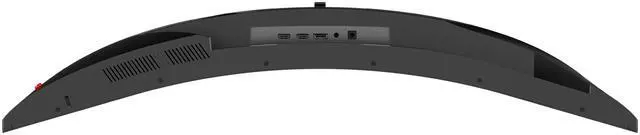
PC console & laptop interface options include:
The MSI MAG 345CQRF E20 is a 34-inch 3440 × 1440 curved ultrawide gaming monitor with a 200Hz refresh rate, 0.5ms GTG response time, and Adaptive Sync, suited to PC gamers seeking smooth, wide-screen play.
| Attribute | Value |
|---|---|
| Best For | Gaming on a large curved ultrawide display, with a 21:9 aspect ratio and 200Hz refresh rate |
| Panel And Resolution | 34-inch Rapid VA UWQHD display with 3440 × 1440 resolution, 1000R curvature, non-glare matte finish, 178° horizontal and vertical viewing angles, 300 cd/m² brightness, 3500:1 contrast, 16.7 million colors, 88% sRGB gamut, and 0.2317 mm pixel pitch |
| Refresh Rate And Response | 200Hz refresh rate, 0.5ms GTG response time, HDR Ready, and Adaptive Sync with FreeSync support |
| Ports And Connectivity | Two HDMI 2.0b ports and one DisplayPort 1.4a |
| Stand And Ergonomics | Stand adjusts 0–100 mm in height, tilts -5° to 20°, swivels -30° to 30°, and pivots -1.5° to 1.5°; supports 100 × 100 mm VESA mounting |
| Power | External power adaptor; 65W operating power consumption and less than 0.5W in power-saving or off mode |
| Built-In Features | AI Vision picture enhancement; no built-in speakers or webcam |
| Dimensions And Weight | 31.3 × 16.3 × 13.07 inches with stand and 31.3 × 14.2 × 6.15 inches without stand; 17.09 lb (7.75 kg) |
| Included Accessories | Power cord and DisplayPort cable |
| Model Identifiers | MSI MAG 345CQRF E20; model name MAG345CQRFE20 |
Q: MSI MAG 345CQRF E20 vs. MAG 345CQR: what changed?
A: Choose the MAG 345CQRF E20 if you want the higher listed refresh rate: it supports up to 200Hz, compared with 180Hz for the MAG 345CQR. Both are 34-inch, 3440 × 1440 curved VA monitors with a 1000R curve. The E20 is a modest refresh-rate step up, rather than a change in screen size or resolution.
Q: Is the MSI MAG 345CQRF E20 worth choosing over the Gigabyte GS34WQC?
A: Choose the MSI if you want a higher maximum refresh rate: it supports 200Hz, while the Gigabyte GS34WQC supports 120Hz natively or 135Hz overclocked. Both offer a 34-inch 3440 × 1440 VA ultrawide, but the MSI also lists swivel adjustment; the Gigabyte’s stand has height and tilt adjustment. The Gigabyte may suit buyers who do not need the MSI’s higher refresh-rate ceiling.
Q: Should I get the MSI MAG 345CQRF E20 or a 34-inch OLED ultrawide?
A: Choose the MSI if you prefer a Rapid VA panel and want to avoid OLED burn-in concerns from prolonged static desktop elements. Consider an OLED such as the Alienware AW3426DW if you prioritize OLED’s near-instantaneous pixel response and can accept its higher-end feature set and OLED-specific care considerations. The Alienware is also 3440 × 1440, but supports up to 280Hz versus the MSI’s 200Hz.
Q: Is a 34-inch 200Hz ultrawide like the MSI MAG 345CQRF E20 harder to run than a 27-inch 1440p monitor?
A: Yes. The MSI’s 3440 × 1440 display has about 34% more pixels per frame than a 2560 × 1440 display, so a graphics card generally has to render more pixels to reach the same frame rate. Choose the MSI for the wider 21:9 view and up to 200Hz; choose a 27-inch 1440p monitor if you want a lower rendering workload or prefer the standard 16:9 format.
Q: Is this monitor suitable for gaming?
A: It is designed for gaming, with a 3440 × 1440 ultrawide display, a 200Hz refresh rate, 0.5ms GTG response time, and Adaptive Sync. To use the full refresh rate, the computer, graphics card, connection, and settings must support it.
Q: Does it have built-in speakers or a webcam for video meetings?
A: No. The monitor has neither built-in speakers nor a webcam, so plan to use separate audio equipment and a webcam for video meetings.
Q: Is it useful for office work and multitasking?
A: Yes. Its 34-inch, 21:9, 3440 × 1440 screen provides room to keep multiple windows, such as documents and spreadsheets, open side by side. It has HDMI and DisplayPort inputs, but the listed specifications do not include USB-C or a built-in webcam.
Q: Can I mount it on a monitor arm?
A: Yes. It supports VESA 100 × 100mm mounting, so it can be attached to a compatible arm or wall mount. Check that the mount supports the monitor’s size and weight.
Q: Is the MSI MAG 345CQRF E20 suitable for both work and gaming?
A: It may suit someone who wants a 34-inch, 21:9 workspace and high-refresh gaming on one display. A Reddit buyer specifically asked about using it for work and PlayStation gaming, but the discussion offers little hands-on evidence. Note that the monitor has no built-in speakers, and its HDMI inputs support lower refresh rates than DisplayPort according to the product specifications.
Q: What are the trade-offs of this monitor’s Rapid VA panel?
A: The Reddit discussion identifies the main consideration: VA panels are often chosen for deeper blacks and higher contrast, while IPS may be preferable for viewing angles, color accuracy, or motion handling. This model’s listed 3500:1 contrast ratio may appeal to buyers prioritizing contrast, but the discussion does not establish how this specific monitor performs in those areas.
Q: Is motion smearing a concern on the MAG 345CQRF E20?
A: The available Reddit discussion raises smearing as a buying concern but does not provide a clear user-tested answer. The product is a Rapid VA monitor with a listed 0.5 ms GTG response time; those specifications alone do not confirm real-world smearing performance. If motion clarity is a priority, look for hands-on testing or buy from a retailer with a suitable return policy.


