




 here!
here!
I’m your shopping assistant for PC builds, upgrades, and everything tech.
Got questions? Ask away!
Start a conversation
here!
I’m your shopping assistant for PC builds, upgrades, and everything tech.
Got questions? Ask away!
Start a conversationShipped by Newegg
 Top Rated





Any questions? Ask CelesteSM will help you find out quickly.


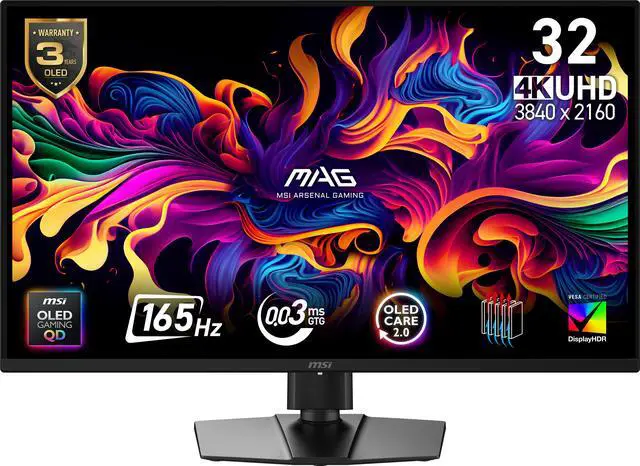
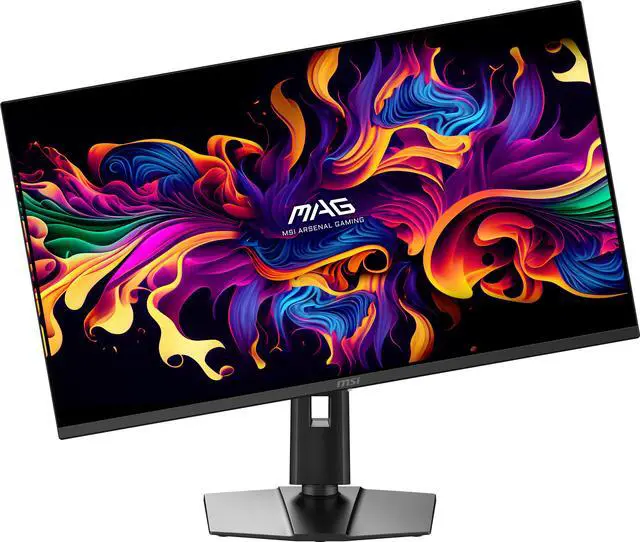
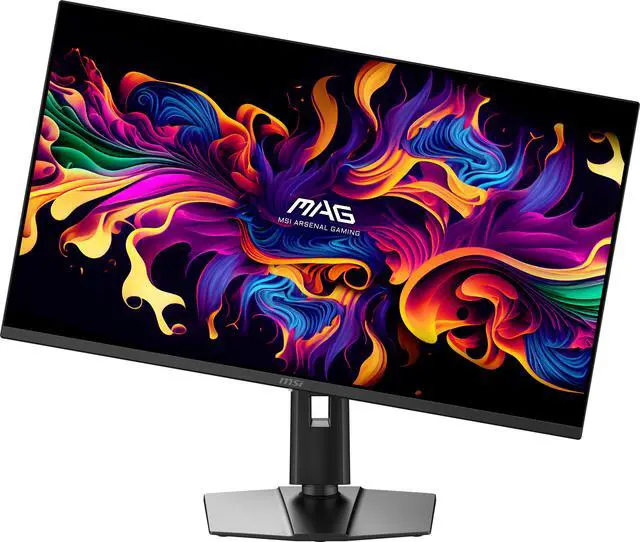
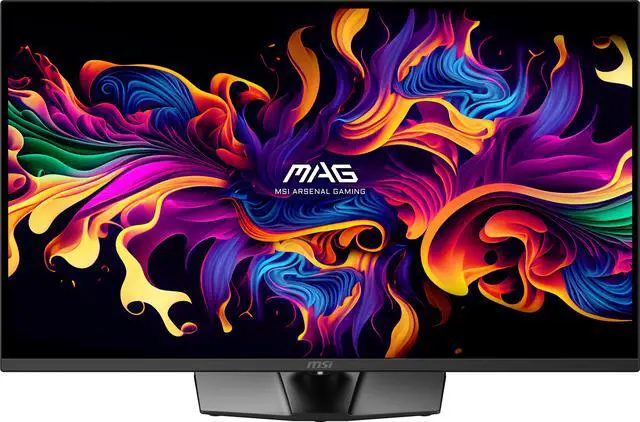
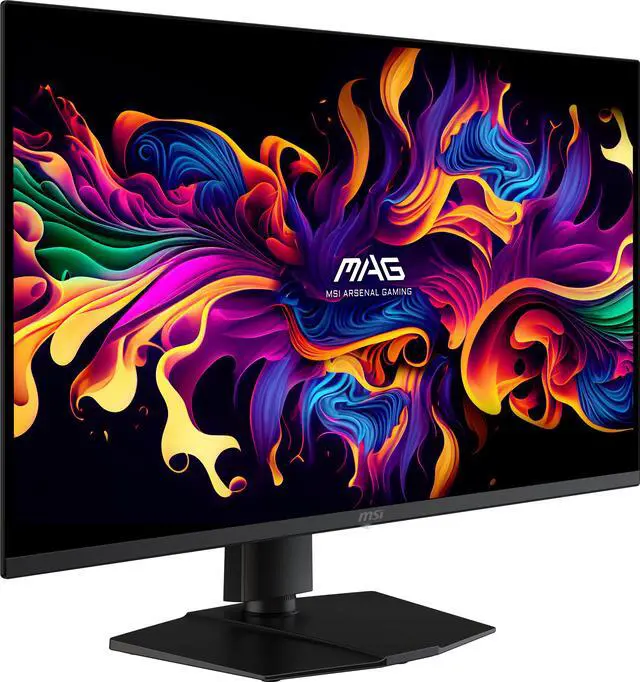
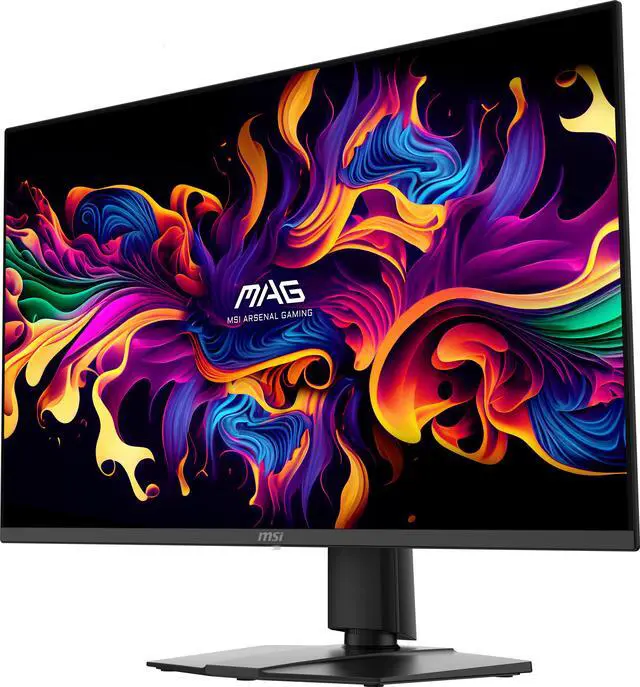
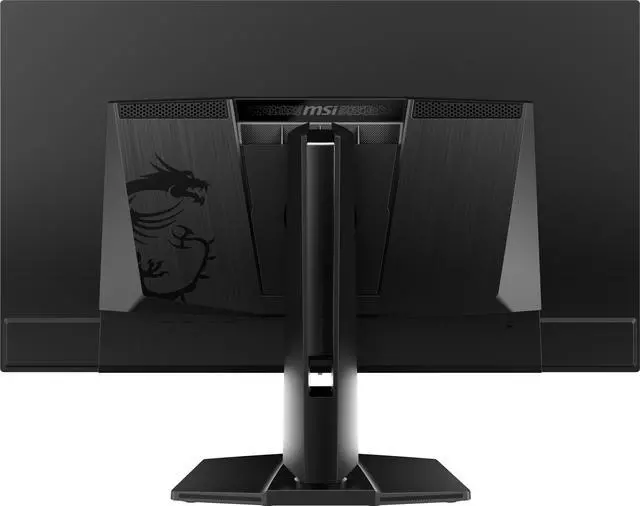
Equipped with a 31.5" 4K UHD (3840 x 2160) QD-OLED panel with a high 165Hz refresh rate & an ultra-low 0.03 ms response time, the MAG 322UP QD-OLED E16 provides a competitive edge & outstanding image quality. The MAG 322UP QD-OLED E16 features Quantum Dot technology, an elite color gamut (1.07 billion colors, 98% Adobe RGB / 138% sRGB / 99% DCI-P3 ), VESA DisplayHDR True Black 400 dynamic contrast & brightness and a 4-way adjustable stand.

The latest generation of MSI QD-OLED gaming monitors feature an improved sub-pixel arrangement with sharper images, finer details, and clearer text.
The large 31.5" screen (80.01cm) supports 178° wide viewing angles with minimal color shift when viewed from different angles.
An anti-reflective surface coating design reduces glare from direct & ambient environmental light.

Experience smoother movement & tracking with a high 165 Hz refresh rate, and unlock the full potential of premium GPU & memory hardware.
An incredibly low 0.03ms (GtG) response time dramatically reduces monitor blurring, and is essential for fast-paced games.

VESA Certified DisplayHDR True Black 400 monitors produce a consistently higher brightness range as well as superior detail in darker regions.
Enjoy realistic dynamic contrast by OLED pixel dimming control that mimics the human eye in the real world:

An incredible VESA ClearMR 10000 certification indicates a superb motion clarity score*.
A dynamically engineered layer of nanoparticles enhances both the colors & luminance of the curved QD-OLED panel display.
* VESA ClearMR represents blur performance based on the ratio of clear pixels versus blurry pixels as a percentage.

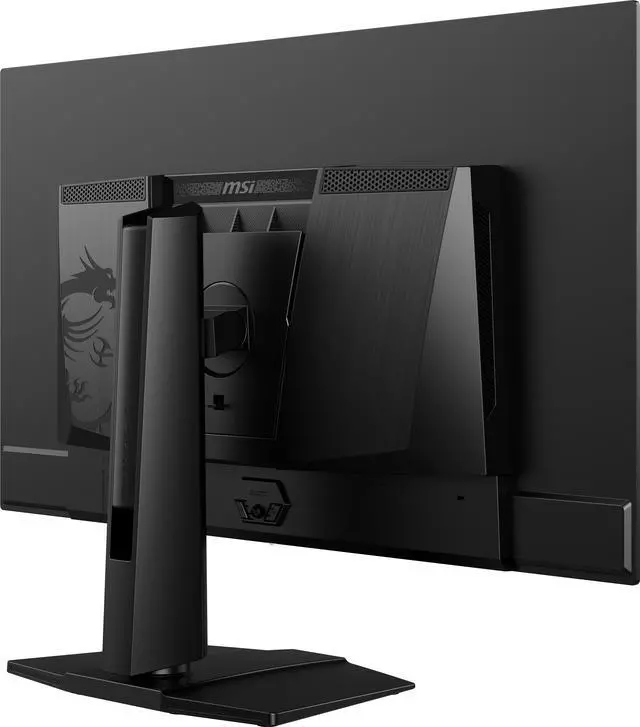
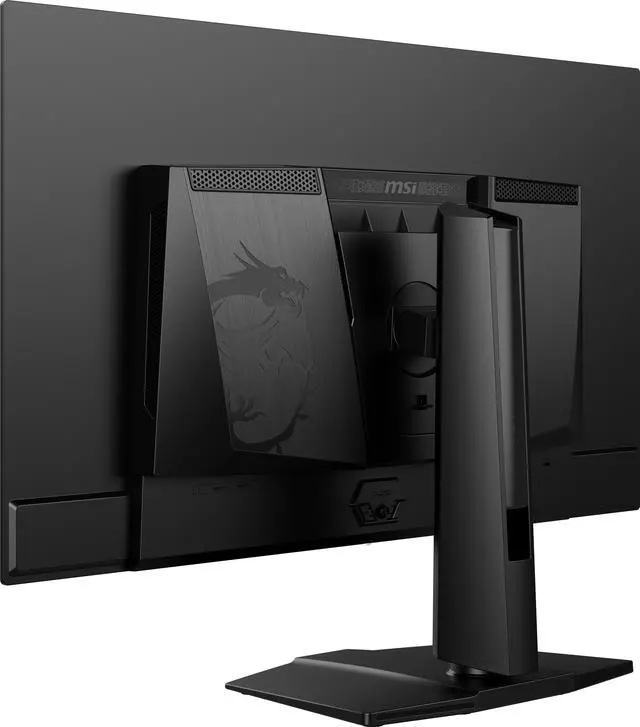
New QD-OLED panels feature Graphene film for exceptional thermal conductivity. With custom heatsinks, the monitor operates fanlessly, achieving efficient heat dissipation.

MSI OLED Care 2.0* provides several care services and significantly reduce the chances of OLED screen burn-in. (Boundary Detection, Taskbar Detection, Multi-Logo Detection).
MSI guarantees a 3-year warranty on OLED panels. Our 3-year warranty extends beyond typical coverage—it includes protection against the burn-in issue.
* OLED Care 2.0 expands on the original OLED Care with static Multi-Logo & Taskbar Detection, as well as Image Boundary Luminance Calibration.

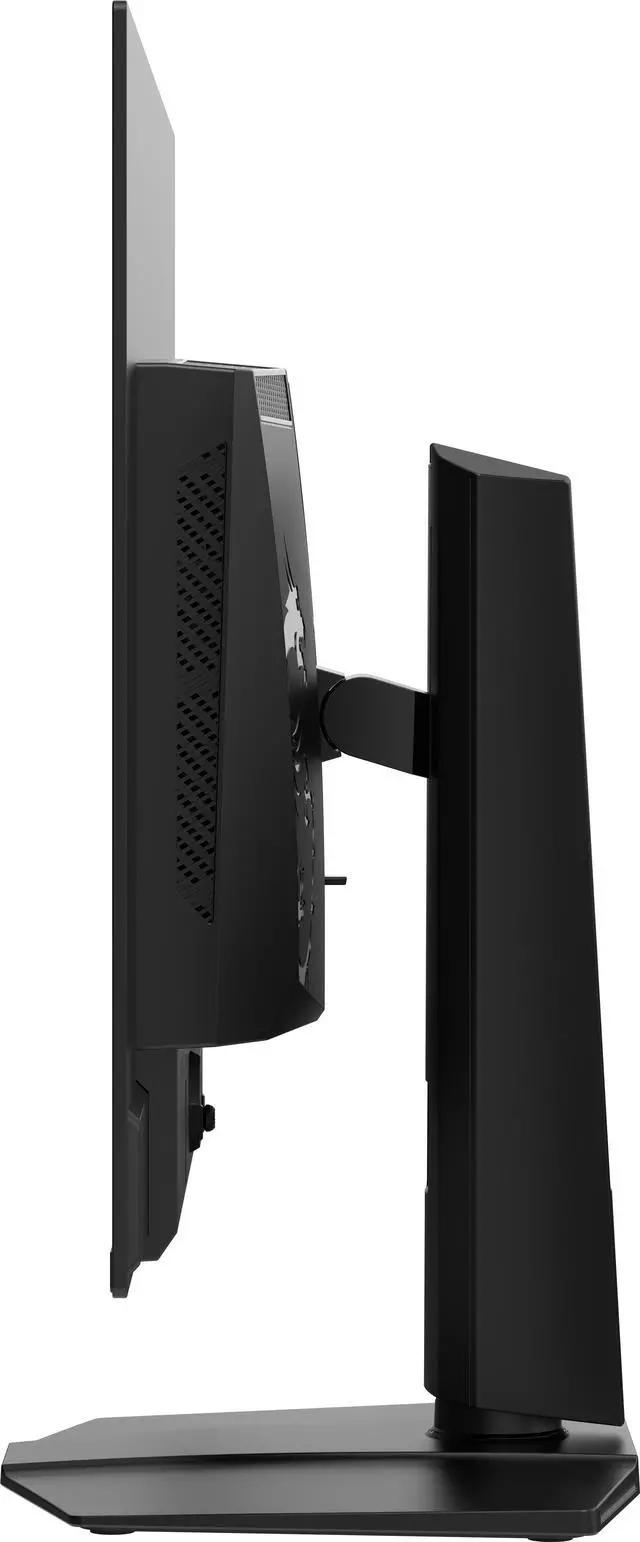
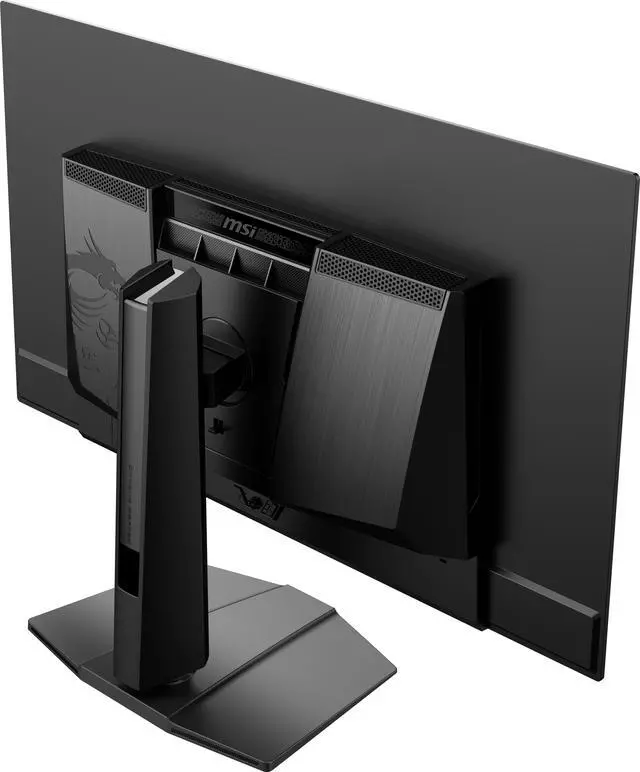
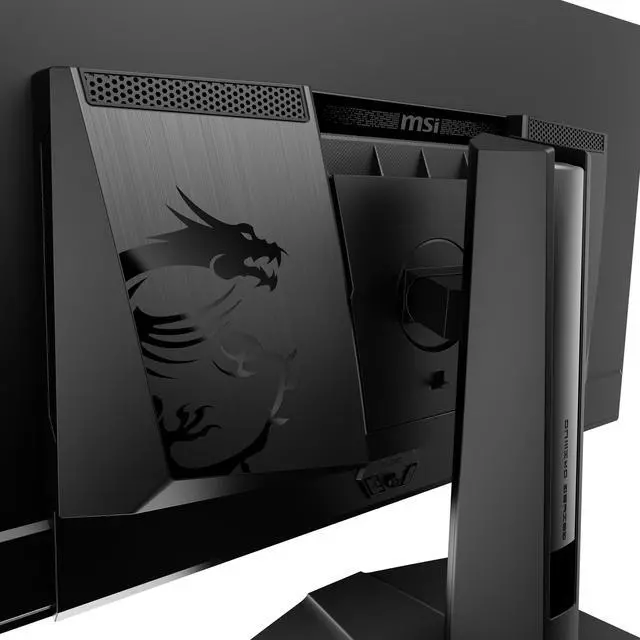
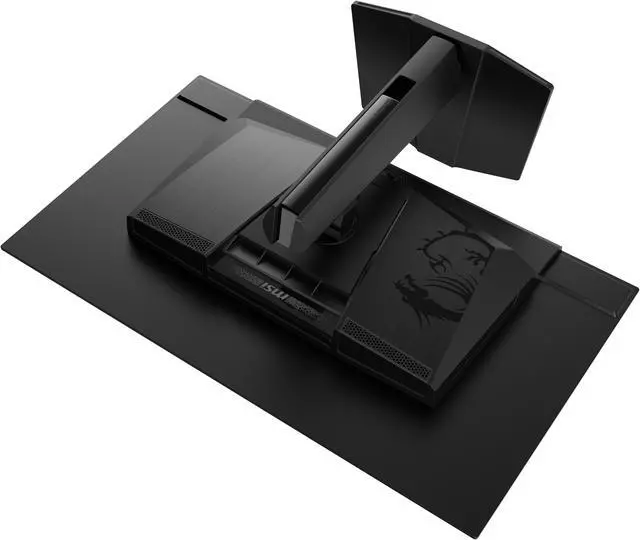
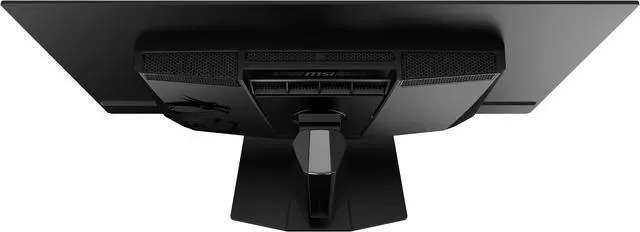
The monitor frame features a 4-way adjustable Stand:
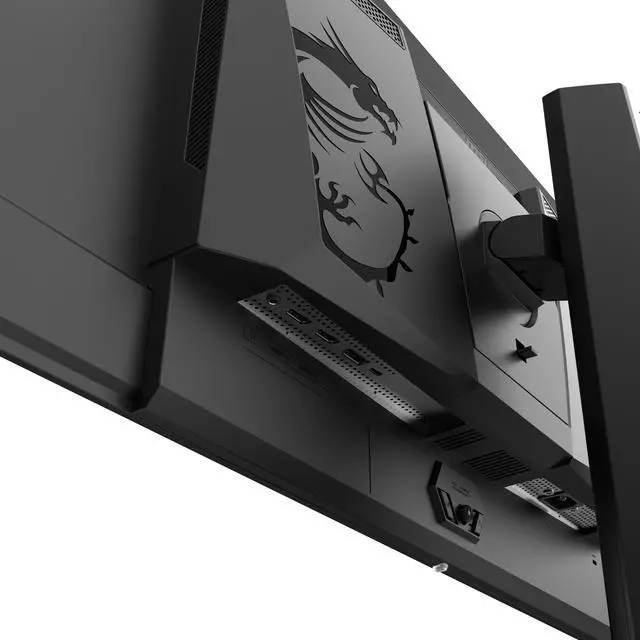
The MAG 322UP QD-OLED E16 supports a standard 100mm VESA-mount*
* Enjoy a cleaner desktop and superior cable management with the MSI VESA Arm MT81 (not included).

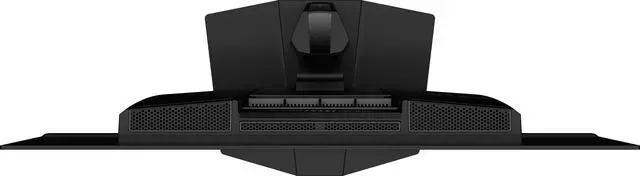
Display Connectivity:
The MSI MAG 322UP QD-OLED E16 is a 31.5-inch 4K OLED gaming monitor with a 165Hz refresh rate, 0.03ms response time, and FreeSync Premium Pro and G-Sync Compatible support, suited to gamers seeking a sharp, responsive large-screen display.
| Attribute | Value |
|---|---|
| Best For | Gaming on a 31.5-inch 4K QD-OLED display with a 165Hz refresh rate and adaptive sync |
| Panel And Resolution | 31.5-inch flat OLED/QD-OLED panel with 3840 × 2160 UHD 4K resolution, 16:9 aspect ratio, anti-glare screen, 178° horizontal and vertical viewing angles, and 0.1814 mm pixel pitch |
| Refresh Rate And Response | 165Hz refresh rate, 0.03ms response time, and AMD FreeSync Premium Pro with NVIDIA G-SYNC compatibility |
| Picture Quality | 250 cd/m² brightness, 1,500,000:1 contrast ratio, DisplayHDR True Black 400, 1.07 billion colors, Adobe RGB 98%, DCI-P3 99%, and sRGB 138% |
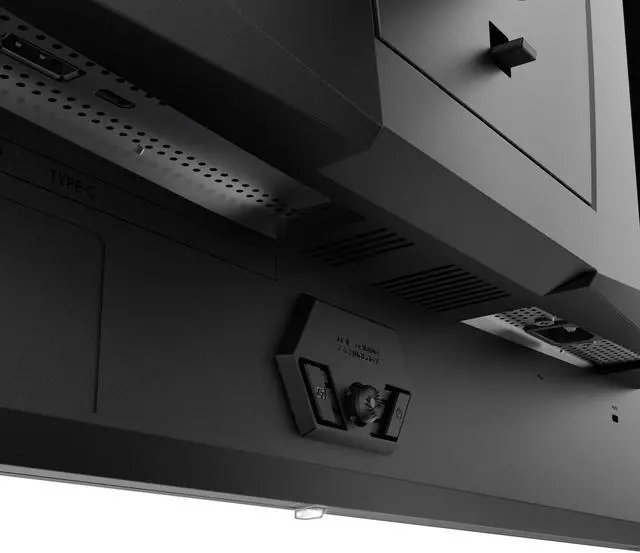
| Ports And Connectivity | 1 DisplayPort 1.4a, 1 USB-C port with DisplayPort Alt Mode, 2 HDMI 2.1 ports, and 1 headphone-out |
| Stand And Ergonomics | Stand adjusts for height, pivot, swivel, and tilt |
| Mounting And Dimensions | 100 × 100 mm VESA mount compatibility; measures 23.38 × 28.31 × 9.52 inches with stand and 16.47 × 28.31 × 2.73 inches without stand; weighs 16.98 lb |
| Design And Built-In Features | Black cabinet with a three-sided thin-frame bezel; no built-in speakers or webcam |
| Power | Internal power board rated for 100–240V, 50/60Hz |
| Model Identifiers | MSI MAG 322UP QD-OLED E16; part number MAG 322UP QD-OLED E16 |
Q: Should I get the MSI MAG 322UP E16 or the higher-end MPG 322UR QD-OLED X24?
A: Choose the MPG 322UR X24 if you want up to 240Hz at 4K, DisplayPort 2.1a, or USB-C charging up to 98W. Choose the MAG 322UP E16 if 165Hz is sufficient and you do not need those connectivity upgrades; both are 31.5-inch 4K QD-OLED monitors. The MPG model also specifies a newer Tandem QD-OLED panel and DisplayHDR True Black 500, compared with the MAG’s 165Hz and True Black 400.
Q: Is the MAG 322UP E16 a meaningful upgrade over the MAG 321UP?
A: Not on the core display specifications identified in the available comparison: both are reported to use a Gen 3 QD-OLED panel with 4K resolution and a 165Hz refresh rate, and the compared datasheets showed no differences. Consider the 322UP E16 if it is the better-priced or more readily available option, rather than expecting a clear performance upgrade over the 321UP.
Q: Should I choose the 32-inch MAG 322UP E16 or the 27-inch MAG 272UP E16?
A: Choose the 32-inch MAG 322UP E16 if you prefer a larger viewing area for games and media. Choose the 26.5-inch MAG 272UP E16 if desk space is tighter or you prefer a smaller screen: it keeps the 4K resolution and 165Hz refresh rate, while offering higher pixel density at its smaller size. MSI lists the 272UP with a 4th-generation Tandem QD-OLED panel and Uniform Luminance features, so compare features as well as screen size.
Q: Is this monitor suitable for both gaming and everyday work?
A: Yes. Its 4K resolution, 31.5-inch screen and adjustable stand can suit office tasks, while its 165Hz refresh rate, 0.03ms response time and adaptive-sync support target gaming. Because it uses an OLED panel, consider whether long sessions with static desktop elements fit your usage; the product information does not specify burn-in protection details.
Q: Is this a good choice if I use my monitor for work all day?
A: It can handle work tasks, but it is an OLED gaming monitor rather than a display specifically designed for all-day office use. Its 4K resolution and ergonomic adjustments may suit productivity; if your work keeps fixed interface elements on screen for long periods, factor in the general OLED concern about image retention or burn-in.
Q: Does it have built-in speakers?
A: No. The monitor has no built-in speakers. It does include a headphone output, so use headphones or connect separate audio equipment for sound.
Q: Can I connect a laptop through USB-C, and will it charge?
A: The monitor’s USB-C port supports DisplayPort Alt Mode video input. The provided specifications do not state that it supplies laptop charging, so do not assume it will charge a connected laptop.
Q: Is 165Hz enough, or is 240Hz worth choosing instead?
A: The MAG 322UP QD-OLED E16 is a 4K, 165Hz monitor. A user reviewing this model said 165Hz suited their PC and games; another 322UP owner also said they did not expect to need more than 165Hz. If your priority is a refresh rate above 165Hz, this model does not provide it.
Q: Is 32-inch 4K a worthwhile upgrade from 32-inch 1440p?
A: It may suit you if you want a sharper 4K image on a 32-inch screen and want OLED. One 322UP owner upgrading from a 32-inch 1440p IPS monitor said they preferred the 4K image and its perceived sharpness. That is a personal report, not a guarantee that every user will notice the same difference.
Q: Is this QD-OLED a good choice for daytime use and HDR?
A: The available user reports do not establish a consistent HDR brightness result. One 322UP owner reported raised-looking blacks during the daytime and preferred using the monitor at night. The product is rated DisplayHDR True Black 400, but that rating alone does not answer whether its brightness will suit your room; consider your lighting conditions and viewing preferences.


