




 here!
here!
I’m your shopping assistant for PC builds, upgrades, and everything tech.
Got questions? Ask away!
Start a conversation
here!
I’m your shopping assistant for PC builds, upgrades, and everything tech.
Got questions? Ask away!
Start a conversationShipped by Newegg


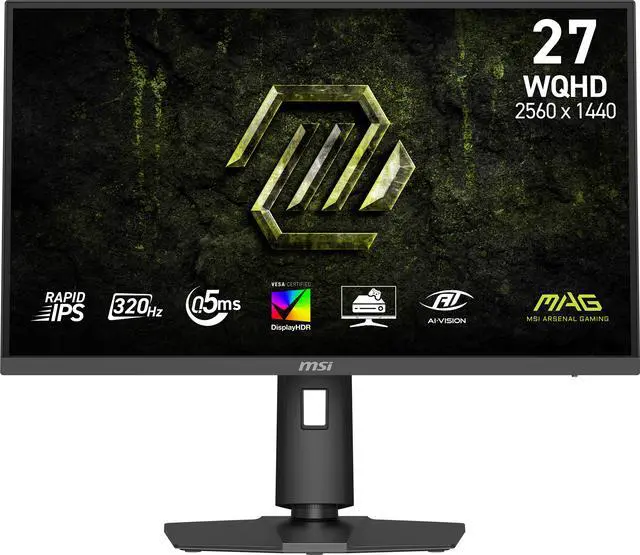
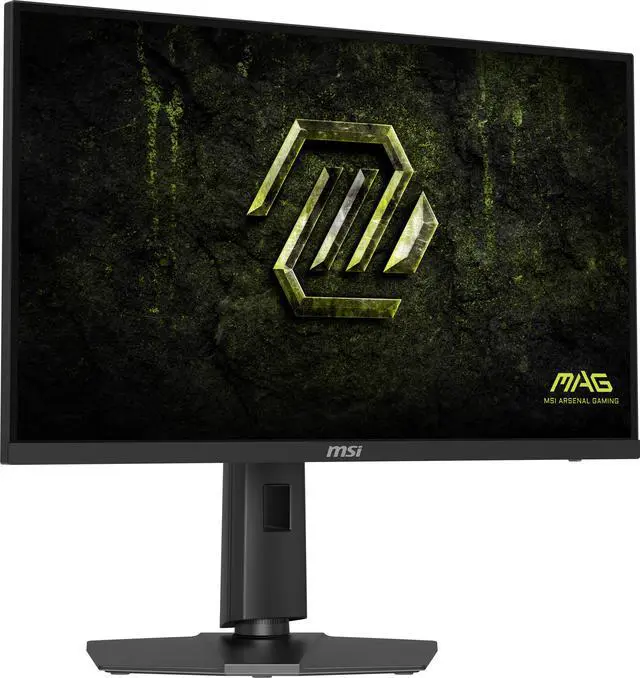
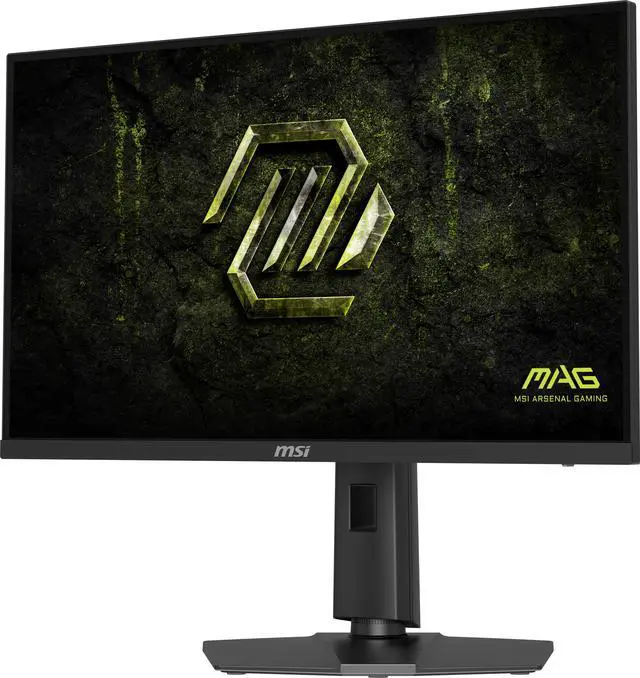
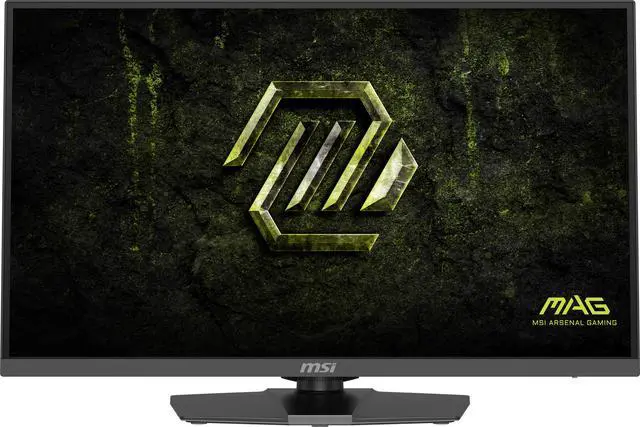
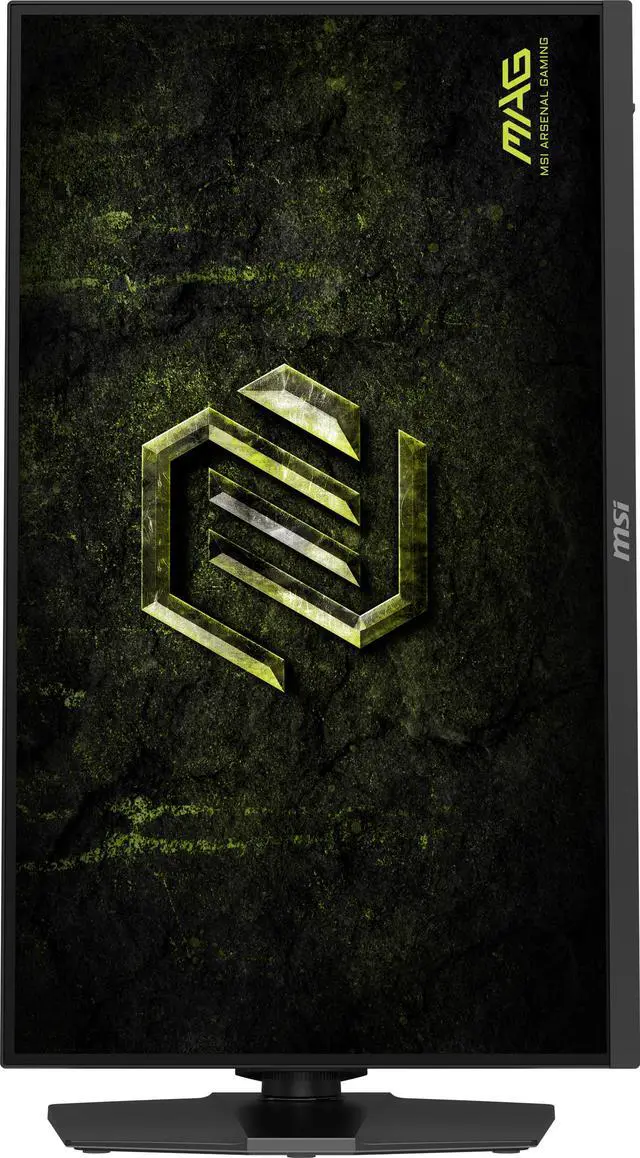
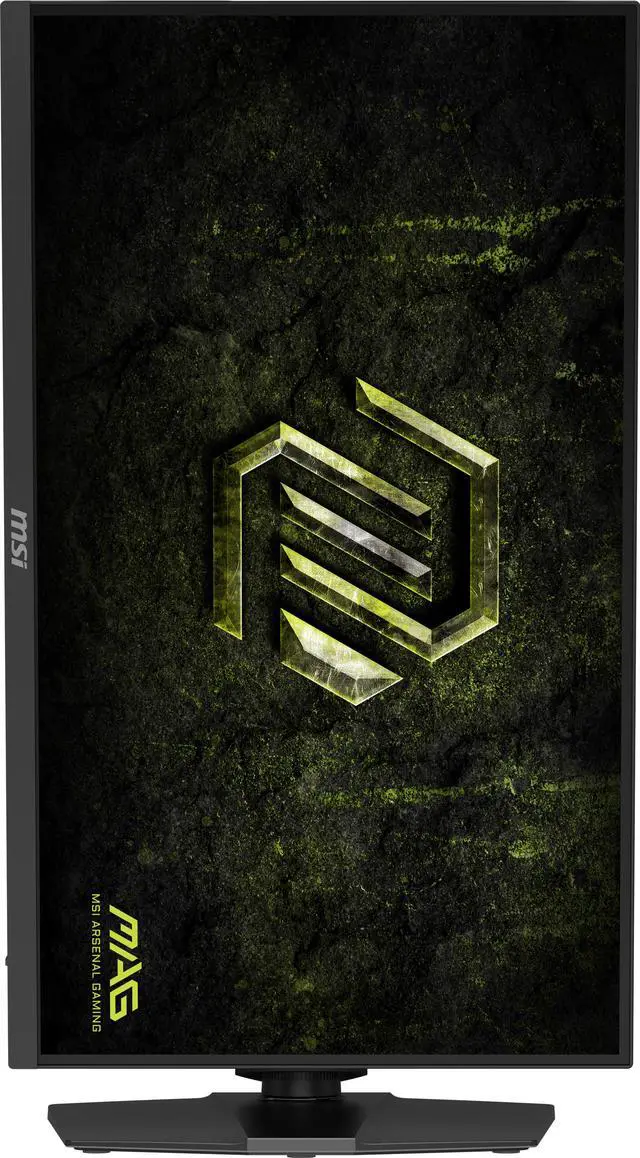
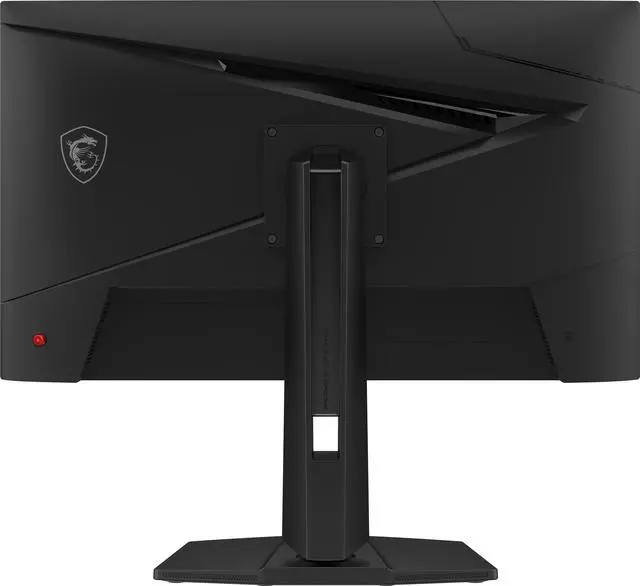
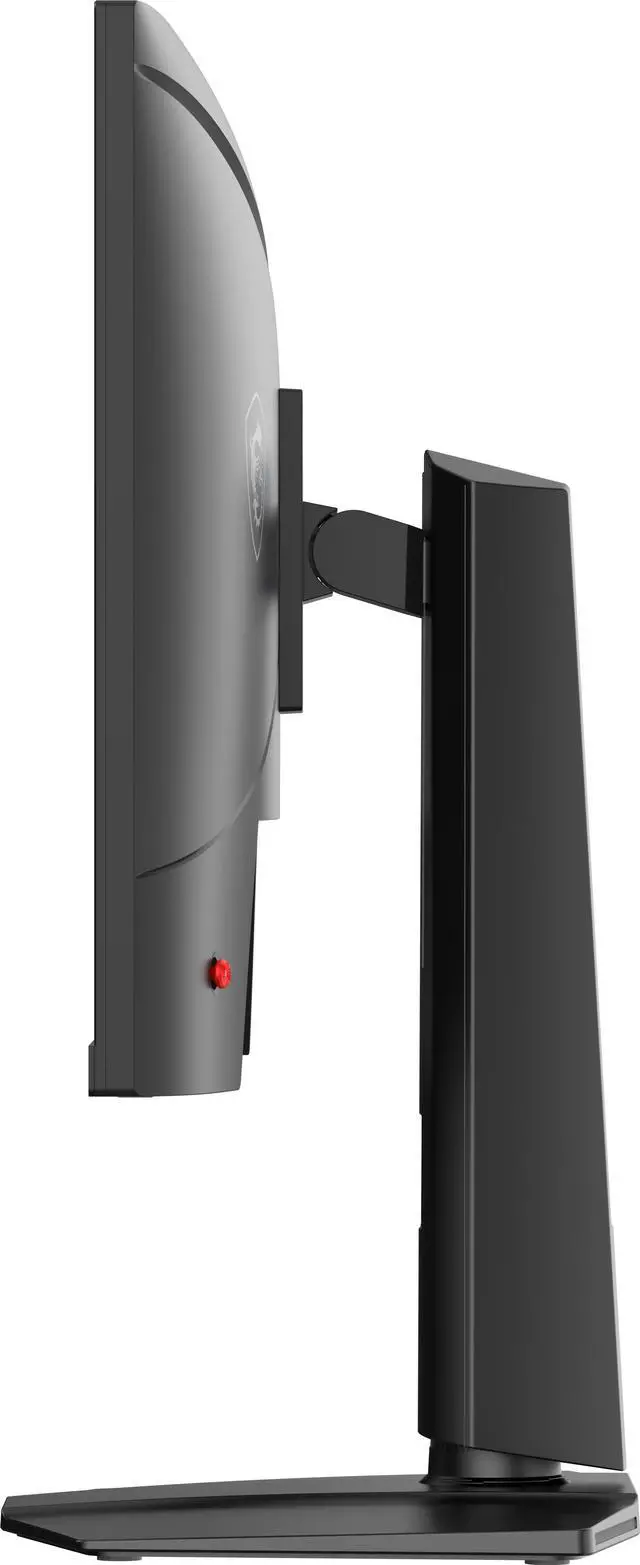




Any questions? Ask CelesteSM will help you find out quickly.


Equipped with a 27" WQHD (2560 x 1440) Rapid IPS Panel with a 320 Hz refresh rate & 0.5ms (GtG, Min.) response time, the MAG 274QPF X32 provides a competitive edge & outstanding image quality. The MAG 274QPF X32 features Adaptive-Sync technology, which matches the display & GPU refresh rates for ultra-smooth gameplay.

Features a 27 inch WQHD (2560 x 1440) Rapid IPS panel with 178° wide viewing angles with minimal color shift when viewed from different angles.
Rapid IPS panel offers deep blacks and high contrast ratios, which is excellent for game dark scenes.

Experience smoother movement with a high 320 Hz refresh rate, and unlock the full potential of premium GPU & memory hardware.
A low 0.5ms (GtG, Min.) response time dramatically reduces monitor blurring, and is essential for fast-paced games.

VESA certified DisplayHDR 400 monitors produce superior detail in darker regions with realistic dynamic contrast that mimics the human eye in the real world.
* sRGB and DCI-P3 follow CIE1976 standard

MSI AI Vision enriches details in dark areas and optimizes brightness and colors.
HDMI™ CEC Profile Sync supports multiple devices and can automatically detect device settings.

MSI monitors are optimized with Less Blue Light* technology to provide a superior viewing experience.
* TÜV Rheinland Low Blue Light (Software Solution) Certificate Q 50662861, 2025-06-23

The aim dot automatically changes color, making it visible at any time.
If the color of the aim dot overlaps with the background color, it will be problematic for aiming.

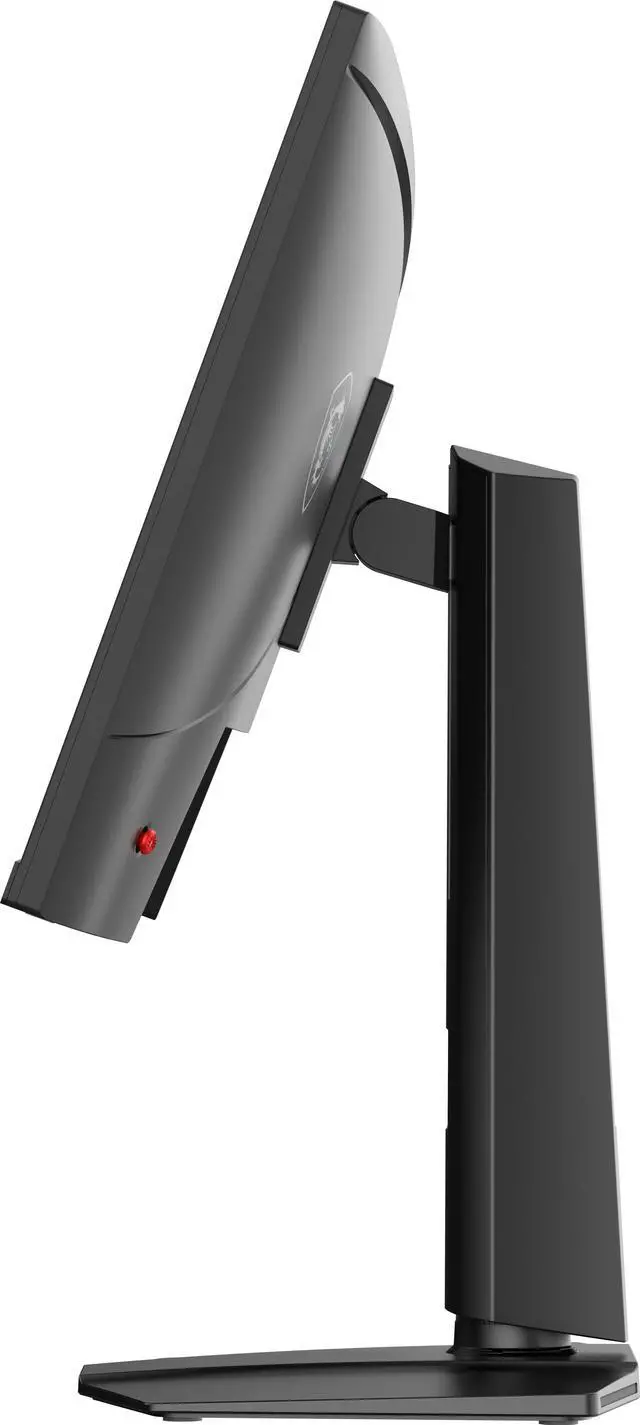
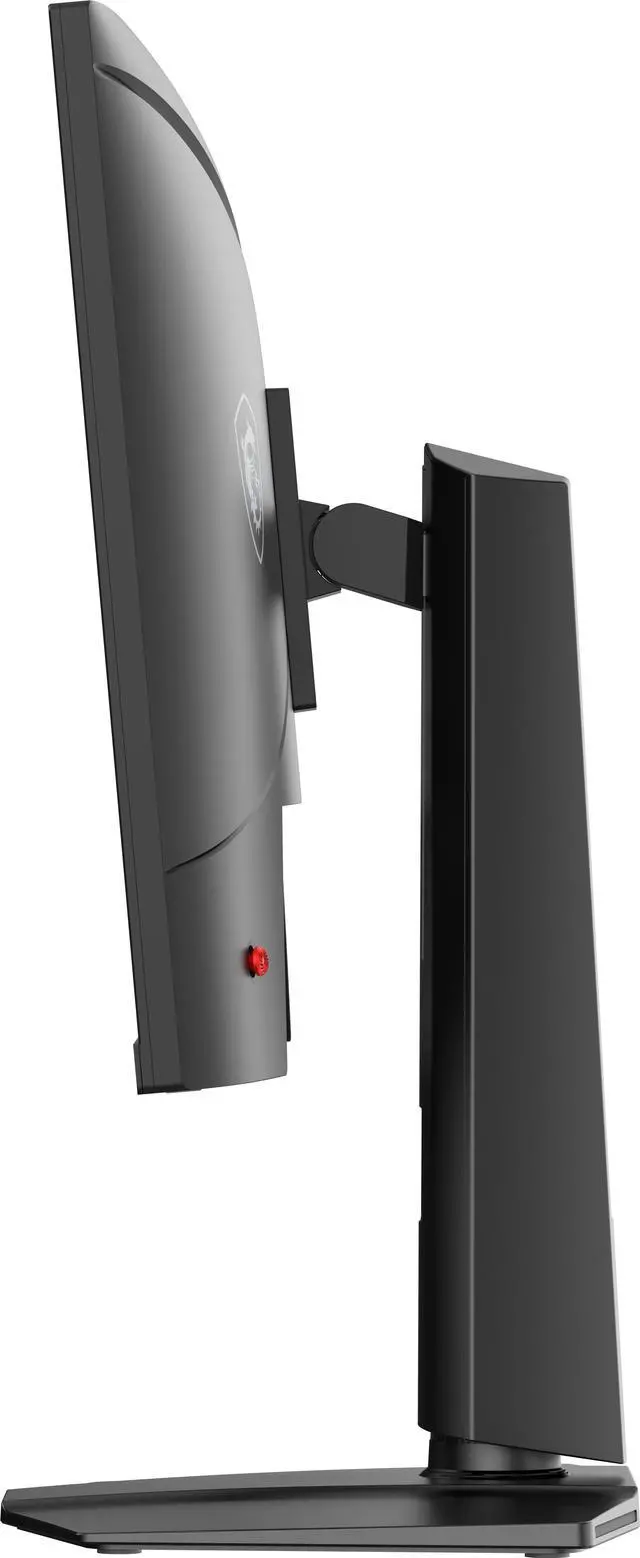
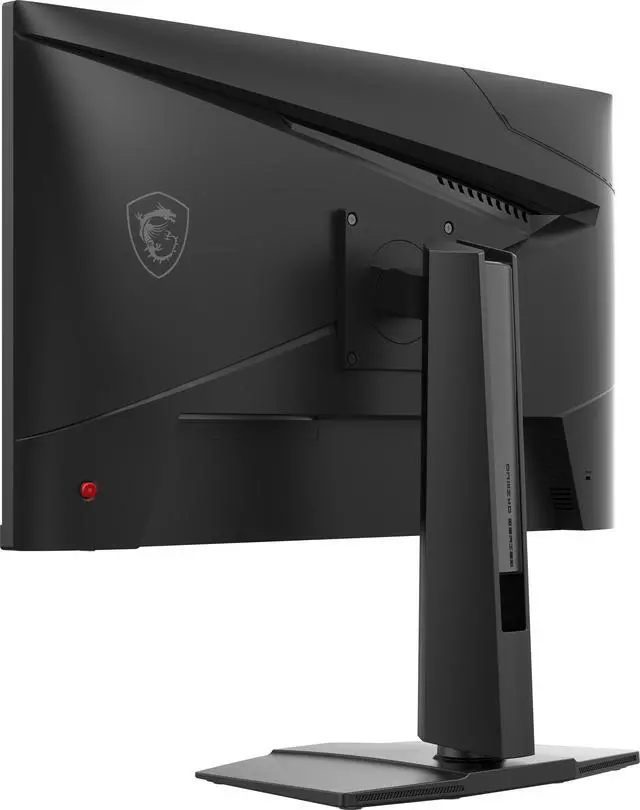
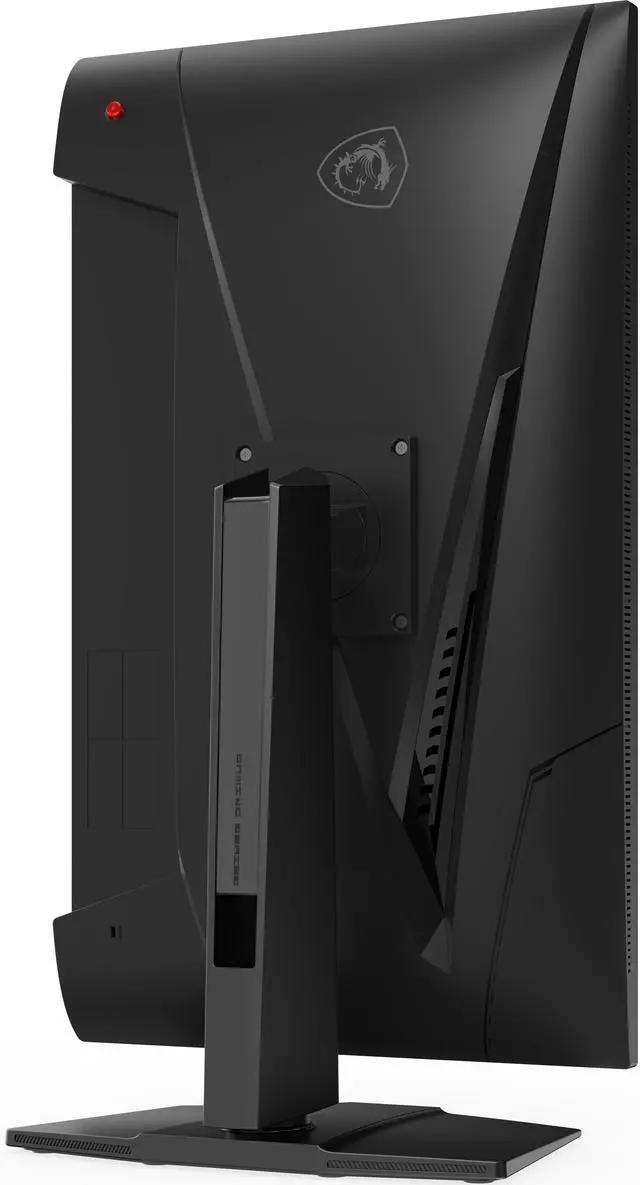
The monitor frame features a 4-way adjustable Stand:
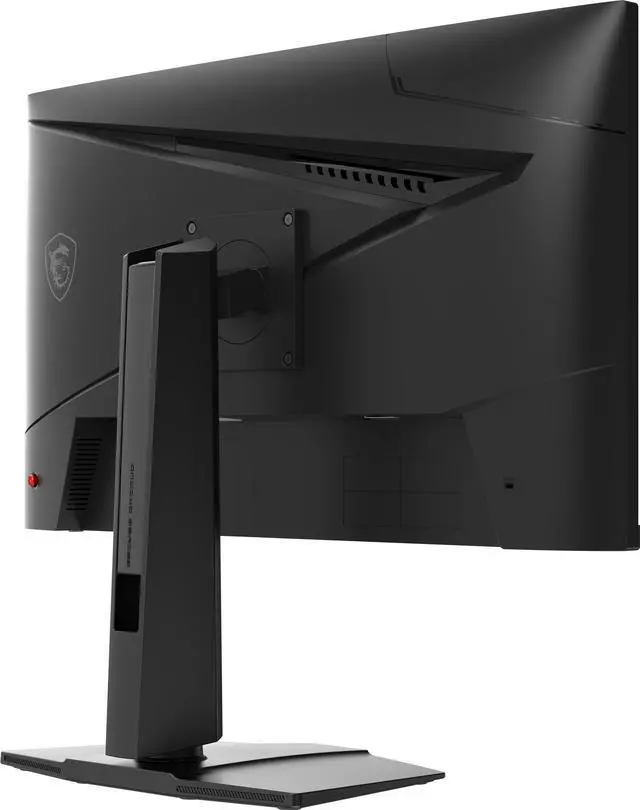
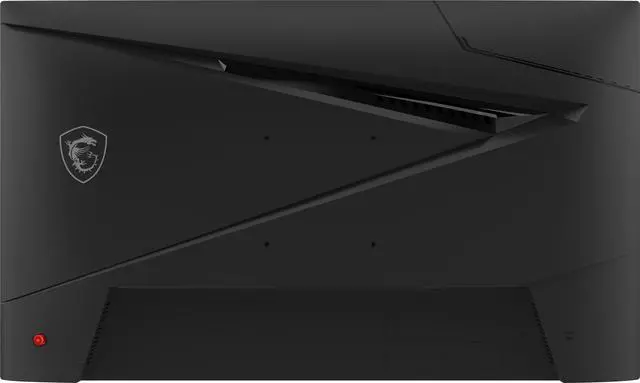
The MAG 274QPF X32 supports a standard 100mm VESA-mount*
* Enjoy a cleaner desktop and superior cable management with the MSI VESA Arm MT81 (not included).

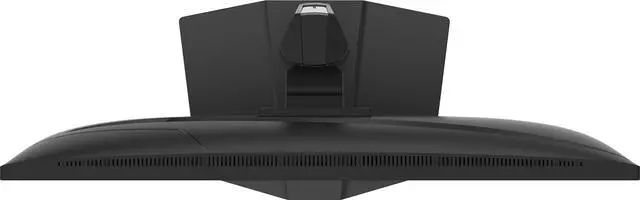
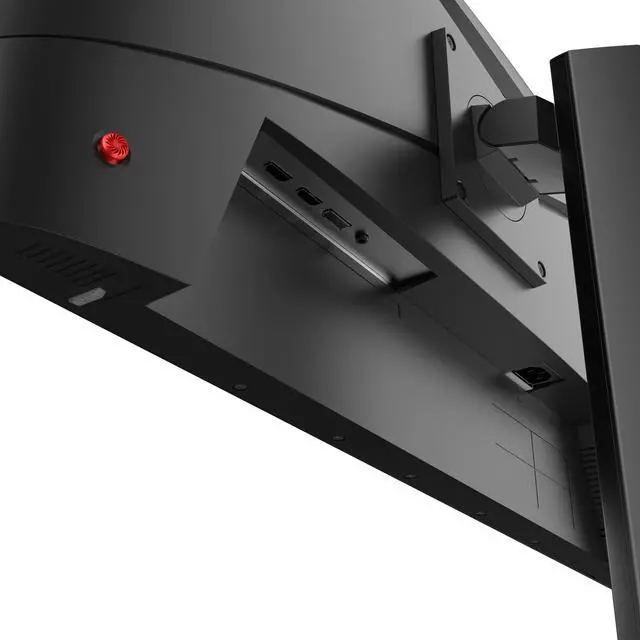
PC console & laptop interface options include:
The MSI MAG 274QPF X32 is a 27-inch 1440p Rapid IPS gaming monitor with a 320Hz refresh rate, 0.5ms response time, and FreeSync Premium and G-Sync Compatible support, suited to competitive PC gamers seeking fast, smooth gameplay.
| Attribute | Value |
|---|---|
| Best For | Gaming where 320Hz refresh, a Rapid IPS panel, and adaptive sync are relevant |
| Panel And Resolution | 27-inch flat, anti-glare Rapid IPS display with 2560 × 1440 WQHD resolution, 16:9 aspect ratio, 178° horizontal and vertical viewing angles, 300 cd/m² brightness, 1,000:1 contrast, DisplayHDR 400, 1.07 billion colors, and 95% Adobe RGB, 97% DCI-P3, and 129% sRGB coverage |
| Refresh Rate And Response | 320Hz refresh rate with 0.50ms response time and FreeSync Premium and G-Sync Compatible adaptive sync |
| Ports And Connectivity | 1 × DisplayPort 1.4a (HBR3), 2 × HDMI 2.1 (FRL 6G), and 1 × headphone-out; listed for WQHD at 320Hz |
| Stand And Mounting | Stand adjusts for height, pivot, swivel, and tilt; compatible with 100 × 100mm VESA mounts |
| Additional Features | Also lists AI Vision, FPS and RPG modes, Low Blue Light, Eye Care, and a Kensington lock |
| Built-In Components | No built-in speakers or webcam |
| Power | Internal power board; 100–240V, 50/60Hz |
| Dimensions And Weight | 15 × 24.1 × 8.9 inches with stand; 14.2 × 24.1 × 2.4 inches without stand; 14.7 lb |
| Appearance | Black cabinet with a three-sided thin-frame bezel |
| In The Box | DisplayPort 1.4a cable, C13 power cord, quick guide, and four stand screws |
| Model Identifiers | MSI MAG 274QPF X32; MAG series |
Q: MSI MAG 274QPF X32 or MAG 274QPF X30MV for 1440p gaming?
A: Choose the MAG 274QPF X32 if you prioritize its Rapid IPS panel and 320Hz refresh rate. Choose the MAG 274QPF X30MV if HDR is a priority: it uses a Mini-LED backlight with 1,152 dimming zones and DisplayHDR 1000, compared with the X32’s DisplayHDR 400. The X30MV uses a Rapid VA panel, and testing has reported black smearing in dark scenes, so panel type and HDR goals matter more here than the 20Hz refresh-rate difference.
Q: Is the MAG 274QPF X32 worth choosing over MSI’s 240Hz G274QPX?
A: The MAG 274QPF X32 is the more suitable pick if you want a 320Hz ceiling for competitive games and can use the additional refresh rate. Both are 27-inch, 1440p Rapid IPS monitors; the G274QPX tops out at 240Hz and adds USB-C with 65W power delivery, which may be more useful for a laptop-focused setup. Choose based on whether higher refresh rate or USB-C charging matters more to you.
Q: Should I get the MAG 274QPF X32 or the 360Hz MSI MPG 271QRX QD-OLED?
A: Choose the MAG 274QPF X32 for a 27-inch-class 1440p Rapid IPS display with a 320Hz refresh rate. Choose the MPG 271QRX if you specifically want its 360Hz QD-OLED panel, 0.03ms rated response time, and DisplayHDR True Black 400 certification. The MPG is the higher-refresh OLED option; the X32 is the IPS alternative. Compare panel preference and features as well as refresh rate before deciding.
Q: Is this monitor suitable for competitive PC gaming?
A: It is suited to PC gaming where a system can take advantage of high refresh rates: the MAG 274QPF X32 has a 27-inch 2560 × 1440 Rapid IPS panel with a maximum 320Hz refresh rate, FreeSync Premium, and G-Sync compatibility. The actual frame rate depends on the computer and game.
Q: Does it have built-in speakers?
A: No. The MAG 274QPF X32 has no built-in speakers. It has a headphone-out port; connect speakers or a headset separately.
Q: Can I use it for office work as well as gaming?
A: Yes. Its 27-inch 1440p display and adjustable stand are suitable for everyday tasks such as documents, browsing, and multitasking. It has no built-in webcam or speakers, so meetings that need video or audio require separate equipment.
Q: Can I connect a console, and will it run at 320Hz?
A: The monitor has two HDMI 2.1 inputs for connecting a console, but 320Hz is the monitor’s maximum refresh rate, not a guarantee of console output. The resolution and refresh rate you get depend on the console and game; check their supported output modes.
Q: Is the MSI MAG 274QPF X32 a good choice for competitive gaming?
A: It is a strong spec match for competitive gaming if your PC can produce high frame rates: it combines 2560 × 1440 resolution with a 320Hz refresh rate and adaptive sync. Reddit discussions show interest in it for high-refresh-rate gaming, but user reports alone do not establish its performance across every game or setup.
Q: Should I buy it if independent reviews are hard to find?
A: Treat the listed specifications as a starting point, not a substitute for a full review. Reddit discussions mention difficulty finding reviews and raise questions about ghosting and image quality, so consider buying from a seller with a clear return policy and testing the monitor promptly.
Q: Will its IPS picture feel comfortable if I’m used to a VA monitor?
A: That depends on your visual preference. A Reddit user switching from a VA monitor described this model’s image as unusually intense and saturated, so if you prefer a softer-looking VA image, try the monitor in person or buy with a return option. The supplied specifications identify it as a Rapid IPS panel but do not predict individual comfort.


